









AI Photo & Image Tools
Popular now
Edit
 PDF to JPG
 GIF maker
 HEIC to JPG
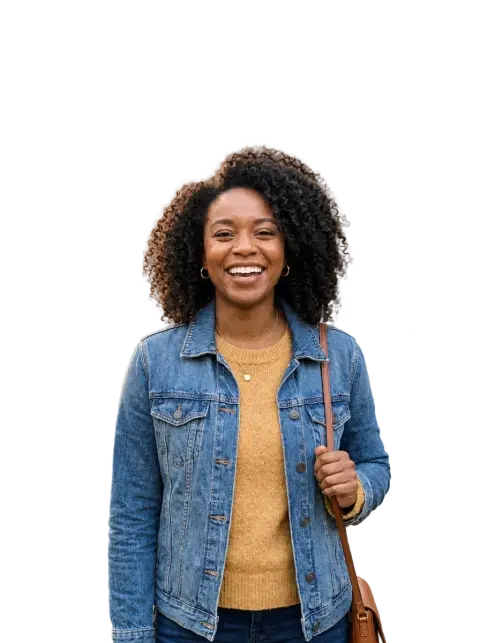 WebP to PNG
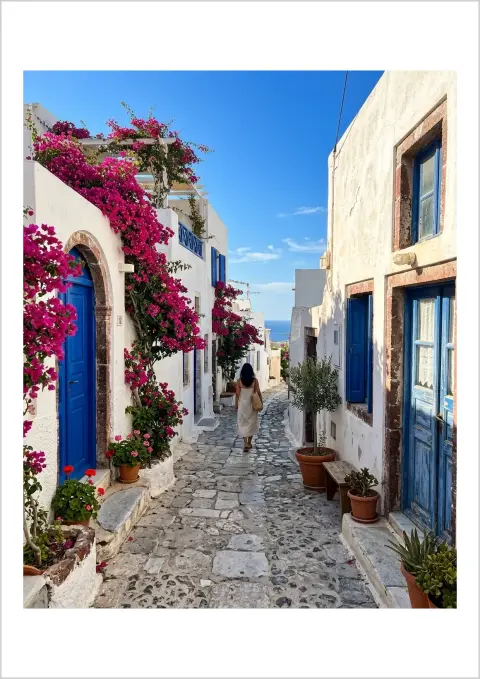 PNG to PDF
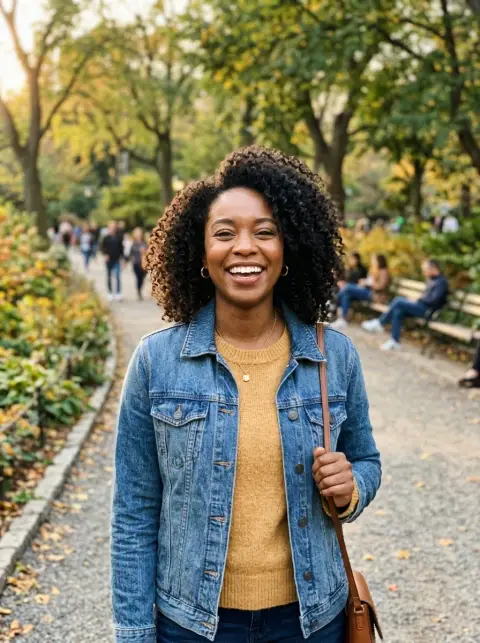
 Background remover
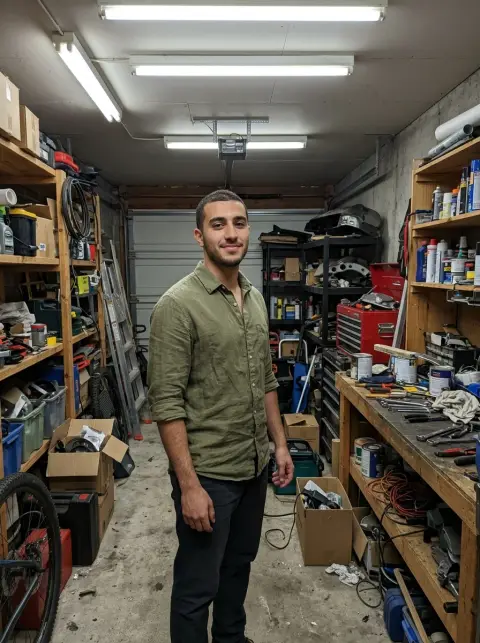
 Background changer
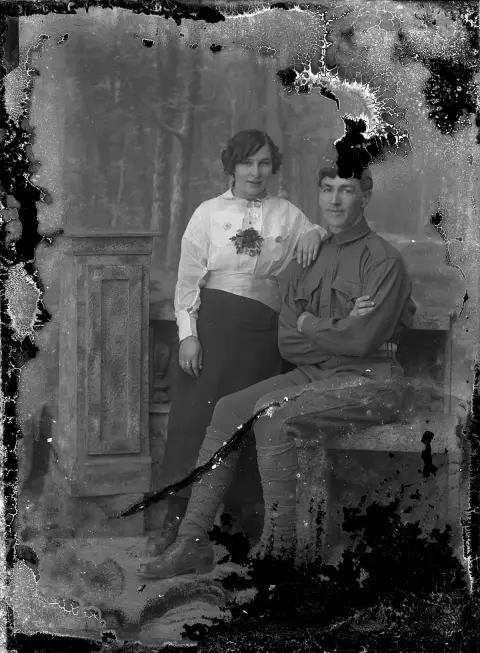
 Photo restoration
 Inverted filter
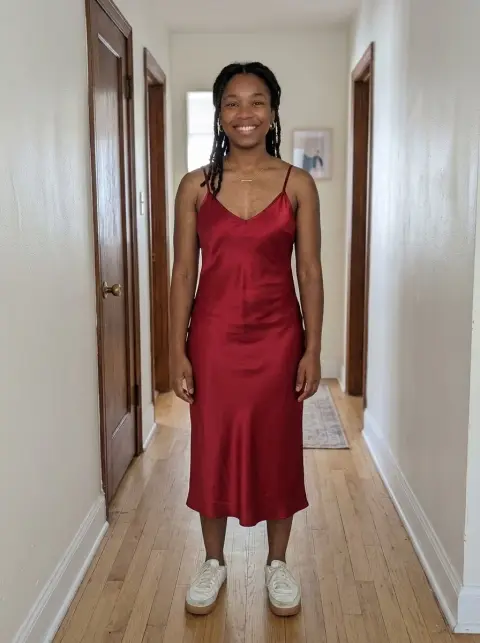 Clothes changer
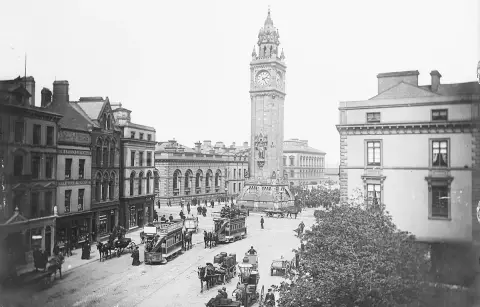
 Colorize photo
 Unblur image
 PDF to PNG
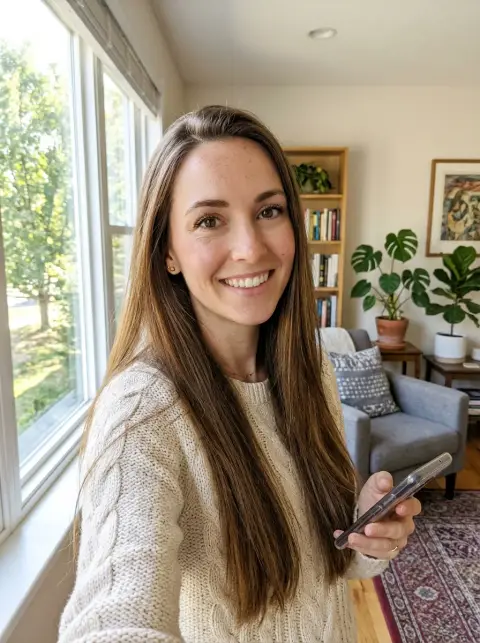
 Hairstyle changer
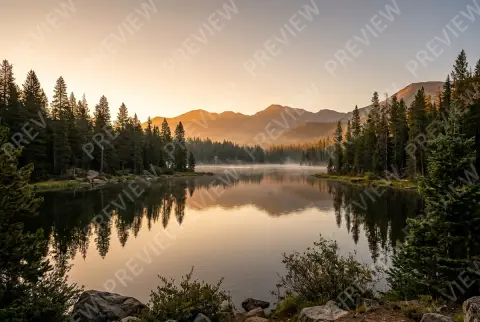
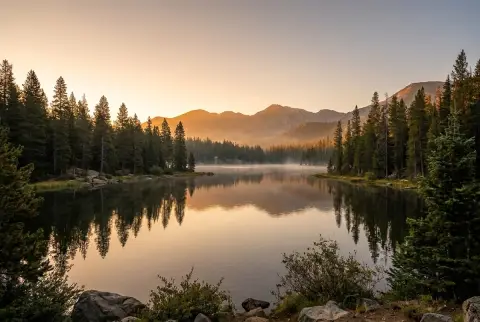 Watermark remover
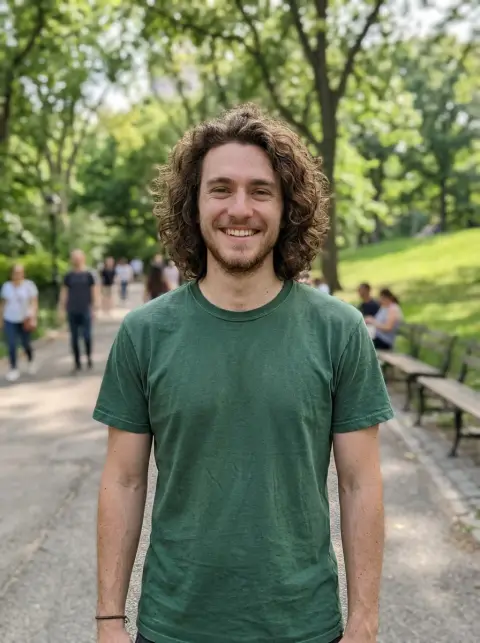
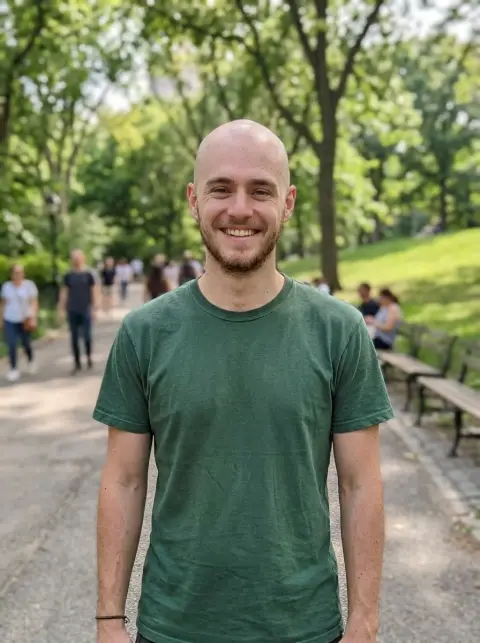 Bald filter
 Hair color changer
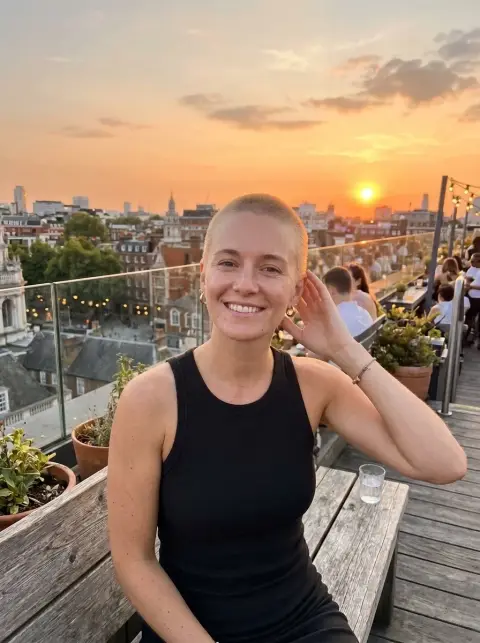 Buzz cut filter
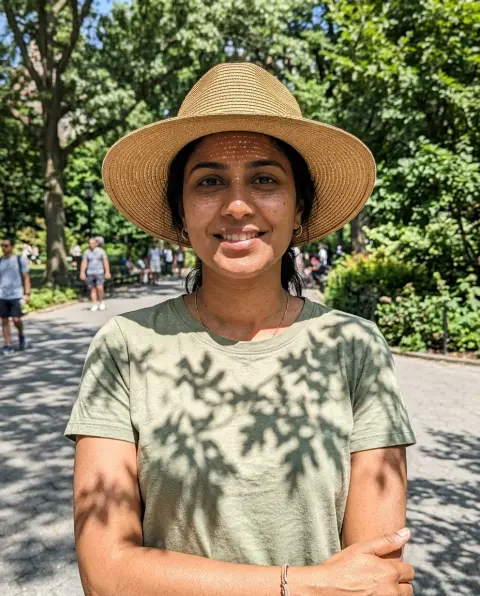
 Remove shadow
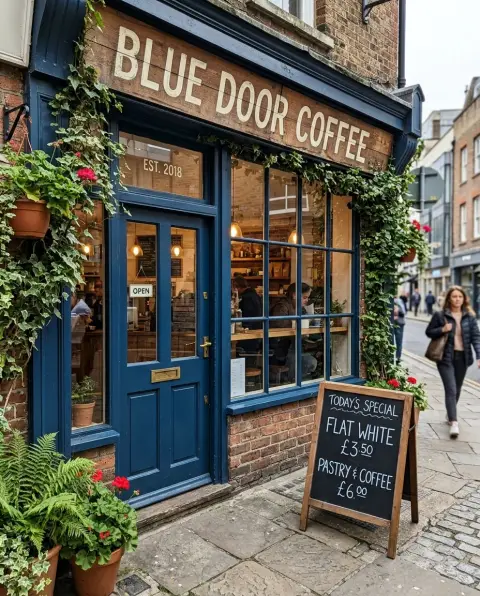
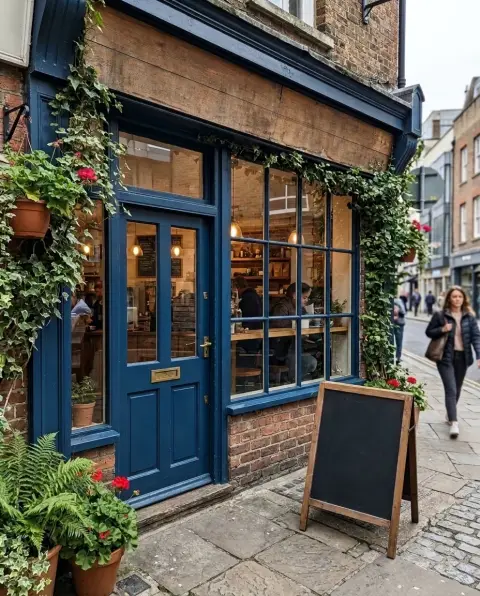 Remove text from image
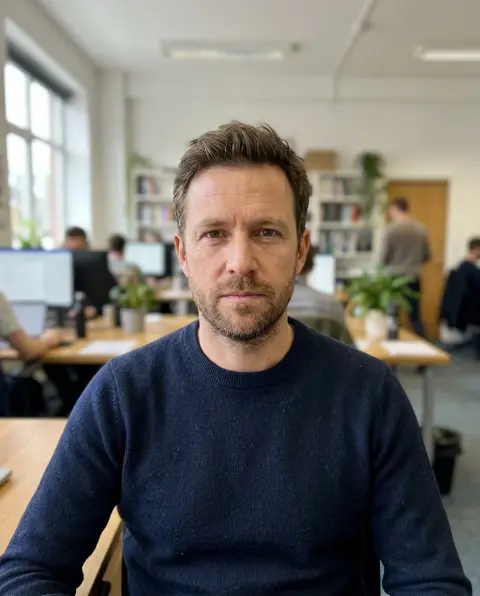
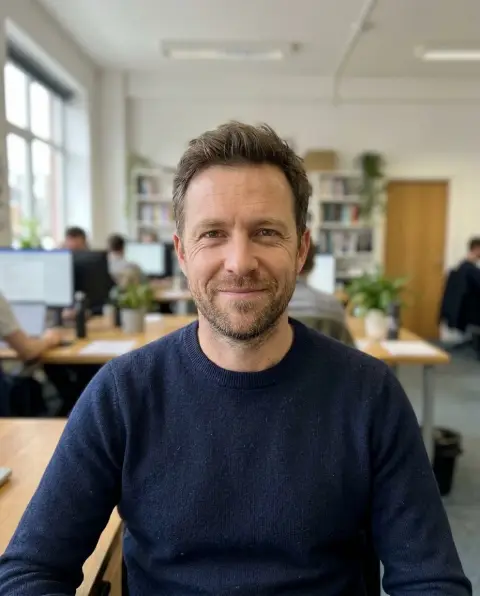 Face editor
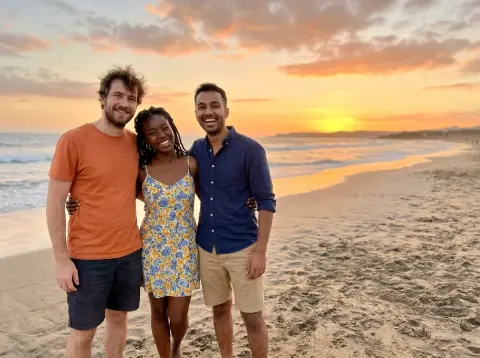
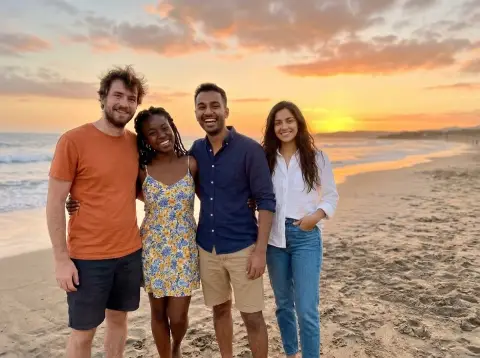 Add person to photo
 Add suit to photo
 Bangs filter
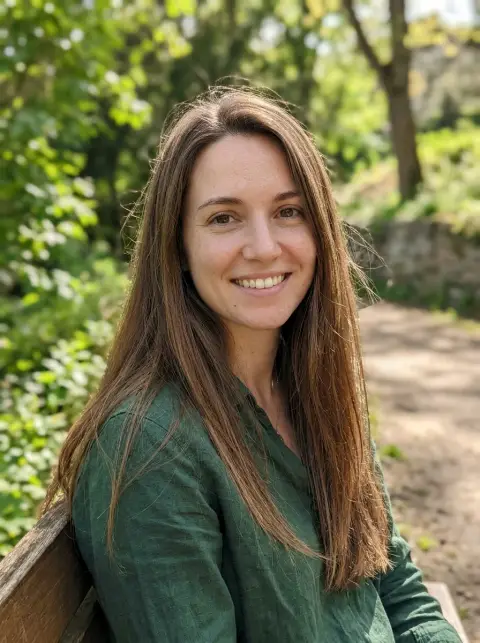
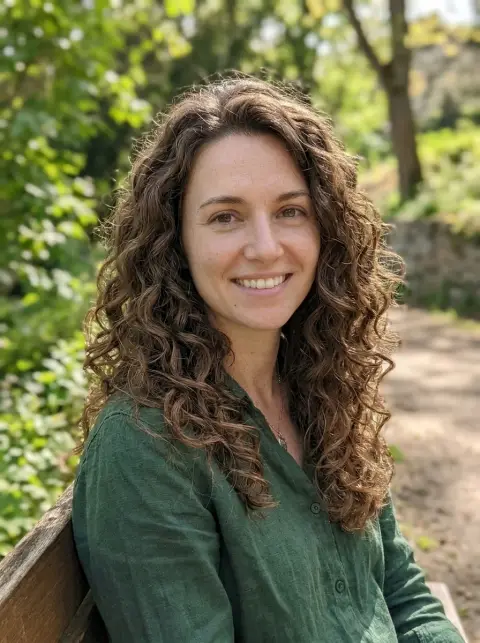 Curly hair filter
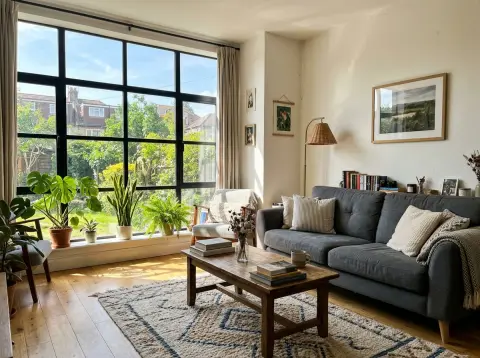
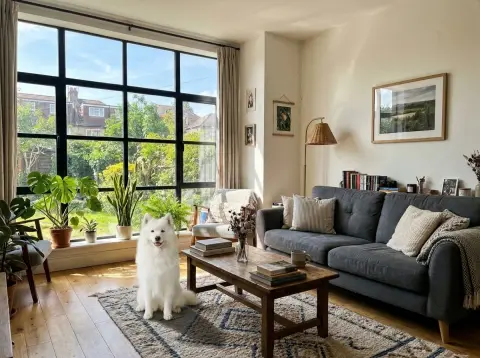 Image combiner
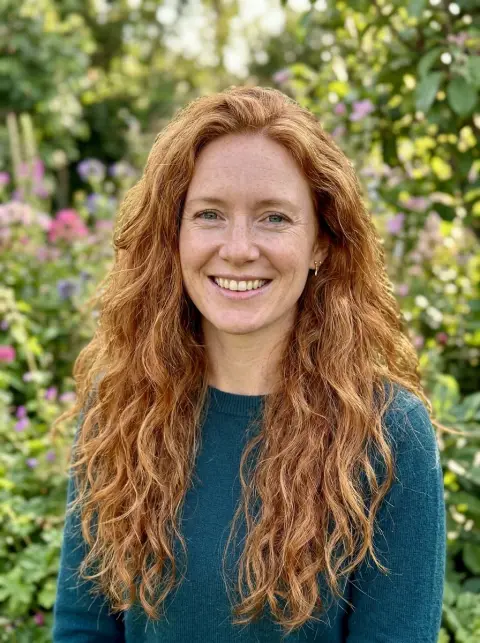
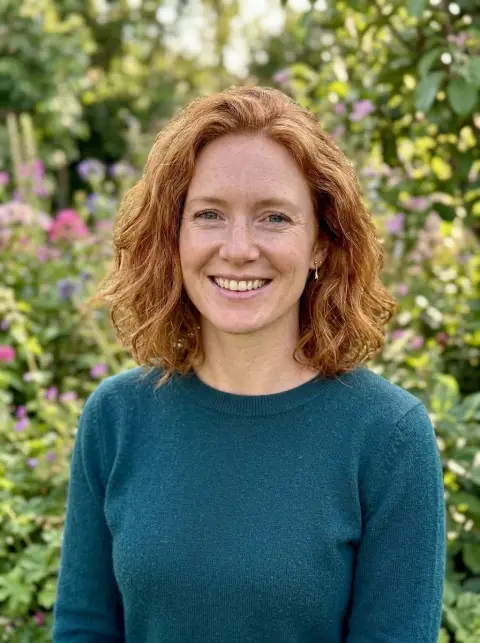 Short hair filter
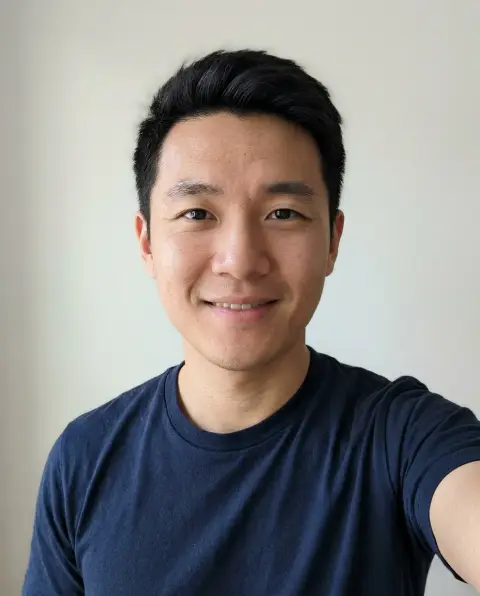
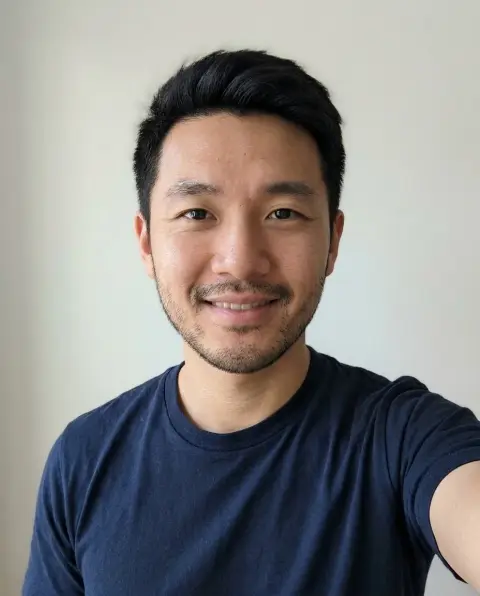 Beard filter
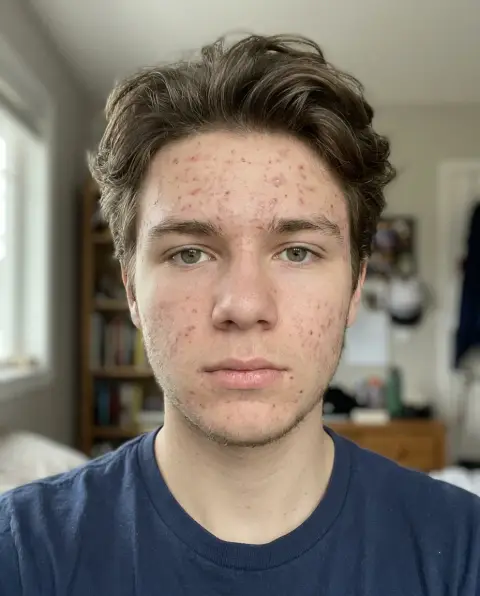
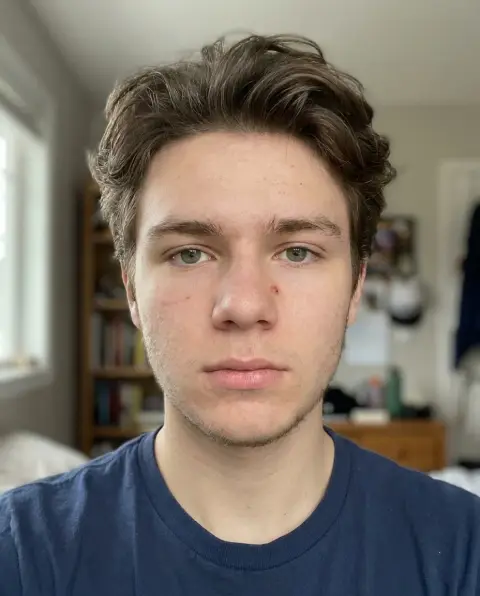 Blemish remover
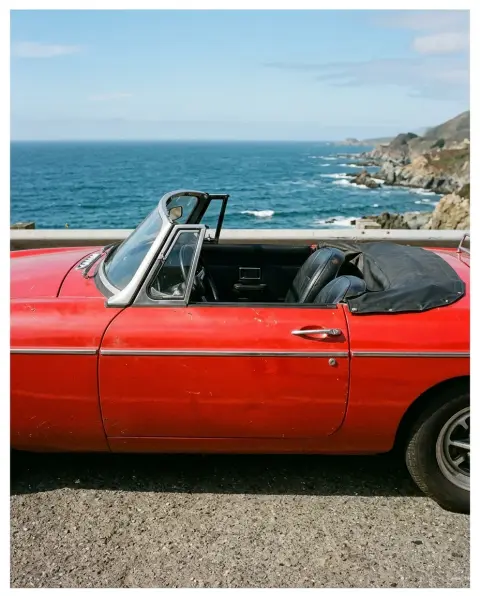
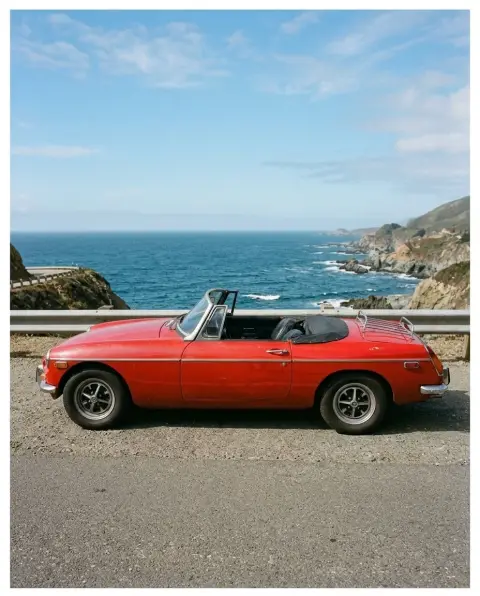 Image extender
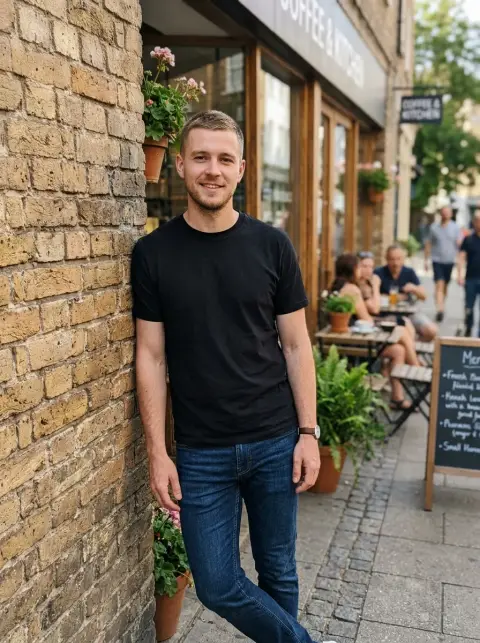
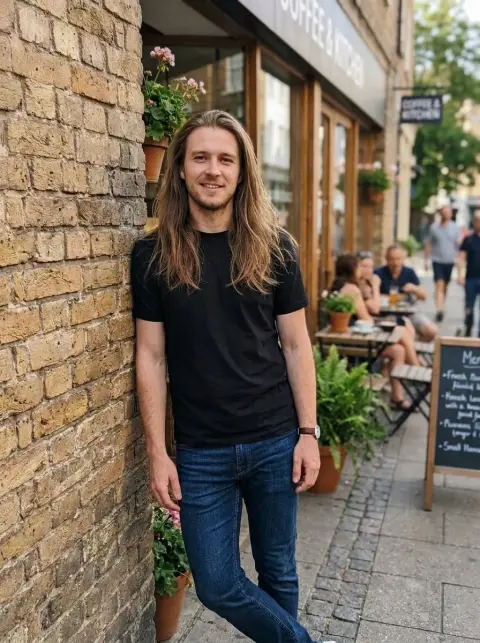 Long hair filter
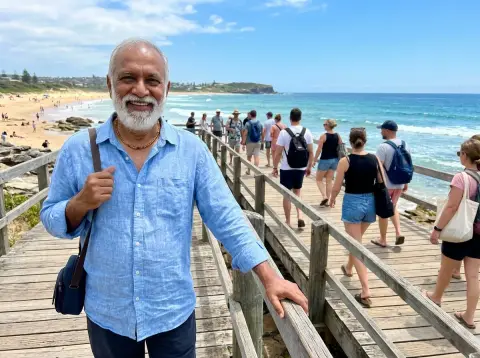
 Remove people
 Unpixelate image
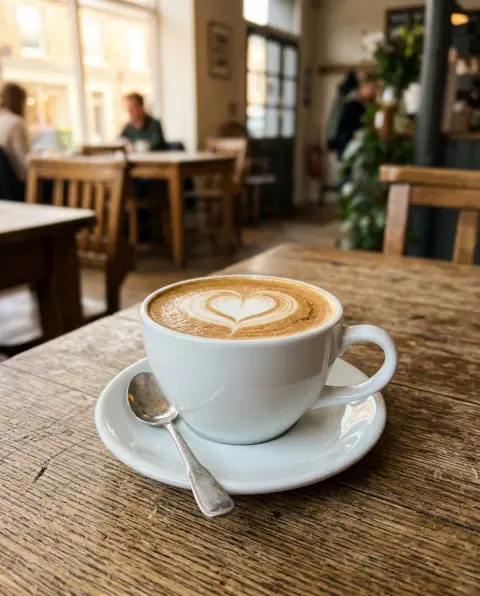
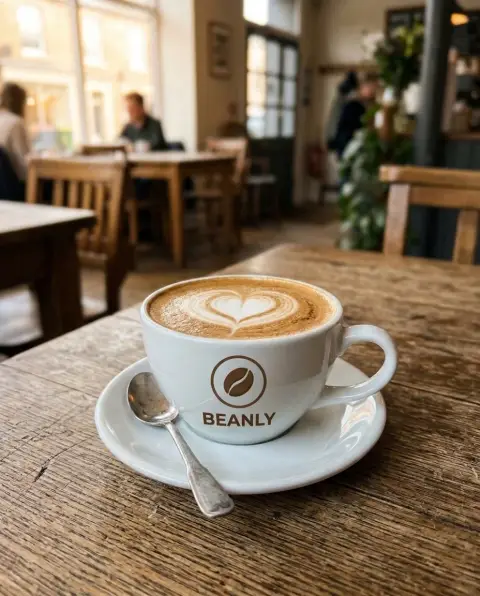 Add logo to photo
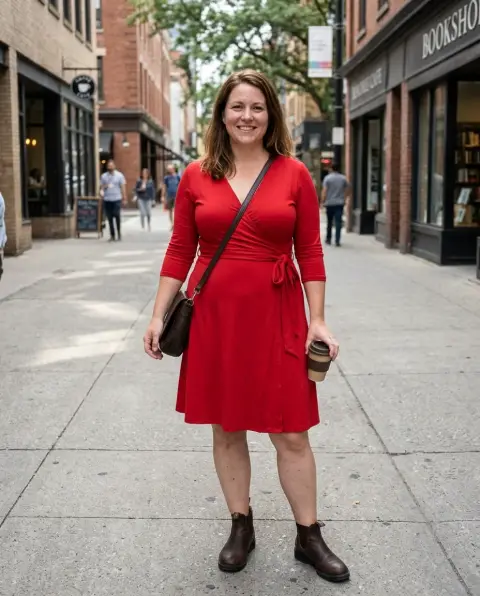
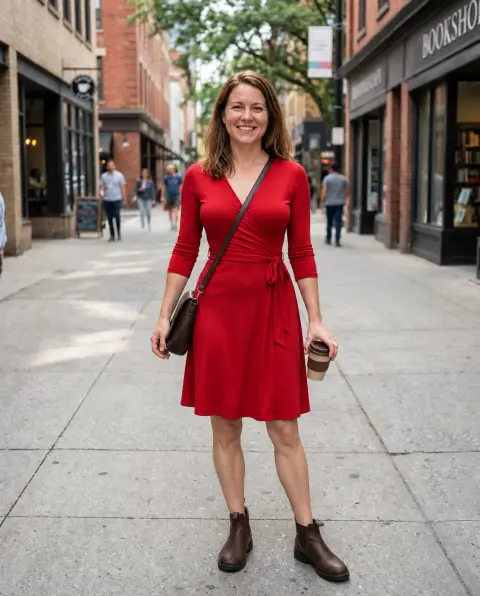 Body editor
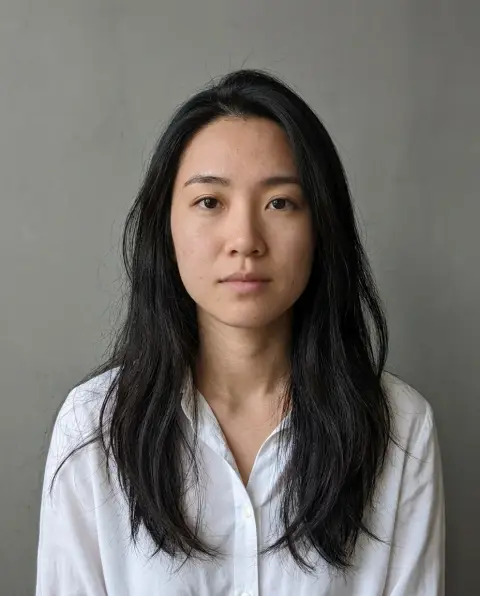
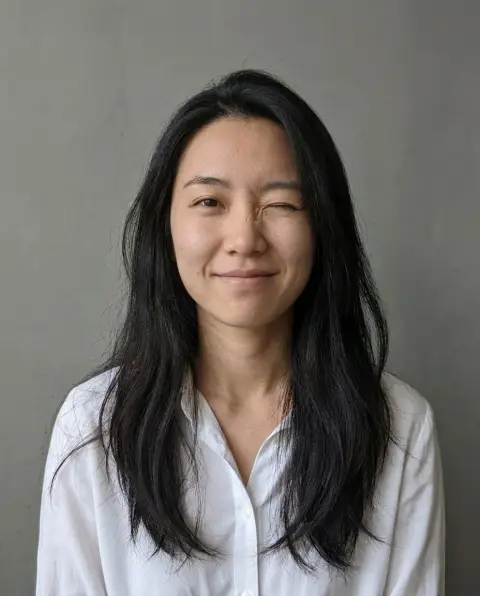 Face expression changer
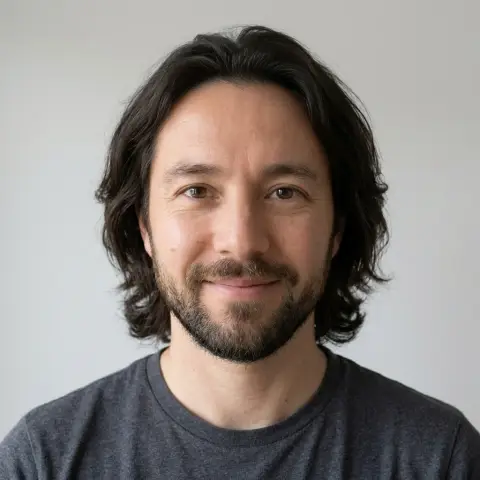 Face morph
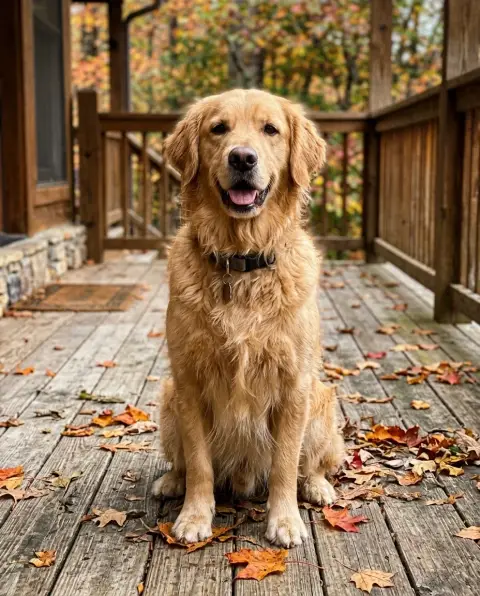
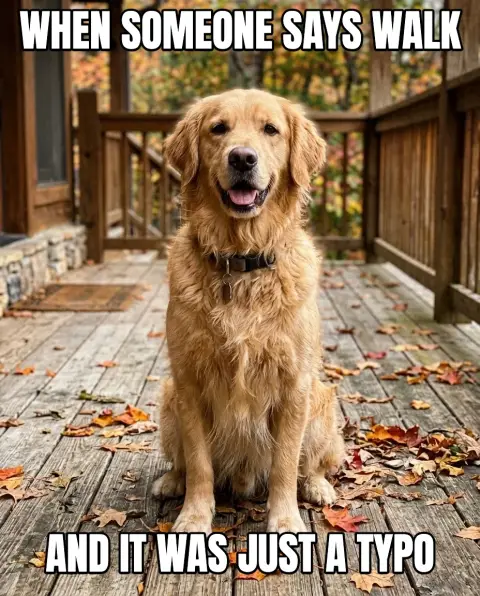 Meme maker
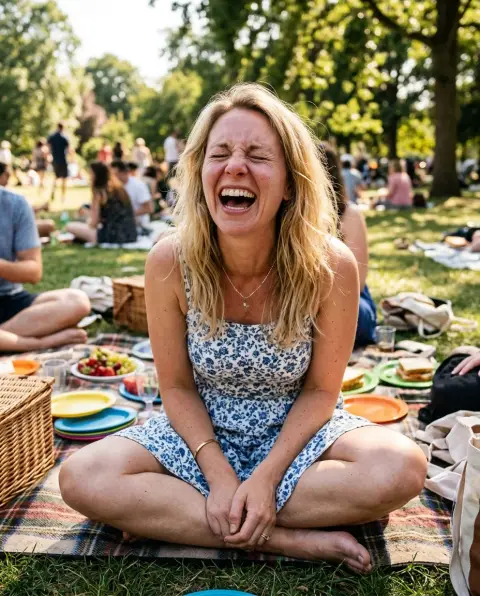
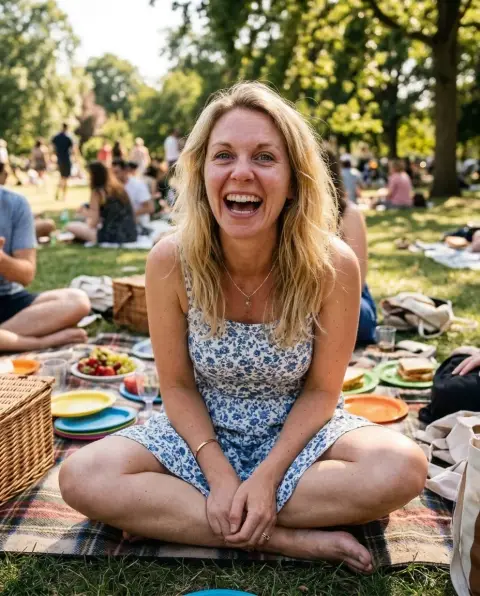 Open eyes in photo

 Remove glasses
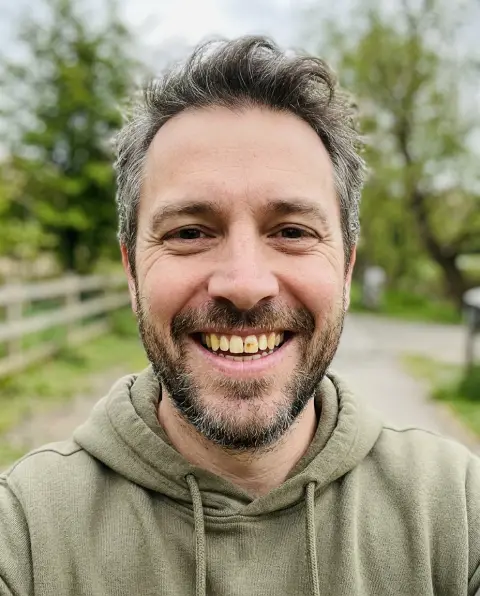
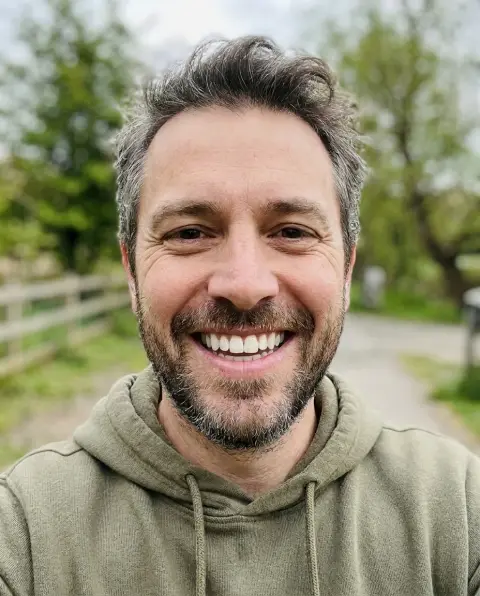 Whiten teeth
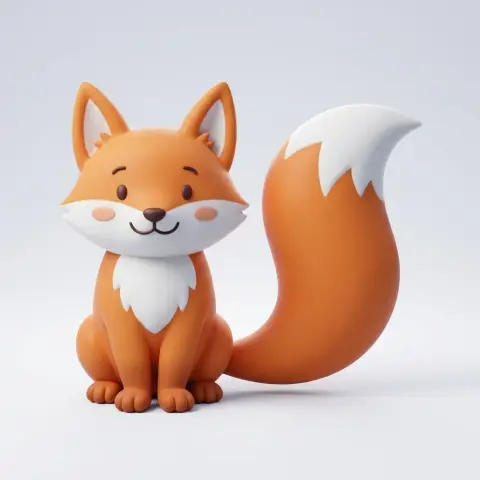 2D to 3D converter
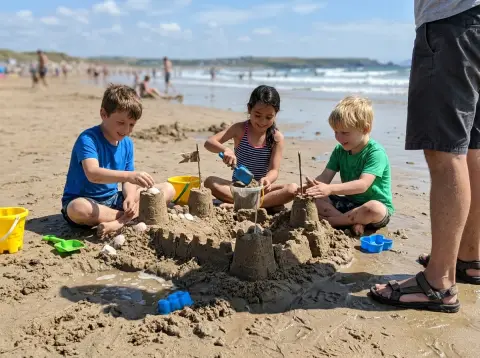
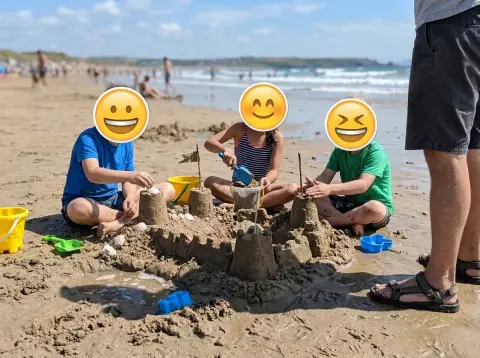 Add emoji to photo
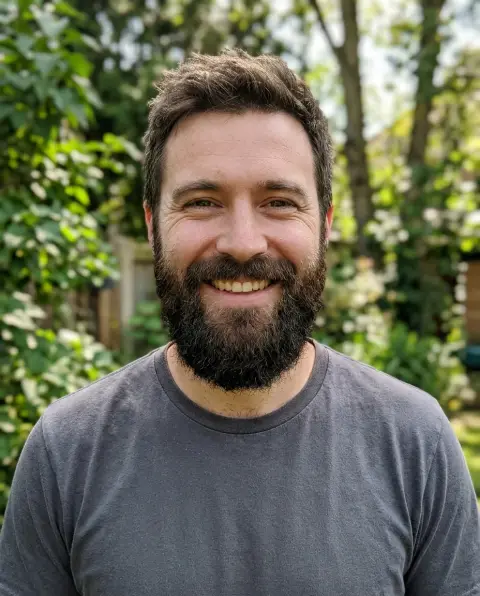
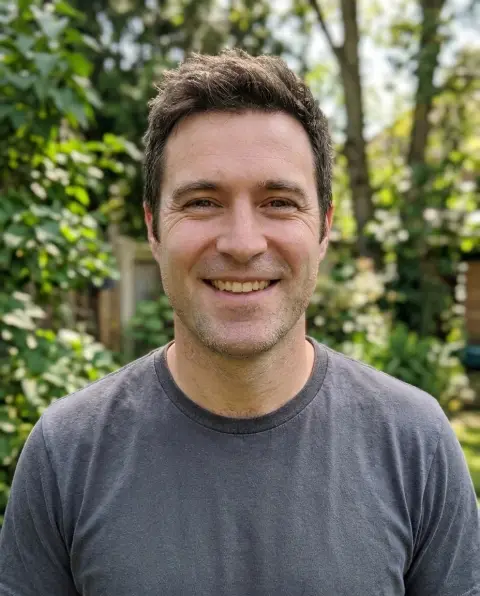 Beard remover
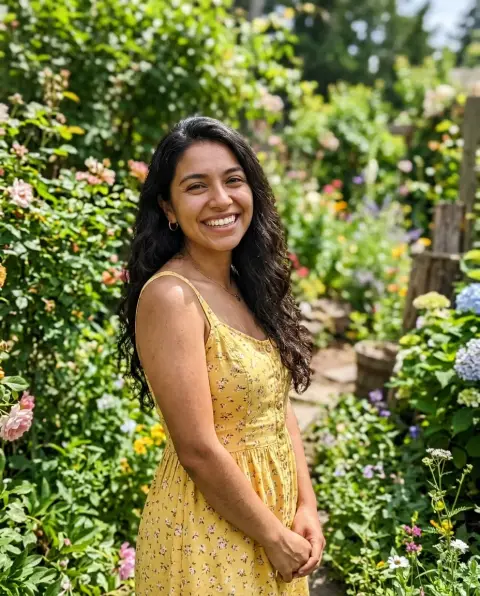
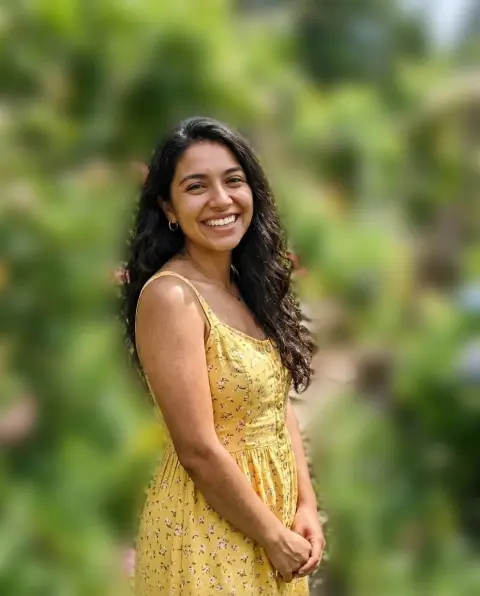 Blur background
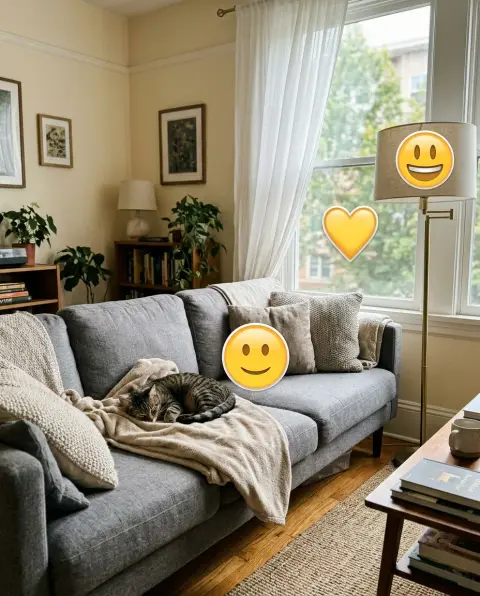
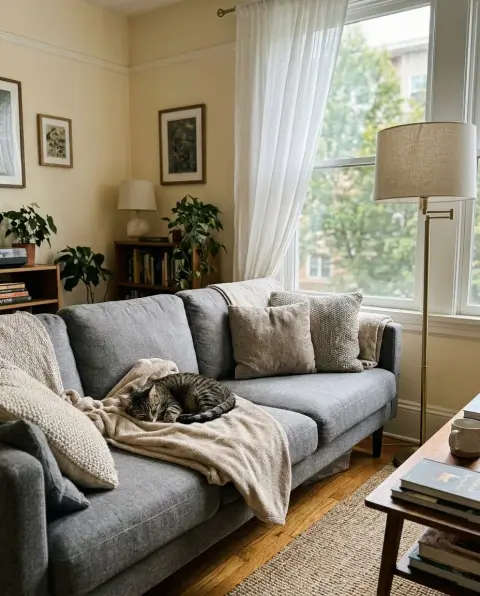 Emoji remover
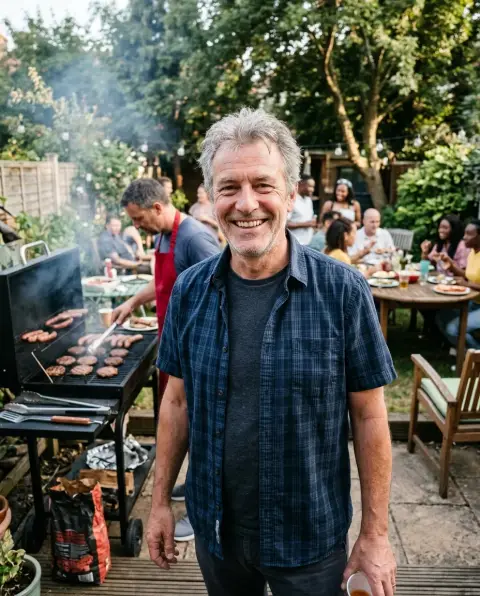
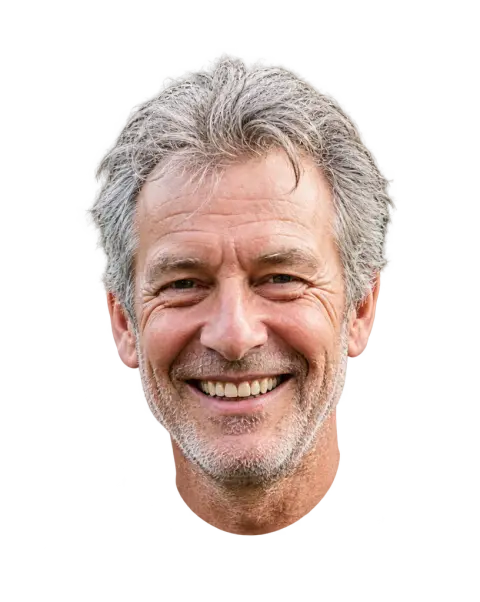 Face cut out
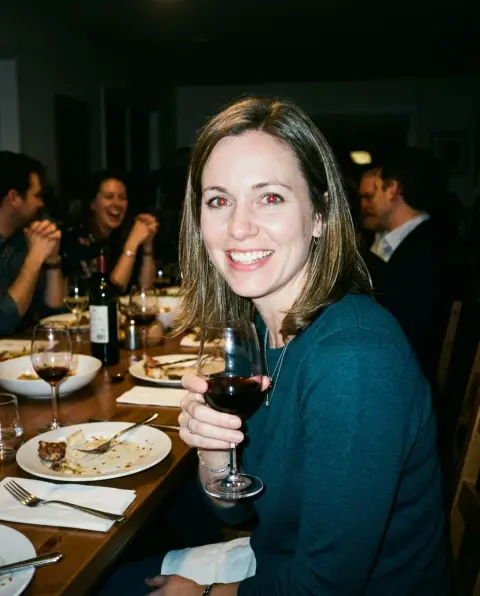
 Red eye remover
 Remove glare
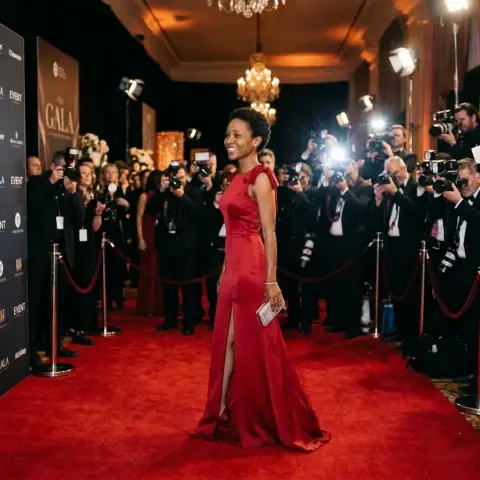 Body swap
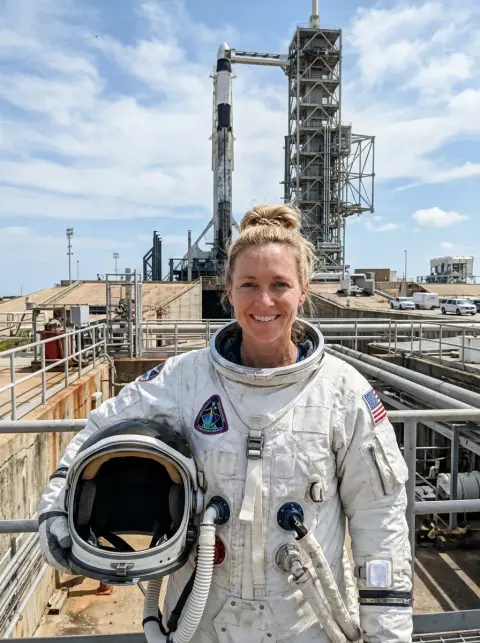
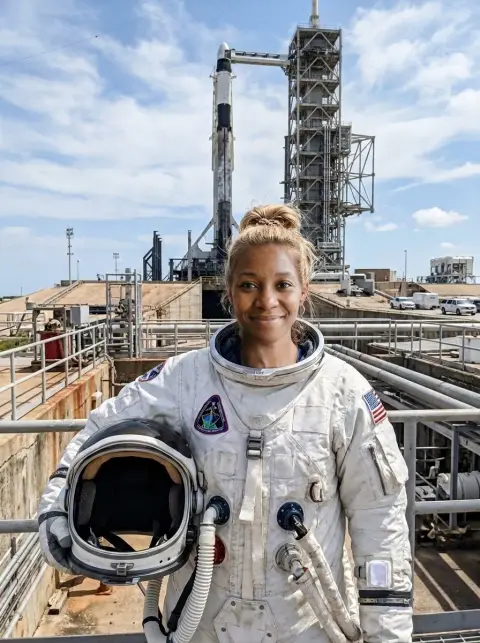 Face swap
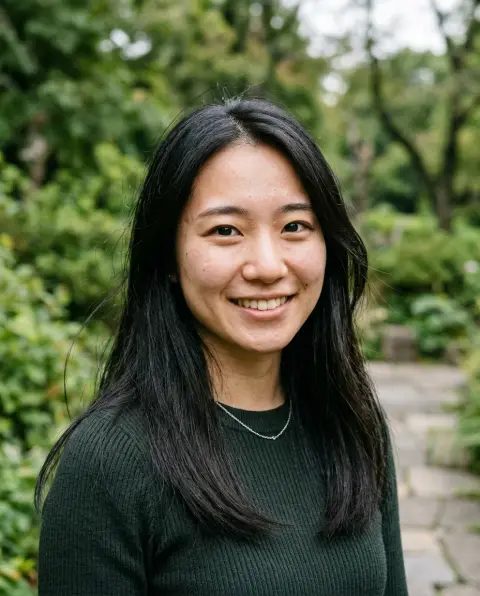
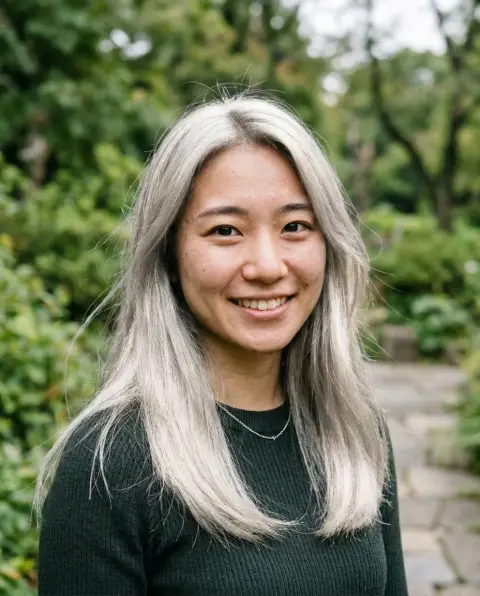 Blonde hair filter
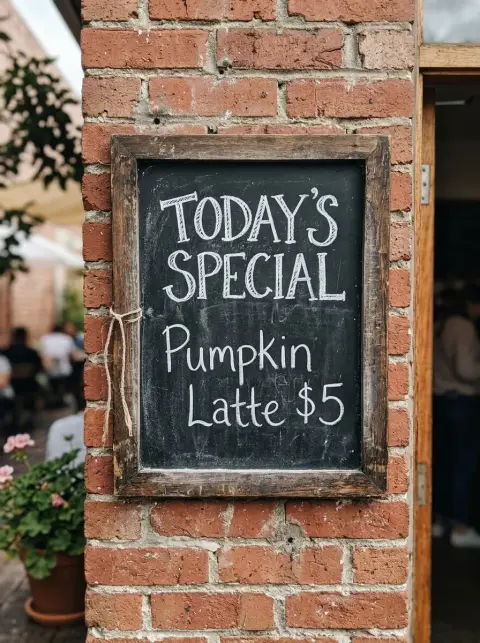
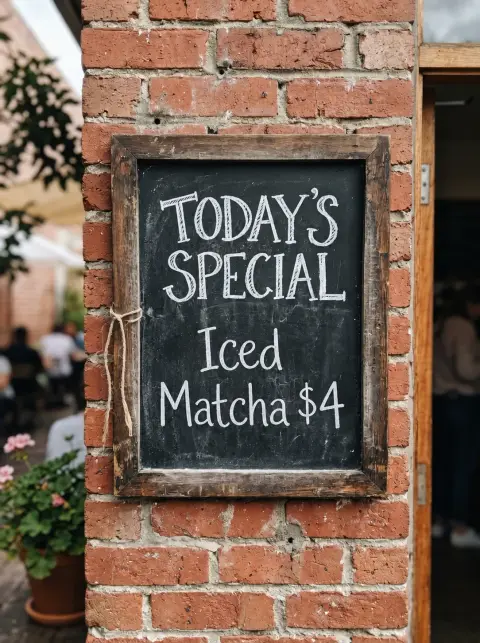 Edit text in image
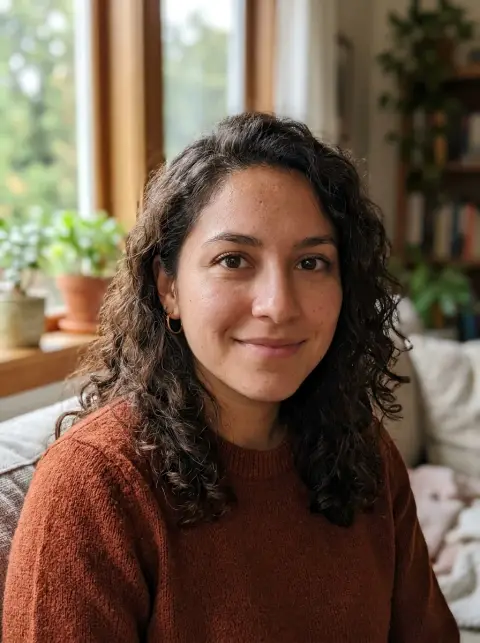
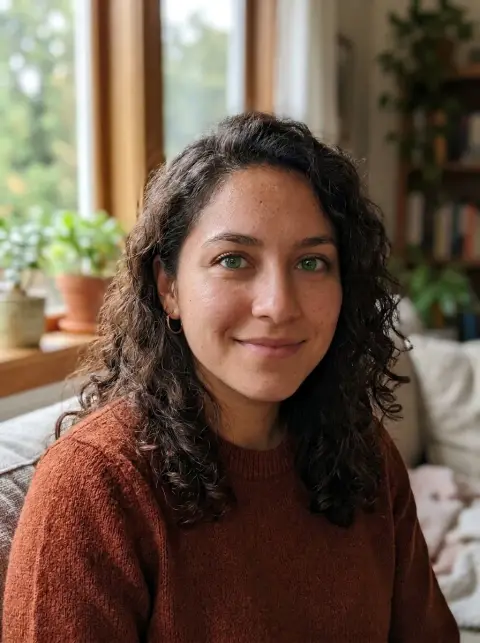 Eye color changer
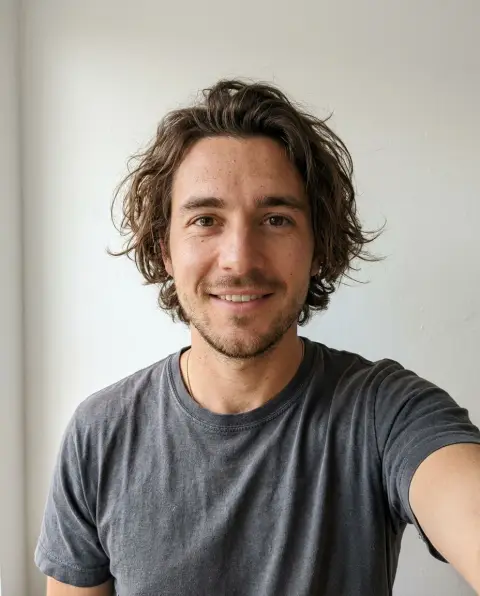
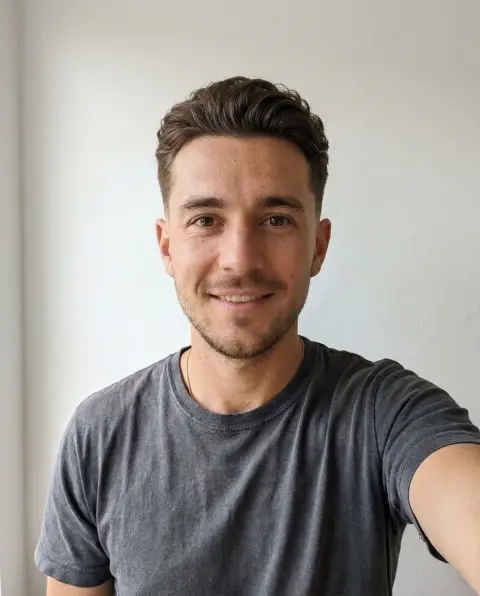 Hairstyle changer for men
 Logo background remover
 Recolor image
 Change skin color
 Face shape detector
 Face symmetry test
 Prom dress try on
 Signature generator
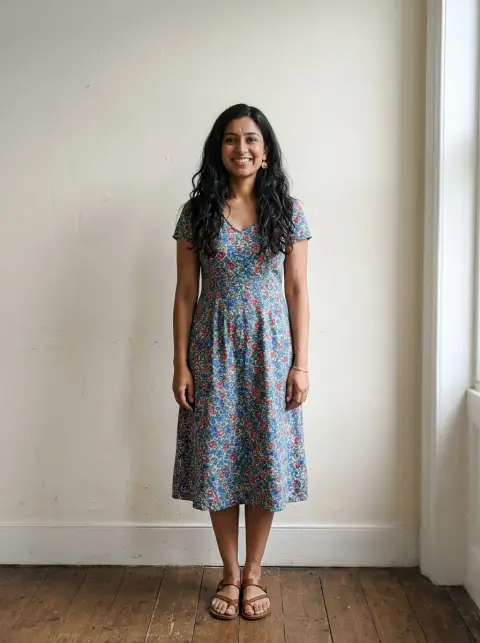
 Wedding dress try on
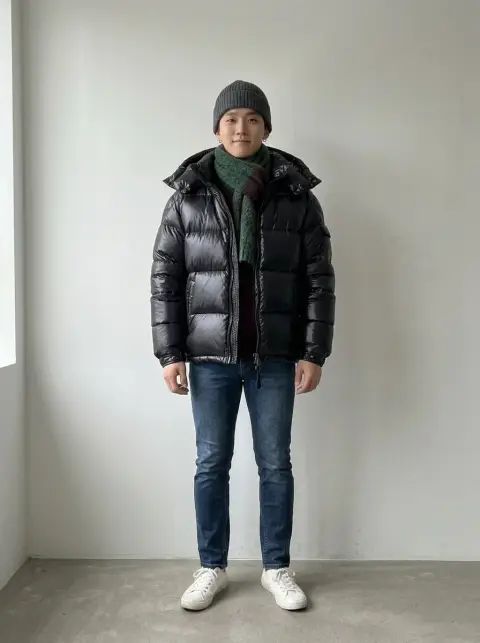 Winter outfit
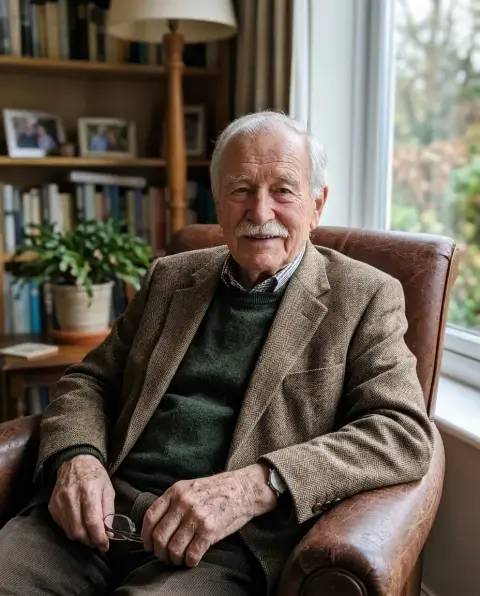
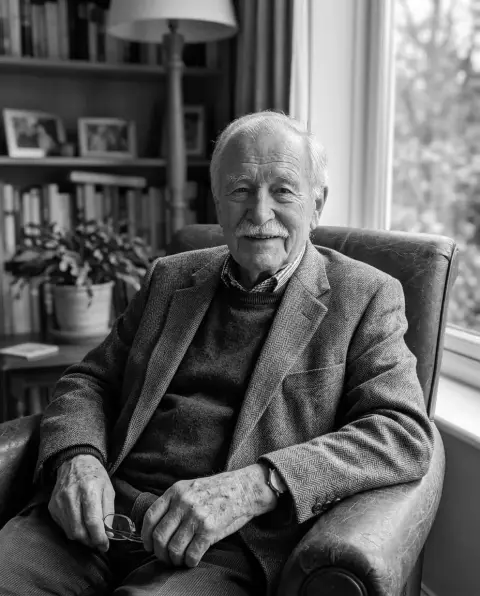 Black and white filter
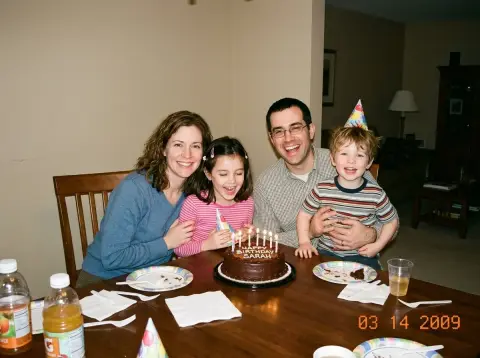
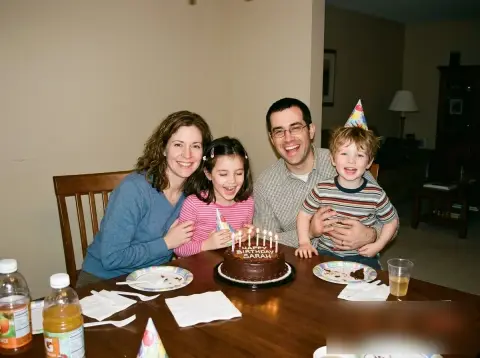 Blur image
 Brighten image
 Circle crop
 Flip image
 Golden ratio face calculator
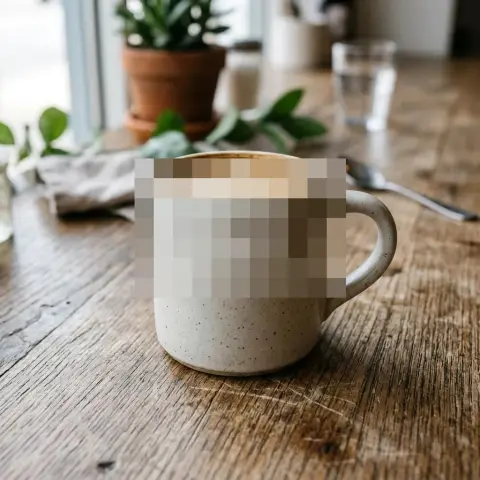 Pixelate image
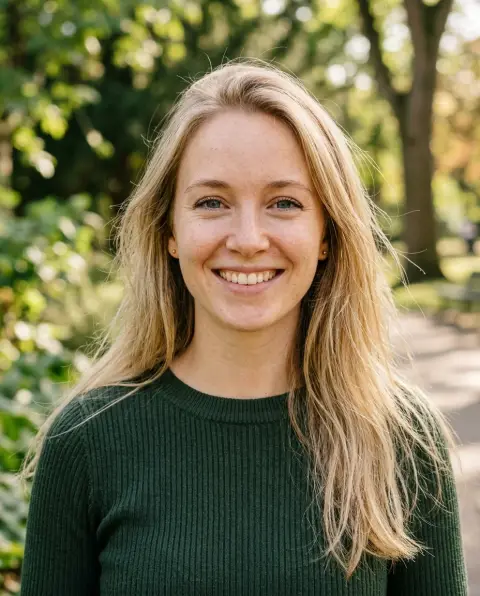
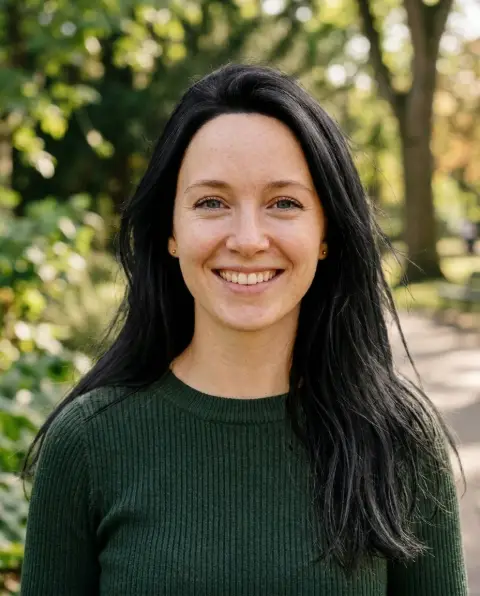 Black hair filter
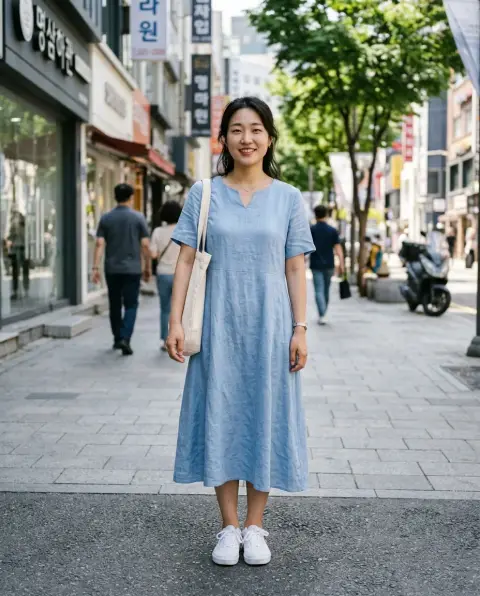
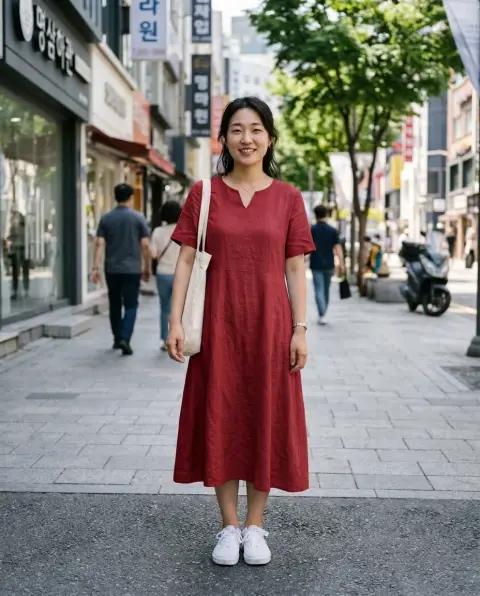 Clothes color changer
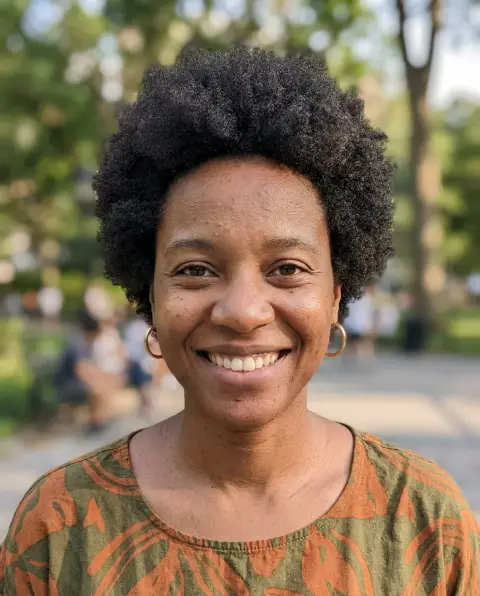
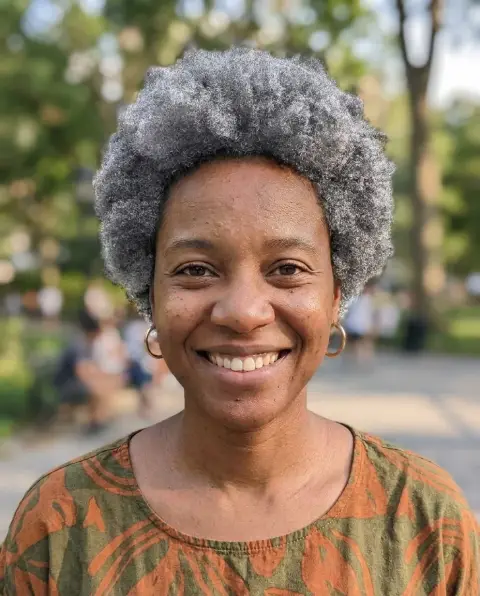 Grey hair filter
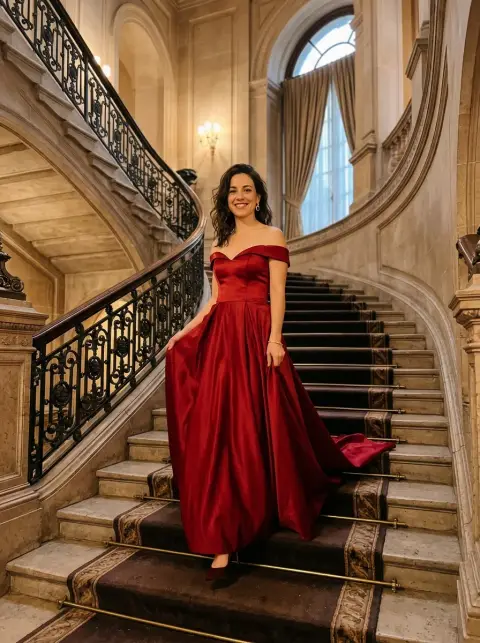
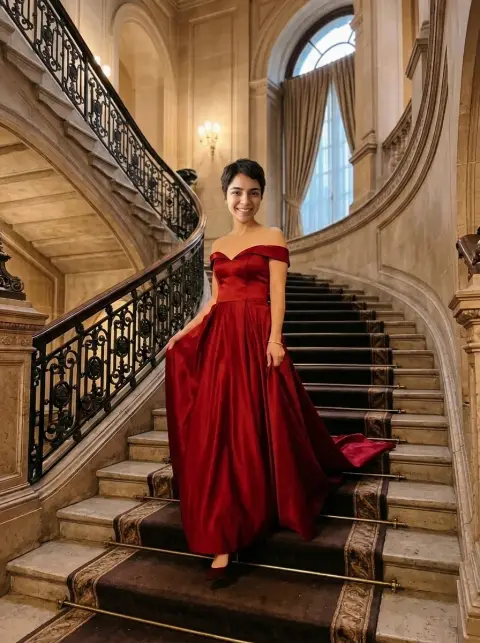 Head swap
 HEIC to PNG
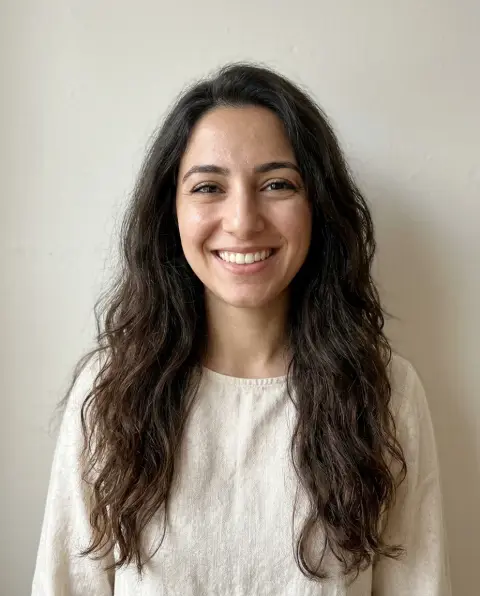
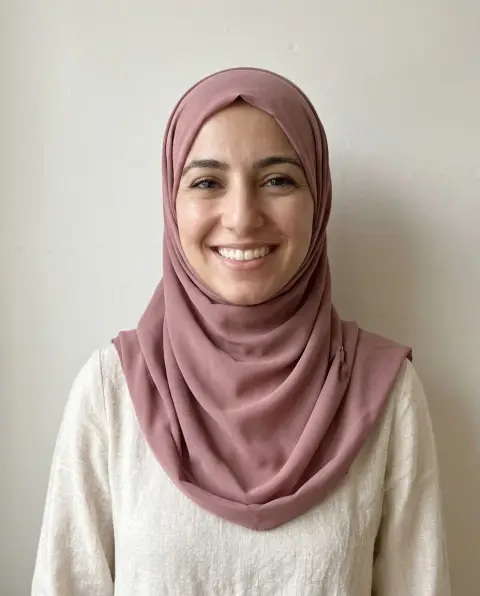 Hijab photo editor
 PNG to JPG
 WebP to JPG
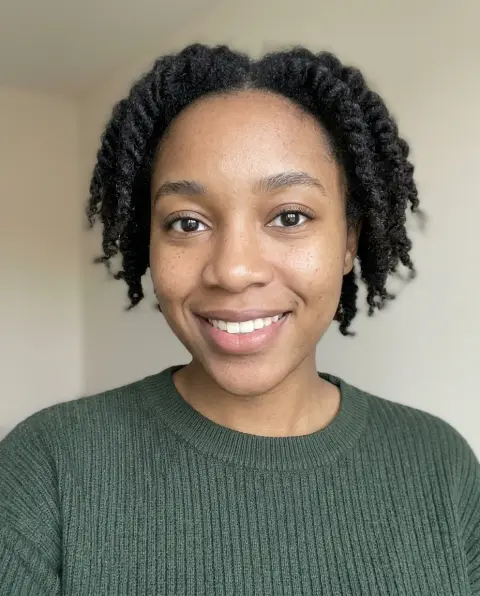
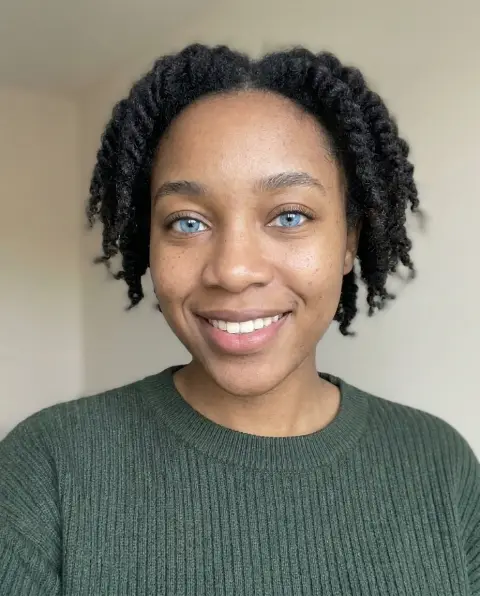 Blue eye filter
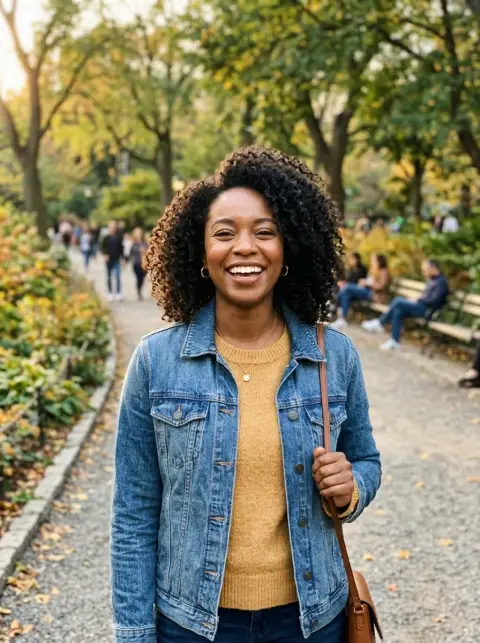
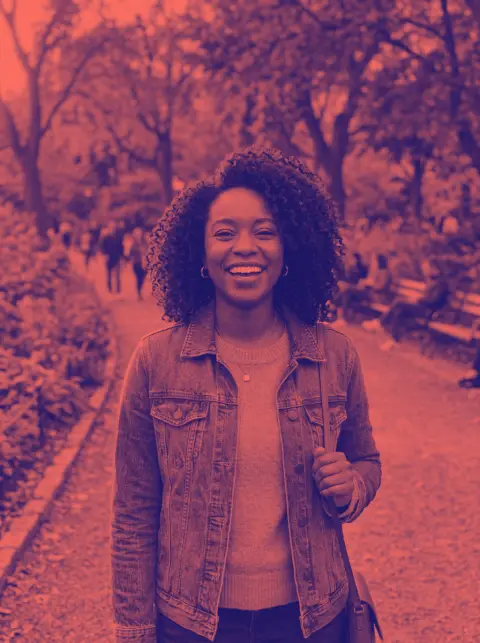 Duotone photo
 Logo color changer
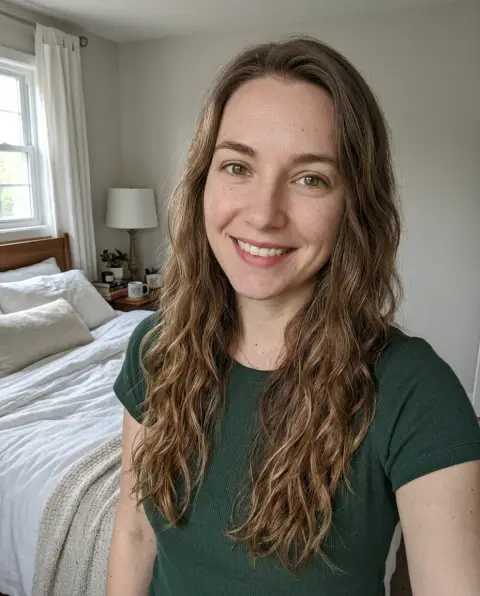
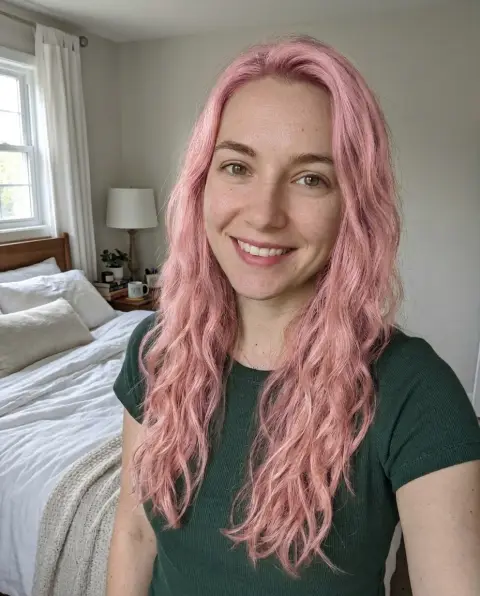 Pink hair filter
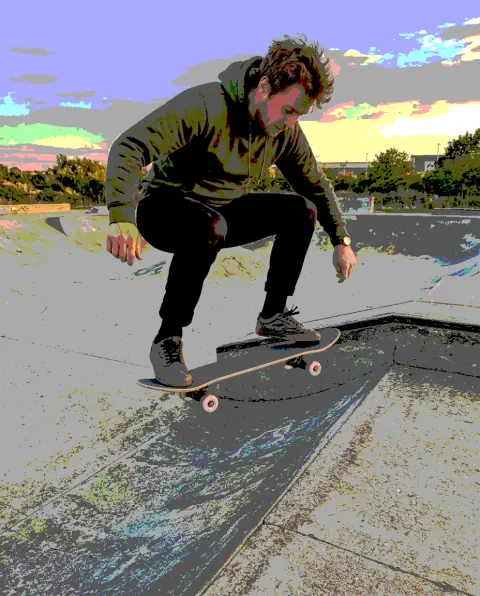 Posterize image
 Straighten photo
 White background
 AVIF to JPG
 JPG to PNG
 SVG to PNG
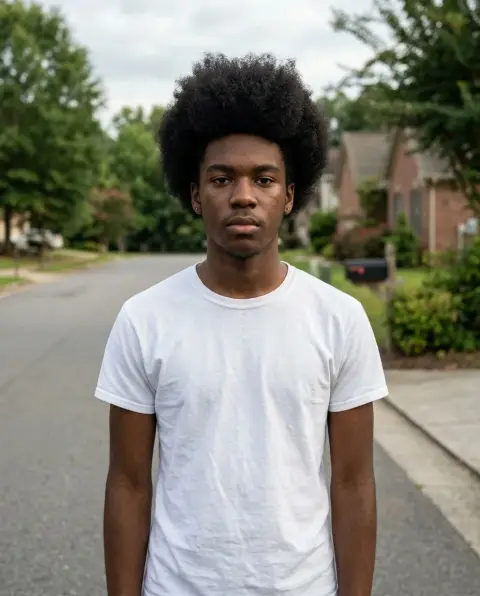
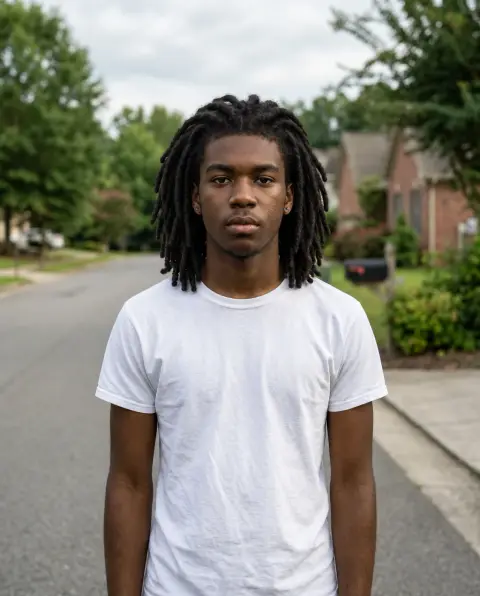 Dreads filter
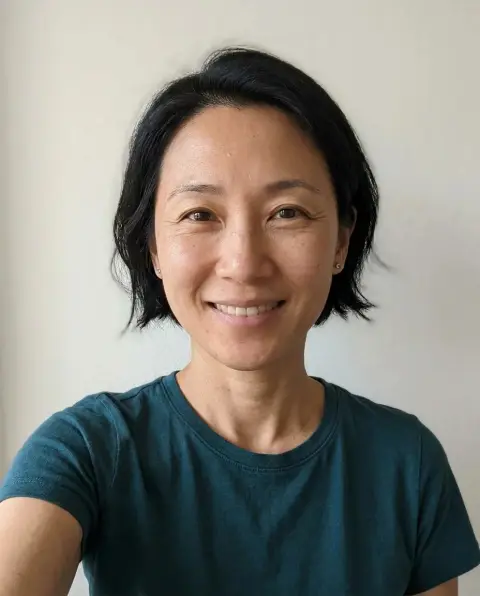
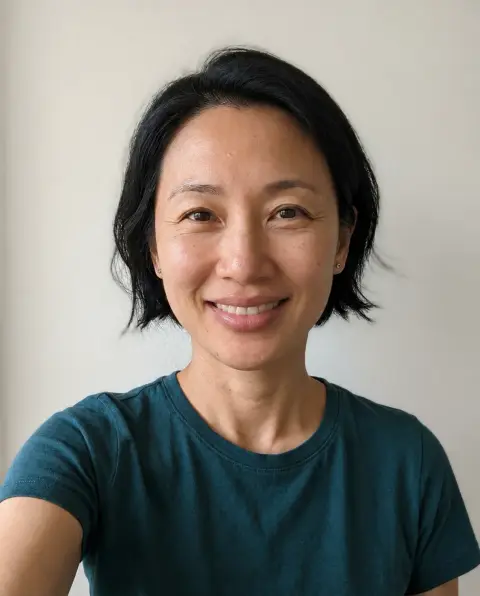 Lip filler filter
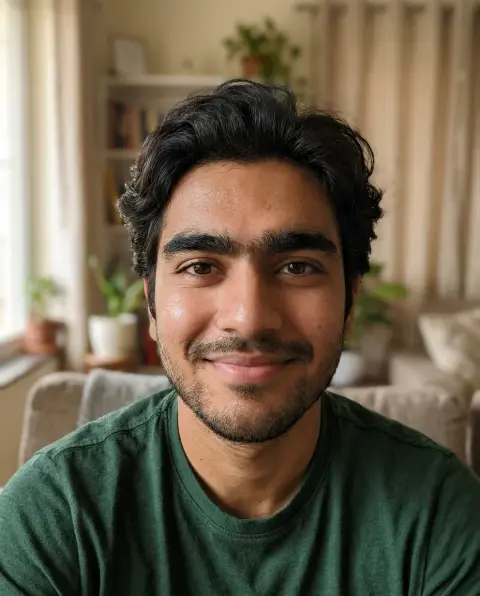
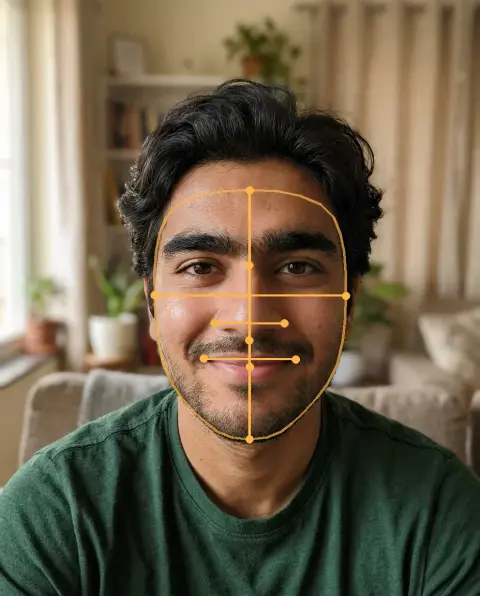 Face score
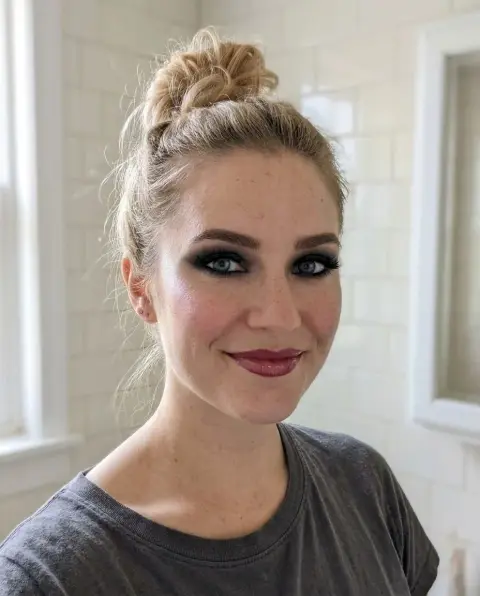
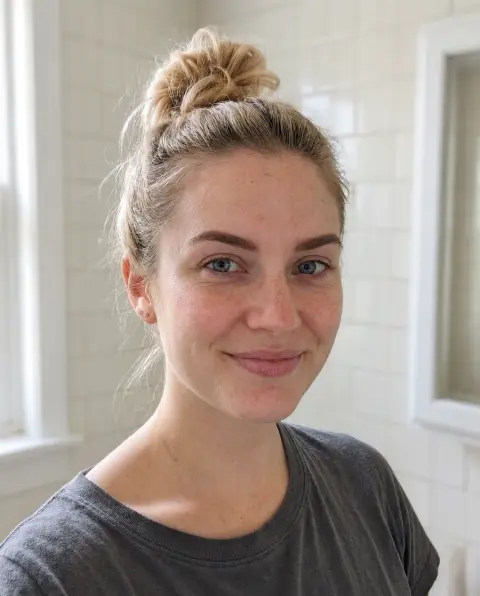 No makeup filter
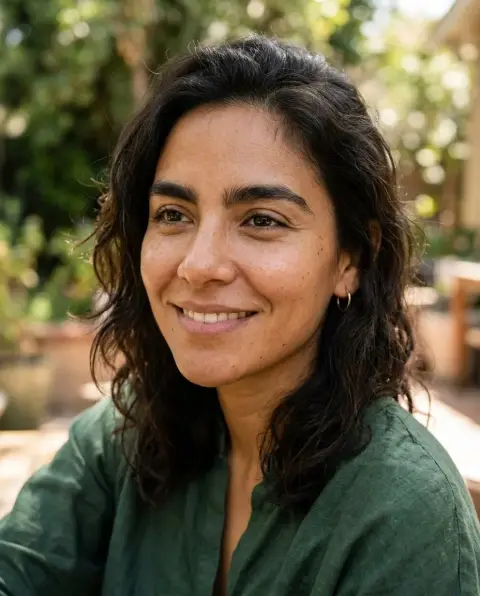
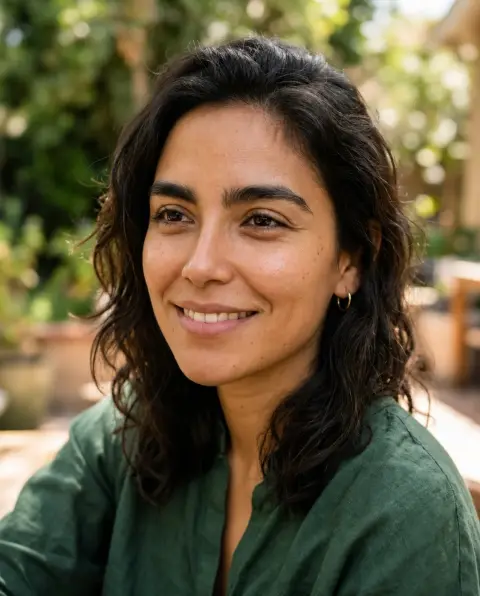 Nose job filter
 AVIF to PNG
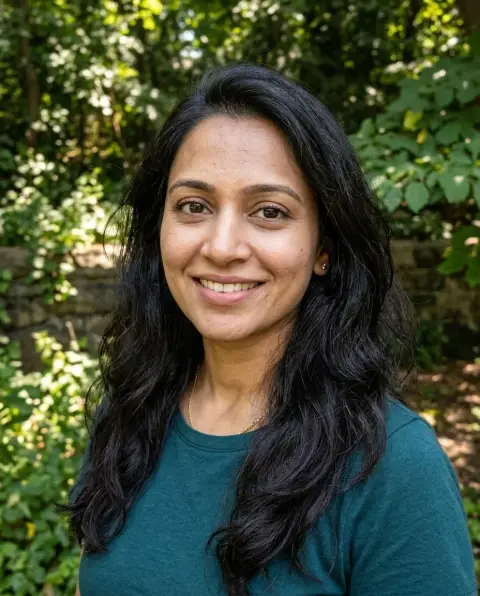
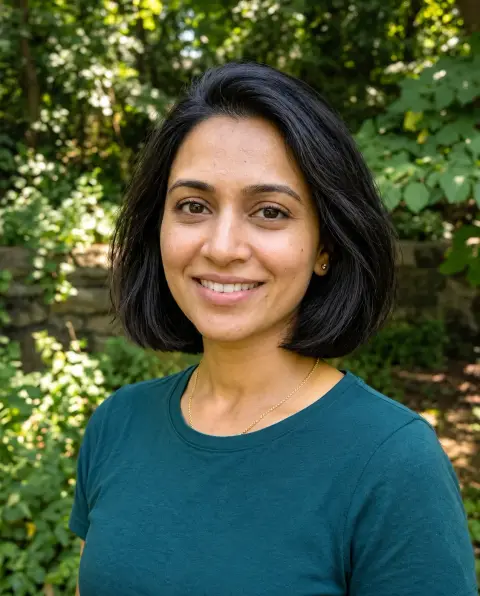 Bob filter
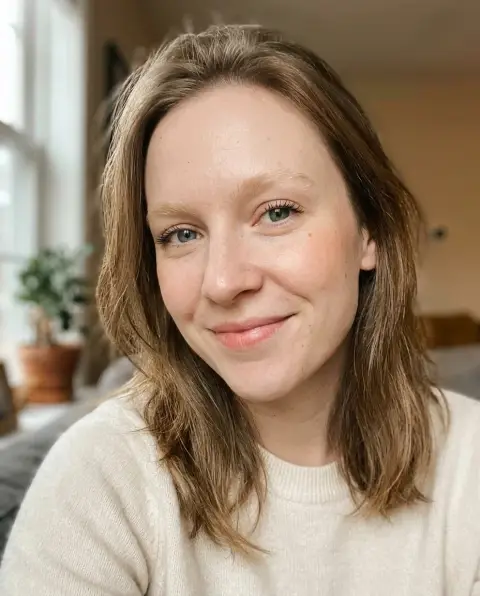
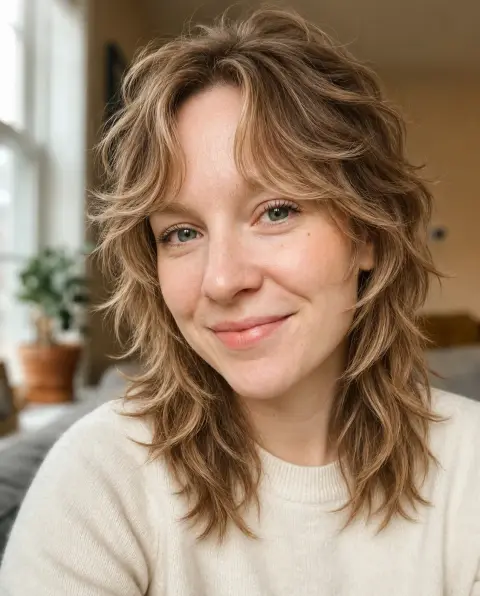 Wolf cut filter
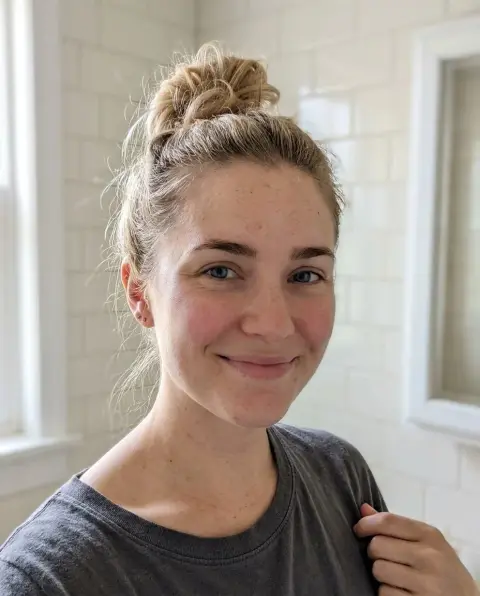
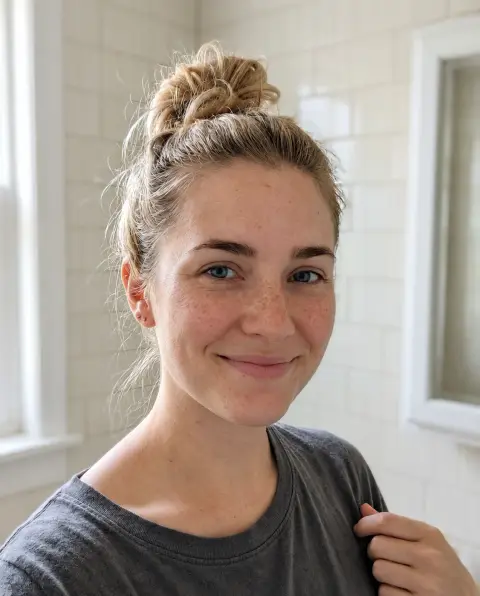 Freckles filter

 Mullet filter
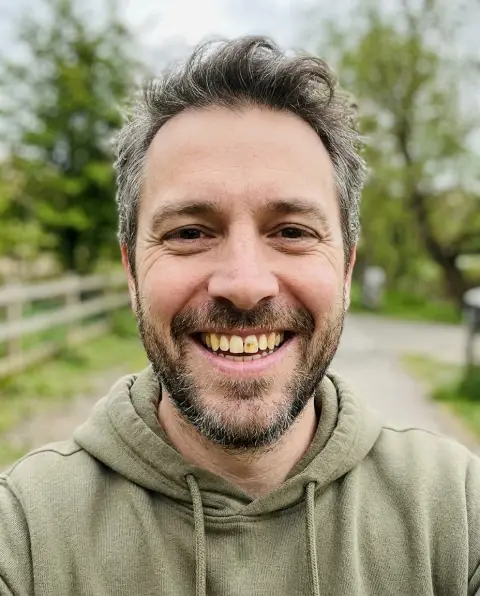
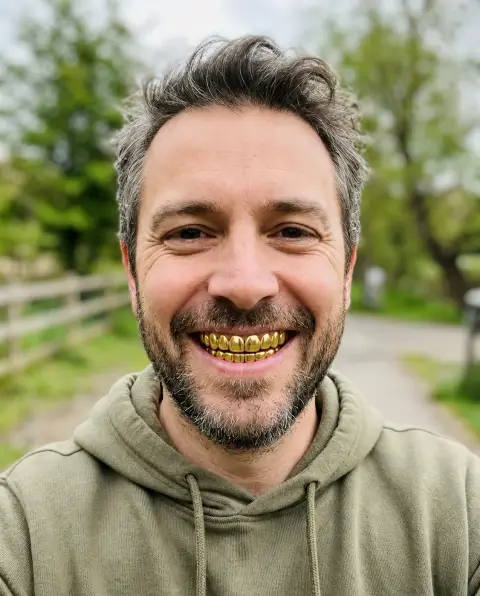 Grillz filter
 Compress image
 PNG to WebP
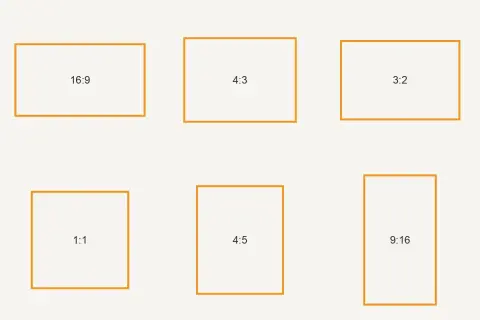 Aspect ratio calculator
 Compress PNG
 Compress JPG
 JPG to WebP
 Rotate image
 SVG to JPG
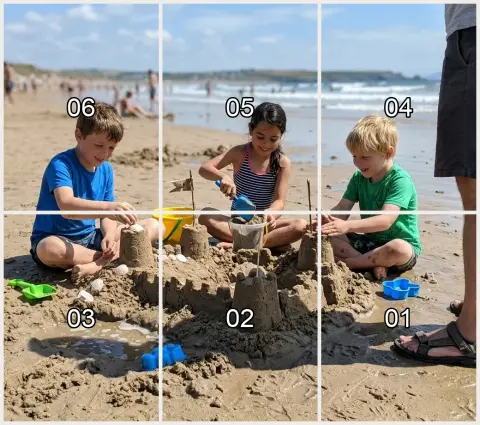 Instagram grid maker
 Resize PNG
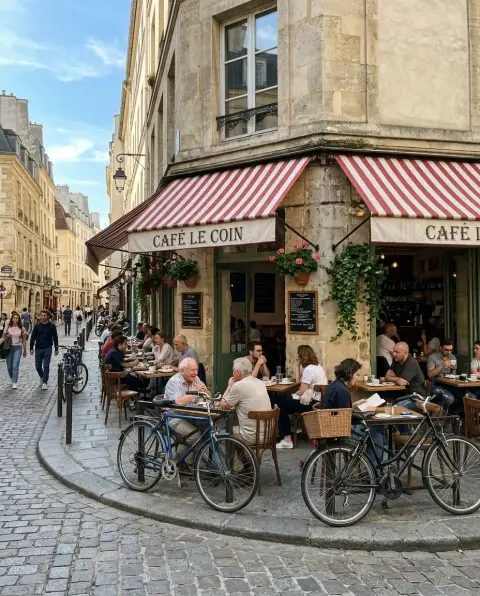
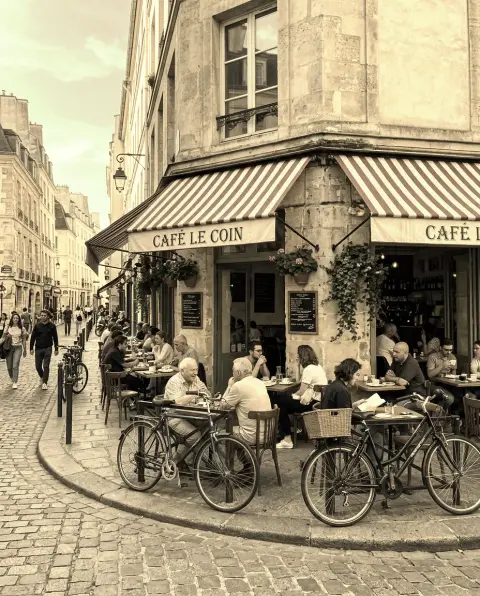 Sepia filter
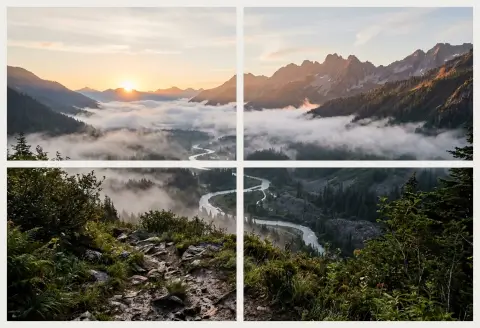 Split image
 Twitch emote resizer
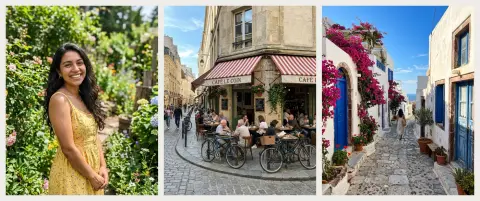
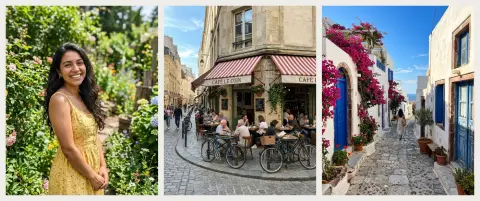 Bulk image resizer
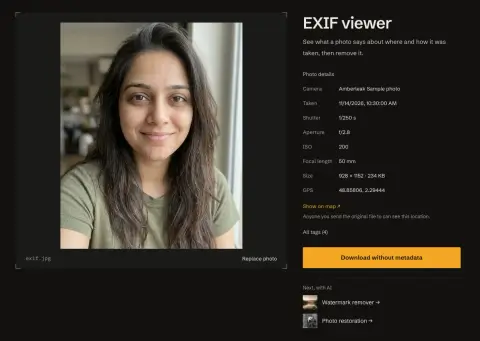 EXIF viewer
 GIF to JPG
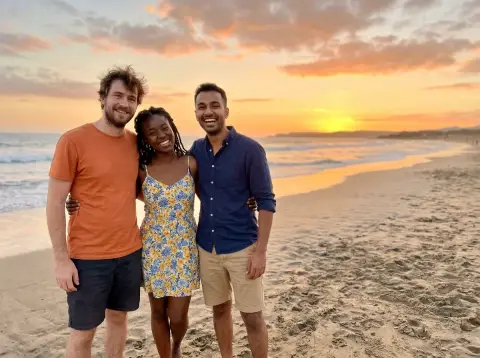
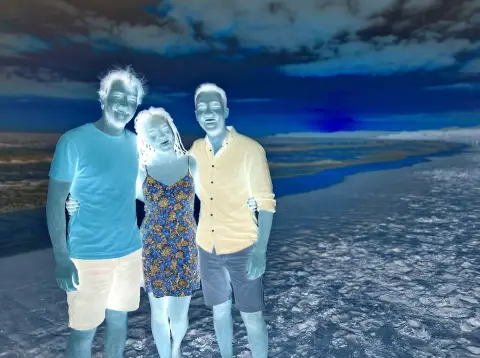 Invert image colors
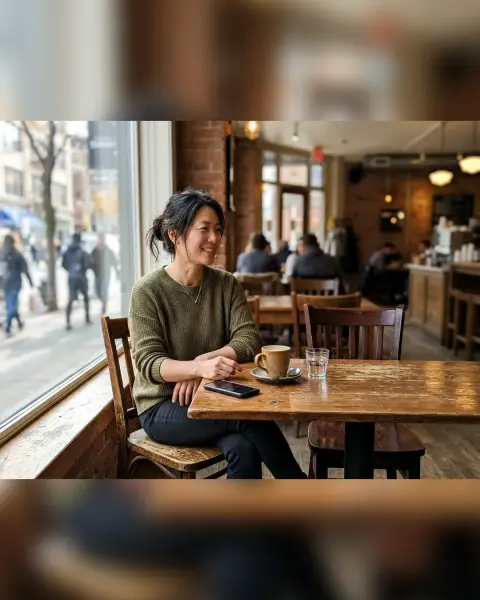 Resize image for Instagram
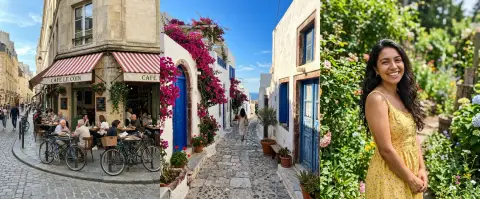 Stitch photos
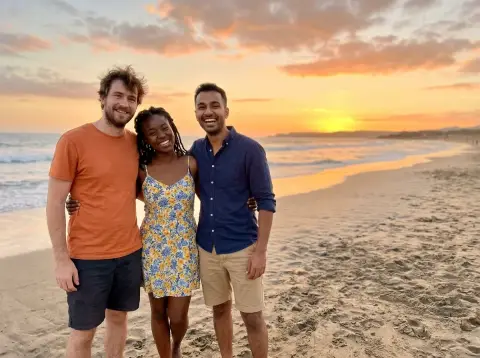
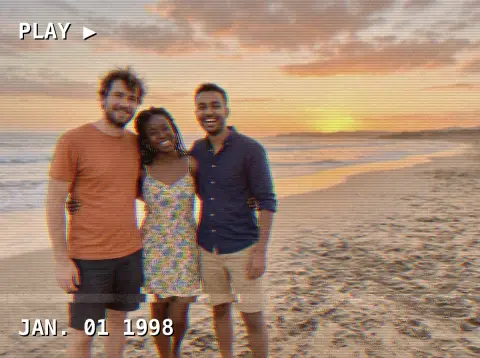 VHS filter
 YouTube thumbnail resizer
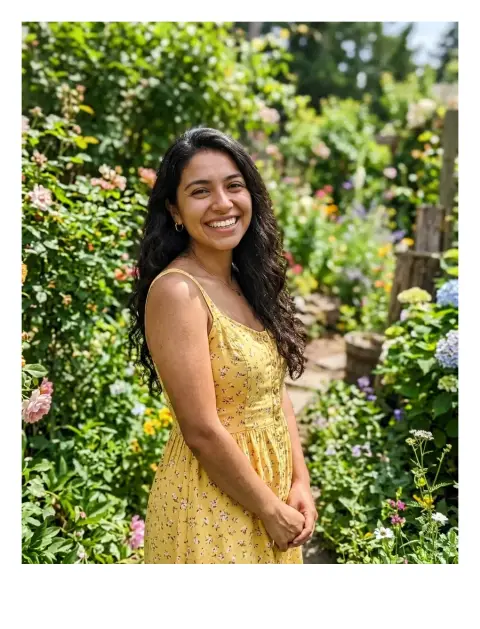 Add border to photo
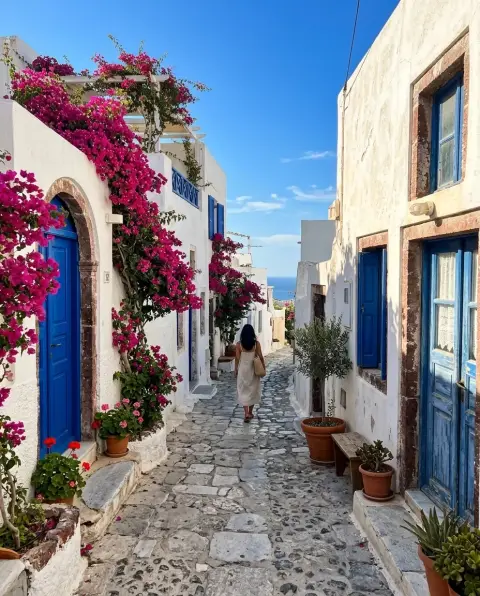
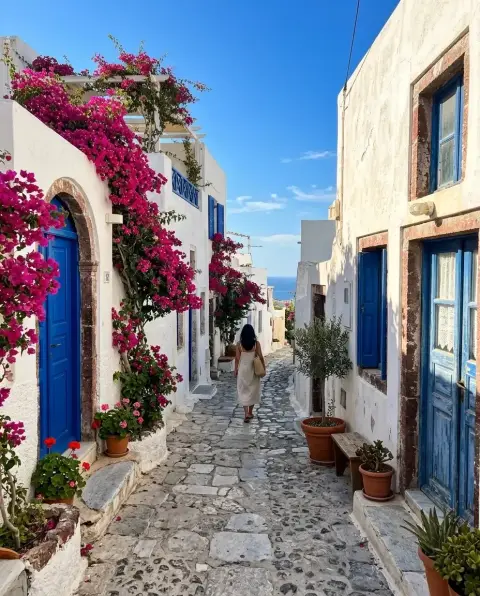 Compress WebP
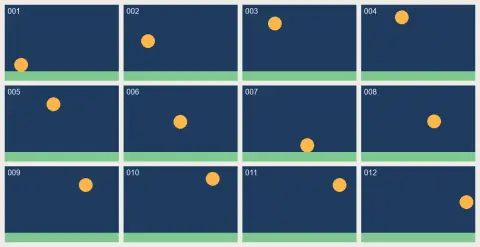 GIF frame extractor
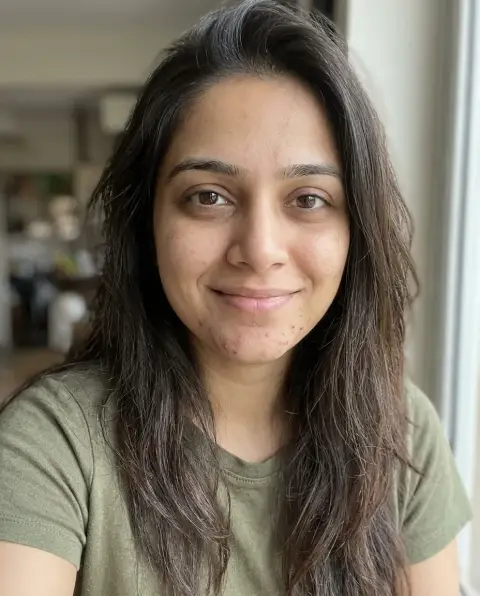
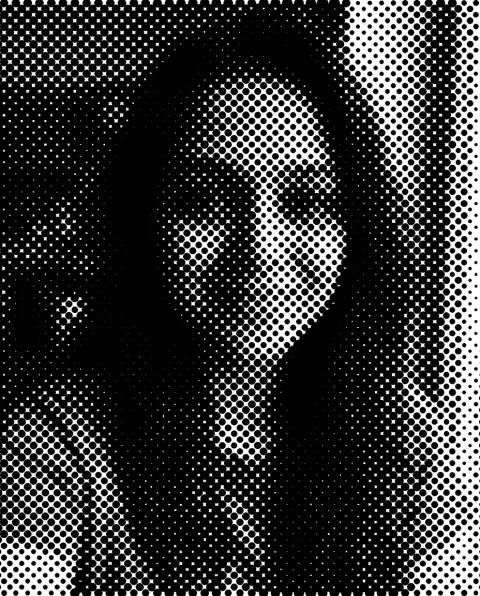 Halftone generator
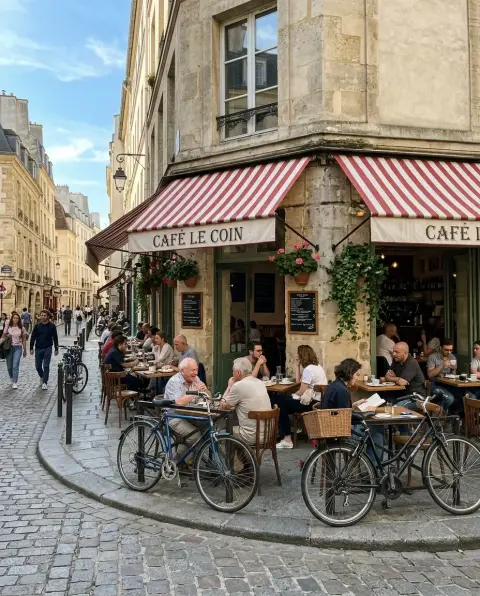
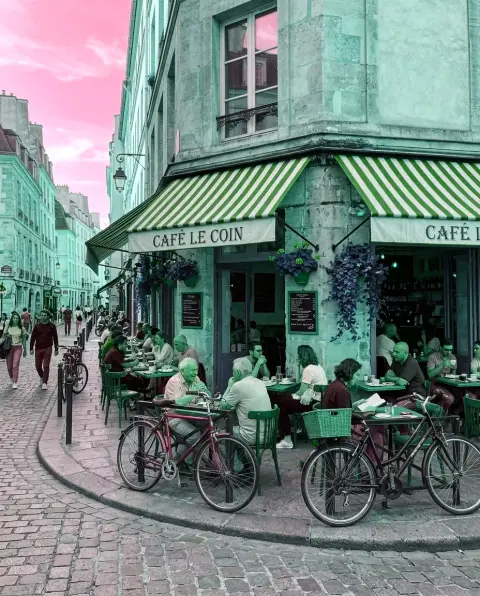 Hue changer
 Photo grid maker
 Reduce image size in KB
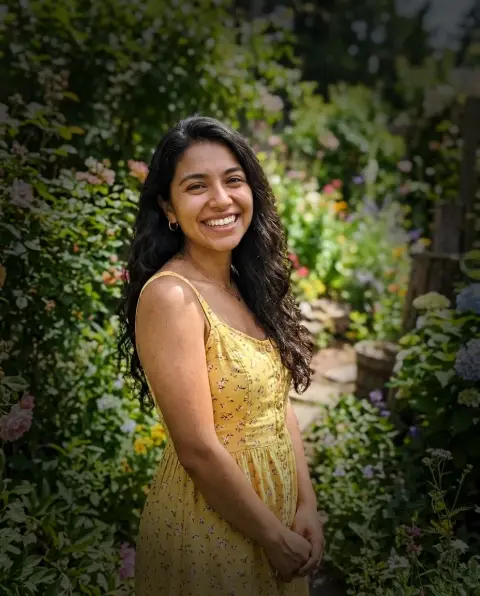 Vignette effect
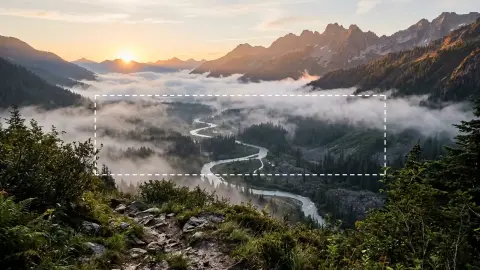 YouTube banner resizer
Styles
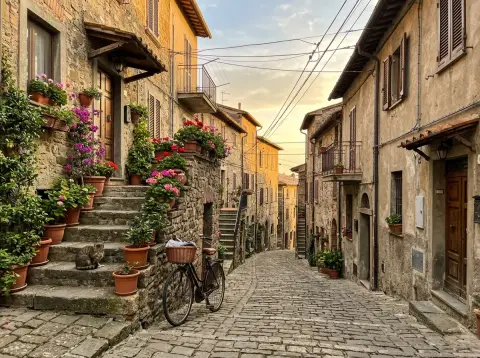
 Ghibli filter
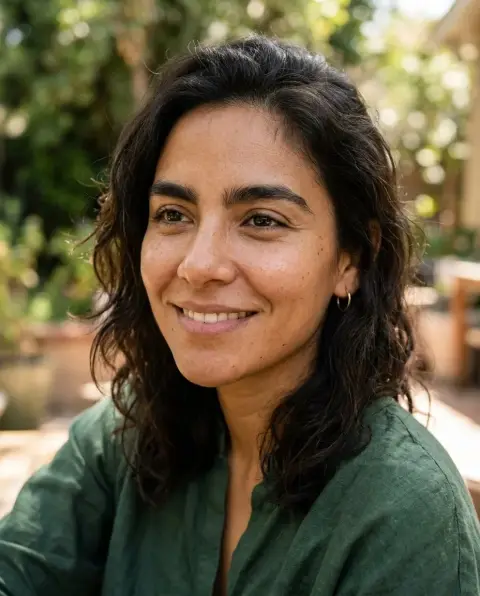
 2016 filter
 Cartoon generator
 Action figure generator
 Age filter
 Photo to anime
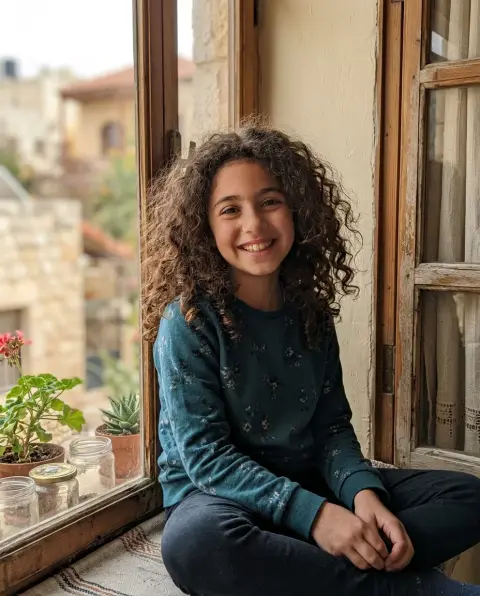
 Photo to sketch
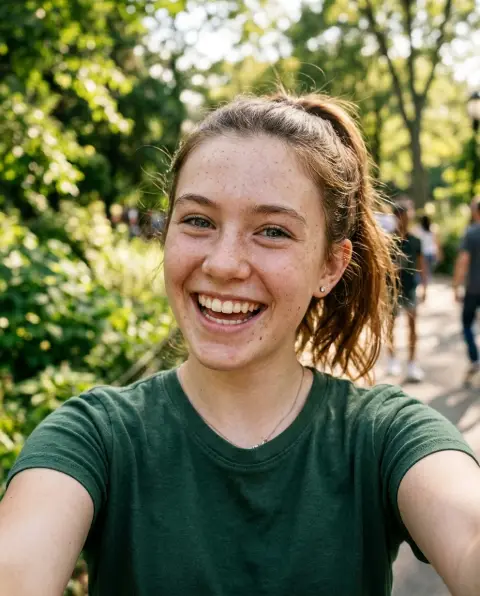
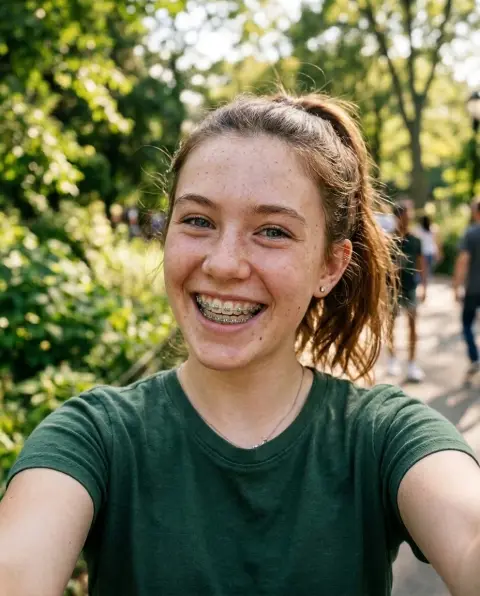 Braces filter
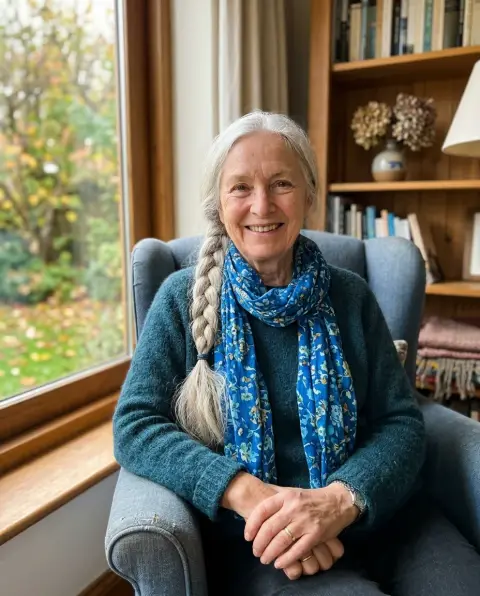
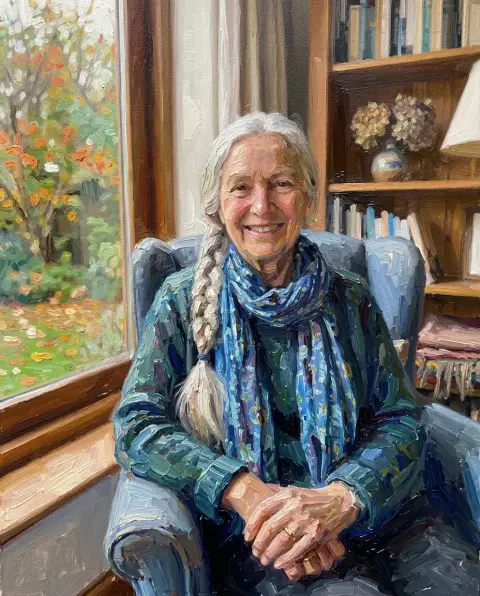 Photo to oil painting
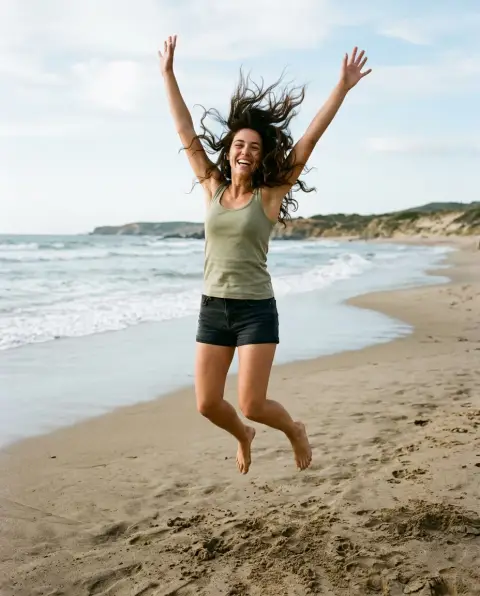
 Silhouette generator
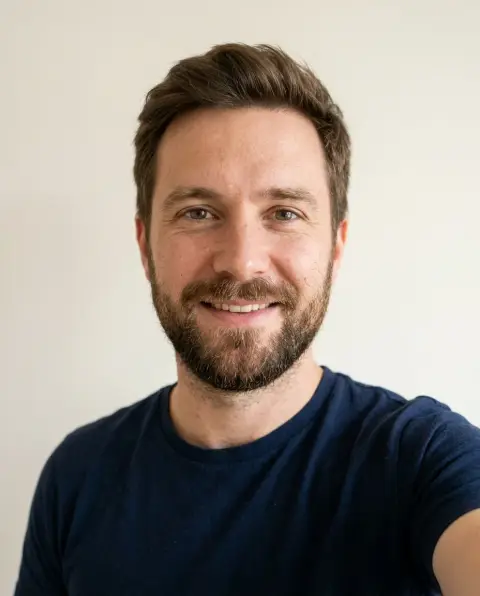
 Add Santa hat
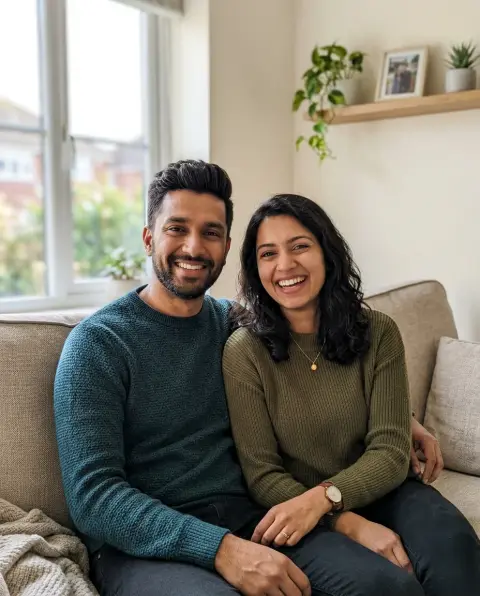
 Christmas photo editor
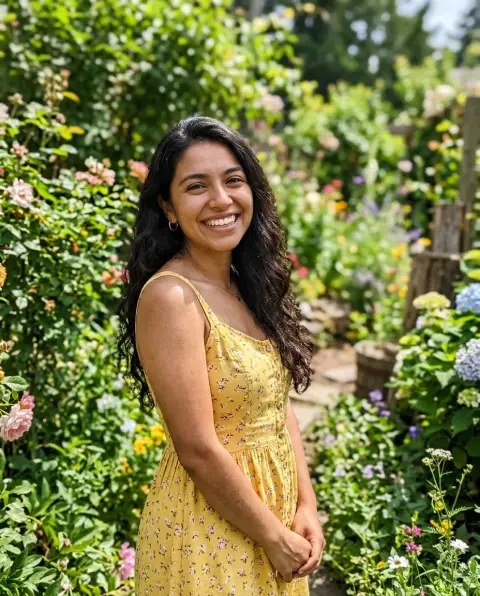
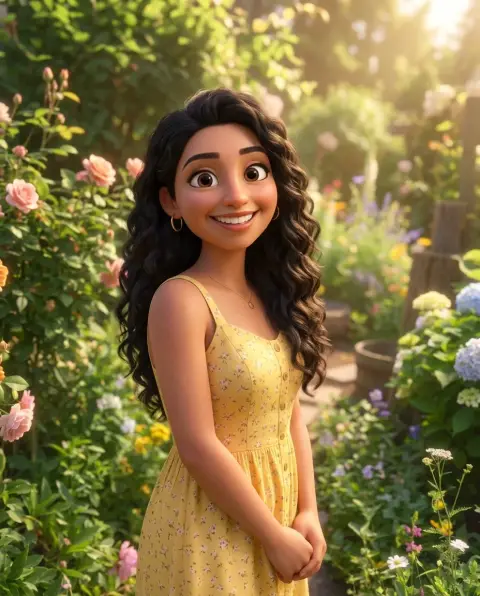 Disney filter
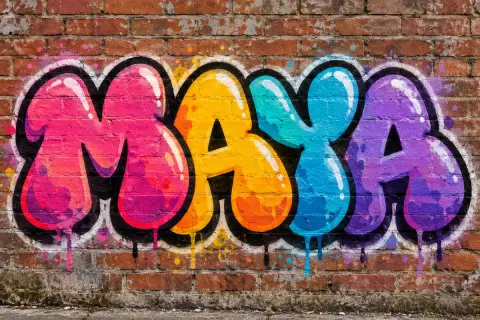 Graffiti generator
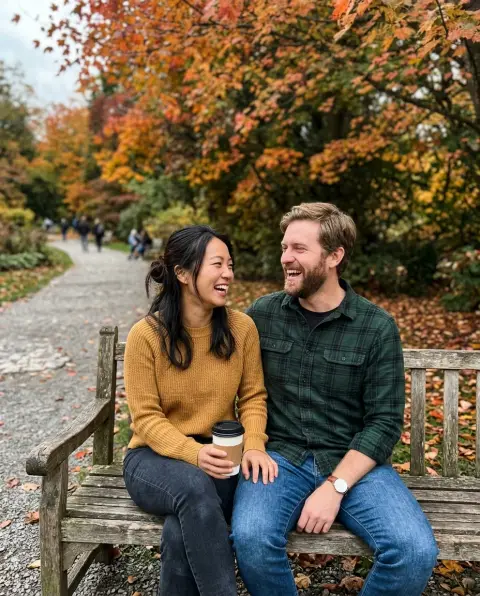
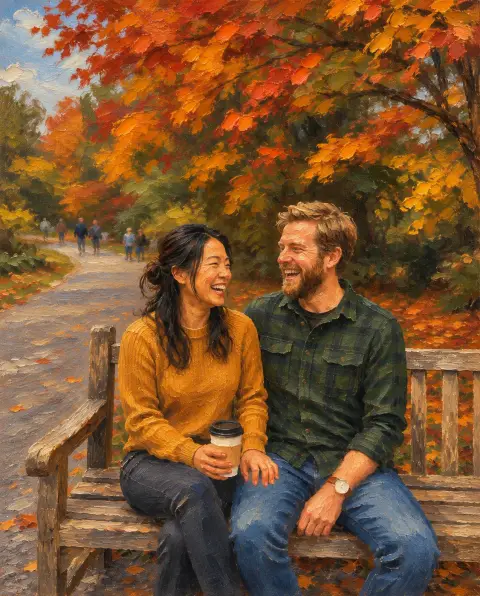 Photo to painting
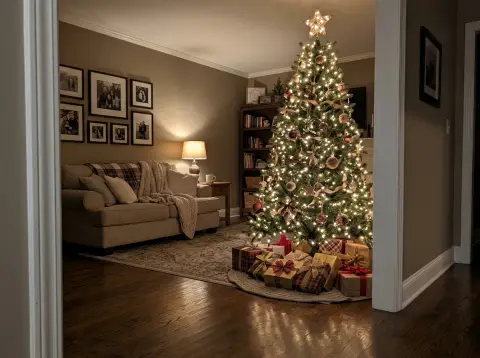
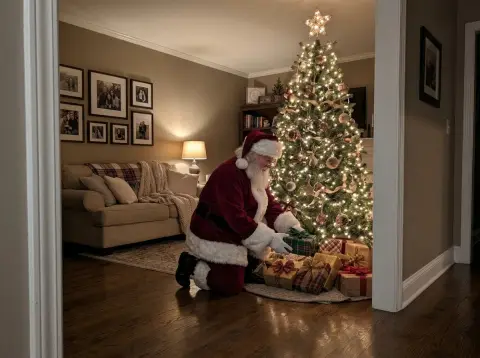 Add Santa to photo
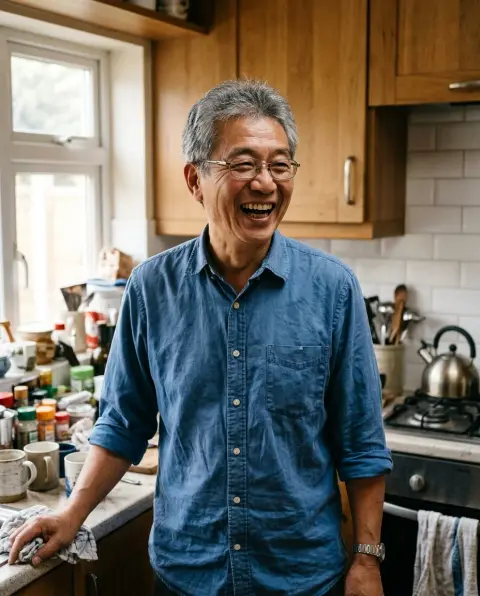
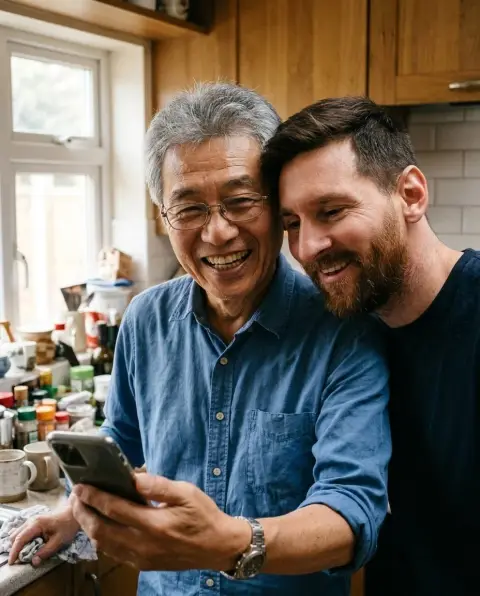 AI photo with Messi
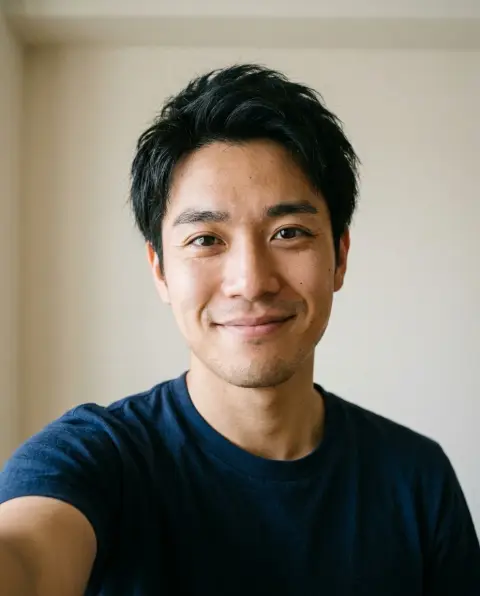
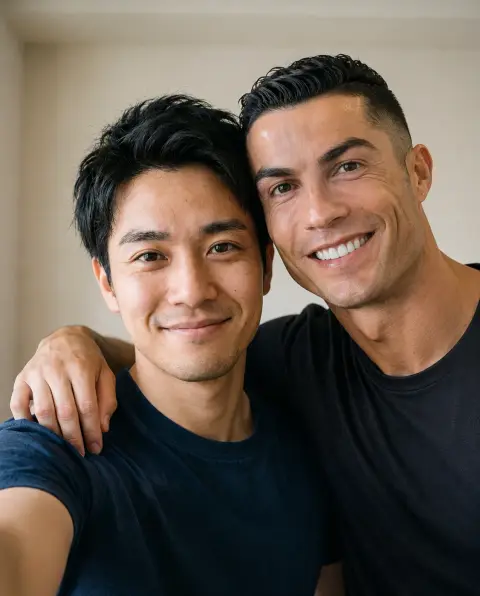 AI photo with Ronaldo
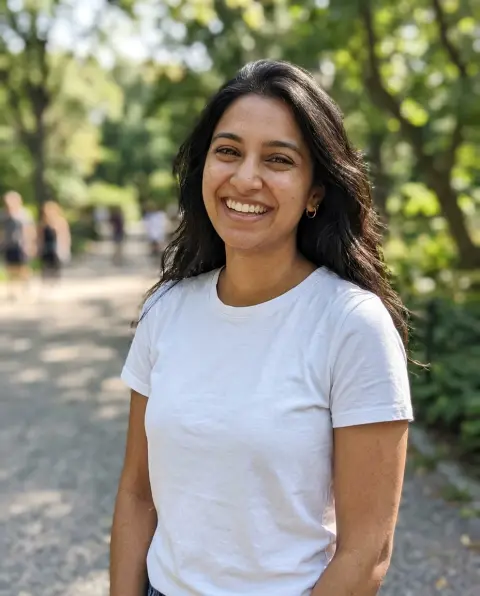
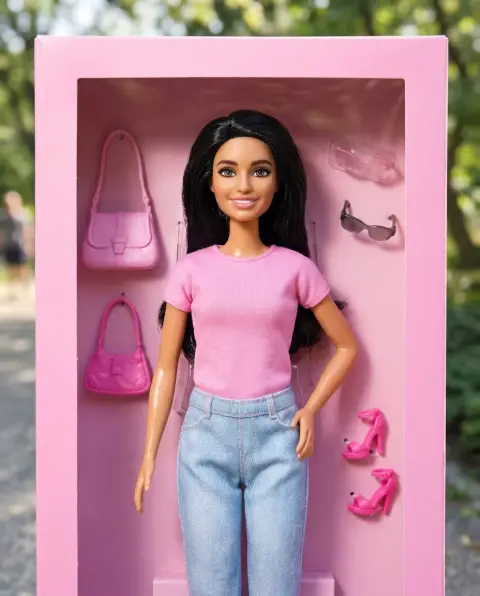 Barbie filter
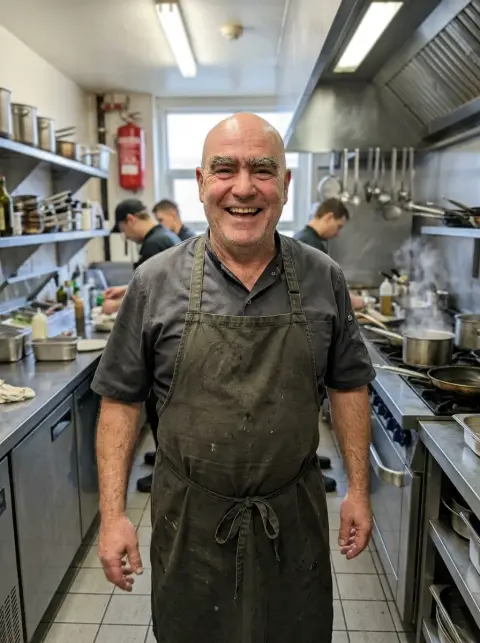
 Caricature generator
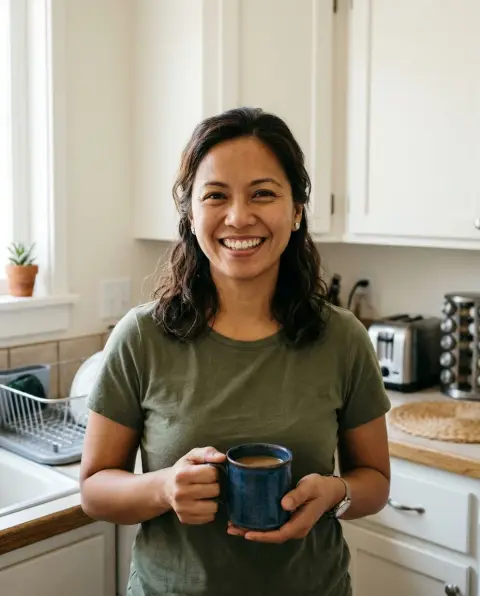
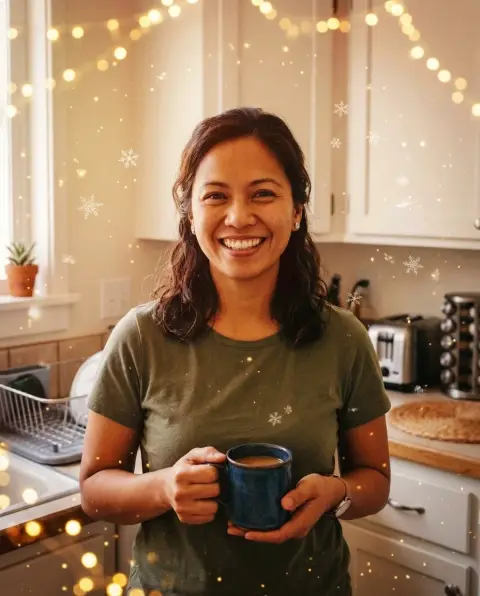 Christmas filter
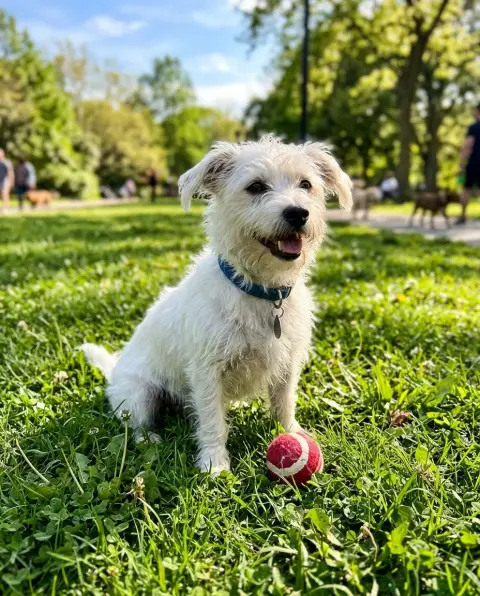
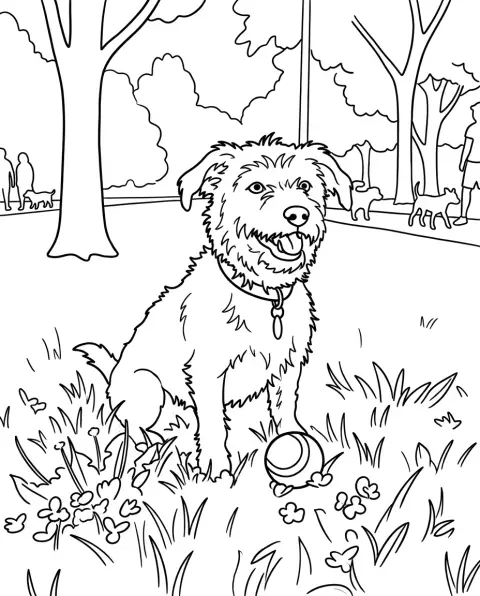 Coloring page generator
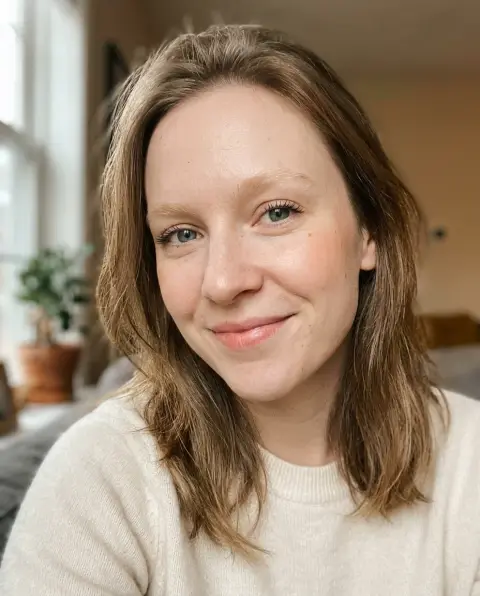
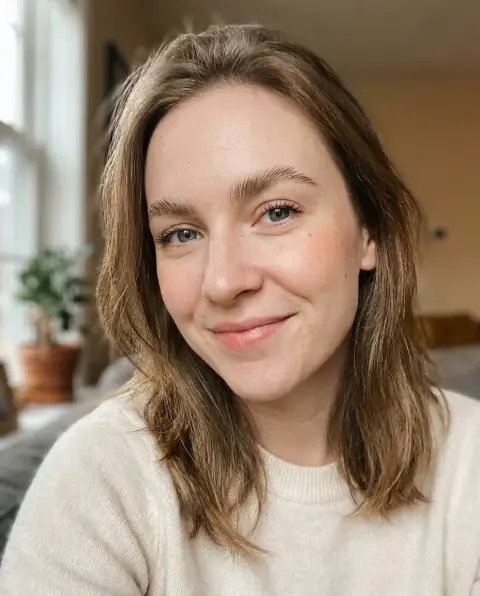 Eyebrow filter
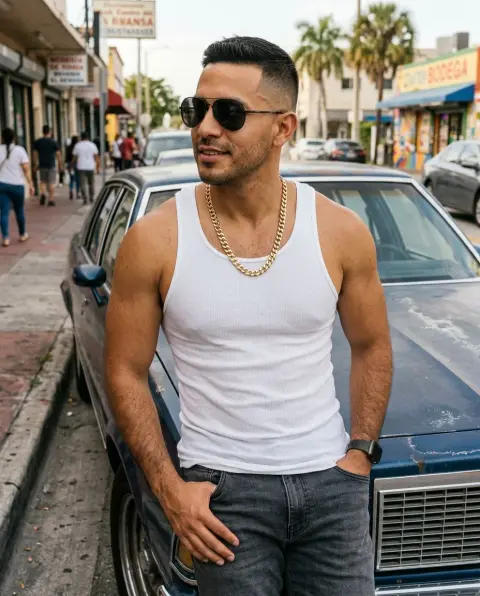
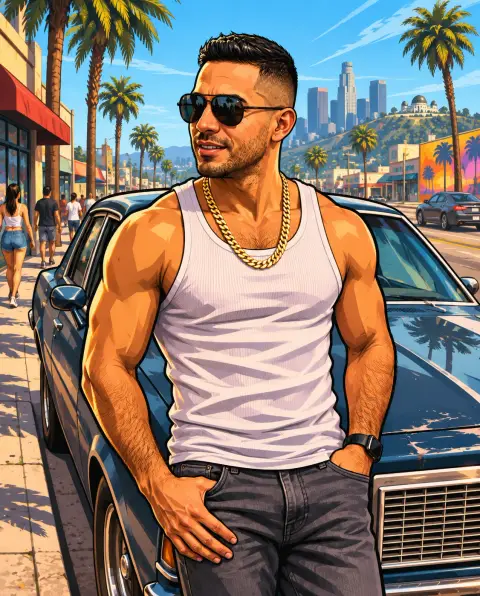 GTA filter
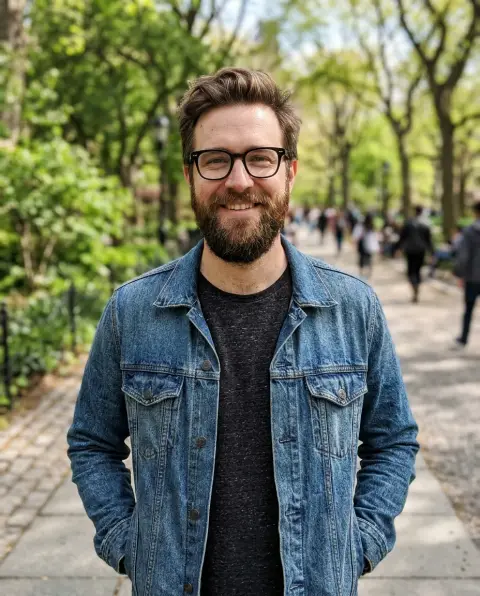
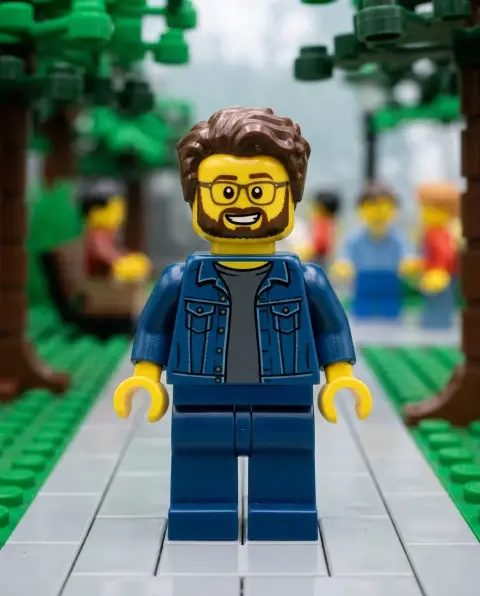 Lego filter

 Sad face filter
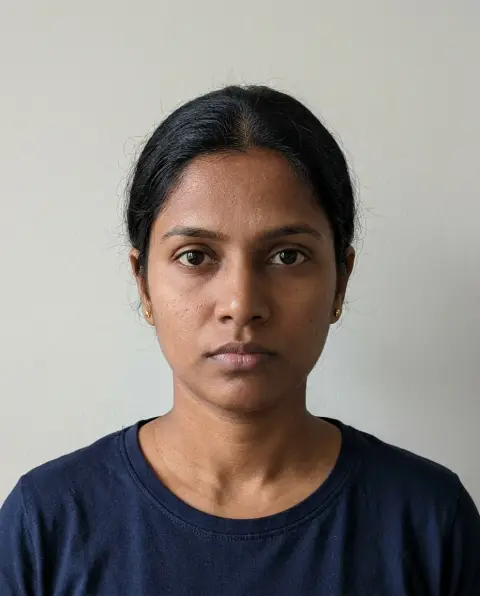
 Smile filter
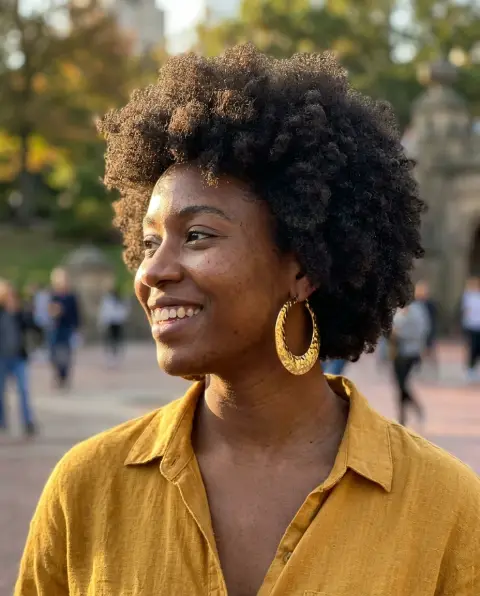
 Stencil generator
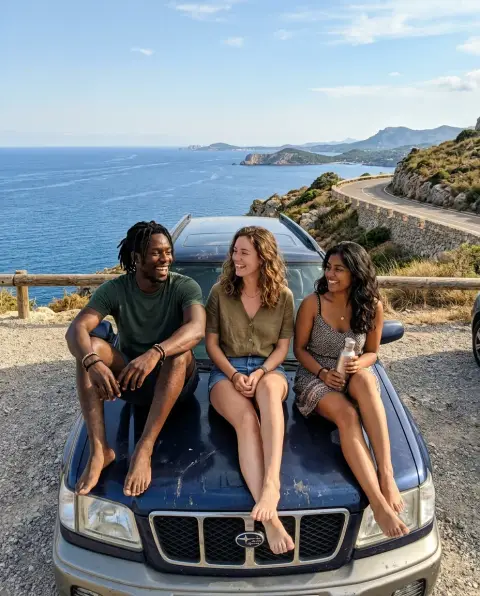
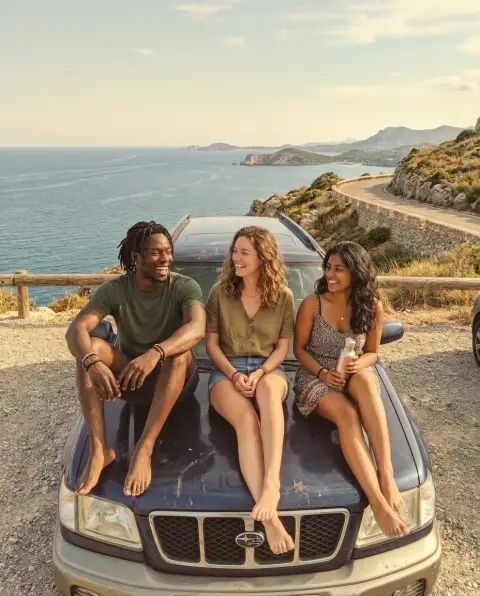 Vintage filter
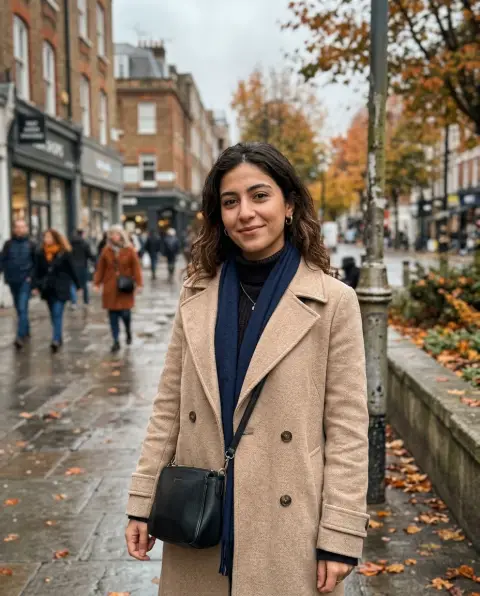
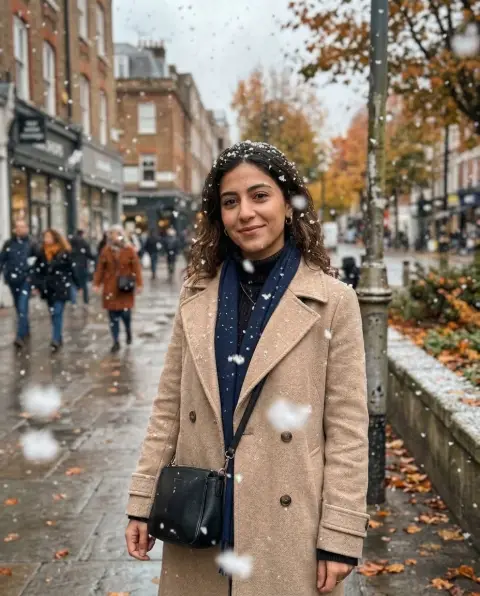 Add snow to photo
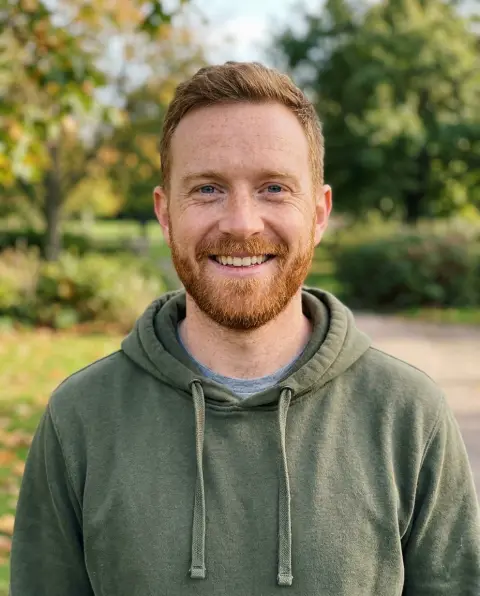
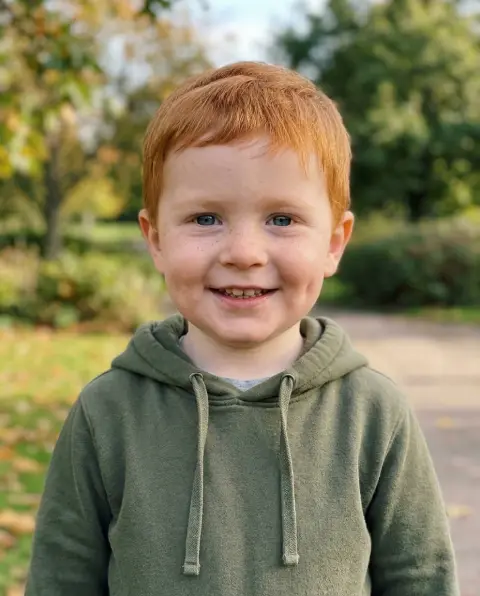 Baby filter
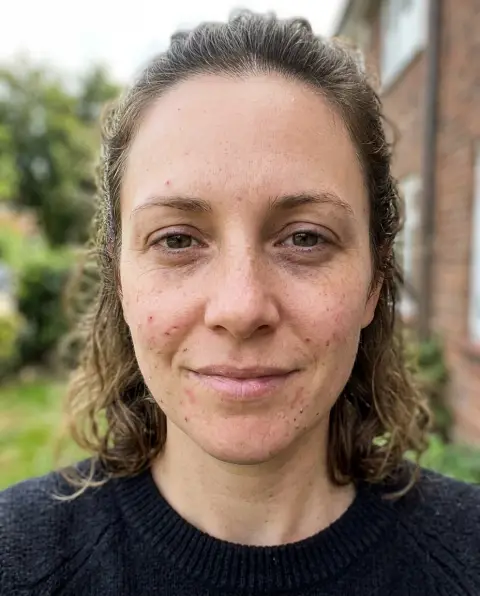
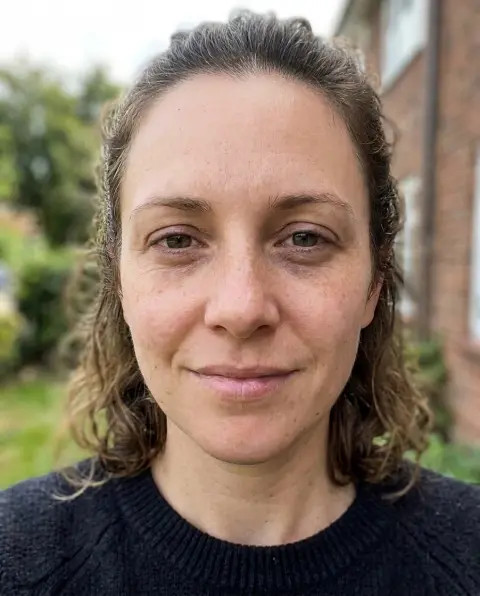 Beauty filter
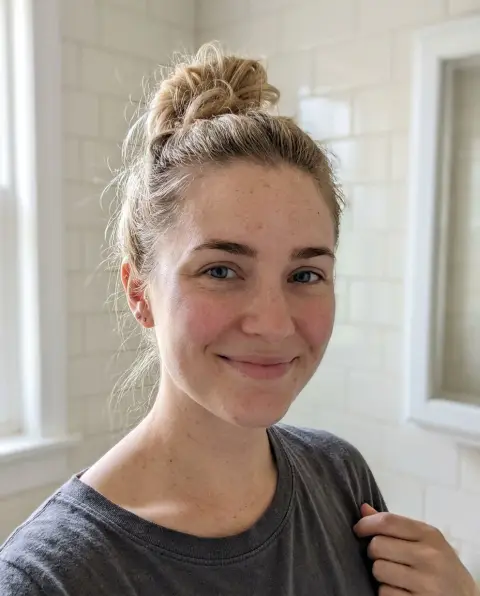
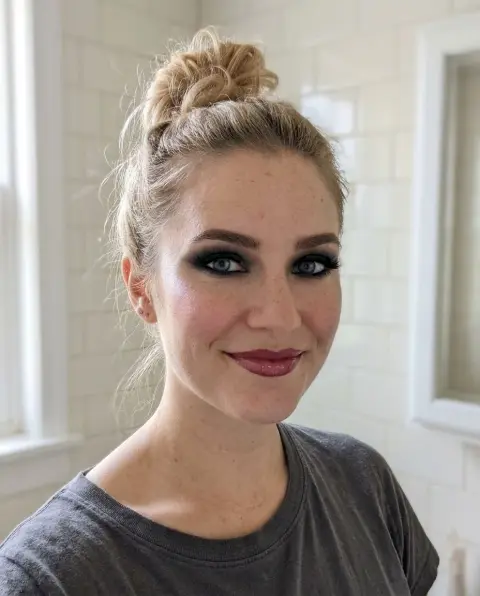 Bold glamour filter
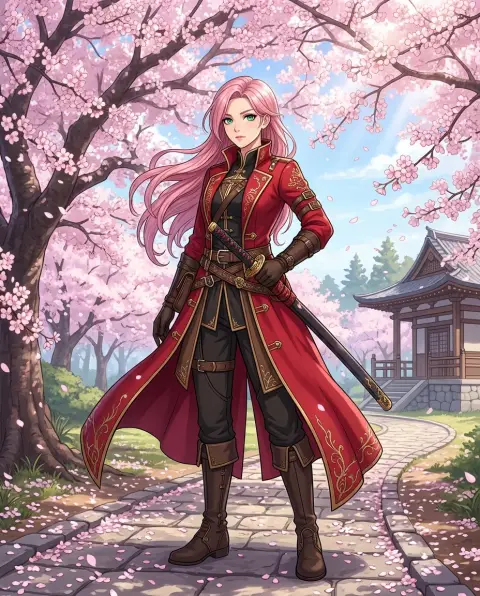
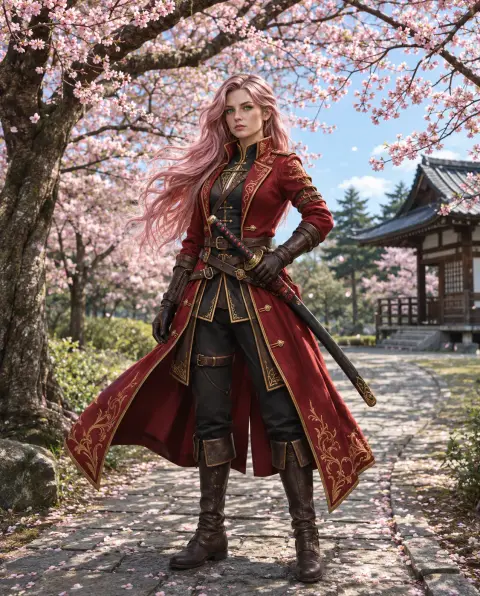 Cartoon to realistic
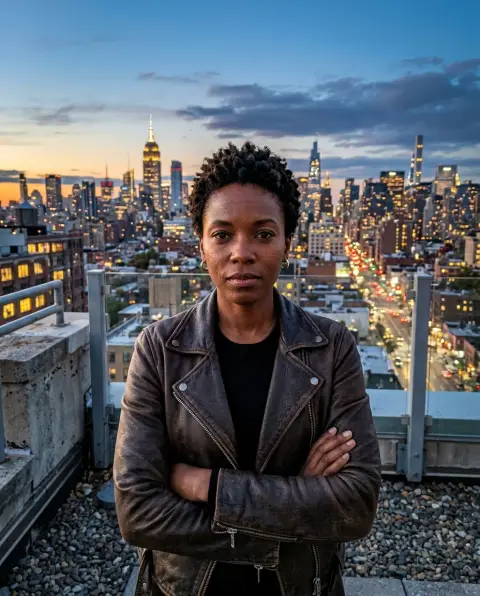
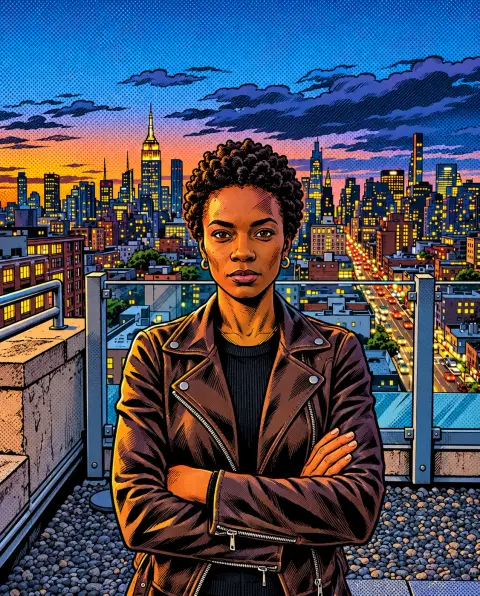 Comic generator
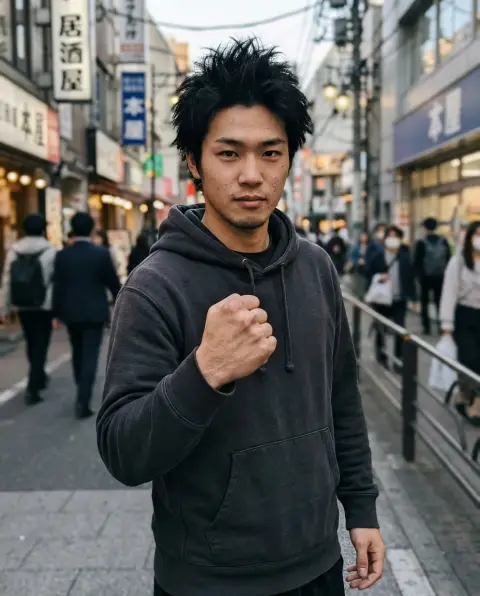
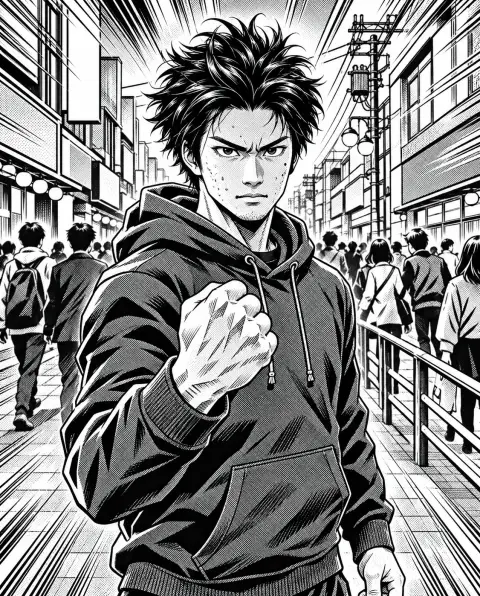 Manga generator
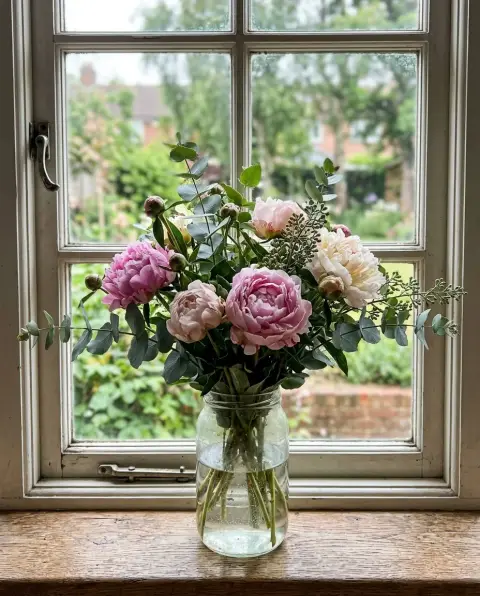
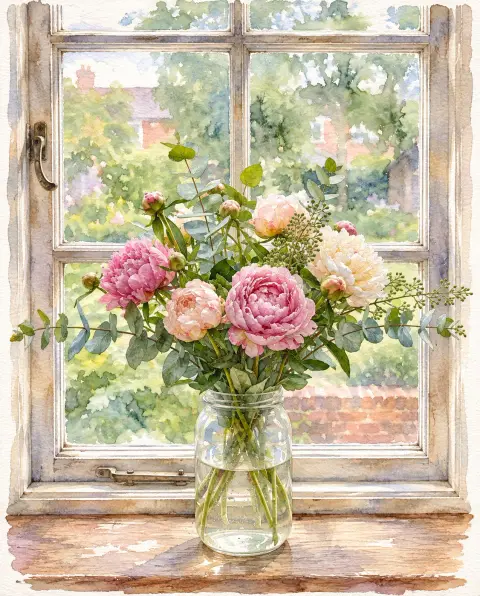 Photo to watercolor
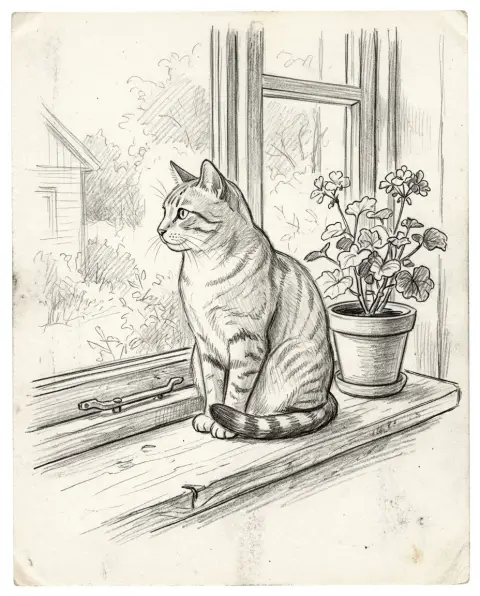
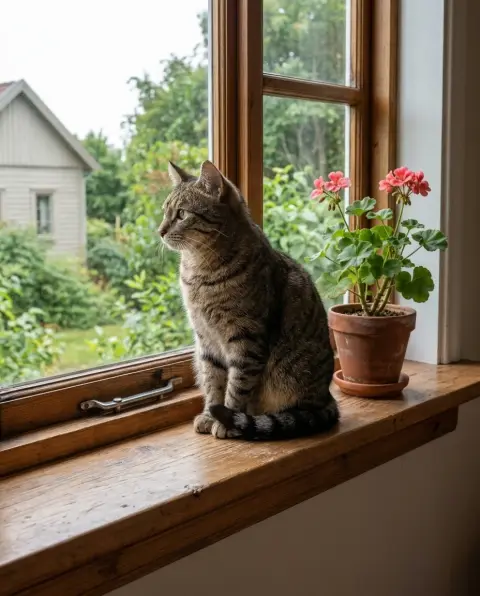 Sketch to photo
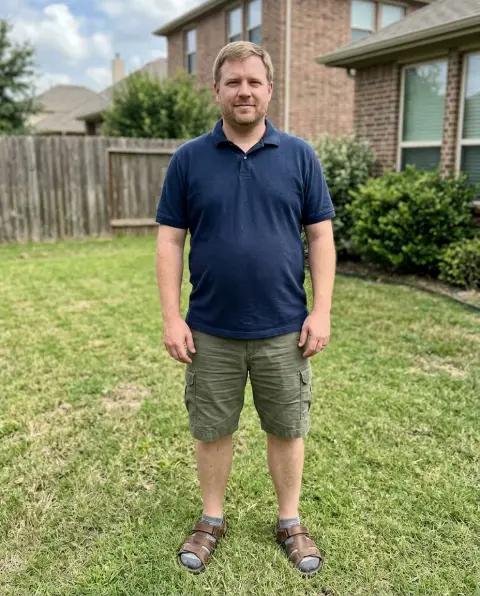
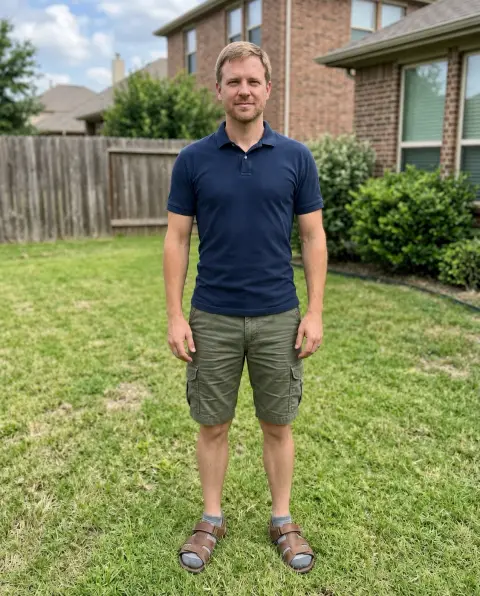 Skinny filter
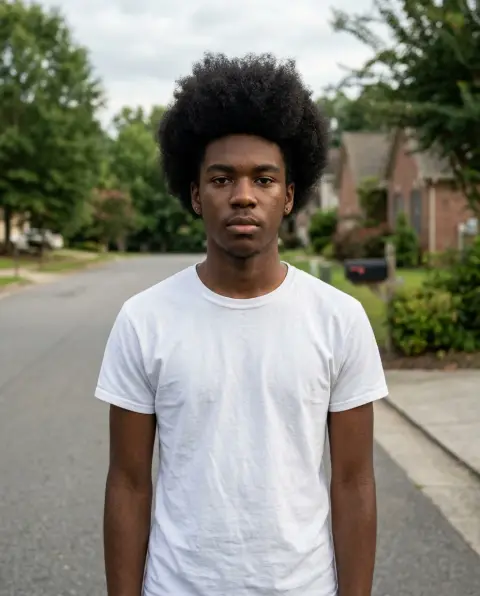
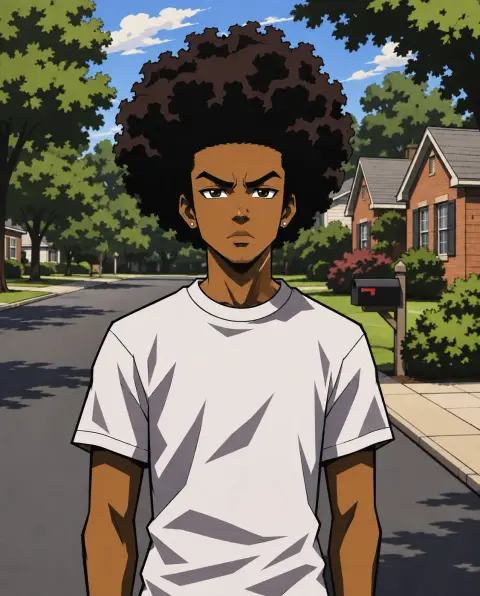 Boondocks filter
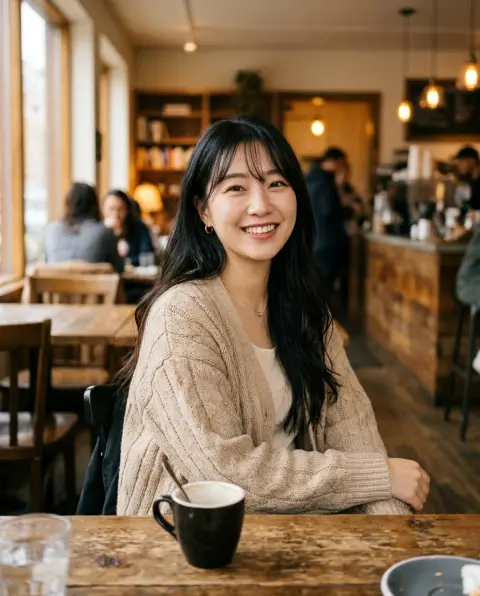
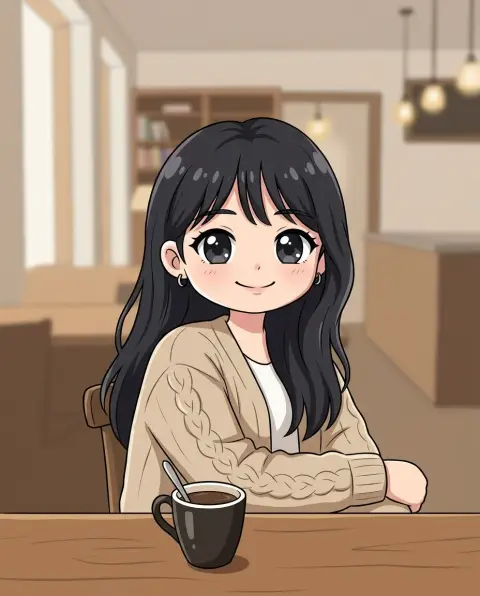 Chibi generator
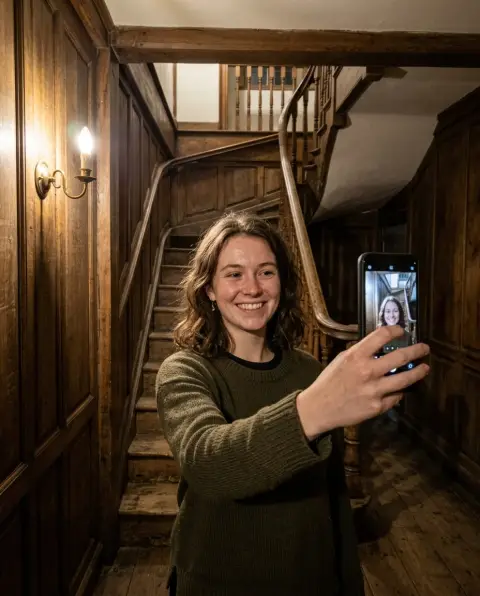
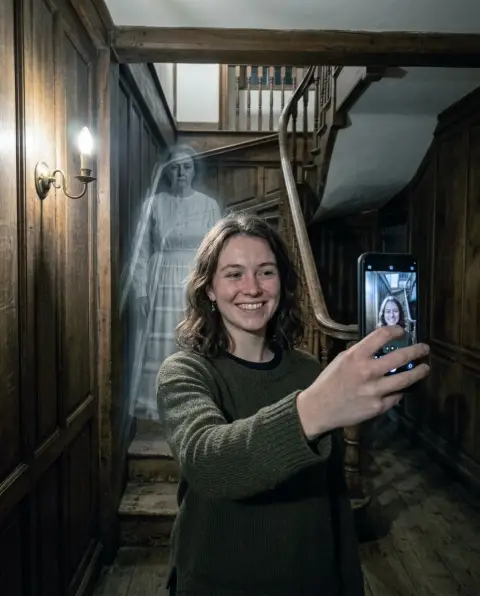 Ghost filter
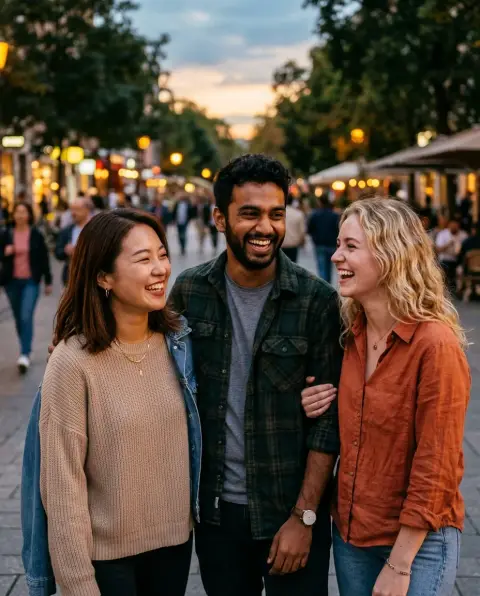
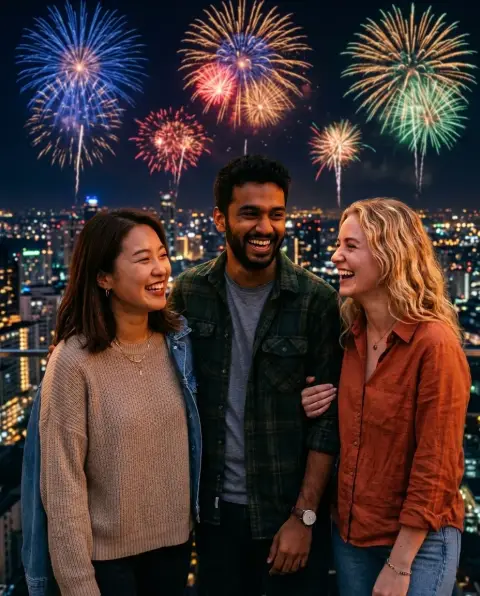 New Year filter
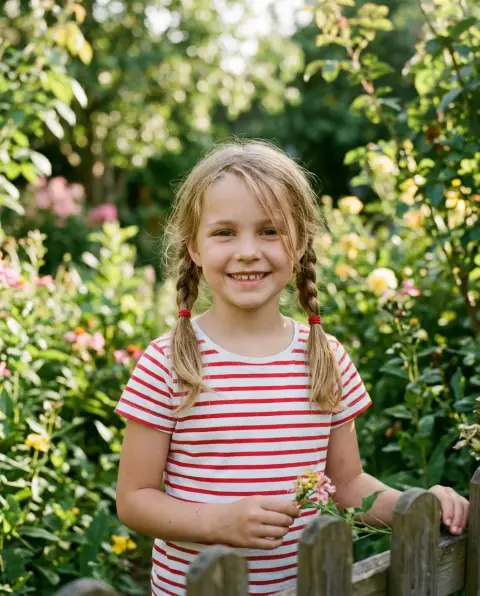
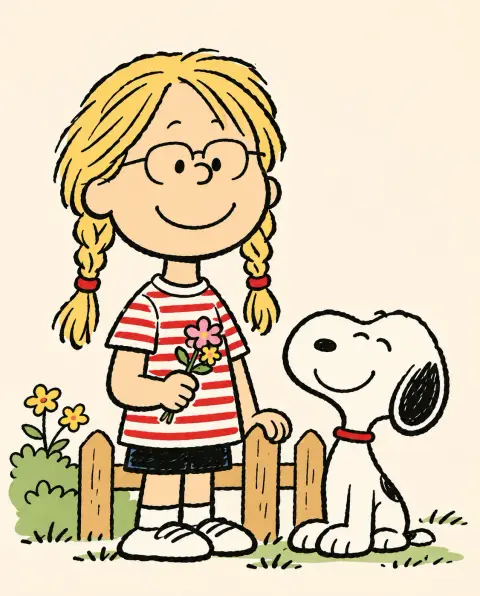 Snoopy filter
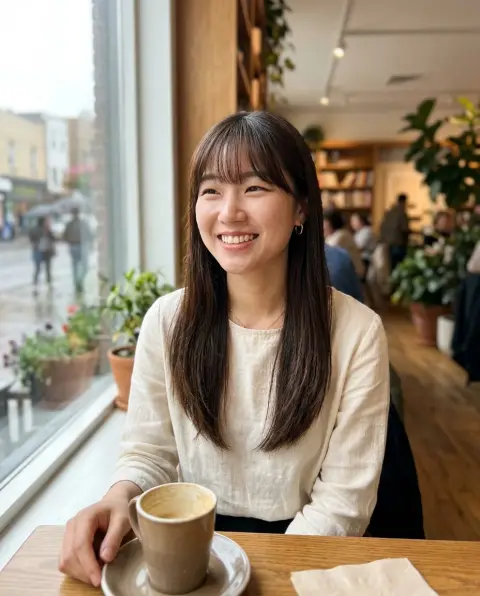
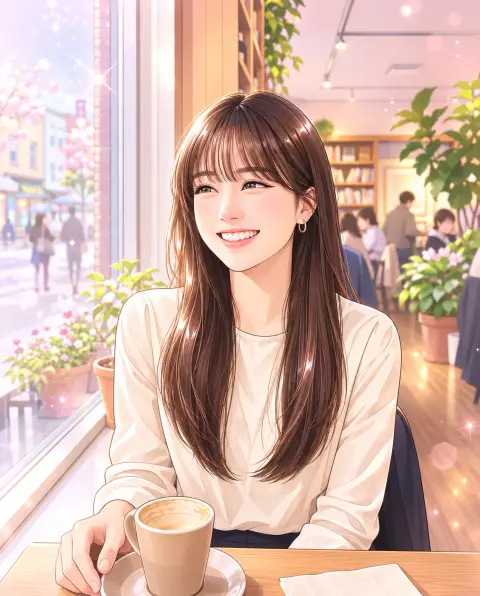 Webtoon filter
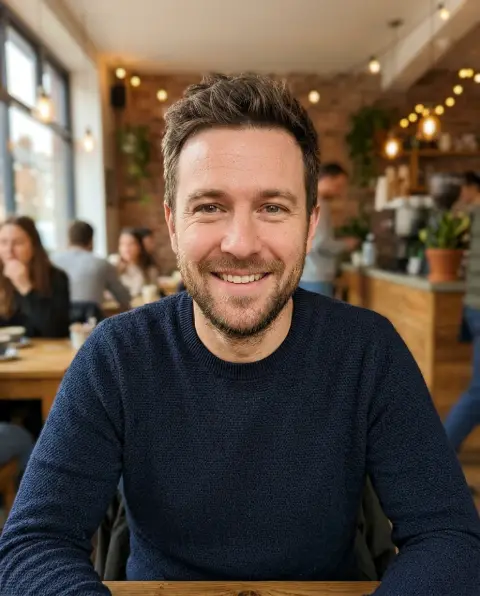
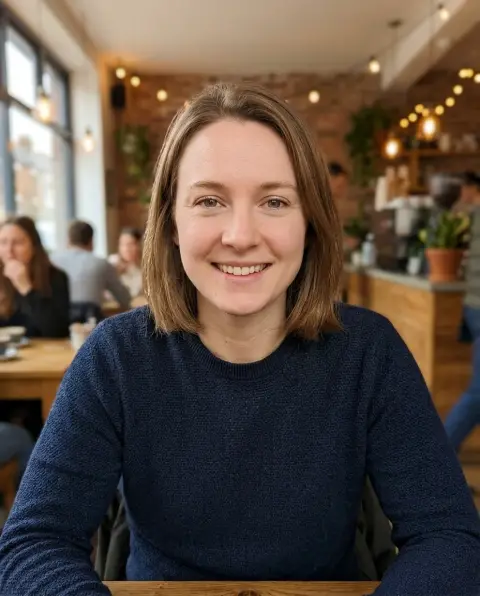 Gender swap
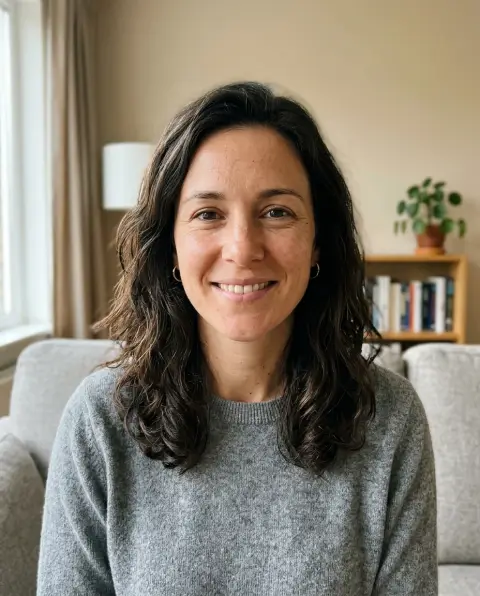
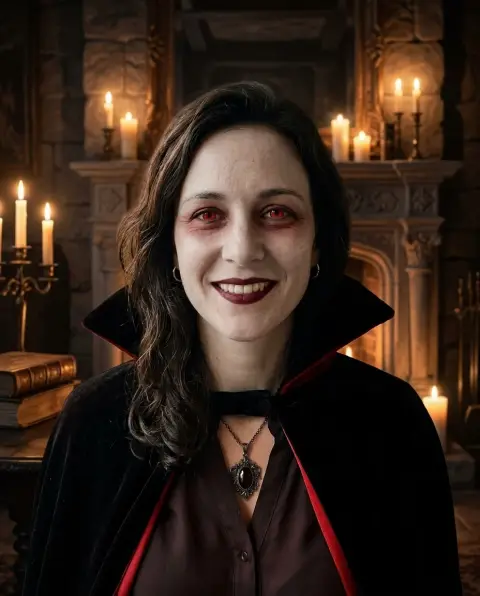 Halloween filter
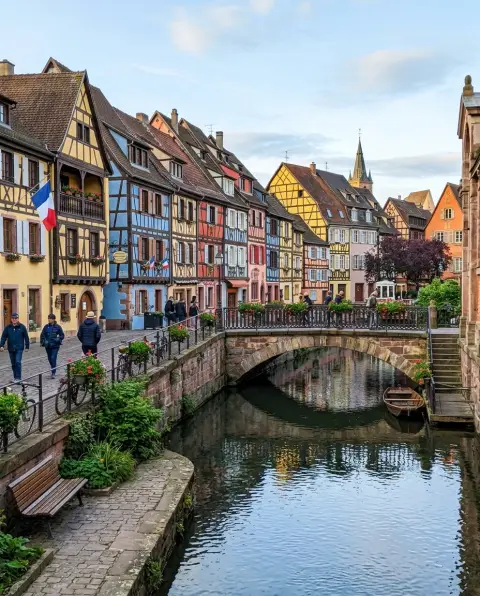
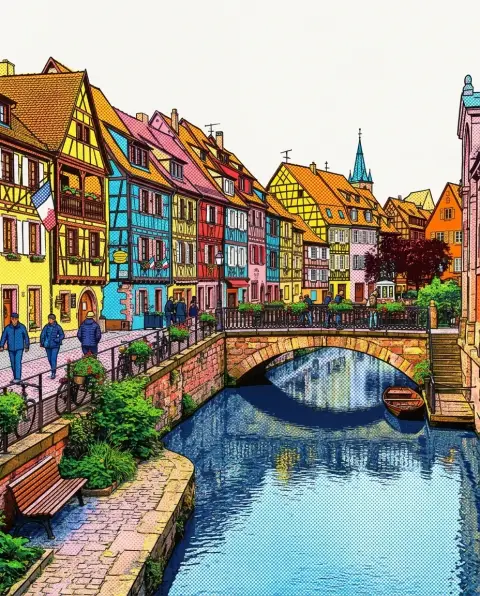 Style transfer
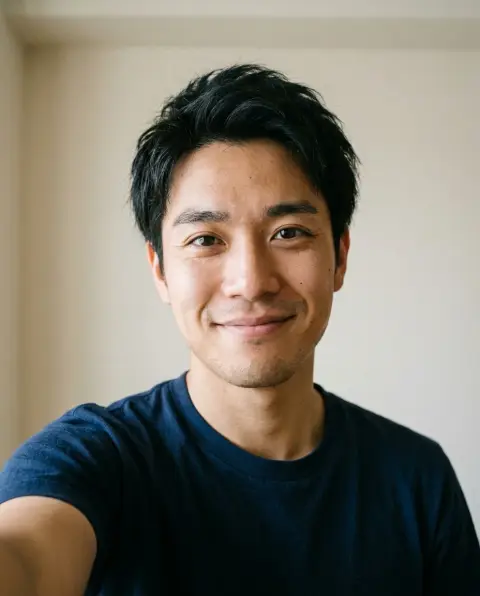
 Glasses filter
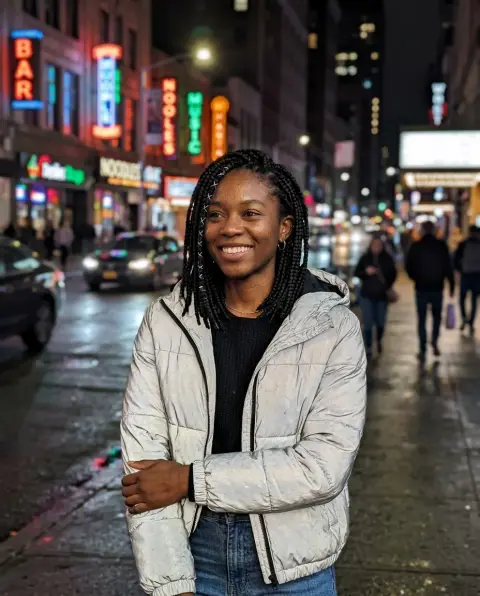
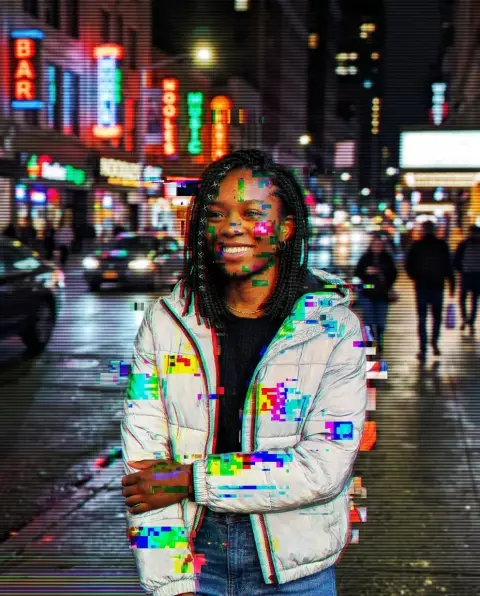 Glitch effect
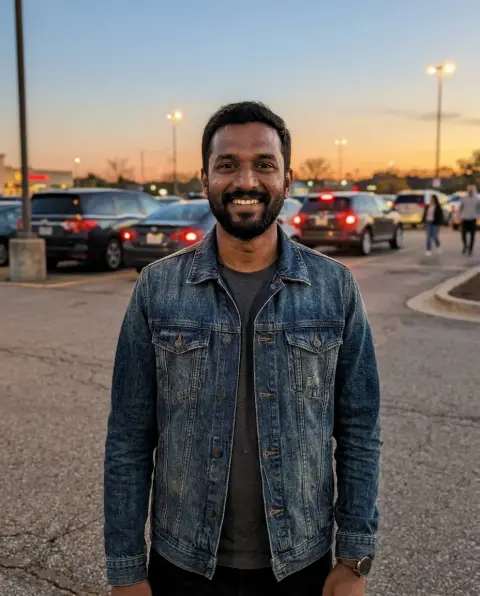
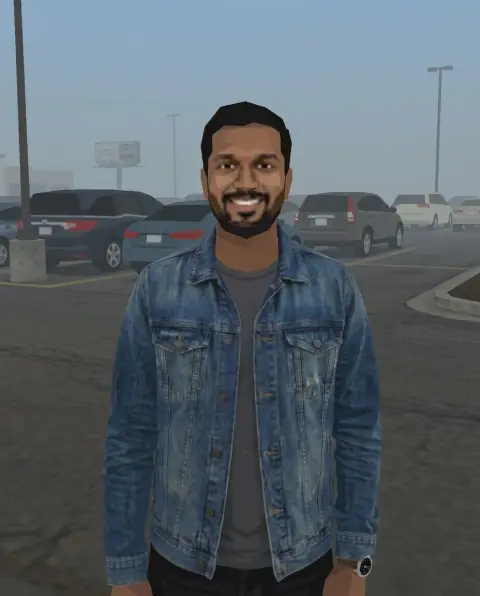 PS2 filter
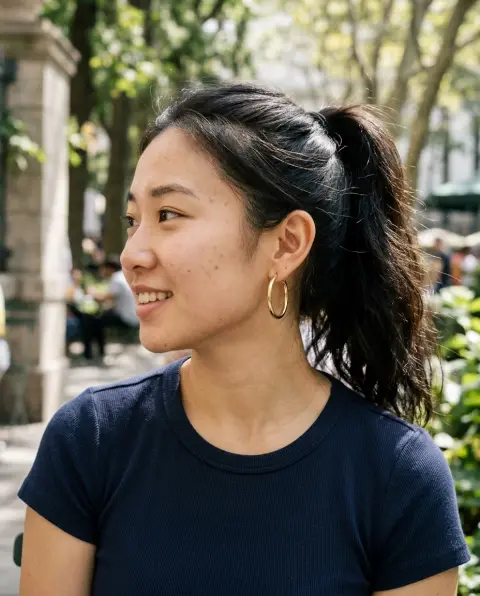
 Photo to line drawing
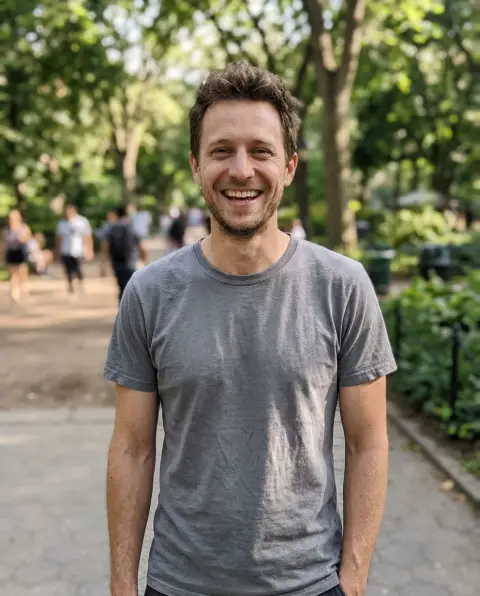
 Fat filter
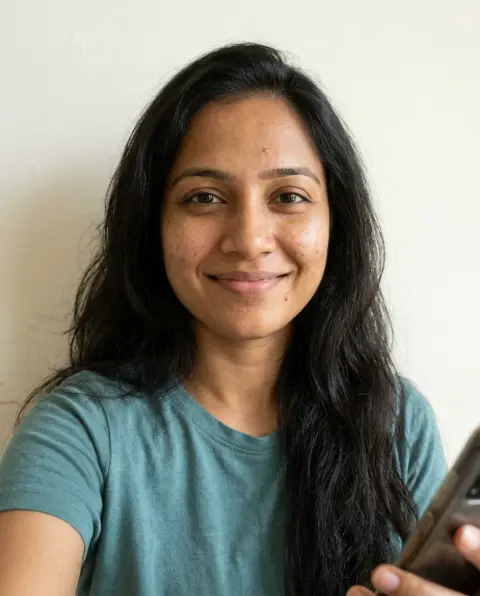
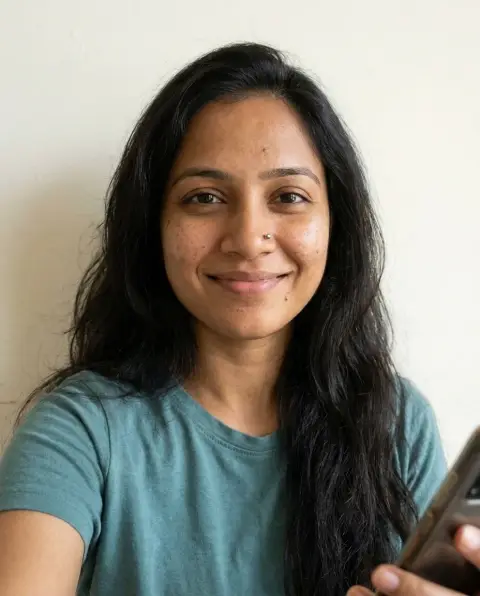 Piercing filter
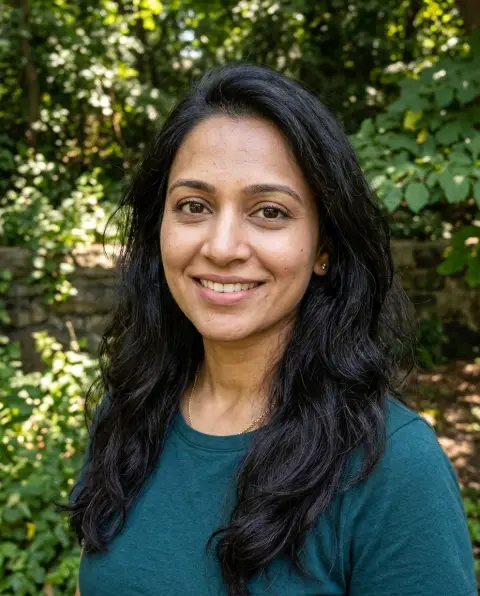
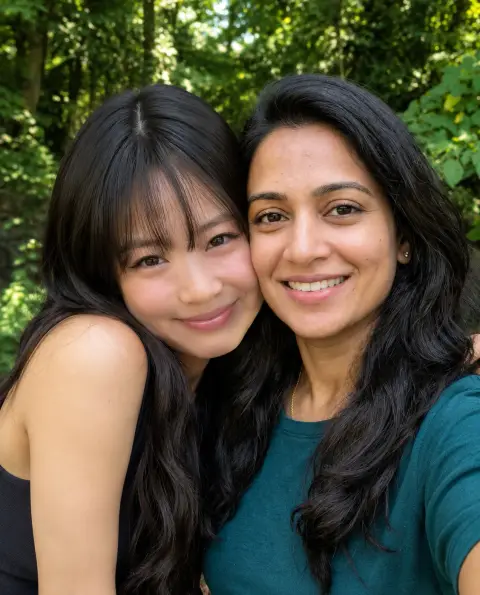 AI photo with Jennie
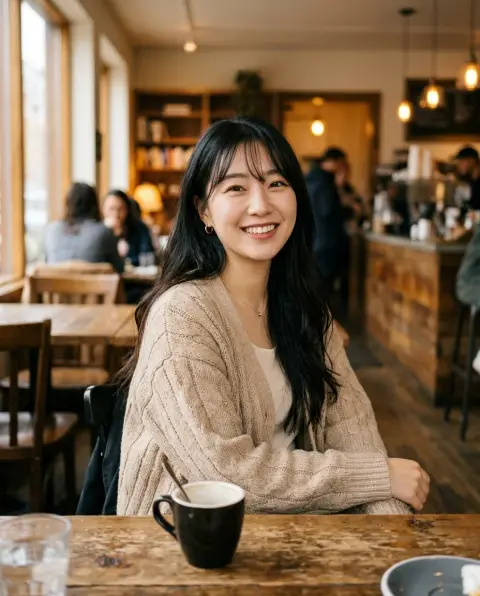
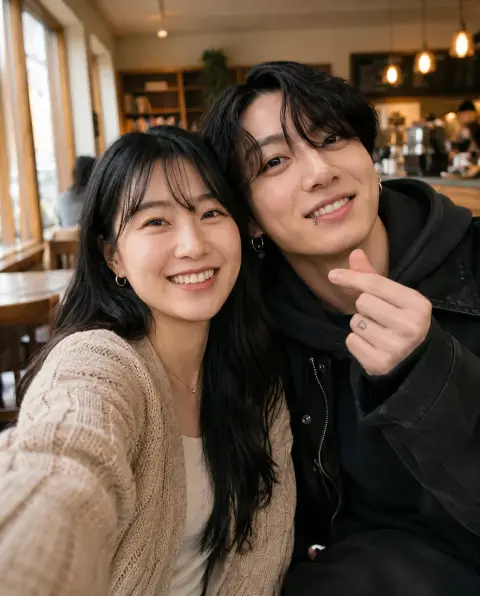 AI photo with Jungkook
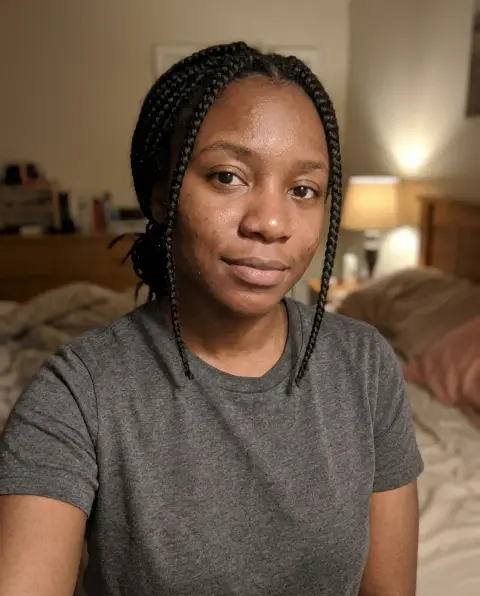
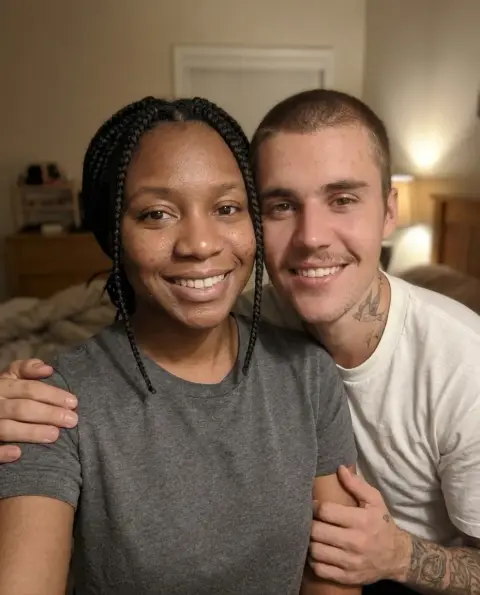 AI photo with Justin Bieber
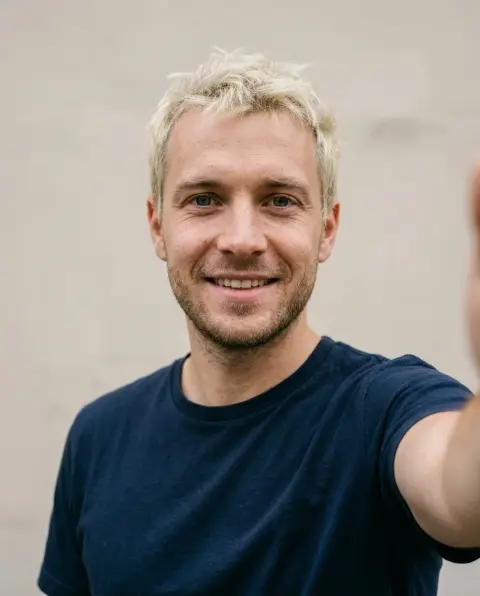
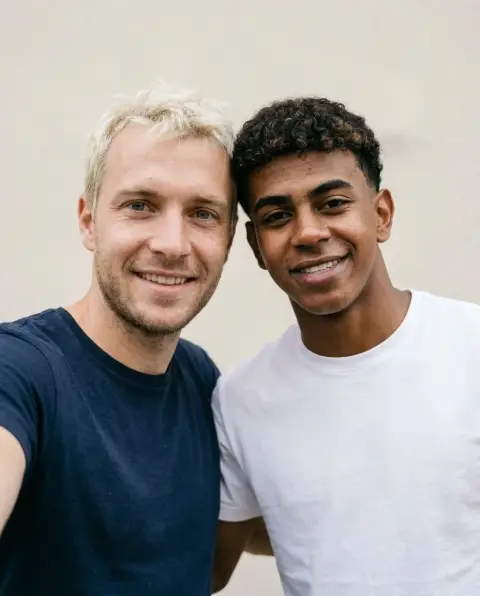 AI photo with Lamine Yamal
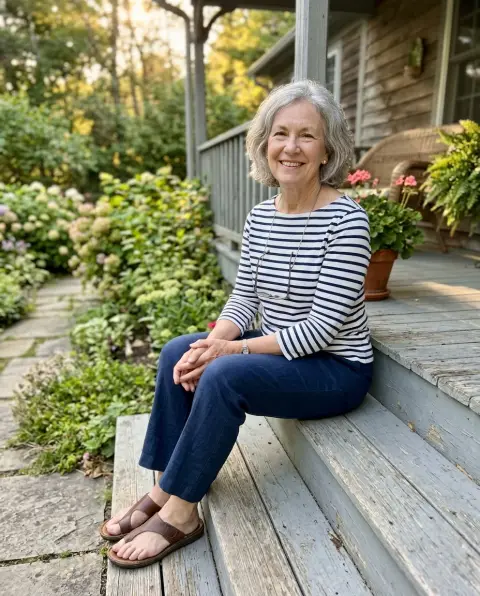
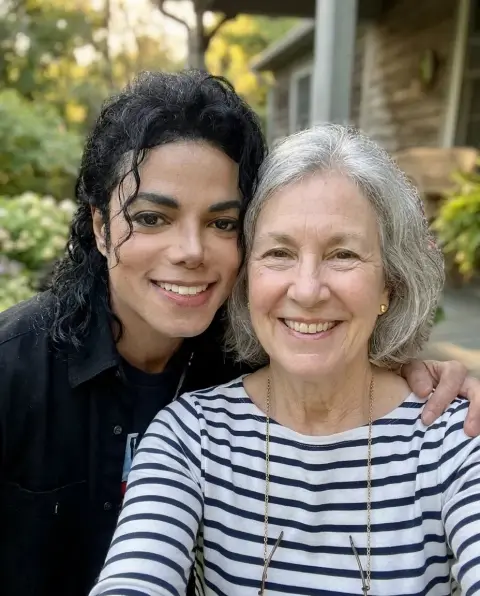 AI photo with Michael Jackson
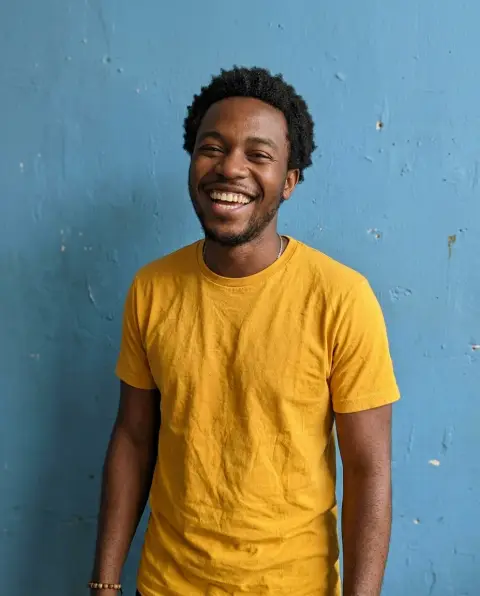
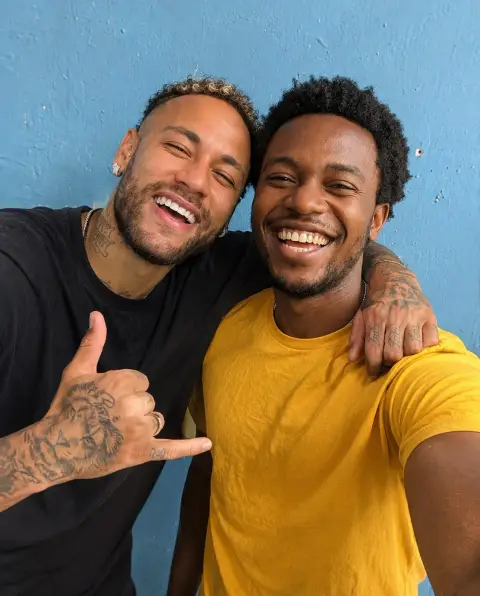 AI photo with Neymar
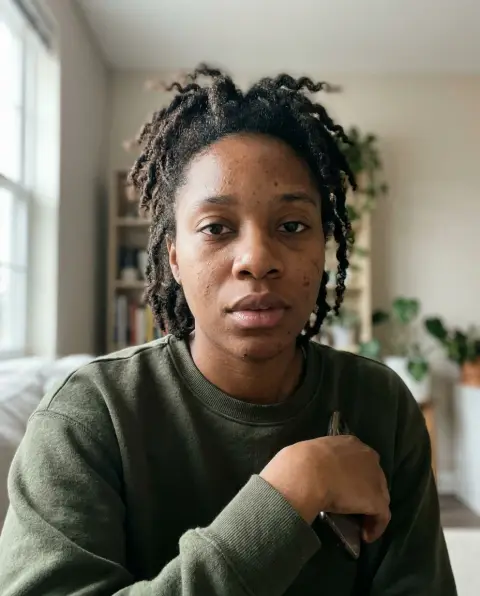
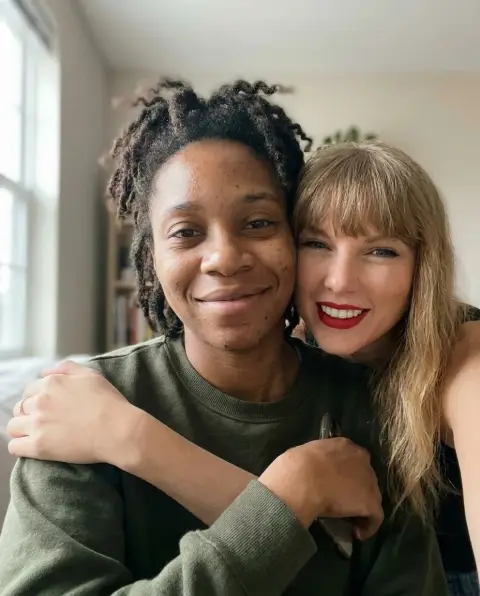 AI photo with Taylor Swift
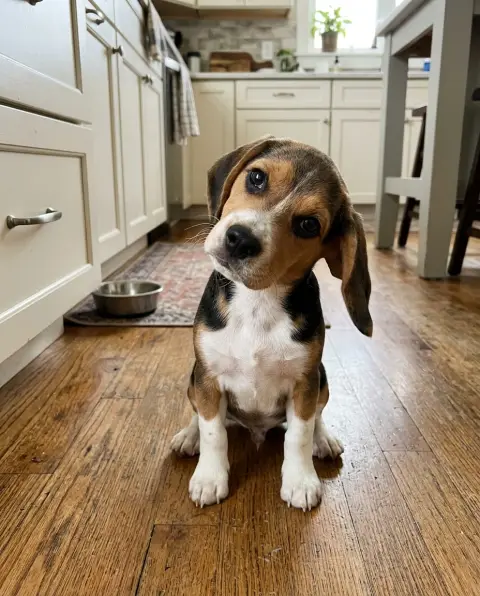
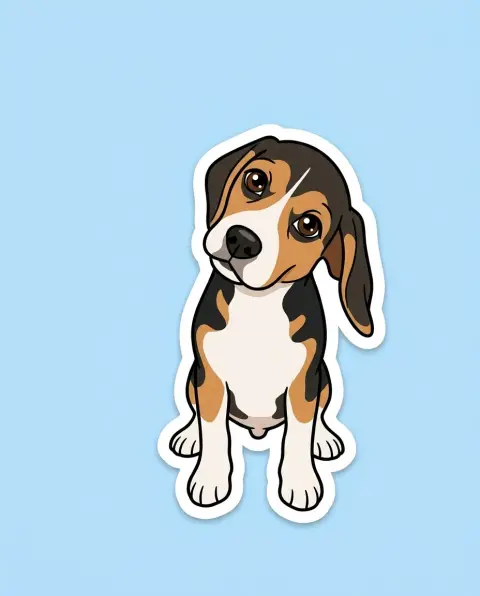 Cartoonize my pet
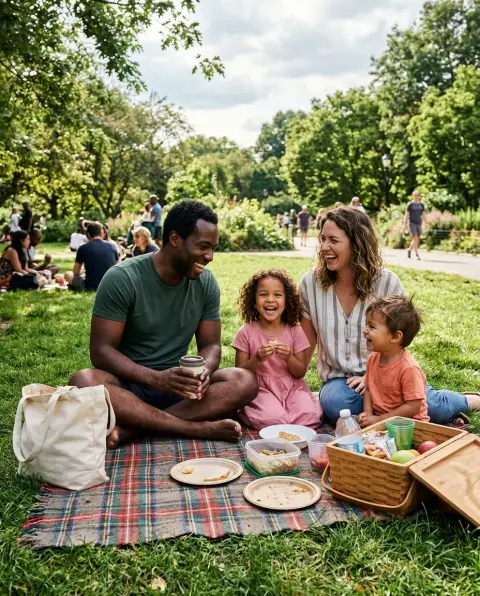
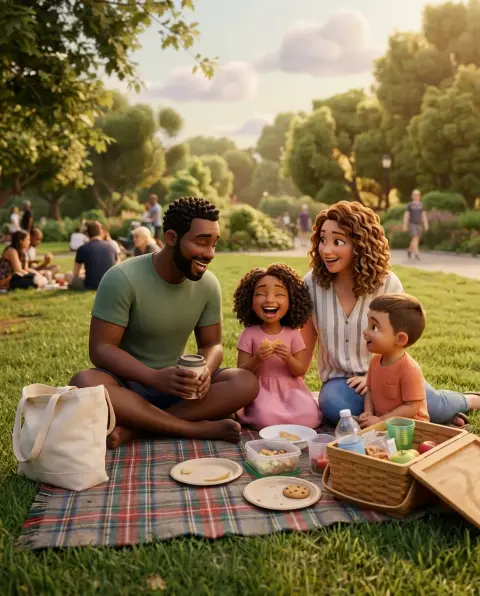 Photo to 3D cartoon
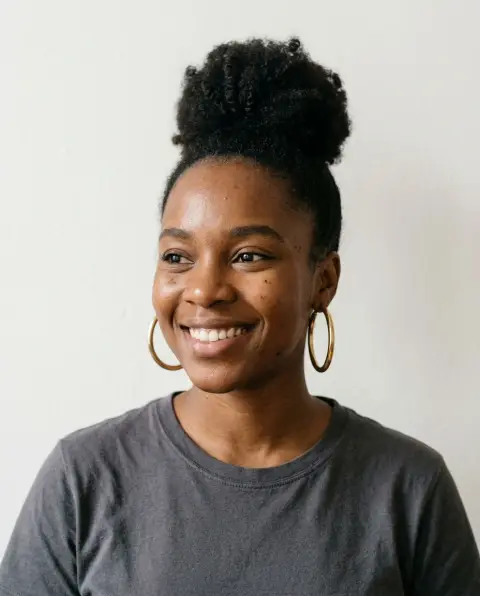
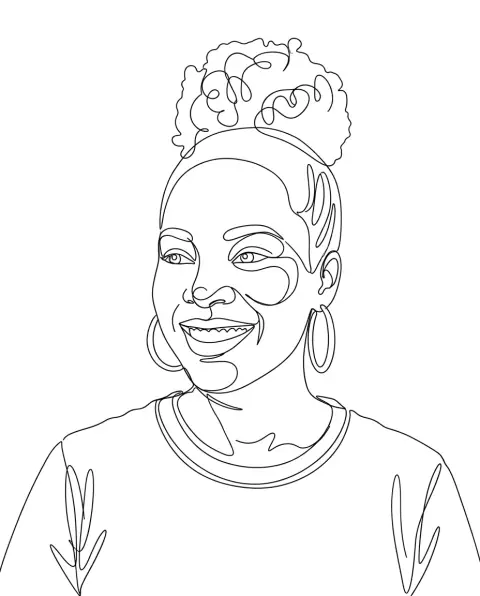 One line art
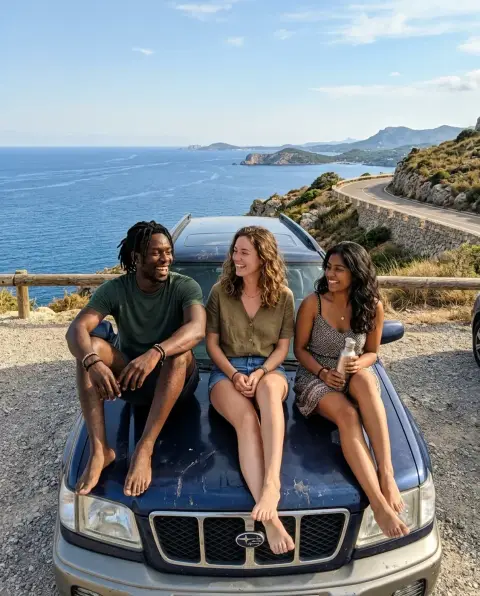
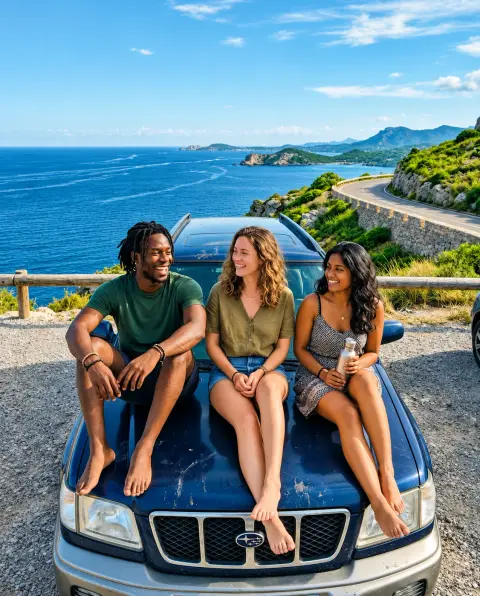 Clarendon filter
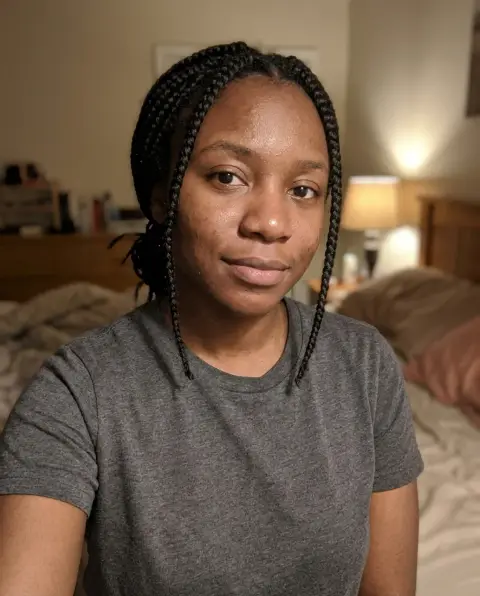
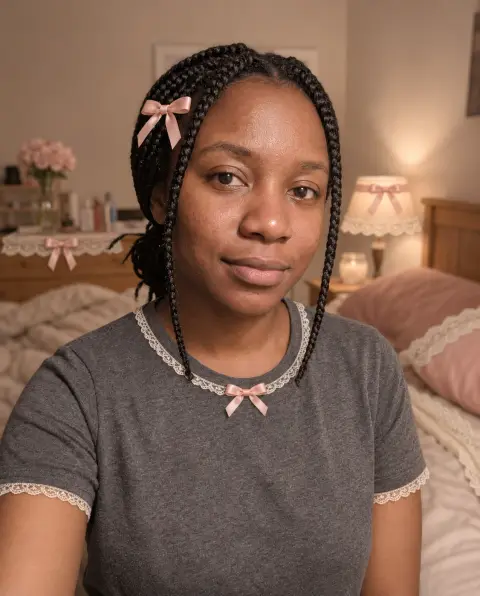 Coquette filter
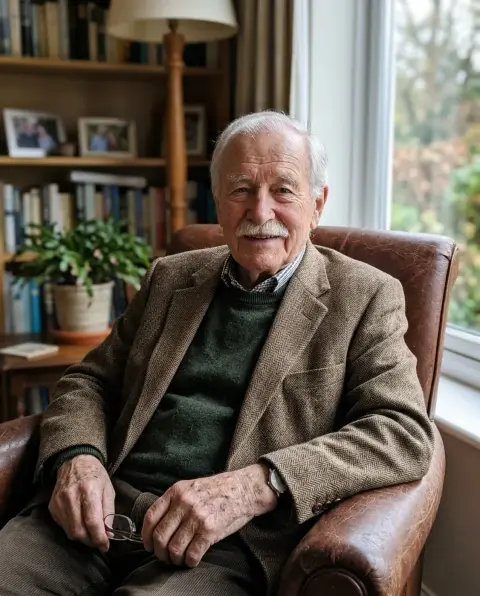
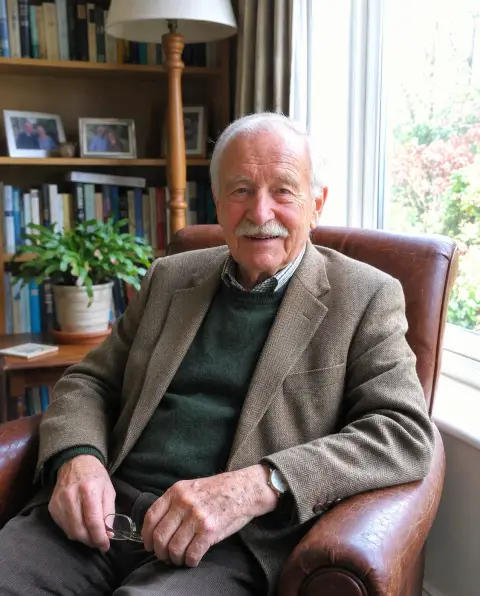 iPhone 4 filter
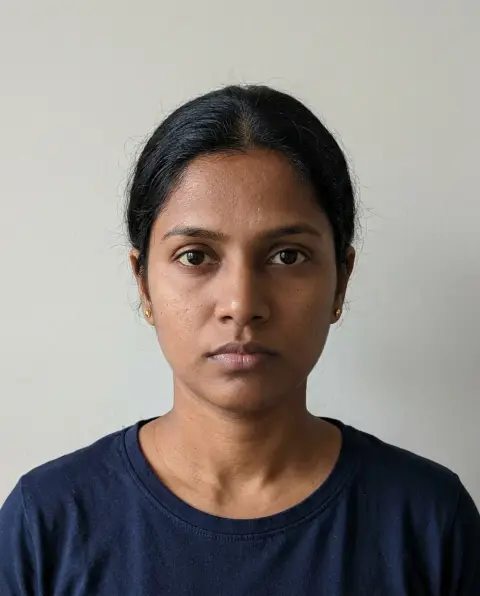
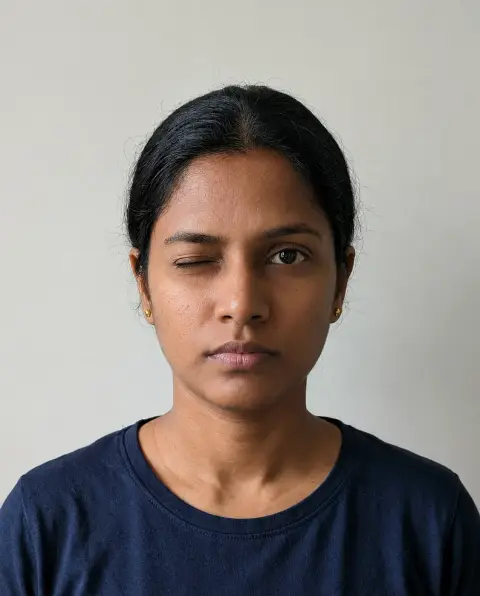 Wink filter
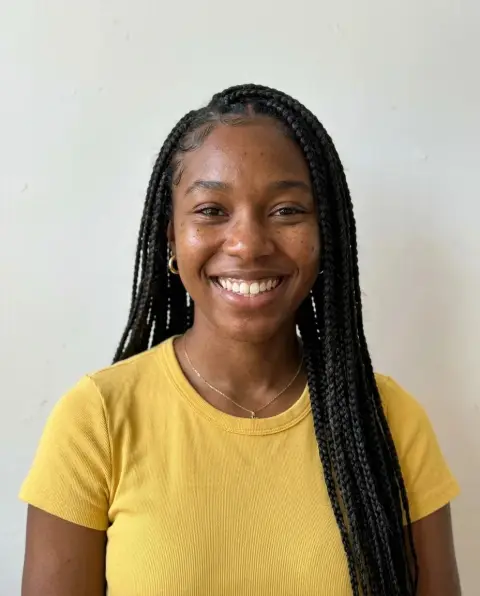
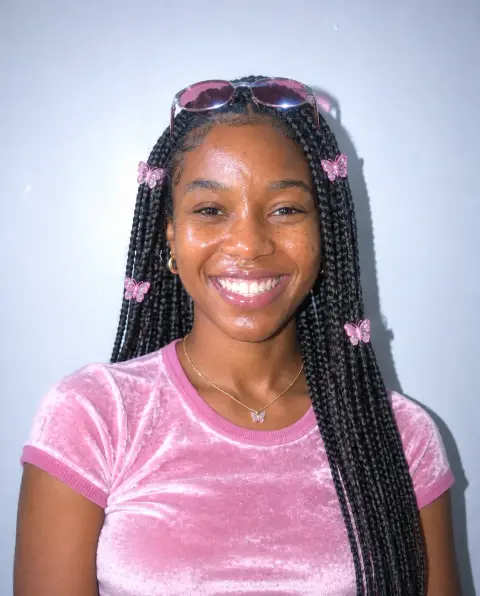 Y2K filter
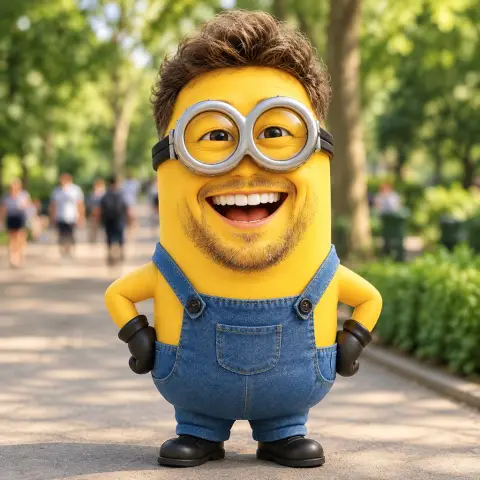 Minion filter
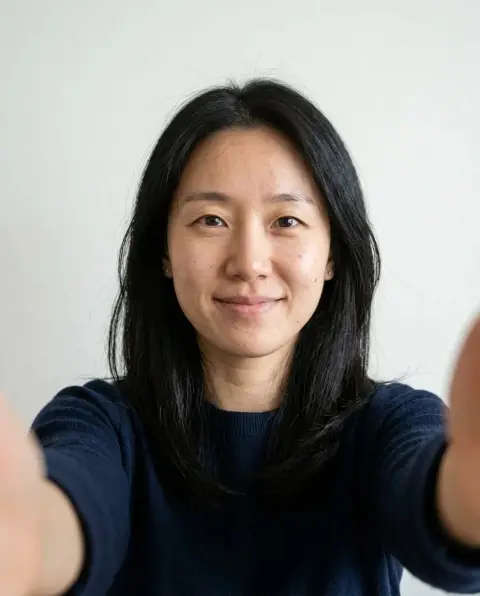
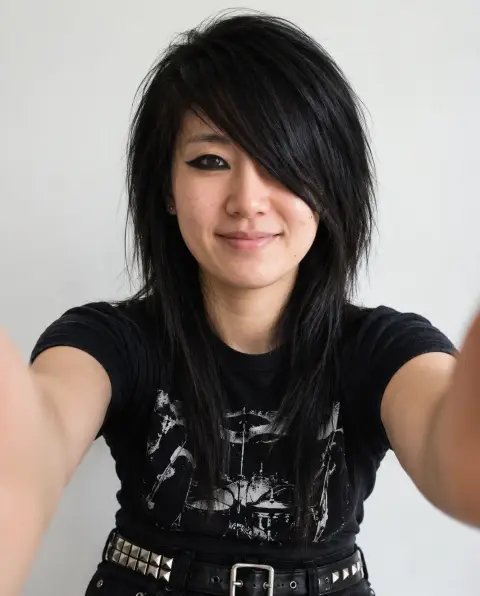 Emo and goth filter
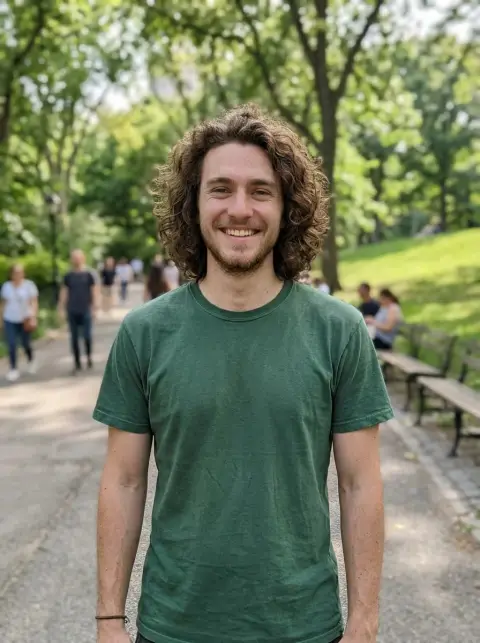
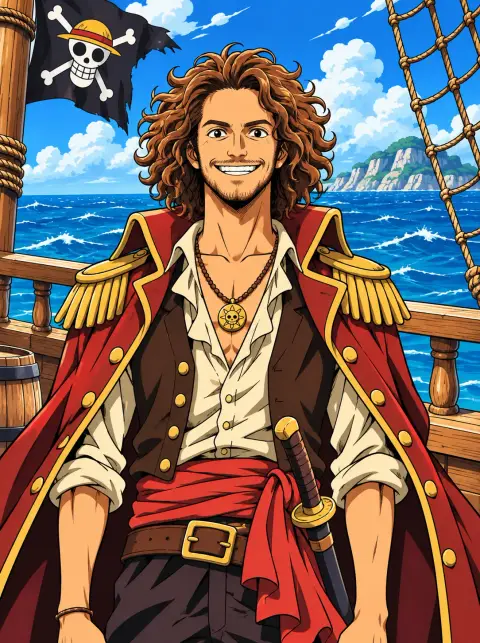 One Piece filter
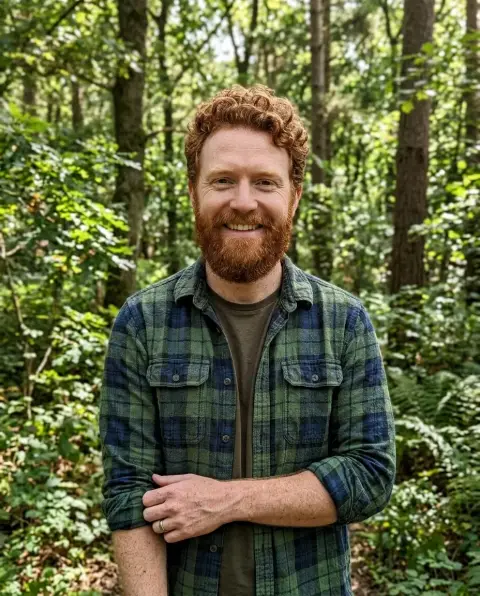
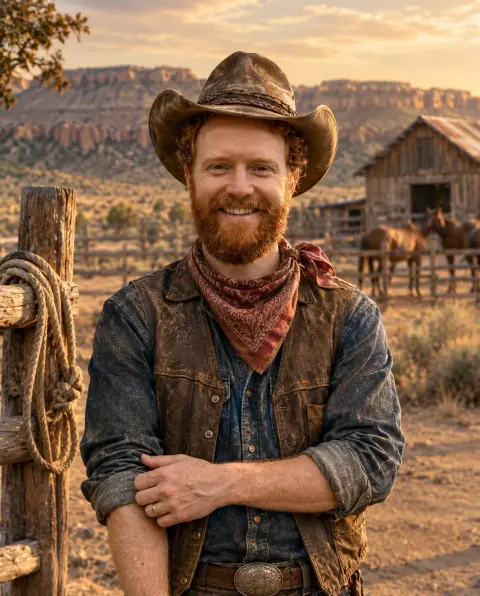 Cowboy filter
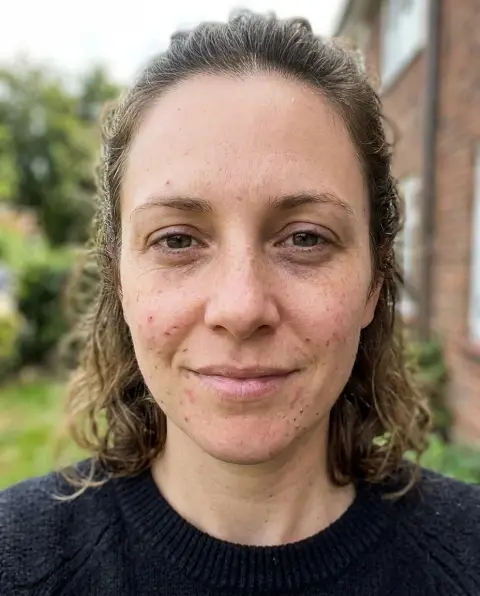
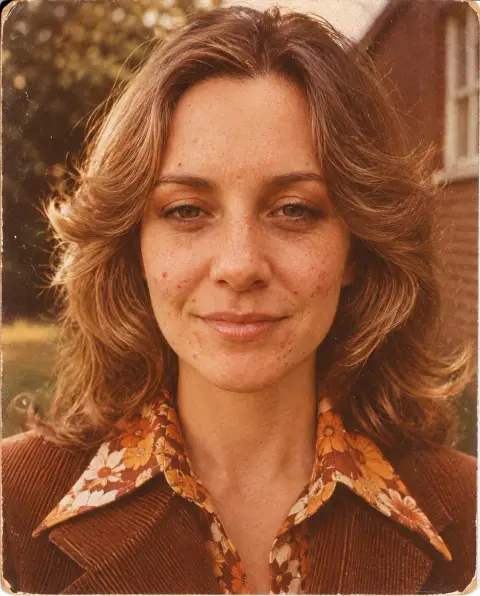 70s filter
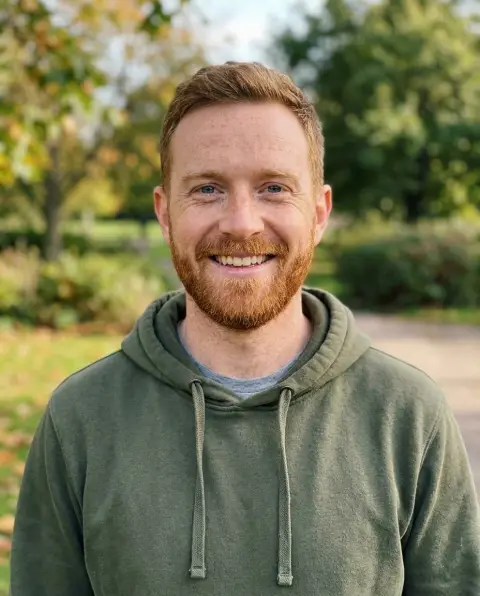
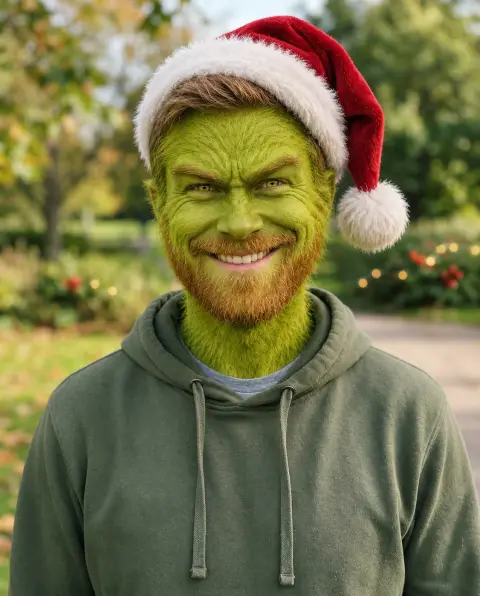 Grinch filter
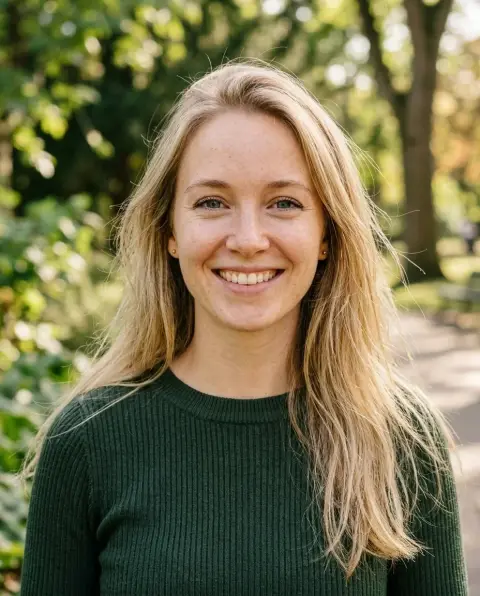
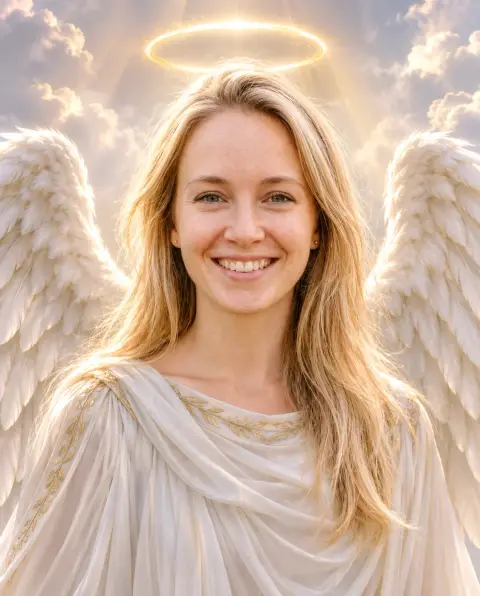 Angel filter
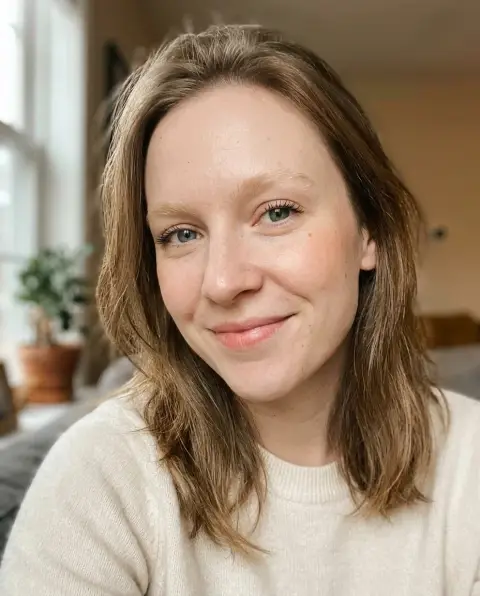
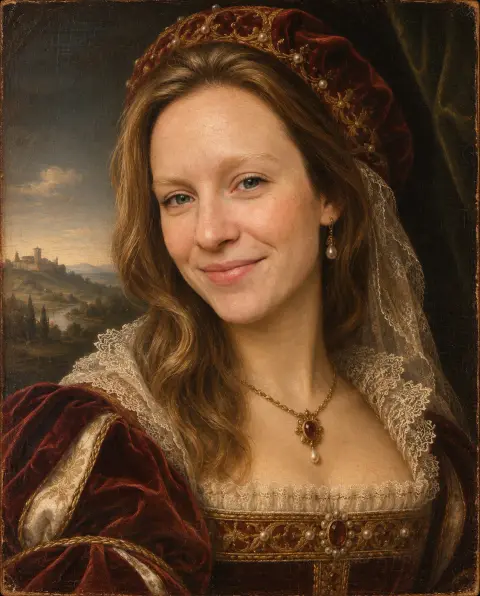 Renaissance filter
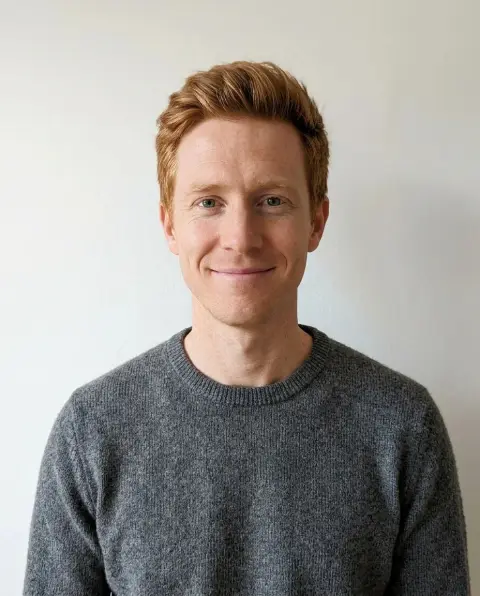
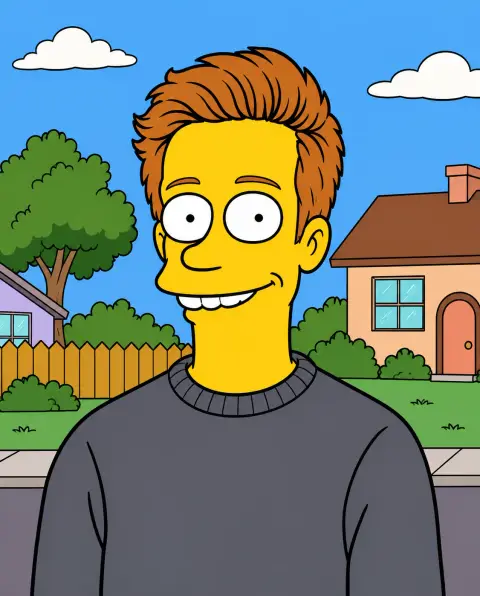 Simpsons filter
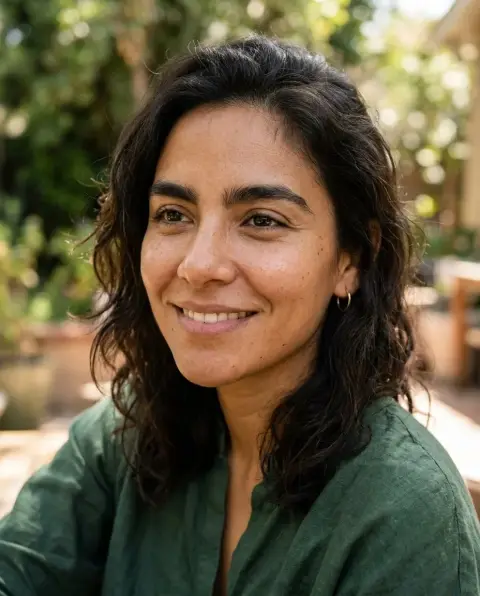
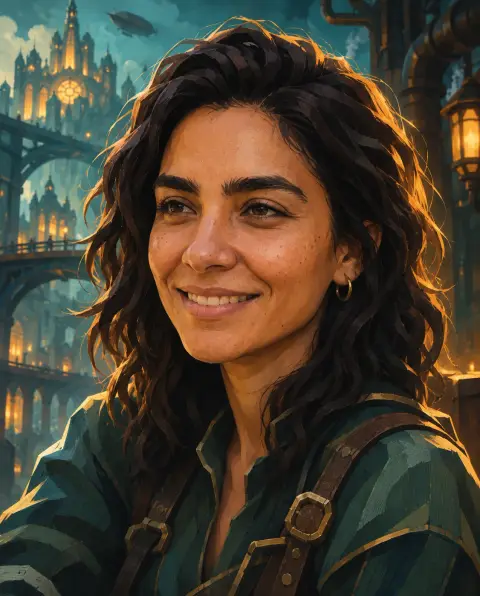 Arcane filter
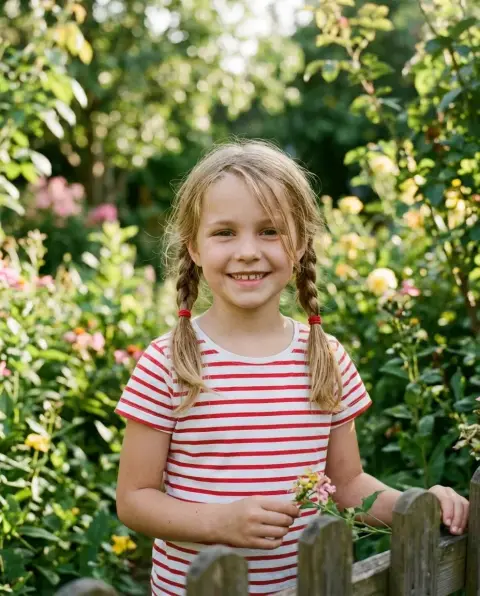
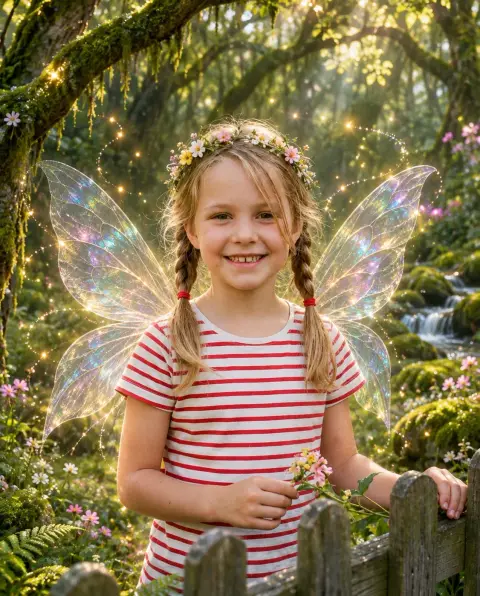 Fairy filter
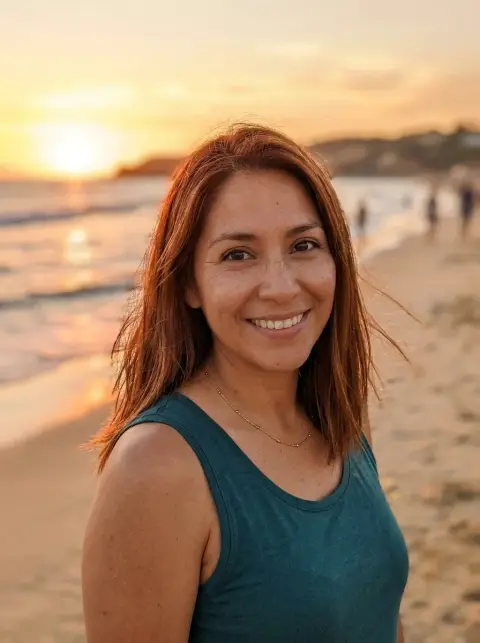
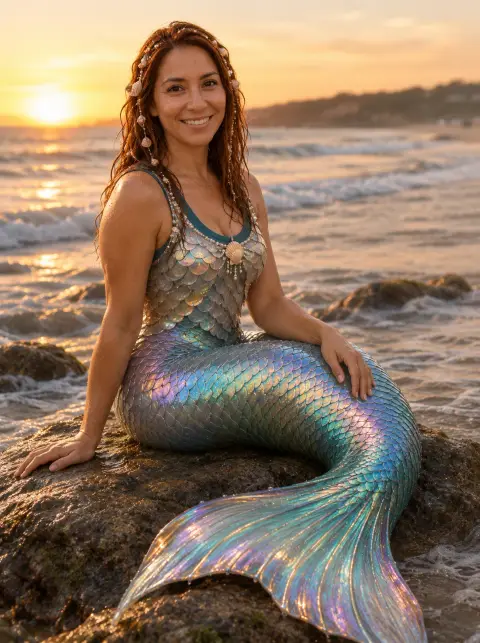 Mermaid filter
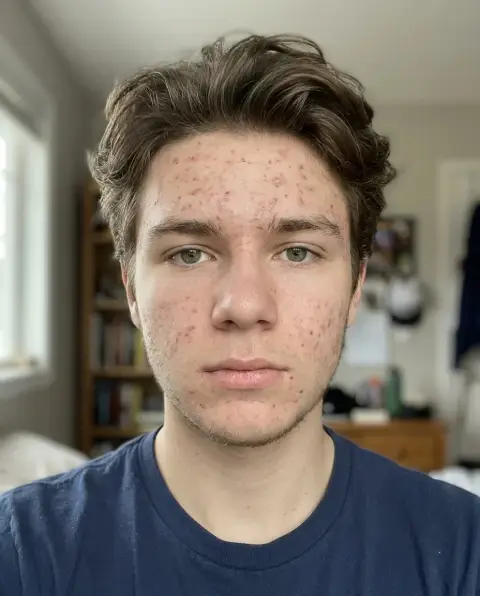
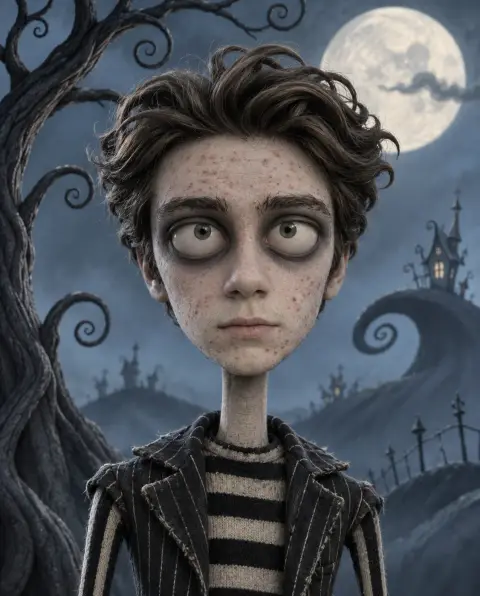 Tim Burton filter
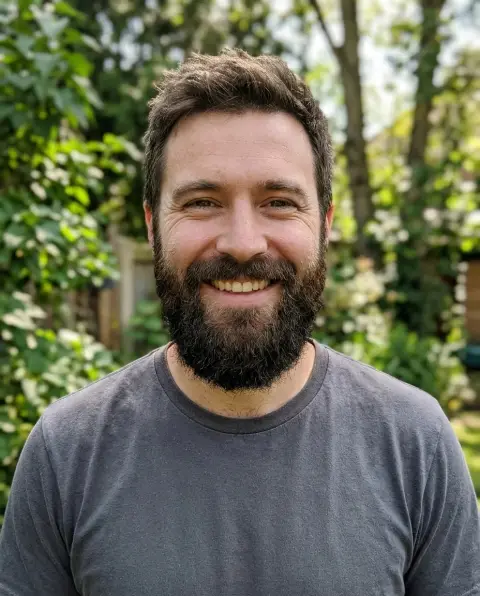
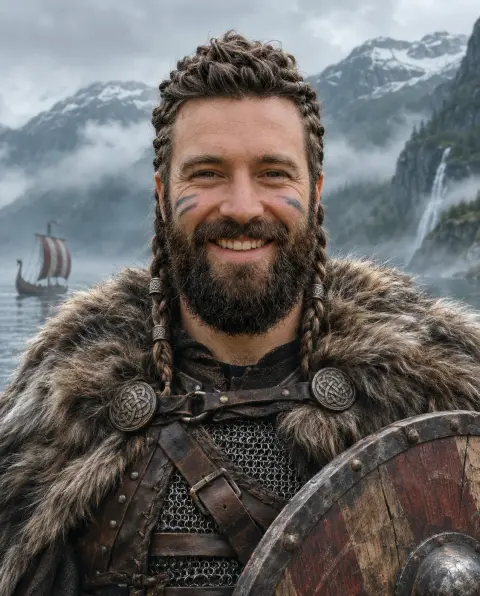 Viking filter
Create
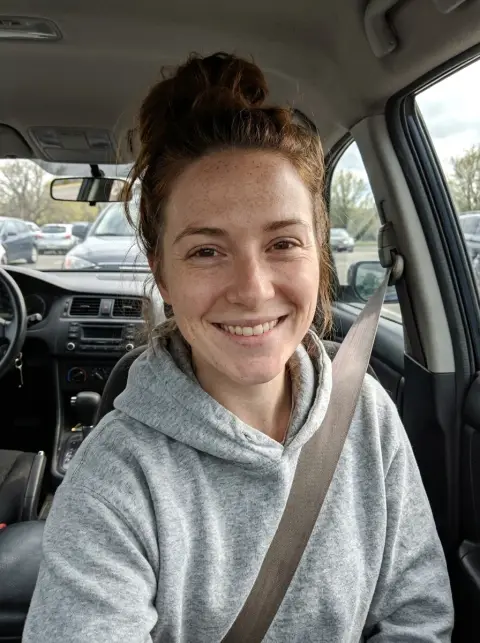
 AI headshot
 Avatar generator
 Logo generator
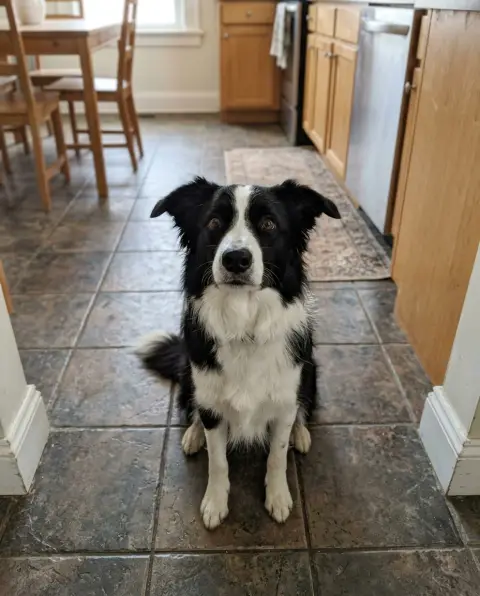
 Pet portrait generator
 YouTube thumbnail generator
 Album cover generator
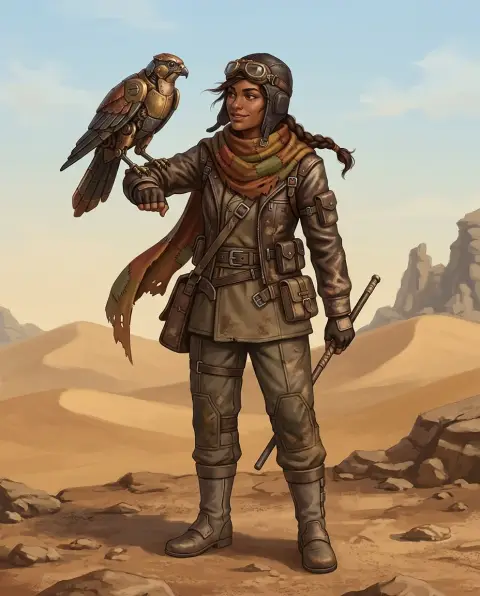 Character generator
 Tattoo generator
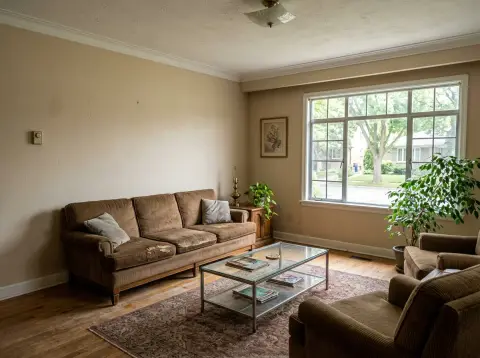
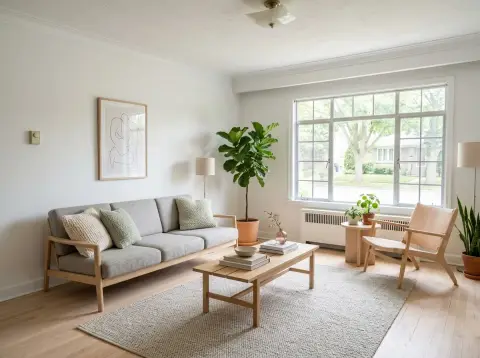 AI interior design
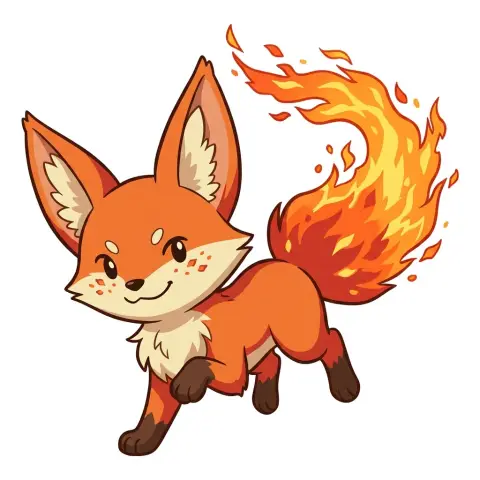 Pokemon generator
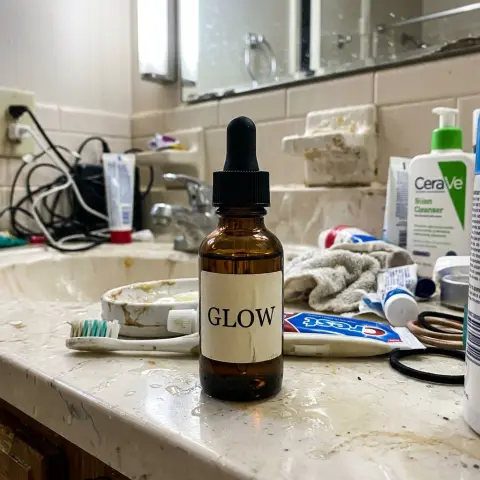
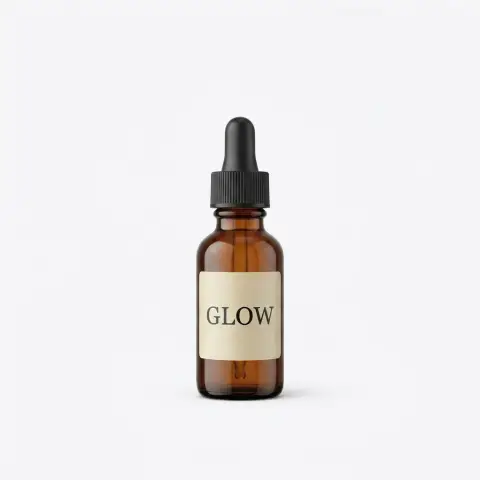 AI product photography
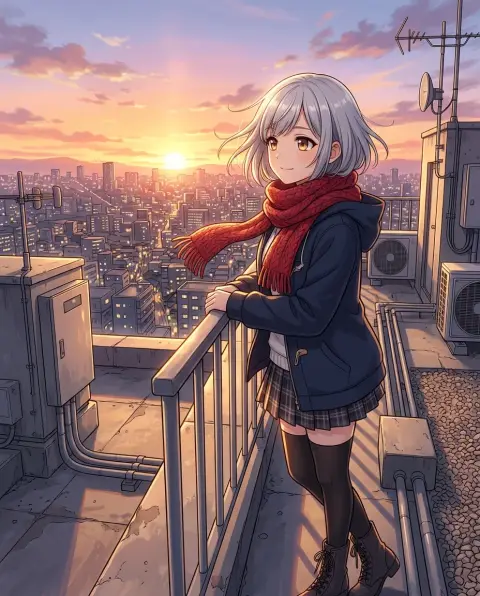 Anime generator
 Flag generator
 Flyer generator
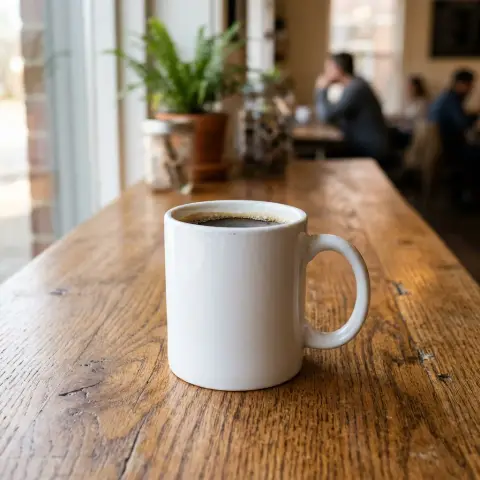
 Mockup generator
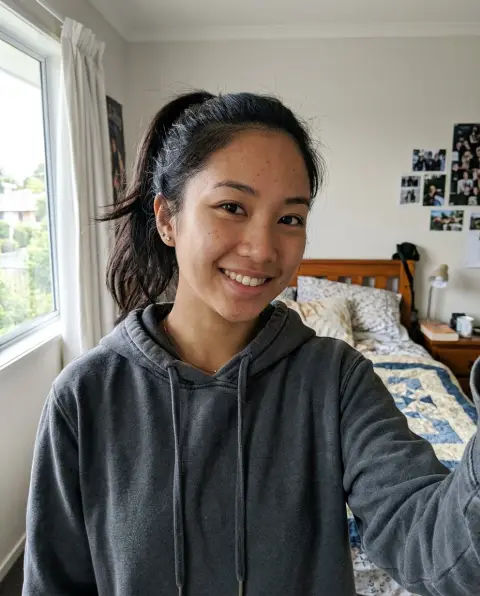
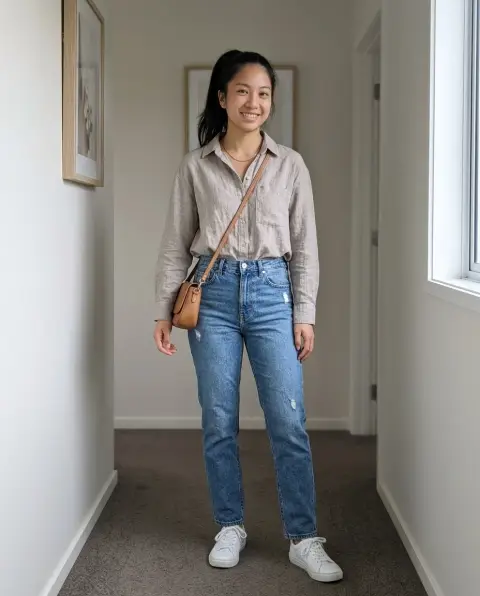 Outfit generator
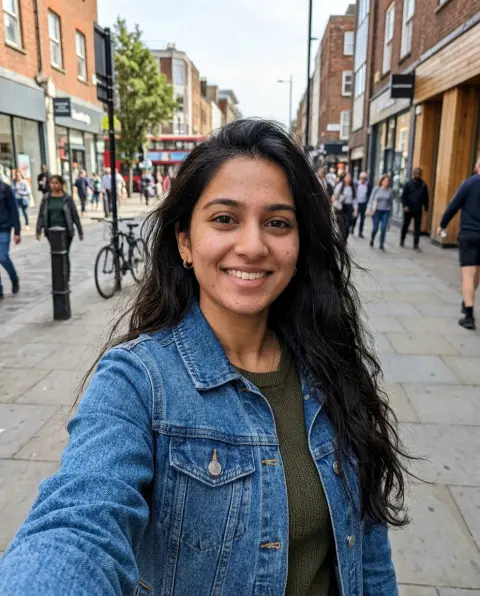
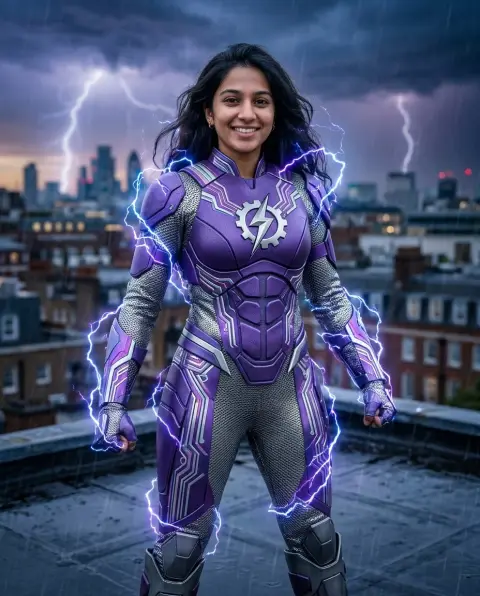 Superhero generator
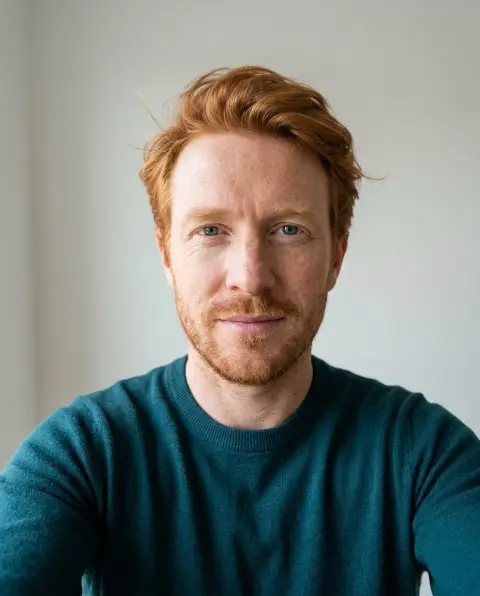
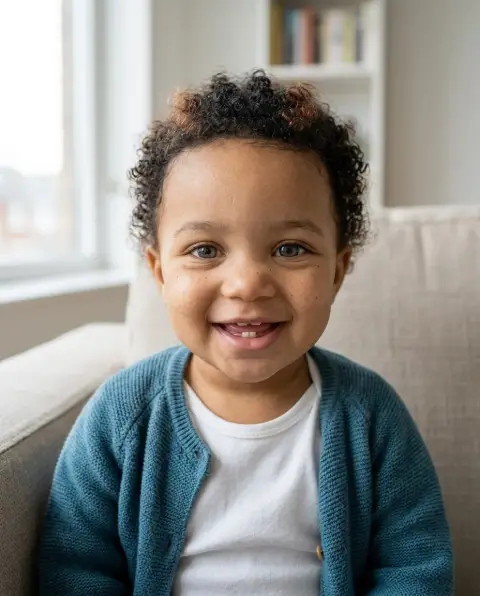 Baby generator
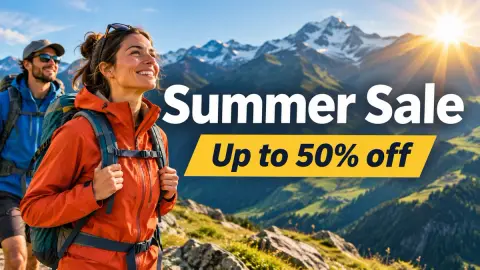 Banner generator
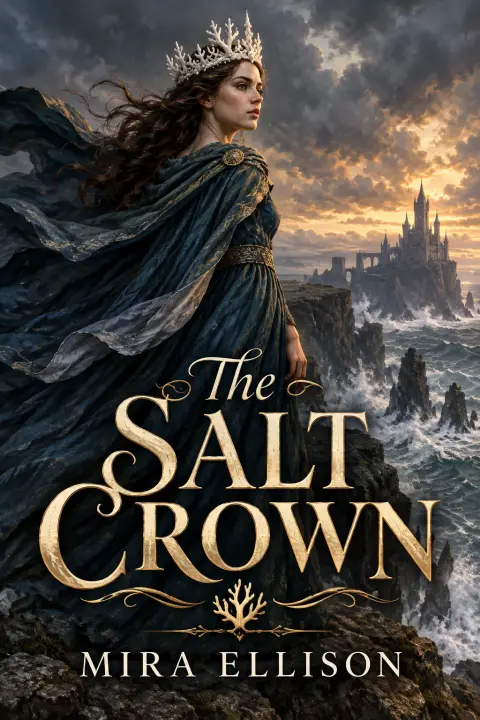 Book cover generator
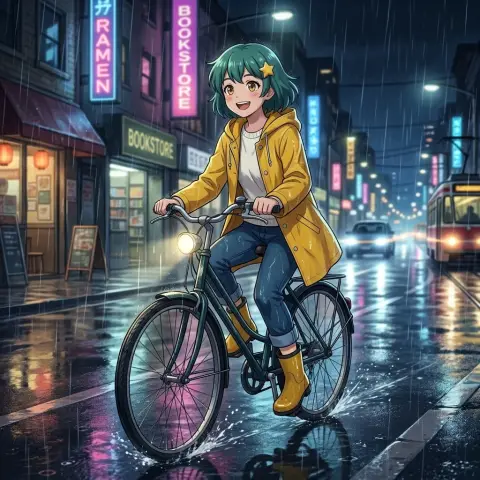 Consistent character generator
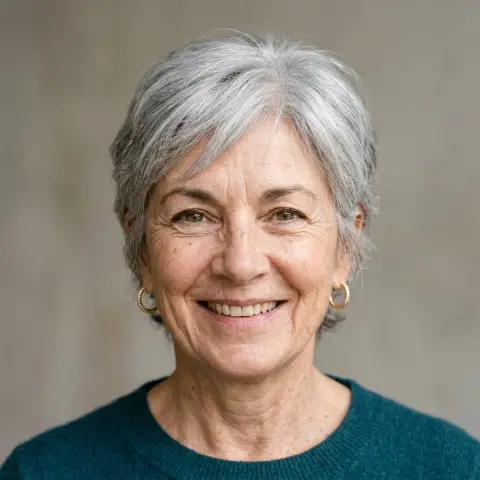 Face generator
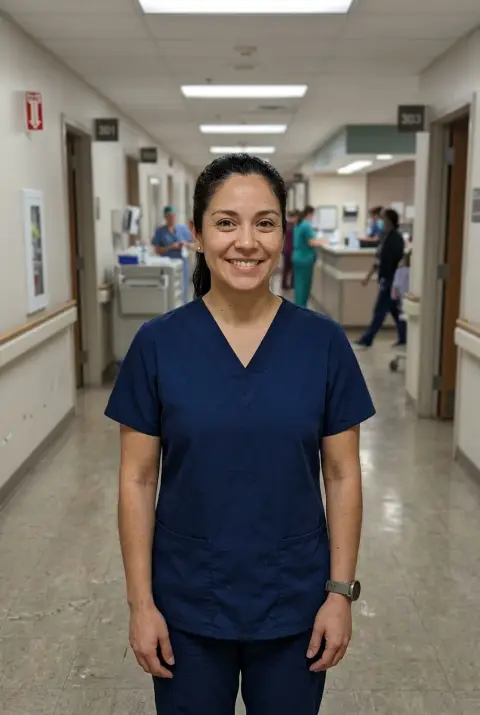
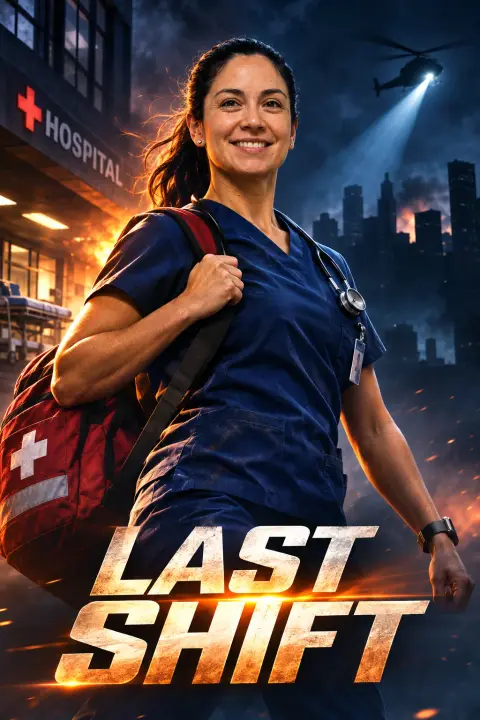 Movie poster generator
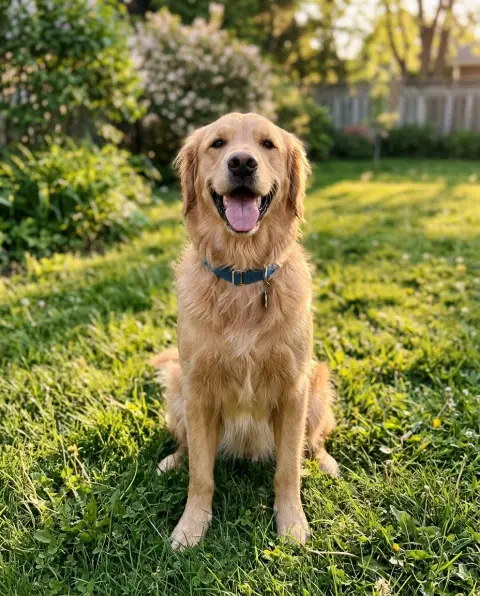
 Pet to human
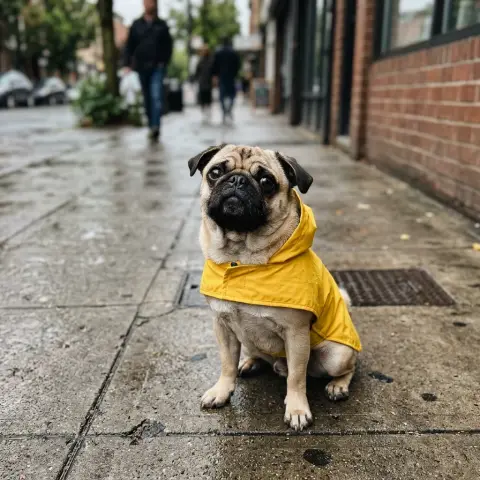
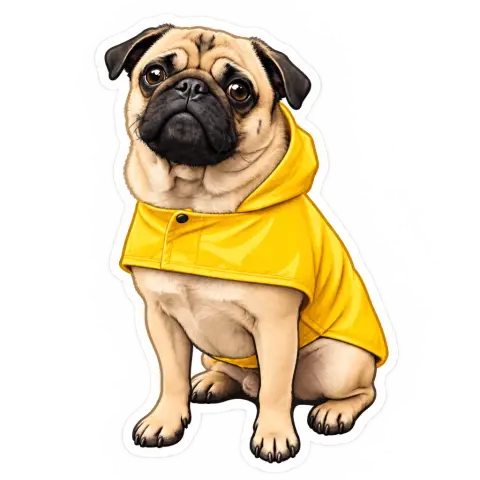 Sticker generator
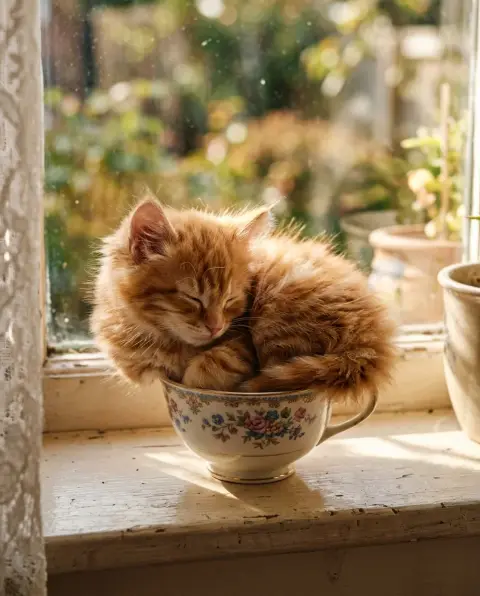 Cat generator
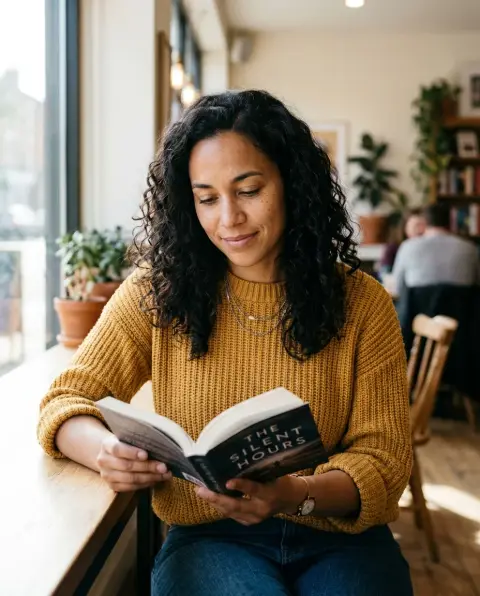 AI girl generator
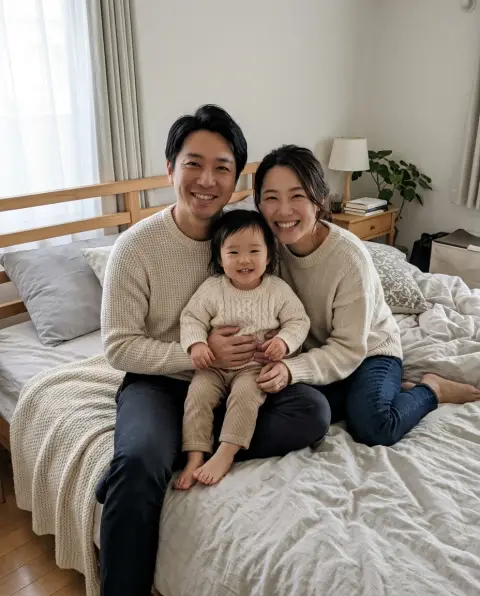
 Christmas card generator
 Clipart generator
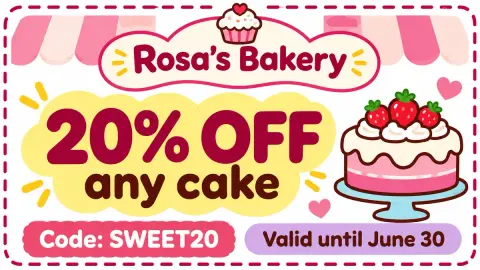 Coupon generator
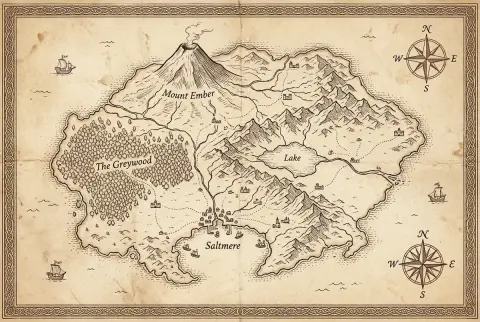 Fantasy map generator
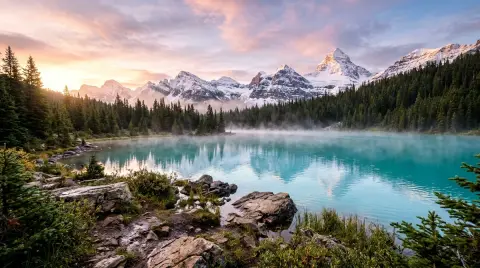 Landscape generator
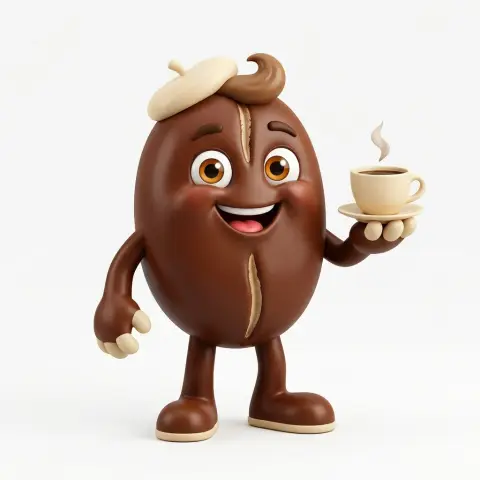 Mascot generator
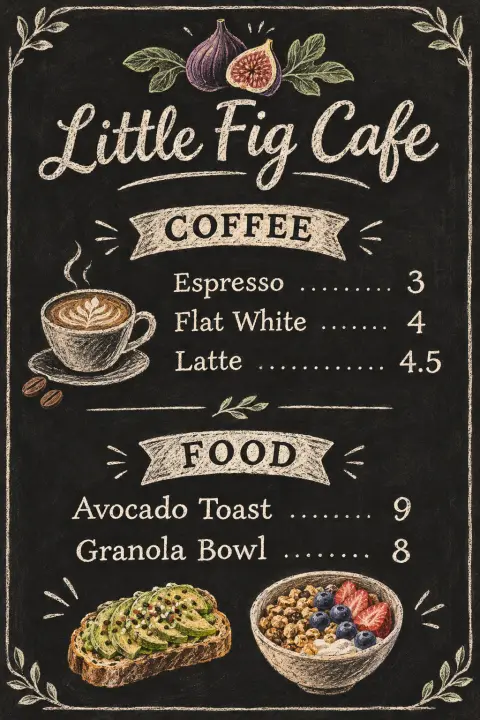 Menu generator
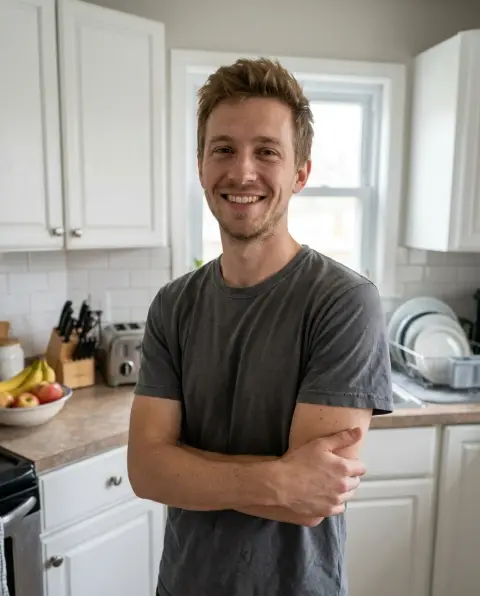
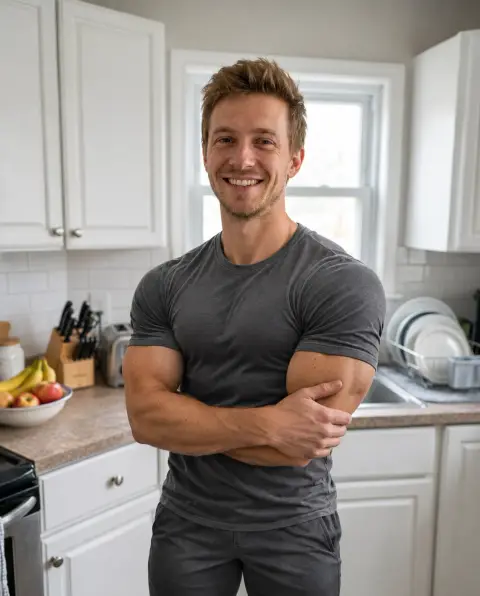 Muscle generator
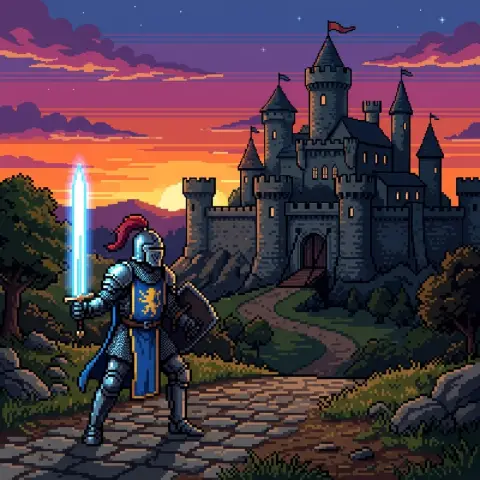 Pixel art generator
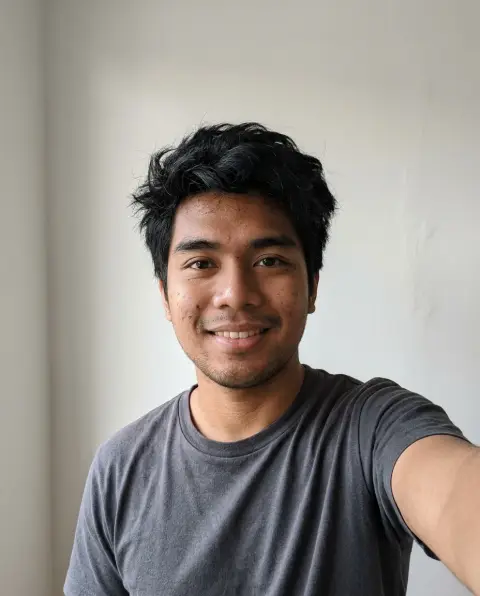
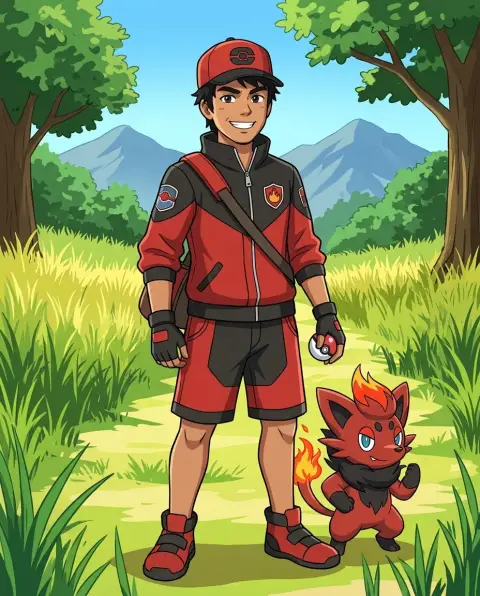 Pokemon trainer generator
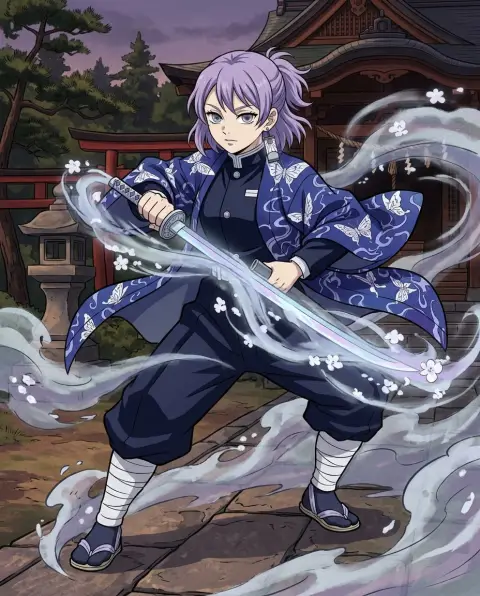 Demon Slayer OC generator
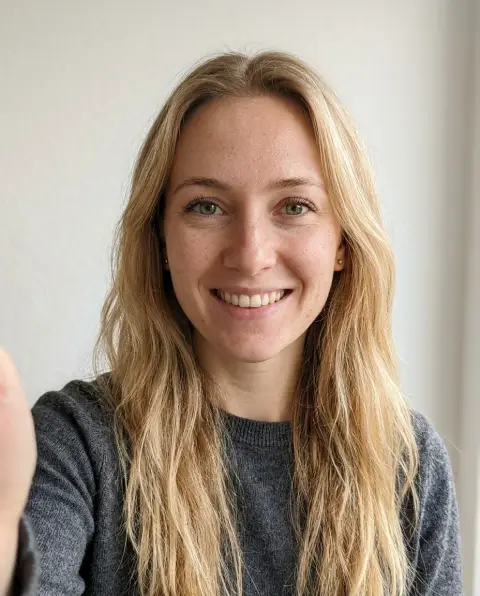
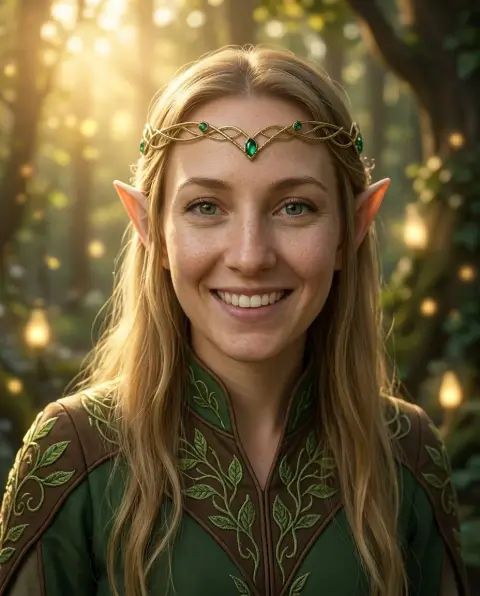 Elf generator
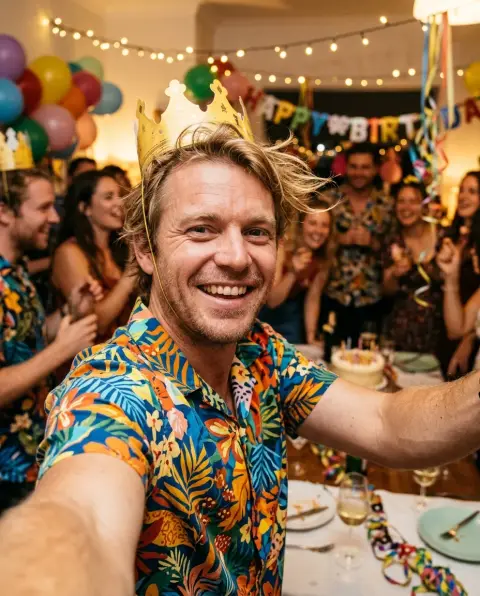
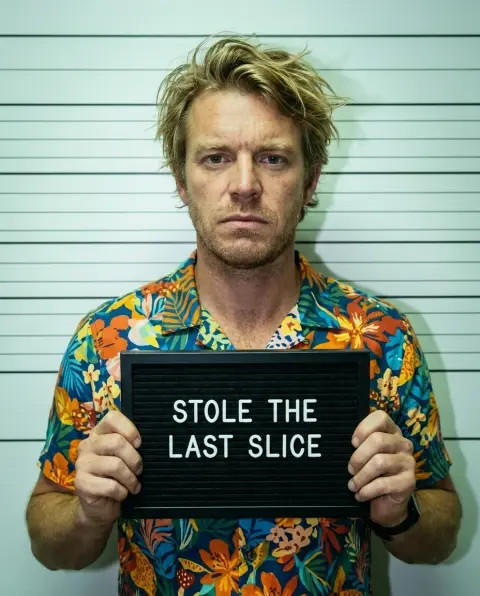 Mugshot generator
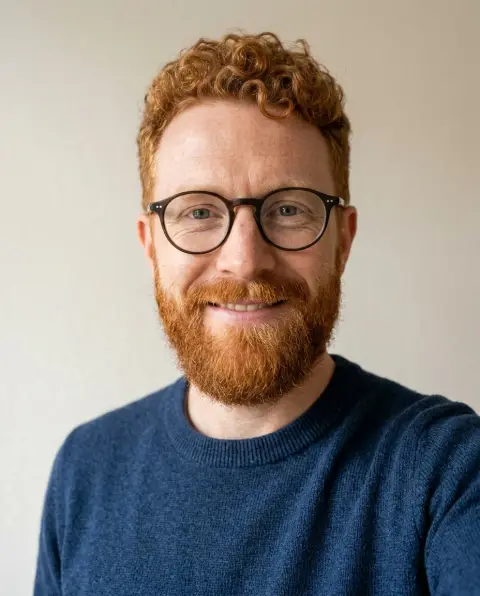
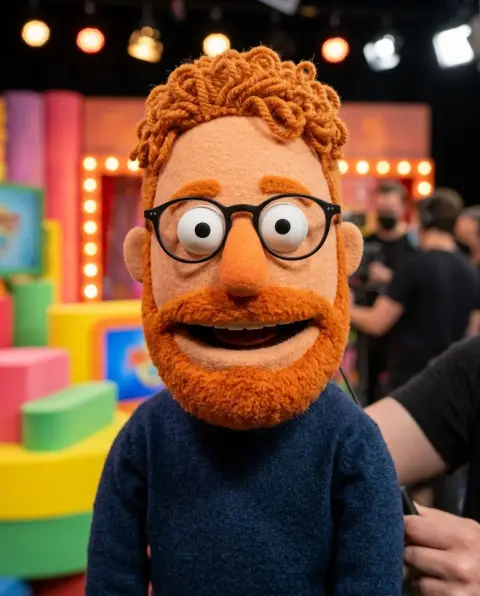 Muppet generator
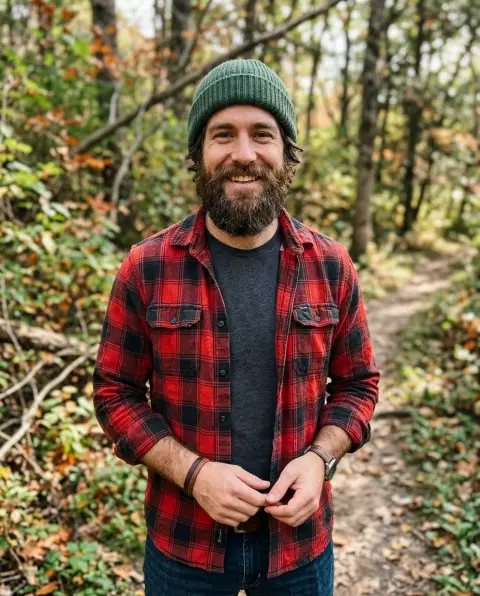
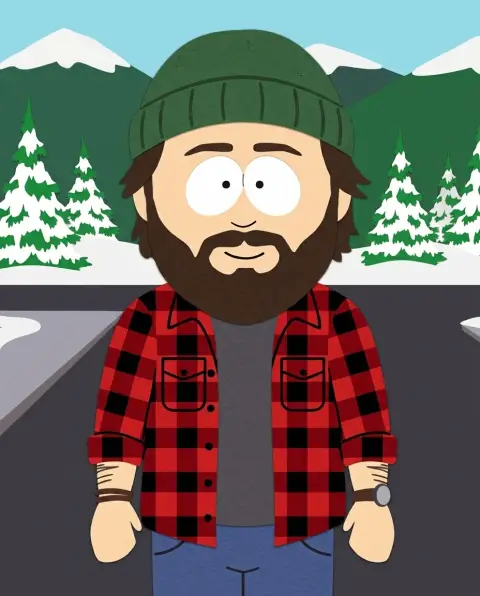 South Park character generator
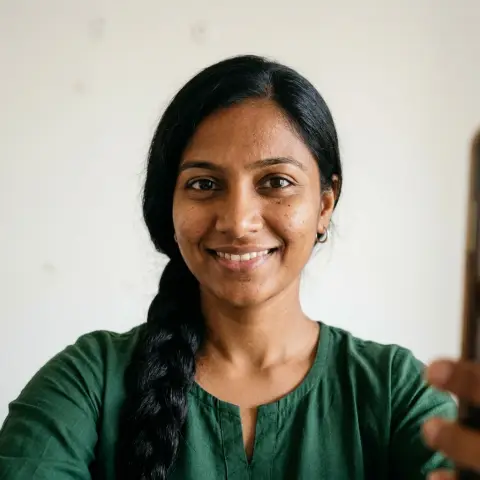
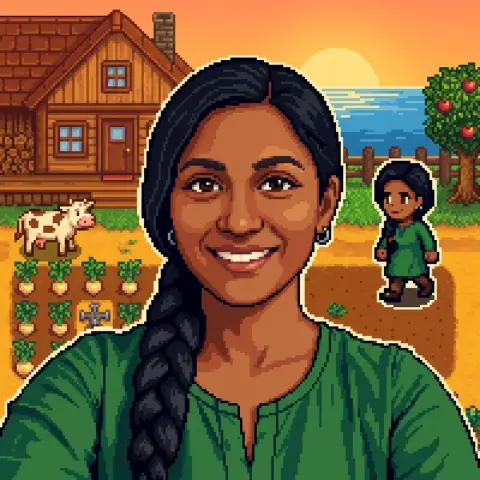 Stardew Valley character generator
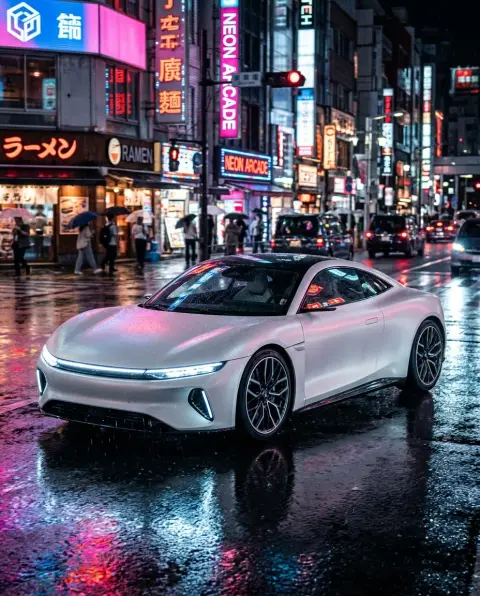 AI car generator
 AI emoji generator
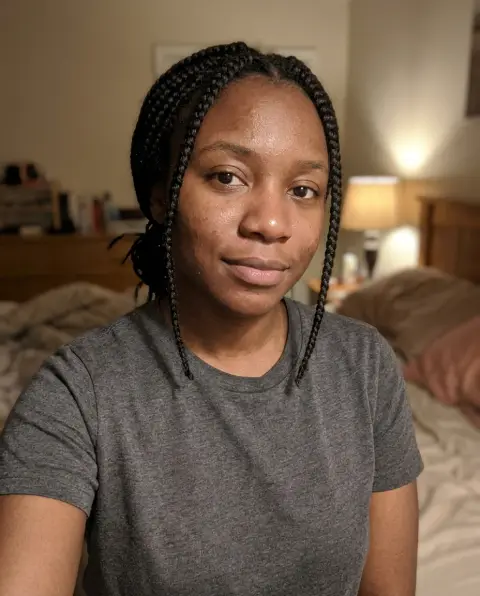
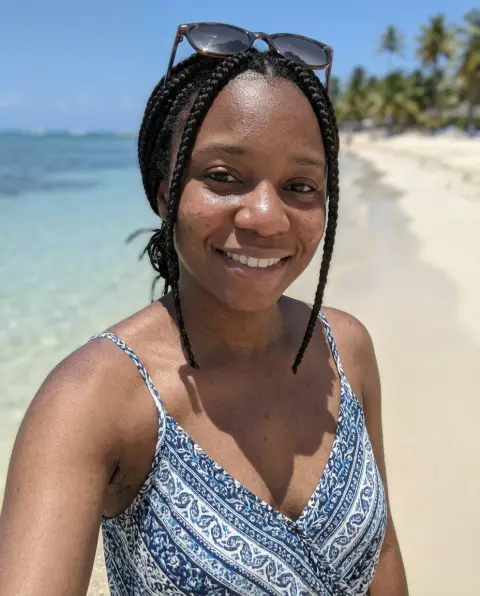 Selfie generator
 T-shirt design generator
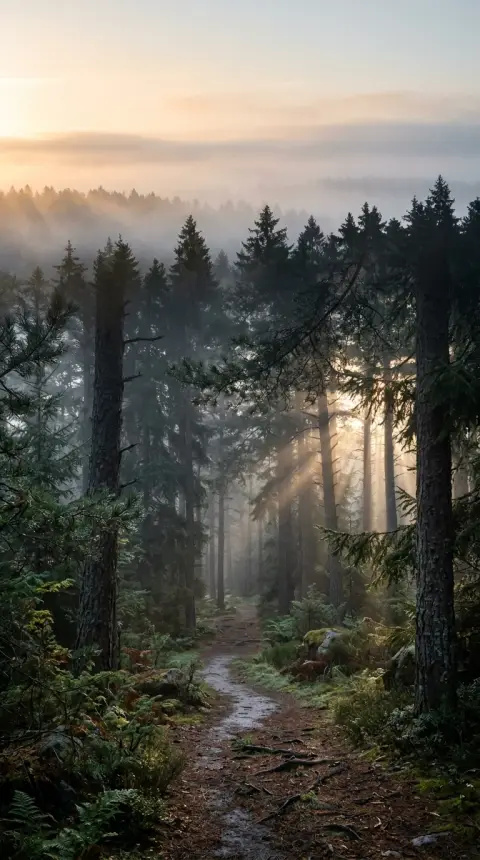 Wallpaper generator
 Coat of arms generator
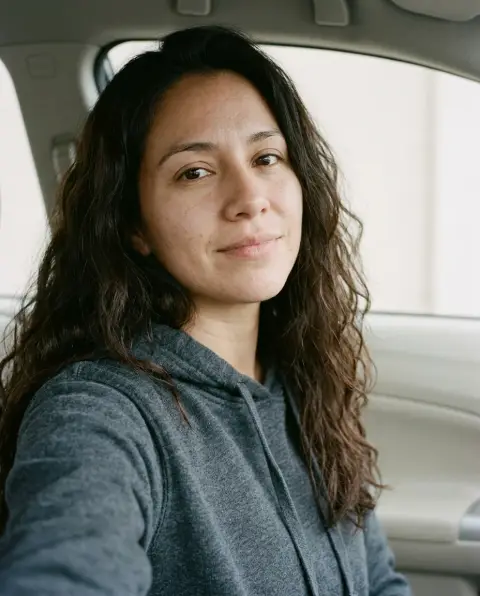
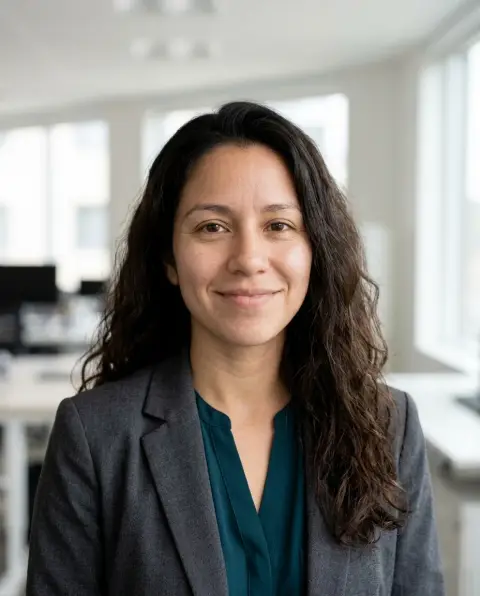 LinkedIn headshot generator
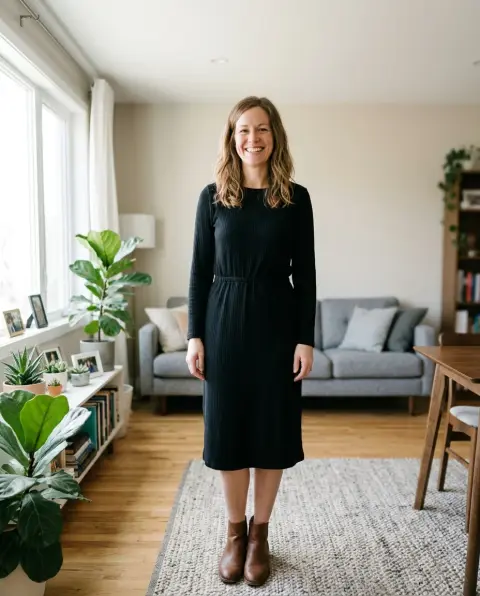
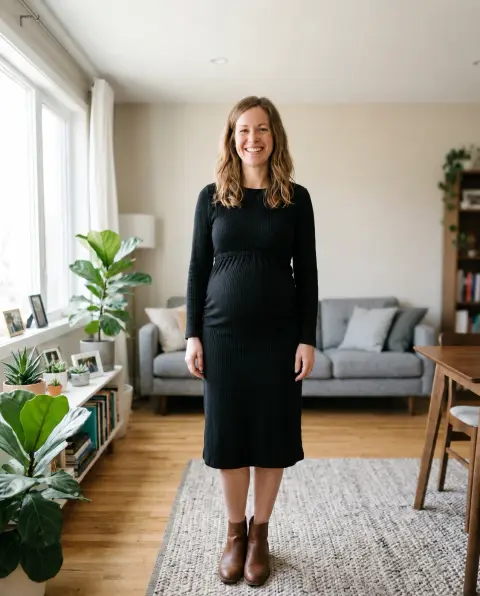 Pregnant AI generator
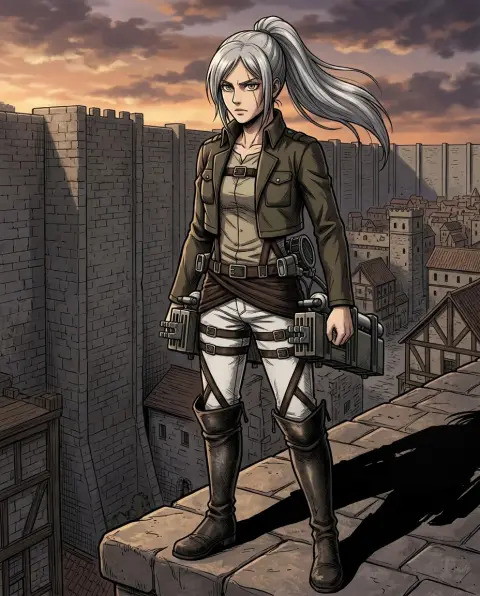 Attack on Titan OC generator
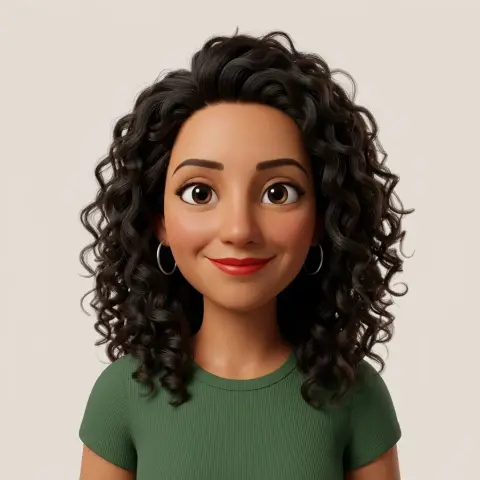 3D avatar maker
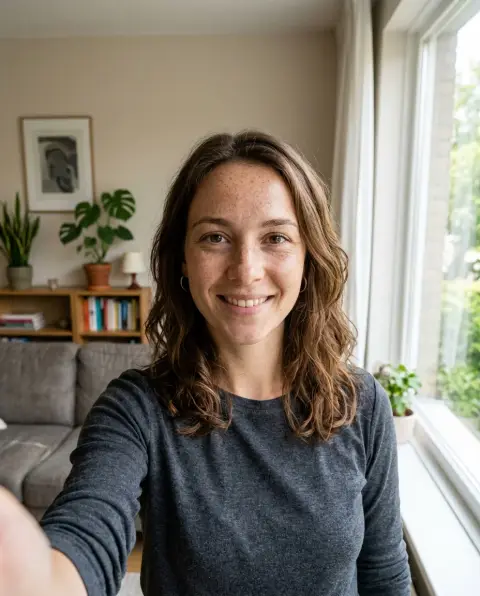
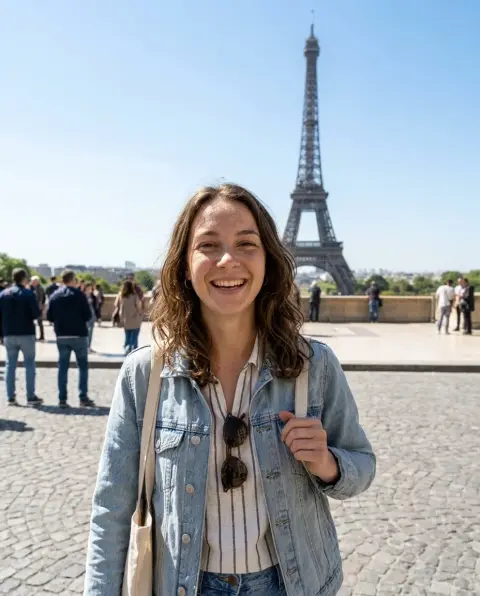 AI travel photo generator
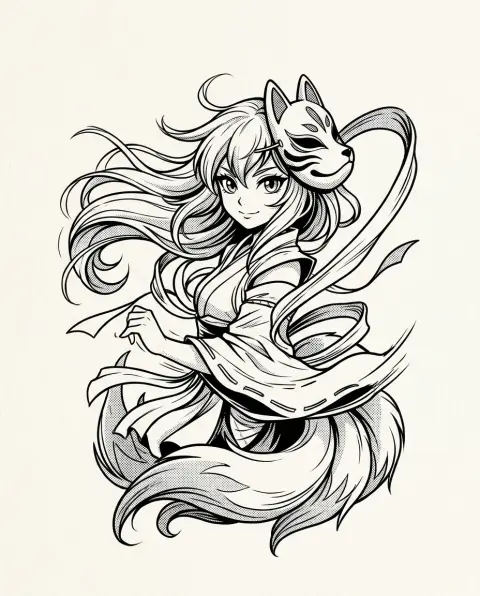 Anime tattoo generator
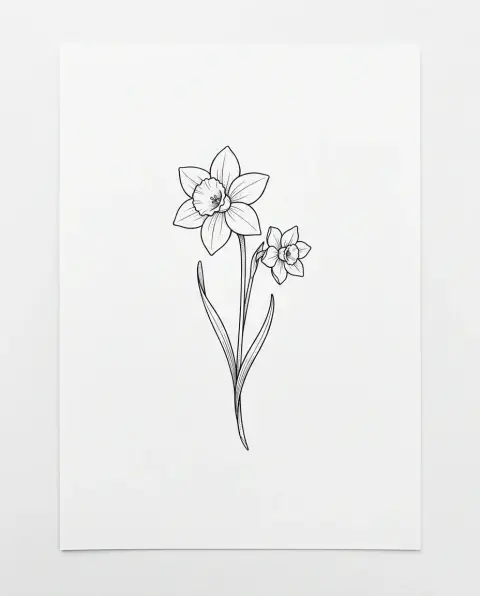 Birth flower tattoo generator
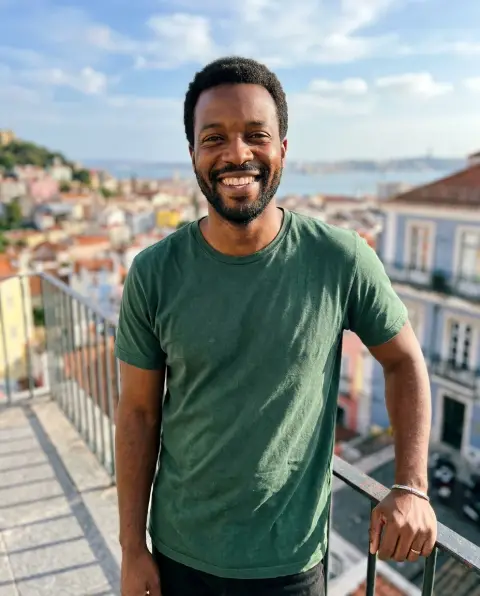
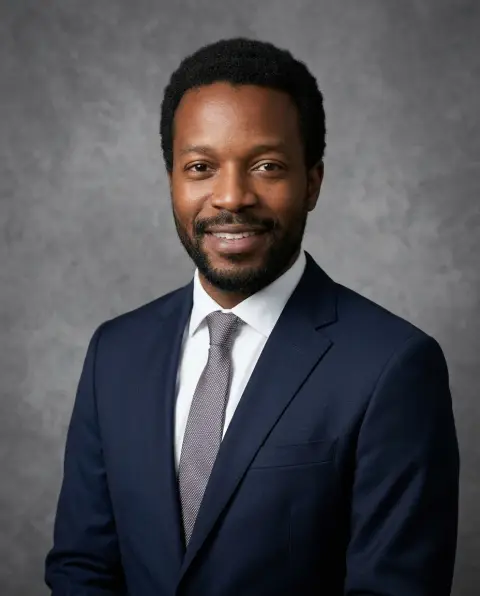 Corporate headshot generator
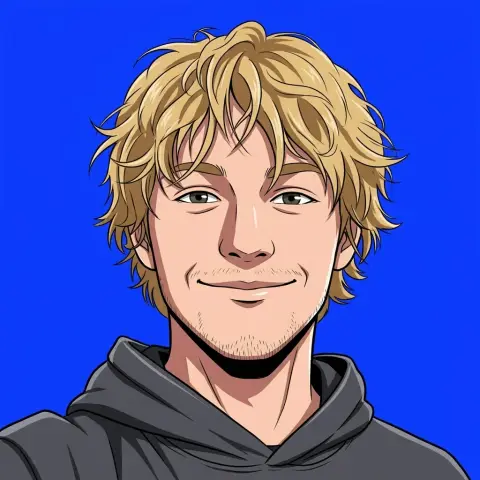 Discord avatar maker
 Gaming logo generator
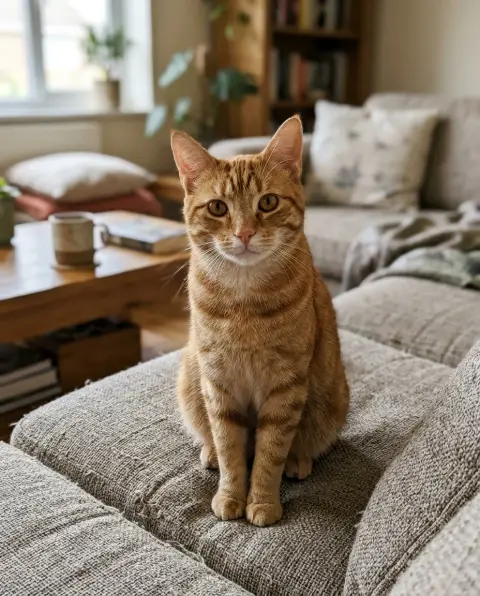
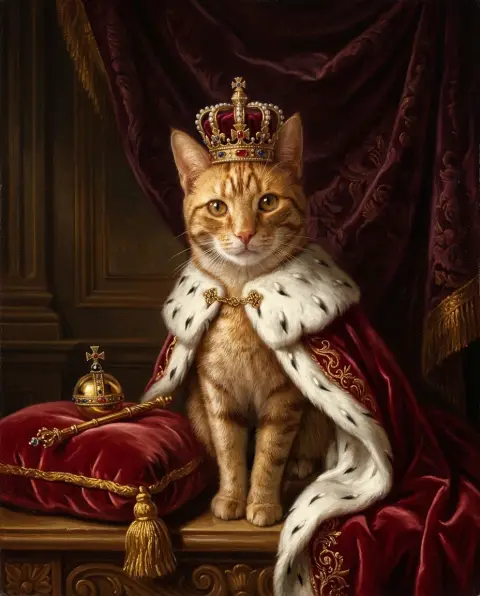 Royal pet portrait
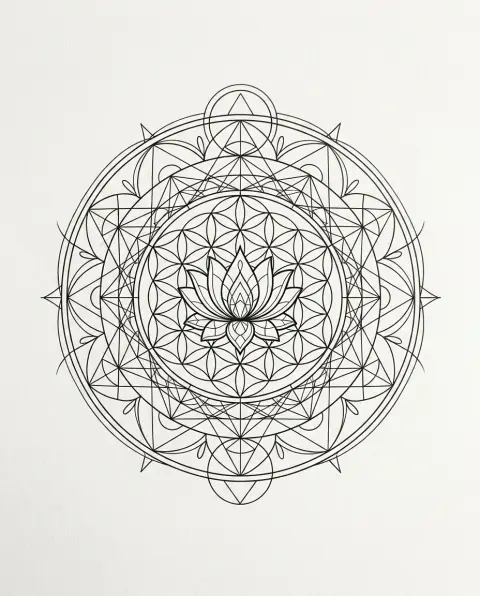 Geometric tattoo generator
 3D logo generator
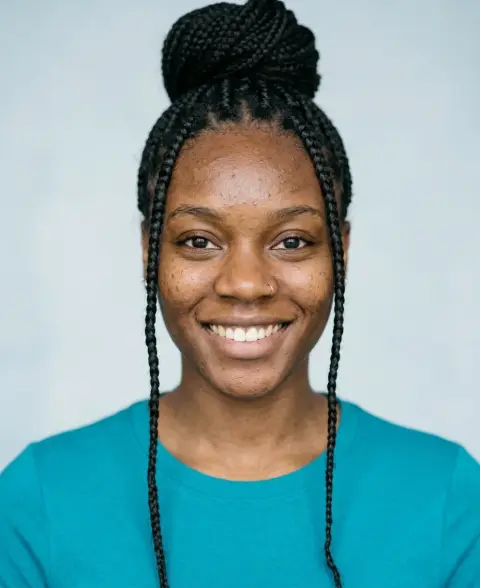 Actor headshot generator
 Band logo generator
 Football logo generator
 Neon logo generator
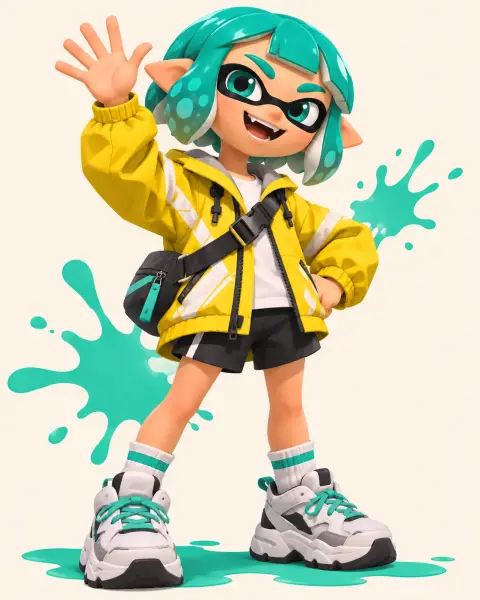 Splatoon OC maker
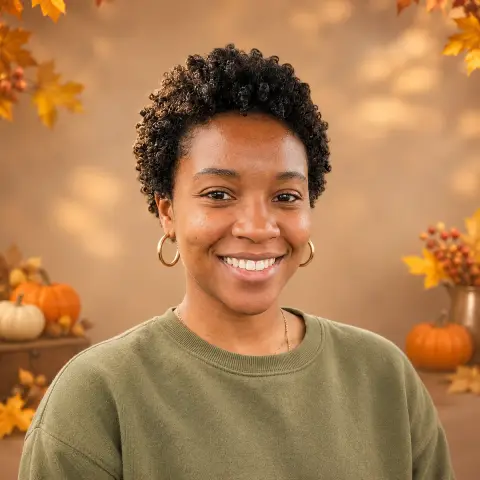 Thanksgiving PFP maker
More on Amberleak.
AI Video
Put yourself, a friend or your pet in viral TikTok, Reels and Shorts trends. Preview the first frame free, no sign-up, then pay once per video.
View all →
Models
Use Nano Banana, GPT Image, Flux, Seedream and other state-of-the-art image models in one place.
View all →
Free tools
Free photo tools that run in your browser: convert, crop, blur, filter and more. No sign-in, no credits, and your photos are never uploaded.
View all →
Prompts
Tested AI photo prompts for Gemini, ChatGPT and Nano Banana, each shown with the exact result it made. Copy one, or run it on your photo.
View all →
About AI Image tools
AI Image collects every photo tool on the site in one place, grouped by what you want to do with a picture. Edit tools change part of a photo and leave the rest alone: remove a background, erase a stranger, put a product on pure white. Style tools redraw the whole picture in a new look, such as a Ghibli scene or clean anime line art. Portrait and character tools start from a selfie or a short prompt and create something new, like a studio headshot.
Every tool has its instructions built in, so you do not need to write a prompt. Upload a JPG, PNG or WebP photo, press Generate and download the result. If the first result is close but not right, add a short note in the instructions box, for example "keep the shadow" or "warmer light", and run it again. You can also download a result and upload it to another tool, so a cut-out from the background remover can go on to a white background or a new style.
Try any image tool free: new accounts get 25 free credits. Every model and 4K output are open to every account, and credit packs never expire.
Questions
What is the difference between Edit, Styles and Create?
Edit tools change one part of a photo and keep the rest. Styles redraw the whole photo in a new look. Create tools make a new picture, such as a headshot, character or avatar, from a selfie or a prompt.
Do I need to write a prompt?
No. Each tool has its own instructions built in. The instructions box is optional and only needed to steer the result.
Which file types can I upload?
JPG, PNG and WebP images up to 8 MB. Larger, sharper photos give cleaner edges and more detail.
Are my photos stored or used for training?
Your photo is sent to the AI model only to make your result. The model provider may keep a temporary copy for up to 72 hours. Results stay in My files for 48 hours, or 30 days once you've bought a credit pack, and you can delete them at any time. We don't use your photos to train models.