Fat Filter
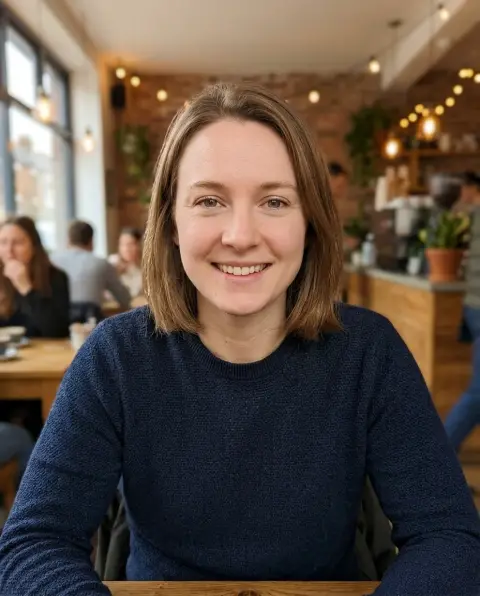
A heavier version of the same photo, still clearly you.
Drop a photo
or paste with ⌘V · JPG · PNG · WebP · up to 8 MB
No photo handy? Try one of ours.
Fat Filter examples.
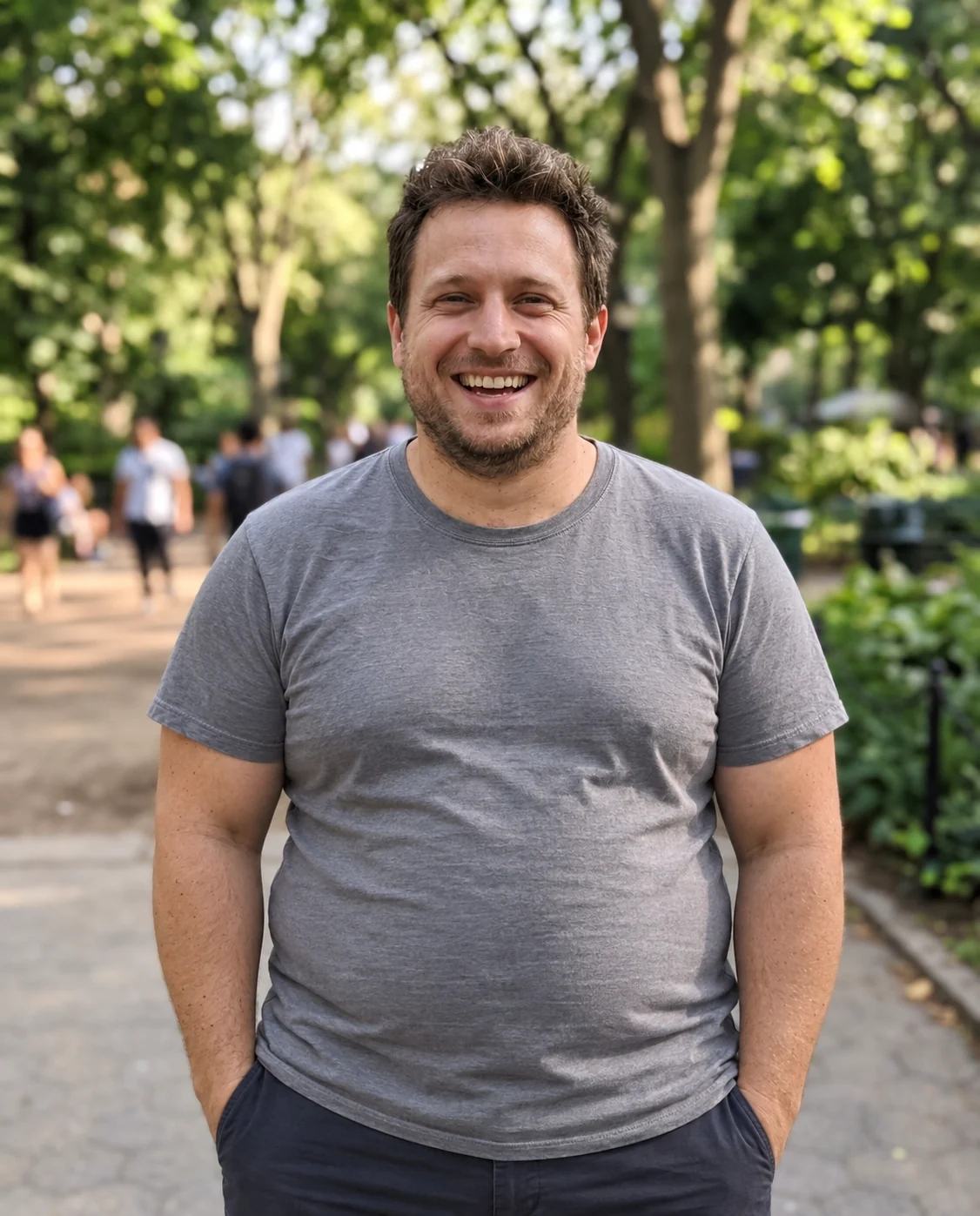
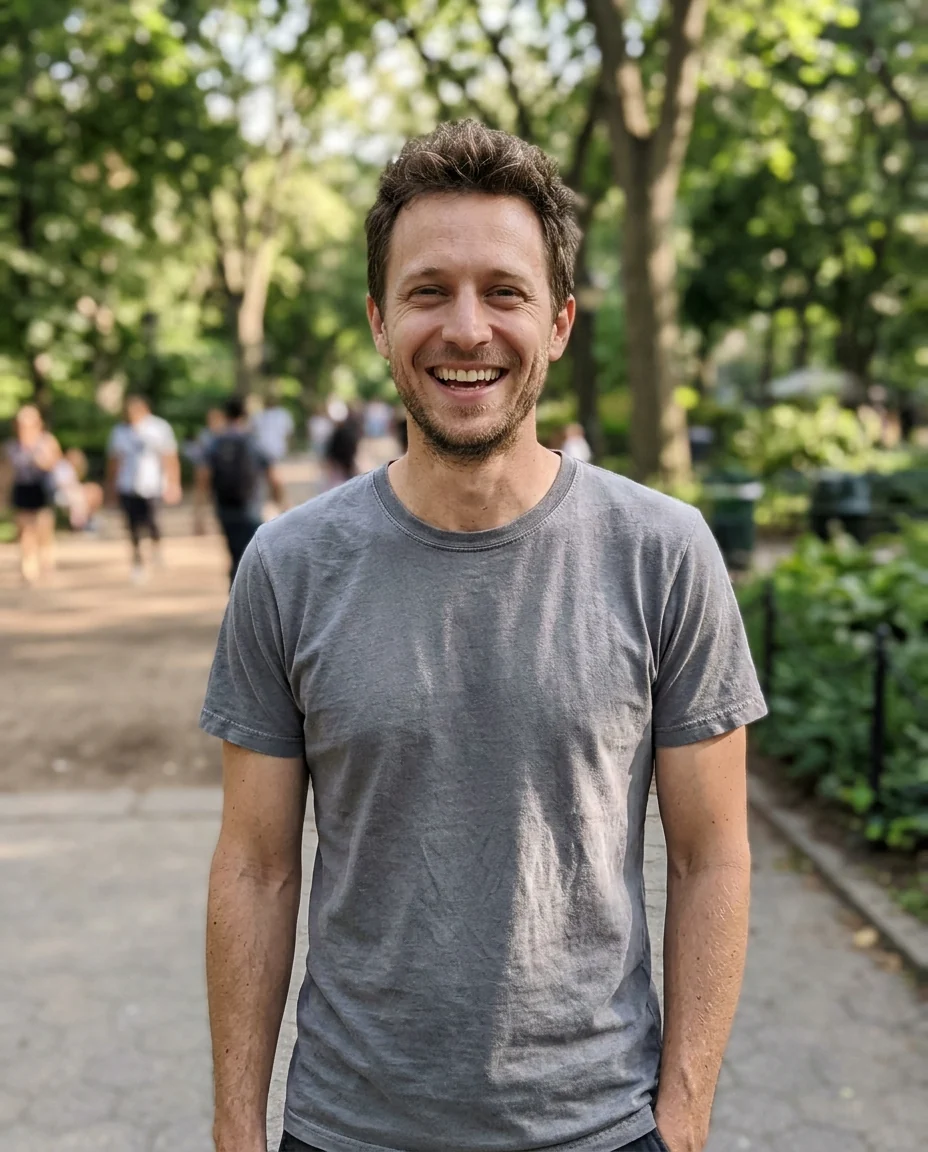
A little heavier


Fuller face and arms
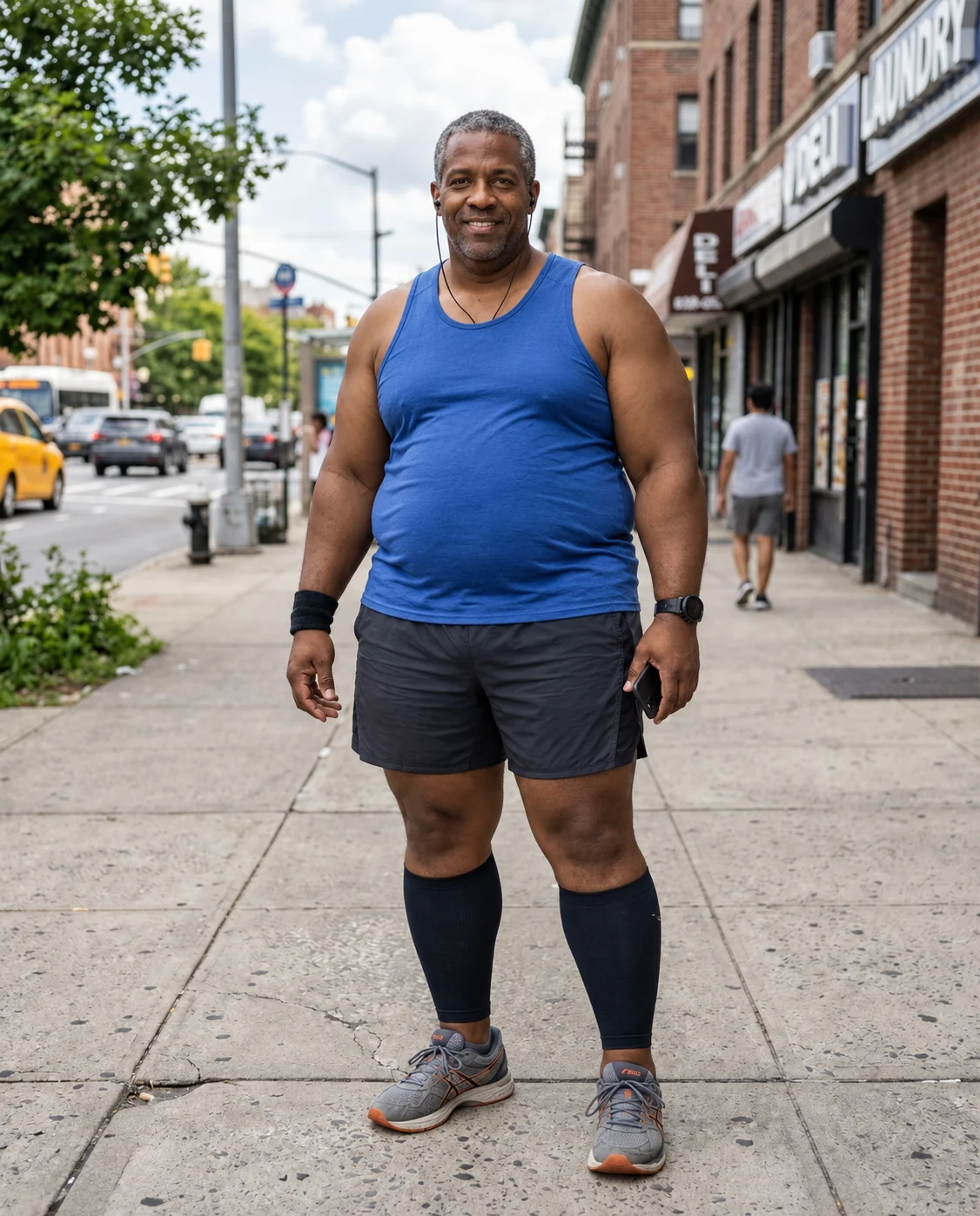
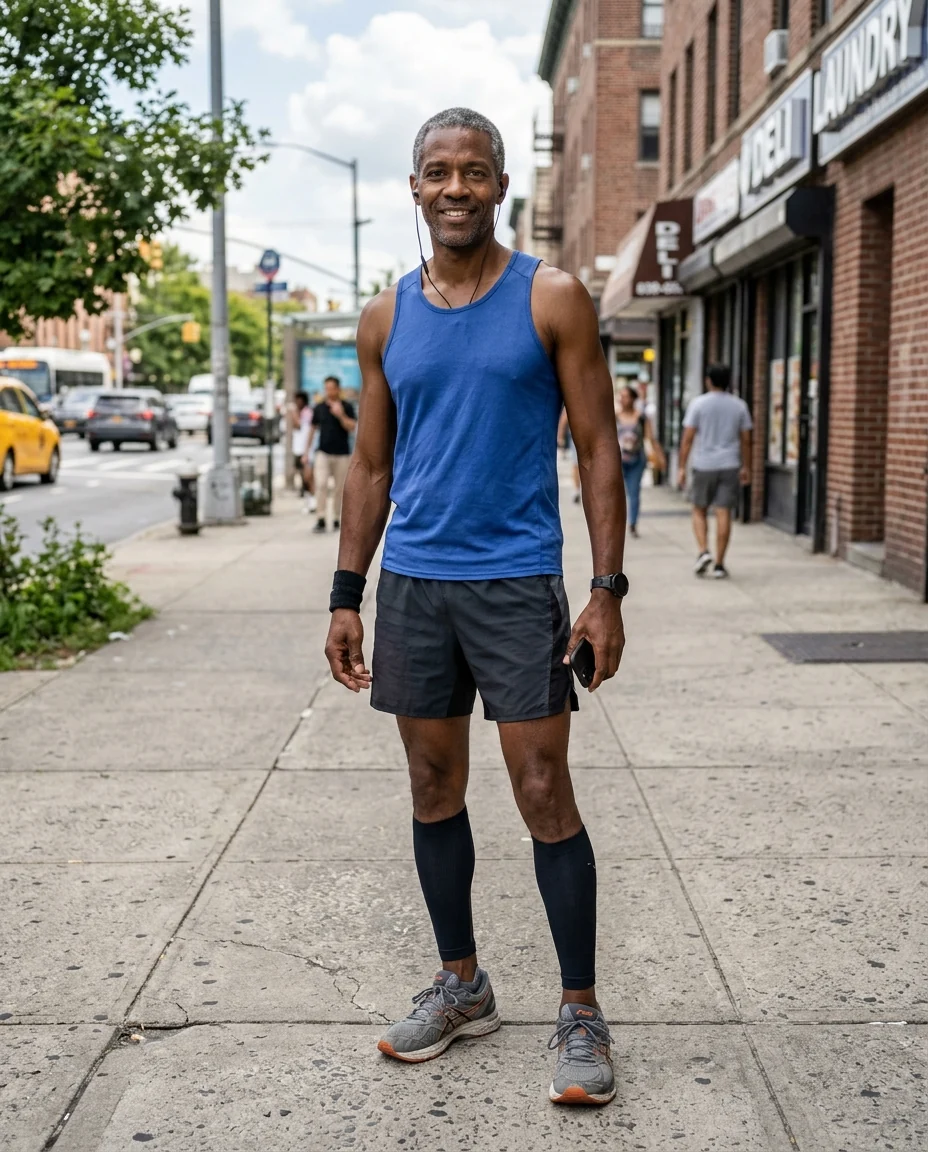
A lot heavier
Fat Filter features.
Two amounts
A little or a lot heavier.
Face and body
Cheeks, jaw, arms and belly change together.
Same photo
Outfit, pose and background stay.
Fat Filter, step by step.
01
Upload a photo
Waist-up or full-length.
02
Pick an amount
A little or A lot.
03
Compare
Use the slider to see before and after.
Fat Filter use cases.
- Just for fun
- See a heavier version of yourself.
- Characters and stories
- Picture a character at a different weight.
- Costumes and roles
- Plan a look for a costume, a play or a film role.
Fat Filter: best photos and fixes.
Photos for a realistic result
Waist-up and full-length photos show the most change, because weight shows in the arms, belly and hips as much as in the face. Fitted clothing and a straight-on pose give the clearest before and after. A face-only selfie still works, with fuller cheeks and a softer jaw, but the effect is smaller. Even light without strong shadows keeps the new shape looking photographic.
A little or a lot
A little adds roughly what 15 to 20 kilograms might look like: a rounder face, softer jaw and fuller arms, still a modest change. A lot is a much bigger change, closer to 40 or 50 kilograms, and changes the whole silhouette. The same amount looks different on every frame, so on a very slim person even A little can look like a big change. Try both and compare them side by side with the slider.
Faces and expressions
The face is where most people recognize themselves, so it changes the least: cheeks get rounder, the jaw softer and the neck fuller, while eyes, nose, mouth, hair and expression stay recognizable. A smiling photo stays smiling. Glasses, earrings and makeup are kept. If the face looks too different, try A little, or write "heavier mostly in the body" in the instructions to keep the face closer to the original.
Clothes and pose
Clothes stretch and fit the new shape, so a tight top looks tighter and a loose shirt hangs differently. Baggy clothing hides the body, so the change shows mostly in the face. Arms held away from the body show more change than arms crossed in front. Seated photos work, but the result is harder to read than a standing one.
Groups and pets
In a group photo every person may change. To change one person only, write it in the instructions by position or clothing, such as "only the man in the grey t-shirt". Pets work too: a chubby version of a dog or cat is a popular use, and the animal's markings are kept. Write "only the dog" if people are in the photo as well.
Combining with other tools
For a different age, the age filter shows the same person decades older or younger, and the two combine well: run the age filter on the result to picture yourself older and heavier. Writing "heavier mostly in the face" or "mostly around the belly" in the instructions focuses the change where you want it.
Fat Filter FAQ.
Can I use someone else's photo?
Use photos of yourself, or of people who are happy for you to edit their picture. Don't use the result to mock, embarrass or deceive anyone.
Will my face still look like me?
Yes. Your eyes, nose, mouth, skin tone and hair stay recognizable; the cheeks and jaw get fuller.
Does it work on pets?
Yes. Dogs and cats get a chubby version with their markings kept.
Is the Fat filter free?
Yes, you can try it free. New accounts get 15 free credits, and one generation here uses 9 credits. You sign in with your email; no card needed. Results have no watermark. After that, plans add credits every month and credit packs never expire.