











AI Photo Editing Tools
 PDF to JPG
 GIF maker
 HEIC to JPG
 WebP to PNG
 PNG to PDF
 Background remover
 Background changer
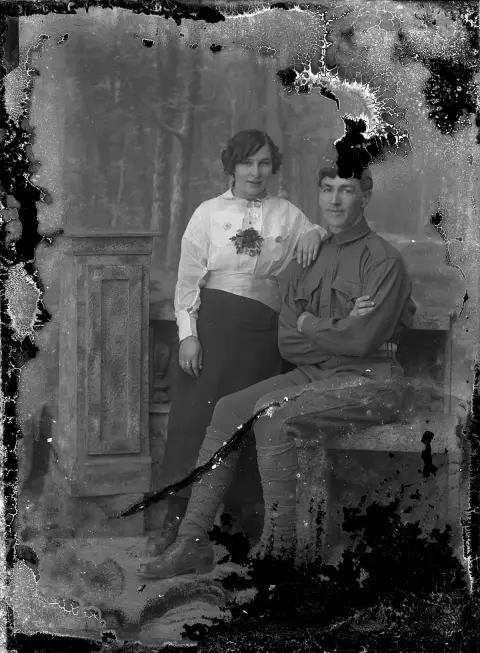
 Photo restoration
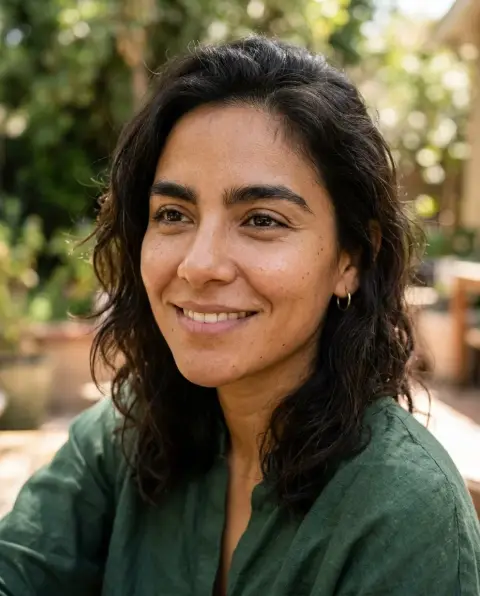
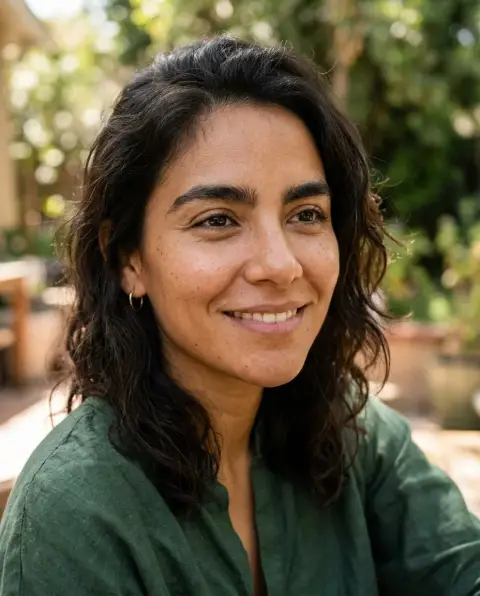 Inverted filter
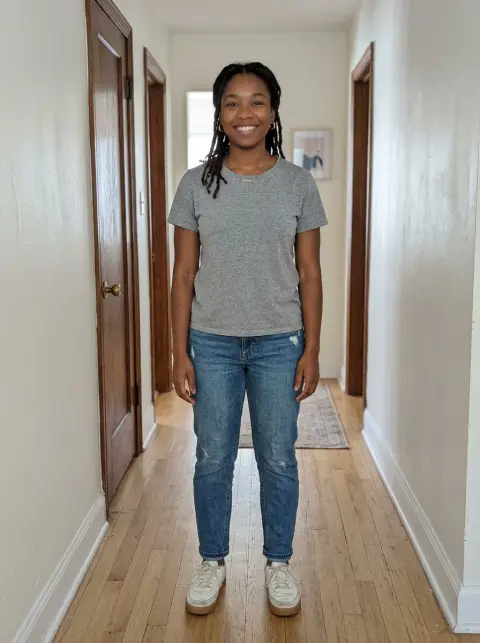
 Clothes changer
 Colorize photo
 Unblur image
 PDF to PNG
 Hairstyle changer
 Watermark remover
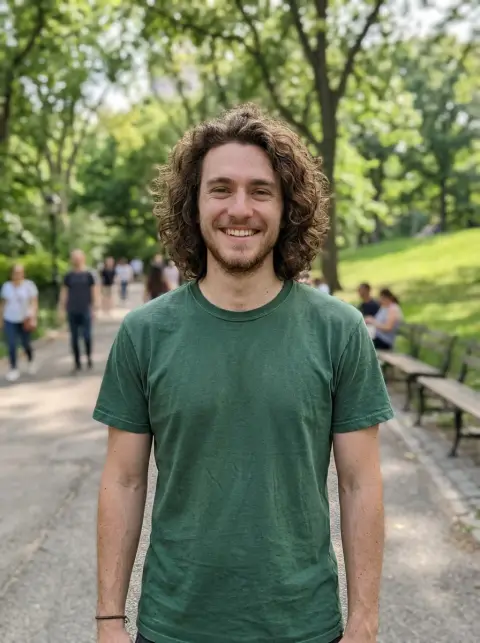
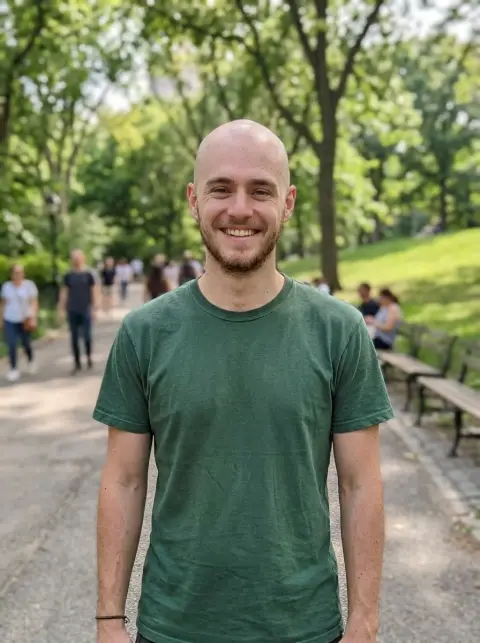 Bald filter
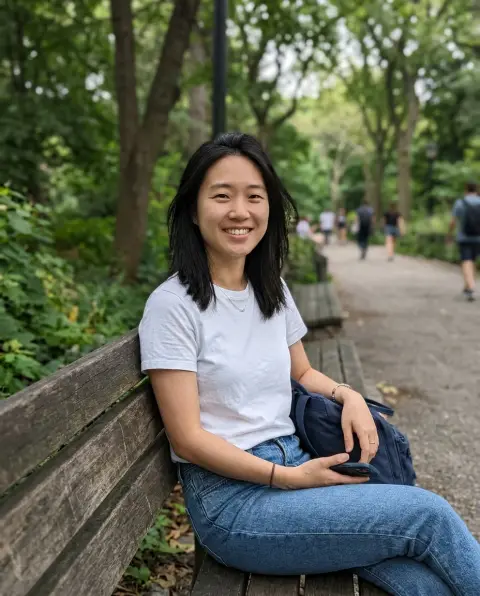
 Hair color changer
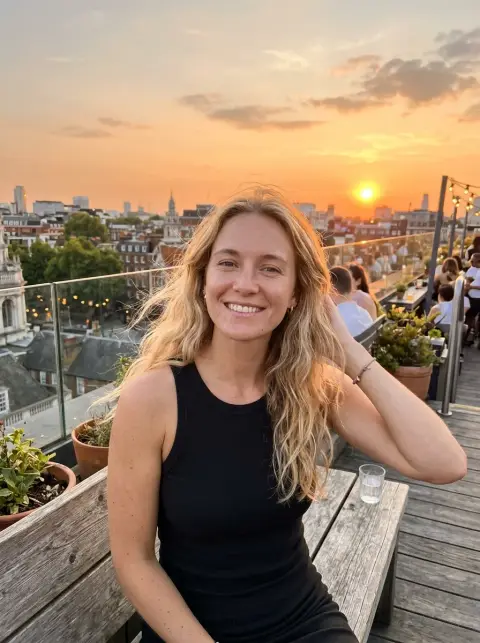
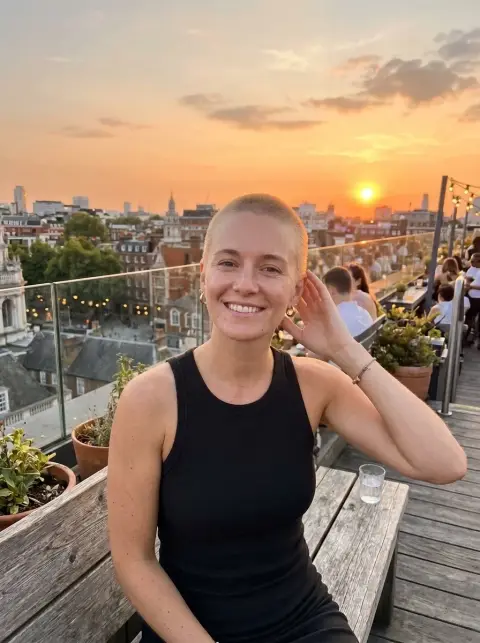 Buzz cut filter
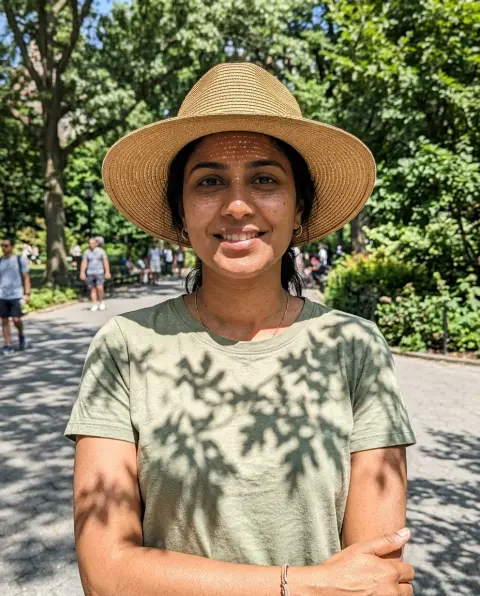
 Remove shadow
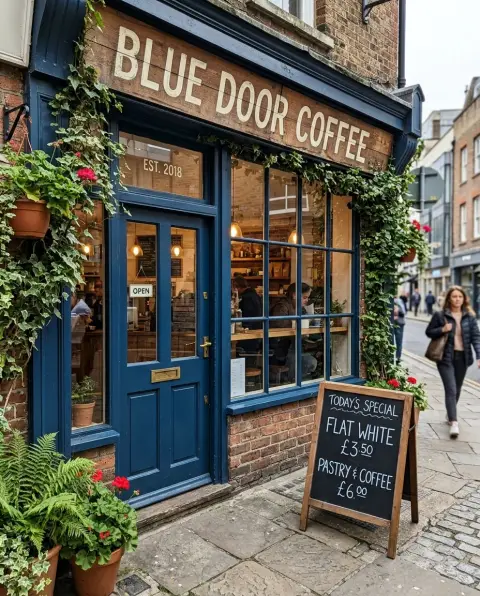
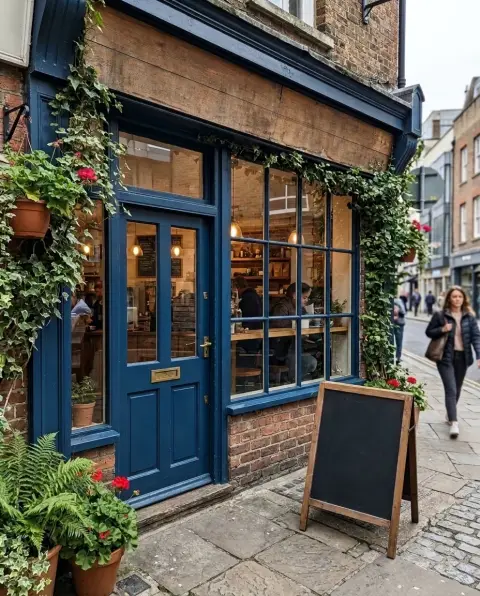 Remove text from image
 Face editor
 Add person to photo
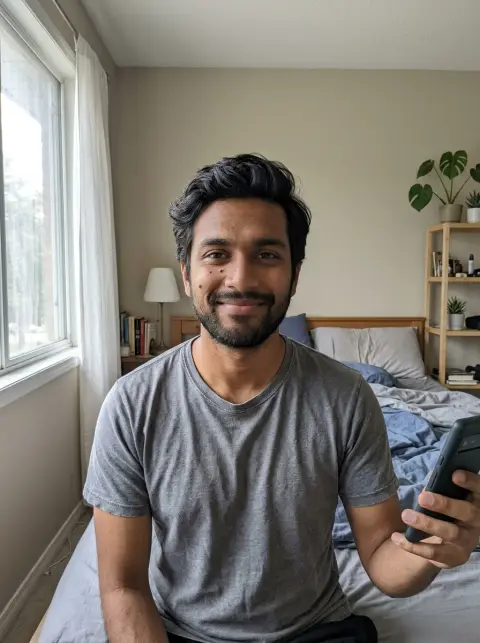
 Add suit to photo
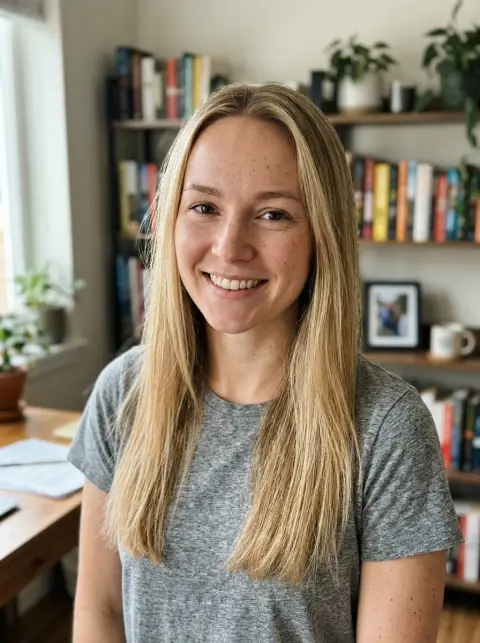
 Bangs filter
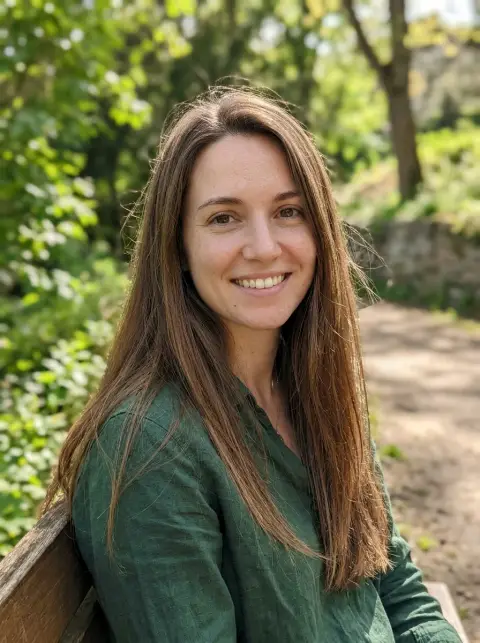
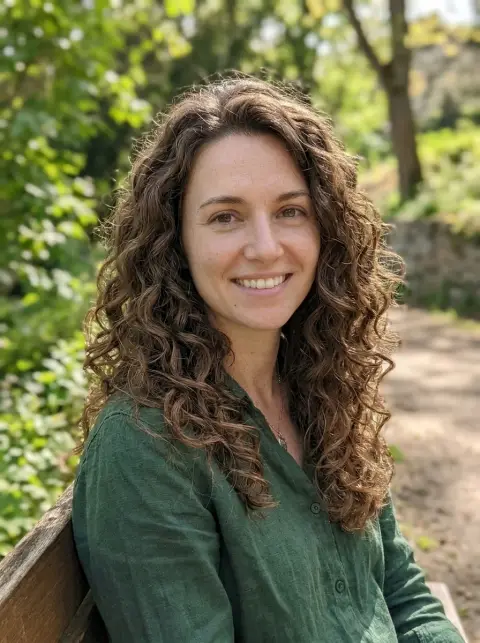 Curly hair filter
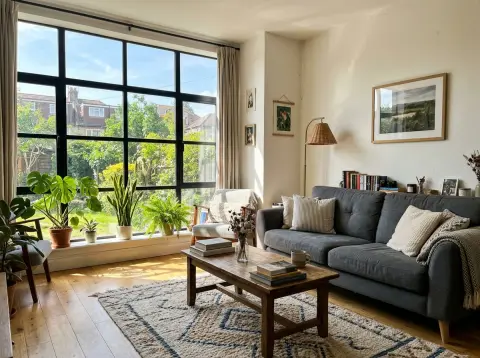
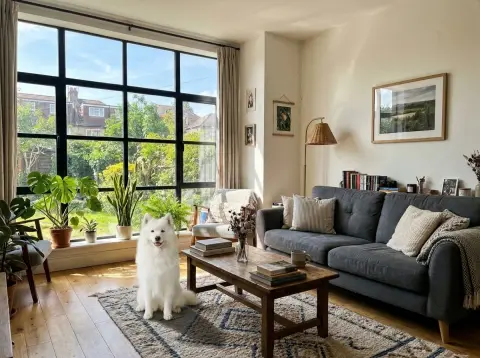 Image combiner
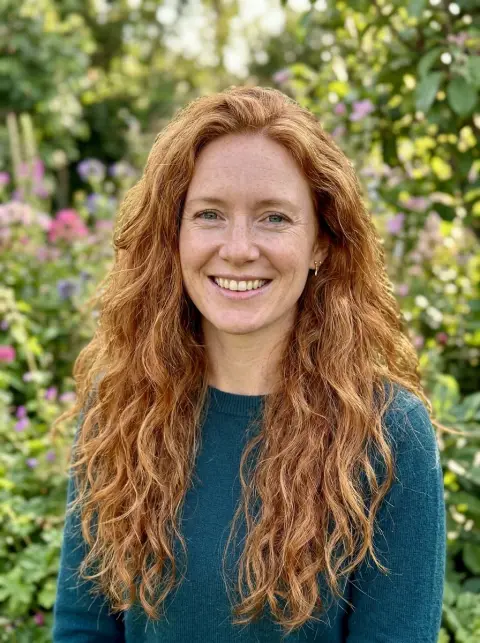
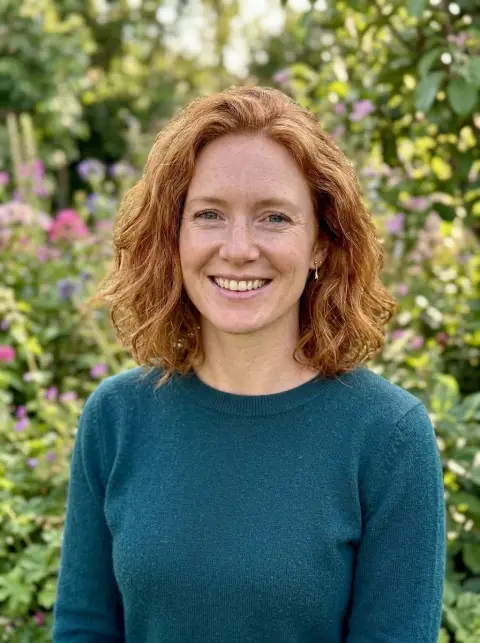 Short hair filter
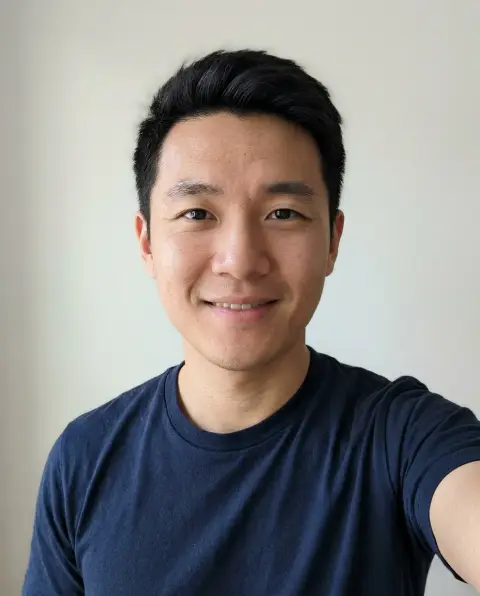
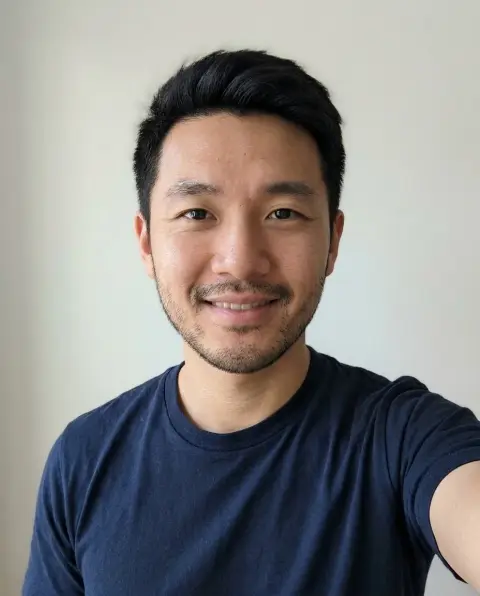 Beard filter
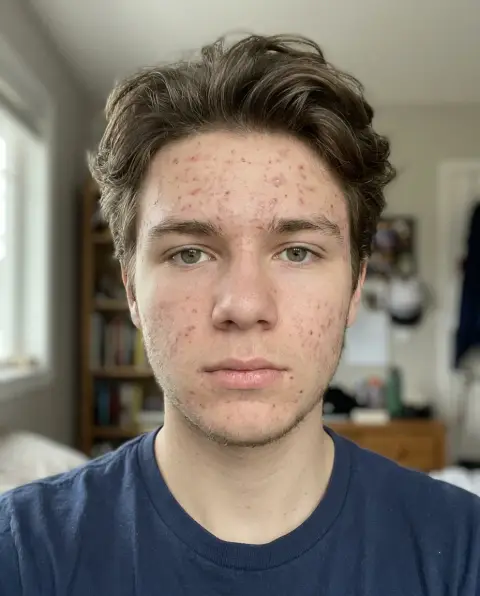
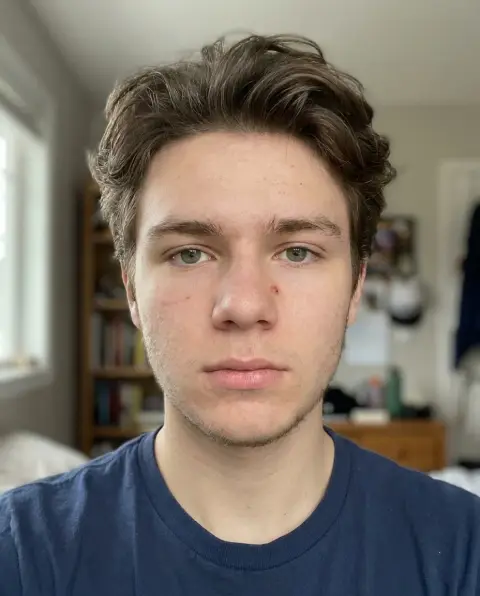 Blemish remover
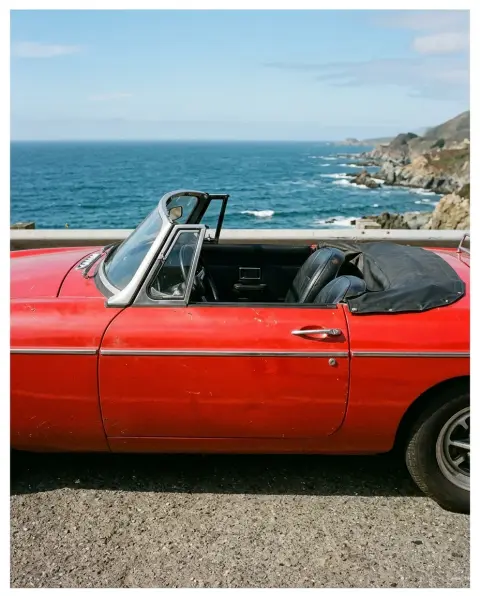
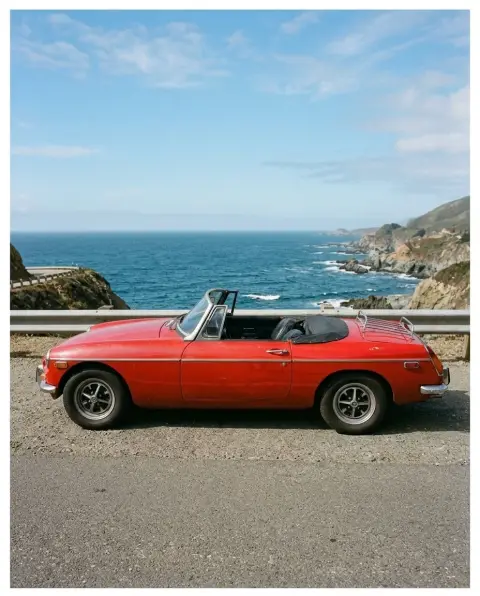 Image extender
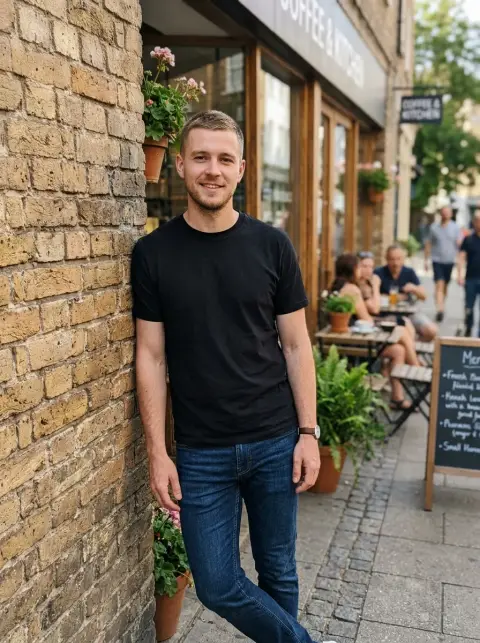
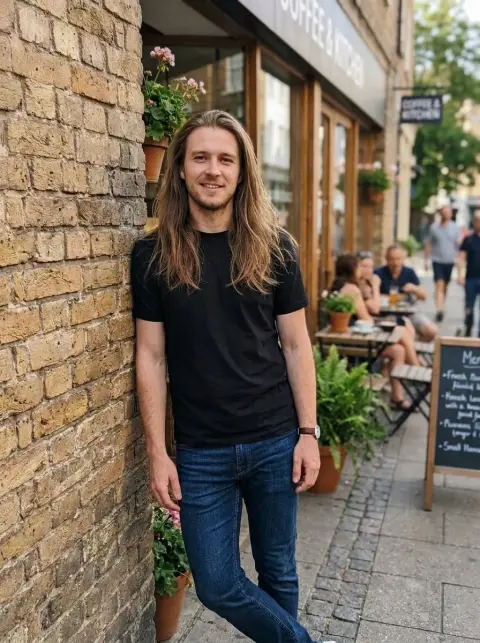 Long hair filter
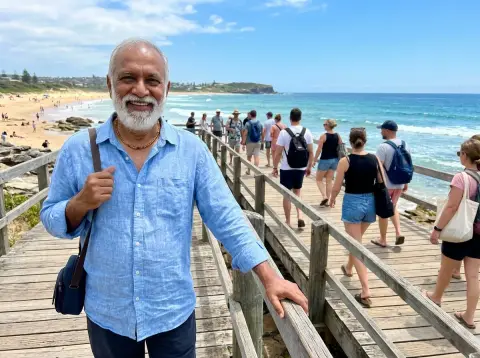
 Remove people
 Unpixelate image
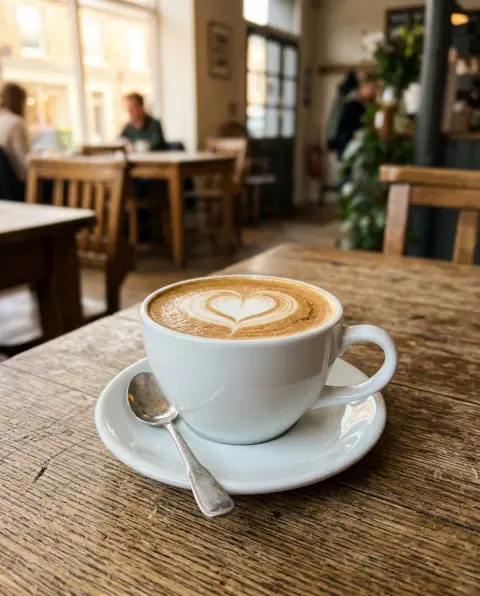
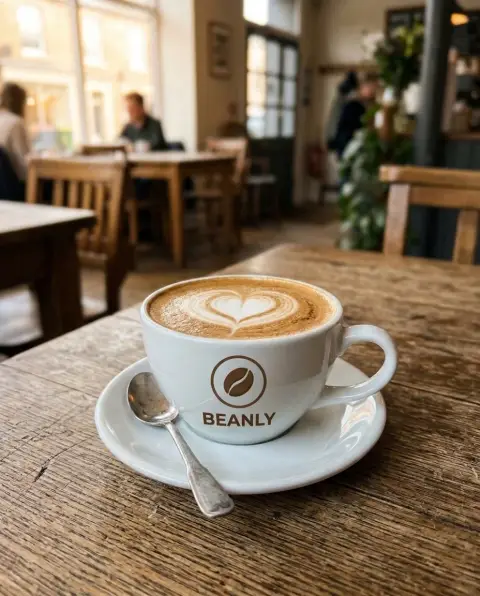 Add logo to photo
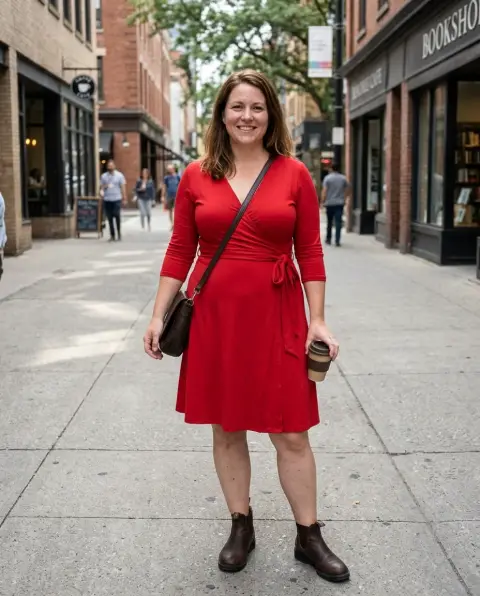
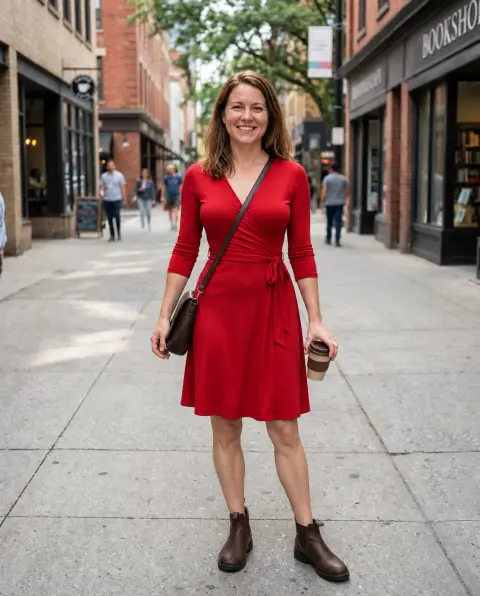 Body editor
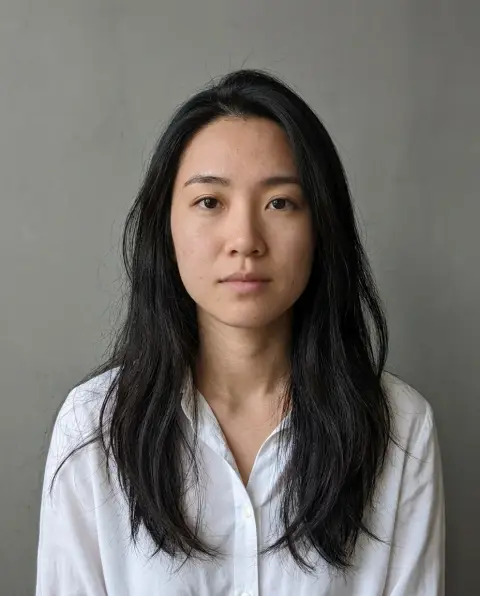
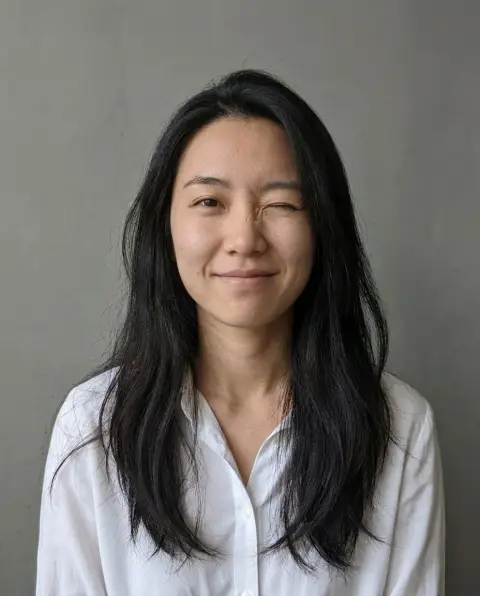 Face expression changer
 Face morph
 Meme maker
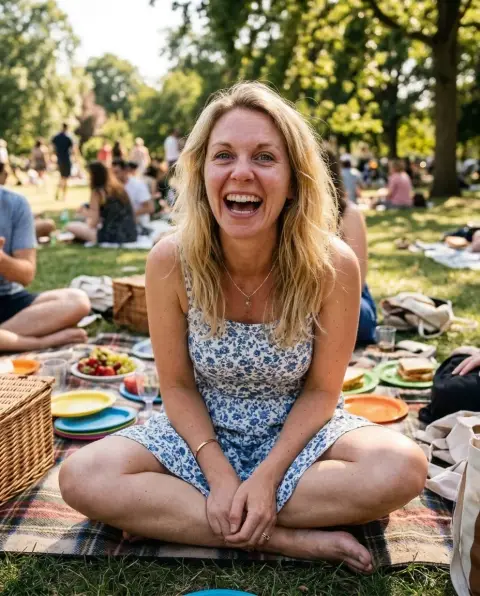 Open eyes in photo
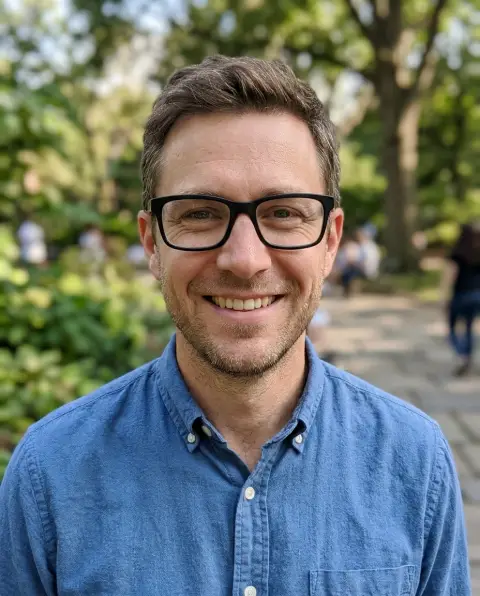
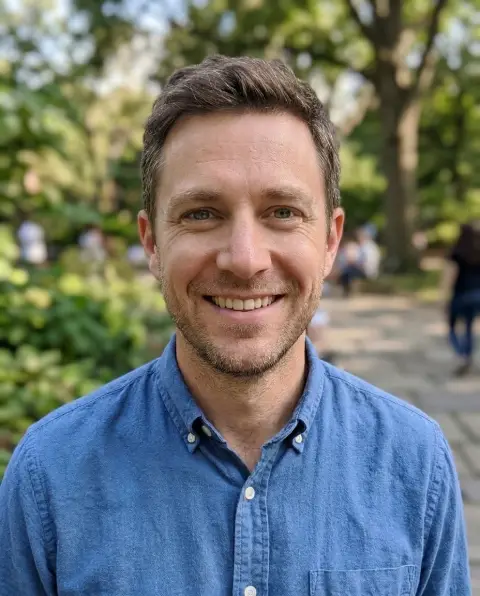 Remove glasses
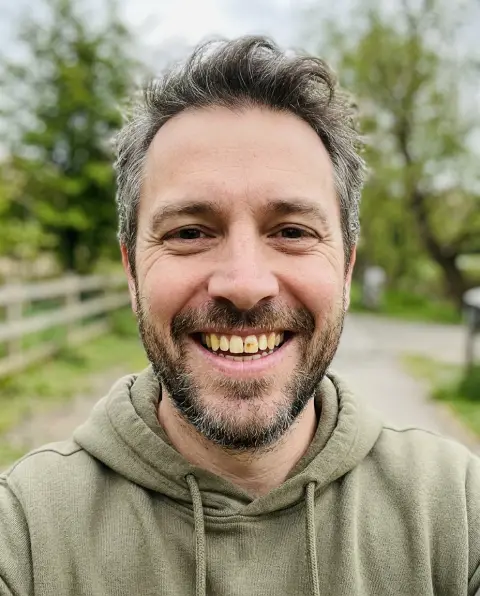
 Whiten teeth
 2D to 3D converter
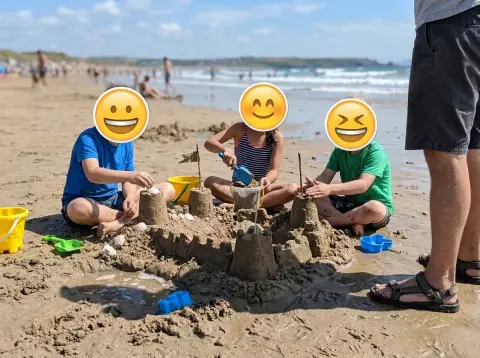 Add emoji to photo
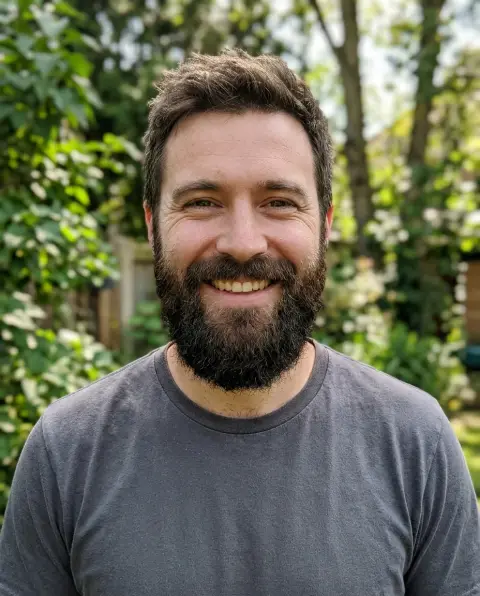
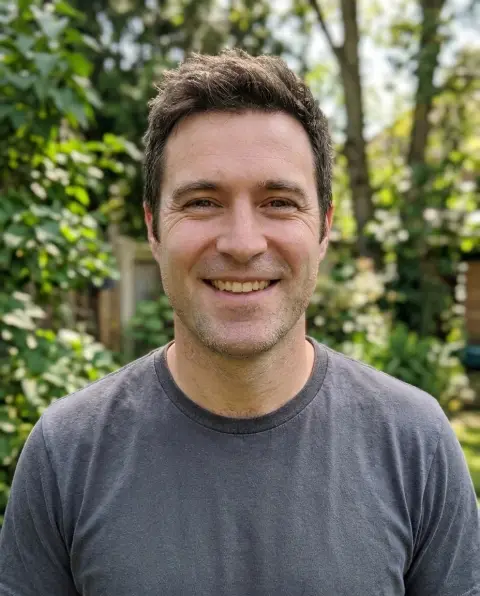 Beard remover
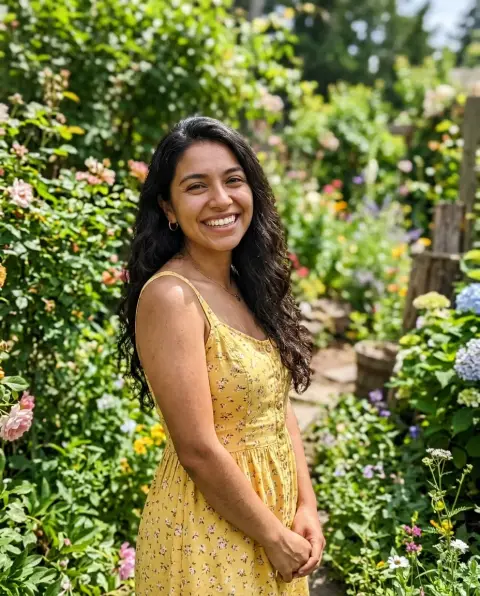
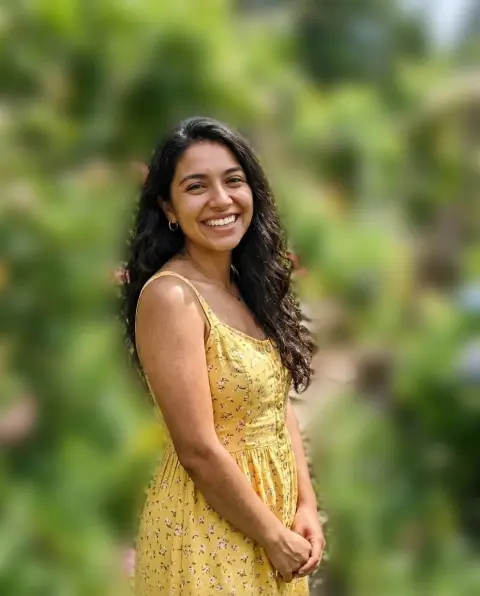 Blur background
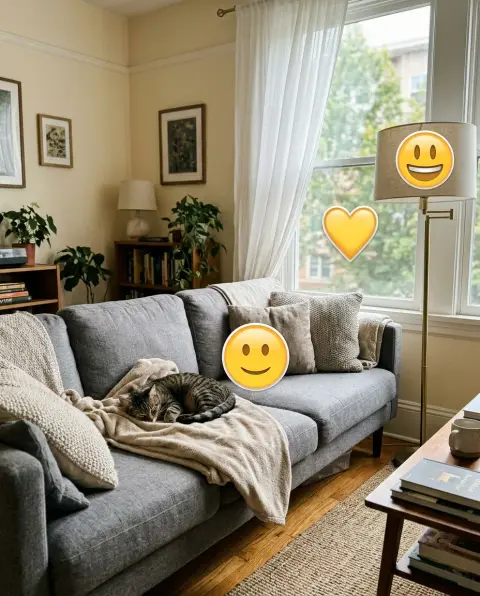
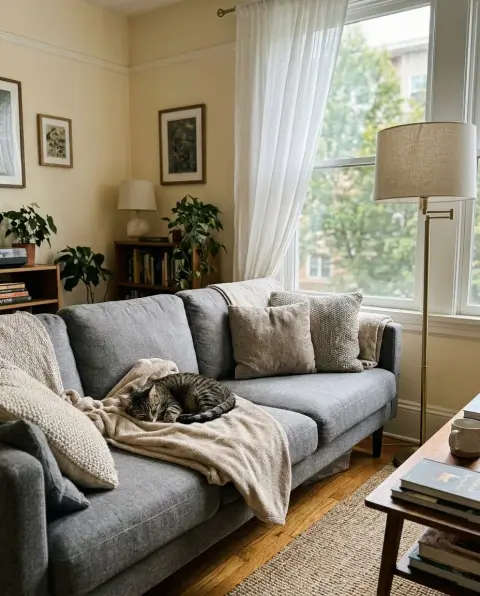 Emoji remover
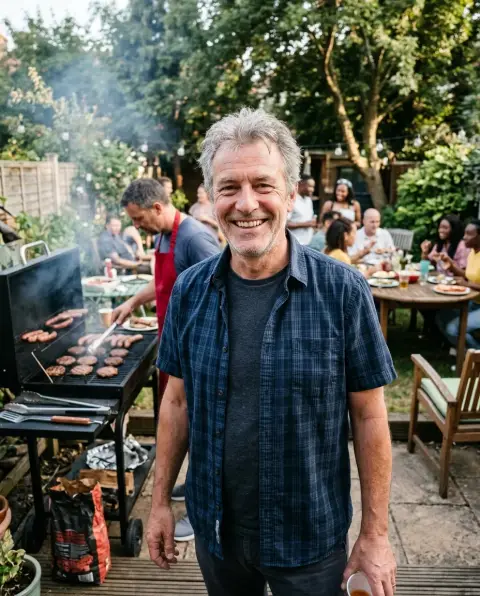
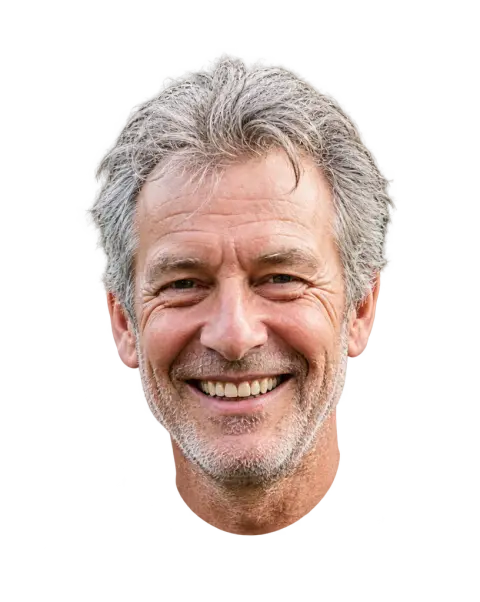 Face cut out
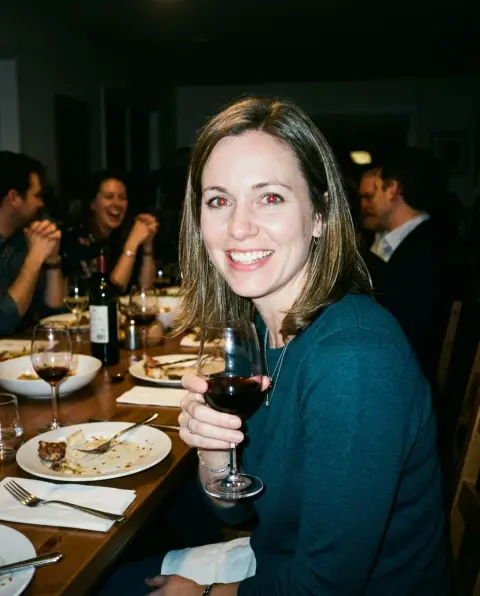
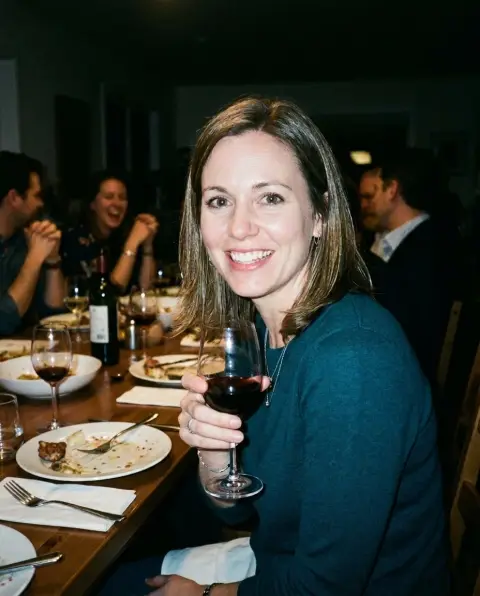 Red eye remover
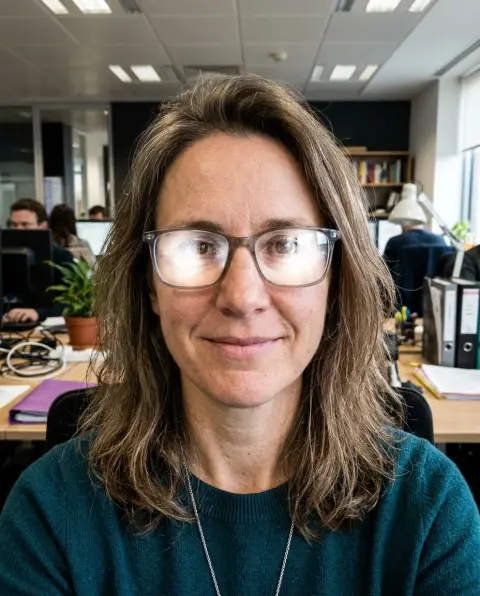
 Remove glare
 Body swap
 Face swap
 Blonde hair filter
 Edit text in image
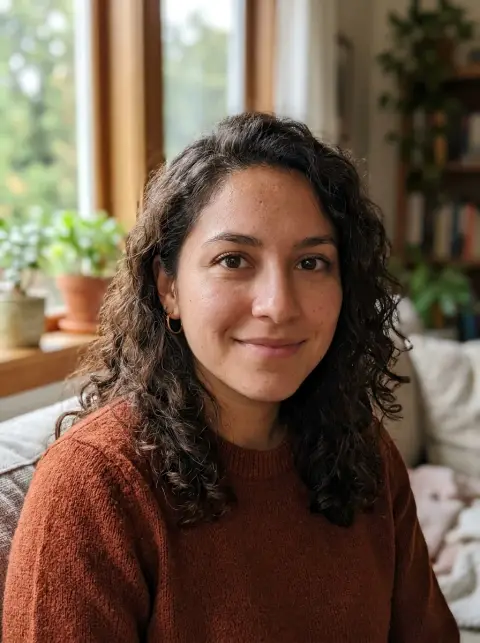
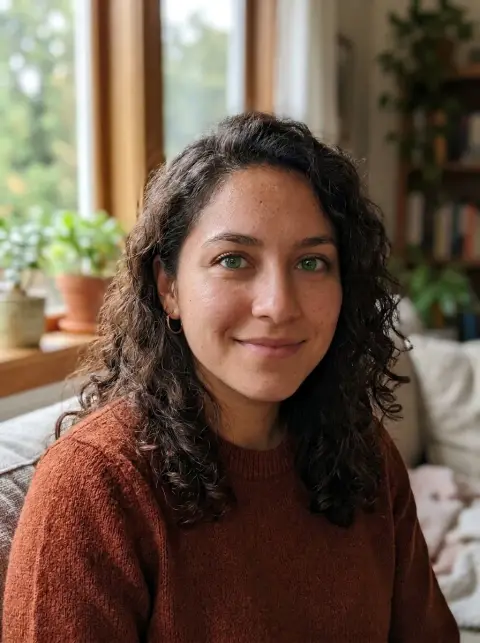 Eye color changer
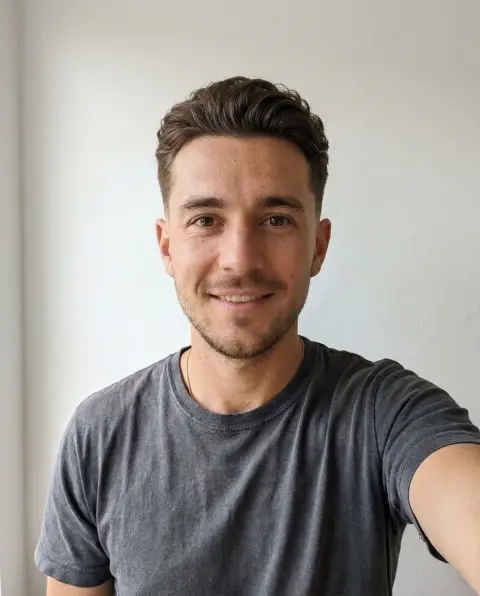 Hairstyle changer for men
 Logo background remover
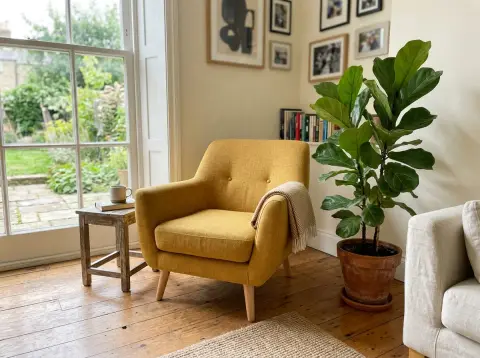
 Recolor image
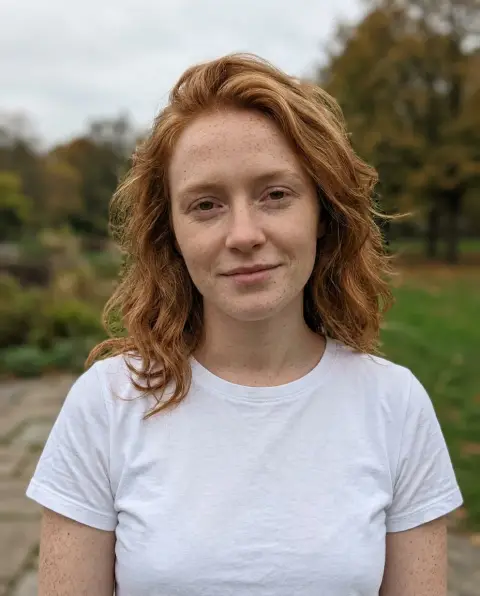
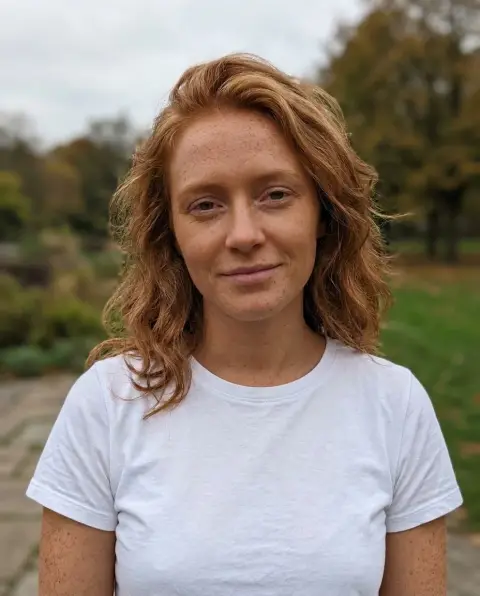 Change skin color
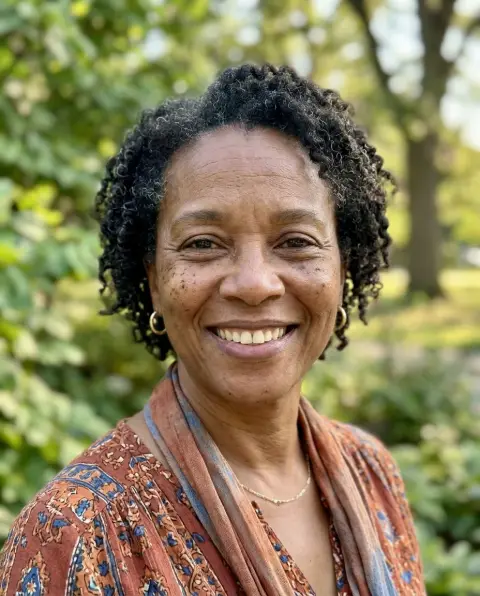
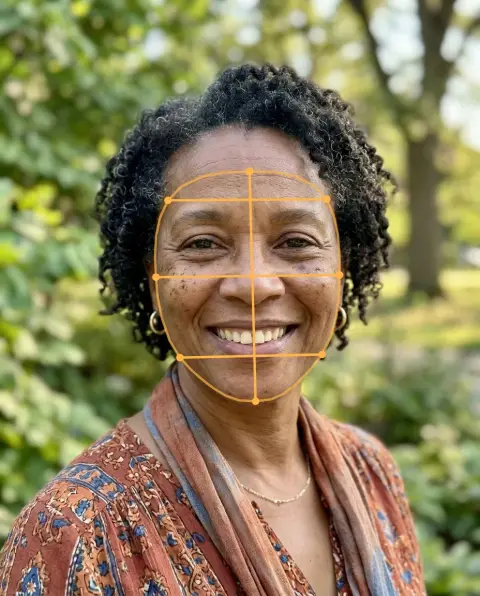 Face shape detector
 Face symmetry test
 Prom dress try on
 Signature generator
 Wedding dress try on
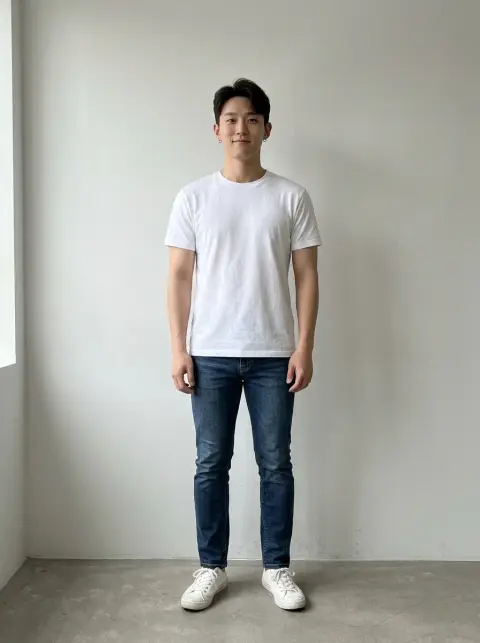
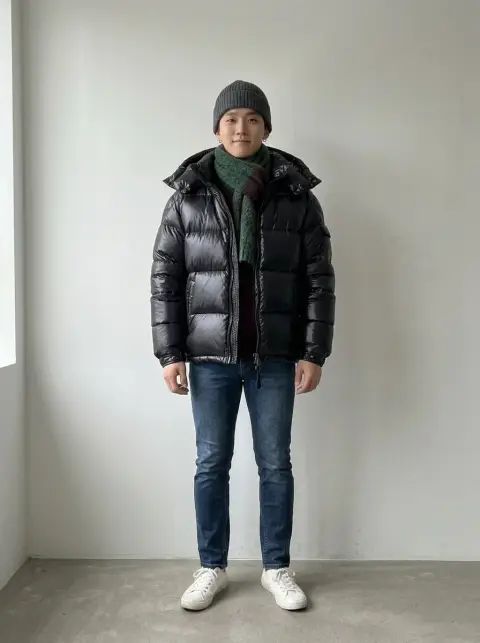 Winter outfit
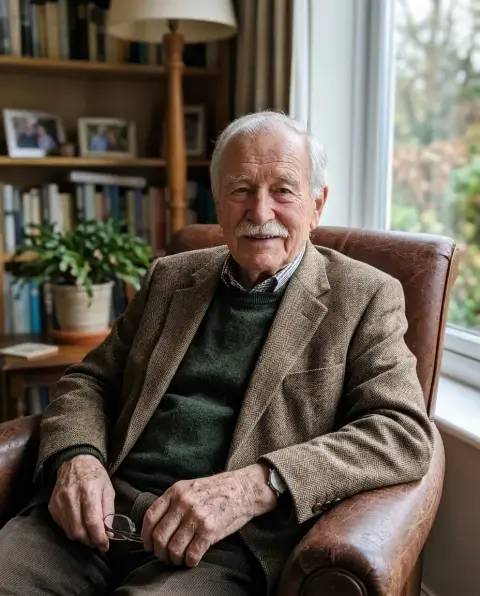
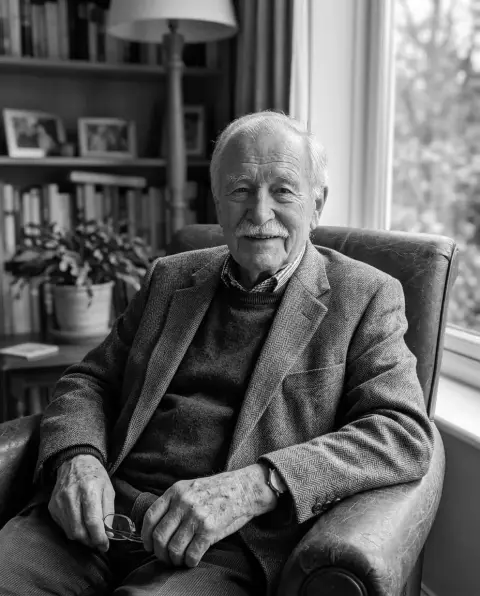 Black and white filter
 Blur image
 Brighten image
 Circle crop
 Flip image
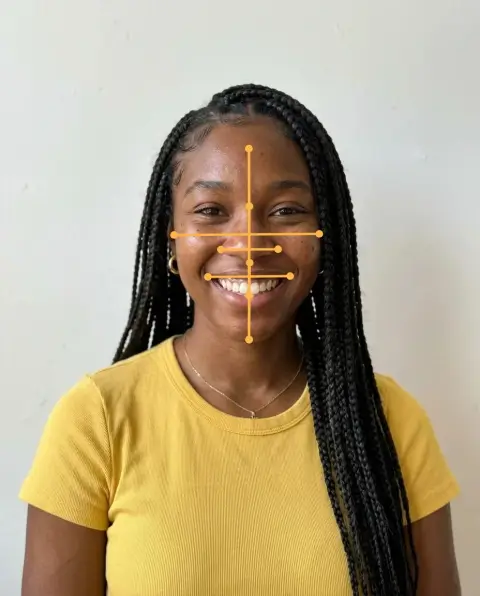 Golden ratio face calculator
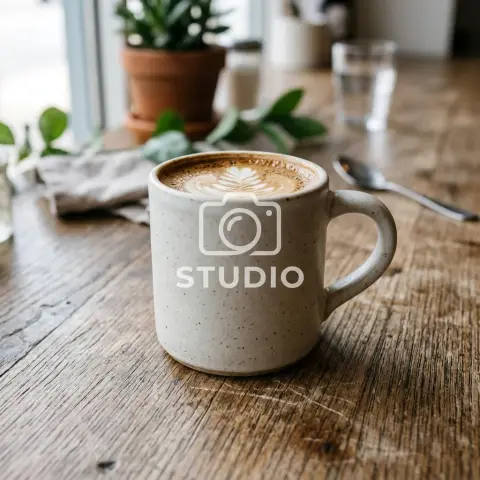
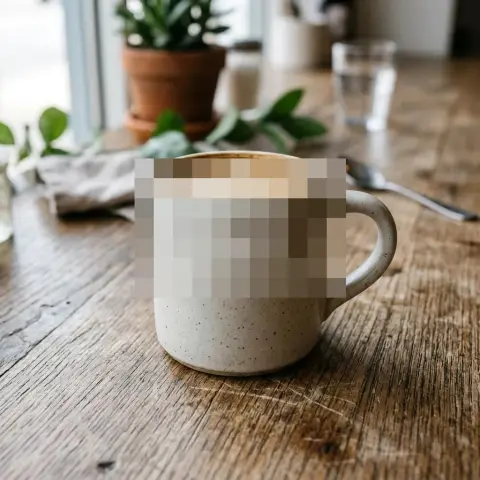 Pixelate image
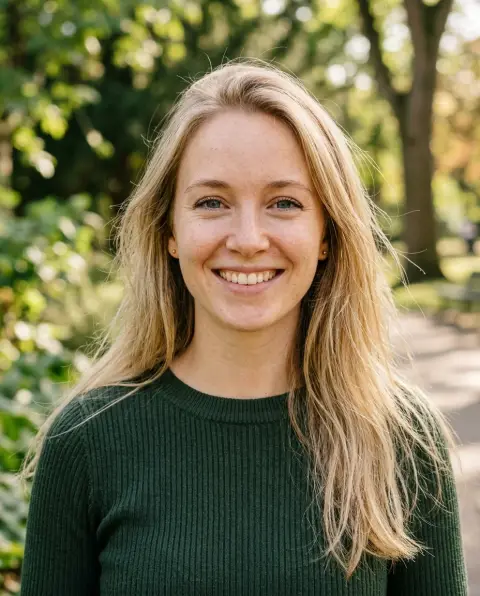
 Black hair filter
 Clothes color changer
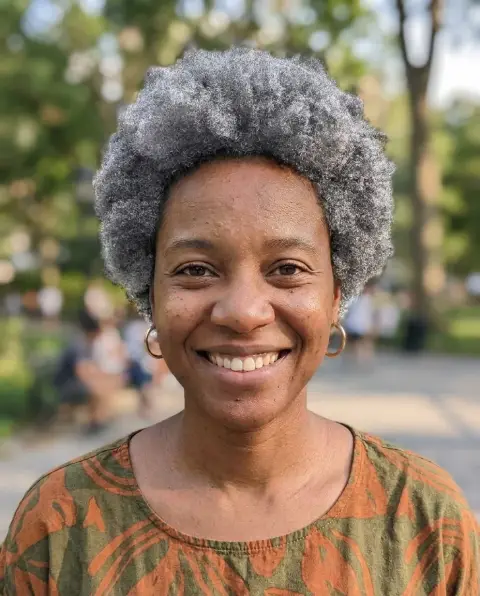 Grey hair filter
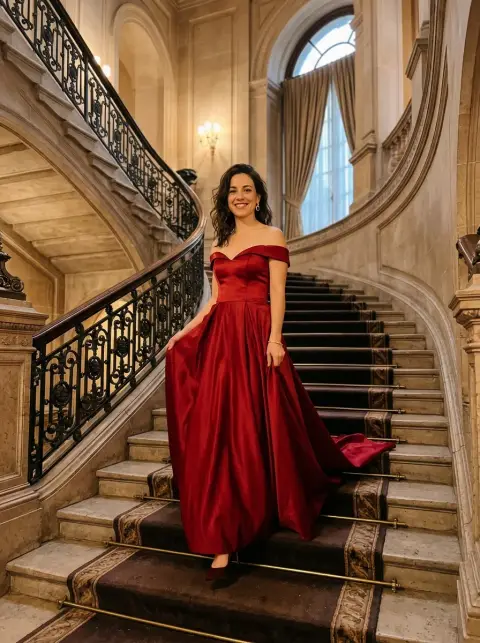
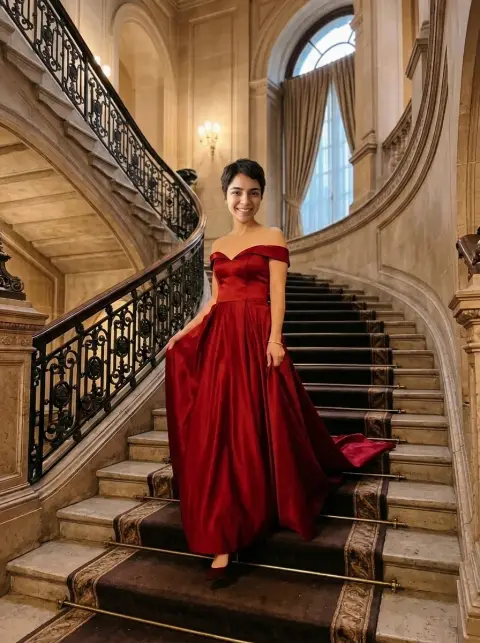 Head swap
 HEIC to PNG
 Hijab photo editor
 PNG to JPG
 WebP to JPG
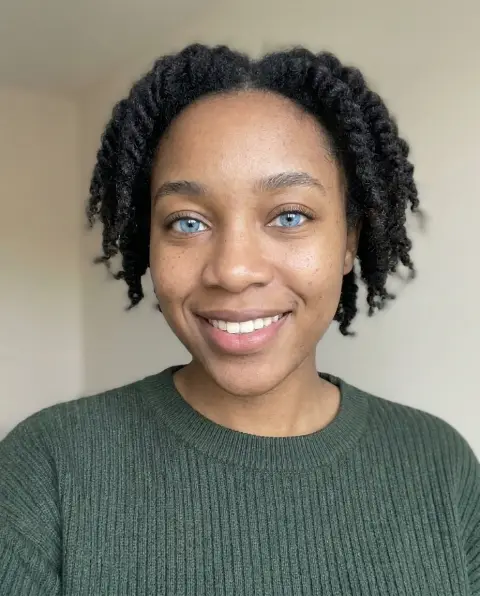 Blue eye filter
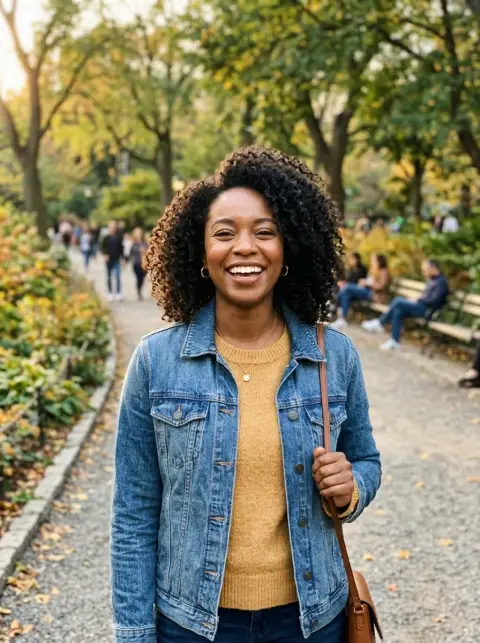
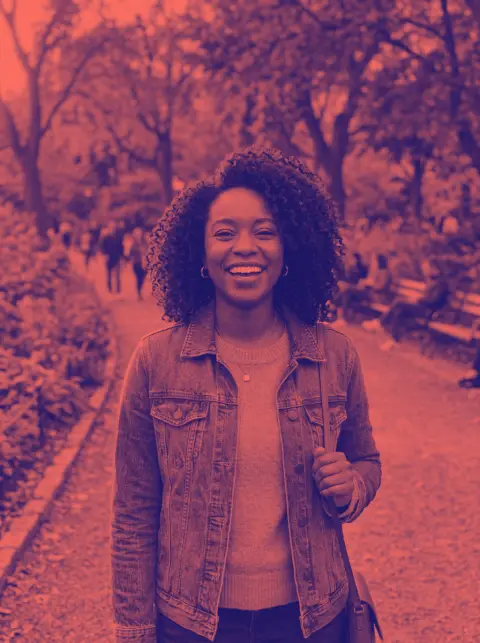 Duotone photo
 Logo color changer
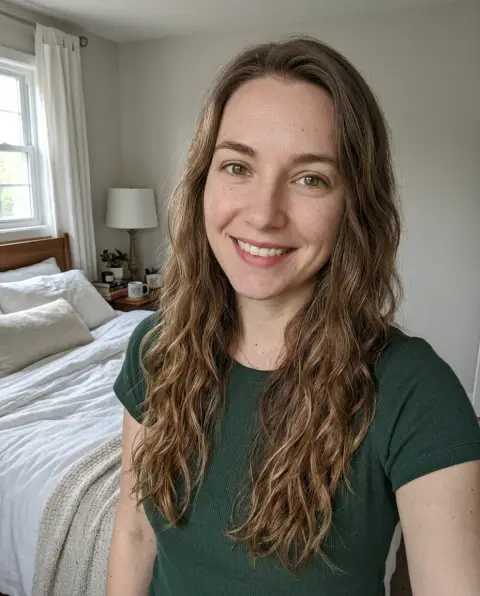
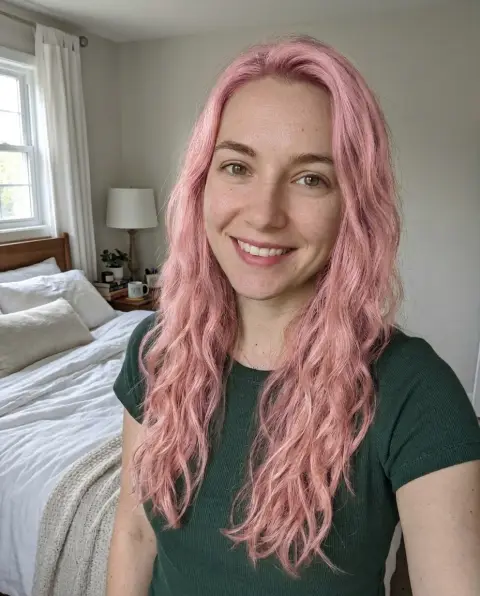 Pink hair filter
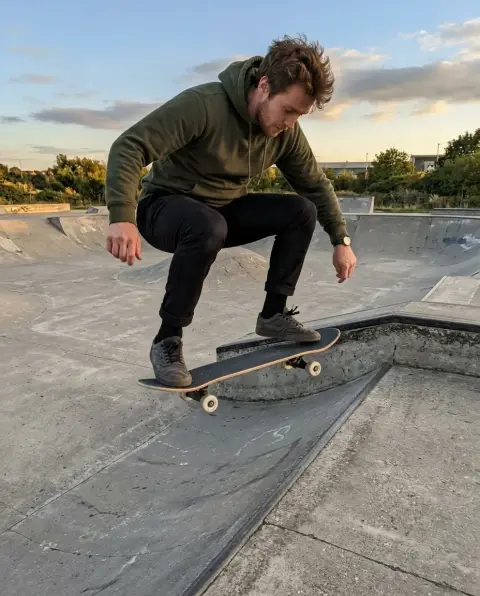
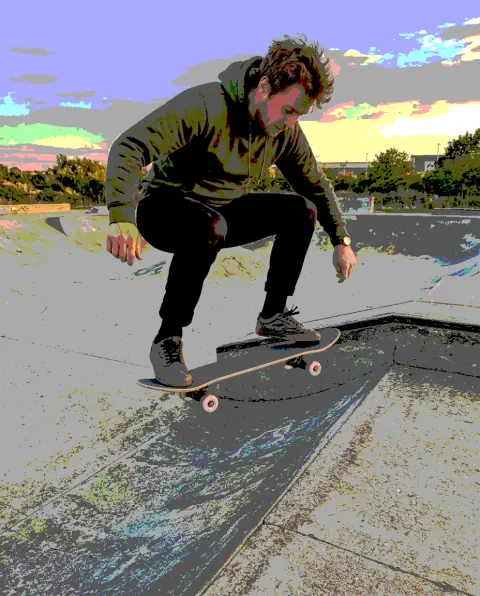 Posterize image
 Straighten photo
 White background
 AVIF to JPG
 JPG to PNG
 SVG to PNG
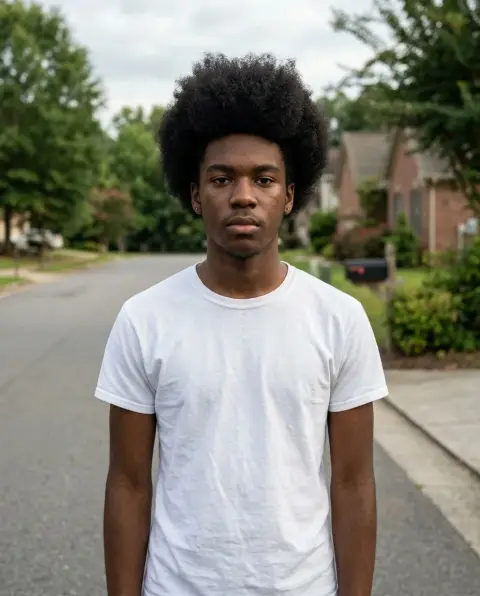
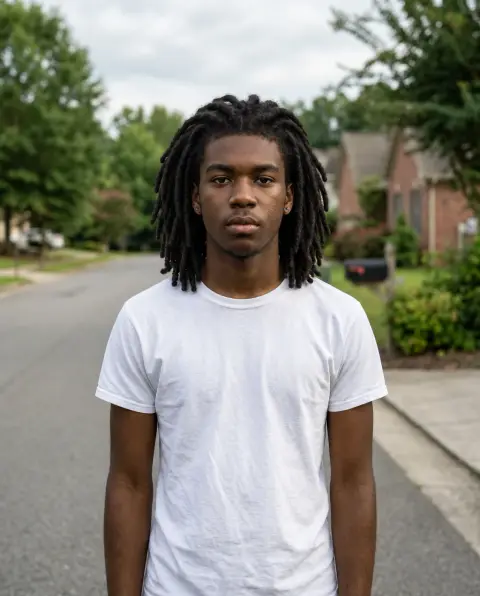 Dreads filter
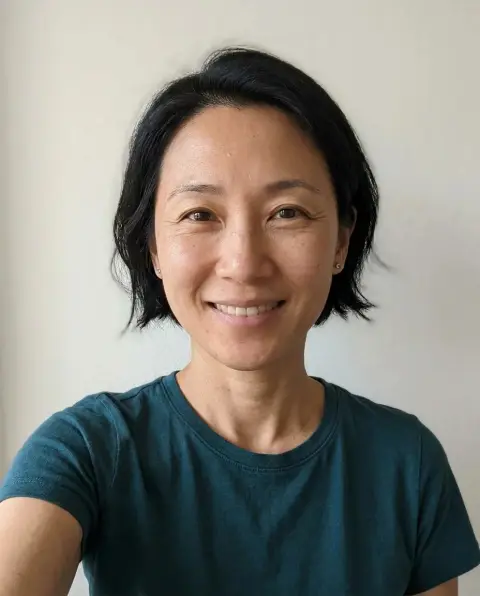
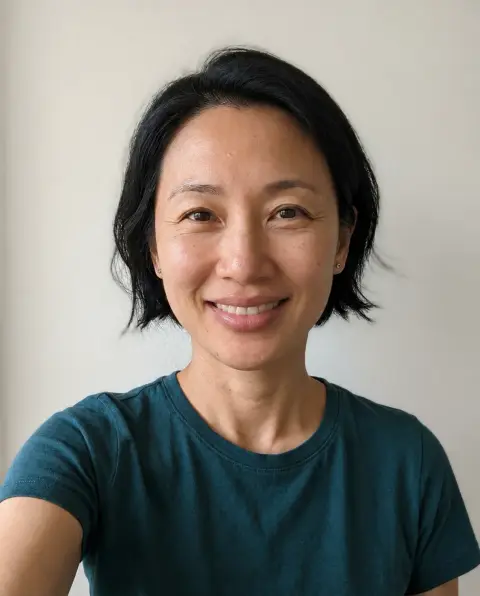 Lip filler filter
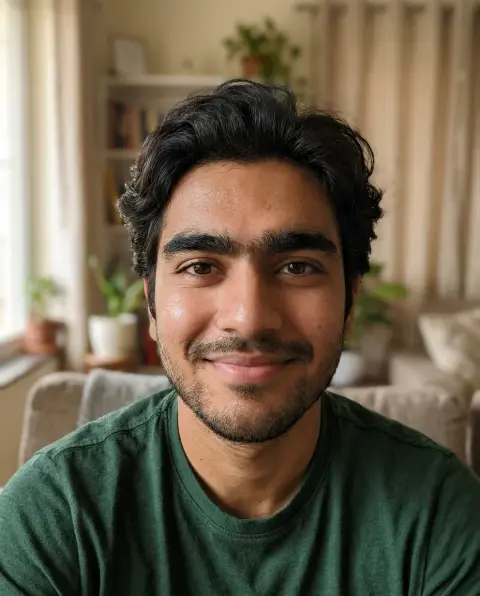
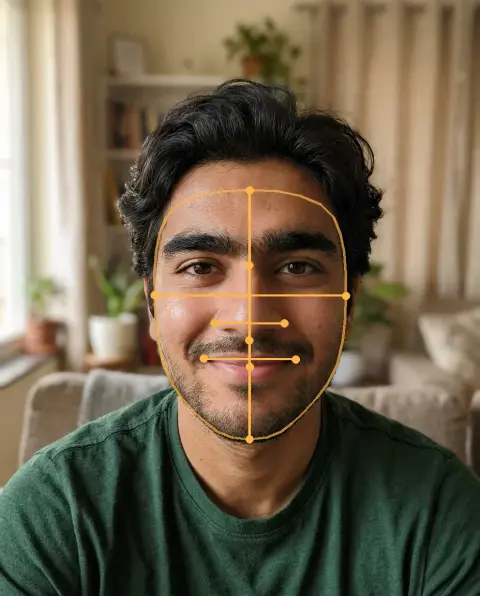 Face score
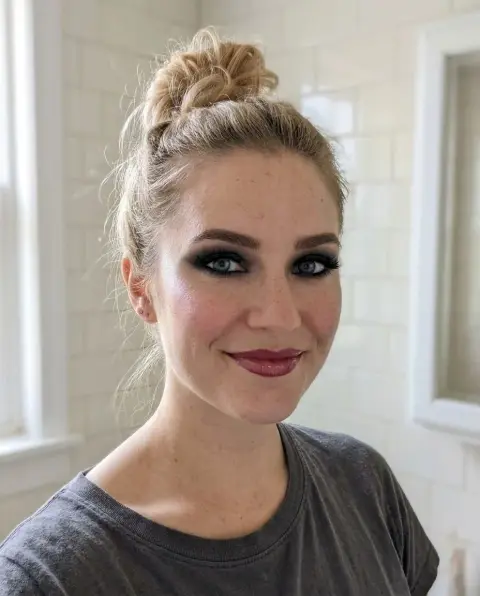
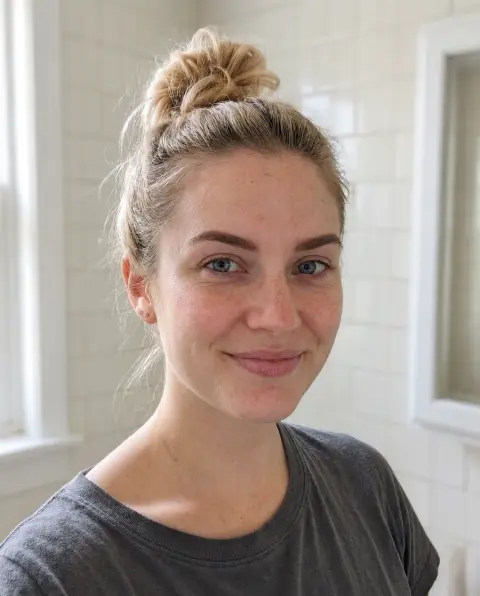 No makeup filter
 Nose job filter
 AVIF to PNG
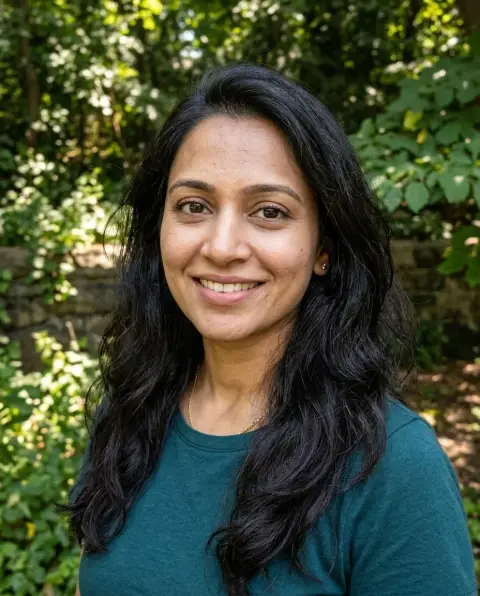
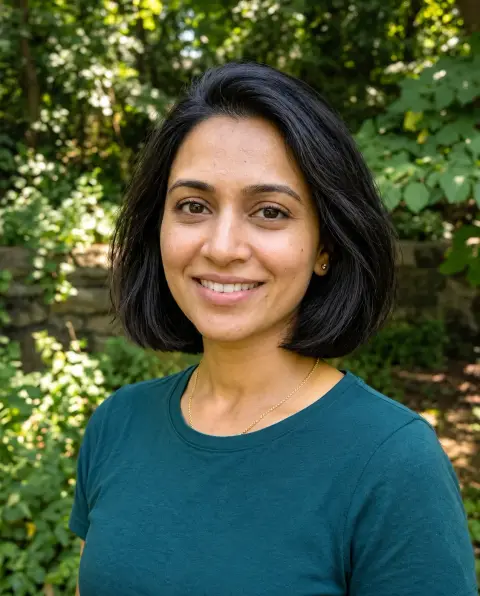 Bob filter
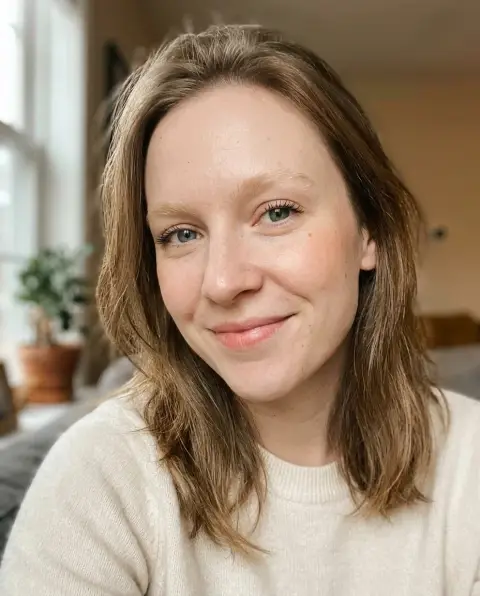
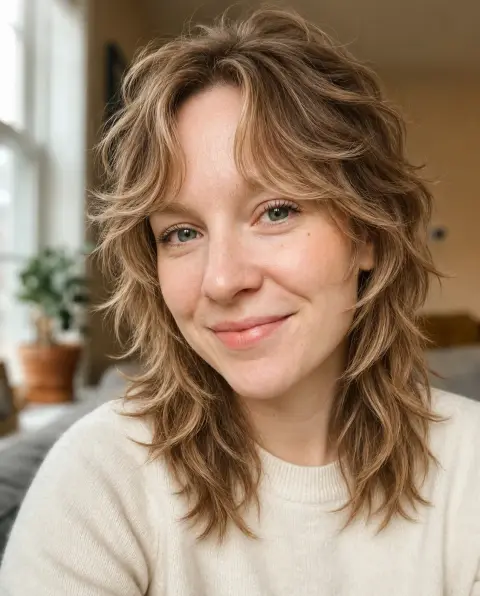 Wolf cut filter
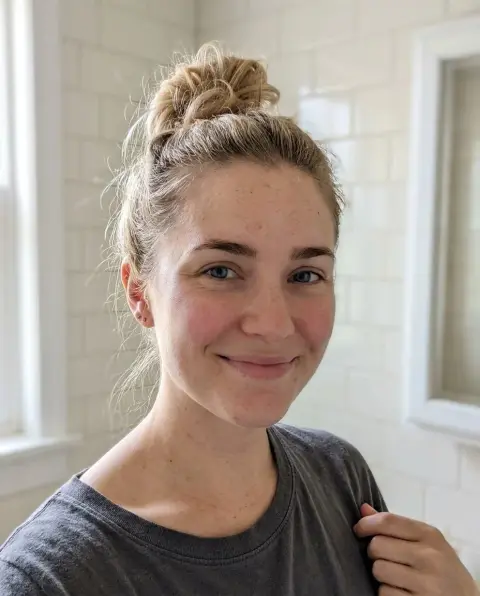
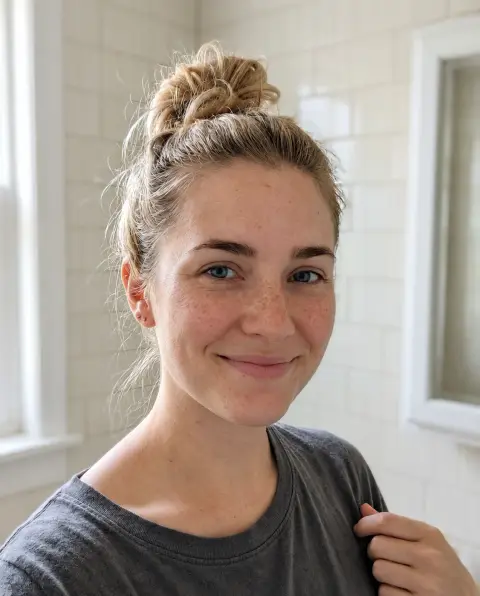 Freckles filter
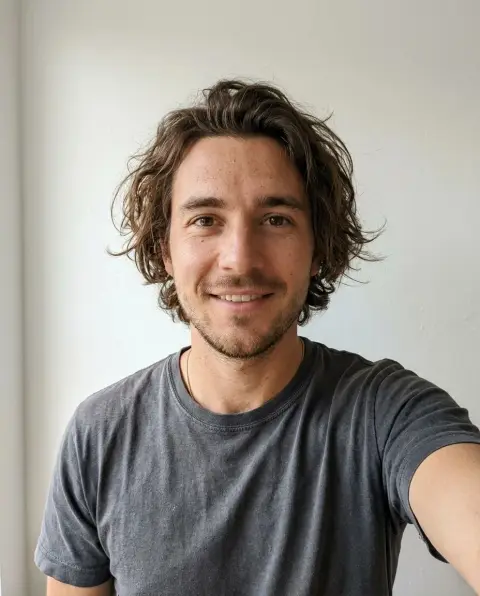
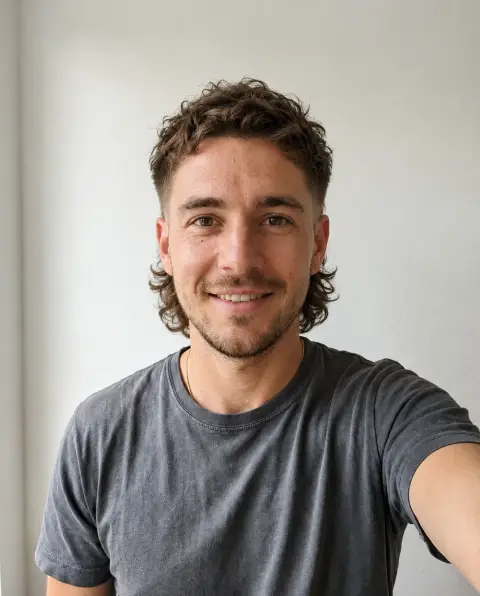 Mullet filter
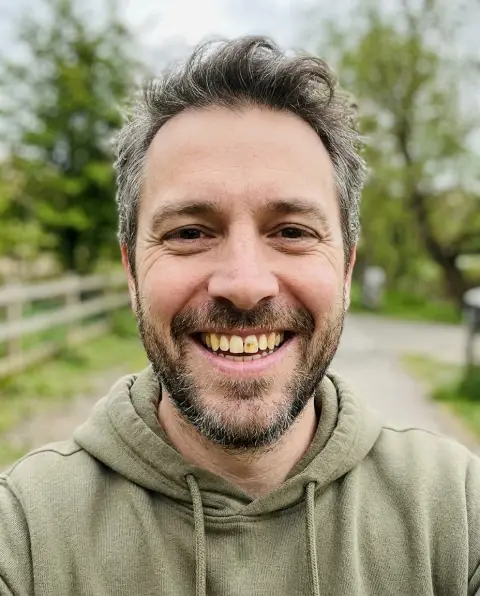
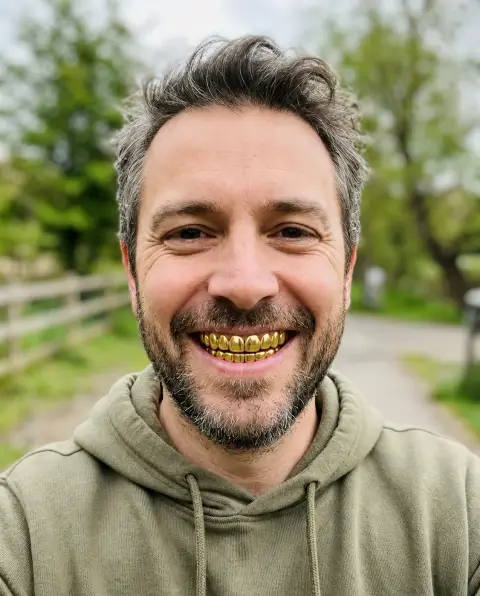 Grillz filter
 Compress image
 PNG to WebP
 Aspect ratio calculator
 Compress PNG
 Compress JPG
 JPG to WebP
 Rotate image
 SVG to JPG
 Instagram grid maker
 Resize PNG
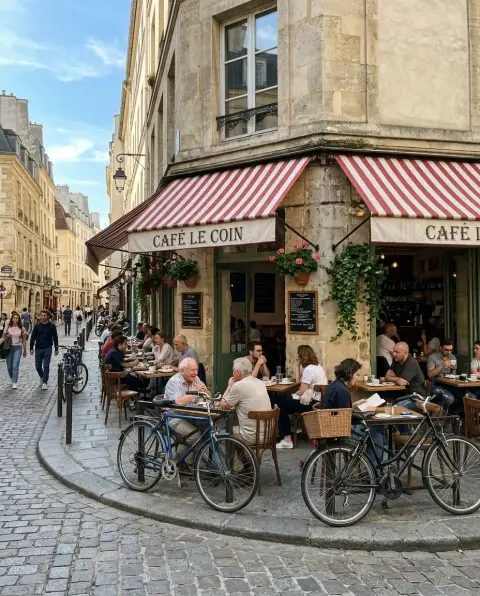
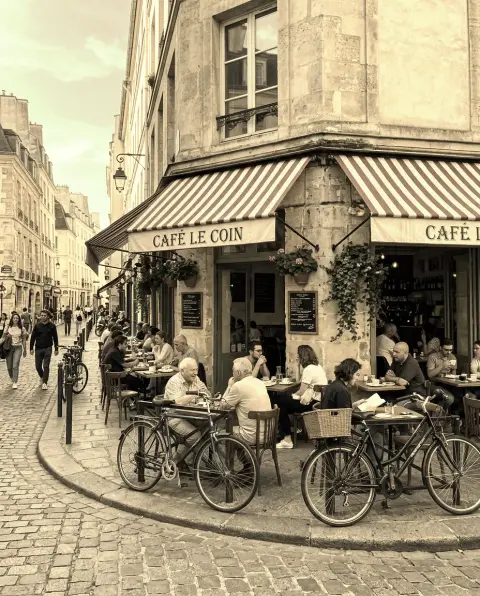 Sepia filter
 Split image
 Twitch emote resizer
 Bulk image resizer
 EXIF viewer
 GIF to JPG
 Invert image colors
 Resize image for Instagram
 Stitch photos
 VHS filter
 YouTube thumbnail resizer
 Add border to photo
 Compress WebP
 GIF frame extractor
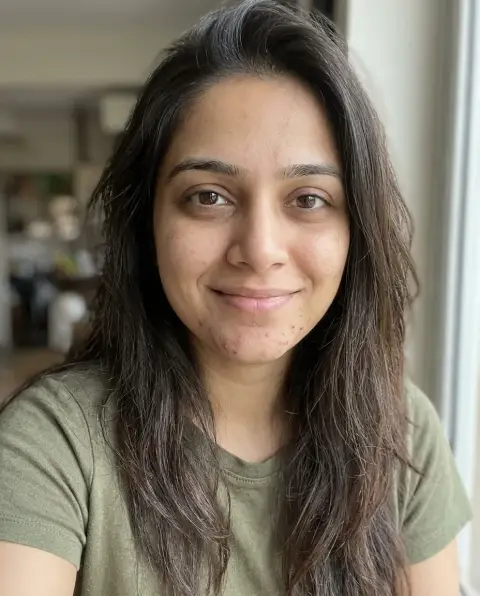
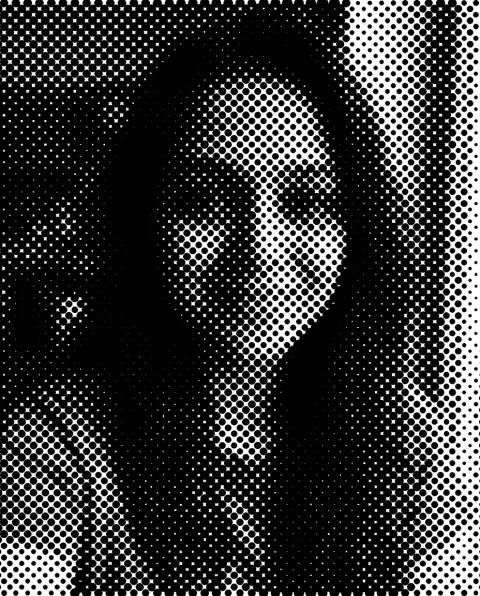 Halftone generator
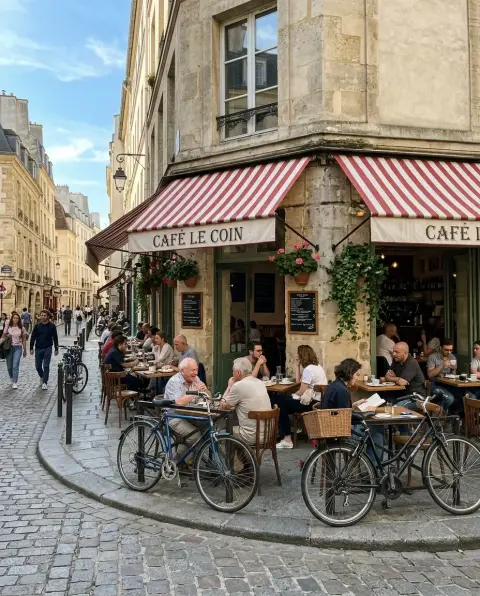
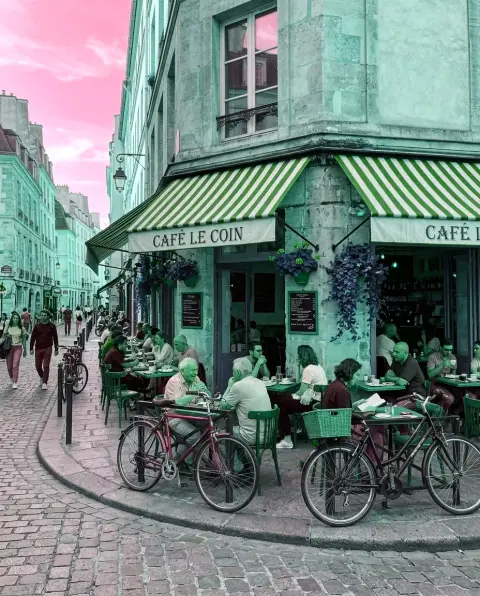 Hue changer
 Photo grid maker
 Reduce image size in KB
 Vignette effect
 YouTube banner resizer
More in AI Image.
About Edit
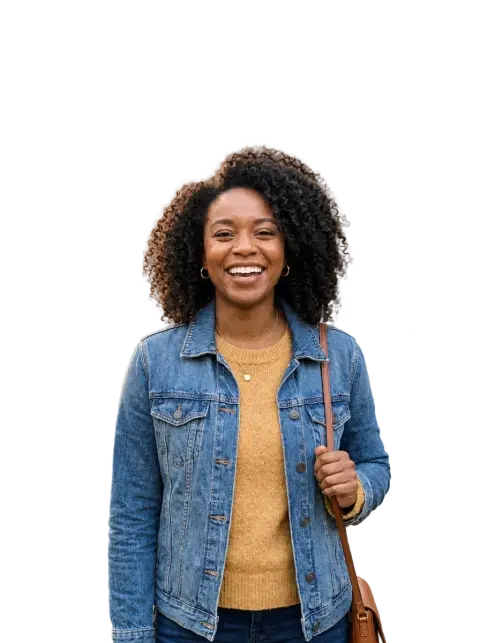
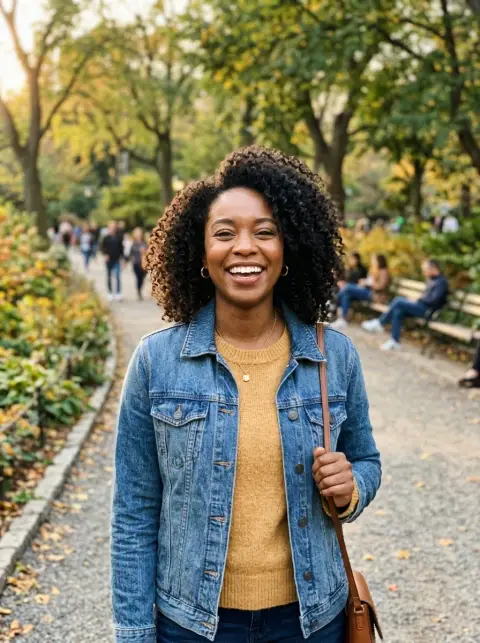
Edit tools make one specific change to a photo and keep everything else as it was. That is the difference from a style filter: the face, the colors and the framing stay yours, and only the part you asked about changes. The most used edits are cutting out a subject to get a transparent PNG, removing people or objects that should not be in the shot, and placing a product or portrait on a clean background.
Each edit tool is tuned for one job, which is why its results are more predictable than a general prompt. The background remover is set up to keep hair and fine edges. The people remover fills the gap with matching scenery instead of a blur. The white background tool outputs pure #FFFFFF, the color marketplaces ask for on main product images.
For the best results, upload the largest version of the photo you have and keep the subject in focus. If something gets trimmed that you wanted to keep, say so in the instructions box, for example "keep the handbag", and generate again.
Questions
Will an edit change the rest of my photo?
Edit tools are built to change only the part you ask about. Faces, colors and framing are kept. If something else changes, describe what to keep in the instructions box.
Can I chain several edits?
Yes. Download the result and upload it to the next tool, for example remove the background and then add a white background.
What resolution do I get?
Standard results come out at web resolution. Pick 4K for print or large screens.
Which photos are hardest to edit?
Subjects that blend into the background, like a white mug on a white table, and partly transparent things such as glass or smoke.