Add border to photo
Frame a photo with an even or Polaroid border.
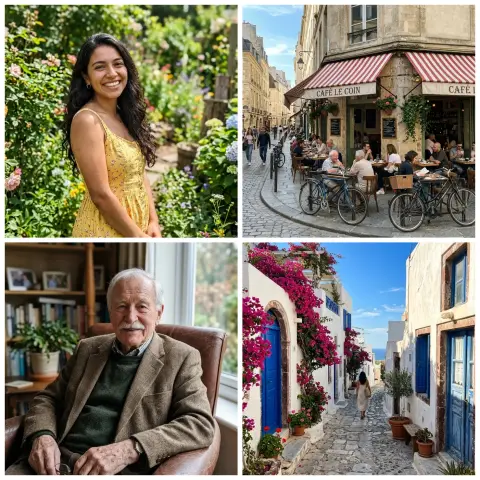
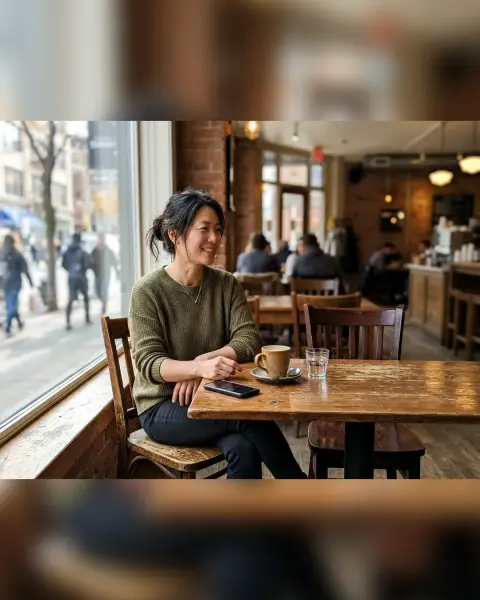
Drop a photo
or paste with ⌘V · JPG · PNG · WebP, stays on your device
No photo handy? Try one of ours.
 White background →
Add border to photo examples.
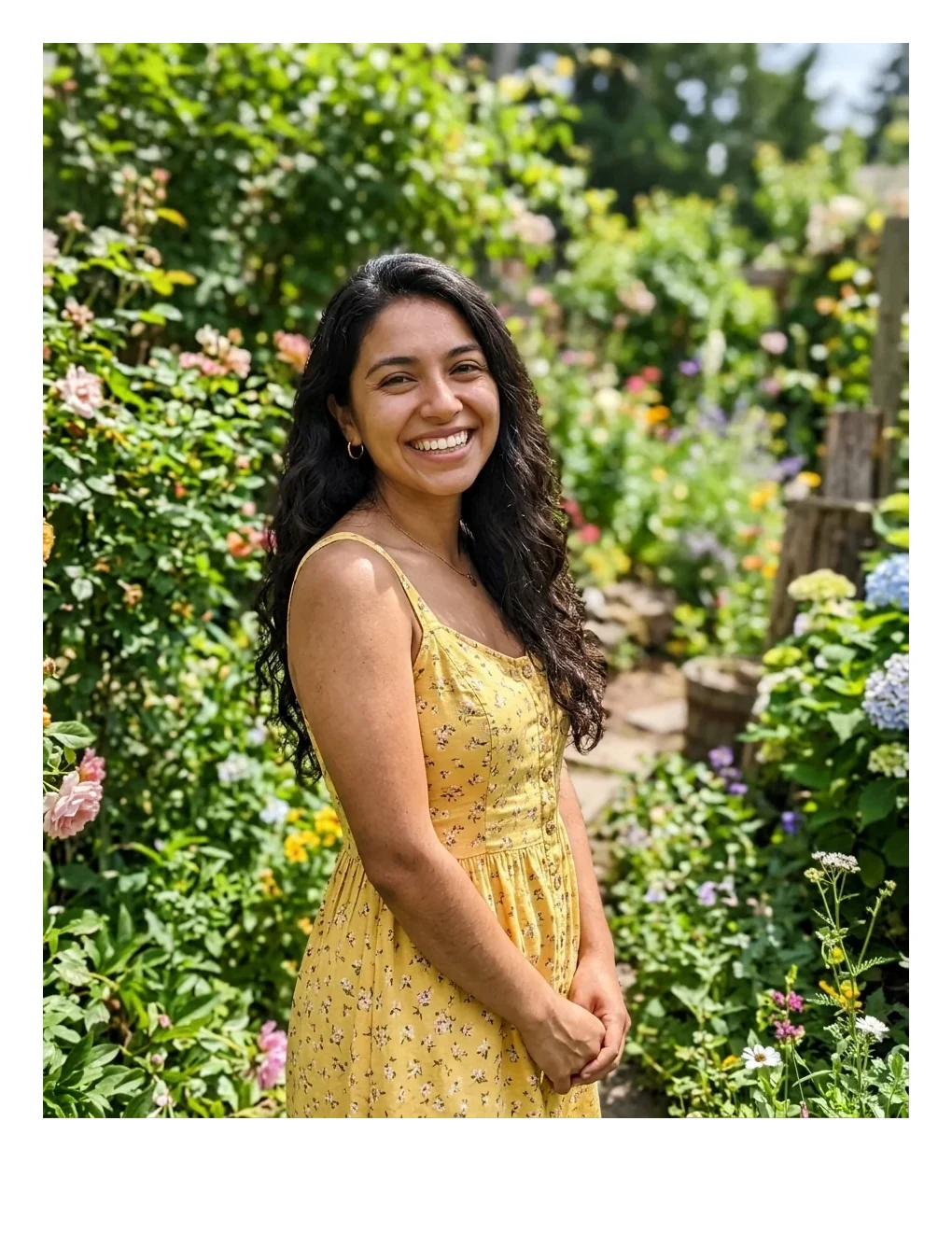

White Polaroid
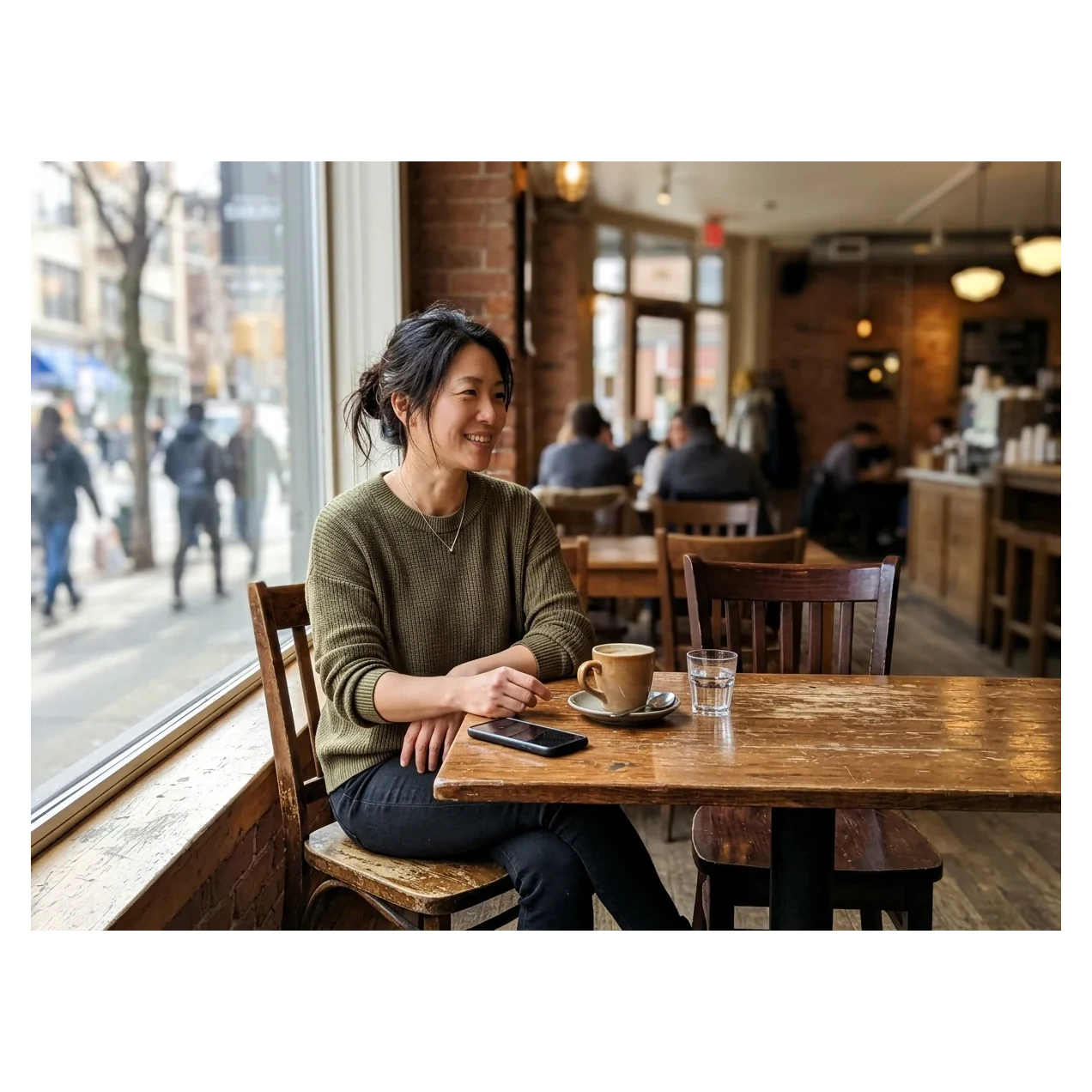
Square canvas
Add border to photo features.
Width and color
Set the border from 0 to 20% of the photo's short side (default 5%). Pick white, black, orange or any custom color.
Even or Polaroid
Even gives the same border on all sides. Polaroid makes the bottom three times deeper, like an instant print.
Square canvas
Turn it on to pad the photo to a square, so a tall or wide photo fits whole in a square post.
Add border to photo, step by step.
01
Add your photo
Paste, drop or choose a photo.
02
Choose the frame
Set width and color, pick Even or Polaroid, and switch on Square canvas if you need a square.
03
Download
Save a JPG or PNG at full resolution.
Add border to photo use cases.
- White frame for posts
- Add a clean white border to a photo before sharing.
- Instant-print look
- Use the Polaroid style for a retro memory card.
- Fit a photo into a square
- Add padding instead of cropping a wide or tall photo.
Add border to photo: best photos and fixes.
White border on a photo
White is the usual choice for a clean gallery look. It works well on photos with dark edges. On a photo with a white sky, the edge of the picture vanishes into the border, so use a pale gray custom color or black.
How wide should the border be?
3 to 6% looks like a thin mat. 8 to 12% looks like a deliberate frame. Above 15% the border starts to dominate the picture. Because the width follows the short side, the same percentage works on any photo size.
Polaroid style
In Polaroid style, the bottom is three times deeper than the other sides. It looks best with white or cream and a square or near-square photo. A custom off-white such as a warm cream looks more like aged paper than pure white.
Square canvas instead of cropping
A wide photo posted as a square usually gets cropped. Square canvas adds borders to the short sides, so the whole photo stays visible. Pick white or black to match your feed.
Matching the border to the photo
Pick a color from the photo itself, such as a tone from clothing or a wall, with the custom color option. A border in a shade from the picture feels intentional and does not fight with the subject.
Transparent images
JPG has no transparency, so any transparent area becomes white. Save as PNG if you want to keep it.
Add border to photo FAQ.
How do I add a white border to a photo?
Choose white, set the width and download. Add Square canvas if the post must be square.
What is Polaroid style?
A frame where the bottom border is three times deeper than the others, like an instant print.
Does the border change the photo?
The photo itself is not changed. The border is added around it, so the file gets larger by the border width.
How wide can the border be?
Up to 20% of the photo's short side.
Can I use my own color?
Yes. Pick white, black or orange, or any custom color.
Is it free?
Yes. It is free, needs no sign-in and the photo never leaves your device.