



AI Elf Dance Video
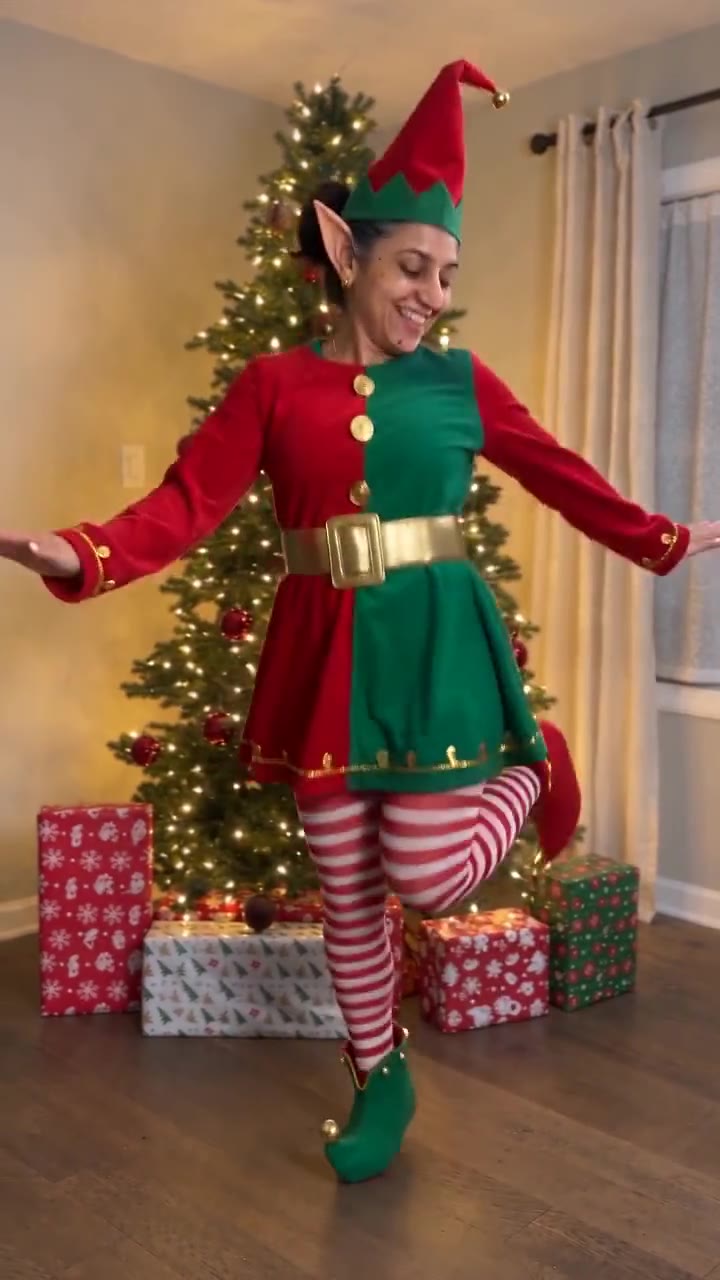
One photo, one Christmas elf: sparkles sweep over you, the elf suit, ears and hat appear, and you dance by the lit tree with your own face.
Drop a photo
or paste with ⌘V · JPG · PNG · WebP · up to 8 MB
No photo handy? Try one of ours.
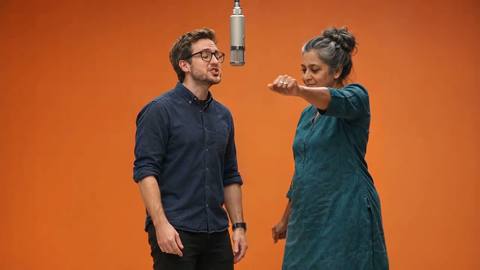
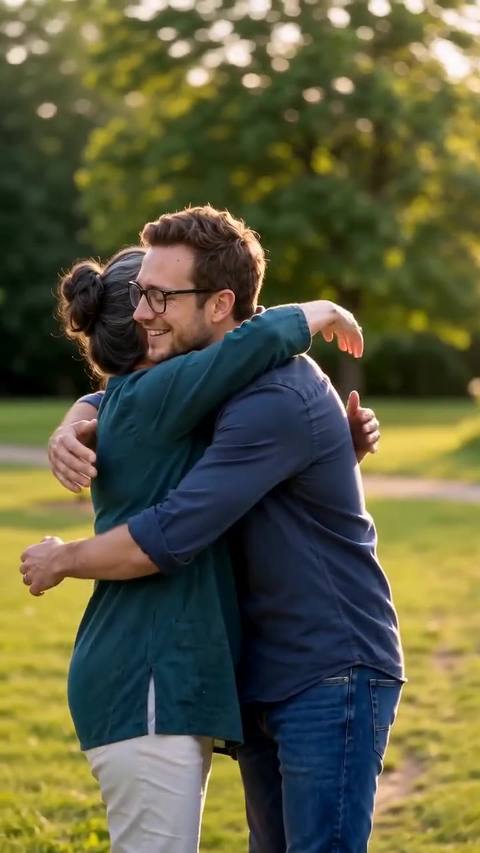
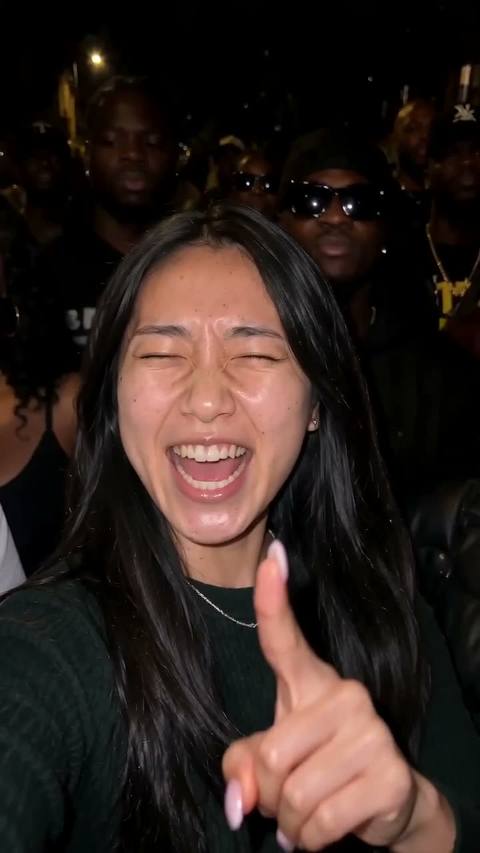
AI Elf Dance Video examples.
One portrait → a dancing elf
AI Elf Dance Video features.
The sparkle change
The clip opens on you in your own clothes. A sweep of golden sparkles passes over you and leaves the red-and-green elf suit, striped tights, pointy ears and the tall elf hat behind.
The whole elf dance
Bounces, kicks, arm swings and the spin follow the trend clip beat for beat, with the camera locked on your whole body from head to feet.
Still your face
The costume comes from the trend and the face comes from your photo, and it holds through the kicks and the spin instead of turning into the original dancer.
The Christmas room
A lit tree, wrapped presents and warm indoor light, the cosy living-room set the trend is filmed in.
AI Elf Dance Video, step by step.
01
Add one photo
A clear photo of the person who should become the elf. A face photo works; one that shows more of you works better.
02
Make the clip
You are placed in the first frame by the tree, then the full 10 seconds are rendered: the sparkles, the costume change and the dance, with the original music.
03
Post it
Download the MP4 and post it as it is, or send it to family as a Christmas card that moves.
AI Elf Dance Video use cases.
- Your own Christmas post
- The classic version: you, in elf ears, dancing badly and proudly in front of the tree.
- Elf your family
- Make one clip per person, a parent, a grandparent, the kids, and post them as a set or line them up in one reel.
- Office and team cards
- One clip of the boss or each teammate as an elf makes a holiday message nobody scrolls past.
AI Elf Dance Video: best photos and fixes.
Face first
The elf hat and ears cover the top of the head and the suit covers your clothes, so the face is what makes the elf you. Use a sharp, front-facing photo in good light, without sunglasses or a hand in front of the face.
Your clothes show for a second
The opening second shows you in the clothes from your photo before the sparkles pass. Any everyday outfit works; a photo that shows your upper body gives that second something to hold on to.
Hair under the hat
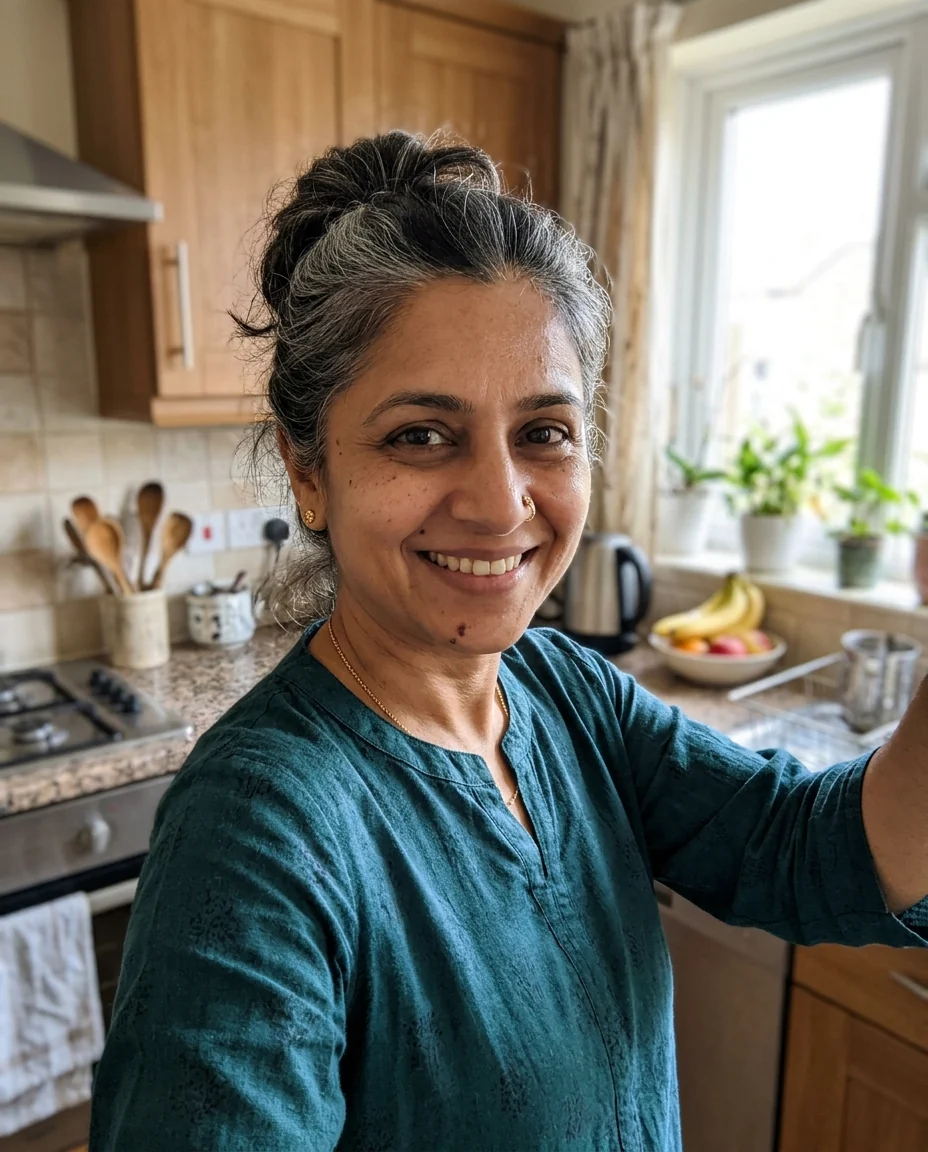
The tall hat sits on top, so very big hair or a high bun may be pressed down under it. Grey or very light hair can come out darker for a few seconds of the dance, where the original dancer's dark hair shows; a photo with the hair clearly visible helps.
One person per photo
With two people in the photo the model may mix their faces into one elf. Crop to the person who should dance, and make a second clip for the second person.
AI Elf Dance Video FAQ.
What is the AI elf dance trend?
Turning yourself into a dancing Christmas elf is an online holiday habit much older than AI video: for years people pasted their face onto cartoon elves on e-cards. The AI version is a real-looking clip: you appear in your own clothes, sparkles turn you into an elf in a red-and-green suit, and you dance by the Christmas tree. It comes back every year from November.
How many credits does an AI elf dance video use?
One remake at the default settings (Seedance 2.0 Mini, 720p, the full 10 seconds) uses 570 credits. A shorter clip costs less; a faster or newer model or a higher quality costs more. The price is on the button before you start. New accounts get 15 credits to try the image tools; for a remake you need a plan or a credit pack. Credit packs never expire.
How long does it take?
Usually four to six minutes. You can close the page while it runs: the finished MP4 lands in My files, and if you stay, the progress bar shows which step it is on.
Can I change the elf costume?
The red-and-green suit, striped tights and hat are part of the trend, so the default prompt keeps them. You can open Edit prompt and describe another colour or a different costume, but the further you move from the clip, the less the dance follows it.
What if the result looks wrong?
AI video has some randomness, so two runs of the same photo never match exactly. If a run fails with an error, the credits go straight back to your balance. A finished clip is not refunded, and every new run is charged again, so check the photo tips above before you start.
Do I get the music?
Yes. The clip is rendered silent and the trend's own soundtrack is laid back on top, so the dance lands on the beat. Download is a 720p MP4, ready to post.