












AI Age Filter
See yourself decades older or younger.
Drop a photo
or paste with ⌘V · JPG · PNG · WebP · up to 8 MB
No photo handy? Try one of ours.
More like this.

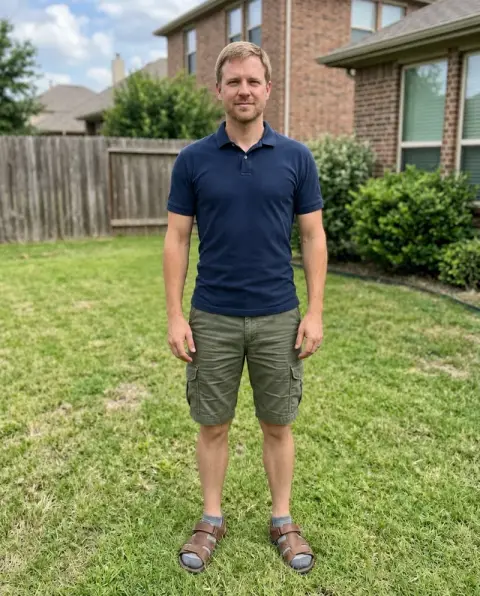

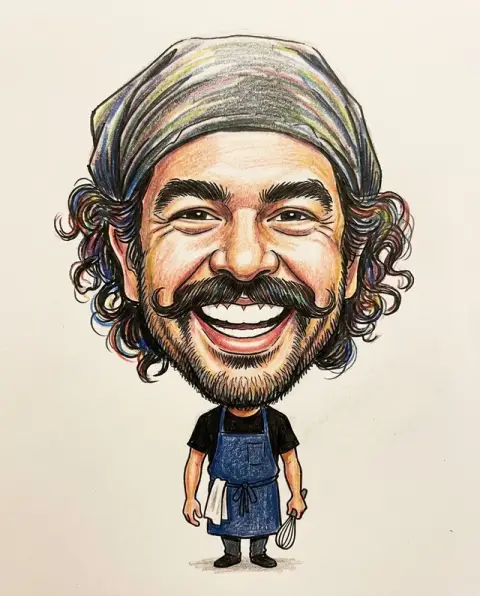
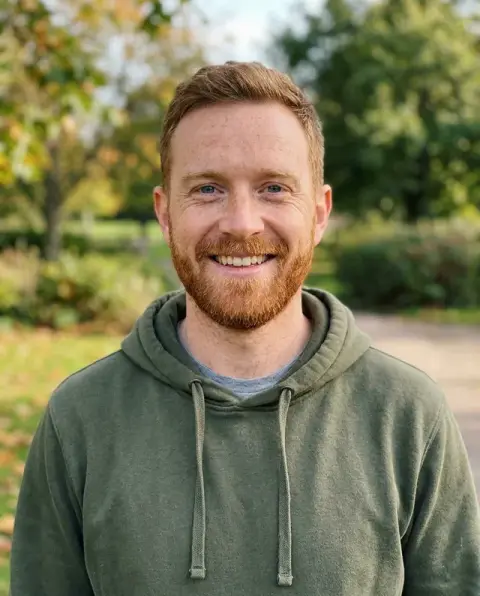
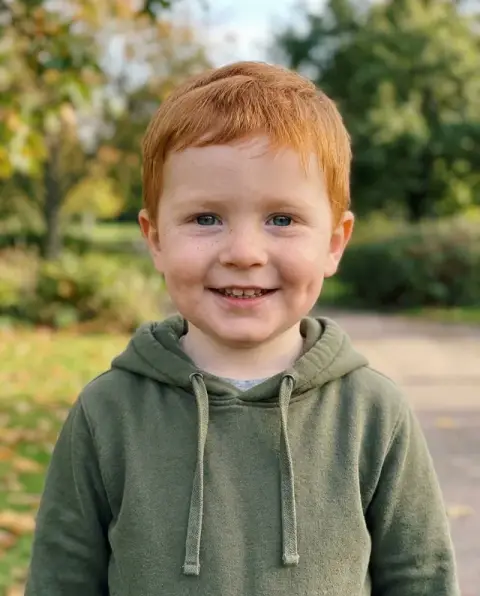
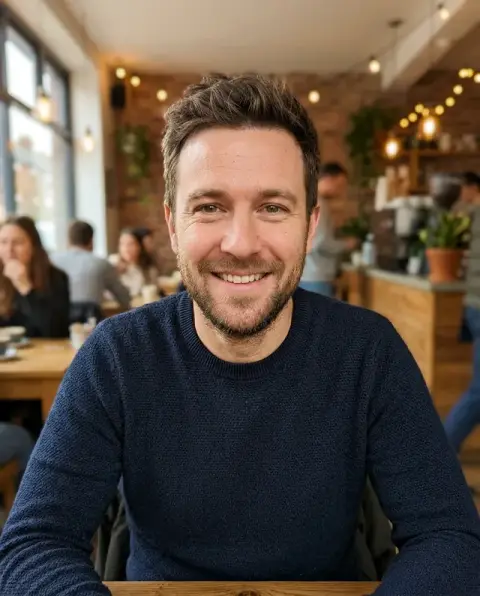
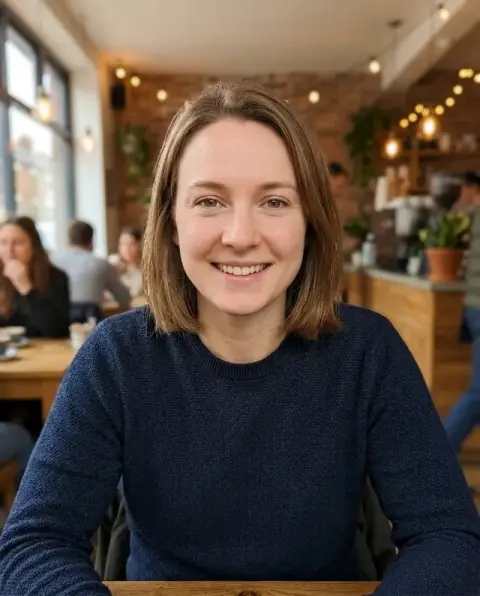
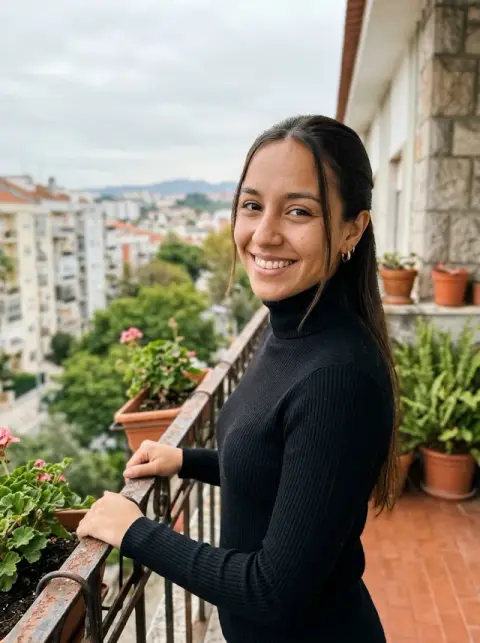
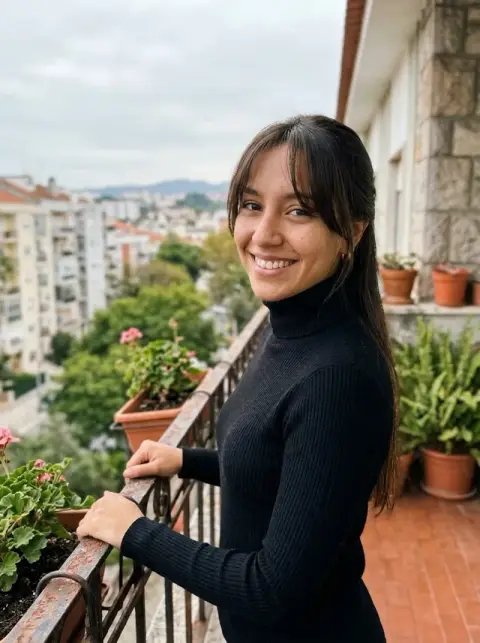
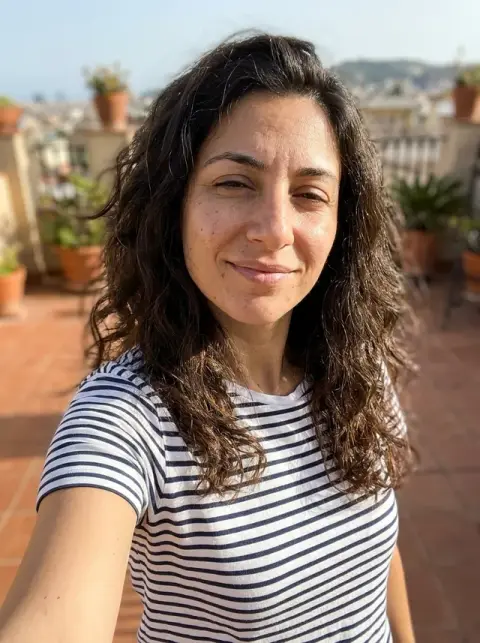
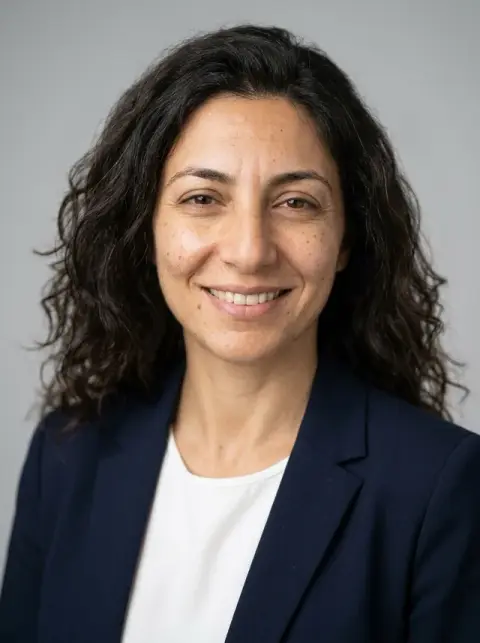
The same faces, older and younger, through the age filter.
Real results from this page's default settings in one click, not retouched.How examples are made


About 30 years older
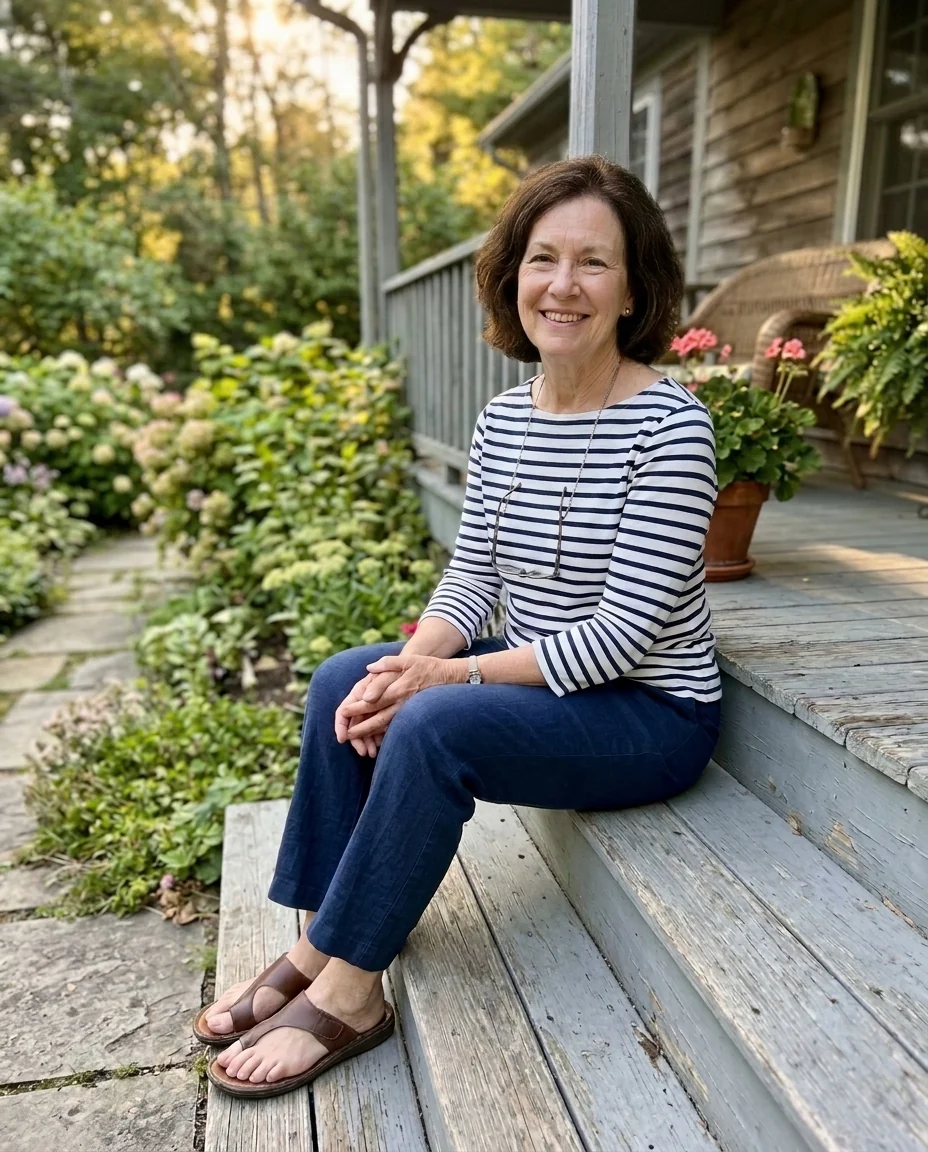
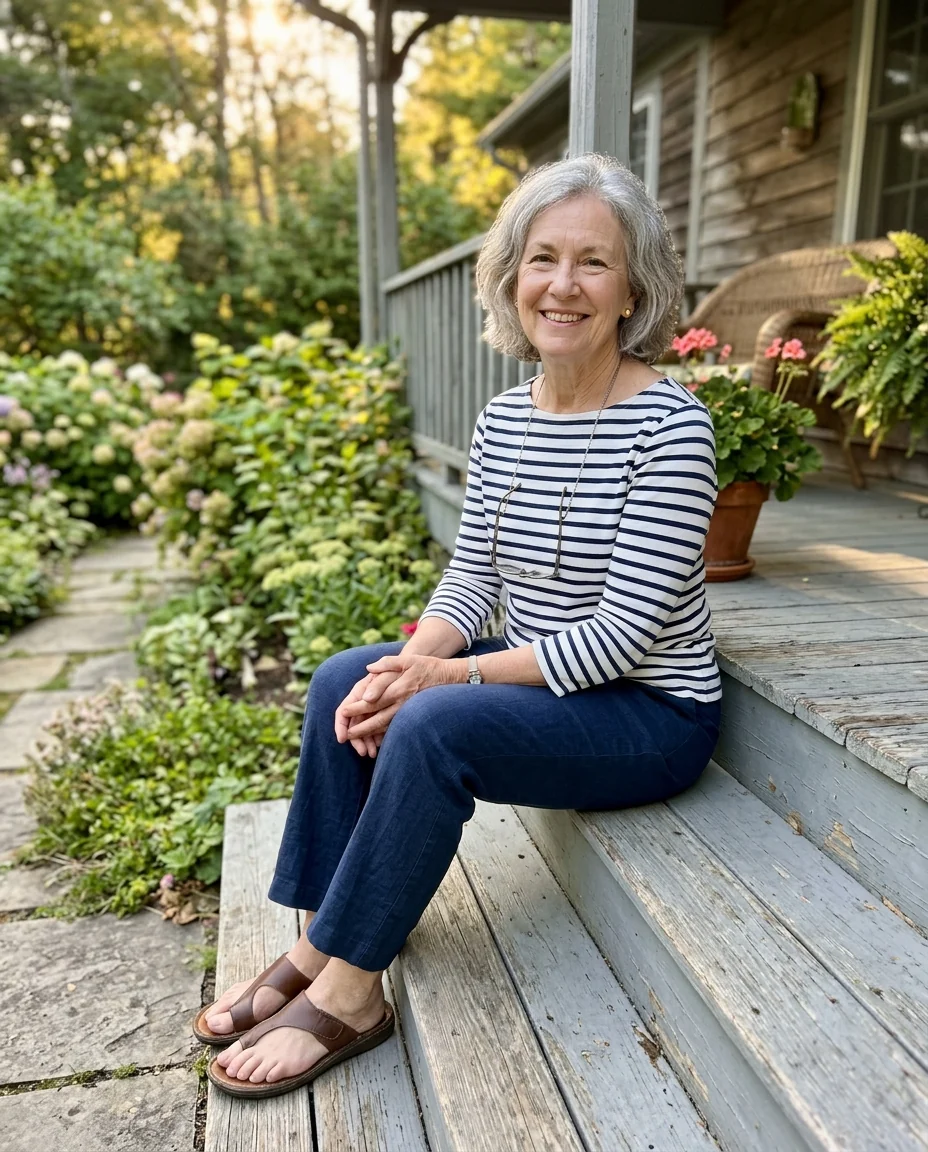
About 25 years younger
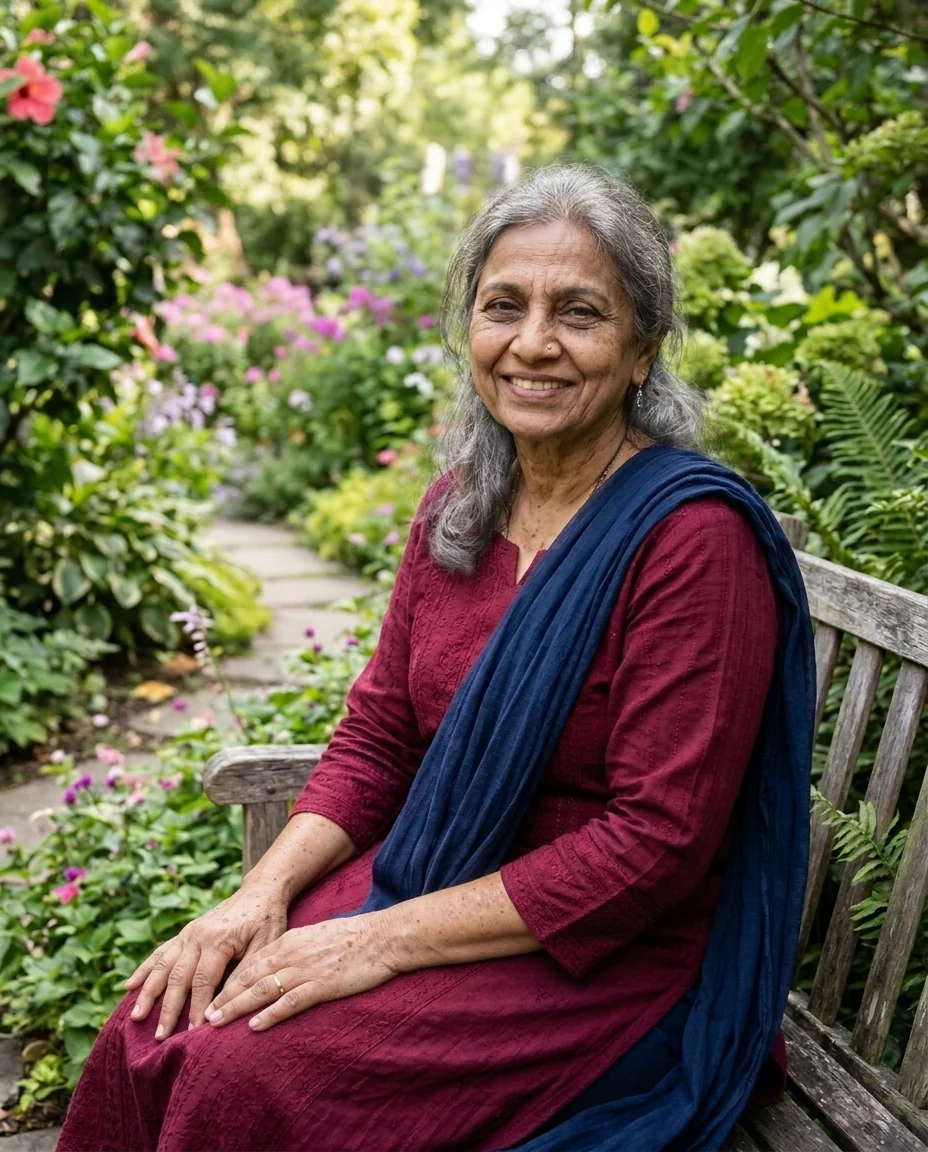
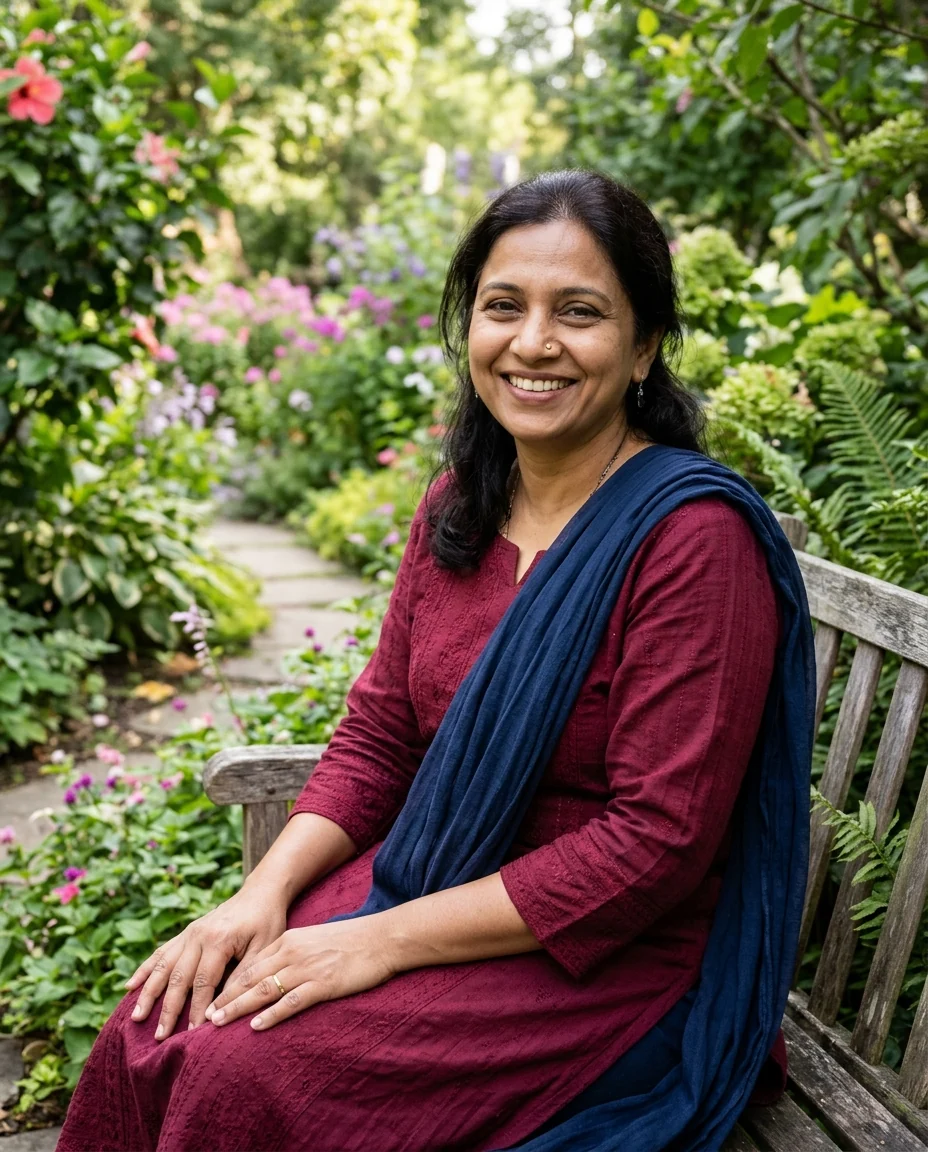
About 30 years older
What the AI age filter changes, and what it keeps.
Older or younger
Pick a direction; skin, hair and features change with it.
Still you
Face shape, eye color and expression stay recognizable.
Photographic
Realistic aging, not a cartoon effect.
AI Age Filter, step by step.
01
Upload a portrait
A clear, front-facing face works best.
02
Pick Older or Younger
Optionally add an age, such as "aged 80".
03
Download
Save the result.
Why people try an age filter on their own face.
- Spotting the first grey hairs
- You keep finding grey hairs and wonder where it ends. Upload a sharp, recent photo, choose Older, and see yourself with grey hair and lines before it happens. It is a guess, not a forecast, but a fun one.
- A milestone birthday joke
- Turning 40 or 50 is a good excuse for an aged-up picture of the birthday person. Choose Older, add an age in the instructions such as "aged 80", and put the result in the card or the party slideshow.
- Growing old together
- Couples run both their photos through Older and post the pair side by side for an anniversary. Two photos with similar light and framing make the results look like a set.
- A throwback with no old photos
- When there are no childhood photos of you, or none you like, Younger gives a stand-in for a then-and-now post. Put it next to a recent photo and say in the caption that it is AI.
AI Age Filter: best photos and fixes.
Photos for a convincing age change
A sharp, front-facing photo with even light shows the features that age changes most: skin, the eyes, the jawline and hair. Unfiltered photos are best, since beauty filters already smooth the skin and remove the details the model builds on. Sunglasses and strong shadows hide too much of the face for a convincing result.
Older or younger
Older adds about thirty years: wrinkles, greyer and thinner hair, softer jawline. Younger takes you back to a teenage or childhood look, with rounder cheeks and smoother skin. For a specific age, write it: "about 70 years old" or "as a 10-year-old child". Ten-year steps are easier to judge than a big jump.
Not a prediction
The result shows a plausible version of you at another age, not a medical or scientific forecast. Real ageing depends on genetics, sun, smoking, health and lifestyle, none of which the model knows. Use it for fun, for characters or to compare with family photos of parents and grandparents.
Keeping your identity
The bone structure, eye color and overall face shape are kept, so friends should still recognise you. Big jumps, such as from 30 to 90 or from 40 to 5, change more and can drift. If the result looks like someone else, regenerate or ask for a smaller step, such as "20 years older".
Hair, glasses and clothes
Hair turns grey or white when ageing, and may thin or recede; write "keep my full hair, just grey" if you prefer. Glasses and clothes usually stay. For a character with a specific look, add it: "older, with a white beard and reading glasses".
Comparing with family photos
A fun way to use the older version is to set it next to a photo of a parent or grandparent at that age and see what looks alike. For the younger version, compare it with your own childhood photo; the differences show how much the model is estimating rather than knowing.
Characters for stories and games
Writers and game makers use age changes to see a character at different points in a story. Start with a sharp, front-facing photo, then generate several ages, such as 20, 45 and 70, with the same instructions. Add story details, such as "a scar on the left cheek" or "grey beard and reading glasses", to keep the character consistent across ages.
If the result looks overdone
Very deep wrinkles, sagging or very white hair can look exaggerated. Ask for less: "slightly older, about 15 years", "subtle wrinkles". The opposite also happens with younger versions: skin can look too smooth. Write "natural skin texture" to keep it photographic.
Age filter questions about accuracy, photos and privacy.
Can it make me look younger as well as older?
Yes. Choose Older for the old-age look or Younger for a youthful version. To aim for a specific age, describe it in the instructions box, such as "in their 70s".
Is the old age filter a real prediction?
No. It is an artistic estimate of aging, made for fun. Real aging depends on genes and lifestyle.
Does it keep my identity?
Yes. Face shape and features stay recognizable; wrinkles, hair color and skin change with age.
Is the Age filter free?
Yes, you can try it free. New accounts get 25 free credits, and one generation here uses 9 credits. You sign in with your email; no card needed. Results have no watermark. After that, credit packs never expire, and your first one is half price.
Can I use a group photo?
It is made for one face at a time. In a group photo several people may change and small faces age less convincingly, so crop to one person for the clearest result.
How is it different from the baby filter?
The [baby filter](/effects/baby-filter) turns an adult into a toddler. The age filter moves you a few decades older or younger while keeping your face recognizable.
What files can I upload?
JPG, PNG or WebP, up to 8 MB per photo.
Does it work on my phone?
Yes. It runs in the browser on phones and computers. On a computer you can also scan a QR code to send a photo from your phone; the link works for 10 minutes.
Are my photos kept or used to train AI?
Photos and results are not used to train AI models. Results stay in My files for 48 hours, or 30 days once you've bought a credit pack, and you can delete them sooner.
Can I age someone else's photo?
Only with their permission. Don't use the result to mislead people about someone's age or identity.


