












Nano Banana 2
Google's newer fast image model: sharper detail, up to 4K, and edits that follow your instructions closely.
Nano Banana 2 examples.

A street food stall in Bangkok at night with steam and neon light
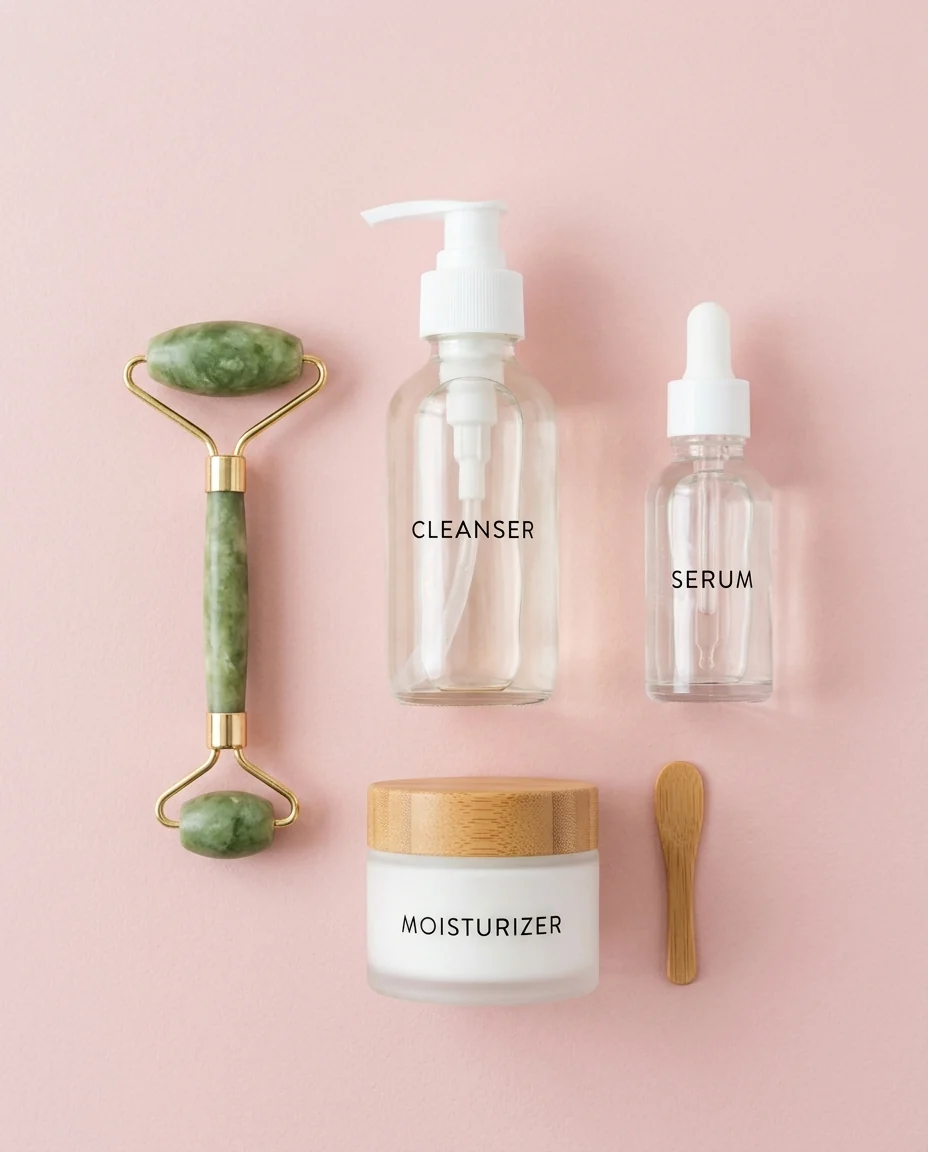
Flat lay of a skincare routine on a pale pink background

Children's book illustration of a bear reading under a tree
Nano Banana 2 features.
Up to 4K output
Choose 1K, 2K or 4K. Higher resolutions keep fine detail like hair, fabric and small text.
Edit with plain language
Upload a photo and say what to change. Lighting, background and objects can be edited without redrawing the whole scene.
Several reference images
Add more than one photo to combine a person, a product and a place in one result.
Fast
Results in seconds, so it is the default model for most photo tools on this site.
Nano Banana 2 vs Nano Banana Pro.
| Nano Banana 2 | Nano Banana Pro | |
|---|---|---|
| Best for | Everyday generation and edits | Text in images, complex edits |
| Max resolution | Up to 4K | Up to 4K |
| Speed | Fast | Medium |
| Cost | Lower | Higher |
Nano Banana 2, step by step.
01
Describe the image or upload photos
Write a prompt for a new image, or upload one or more photos and describe the edit.
02
Pick a resolution
1K for quick drafts, 2K or 4K for final images.
03
Generate and refine
Adjust the prompt and run it again until it looks right.
Nano Banana 2 use cases.
- Product and e-commerce images
- New backgrounds and lifestyle scenes for a product photo.
- Photo retouching by instruction
- Relight, recolor or clean up a photo by describing the result.
- Illustrations and concept art
- Book illustrations, mood boards and characters in any style.
Nano Banana 2: best photos and fixes.
Wide and tall shapes
Choose the shape before you write the prompt: a banner, a phone wallpaper and a square post each need a different composition. Describe the layout to match, for example "subject on the left, open space on the right for text" for a wide banner. Changing the shape later usually means regenerating, not cropping, if you want the composition to hold.
Editing with plain language
Upload a photo and say what should change in one sentence: "make it night time", "change her jacket to green", "remove the car on the left". It follows edit instructions closely and leaves the rest of the photo alone. One change per run gives the cleanest result. Starting with a sharp, evenly lit photo gives the cleanest edit; if your source picture is soft or has a distracting backdrop, run Unblur Image or Background Remover before uploading.
Several reference images
You can upload more than one photo. Say which photo each element comes from: "the jacket from the second photo on the woman in the first photo". Without that, the model has to guess what to combine. Photos taken in similar light blend most naturally.
Photorealistic results
Describe light and camera for photos that look real: "soft window light, 50mm lens, shallow depth of field". Naming materials helps too: "linen shirt", "brushed steel", "wet pavement". Without these, results can look too clean.
2 or Pro
Nano Banana 2 is faster and costs less. Nano Banana Pro is better at long text in images and complex scenes with many elements. For everyday edits and product images, 2 is usually enough; switch to Pro when text or consistency across many images matters.
Body shape and big changes
It keeps people very close to the original, which is good for edits but means it rarely changes body shape, even when asked. For big changes, describe them in steps across several runs.
Nano Banana 2 FAQ.
What is Nano Banana 2?
Nano Banana 2 is the popular name for Google's Gemini 3.1 Flash Image model, the faster sibling of Nano Banana Pro. It generates and edits images at up to 4K.
Is Nano Banana 2 free?
Yes, you can try it free. New accounts get 25 free credits, and one generation here uses 13 credits. You sign in with your email; no card needed. Results have no watermark. After that, credit packs never expire, and your first one is half price.
Nano Banana 2 vs Nano Banana Pro: which is better?
Nano Banana 2 is faster and costs fewer credits, and handles most edits well. Nano Banana Pro is better at long text inside images and at complicated instructions.
Can I upload more than one photo?
Yes. Add several reference photos and describe how to combine them.
What resolutions are available?
1K, 2K and 4K. Higher resolutions cost more credits; the price is shown on the generate button.
Try these prompts
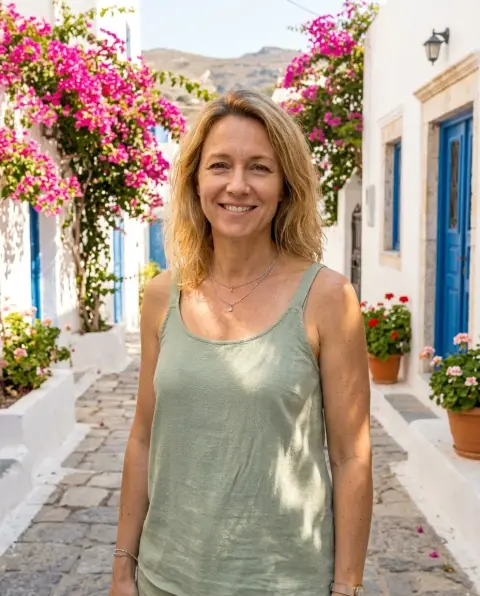
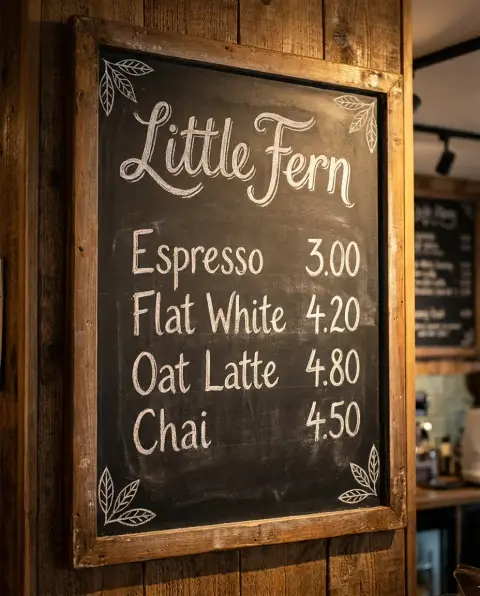
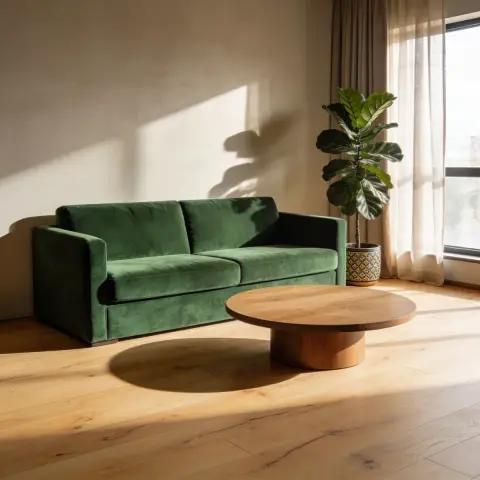
Guides on the blog.
 How to write AI image prompts that get what you wantMost bad AI images come from vague prompts. A six-part structure for clear prompts, with weak and strong examples, plus tips for text, edits and different models.
 Nano Banana vs Nano Banana Pro vs Nano Banana 2Three Google image models with confusingly similar names. What each one is, how they differ in text, resolution, speed and cost, and which to pick for your image.
 Midjourney alternatives: Nano Banana, GPT Image and SeedreamMidjourney is loved for its look. Other image models are better at text, editing your own photos or photoreal product shots. How they compare, and when to use each.

