












Watermark Remover
Clear watermarks and stamps from your own photos.
Drop a photo
or paste with ⌘V · JPG · PNG · WebP · up to 8 MB
No photo handy? Try one of ours.
More like this.

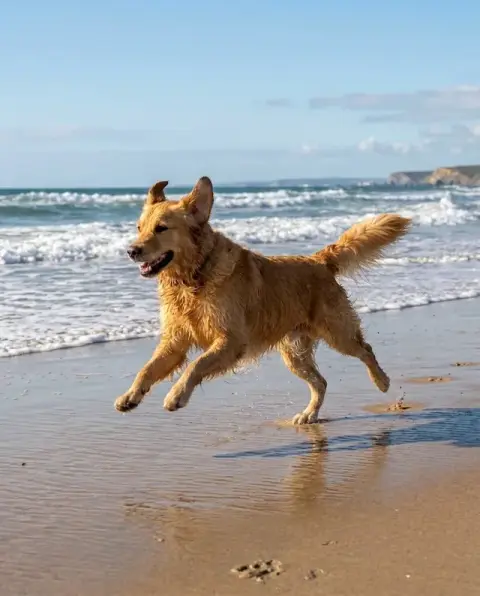
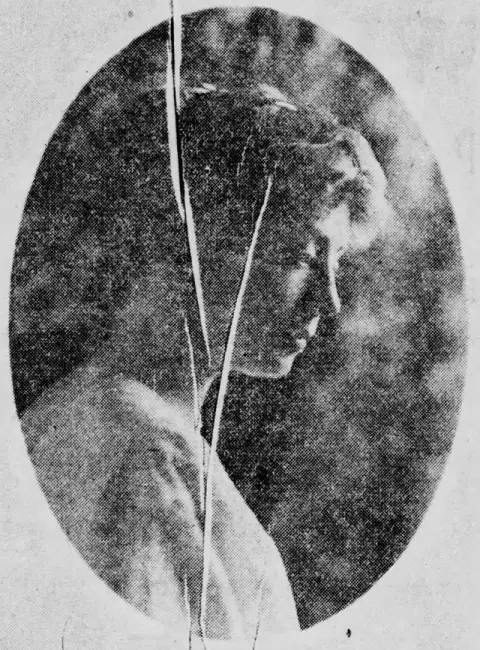









Stamps, logos and tiled marks through the watermark remover.
Real results from this page's default settings in one click, not retouched.How examples are made
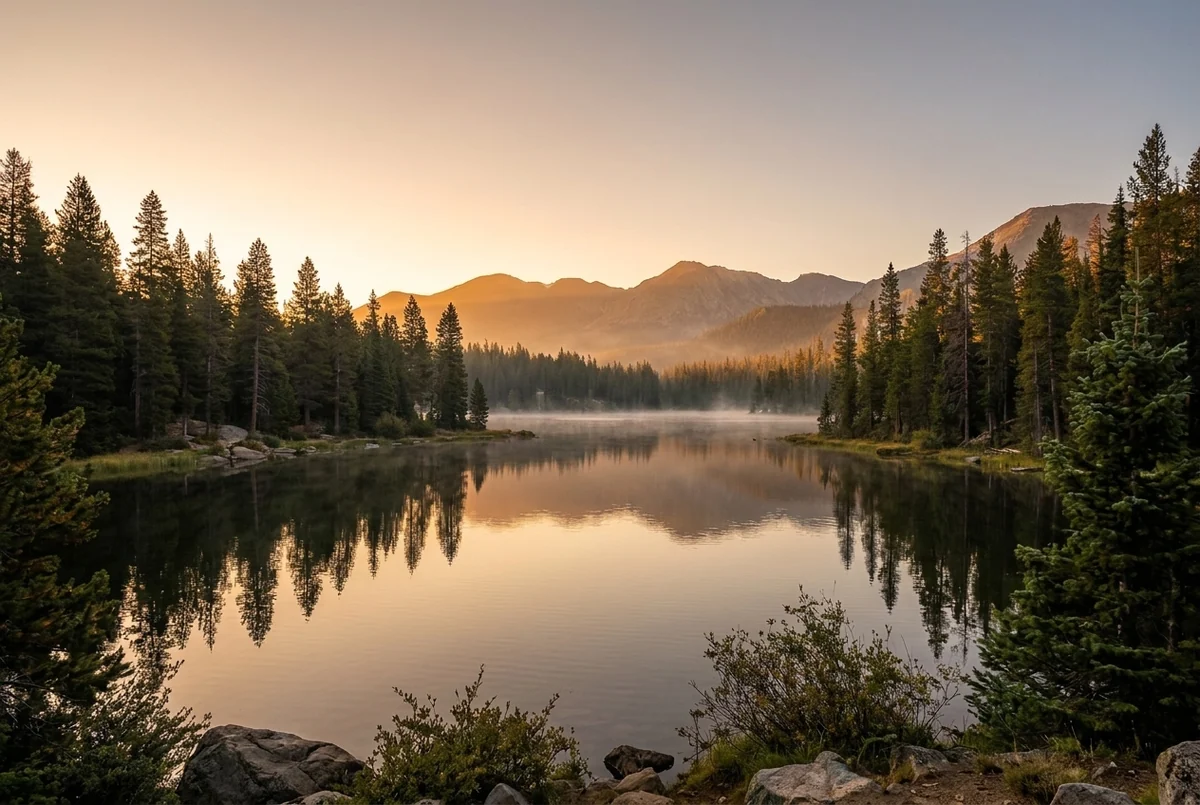
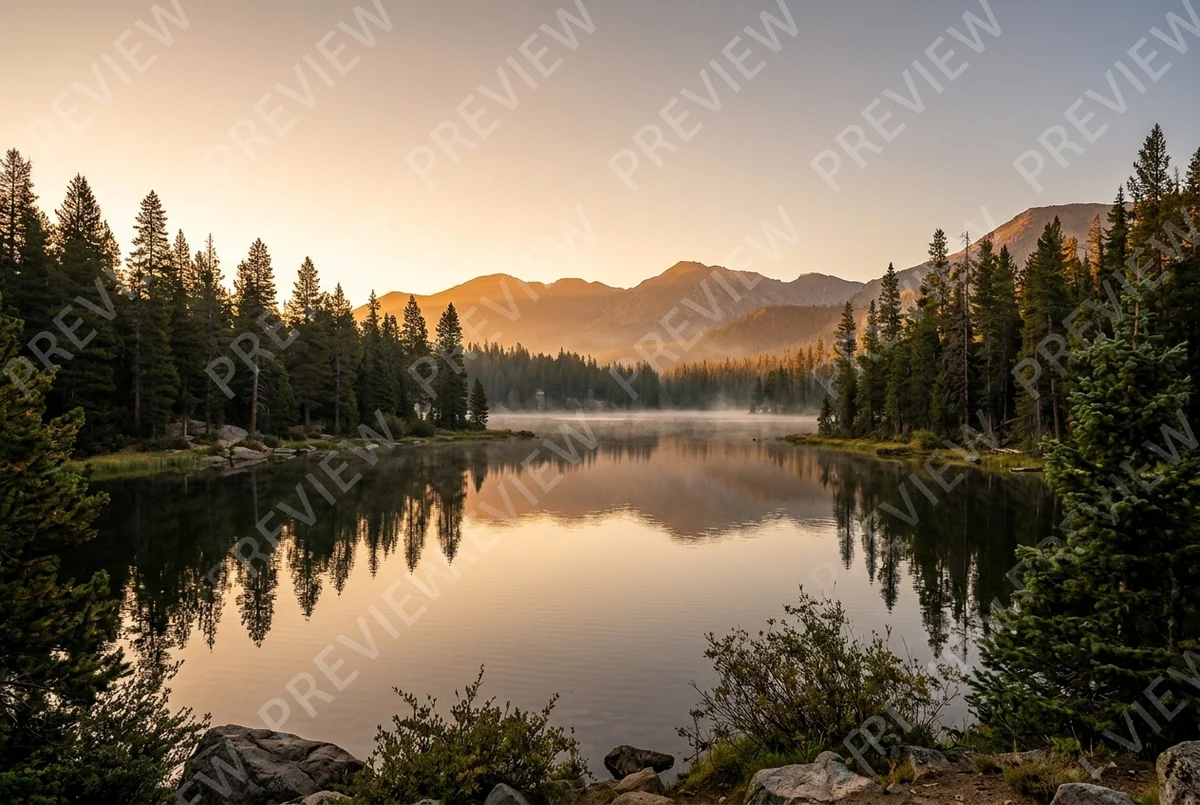
Tiled stock watermark


Camera date stamp


Logo in the middle
What the watermark remover takes out, and what it rebuilds.
Any kind of mark
Tiled text, corner logos, date stamps and copyright lines.
Filled in cleanly
The area under the mark is rebuilt to match its surroundings.
Rest of the photo kept
Subject, colors and framing are kept.
Watermark Remover, step by step.
01
Upload your image
The original file, at the highest resolution you have.
02
Name the mark if you like
For example "only the logo in the top left".
03
Download
Check the edges where the mark was.
Legitimate reasons to use a watermark remover.
- Date stamps on family snapshots
- Prints and early digital photos often carry an orange date in the corner that spoils the album. Upload a scan or the original file to remove the date stamp, and write "remove the date stamp" if other text in the photo should stay.
- Your own proofs after approval
- Photographers and designers watermark previews before a client signs off, then sometimes lose the clean original. If all you have is the marked proof, clear the mark and send the clean version.
- Stock you have since licensed
- You tested a layout with the watermarked comp, then bought the license. Clearing the comp mark is a stopgap; the licensed download from the stock site is the better file once you have it.
- An app badge on your own picture
- An app stamped its logo on a picture you made or took yourself. Remove the badge so the image can go into your portfolio, a slide deck or a print.
Watermark Remover: best photos and fixes.
Light and tiled marks
Semi-transparent marks that let the picture show through are the easiest case: the detail underneath is still partly visible, so it can be restored rather than guessed. Repeated diagonal text across the whole image is handled in one pass. Faint marks on plain areas such as sky, walls or studio backdrops usually disappear without a trace. Check the result at full size, where a soft ghost of a letter is easier to spot than on a phone screen.
Solid logos and big stamps
A fully opaque logo hides everything behind it, so that area has to be invented from its surroundings. On grass, water, sky or fabric this looks natural. On a face, a hand, printed text or a detailed product it can come out slightly different from the real thing. If an important detail sat under the mark, compare the result with any other copy of the image you have, and regenerate once if the filled area looks smoother than the rest.
Telling it which mark to remove
By default every watermark-like element is removed. Some images have text that belongs to the picture: a shop sign, a label on a bottle, a name on a jersey. If it is at risk, say what to keep and what to remove in the instructions, for example "remove only the white logo in the bottom right corner, keep the text on the bottle". Naming the position and color helps it find the right mark.
Resolution and compression
Watermarked previews are often small and heavily compressed. The cleaned image stays at roughly the quality of the file you upload, so a 600-pixel preview will not become a print-ready photo. Upload the largest version you are allowed to use. For a soft, blocky image, run it through the unblur image tool afterwards; for scanned prints with a date stamp, the photo restoration tool can repair fading and scratches at the same time.
Text that is not a watermark
Captions, subtitles, meme text and stickers are a different job. If the text is part of the picture rather than an overlay, the remove text from image tool is written for that and handles signs, captions and speech bubbles. Emojis and stickers stuck over faces can go too: write "remove the emoji over her face" in the instructions. This page focuses on overlay marks and stamps, so its default prompt is tuned for transparent and corner marks.
Keeping what you clean
Once a mark is gone, keep the cleaned file with the original so you can always show where it came from. For licensed stock, keep the license with it. If the image will be published, add your own credit line or watermark again in your editing app; this tool adds no text or logos of its own, and the result is saved to My files for later download.
Watermark remover questions on rights, quality and privacy.
Can I remove a watermark from someone else's image?
Only from images you own or have permission to use, such as your own photos, purchased stock you hold a license for, or drafts your team made. Removing a watermark to use someone else's work without a license can break copyright law and the terms you agreed to.
Will the rest of the photo change?
Only the marked areas are rebuilt; the subject, colors and framing are kept, though very fine detail in small files can soften slightly.
Can it remove several watermarks at once?
Yes. Every mark it finds is removed in one pass, including tiled marks and a corner logo on the same image.
Is the Watermark remover free?
Yes, you can try it free. New accounts get 25 free credits, and one generation here uses 9 credits. You sign in with your email; no card needed. Results have no watermark. After that, credit packs never expire, and your first one is half price.
Can it remove a watermark from a video?
No. It works on still images. To clean a frame of your own video, save that frame as an image first.
Can I upload a PDF?
No. Upload a JPG, PNG or WebP up to 8 MB; export a PDF page as an image first.
What if a faint outline is left?
Run it again; each run is a new attempt, and failed runs are refunded automatically.
Can I clean many images at once?
One image goes in per run, so upload them one at a time.
Does removing the mark change who owns the image?
No. If the image was yours or licensed to you, it still is. The tool gives you no rights to someone else's work.
Are my images used to train AI?
No. Photos, prompts and results are not used to train AI models. Results stay in My files for 48 hours, or 30 days once you've bought a credit pack, and you can delete them sooner.


