












AI Hairstyle Changer
Try a bob, fade, curls or bangs on your own face before the salon.
Drop a photo
or paste with ⌘V · JPG · PNG · WebP · up to 8 MB
No photo handy? Try one of ours.
More like this.


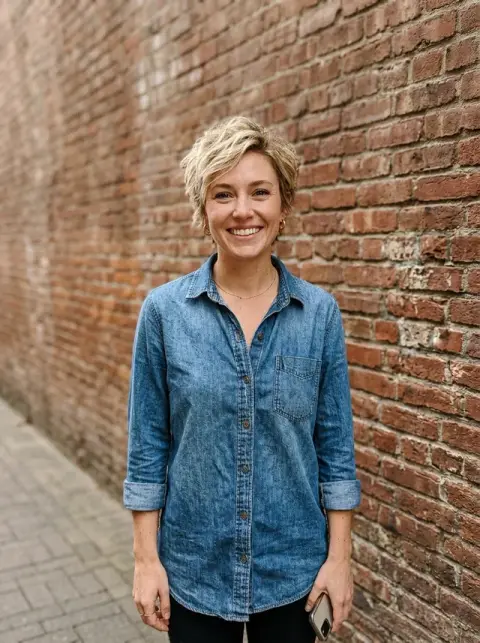
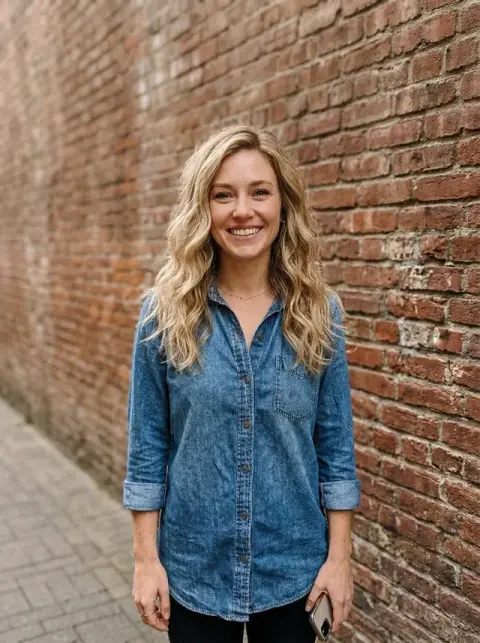

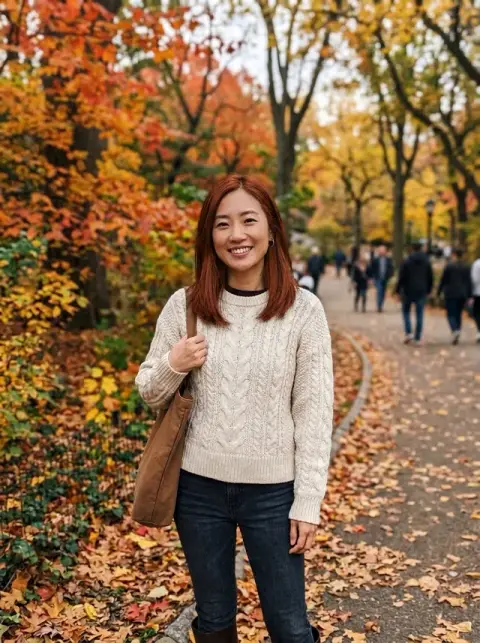
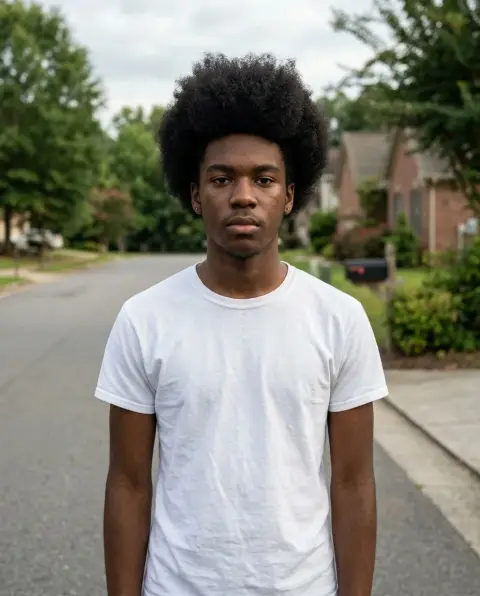
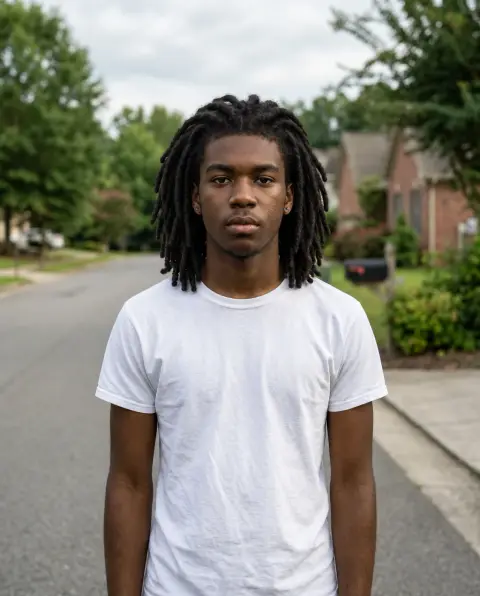
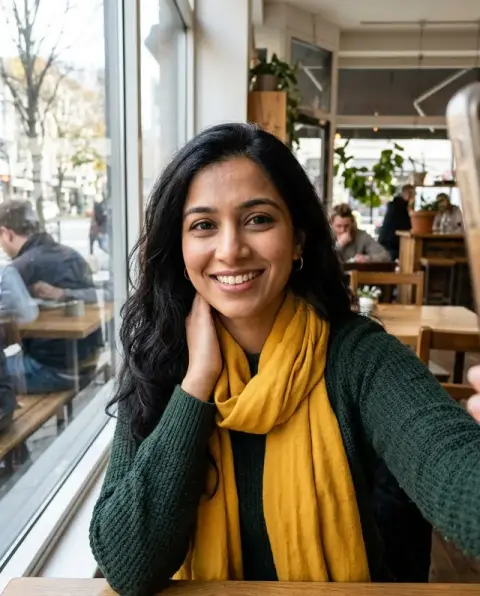
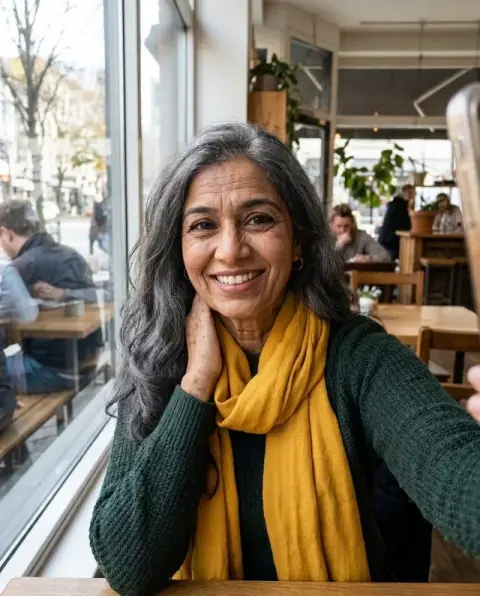

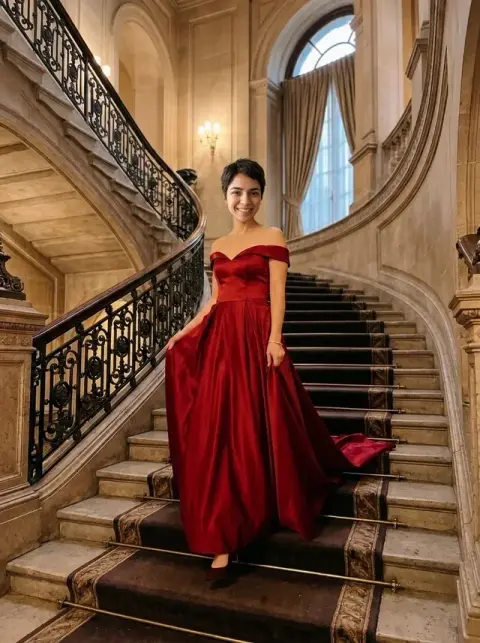
Hairstyle changer previews on real selfies.
Real results from this page's default settings in one click, not retouched.How examples are made


“short wavy bob”
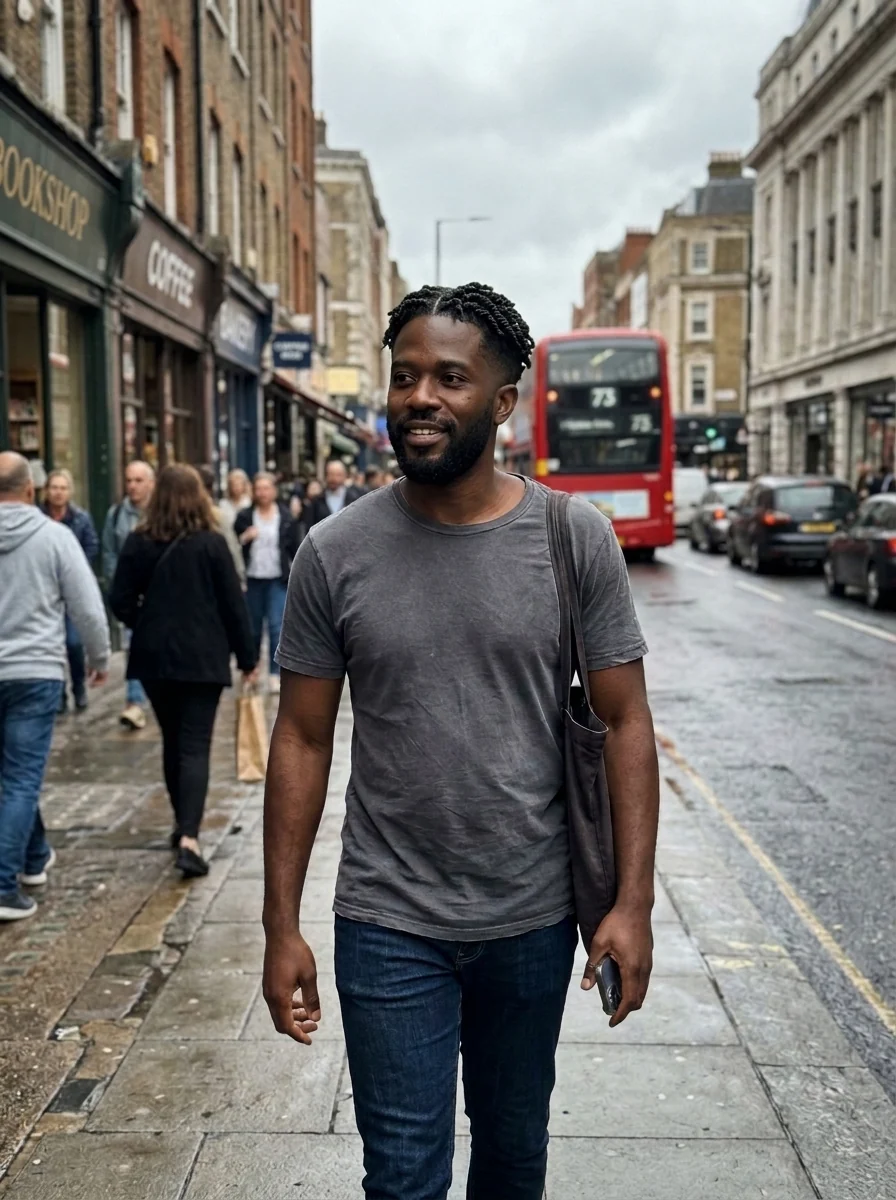
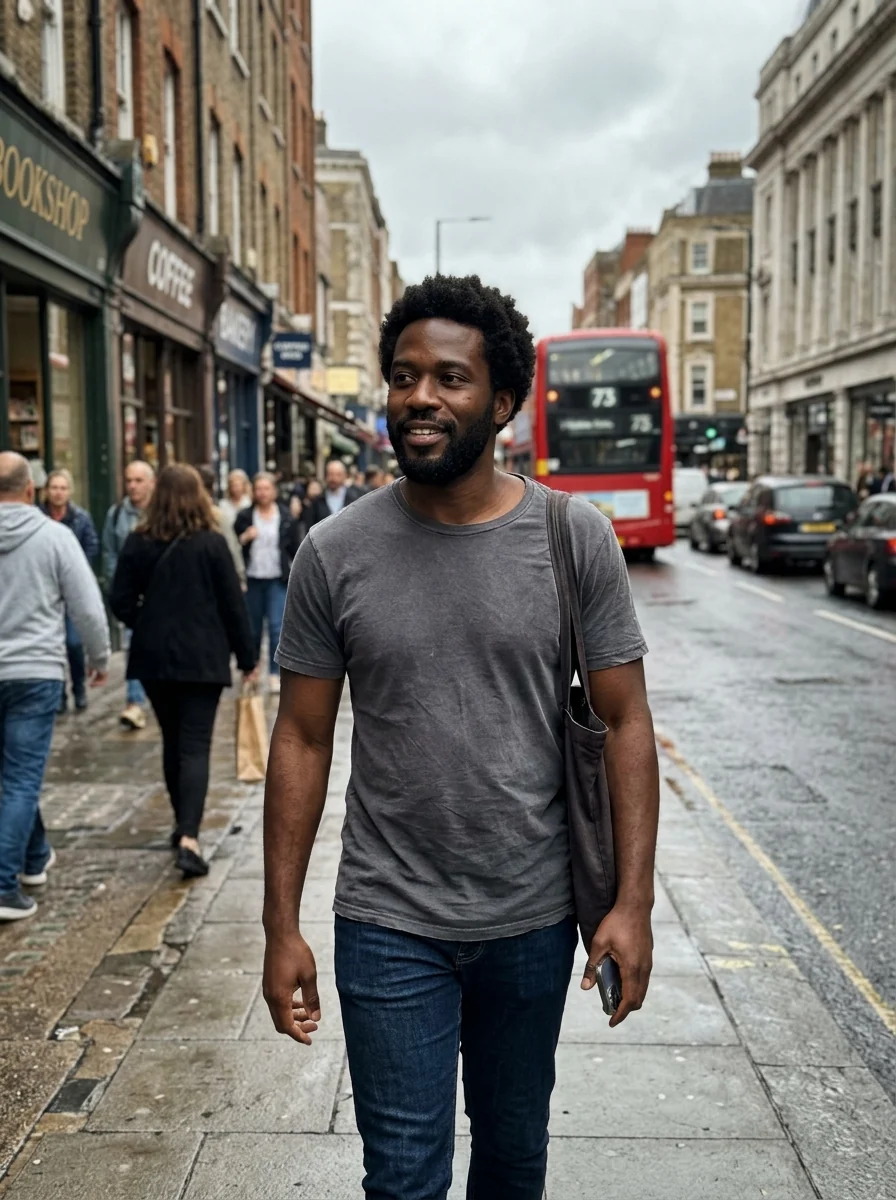
“low taper fade with short twists on top”


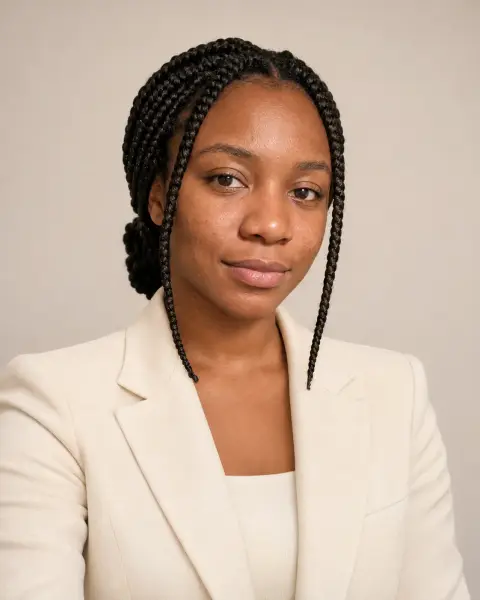
“long layered waves with curtain bangs”
What the AI hairstyle changer edits: the hair and nothing else.
Your face stays
Only the hair changes. Face, skin, expression and background stay as they are.
Any cut you can name
Type a style in the instructions, or leave it empty for a flattering modern cut.
Real-looking hair
A natural hairline, believable volume and strands lit like the rest of the photo.
AI Hairstyle Changer, step by step.
01
Upload a selfie
A front-facing photo with your hair visible works best.
02
Name a style
Write the cut you want, such as "short wavy bob", or leave it empty.
03
Download
Save the look or try another cut on the same photo.
Before the salon chair: when a hairstyle changer helps.
- Before a big chop
- You have had long hair for years and keep thinking about a bob or a pixie. Upload a selfie, name the cut, and live with the picture for a day or two before you book. Hair takes months to grow back; a preview takes a minute.
- Showing a barber what you mean
- "Short on the sides" means something different to every barber. Generate the exact fade and top length you have in mind, and show the picture together with the words you typed.
- Deciding whether to grow it out
- Growing out a short cut means months of awkward stages. Preview shoulder-length or long layers on your current photo to see whether the end result is worth the wait.
- Hair for a wedding or prom
- Try an updo, a sleek ponytail or soft waves on your own photo before the trial with a stylist. You walk in with a clear brief instead of a folder of strangers' photos.
AI Hairstyle Changer: best photos and fixes.
Photos that work best
A front-facing photo with your whole head in frame, from the top of the hair to the chin, gives the model your face shape, hairline and ears to work with. Soft daylight and no hat are ideal. Side profiles and photos from far away work less well, because the new cut is drawn around a face it can only partly see.
Describing the cut
Name a length, a shape and a texture together: "chin-length bob, sleek, side part", "textured crop with a low fade", "shoulder-length shag with curtain bangs". The more specific the words, the closer the result is to what a stylist would cut. Hairstyle names from salons and barbers work well; vague words like "modern" or "nice" leave too much to chance.
Going much shorter or much longer
Going shorter means showing ears, neck and forehead that were hidden, which the model has to draw. Pull long hair back before taking the photo so more of your head is visible. Going longer is easier: the model extends your own color and texture. Very long styles on very short hair can look like a wig if the hairline is not visible.
Men's cuts and fades
Fades, undercuts, quiffs, buzz cuts and slicked-back styles all work. Mention the sides and the top separately: "mid fade on the sides, longer textured top swept back". Beards are kept as they are; if you want to see a new beard shape with the cut, add it, for example "short boxed beard".
If your face looks different
Hair frames the face, so a new cut can make your face look wider or narrower even though the features stay the same. That is useful information, not an error. If the eyes, nose or skin actually change, regenerate once or try a sharper, unfiltered photo. Compare several cuts on one photo before your appointment.
Taking it to the salon
Save the version you like and show it to your stylist along with the words you used, such as "chin-length bob, side part". The image shows the shape, but your stylist will judge whether your hair's thickness and texture can hold it. Ask how much daily styling the look needs; a result that looks effortless in a preview may take a round brush every morning.
Hairstyle changer questions before you book a cut.
Will my face change when I try a new hairstyle?
No. The hairstyle changer only edits your hair. Face shape, skin and expression stay as they are in the photo.
Does it work for men's haircuts?
Yes. Describe a fade, buzz cut, quiff or longer style and it is applied to men's and women's photos alike. The [hairstyle changer for men](/tools/hairstyle-changer-for-men) has preset fades, crops and slick backs.
What kind of photo works best?
A front-facing selfie with your hair pulled back or short, in even light. Hats and hands covering the hair make the result less accurate.
Can I try bangs or a fringe?
Yes. Name the kind you mean, such as curtain bangs, blunt bangs or a side-swept fringe, and the rest of the cut stays as you describe it.
Can I change my hair color at the same time?
You can add a color to the instructions, but this page is tuned for the cut. To change only the color and keep your cut exactly, use the [hair color changer](/tools/hair-color-changer).
What happens if I leave the style box empty?
The tool picks a flattering modern hairstyle that is clearly different from your current one. It is a quick way to get ideas when you don't know what to ask for.
Is the Hairstyle changer free?
Yes, you can try it free. New accounts get 25 free credits, and one generation here uses 9 credits. You sign in with your email; no card needed. Results have no watermark. After that, credit packs never expire, and your first one is half price.
Which files can I upload?
JPG, PNG or WebP, up to 8 MB per image. On a computer you can also scan a QR code to send a selfie from your phone; the link works for 10 minutes.
What if a run comes out wrong?
Run it again: each run is a new variation. If a run fails, its credits are refunded automatically.
Are my selfies kept or used to train AI?
Results stay in My files for 48 hours, or 30 days once you've bought a credit pack, and you can delete them sooner. Your photos, prompts and results are not used to train AI models.
Try these prompts

Guides on the blog.
 Hairstyles for your face shape: how to choose a cutFind your face shape in two minutes, see which cuts flatter it and which to avoid, and preview short, long and medium styles on your own photo before the salon.
 Should I get bangs? How to decide before the cutBangs change your whole face, and they take months to grow out. How face shape, hair type and routine affect the decision, and how to preview them first.
 FaceApp alternatives for age, gender and smile filtersFaceApp made the aging filter famous. Alternatives for age, gender swap, smile and hair effects, what to check on privacy and realism, and which to choose.

