GPT Image 2.5
OpenAI's newer image model, with real transparent backgrounds and an HD mode for fine detail.
GPT Image 2.5 examples.

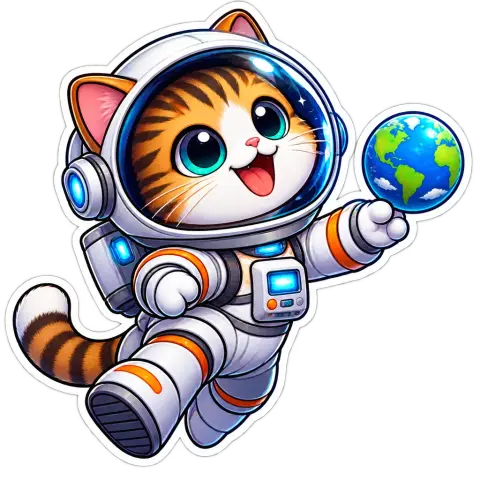
A glossy cartoon sticker of a cat astronaut on a transparent background
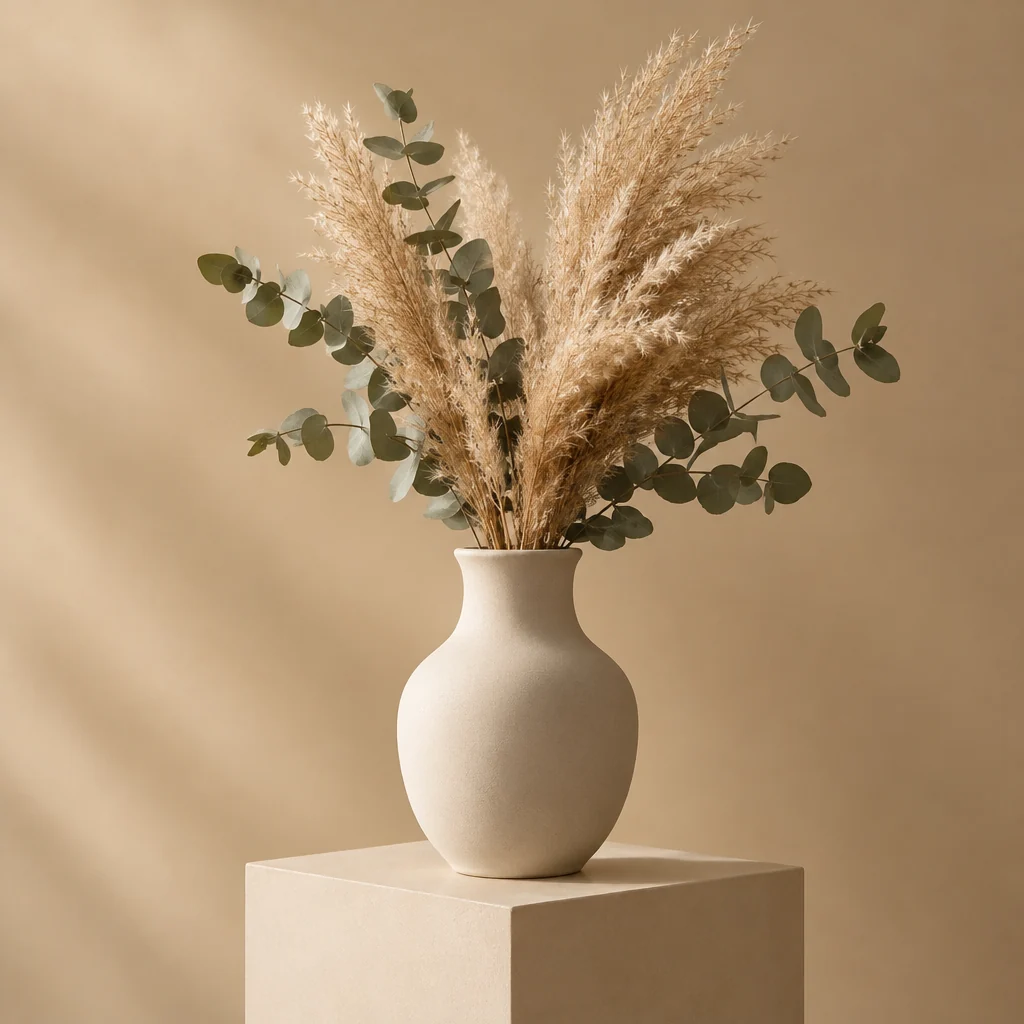
Ceramic vase with dried flowers, studio product shot
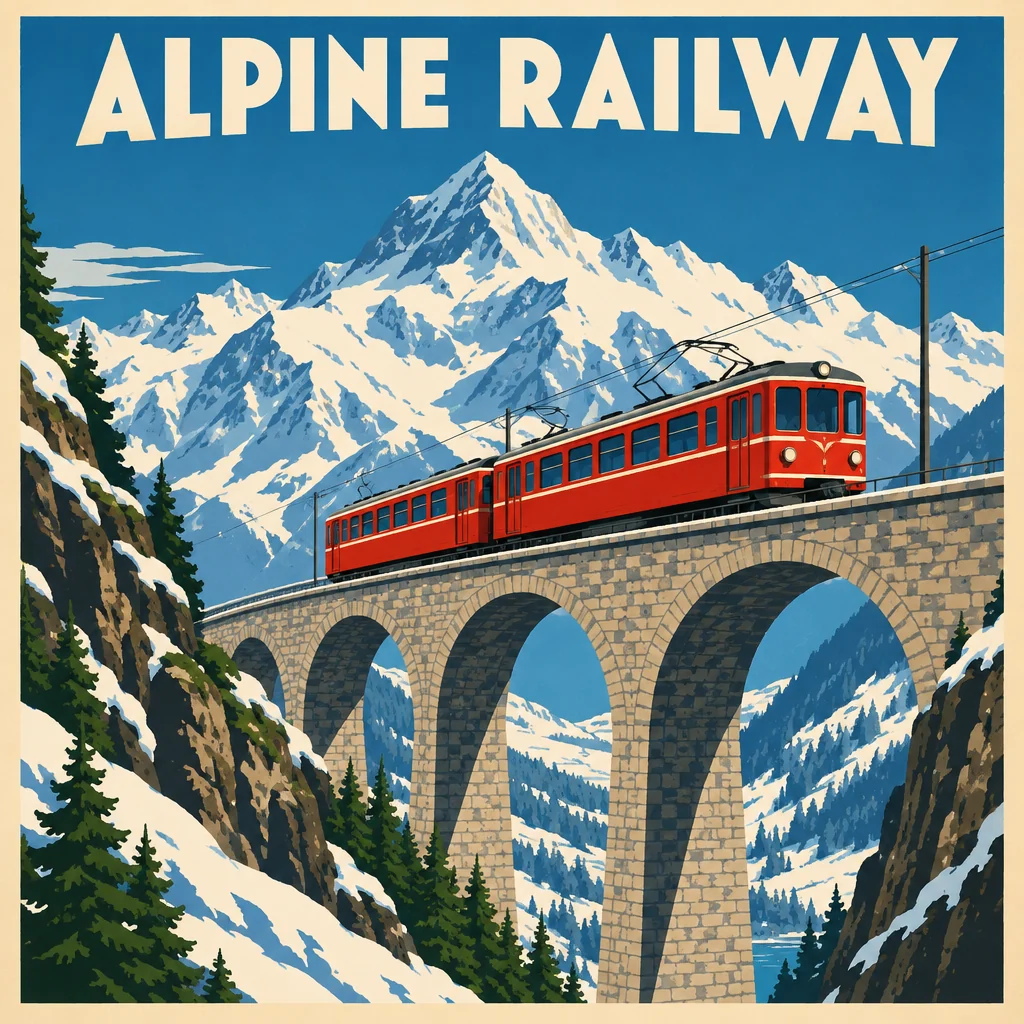
Vintage travel poster for a mountain railway
GPT Image 2.5 features.
True transparent PNGs
Set Background to Transparent and get a real alpha channel, ready for stickers, logos and product cutouts.
HD mode
Switch to GPT Image 2.5 HD for sharper hair, fur, lace and other fine detail.
Edit by instruction
Upload a photo and describe the change; the result follows the shape of your photo.
1K to 4K
Pick the resolution that fits: quick drafts or print-size images.
GPT Image 2.5 vs GPT Image 2.5 HD.
| GPT Image 2.5 | GPT Image 2.5 HD | |
|---|---|---|
| Best for | Everyday images and cutouts | Fine detail: hair, fur, lace |
| Transparent background | Yes | Yes |
| Max resolution | Up to 4K | Up to 4K |
| Cost | Lower | Higher |
GPT Image 2.5, step by step.
01
Write a prompt or upload a photo
Set Background to Transparent if you want a cutout.
02
Choose standard or HD
Standard is cheaper; HD keeps more fine detail.
03
Generate and download
Transparent results download as PNG.
GPT Image 2.5 use cases.
- Stickers and logos
- Clean cutout graphics that drop onto any background.
- Product cutouts
- Products on transparent or plain backgrounds for stores and listings.
- Detailed portraits
- HD mode for hair, fur and fabric that need to stay crisp.
GPT Image 2.5: best photos and fixes.
Prompts that suit it
GPT Image 2.5 follows long, detailed prompts closely, so describe the subject, the layout, the light and the style in full sentences. It handles text inside images well, which makes it a good choice for posters, labels and signs. Put every word you want rendered in quotes, and keep each piece of text short.
Transparent backgrounds
For stickers, logos, icons and product cut-outs, choose Transparent and describe only the subject: "a cartoon avocado with a smile, thick outline". Do not mention a background at all; describing one can make the model draw it. The download is a PNG with real transparency, ready to place on any color.
Standard or HD
HD adds finer detail in faces, fabric and small text, at a higher cost and a longer wait. Draft in standard quality until the composition and wording are right, then run the final prompt in HD. For social posts viewed on phones, standard is usually enough; HD is worth it for print and large displays.
Stickers with a clean edge
For a sticker sheet or a set of icons, describe one subject at a time with a thick outline and simple colors: "a cartoon avocado with a smile, thick white outline". Generate each separately rather than asking for many on one image; separate files keep each edge clean and make it easy to print or upload them one by one.
Product cut-outs
Transparent output works for product images too: describe the product alone, with no surface or shadow. The result can then be placed on a website banner or slide of any color. For a soft shadow under the product, add it in your design tool, where you can match it to the background.
If text comes out wrong
Long sentences are where mistakes appear. Shorten the text, split it into separate quoted lines, and say where each goes: "top: 'SUMMER SALE'; bottom: 'Up to 50% off'". Regenerate rather than editing a single letter.
GPT Image 2.5 FAQ.
What is GPT Image 2.5?
GPT Image 2.5 is OpenAI's image model that follows GPT Image 2. Its main additions are native transparent backgrounds and a higher-quality HD mode.
Do I need an account?
Yes. Sign in with your email: new accounts get 25 free credits to use on any tool. One generation here uses 25 credits with the default model. Credit packs never expire, and your first one is half price.
What is the difference between GPT Image 2.5 and HD?
Both use the same model. HD renders at higher quality, which shows in hair, fur and small patterns, and costs more credits.
How do I get a transparent background?
Set Background to Transparent before you generate. The result downloads as a PNG with a real transparent background.
GPT Image 2 or 2.5?
GPT Image 2 is cheaper and great for text-heavy designs. Use 2.5 when you need transparency or extra detail.
Try these prompts
Guides on the blog.
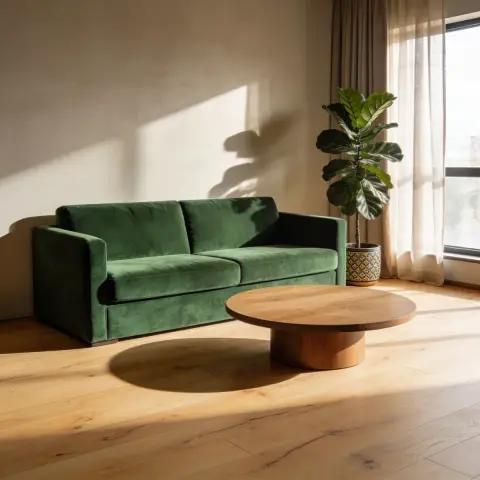 How to write AI image prompts that get what you wantMost bad AI images come from vague prompts. A six-part structure for clear prompts, with weak and strong examples, plus tips for text, edits and different models.
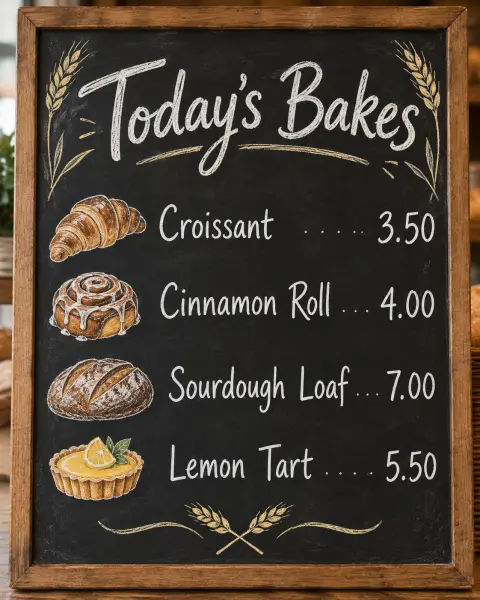 GPT Image 2 vs Nano Banana Pro: which model wins?Two of the strongest image models, both good at text. How OpenAI's GPT Image 2 and Google's Nano Banana Pro compare on layouts, edits, realism and cost.
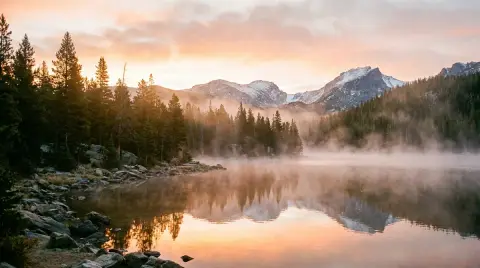 Midjourney alternatives: Nano Banana, GPT Image and SeedreamMidjourney is loved for its look. Other image models are better at text, editing your own photos or photoreal product shots. How they compare, and when to use each.