












AI Avatar Generator
A square 3D, flat or painted avatar from your selfie.
Drop a photo
or paste with ⌘V · JPG · PNG · WebP · up to 8 MB
No photo handy? Try one of ours.
More like this.
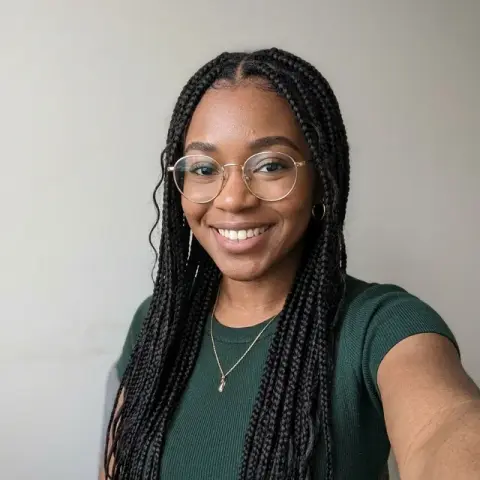
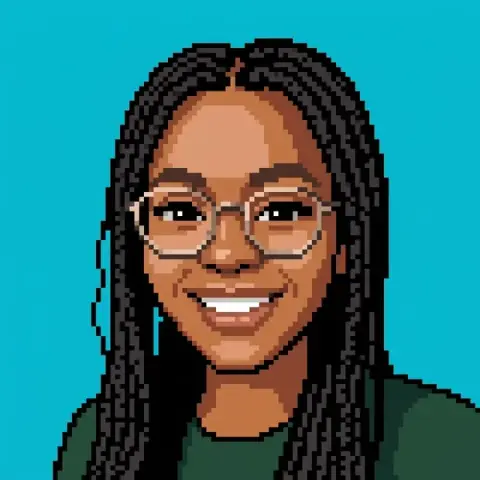
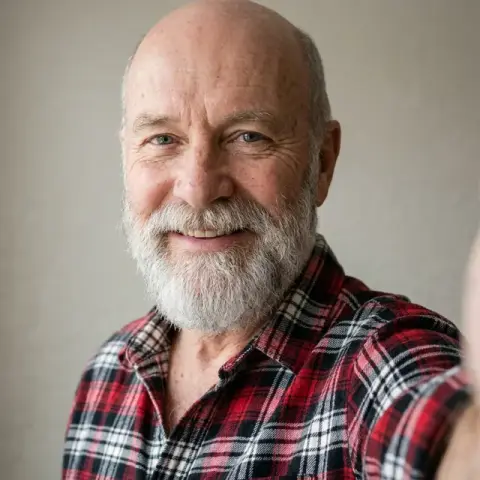
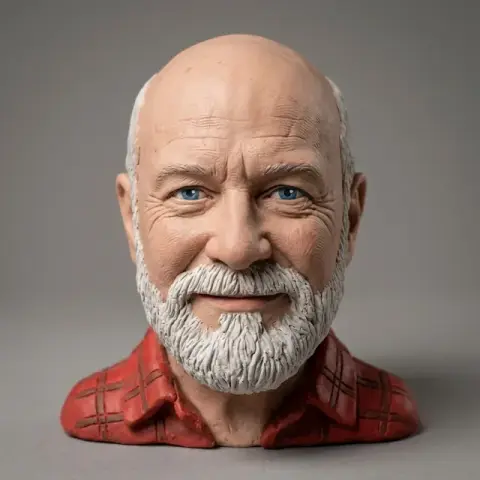
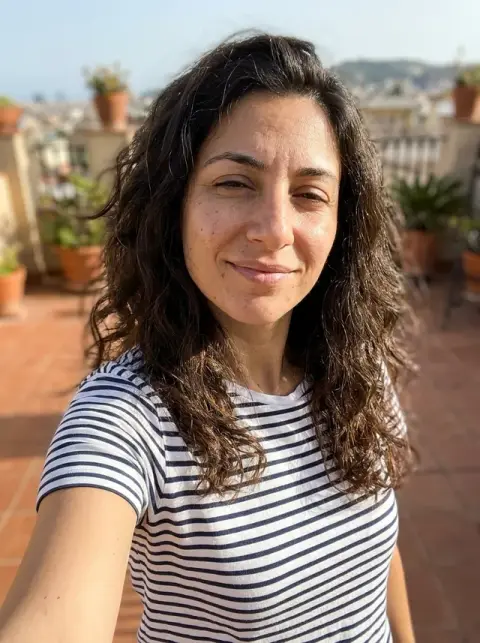
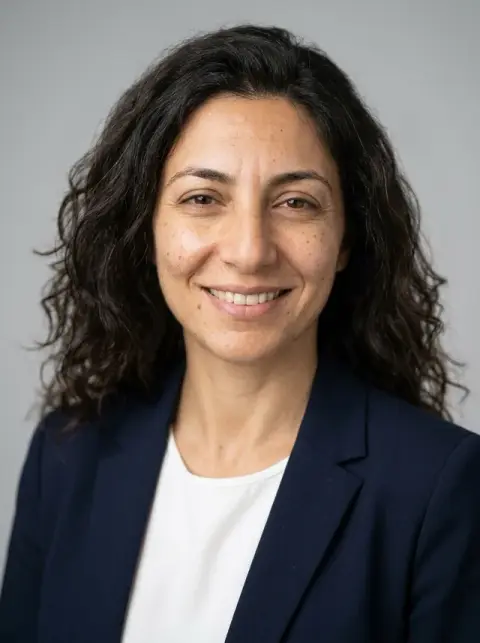
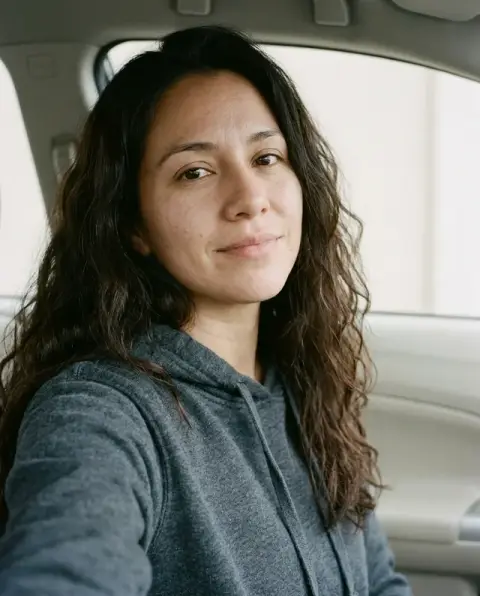
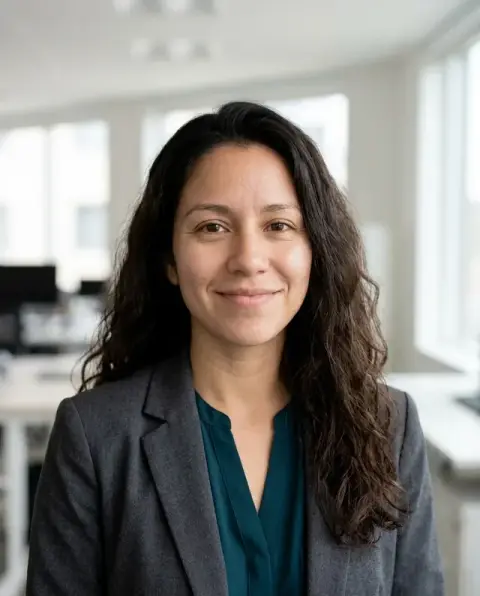
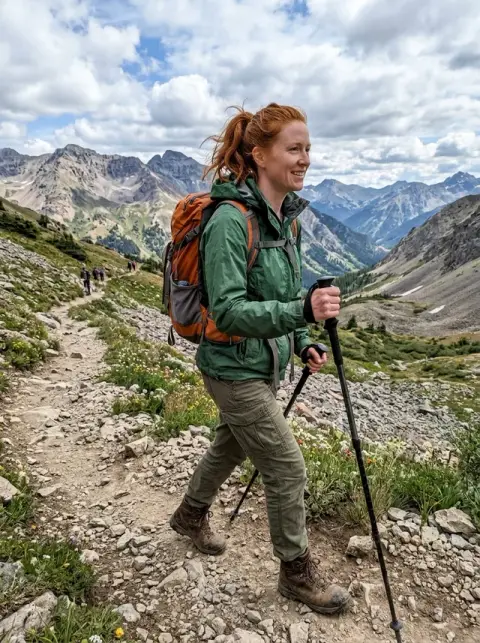
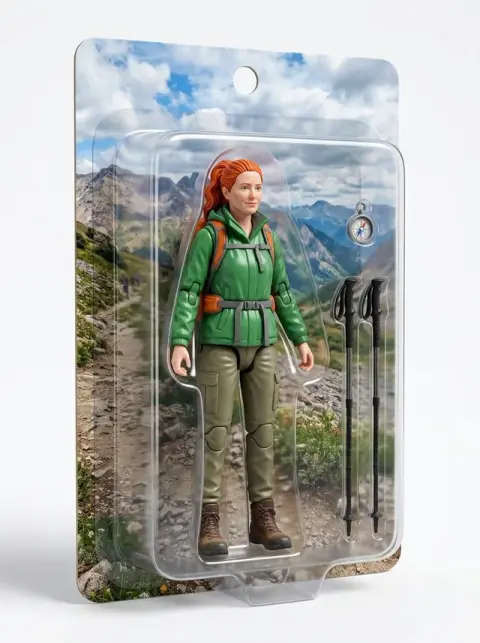
One selfie, three looks from the avatar generator.
Real results from this page's default settings in one click, not retouched.How examples are made

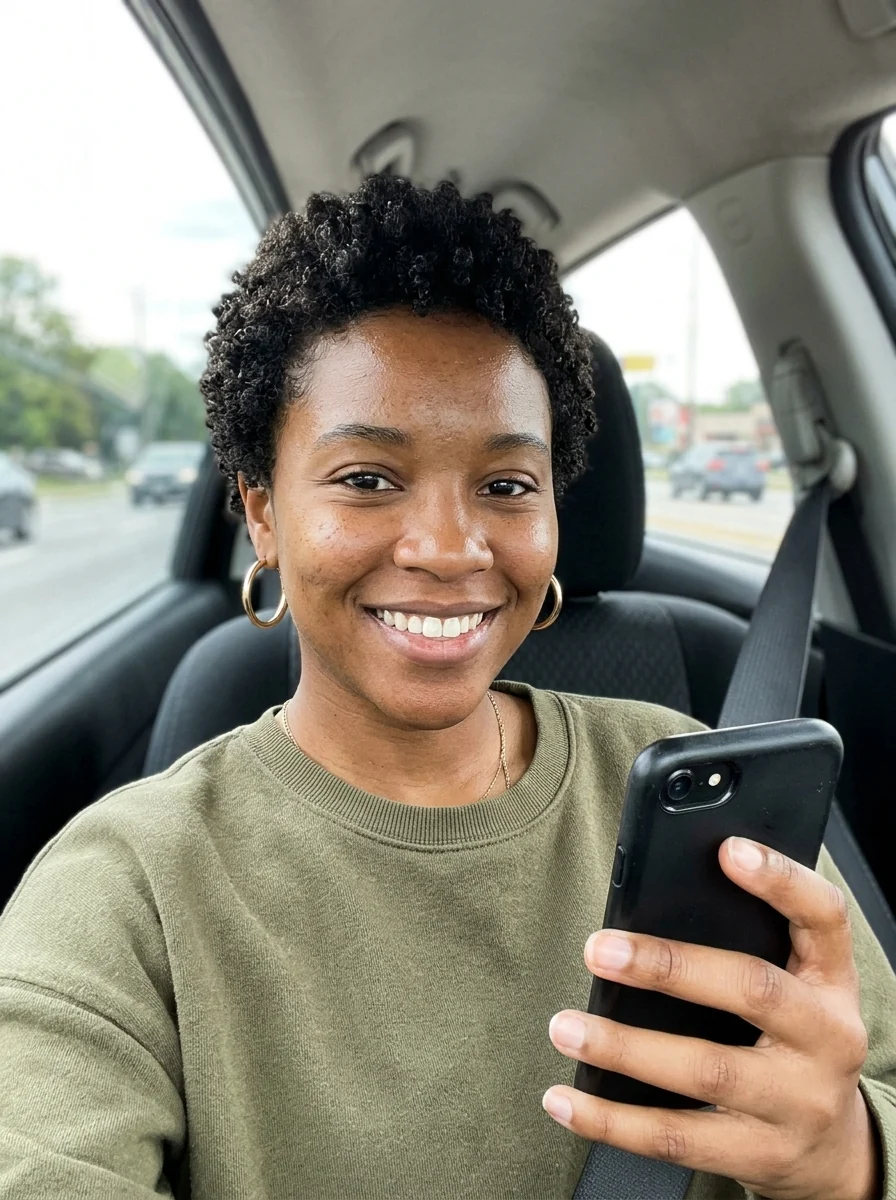
3D avatar
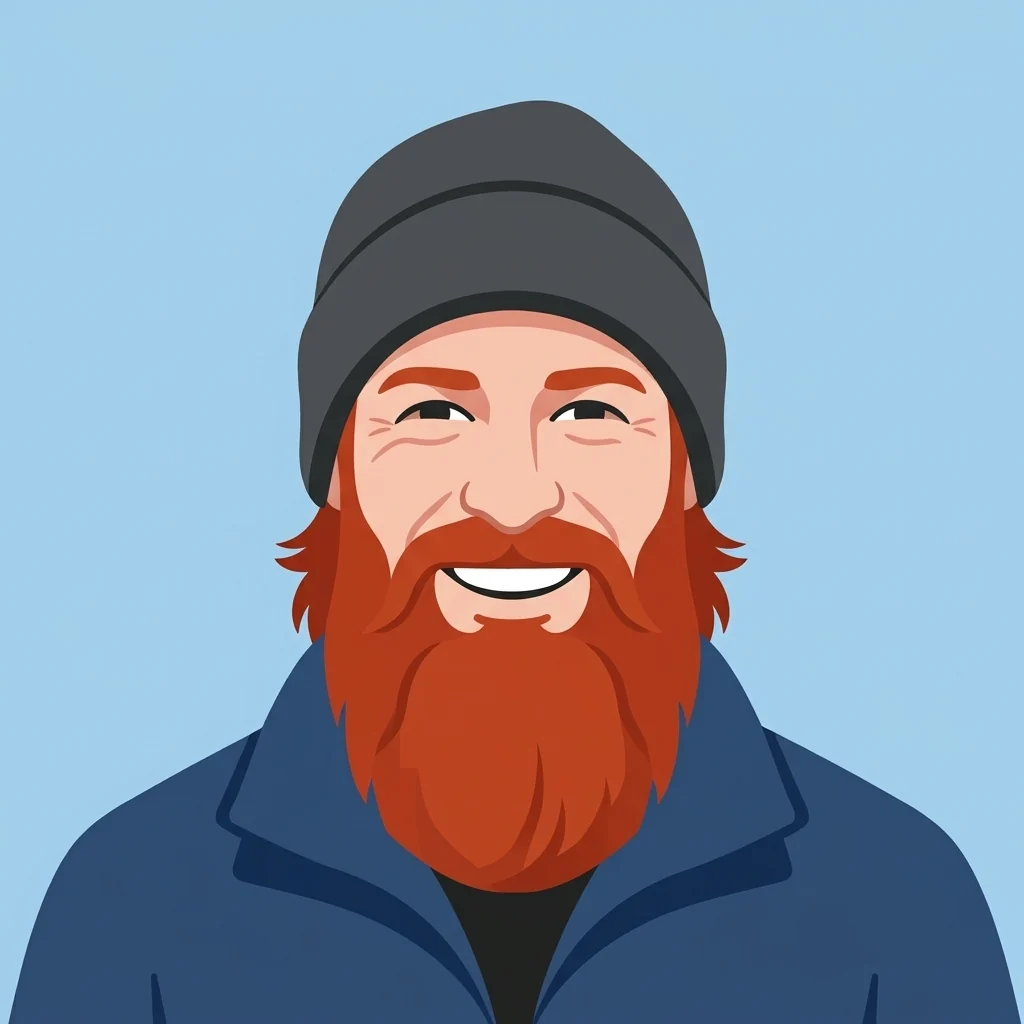
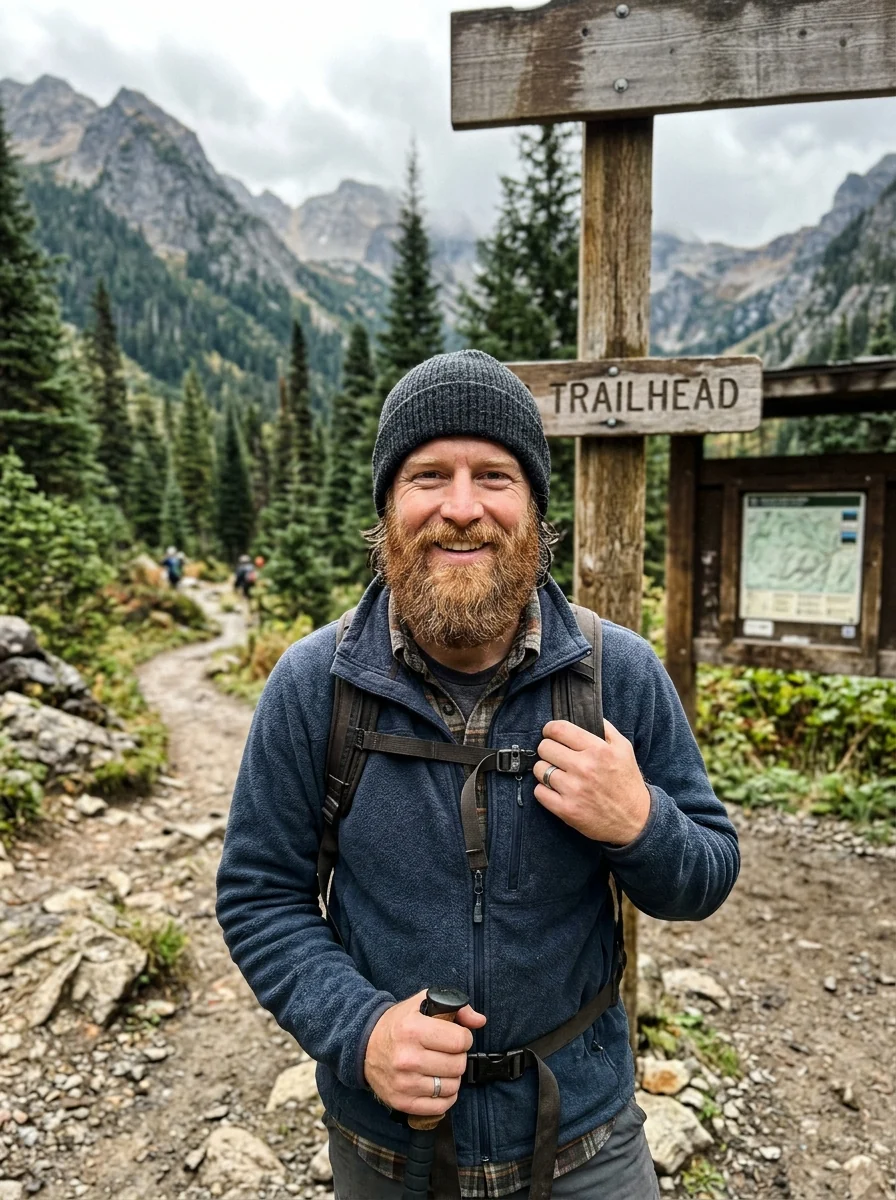
Flat vector avatar
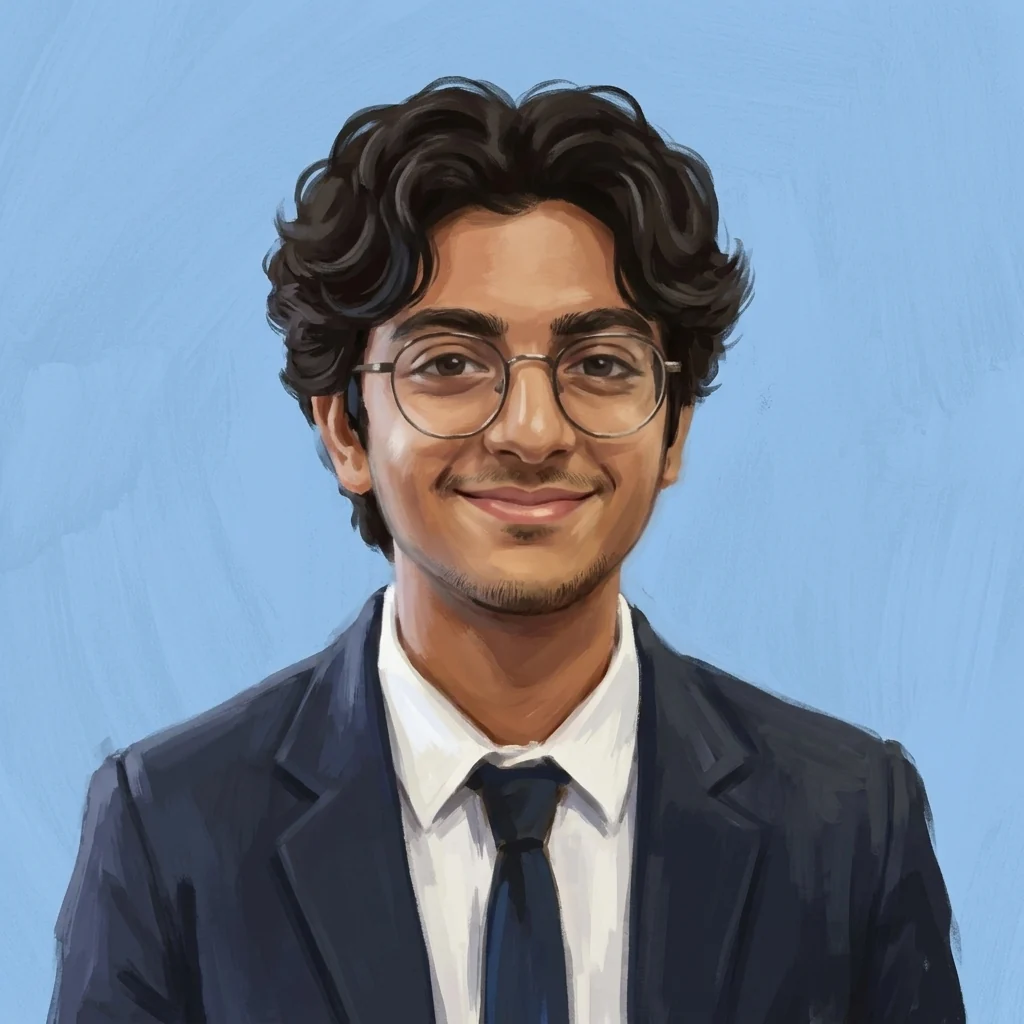
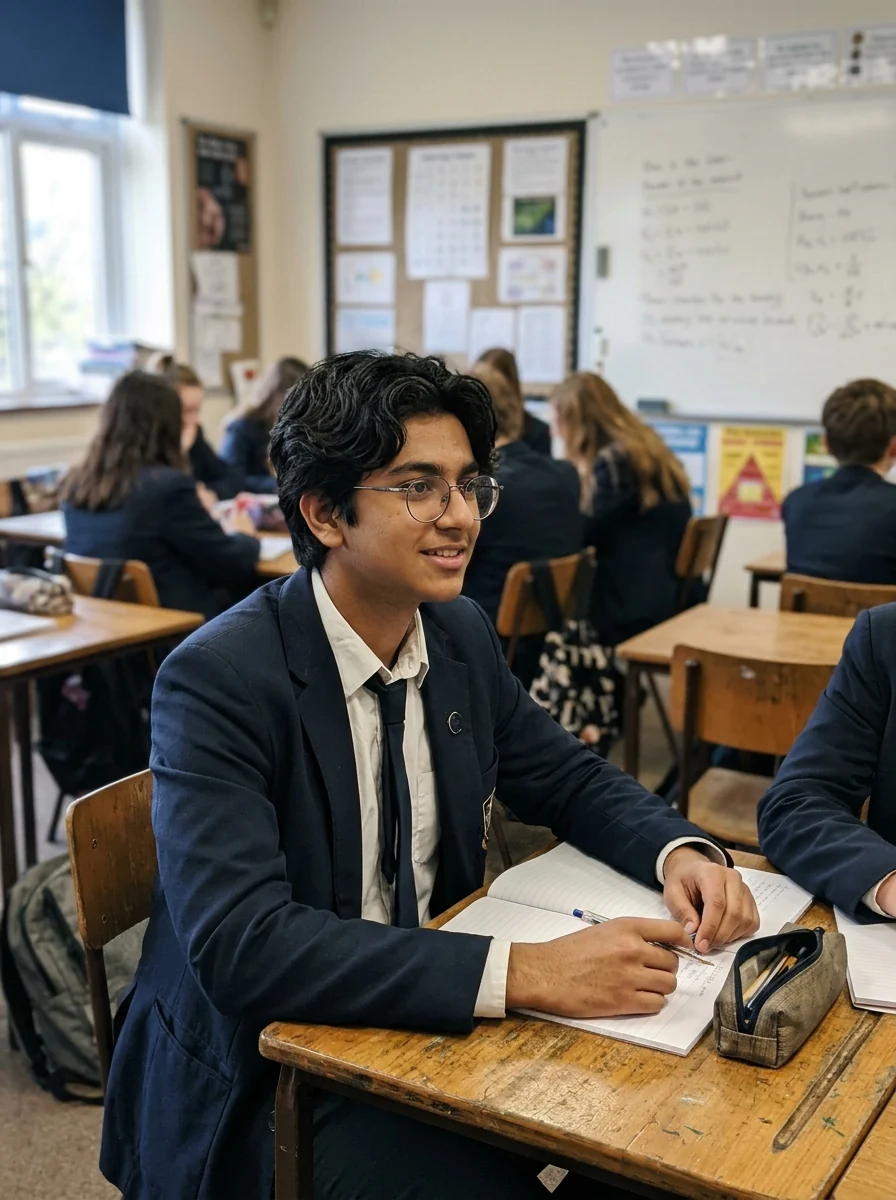
Painted avatar
What the AI avatar generator carries over from your selfie.
Three styles
3D character, flat vector or painted.
Square and centered
Head and shoulders on a clean background, ready to upload.
Still you
Face shape, hair, glasses and facial hair carry over.
AI Avatar Generator, step by step.
01
Upload a selfie
Head and shoulders in good light.
02
Pick a style
3D, Flat or Painted.
03
Download
Upload it anywhere you need a profile picture.
Where an avatar generator picture ends up.
- A new Discord or Twitch handle
- You are joining a server or starting to stream and don't want a real photo as your icon, but friends should still know it's you. Upload a selfie, pick Flat or 3D, and get a square profile photo for your account.
- Matching avatars for a small team
- A team page full of holiday snaps and blurry webcam shots looks patchy. Each person runs their own selfie in the same style, and the directory reads as one set.
- A face for a channel or podcast
- A YouTube channel, newsletter or podcast needs an icon that feels personal without being a candid photo. For a YouTube profile photo, a Painted avatar from a clear selfie gives a friendly face that still looks like you.
- Staying private on forums and marketplaces
- On forums, marketplaces and gaming profiles you may not want your real photo on show. An avatar keeps your hair, glasses and features in a drawn style, so it is recognisable to people who know you without being a photograph.
AI Avatar Generator: best photos and fixes.
The photo to start from
A front-facing selfie with your whole face visible and soft, even light gives the most recognisable avatar. Hair, glasses, beards and skin tone are carried into the new style, so make sure they are clear in the photo. Side angles, sunglasses and heavy filters make the avatar more generic.
3D, flat or painted
3D gives a soft, rounded character like an animated film. Flat gives a clean vector look with solid colors, good for small profile icons. Painted gives a brush-textured illustration. Custom lets you describe anything else: "pixel art avatar", "clay figure", "comic book style". Compare two styles on the same selfie to choose.
Square and centred
Avatars come out square with your face centred, so they crop neatly into the circles most apps use. For platforms that show avatars very small, such as Discord and Slack, flat style with a plain background reads best. Check your avatar at small size before using it.
Backgrounds and colors
Ask for a background that fits where you will use it: "solid teal background", "soft gradient", "plain white". For a team page, use the same background color for everyone so the set looks consistent. Busy backgrounds distract at small sizes. Bright, saturated backgrounds stand out in busy chat lists.
Games and communities
For gaming profiles and communities, add a theme: "wearing a headset", "fantasy armour", "cyberpunk jacket". Keep the face recognisable by not changing too much at once. If the likeness drifts, remove the theme and add it back one detail at a time. Keep the theme the same if you use the avatar on several platforms, so friends recognise you everywhere.
If it does not look like you
Regenerate once; each run is a different take. Name the features that matter: "keep my short curly hair and round glasses". If the face is still off, try a sharper selfie taken at eye level. Very stylised looks naturally simplify faces more.
Avatars for work tools
For Slack, Teams or a company directory, a flat or 3D avatar with a plain background in your brand color keeps things friendly but professional. Make one for everyone on the team with the same style and background so the directory looks consistent. Keep accessories and themes minimal for work.
Pets and mascots as avatars
This generator is built for human portraits and selfies, so pet photos or mascot drawings won't keep their animal features properly. To turn a dog or cat into an illustrated avatar, use Cartoonize My Pet. To design an original character for a brand, team or channel, use the Mascot Generator.
Avatar generator questions about likeness, size and privacy.
Do I need to upload a photo?
Yes. The avatar is drawn from your selfie so it looks like you: same face shape, hair, glasses and facial hair.
What sizes work for profile pictures?
The avatar is square, which fits YouTube, Discord, X and LinkedIn profile photos. Crop to a circle in the app you upload to.
Which avatar styles are there?
3D animated, flat vector and painted. Each style keeps your hair, glasses and features.
Can I make one avatar of two people?
No. Each avatar is one person, head and shoulders, centred. To redraw a couple or group photo as a whole, try [photo to anime](/effects/photo-to-anime) or the [cartoon generator](/effects/cartoon-generator).
How is this different from the 3D or Discord avatar makers?
This page offers three styles in one place. The [3D avatar maker](/generators/3d-avatar-maker) focuses on 3D characters, clay figures and vinyl toys, and the [Discord avatar maker](/generators/discord-avatar-maker) is tuned to read at very small sizes.
Is the Avatar generator free?
Yes, you can try it free. New accounts get 25 free credits, and one generation here uses 9 credits. You sign in with your email; no card needed. Results have no watermark. After that, credit packs never expire, and your first one is half price.
Which files can I upload?
JPG, PNG or WebP, up to 8 MB per image. On a computer you can also scan a QR code to send a selfie from your phone; the link works for 10 minutes.
Does it work on a phone?
Yes. Open the page in your phone browser, take or pick a selfie, and download the square avatar straight to your camera roll.
Can I use my avatar for a brand or business account?
Yes. You own the images you generate as far as the law allows, and you keep the rights to the selfie you upload.
Are my selfies stored or used to train AI?
Results stay in My files for 48 hours, or 30 days once you've bought a credit pack, and you can delete them sooner. Your photos, prompts and results are not used to train AI models.
Try these prompts
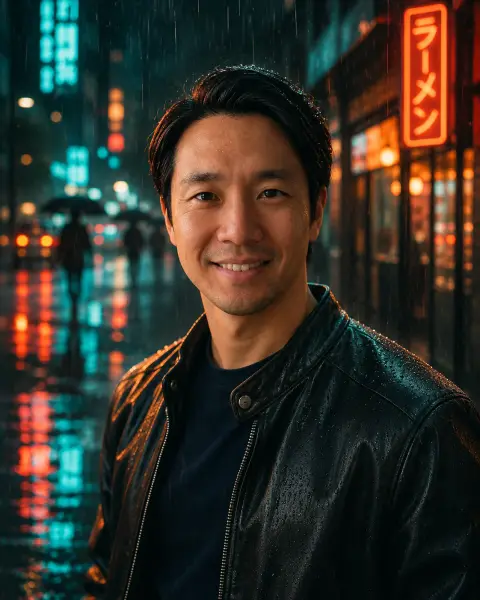
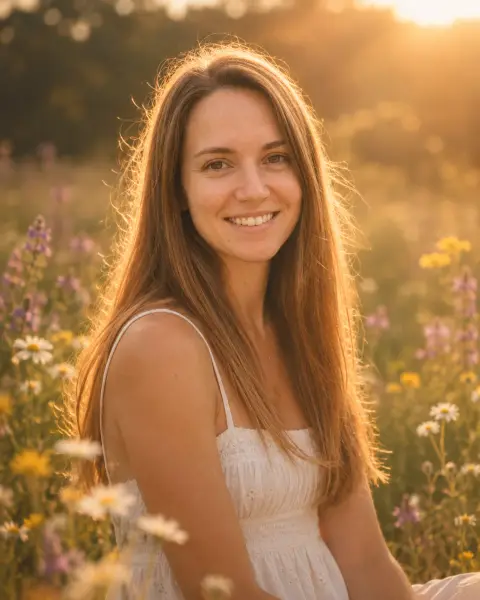
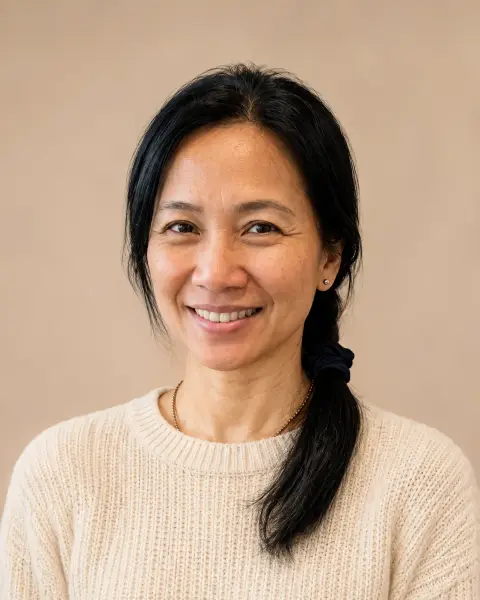
Guides on the blog.
 How to make a Discord pfp that looks good smallYour Discord avatar is a small circle next to every message. Sizes, crop rules and styles that read well at 32 pixels, from anime to 3D to emoji.
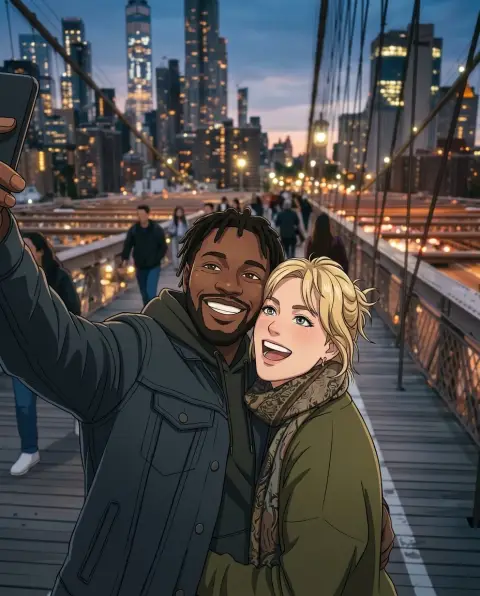 Lensa AI alternatives for avatars and stylized portraitsLensa's Magic Avatars started a wave of AI self-portraits. Alternatives for 3D, anime, painted and headshot-style avatars, and how to get good results from one selfie.
 20 WhatsApp DP ideas, from simple to stylishYour WhatsApp DP is the first thing people see in every chat. Twenty ideas, from a clean portrait to a pencil sketch, and how to keep it sharp.


