Anime Generator
Describe it. Get it drawn in anime style.
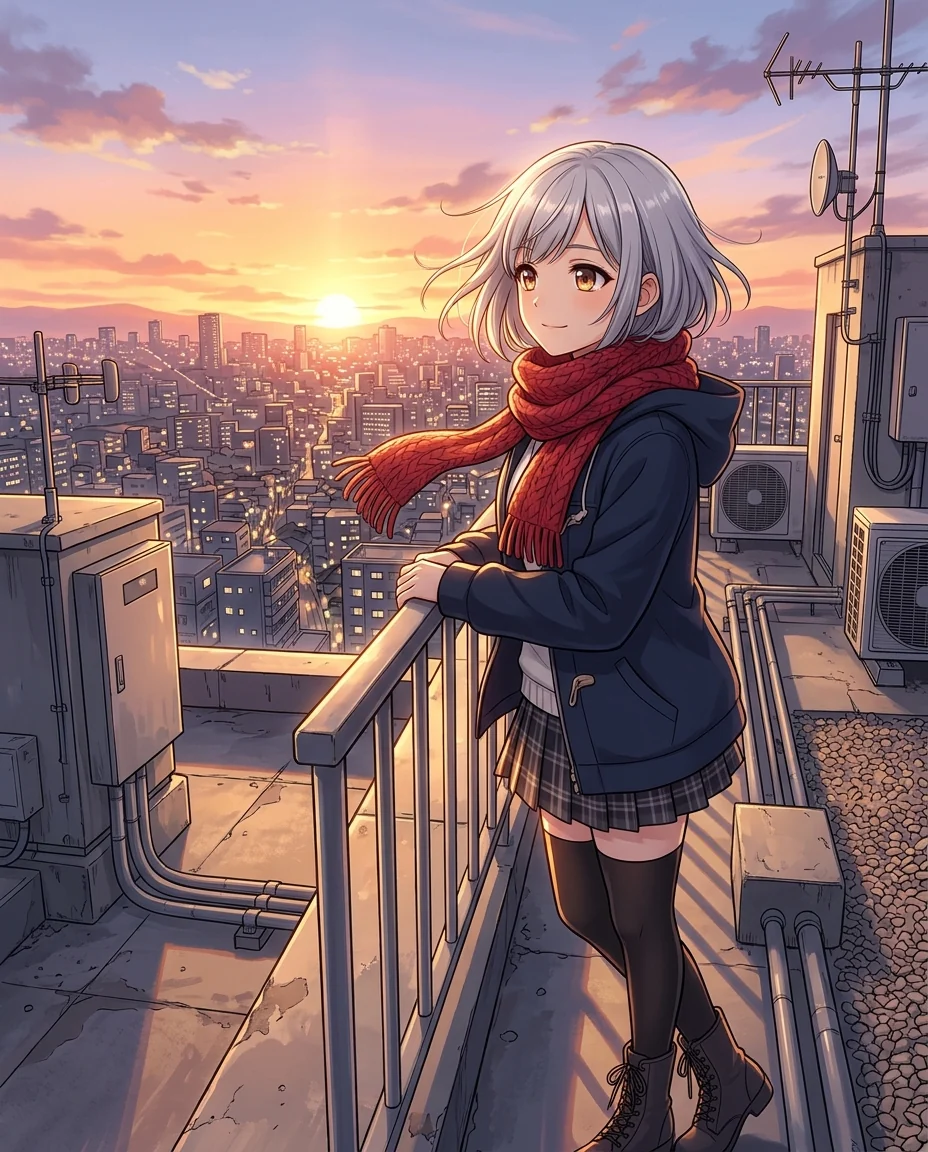 Example output
Anime Generator examples.
Rooftop sunset
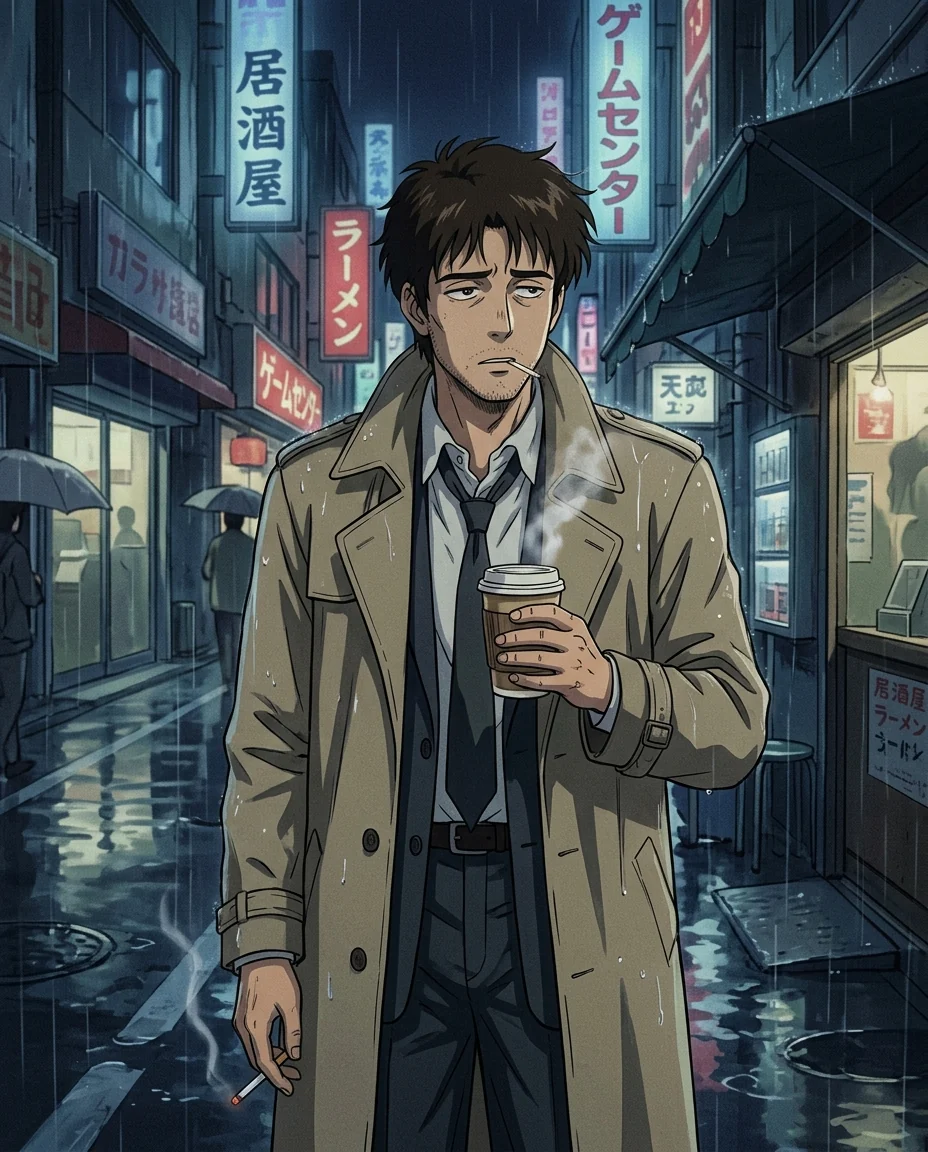
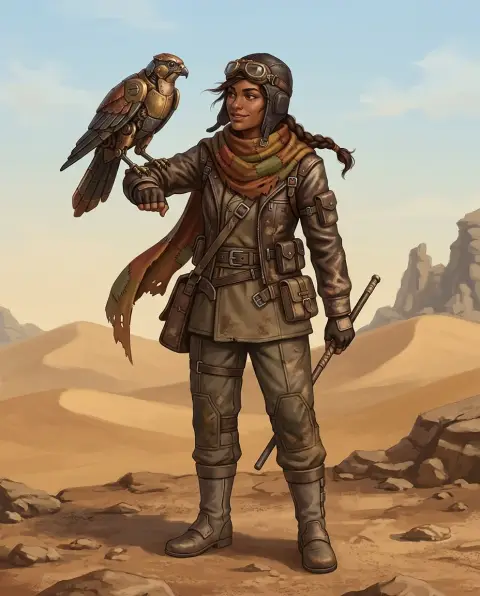
90s detective
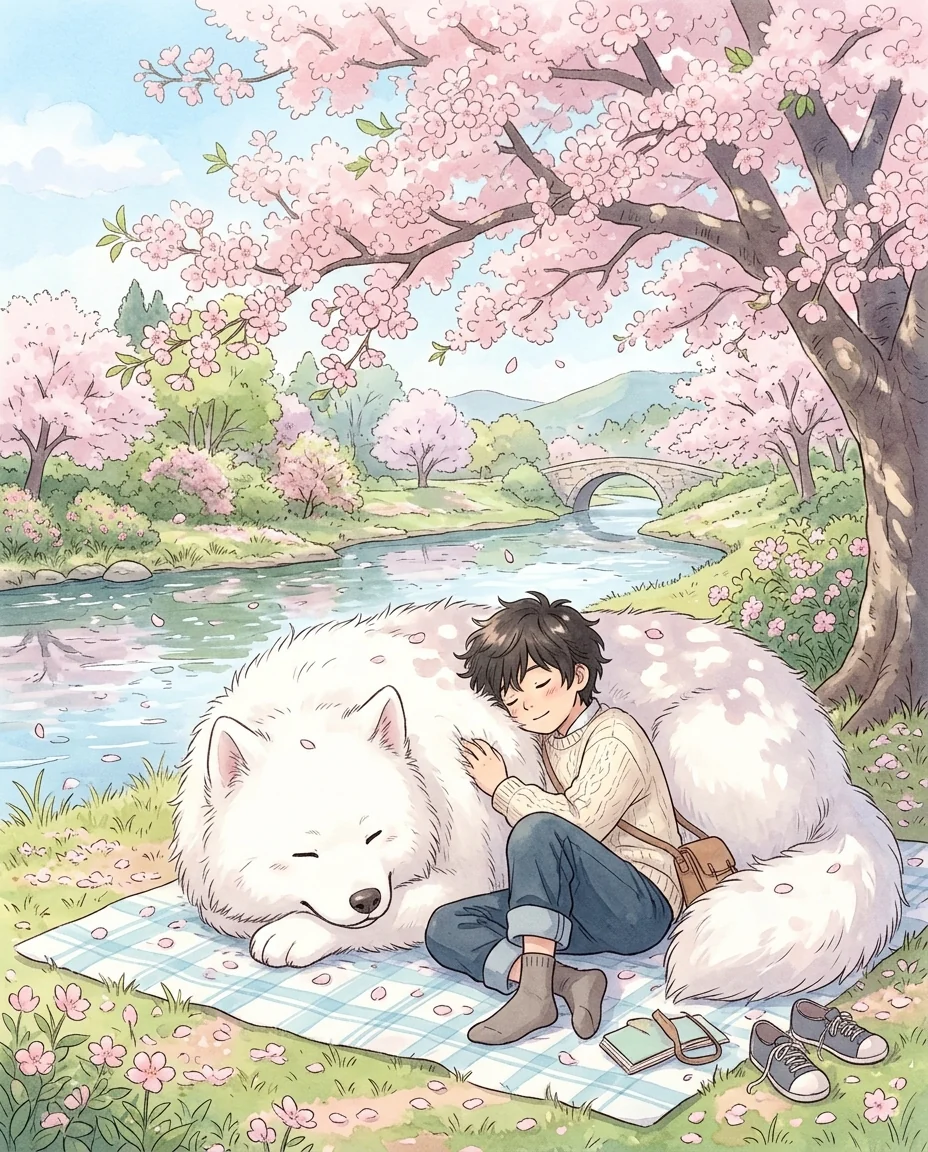
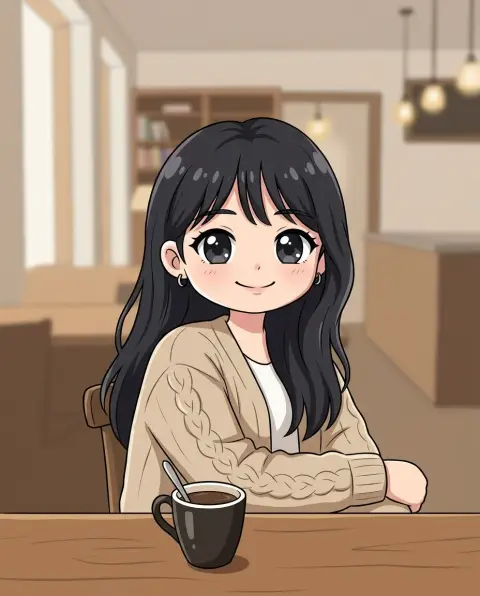
Soft watercolor
Anime Generator features.
From a description
Characters, scenes and wallpapers.
Three anime styles
Modern, 90s retro or soft watercolor.
Or start from a photo
The main character looks like you.
Anime Generator, step by step.
01
Describe what you want
Who, what they wear, where they are.
02
Pick a style
Modern, 90s retro or Soft watercolor.
03
Download
Use it as a wallpaper, avatar or reference.
Anime Generator use cases.
- Wallpapers
- An anime scene for your phone or desktop.
- Original characters
- Art for your own story or game.
- Gifts and avatars
- An anime version of you or a friend from a photo.
Anime Generator: best photos and fixes.
Writing a good description
Name the character, the outfit, the pose and the setting in one or two sentences: "a girl with a short silver bob and a red scarf on a rooftop at sunset". Specific colors and one strong detail, like a scarf, a weapon or a pet, make the picture memorable. Mood words such as "quiet", "epic" or "cozy" change the lighting and expression.
Choosing a style
Modern is today's TV anime: crisp, vivid and glowing. 90s retro has hand-painted backgrounds, thin lines and soft film grain, like classic cel anime. Soft watercolor is gentle and pastel, suited to calm scenes, nature and romance. The same description gives a very different feel in each style, so try two.
Starting from a photo
Upload a photo and the main character takes your hairstyle, hair color, face shape and outfit. Write the scene you want them in. When you want to keep the photo's setting and composition, photo to anime is the right tool.
Several characters
Two or three characters in one picture work well when each has a clear description: "a tall boy with black hair and a short girl with pink twin tails". More characters make faces smaller and details mix. For a cast of characters, generate them one at a time with the same style for a consistent look.
Shape and wallpapers
Pictures come in portrait by default, which suits phone wallpapers and avatars. For a desktop wallpaper, choose a wide aspect ratio in the settings if the model offers it, and describe a wide scene: "a wide landscape with a tiny figure on a hill". Choose 4K for a sharp wallpaper on large screens.
Related tools
Photo to anime turns your photo into anime directly. The character generator designs characters in many styles, and the chibi generator makes cute big-headed versions. Fan-style OC generators, such as the Attack on Titan and Demon Slayer OC generators, design original characters in specific anime looks.
Anime Generator FAQ.
Do I need a photo?
No. Describe what you want and it is drawn from scratch. A photo is optional, to base the main character on you.
Can I make characters from existing anime?
It is made for original characters. Describing an existing character closely may come out close to them, so change a few details.
Can I use the art in my projects?
For personal projects, yes. Avoid anything that resembles an existing character.
What sizes can I get?
Portrait by default. Choose another aspect ratio in the settings if the model offers it, or crop the result.
Is the Anime generator free?
Yes, you can try it free. New accounts get 15 free credits, and one generation here uses 13 credits. You sign in with your email; no card needed. Results have no watermark. After that, plans add credits every month and credit packs never expire.