Pokemon Generator
Design a brand-new creature in the Pokémon art style.
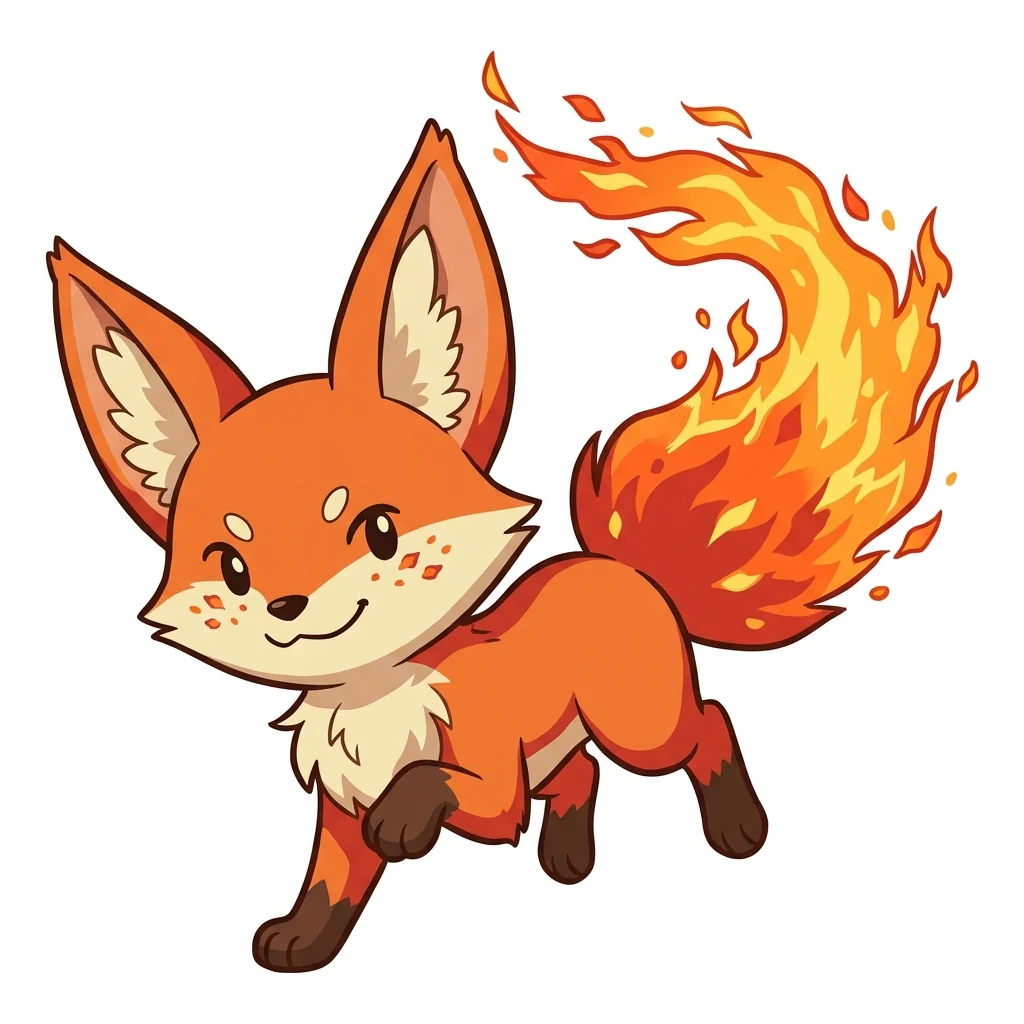 Example output
More like this.



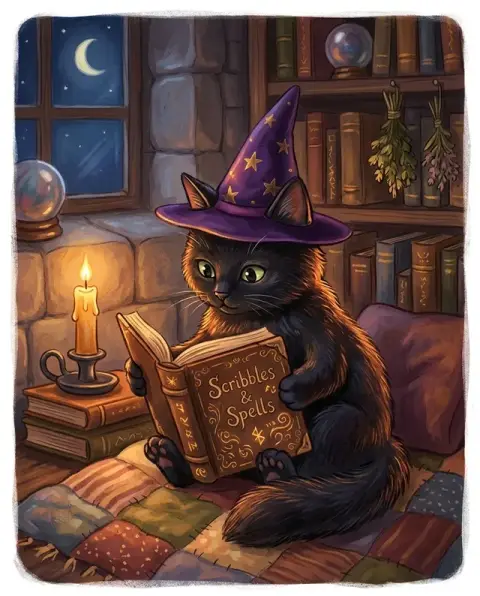
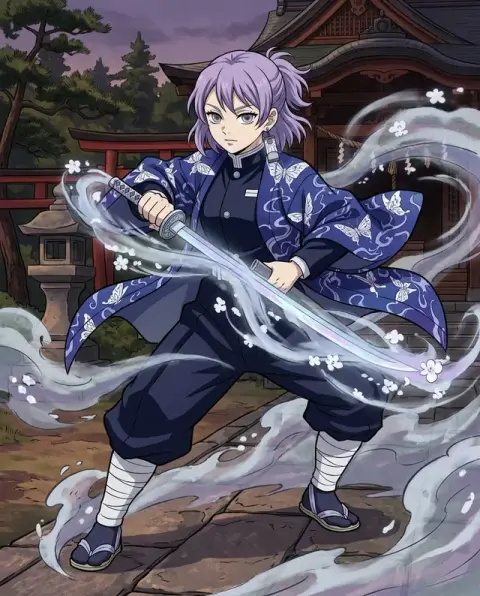
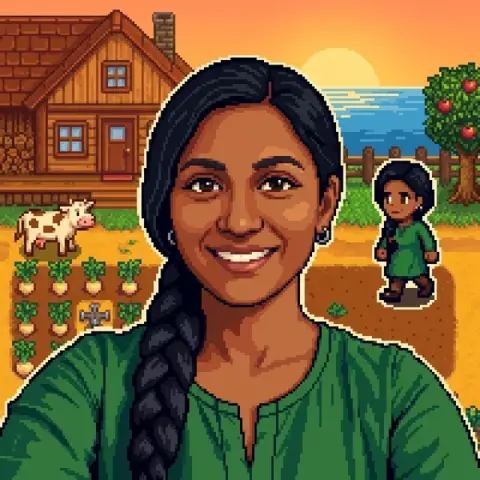
A fire fox, a manta and a raincoat day from the Pokemon generator.
Fire fox
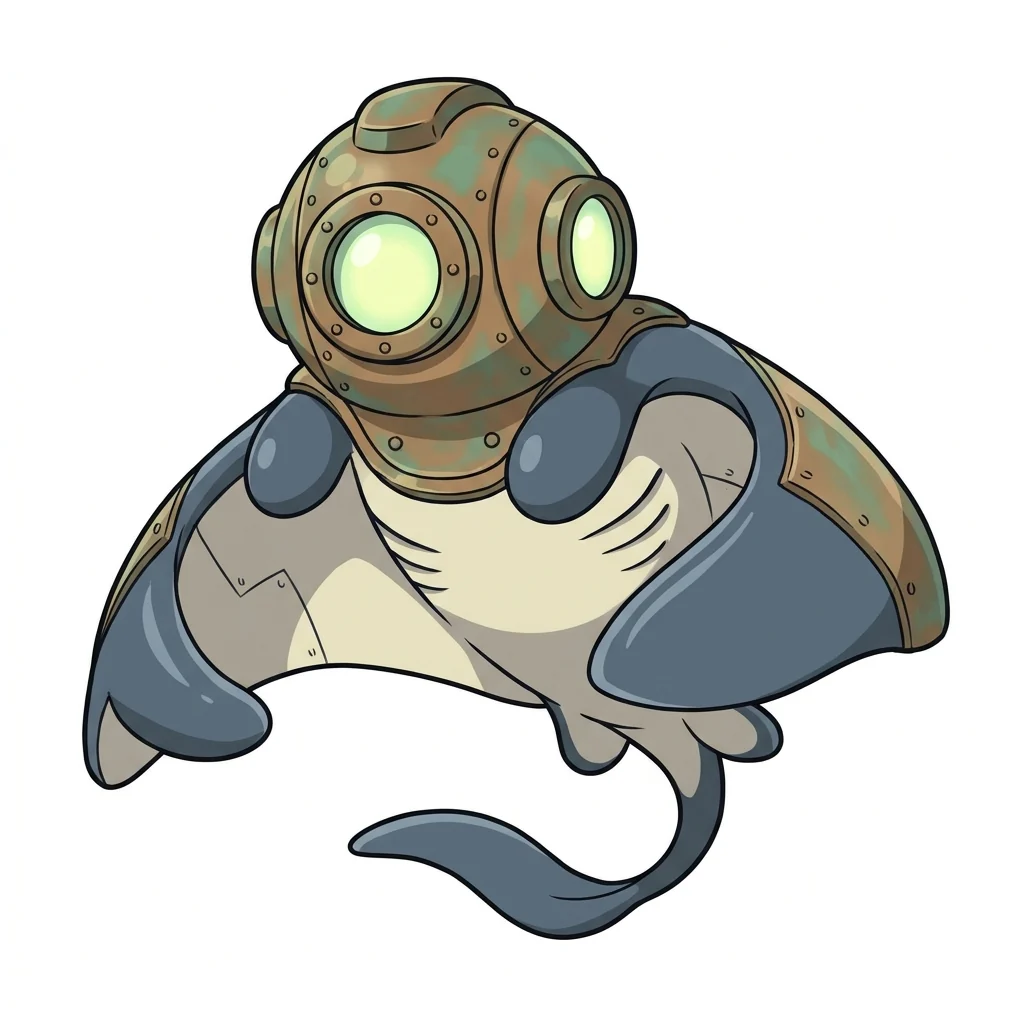
Diving-helmet manta
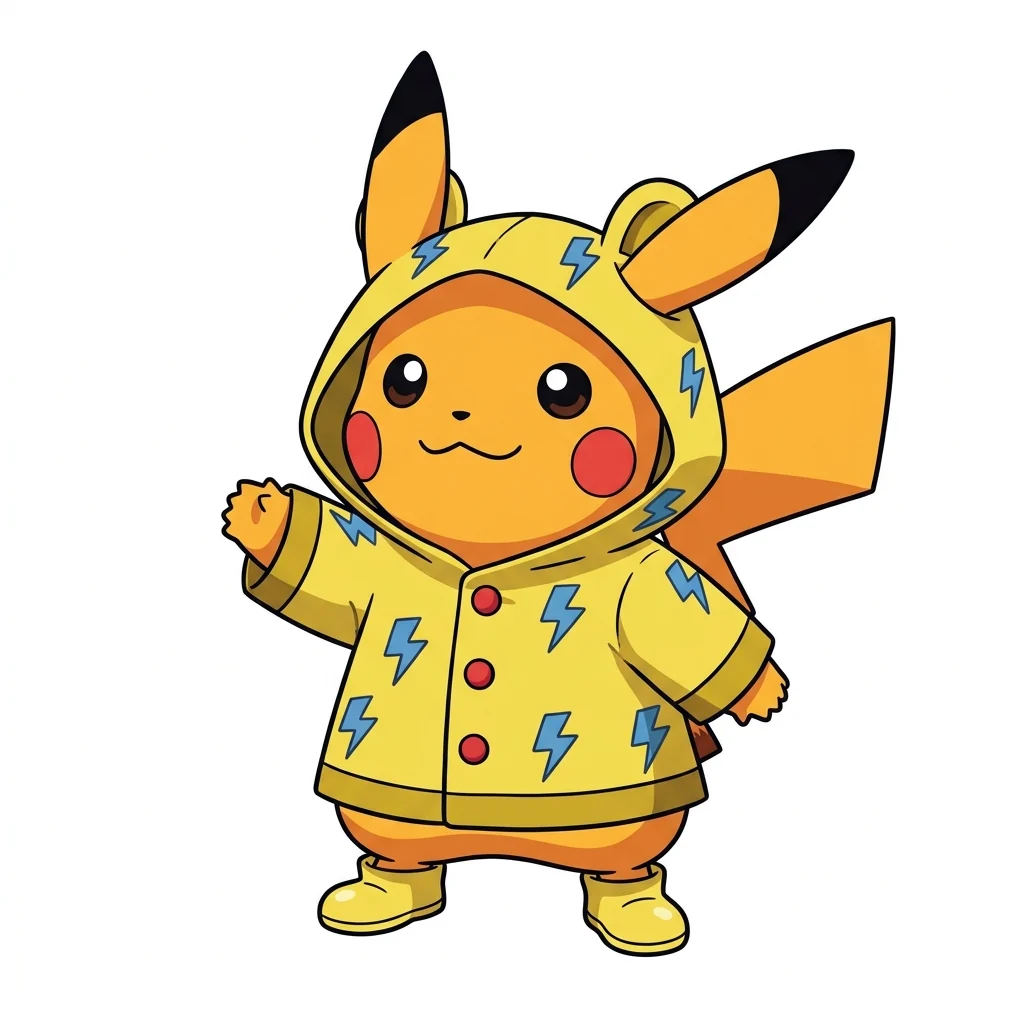
Pikachu in a raincoat
Pokemon Generator features.
Your own creature
A new design from your type, animal and personality.
Classic art style
Bold lines, cel shading and bright colors.
Basic or final form
Cute first stage or a powerful evolution.
Pokemon Generator, step by step.
01
Describe your creature
Type, animal or object, and personality.
02
Pick a stage
Basic or Final evolution.
03
Download
Run it again with the same idea for its other forms.
Fan regions, stories and drawing prompts from a Pokemon generator.
- Building a fan region
- Fans planning their own region need a whole roster: starters, a regional bird, a legendary. Describe each one with a type, a base animal and a personality, use Basic for early creatures and Final evolution for the strongest, and collect them on one sheet.
- A partner for a fan story
- When a story needs a creature that does not exist yet, describe its type and temperament and generate a few versions. Keep the one that fits the character and use it as reference while you write.
- A drawing prompt for kids
- Kids invent a creature out loud and you type it in, such as "a sleepy cloud-type sheep". The result is easy to print and copy by hand or color in.
- A profile picture for Discord
- Fans use an original creature as an avatar on Discord or forums. The image is already square, so it fits a profile picture without cropping.
Pokemon Generator: best photos and fixes.
Descriptions that give strong designs
The best creatures come from three parts: an elemental type, an animal or object to base it on, and a personality. "An electric-type hamster with a battery-shaped tail, hyperactive" gives a much clearer design than "a cool electric monster". One base animal or object is usually better than three; combinations of two, like a cactus and a hedgehog, still read well. Colors follow the type unless you name them.
Basic or final evolution
Basic gives a small, round, cute first-stage creature, the kind you meet early in a game. Final evolution develops the same core idea with a stronger silhouette, mature proportions and a battle-ready pose, while keeping the shapes and details simple. To make a whole evolution line, keep the description the same and run Basic, then Final, then a middle version described as "middle evolution, halfway between".
Existing or new
Name an existing Pokémon, such as "Pikachu in a raincoat" or "Snorlax asleep on a beach", and it is drawn in its official design, in the pose or outfit you describe. Describe a type, an animal and a personality instead, and you get a new creature that looks like it belongs in the games. Names, type icons and cards are left out so the art stays clean.
Using your pet as the base
Upload a photo of your dog, cat, rabbit or even a favorite object, and the creature is based on it, keeping its colors and markings. Add a type in the description: "make my corgi a fire type". Clear photos of one animal work best. People in the photo are ignored for the design; the Pokémon trainer generator is the tool for turning yourself into a trainer.
Poses and backgrounds
Creatures are shown full-body on a plain light background, which is easy to cut out with the background remover for cards and posters. For a scene, add it to the description: "standing on a mossy rock in a forest", "mid-attack with sparks". Keep backgrounds simple so the silhouette stays the focus, as in classic game art.
Related tools
To put yourself in the same world, the Pokémon trainer generator turns a photo into an anime trainer. The character generator designs original characters in any style, and the pixel art generator can turn your creature into a sprite for a fan game: download the result here and upload it there. For a sticker of your creature, try the chibi generator's Sticker style.
Pokemon generator questions about fan art, photos and retries.
Is this an official Pokémon tool?
No. It is an independent fan-art tool and is not affiliated with or endorsed by Nintendo, Game Freak or The Pokémon Company. It draws in the style of the original, including existing characters when you name them.
Can I sell the results?
Keep fan art for personal use, such as avatars, posts and character sheets. The style and the franchise belong to their owners, so don't use results on merchandise or in anything you sell.
Can it make an existing Pokémon?
Yes. Name it in the description, for example "Pikachu in a raincoat", and it is drawn in its official design.
Is the Pokemon generator free?
Yes, you can try it free. New accounts get 25 free credits, and one generation here uses 9 credits. You sign in with your email; no card needed. Results have no watermark. After that, credit packs never expire, and your first one is half price.
Do I need a photo?
No. A description is enough. A photo is optional, for basing the creature on a pet or an object.
Can I get a different design for the same idea?
Yes. Run it again with the same description for a new variation, or change one word, such as the animal or the personality, to push it further.
Can I print it or use it as a profile picture?
Yes, for personal use, such as a print for your wall, a profile picture or a character sheet.
What if the result looks off-model?
Run it again; each run is a new variation. For a named Pokémon, keep the description short so the official design is not mixed with other ideas. Failed runs are refunded automatically.
What files can I upload?
JPG, PNG or WebP, up to 8 MB per photo.
Are my descriptions and photos used to train AI?
No. Prompts, photos and results are not used to train AI models. Results stay in My files for 48 hours, or 30 days once you've bought a credit pack.