












AI Background Changer
Puts you, a pet or a product in any scene, with light that matches.
Drop a photo
or paste with ⌘V · JPG · PNG · WebP · up to 8 MB
No photo handy? Try one of ours.
More like this.
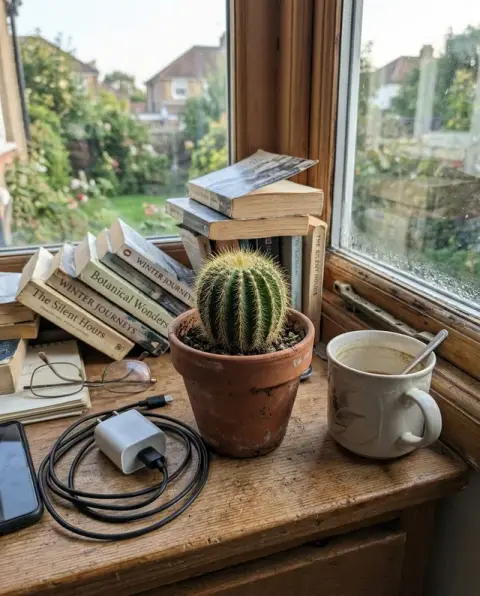
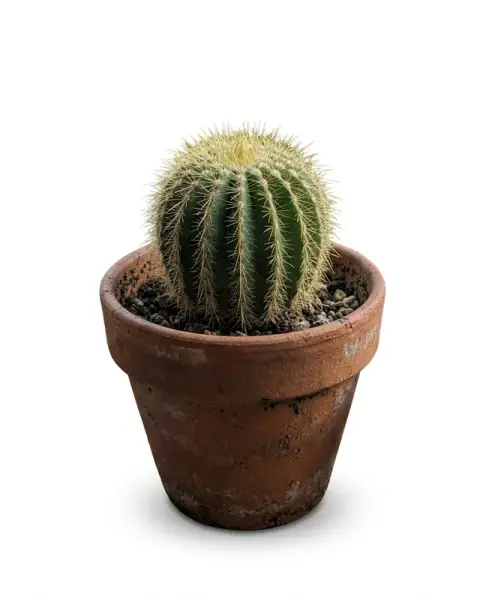
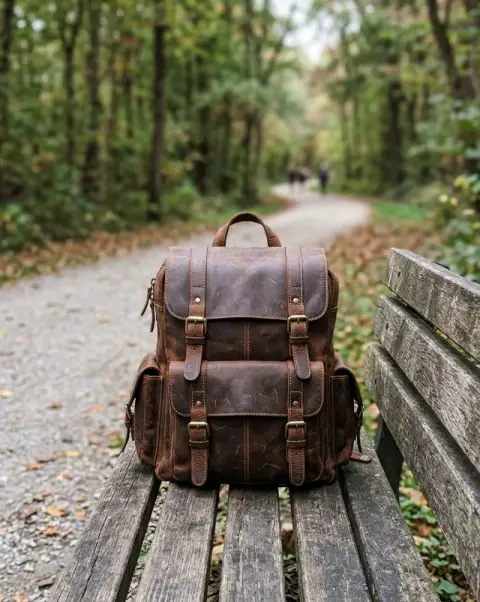
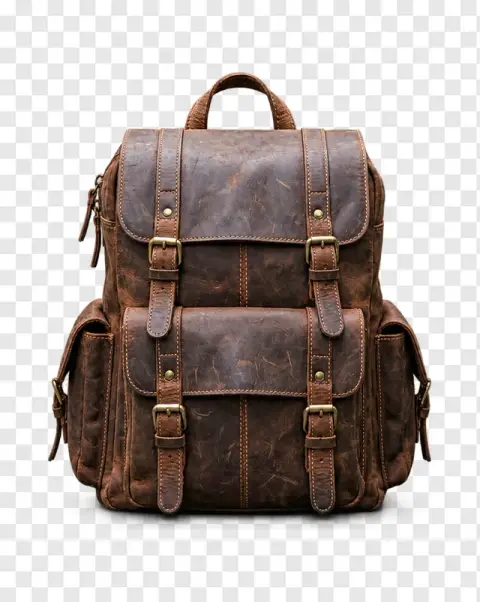


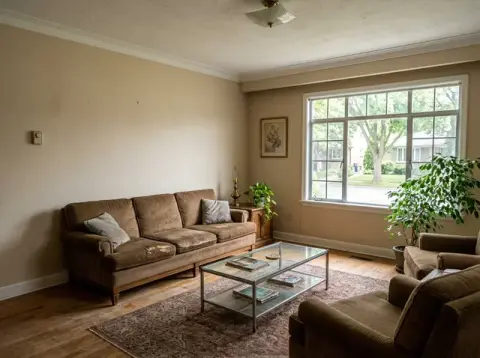
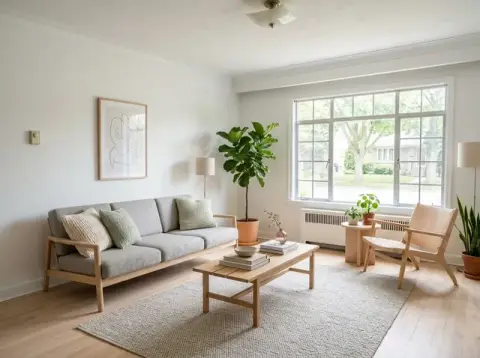


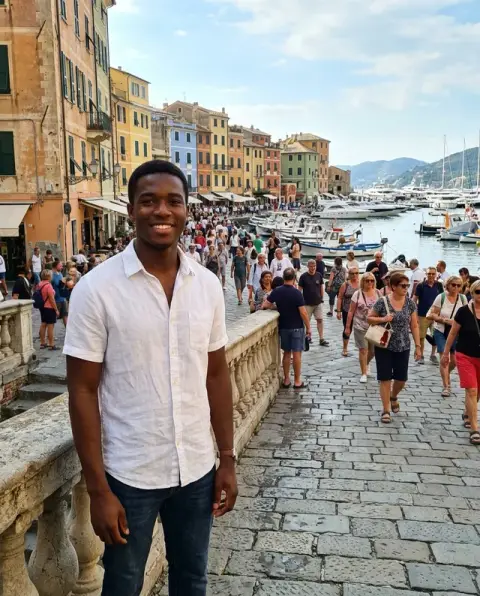
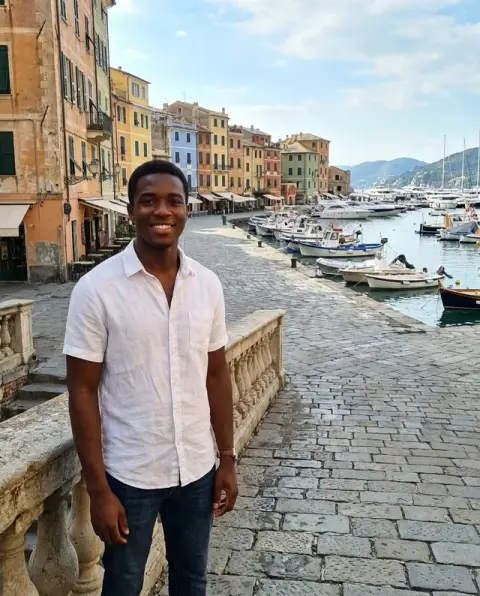
Background changer results: the same subject, somewhere else.
Real results from this page's default settings in one click, not retouched.How examples are made

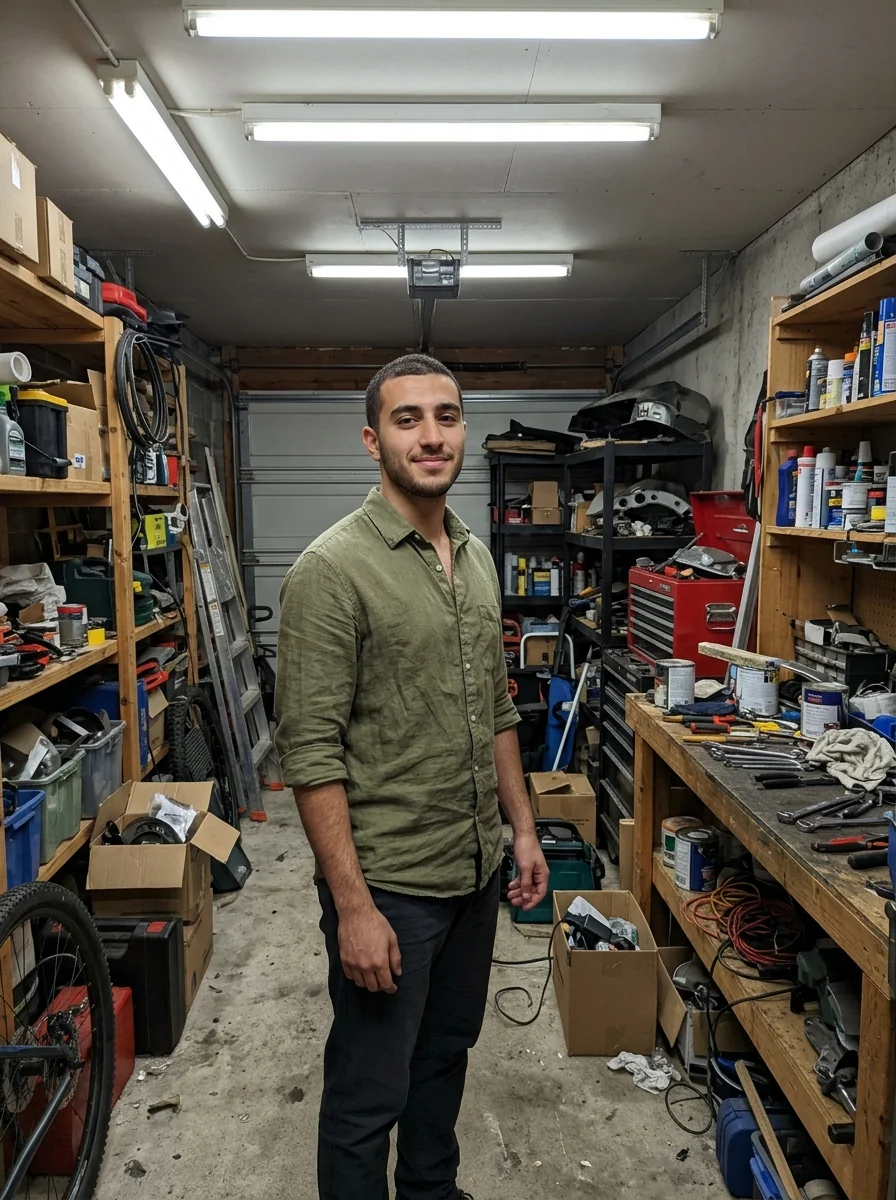
“a sunny beach at golden hour”

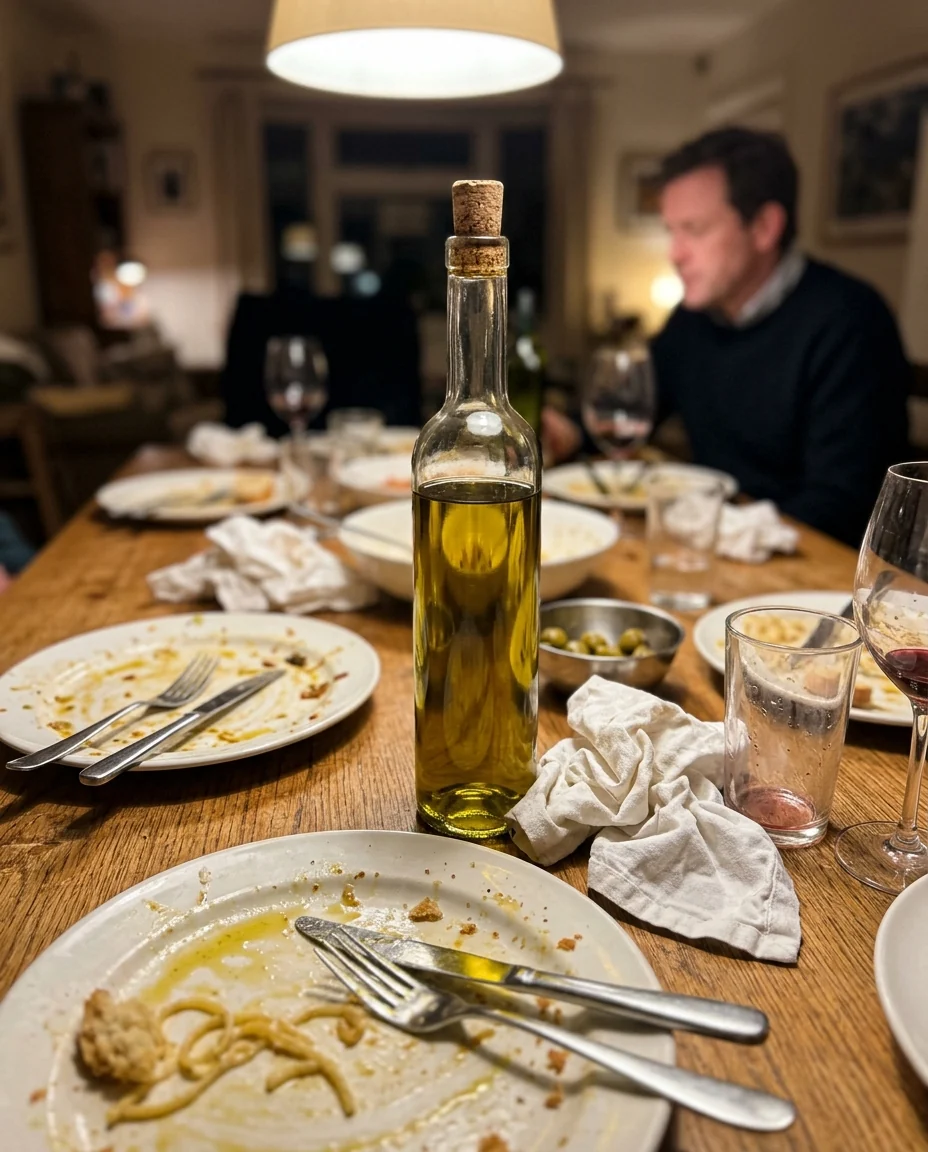
“a white marble kitchen counter with soft morning window light”
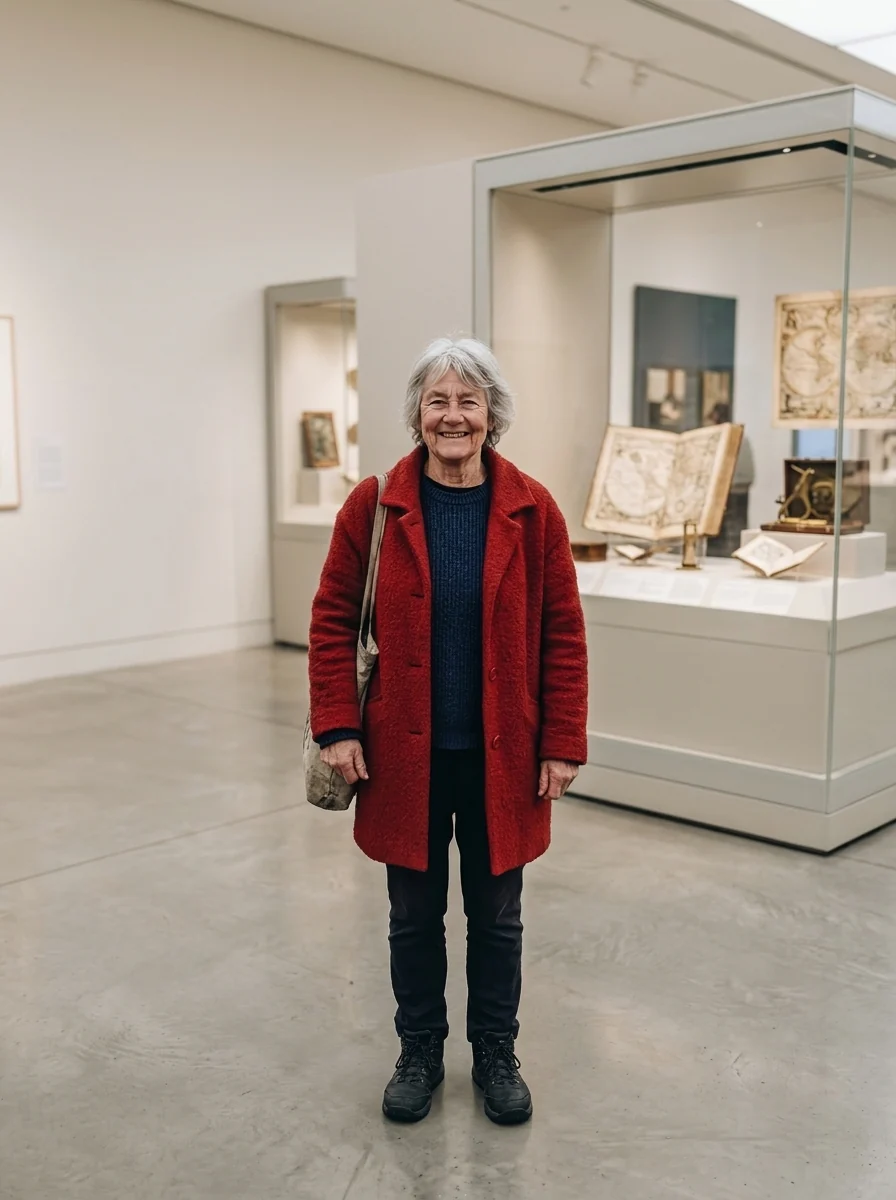
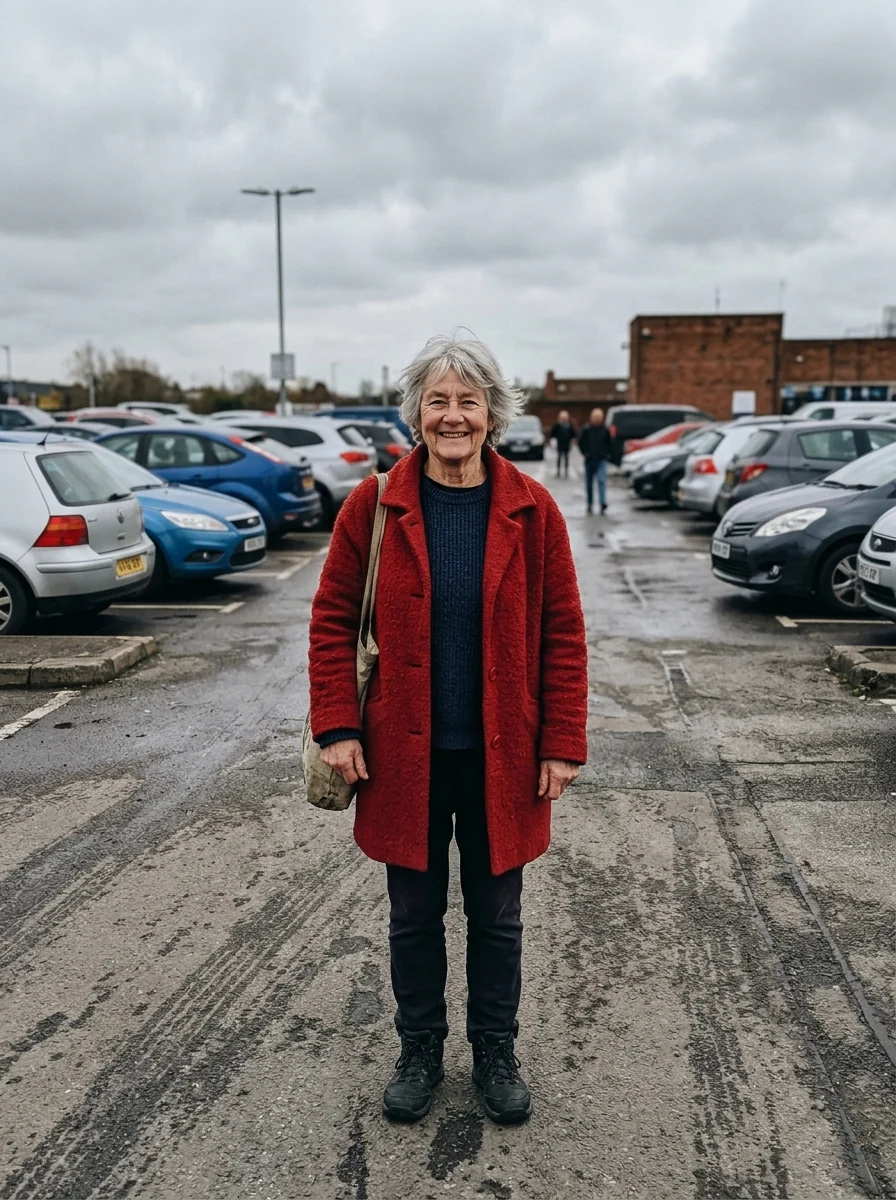
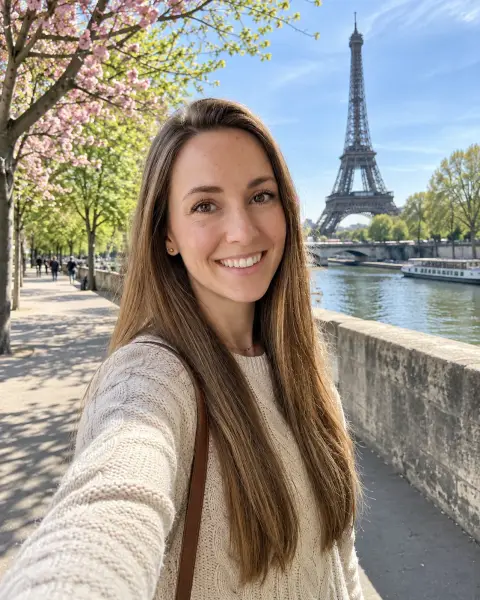
The same woman in a bright museum gallery with glass display cases
What the AI background changer keeps, and what it redraws.
Subject untouched
Edges, pose, clothing and colors stay exactly the same.
Light that matches
Lighting, perspective and depth of field fit the new scene.
Any setting
A place, a studio or a plain color: just name it.
AI Background Changer, step by step.
01
Upload a photo
People, pets and products all work.
02
Name the scene
Write where you want it, or leave it empty for a clean setting.
03
Download
Save it or try another scene.
Photos people move with a background changer.
- Listing a sofa on Marketplace
- The sofa is great, but the photo shows laundry, cables and a cramped corner. Upload it and ask for a bright, tidy living room so buyers look at the sofa, not the mess. The sofa itself is kept as it is, so the listing stays honest.
- A profile photo taken in the kitchen
- Your best recent portrait was shot at home, with the fridge behind you. Upload it and name a plain light grey backdrop or a soft office setting, then use the result on LinkedIn or a dating profile. Your face, hair and clothes are not touched.
- Product shots for a small shop
- You make candles or skincare and photograph them on your desk. Upload each snapshot and describe one setting, such as a wooden table in morning light, so the whole shop page matches. Run the same words for every product to keep the set consistent.
- A trip where the view let you down
- The landmark was under scaffolding or the bay was fogged in. Upload the photo of you and describe the scene you remember, like a clear harbour at sunset. Keep it for your own album or a fun post, not as proof of where you were.
- The pet who only sat still once
- Your dog finally held a pose, right in front of the bins. Upload that photo and move them to a beach, a park or a plain color backdrop for a print or a card. Fur edges are kept, so it still looks like your dog.
AI Background Changer: best photos and fixes.
Subjects that move cleanly
People, pets and products with a clear outline against their old surroundings give the cleanest result. The tool keeps the subject and redraws everything around it, so a photo where the subject is in sharp focus matters more than a nice original background. Group photos work as long as everyone is close together; people scattered across the frame may lose someone at the edge.
Describing the new scene
Write the background the way you would brief a photographer: "a bright café with plants, morning light from a window on the left" works better than "café". Mentioning the light direction is the single most useful detail, because it tells the model how to shade the subject so it does not look pasted on. For a plain color backdrop, the background remover is faster.
When the scale or angle looks wrong
A selfie shot from below placed in front of a tall building can look like a giant standing in the street. Match the scene to how the photo was taken: eye-level portraits suit eye-level scenes, and products shot from above suit tables and flat surfaces. Adding "seen from eye level" or "close-up, shallow depth of field" in the instructions helps the background fit the camera.
If hair or edges look fuzzy
Fine hair, fur and see-through fabric are the hardest edges. Start from the largest, sharpest copy of the photo, and avoid images that already have a portrait-mode blur, since that blur is often baked into the hair edge. If a halo of the old background remains, regenerate with "remove all of the old background around the hair" in the instructions.
Product photos for shops and ads
Shoot the product on any plain surface, centred, with even light, then describe a setting that fits how it is used: a skincare bottle on a marble bathroom shelf, sneakers on a city pavement, a mug on a wooden table with morning light. Label text and logos on the product are kept as they are, but check small print closely before you publish.
Keeping the floor and shadows real
When people or products stand on the ground, the spot where they touch it gives away an edit. Mention the surface in your new scene, such as "standing on a wooden pier" or "on a marble counter", so the model draws a contact shadow and the right floor under the feet or base. Without it, subjects can look like they float a little above the new background.
Before you upload: background changer questions.
How is this different from the background remover?
The [background remover](/tools/background-remover) gives you a cut-out on a transparent background. The background changer places the subject in a new scene in one step.
Can I change the background to a plain color?
Yes. Type a color such as "light grey" or "pastel blue", or use [add white background to photo](/tools/add-white-background-to-photo) for product listings.
Will lighting match the new background?
Yes. The AI adjusts light and shadows on the subject to fit the scene, so the result does not look pasted on.
Will the person or product itself change?
No. The subject keeps its edges, pose, clothing and colors; only what surrounds it is redrawn, including the floor or table it stands on. If something on the subject looks altered, run it again.
What happens if I leave the scene box empty?
The tool picks a clean, attractive setting that suits the subject. Name a place, a studio or a color when you want something specific.
Is the Background changer free?
Yes, you can try it free. New accounts get 25 free credits, and one generation here uses 9 credits. You sign in with your email; no card needed. Results have no watermark. After that, credit packs never expire, and your first one is half price.
What if I don't like the new scene?
Run it again: each run gives a new variation, and you can reword the scene to steer it. If a run fails, its credits are refunded automatically.
Which files can I upload, and can I use my phone?
JPG, PNG or WebP, up to 8 MB per image. It works in a phone browser, and on a computer you can scan a QR code to send a photo from your phone; the link works for 10 minutes.
Can I use the result in my shop or ads?
Yes. You own the images you generate as far as the law allows, and you keep the rights to the photo you upload. Make sure the product still looks like what buyers receive.
How long are my photos kept?
Results stay in My files for 48 hours, or 30 days once you've bought a credit pack, and you can delete them sooner. Your photos, prompts and results are not used to train AI models.
Try these prompts
Guides on the blog.
 Etsy listing photos: what to shoot and how to order themYour first Etsy photo wins the click, the rest win the sale. The shots every listing needs, the order to put them in, and how to make them without a studio.
 Photoroom alternatives for product photos and listingsPhotoroom is popular with online sellers. Alternatives for cutouts, white backgrounds, styled scenes and mockups, and how to choose for your shop.
 remove.bg alternatives: 6 ways to cut out a backgroundremove.bg made one-click cutouts popular, but it's not the only option. Six alternatives, from features already on your phone to AI editors, and when to use each.


