












AI Interior Design
See your own room in a new style before you buy anything.
Drop a photo
or paste with ⌘V · JPG · PNG · WebP · up to 8 MB
No photo handy? Try one of ours.
More like this.









AI interior design on a dated lounge, an empty bedroom and a home office.
Real results from this page's default settings in one click, not retouched.How examples are made
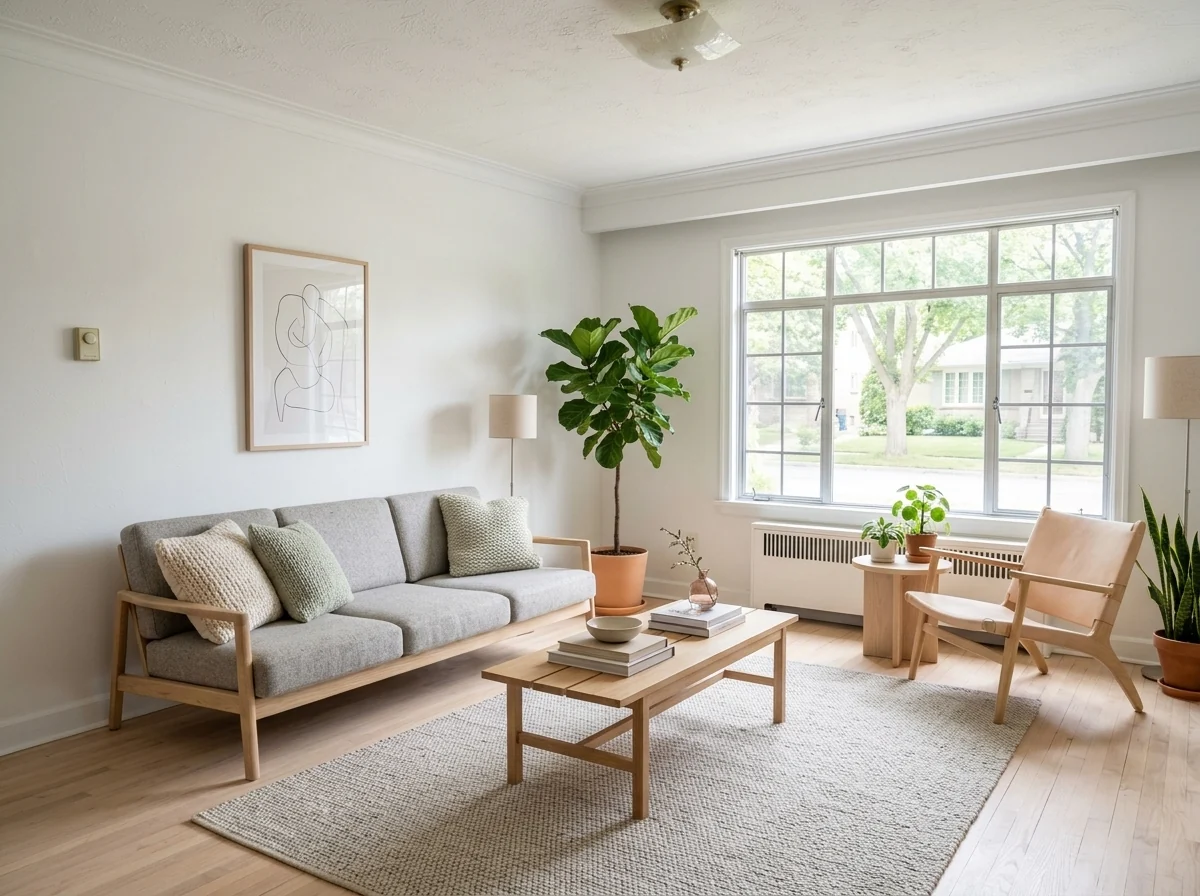
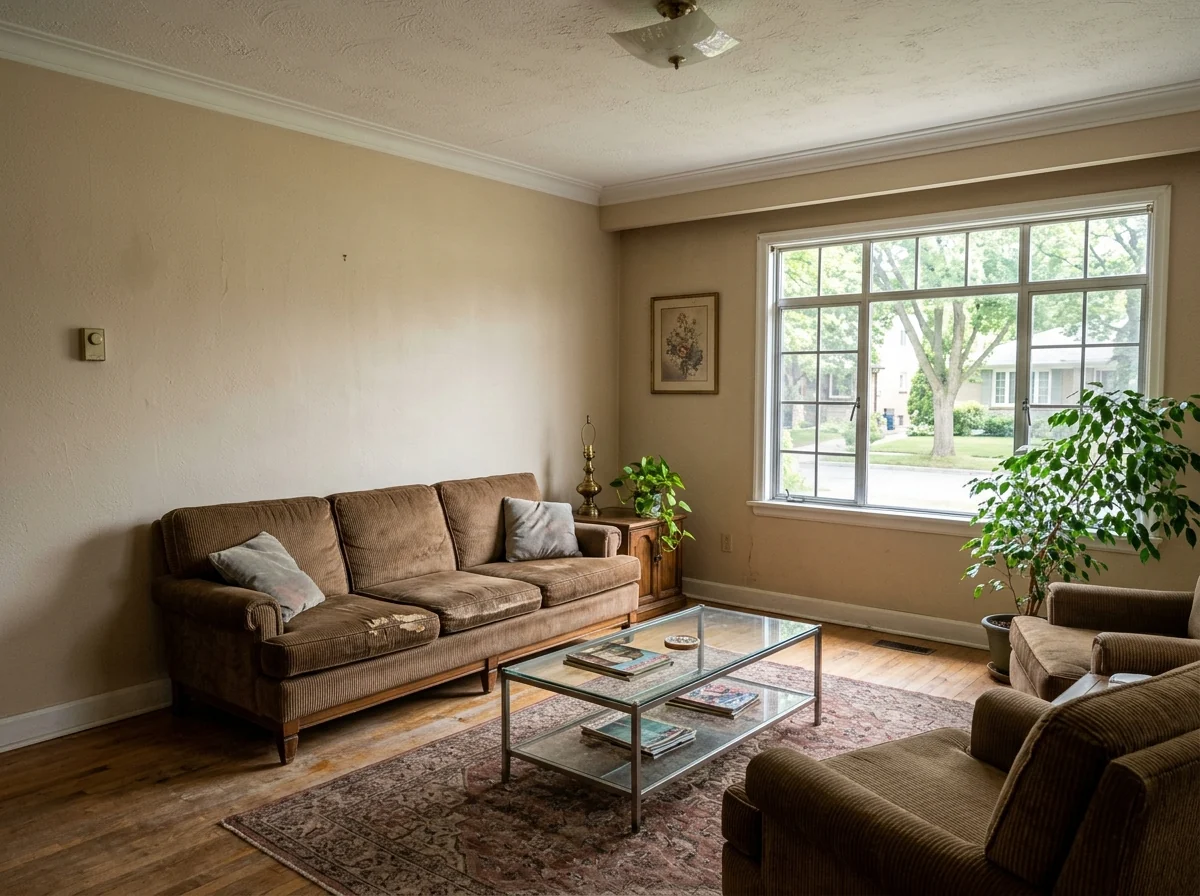
Scandinavian
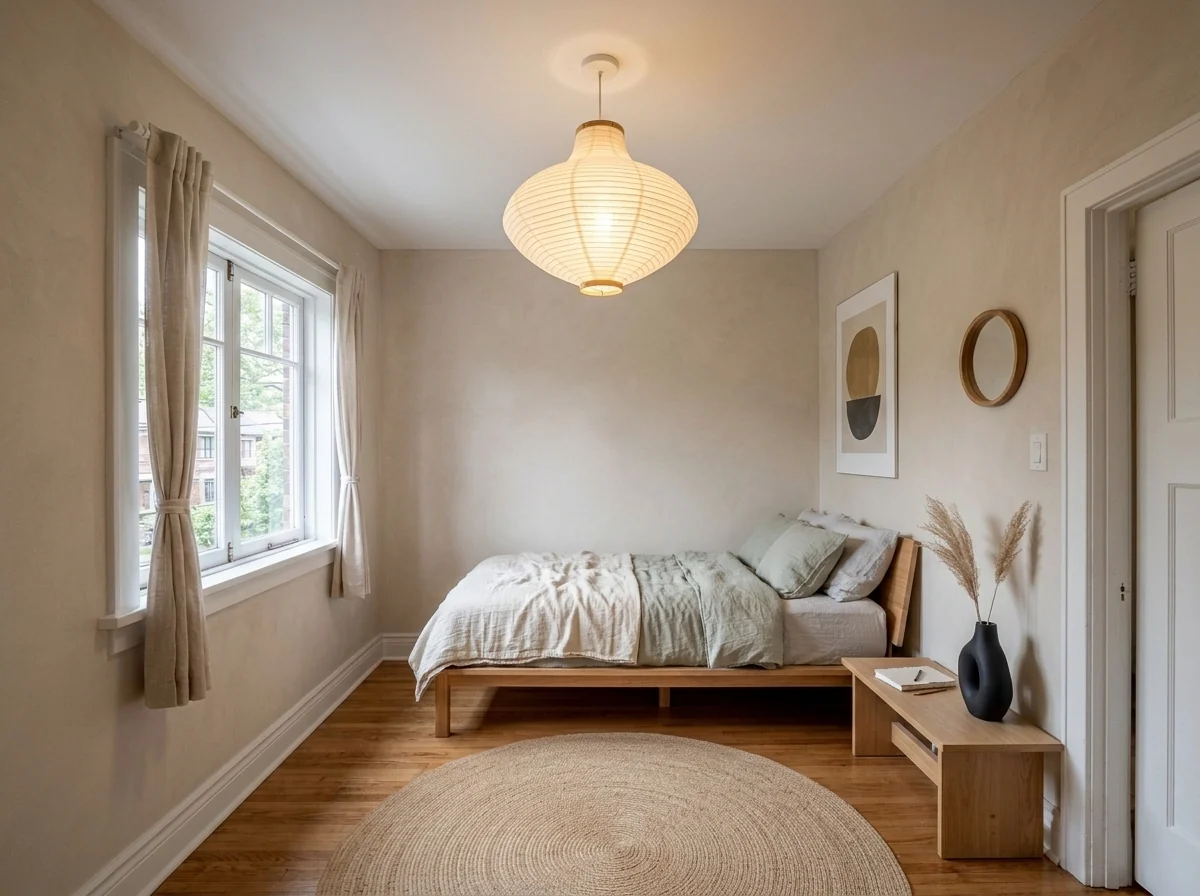
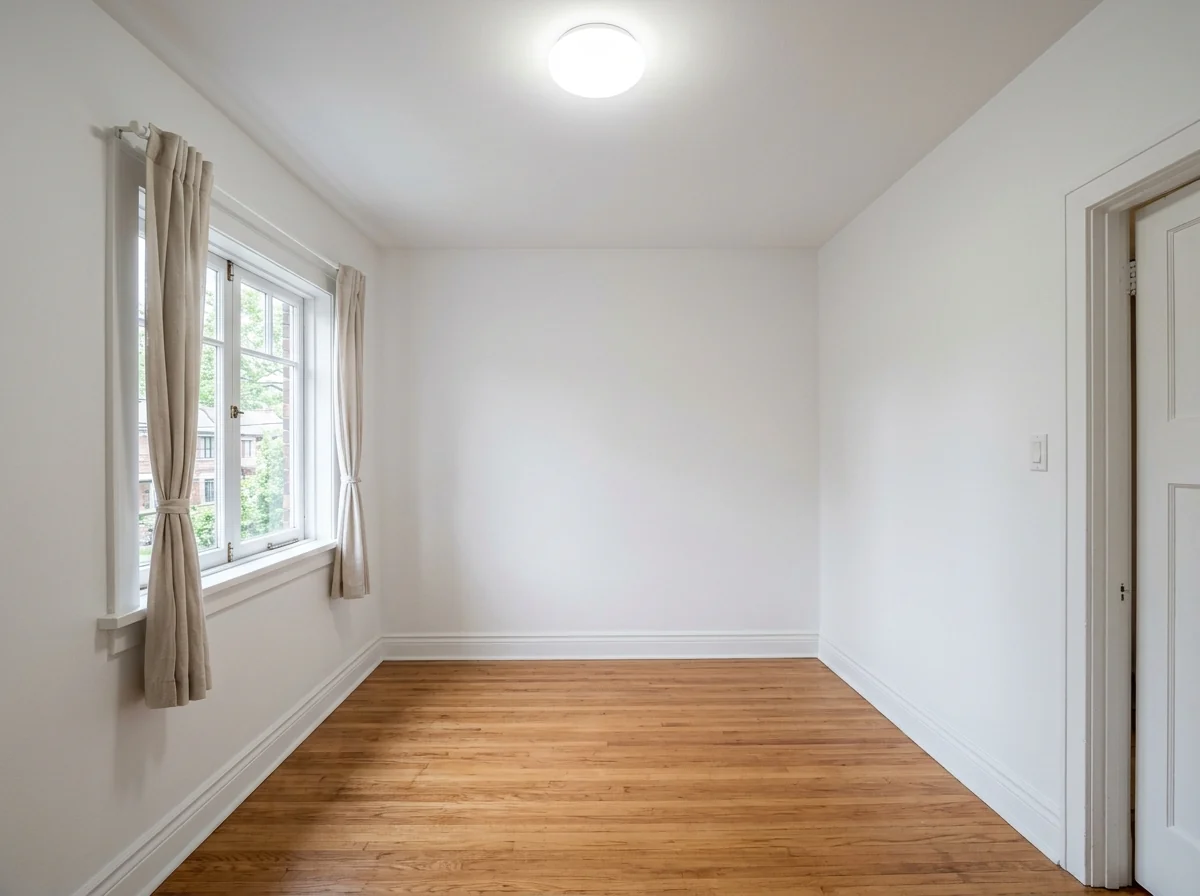
Empty room to Japandi
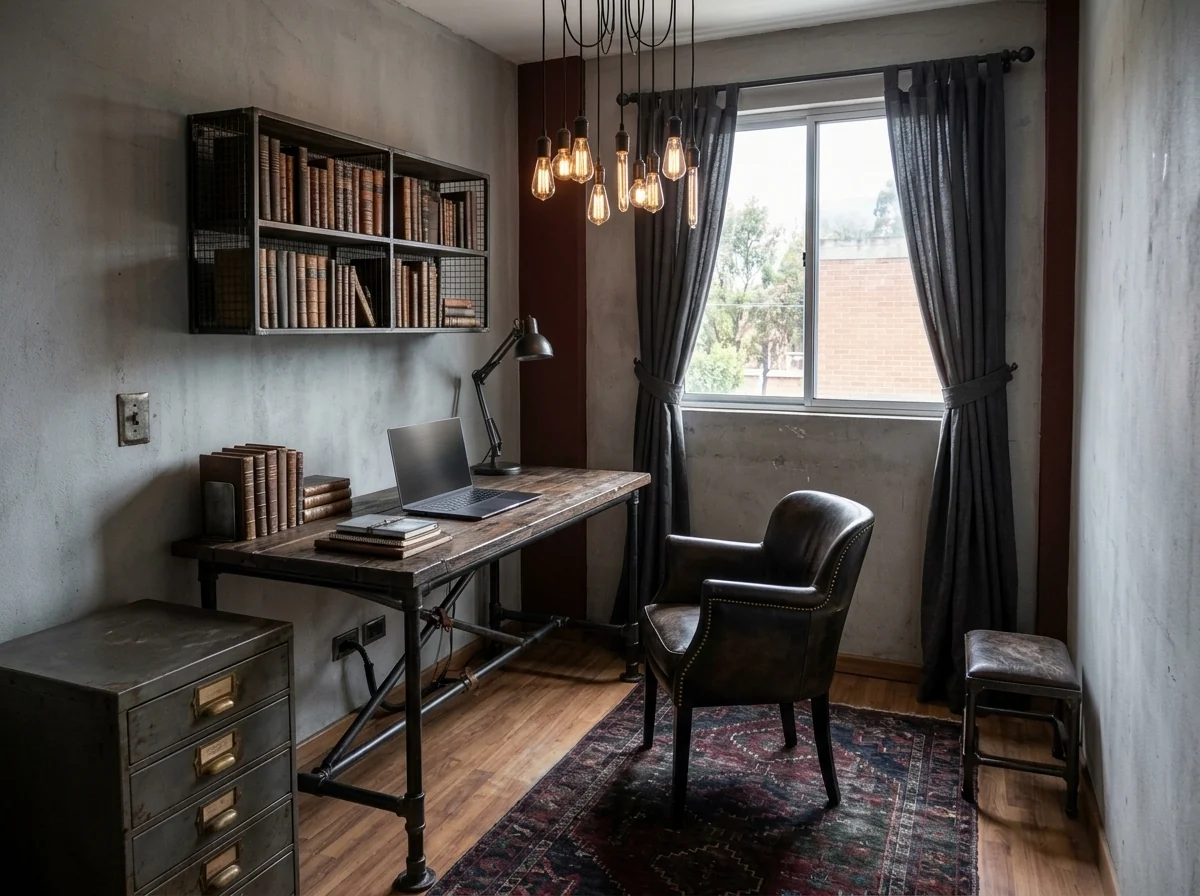
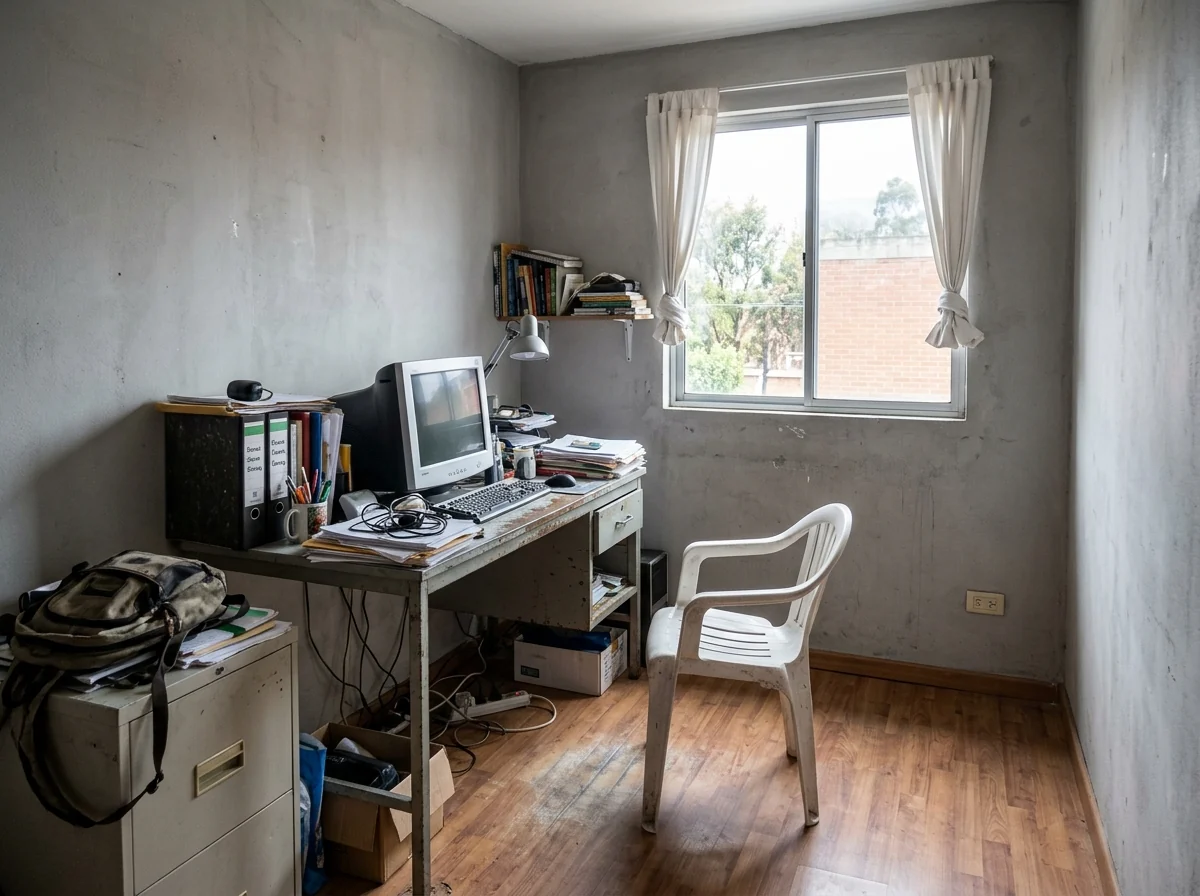
Industrial office
What AI interior design changes in your room, and what stays put.
Your real room
Walls, windows and layout are kept.
Five styles
Modern, Scandinavian, Japandi, industrial or boho, or describe your own.
Empty rooms too
Furnish a bare room from scratch.
AI Interior Design, step by step.
01
Photograph your room
Wide, from a corner, in daylight.
02
Pick a style
Or choose Custom and describe it.
03
Compare
Try two or three styles on the same photo.
Before the sofa is ordered: who uses AI interior design.
- Two people, two favourite styles
- You want Japandi, your partner wants Scandinavian. Run both on the same photo of your living room and decide looking at your actual room instead of two mood boards.
- Staging an empty listing
- Empty rooms look smaller and colder in listing photos. Furnish photos of the empty rooms, and label them as virtually staged in the listing so buyers know what they will find.
- Renting and not allowed to paint
- Renters can try furniture, rugs and lighting while keeping the walls and floor as they are. Write "keep the walls and floor" and use the result as a shopping list.
- Moving into a new place
- Photograph each room on the day you get the keys, before the boxes arrive. Try a style per room to plan what to bring, what to sell and what to buy.
AI Interior Design: best photos and fixes.
Photos that redesign well
A wide photo taken from a corner at chest height, in daylight, shows the walls, floor and windows the design has to fit around. Phone wide-angle mode is ideal. Very close shots of one wall or a dark night photo give the design little room to work with. Tidy the room a little if you can: piles of laundry and boxes may be read as furniture to keep. Empty rooms work well too and get furnished from scratch.
What stays and what changes
The architecture stays: walls, ceiling, windows, doors, the floor plan and the view outside. Furniture, rugs, lighting, textiles, decor and wall colors are replaced. Built-in fixtures such as fireplaces, radiators and kitchen cabinets are kept unless you say otherwise. To keep a piece you love, write it: "keep the green velvet sofa" or "keep the oak floor". To change the floor too, write "new pale wood floor".
Choosing a style
Modern is clean and neutral, with warm light. Scandinavian is light wood, white and soft textiles. Japandi is calm, low and earthy. Industrial adds leather, metal and darker tones, suited to lofts and offices. Boho is warm and layered, with rattan and plants. Custom accepts any style or mix, such as "mid-century modern with a mustard accent", "coastal", "French country" or "dark academia library".
Planning with a budget or a brief
Add practical needs in the instructions: "a sofa bed for guests", "a desk by the window", "kid-friendly, no glass", "storage for a lot of books". Colors work too: "sage green walls", "no white". The design is arranged for the room's size, but furniture is drawn rather than measured, so check real dimensions before you buy anything you see.
Kitchens, bathrooms and outdoor spaces
Kitchens and bathrooms have fixed plumbing and cabinets, which are kept by default; the result restyles finishes, lighting and decor around them. Write "replace the cabinets with dark green shaker cabinets" if you are planning a remodel. Balconies and patios can be redesigned too with outdoor furniture and plants, but full gardens are outside what this tool is made for.
If the room changes shape
Walls moving, windows disappearing or a different camera angle usually come from a very wide or distorted photo, or a room with mirrors. Upload a straighter shot, or use the straighten photo tool first. Regenerate once if the first design ignores a window. For product photos of a single piece of furniture in a new room, the background changer is a better fit.
AI interior design questions from renters, buyers and sellers.
Will my room's walls and windows change?
They are kept, with the same layout and camera angle; furniture and decor change. Very wide or distorted photos can shift a wall or window, so regenerate once if that happens.
Can I keep some of my furniture?
Yes. Name it in the instructions, for example "keep the green sofa".
Does it work on empty rooms?
Yes. Empty rooms are furnished from scratch in the style you pick.
Is the AI interior design free?
Yes, you can try it free. New accounts get 25 free credits, and one generation here uses 9 credits. You sign in with your email; no card needed. Results have no watermark. After that, credit packs never expire, and your first one is half price.
Can I buy the exact furniture in the image?
No. Pieces are drawn, not taken from a shop's catalogue, so use the image to guide what you look for rather than as a product list.
Can I use the designs in a listing or for a client?
Yes. You own the images you generate as far as the law allows. In property listings, label redesigned photos as virtually staged.
Does it work from a floor plan or a sketch?
It is made for photos of real rooms. A floor plan or sketch has no walls, windows or light to keep, so results are unpredictable.
Can I redesign several rooms?
Yes, one photo per run. Pick the same style for each room if you want the home to feel consistent.
What files can I upload?
A JPG, PNG or WebP, up to 8 MB. On a computer you can scan a QR code to send a photo from your phone; the link works for 10 minutes.
Are photos of my home used to train AI?
No. Photos and results are not used to train AI models. Results stay in My files for 48 hours, or 30 days once you've bought a credit pack, and you can delete them sooner.

