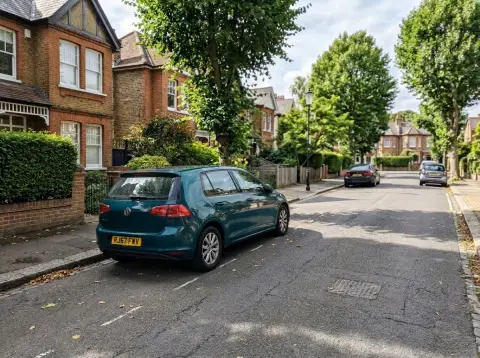
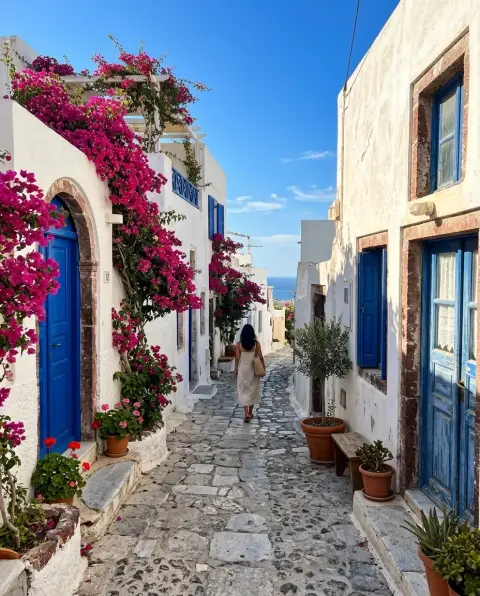
Recolor Image with AI
Name an object and a color; the rest stays.
Drop a photo
or paste with ⌘V · JPG · PNG · WebP · up to 8 MB
No photo handy? Try one of ours.
More like this.




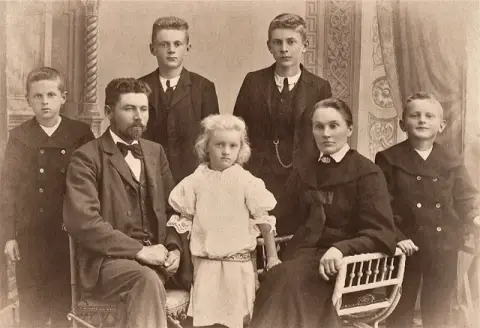
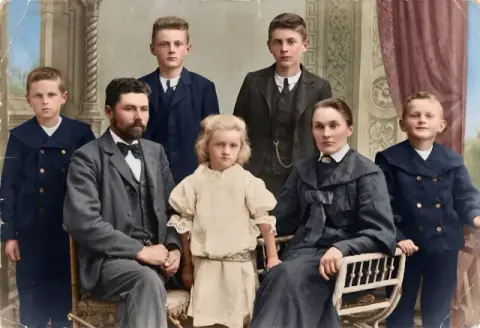
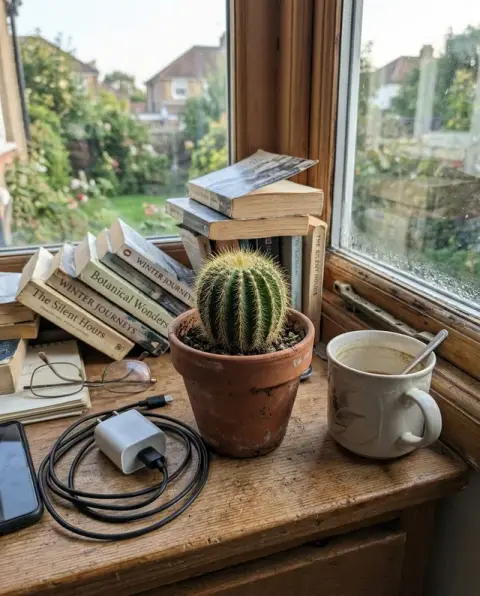
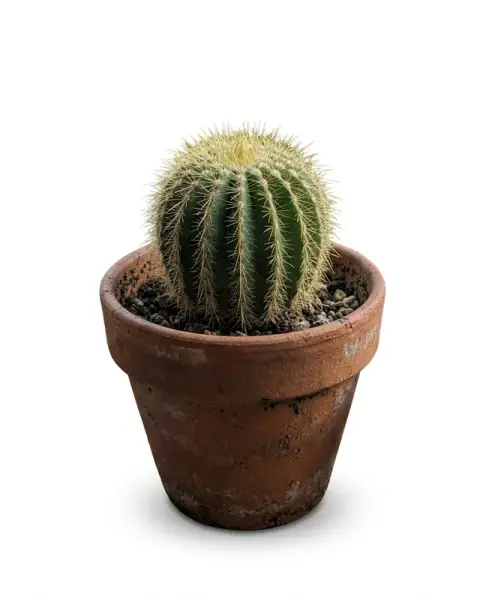


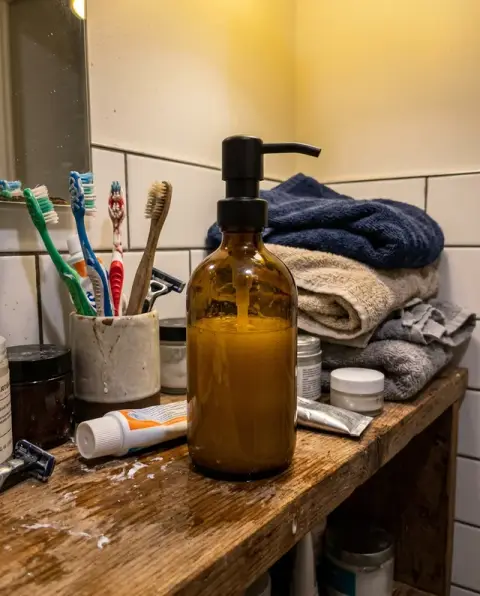
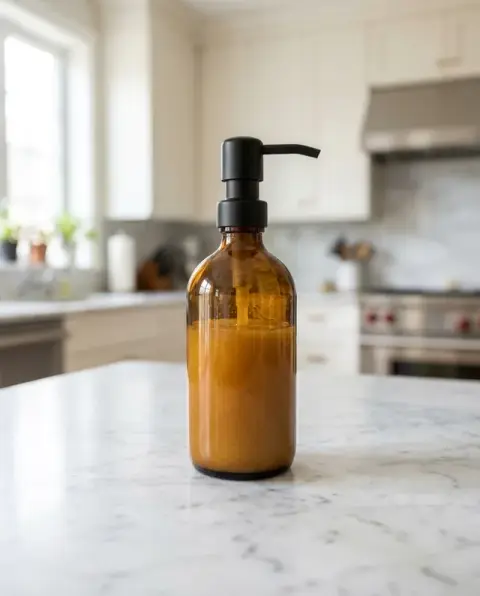
Recolor Image with AI examples.
Real results from this page's default settings in one click, not retouched.How examples are made

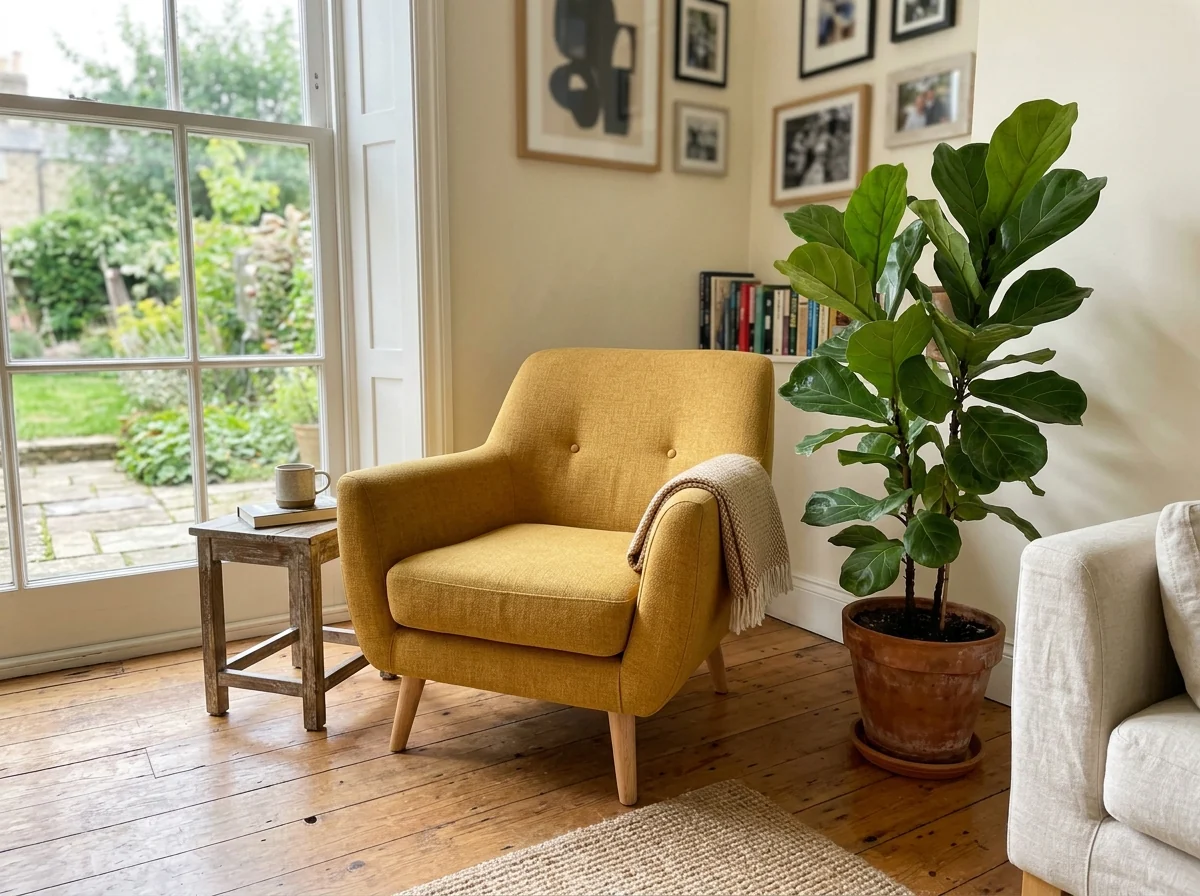
“sage green”


“make the sweater burgundy”

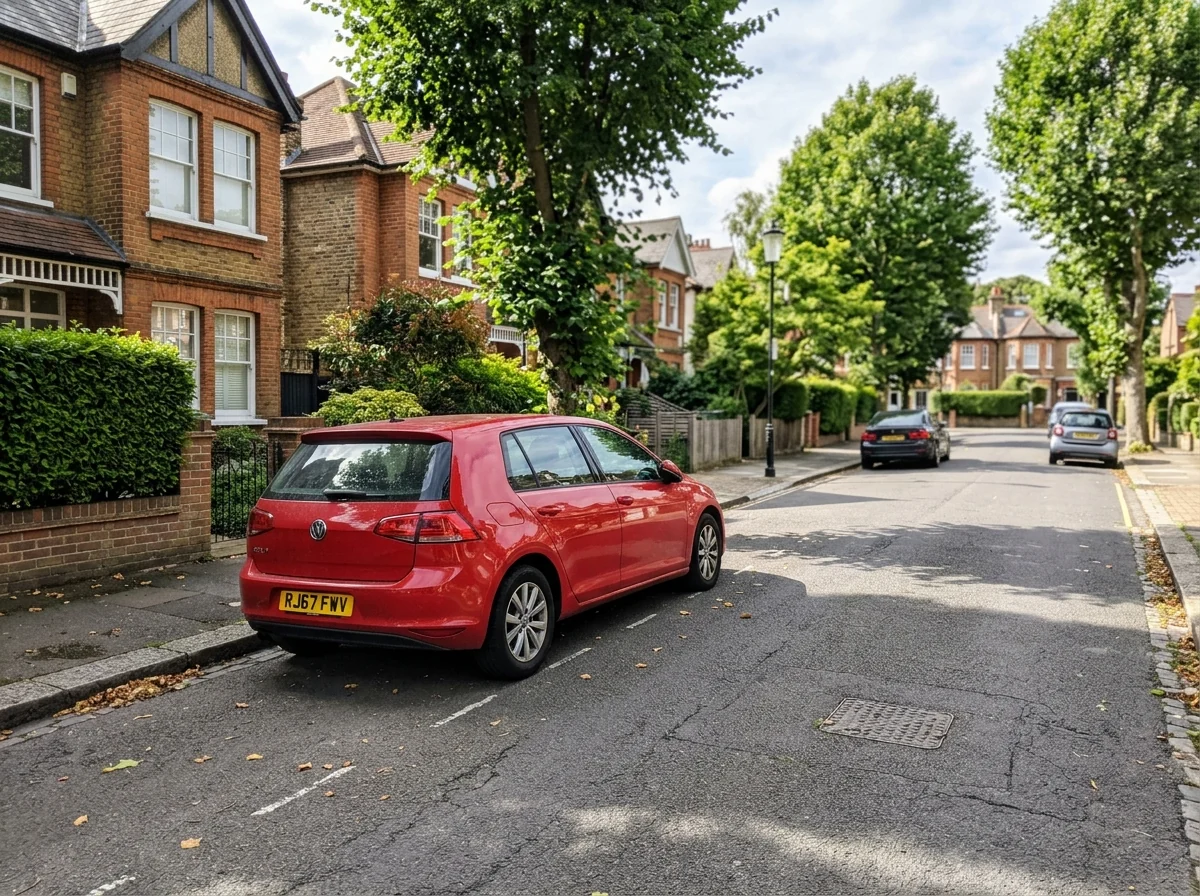
The same car recolored teal, with its reflections kept
Recolor Image with AI features.
Real materials
Shading, texture and reflections stay, so it doesn't look painted on.
Only what you name
Everything else in the photo stays the same.
Any color
Name a color, shade or finish.
Recolor Image with AI, step by step.
01
Upload a photo
Of the car, room, outfit or product.
02
Name the change
"Make the sofa navy", or just a color for the main object.
03
Download
Compare colors on the same photo.
Recolor Image with AI use cases.
- Before you buy or paint
- Change the color of a car, sofa or wall in your photo to preview another shade before you buy or paint.
- Product colorways
- Show one product in every color you sell.
Recolor Image with AI: best photos and fixes.
Naming the object and the color
Name one object and one color in a full sentence: "make the front door dark green", "turn the sofa mustard yellow", "change the car to matte black". Without an object, the model has to guess what should change. Add a finish when it matters: matte, glossy, satin or metallic change how the new color catches the light.
Photos that work best
The object should be clearly visible, in focus and not too small in the frame. Even daylight makes the new color look most realistic, because shadows and highlights fall naturally across it. Objects that are partly hidden behind people or other furniture recolor fine, but the hidden edges may not be perfectly clean.
Textures and materials
Fabric weave, wood grain, leather creases and brick texture are kept under the new color. Very dark objects turned very light are the hardest case, since shadows and texture detail are hard to see in dark areas. If the result looks painted on, write "keep the original texture" and regenerate.
Walls, rooms and paint choices
For a paint decision, photograph the room in daylight and name the wall: "paint the wall behind the bed sage green". Paint brand color names may not be recognised; describe the color instead, such as "warm off-white" or "deep navy with a hint of green". Screens and monitors differ, so check a real paint sample before buying.
If other things change color too
When several objects share the same color, such as a red chair and a red rug, the model may change both. Be specific: "only the chair on the left". Reflections of the object on glossy floors and windows may stay the old color; mention them if they should change too.
Product colorways
Shops often need the same product shown in several colors. Photograph the product once in good light, then recolor it for each colorway: "make the backpack olive green", "make the backpack navy". Use the same photo for every color so the listings line up. Check that zips, logos and stitching keep their original colors, and name them if they should change too.
Cars, bikes and gear
Thinking about a new paint job or wrap? Name the part and the finish: "paint the car satin dark grey, keep the wheels black", "make the bike frame matte red". Glossy finishes reflect the sky and surroundings, so the result shows how the color looks in that light. Compare matte and gloss before deciding.
Recolor Image with AI FAQ.
Can I recolor just one object?
Yes. Name it in the instructions, for example "make the sofa navy". Without instructions, the main object is recolored teal.
Will it keep the texture?
Yes. Fabric, wood grain, reflections and shadows stay; only the color changes.
Can I change hair color with it?
Yes, but the hair color changer is tuned for hair and gives more natural results.
Is the Recolor image free?
Yes, you can try it free. New accounts get 25 free credits, and one generation here uses 9 credits. You sign in with your email; no card needed. Results have no watermark. After that, credit packs never expire, and your first one is half price.