



AI Video
About AI Video
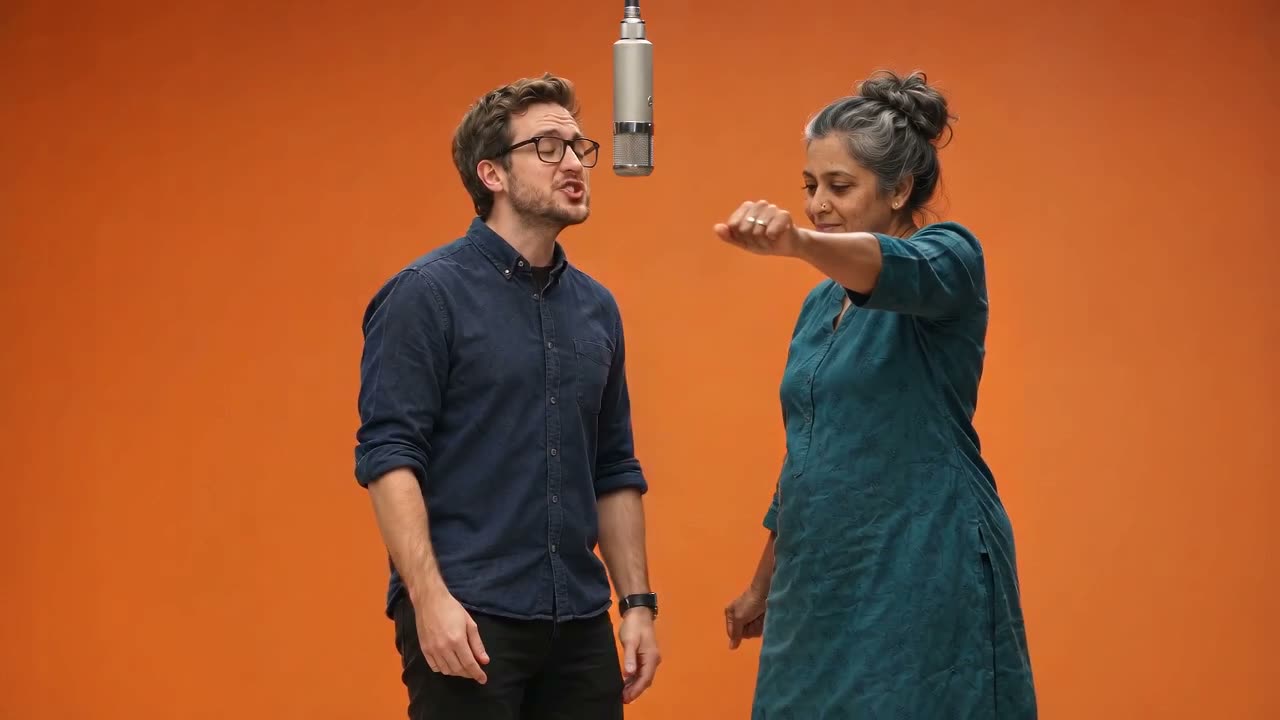
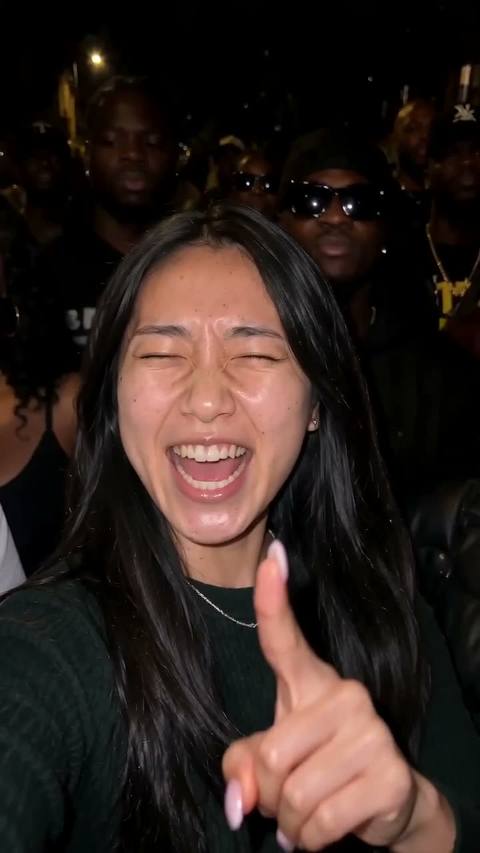
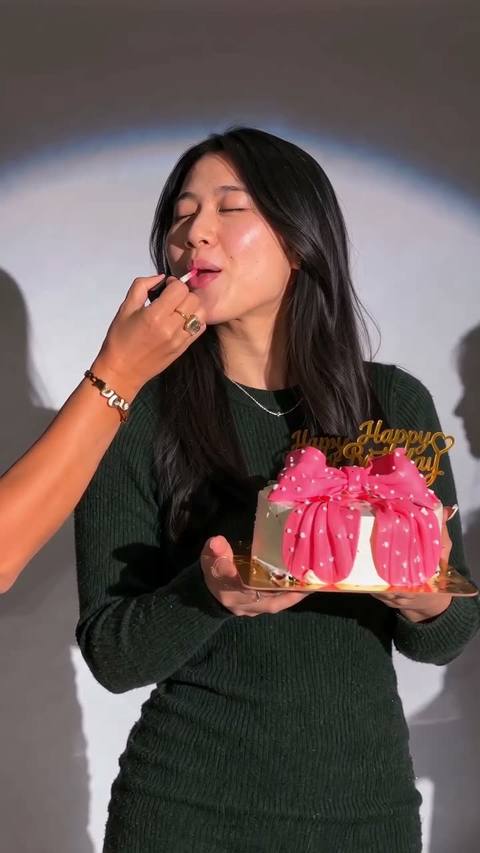
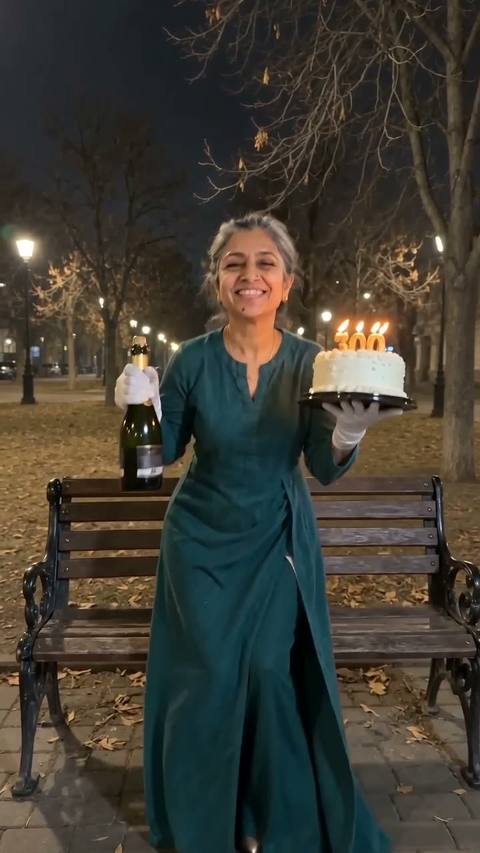
AI Video turns a still photo or a short prompt into a clip of a few seconds. Upload a portrait and the hair moves in the wind, upload a landscape and the clouds drift and the water moves, or start from a description and generate a scene from scratch. Each video tool is set up for one kind of motion, so you get a usable clip without learning a video editor.
The best starting photos have a clear subject, some space around it and natural light. Motion looks most convincing when it fits the picture: a slow camera push-in for a portrait, gentle movement for nature, a slow turn for a product. You can pick one of the suggested motions or describe your own in a few words, such as "slow 360 turn" or "cinematic, shallow depth of field".
Clips download as MP4 files you can post directly to Reels, TikTok or Shorts, or drop into a longer edit. The most popular video effects are listed first and new ones are added as trends change.
Questions
How long are the clips?
Clips are a few seconds long, made for social posts, loops and short edits.
What file format do I get?
An MP4 video that plays on phones and can be uploaded to social platforms directly.
Which photos animate best?
Sharp photos with one clear subject and some background around it. Very tight crops leave little room for camera motion.
Can I control the motion?
Yes. Choose a suggested motion or describe it in a few words in the instructions box.