Trending on Instagram
Flamingo Float AI
Nov 2 · 11s
- 1 · Photo
- 2 · Free preview
- 3 · Your video
About the trend · Updated Nov 17, 2026
Flamingo Float on Instagram
Clips belong to their creators and link to the original post. Creators can ask us to remove a link.
Flamingo Float AI features.
Exact scene and timing
Set in a rooftop infinity pool overlooking skyscrapers in bright afternoon sunlight, POV camera with an outstretched hand at the bottom, following the original 11-second timing frame by frame.
Identity locked across frames
The camera pushes slightly toward the giant pink flamingo float as it glides across the infinity pool edge.
Outfit and look control
Keep the trend's viral outfit or switch to Your outfit to wear the clothes from your photo.
Any person or pet fits
Upload a person or a pet photo; animals automatically stand upright and match the choreography.
Flamingo Float AI, step by step.
01
Upload one photo
Pick a sharp portrait of one person or pet.
02
See it free
Check the free preview of the first frame and fix it if you like. The full clip is $6.99, only if you love it.
03
Make the clip
Your cast is placed into the scene, then all 11 seconds are rendered with original sound.
Flamingo Float AI use cases.
- Join the trend in minutes
- Recreate Flamingo Float without filming, choreography practice or manual video editing.
- Friends, couples and pets
- Swap in friends, family members or your dog and cat for an instant shareable clip.
- Comment and story replies
- Drop a custom remake into group chats, Reels or TikTok replies while the audio is trending.
Flamingo Float AI: best photos and fixes.
Start with a sharp subject
For Flamingo Float, pick a clear, well-lit photo with no motion blur and nothing blocking the face or eyes. Front-facing or slightly angled portraits give the strongest facial lock across every frame.
Person or pet mode
Use the You or Your pet toggle to switch between a human portrait and a cat or dog photo. Pets stand upright and follow the same timing as the original.
Outfit and costume tips
Choose The trend's outfit to wear the viral clothes from the original clip, or switch to Your outfit and upload a chest-up or waist-up photo to keep your own clothing.
Clean backgrounds help
Avoid group photos with extra bystanders or crowded rooms behind the subject. If your photo is slightly soft or busy, prep it first with Unblur Image or Background Remover.
Check the preview first
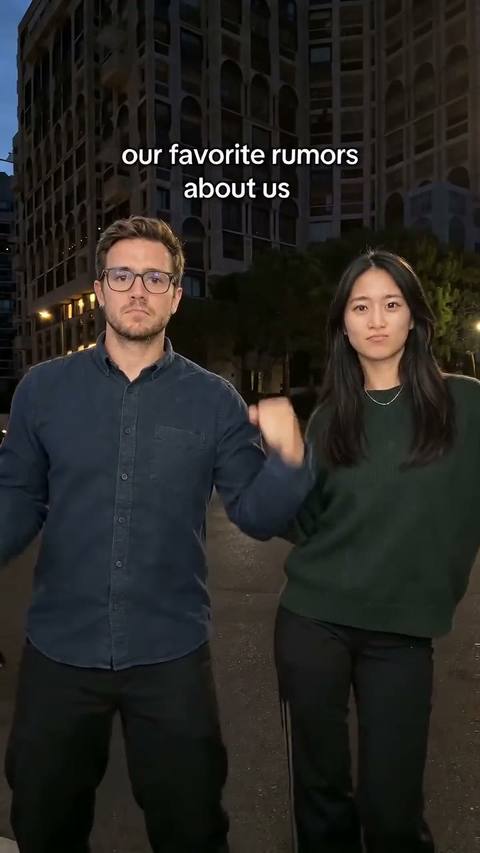
Always inspect your free first-frame preview before buying the full 11-second clip, and use your free fixes if lighting or framing feels off. Explore Pet Taxi AI or Favorite Rumors About Us for more viral video templates.
Flamingo Float: by hand or here
By hand
- Save and trim the clip
- Find a video model that takes a photo
- Check every shot and add the sound back
Here, in one click
- One photo, free preview
- Original sound kept
- $6.99, 1 free redo
- Full refund if it fails
Flamingo Float: is it safe to use your photo?
Your photo is only used to make your preview and your video, and we never use it to train AI models. Free previews are deleted after 24 hours. When you buy, the face in your frame is registered with the AI video provider to make the video, and the provider keeps that copy under its own terms; we can't delete it. A video you buy stays in My files for 30 days, and you can delete it sooner.
Flamingo Float AI FAQ.
What is the Flamingo Float trend?
Flamingo Float is a 11-second viral video format: You're lounging on a giant pink flamingo float in a rooftop infinity pool high above the city, eyes on your phone, drifting right to the edge, until a hand reaches in and pushes you back. Thank you, bro. Our AI remake puts your own photos into the exact scene and timing.
How much does a Flamingo Float video cost?
The preview is free and needs no sign-up: test your photo in the frame up to 3 times a day, with 2 free fixes each. The full 11-second video with the original sound is $6.99, paid once at checkout, with one free redo. Your next video within 48 hours, on the same account, costs $4.99, once.
How long does it take?
Usually four to six minutes. You can close the page while it runs: the finished MP4 lands in My files, and if you stay, the progress bar shows which step it is on.
What if the result looks wrong?
Check the free preview first: if the face, pose or framing isn't right, use one of the 2 free fixes or try another photo before you pay. After you buy, you get one free redo of the video. If making the video fails on our side, you get a full refund automatically.
Do I get the original sound?
Yes. The clip is rendered silent and the trend's original audio is laid back on top so every beat lines up cleanly. Download is an MP4 ready to post.
Can I use a pet photo?
Yes. Cat and dog photos work great here, keeping your pet's coat, ears and markings throughout the clip.