












Colorize Black and White Photos
Turns black-and-white and sepia photos into natural color.
Drop a photo
or paste with ⌘V · JPG · PNG · WebP · up to 8 MB
No photo handy? Try one of ours.
More like this.
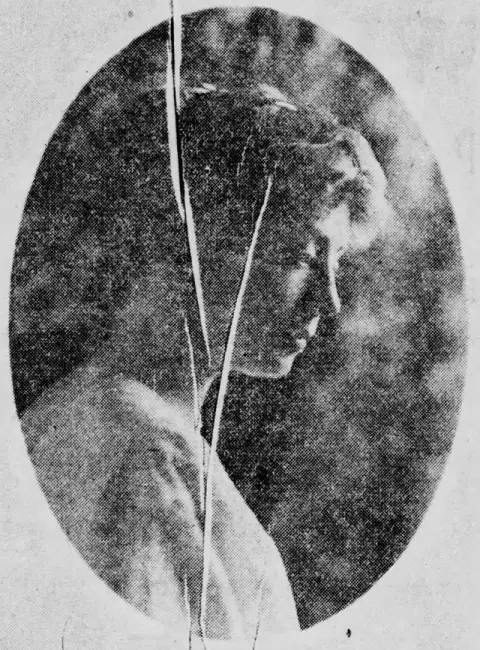
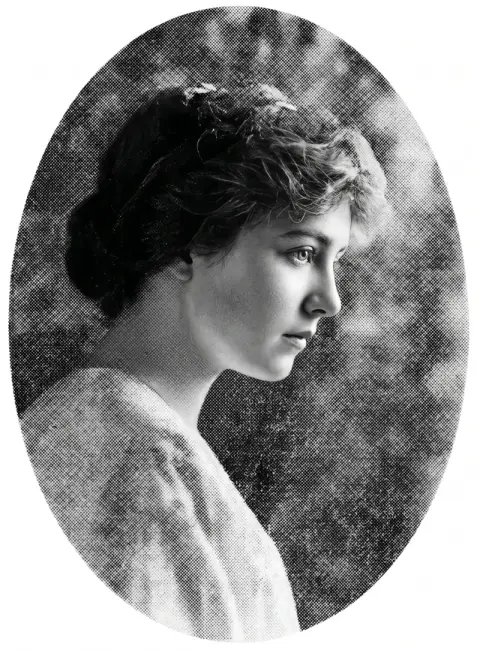
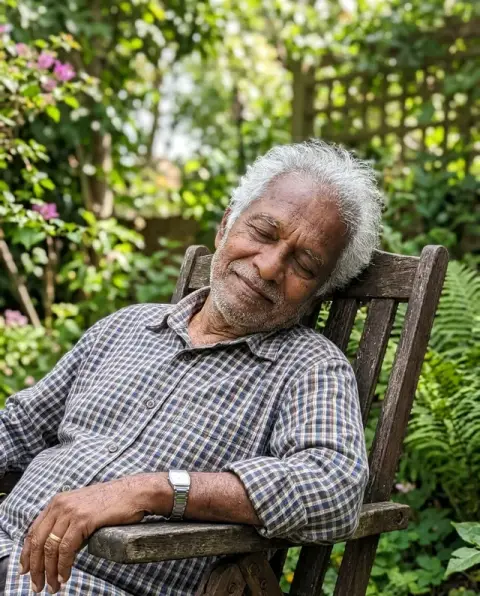
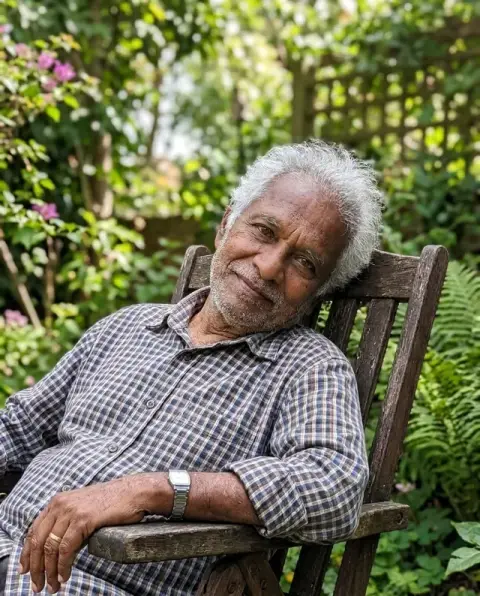

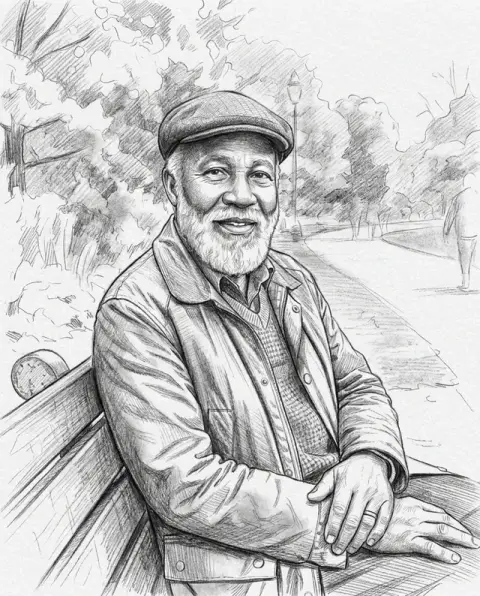

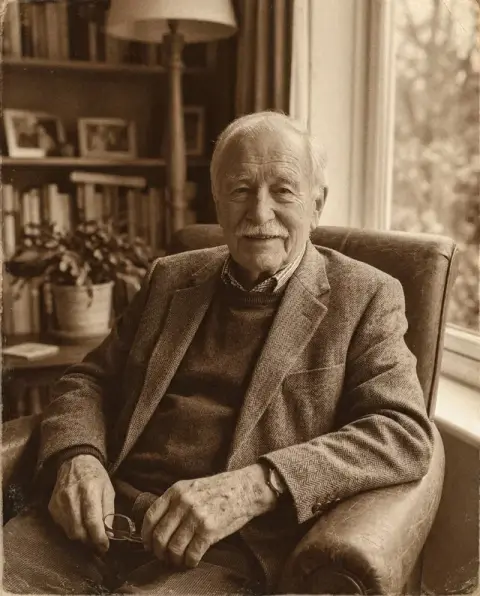
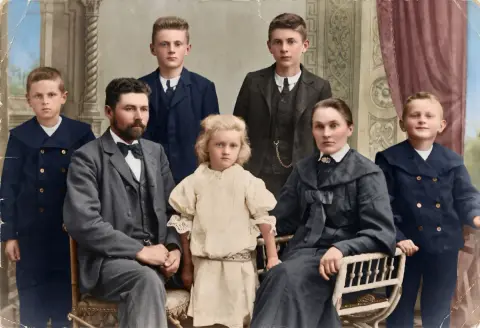
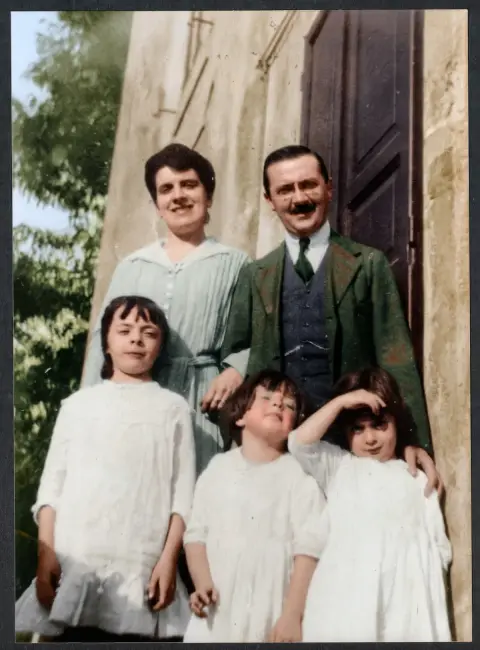
Prints from 1906 to the 1920s after a colorize photo run.
Real results from this page's default settings in one click, not retouched.How examples are made

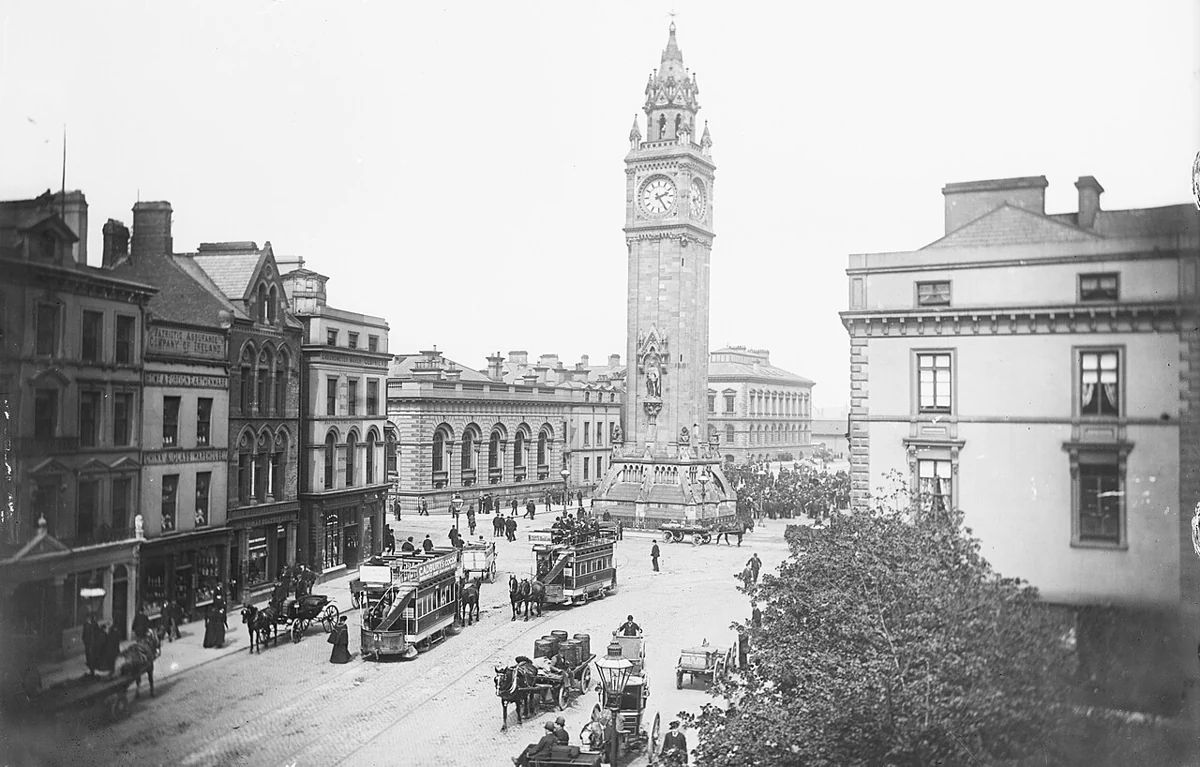
The city square with trams in natural color

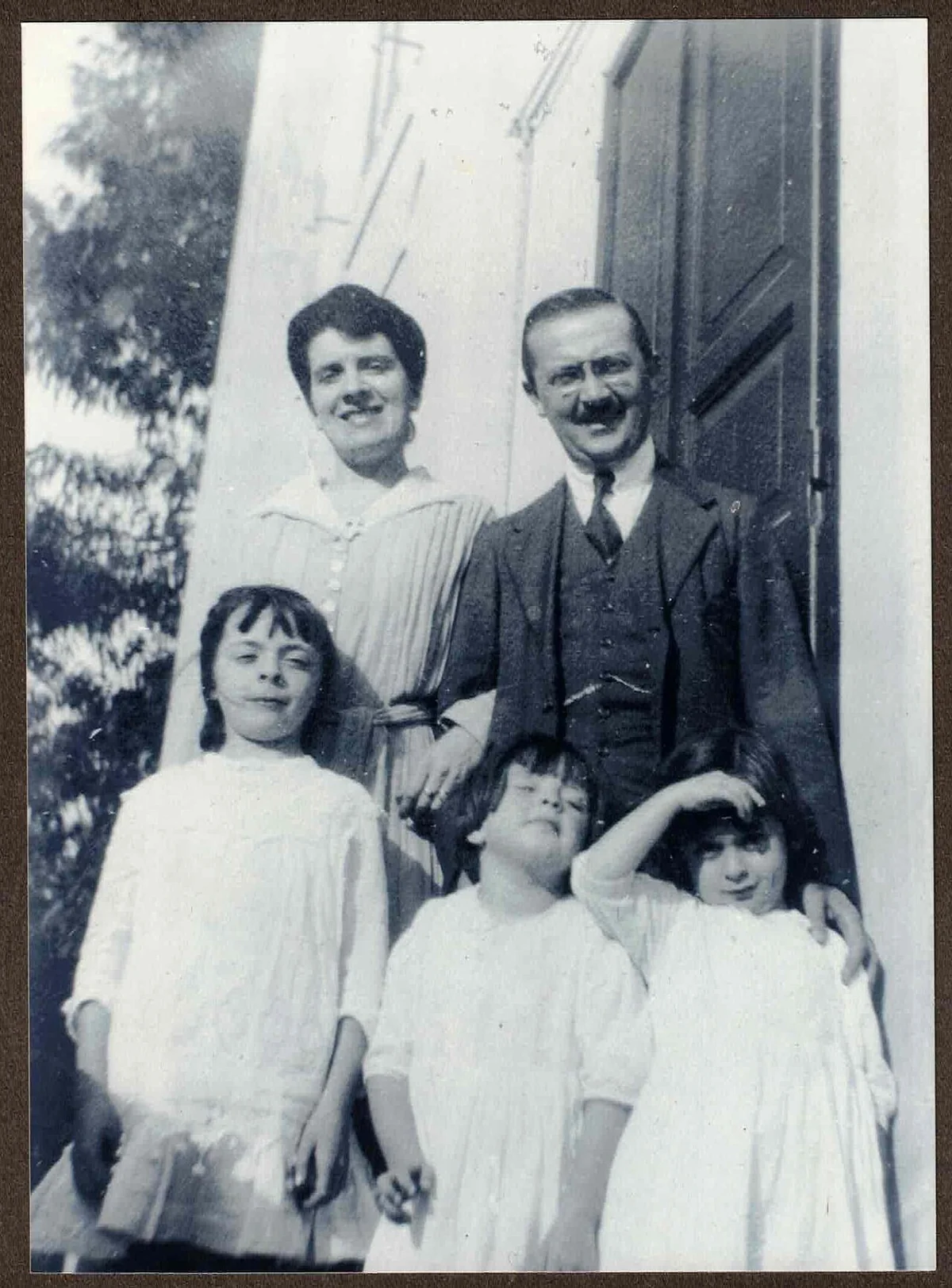
The 1918 family photo colorized

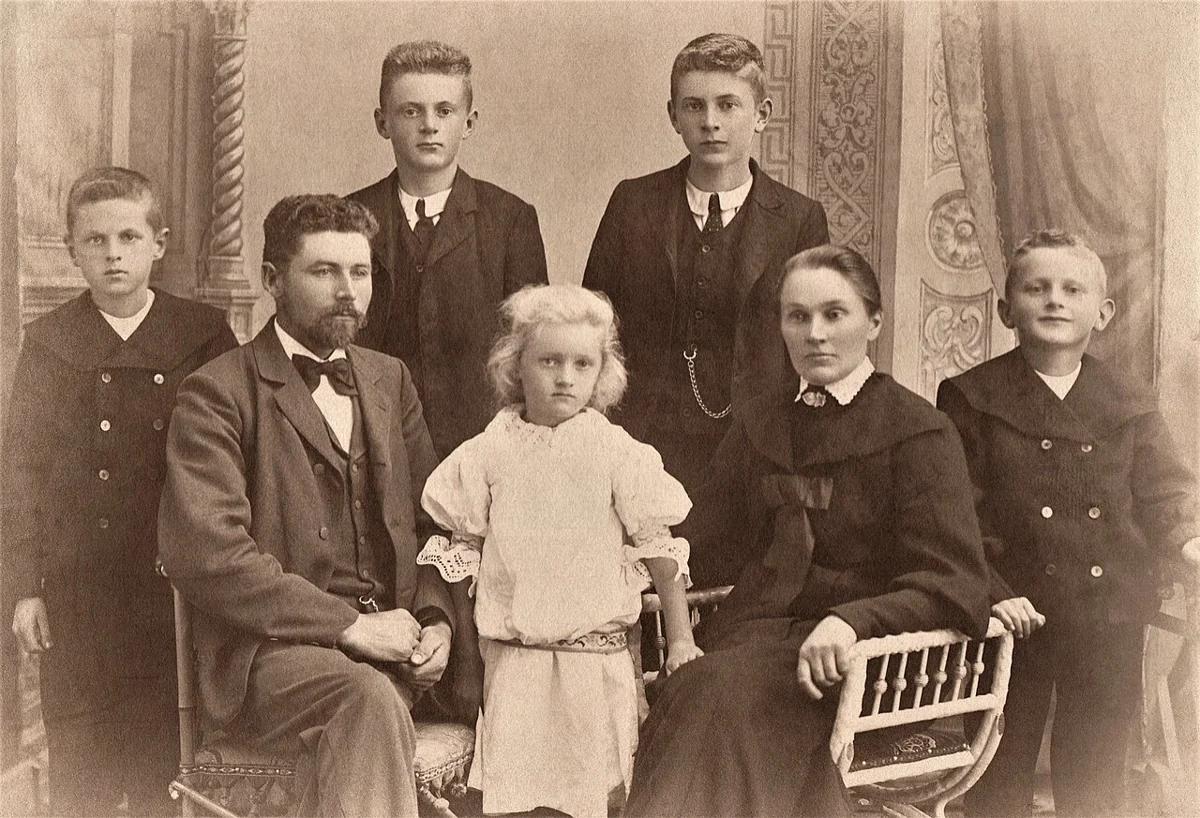
The 1906 family portrait in natural color
Colorize Black and White Photos features.
Natural colors
Skin tones, fabrics, plants and sky in plausible, period-appropriate color.
Every detail kept
Faces, expressions, grain and composition stay the same.
Sepia too
Works on brown-toned and faded prints as well as black and white.
Colorize Black and White Photos, step by step.
01
Upload the photo
A scan or a flat phone photo of the print.
02
Colorize
Color is added at 2K resolution.
03
Download
Save the color version.
Why people colorize photo albums, archives and single prints.
- A grandparent's milestone birthday
- You found their wedding photo from the 1950s and want to give it back in color. Ask relatives what they remember, such as the color of the dress or the car, name it in the instructions and print the result for a frame or a card.
- A family tree or history book
- Ancestors in black and white can feel distant to younger relatives. Colorize the key portraits for a family tree site or a printed family book, and keep the original next to each one so readers see both.
- A local history page
- A historical society or neighbourhood group posts old street scenes and shop fronts. A colorized version next to the original gets people talking about what has changed and who remembers it.
- A memorial slideshow
- A slideshow for a funeral or a memorial often jumps from black-and-white childhood photos to color ones from later life. Colorizing the early photos makes the whole life feel like one story.
Colorize Black and White Photos: best photos and fixes.
Prints that colorize best
Sharp black-and-white prints with a full range of greys, from deep blacks to clean whites, give the richest color. Portraits, street scenes and landscapes from the 1920s to the 1970s are typical good cases. Faded prints with almost no contrast come out paler, because there is little light and shadow information to guide the color.
Damaged, torn or scratched photos
Colorizing does not repair damage: scratches, cracks and stains stay, and can pick up color of their own. For damaged prints, run photo restoration first, then colorize the cleaned version. Scan or photograph the print flat, without glare, and crop away the album page or border before uploading.
Getting known colors right
The model picks likely colors, but it cannot know that your grandmother's dress was green or that the family car was red. If you know a color, name it in the instructions: "green dress, red car, brown hair". Uniforms, flags and famous buildings often have known colors worth naming. Everything you do not name stays the model's best guess.
If skin or colors look too strong
Over-saturated faces or orange skin usually come from a sepia print with strong yellow tones. Write "natural, muted colors, realistic skin" in the instructions to tone it down. If the whole photo looks too modern and bright, "soft colors like a 1950s color photograph" gives a period feel without making the image look painted.
Large scans and old negatives
Scan prints at 600 dpi or higher if you can, or photograph them in daylight with the phone held straight above. A larger, sharper source gives cleaner color edges around hair, lace and fine patterns. Scanned negatives must be inverted to a normal black-and-white positive first; the tool expects a print, not a negative, and colors a negative oddly.
Uniforms, cars and buildings
Some subjects have colors you can look up: military uniforms, school colors, a car model's original paint, a well-known building. A quick search before colorizing lets you name them in the instructions, which turns a guess into a likely match. For family photos, ask relatives what they remember: a red coat or a green front door is the kind of detail that makes a colorized photo feel right.
Several photos from one album
Photos from the same day or the same family are best colorized with the same instructions, so skin, hair and clothes keep consistent colors across the set. Write the colors once, such as "brown hair, blue dress, green garden", and reuse them for each photo of the same people. That makes a small album or a slideshow look like one set of color photos.
Before you colorize photo scans of your family: common questions.
Are the colors historically accurate?
The AI picks realistic colors, but it cannot know the real color of a dress or car. Add hints such as "red coat" in the instructions box.
Should I restore the photo first?
For creased or torn prints, yes. Run Photo Restoration first, then colorize the cleaned-up result.
Does it work on sepia photos?
Yes. Sepia and faded prints are colorized the same way as black-and-white ones.
How many credits does one generation use?
With GPT Image 2, the default 2K generation uses 16 credits. You can select 1K for 9 credits. New accounts get 25 free credits, enough to try 1K. Sign in with your email; no card needed. Results have no watermark. Credit packs never expire, and your first one is half price.
Will faces change when the photo is colorized?
No. Only color is added; faces, expressions, grain and composition stay as they are. If a face looks off, run it again for a new variation.
Does it work on group photos?
Yes. Everyone in the photo is colorized in one run. Small faces at the back carry less detail, so upload the full-resolution scan, not a thumbnail.
Can I try again if I don't like a color?
Yes. Run it again with the color you want written in the instructions; each run gives a new variation, and a run that fails is refunded automatically.
What files can I upload?
JPG, PNG or WebP, up to 8 MB. On a computer you can scan a QR code to send a phone photo of the print; the link works for 10 minutes.
Are my family photos kept or used to train AI?
They are not used to train AI models. Results stay in My files for 48 hours, or 30 days once you've bought a credit pack, and you can delete them sooner.
Can I publish the colorized photo?
You keep the rights to what you upload, and you own the result as far as the law allows. For photos from an archive or another family, check who holds the rights to the original first.
Try these prompts

Guides on the blog.
 How to date an old photograph: clues hidden in plain sightThe format, the card, the edges, the clothes and the back of a print all carry dates. How to read them and narrow an unknown photo to a decade or better.
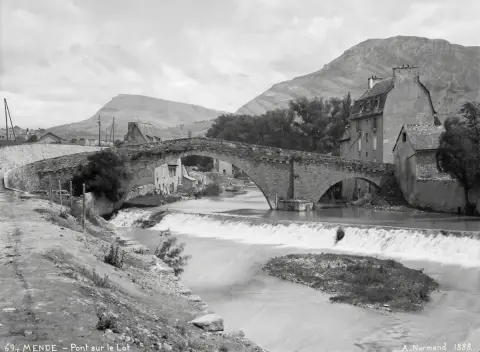 How to restore old photosScan it right, repair the damage, then decide on color. A practical order of work for creased, faded and blurry family photos.
 How to scan old photos with your phone, and do it wellA shoebox of prints can be digitized in an afternoon with a phone. The setup for even light and sharp copies, plus naming, backup, repair and color.


