AI Album Cover Generator
Describe the record; get finished square cover art.
 Example output
More like this.
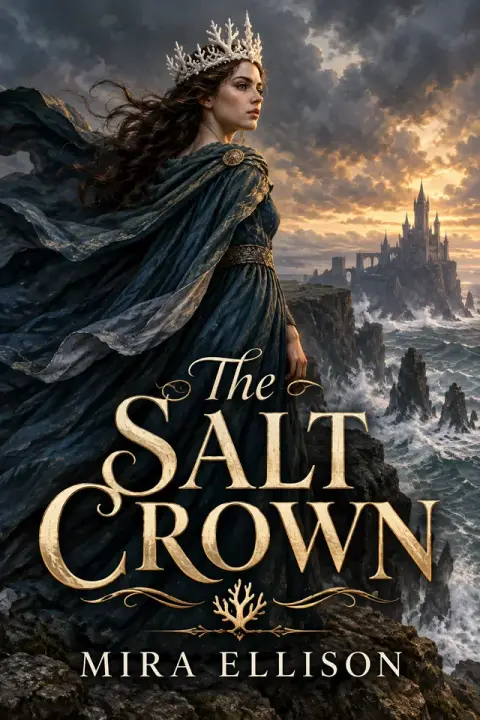
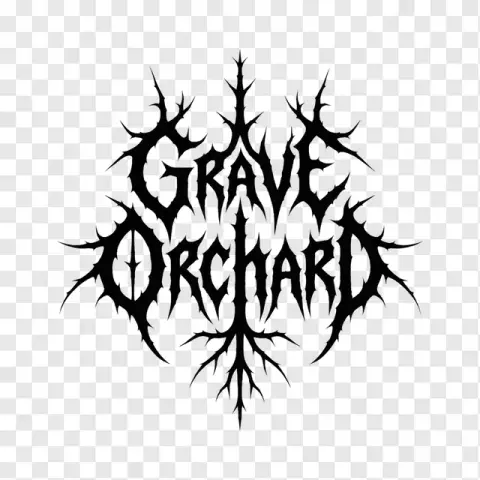
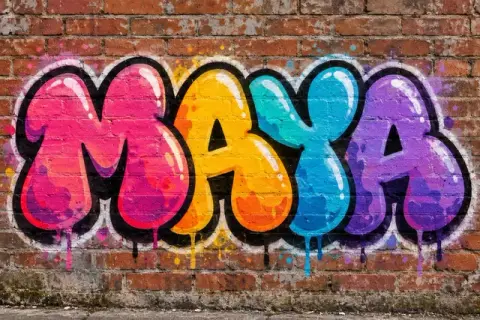
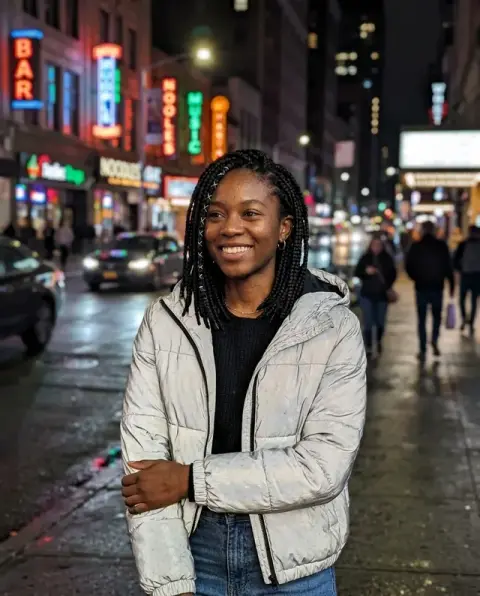
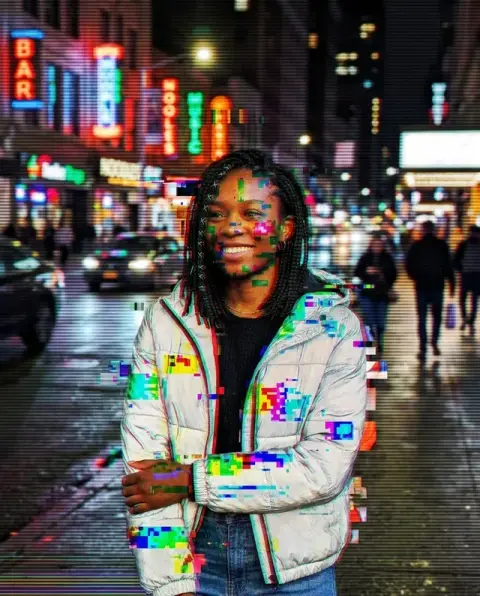
Covers from the album cover generator, genre by genre.
Dream-pop single

Hip-hop album

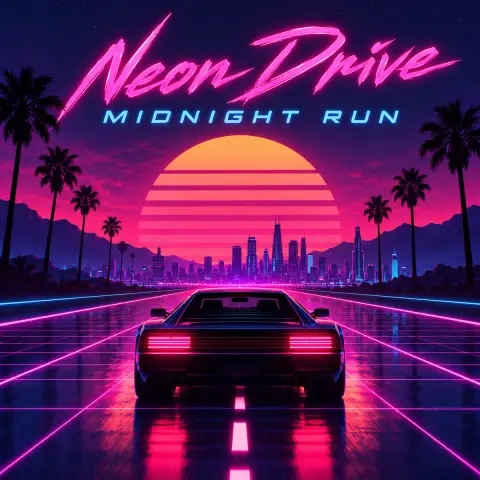
Synthwave album
What the AI album cover generator designs in one pass.
Your names, spelled right
Artist name and title are set exactly as you type them.
Type that fits the genre
Lettering, palette and image are designed together.
Square and ready
A 1:1 cover for streaming, Bandcamp or a print run.
AI Album Cover Generator, step by step.
01
Describe the record
Genre, mood, an image idea, plus the artist name and title in quotes.
02
Generate
The cover is designed as one finished piece.
03
Download
Upload it with your release, or try another idea.
Who needs an album cover generator, and when.
- Release day is next week
- The single is mixed and your distributor wants artwork before it will schedule the release. Describe the genre, the mood and one image idea, put the artist name and title in quotes, and download a square cover to upload.
- A mixtape, DJ set or playlist
- SoundCloud mixtapes, recorded DJ sets and shared playlists look better with their own art. Describe the vibe and leave out names for a cover with no text.
- Showing a designer what you mean
- Before paying for artwork, generate a few directions to show what "grainy 70s" or "clean and minimal" means to you. A designer or label can react to a picture faster than to a description.
- Artwork for a podcast
- Podcast apps use square art too. Describe the show's topic and tone, put the show name in quotes, and you have a cover to submit with your feed.
AI Album Cover Generator: best photos and fixes.
Names spelled exactly
Put the artist name and the album title in quotes so they are spelled exactly: Artist: "Luna Vale", Title: "Night Swim". Short names in large letters come out most reliably. Check every letter before you upload to a distributor; if a letter is off, regenerate rather than editing it, since the type is part of the artwork.
One clear image idea
One clear image idea beats a long list of things. "A lone swimmer in a dark pool lit by a single pink light" makes a stronger cover than "water, night, pink, a person, stars, a city". Think of what a listener should feel at thumbnail size on a streaming app, and describe that one picture.
Type that fits the genre
Name the genre and the mood; the lettering follows. "Lo-fi hip hop, hand-written type", "black metal, sharp jagged logo", "indie folk, small serif type at the bottom". You can also say where the text should sit: "title small in the top left, lots of empty space". Most streaming covers work best with text kept small.
Square and print sizes
Covers are square, which is what Spotify, Apple Music and Bandcamp expect. Distributors usually require at least 3000×3000 pixels, so check the size of your download and upscale if needed before uploading. For vinyl or CD print, ask your printer for their exact dimensions and bleed.
Using your own photo
This generator draws the whole cover from your description; a photo you add is used as a reference, not kept pixel for pixel. To keep a band photo's faces exactly as they are, use a photo-based tool, such as style transfer or photo to oil painting, then add the title in a design app. That keeps faces exactly as they are.
Before you release it
Check that the cover does not imitate another artist's famous cover, logo or a real brand, and that it follows your distributor's rules: no blurry text, no website addresses, no misleading names. Save a version without text too, for social posts and banners. Most stores also reject covers with prices, release dates or social media handles on them, so keep those off the artwork.
Singles and a matching series
If you release several singles before an album, give them a shared look: the same type style, color palette and photo treatment, with a different image each time. Keep the style words identical across prompts and change only the subject, such as "same style as before: grainy film photo, faded pastel colors, small serif title at the bottom".
Album cover generator questions from independent artists.
Can I put my artist name and album title on the cover?
Yes. Write them in quotes in your description and they are spelled exactly as given. Leave them out for a cover with no text.
What size is the cover?
Square (1:1), the shape streaming services use. Download it and upload it with your release.
Can I use my own photo?
Yes. Add a photo and the cover is designed around it, for example a band shot or a landscape you took.
Can I add my band logo?
Yes. Add the logo as the image and the cover is built around it. Check that the logo comes out the way you want before you release.
Will it add a barcode, label logo or other text?
No. The only words on the cover are the names you give; no logos, barcodes, labels or watermarks are added.
Is the Album cover generator free?
Yes, you can try it free. New accounts get 25 free credits, and one generation here uses 9 credits. You sign in with your email; no card needed. Results have no watermark. After that, credit packs never expire, and your first one is half price.
Can I release music with this cover on Spotify or Apple Music?
Yes. You own the images you generate as far as the law allows, and you keep the rights to any photo you upload.
Which files can I upload with my description?
JPG, PNG or WebP, up to 8 MB per image. On a computer you can also scan a QR code to send a photo from your phone; the link works for 10 minutes.
What if I don't like the first cover?
Generate again: each run is a new design from the same description, and you can change the wording to steer it. If a run fails, its credits are refunded automatically.
How long are my covers kept?
Results stay in My files for 48 hours, or 30 days once you've bought a credit pack, and you can delete them sooner. Your prompts, photos and results are not used to train AI models.