


Graffiti Generator
Your name, sprayed on a wall in real graffiti style.
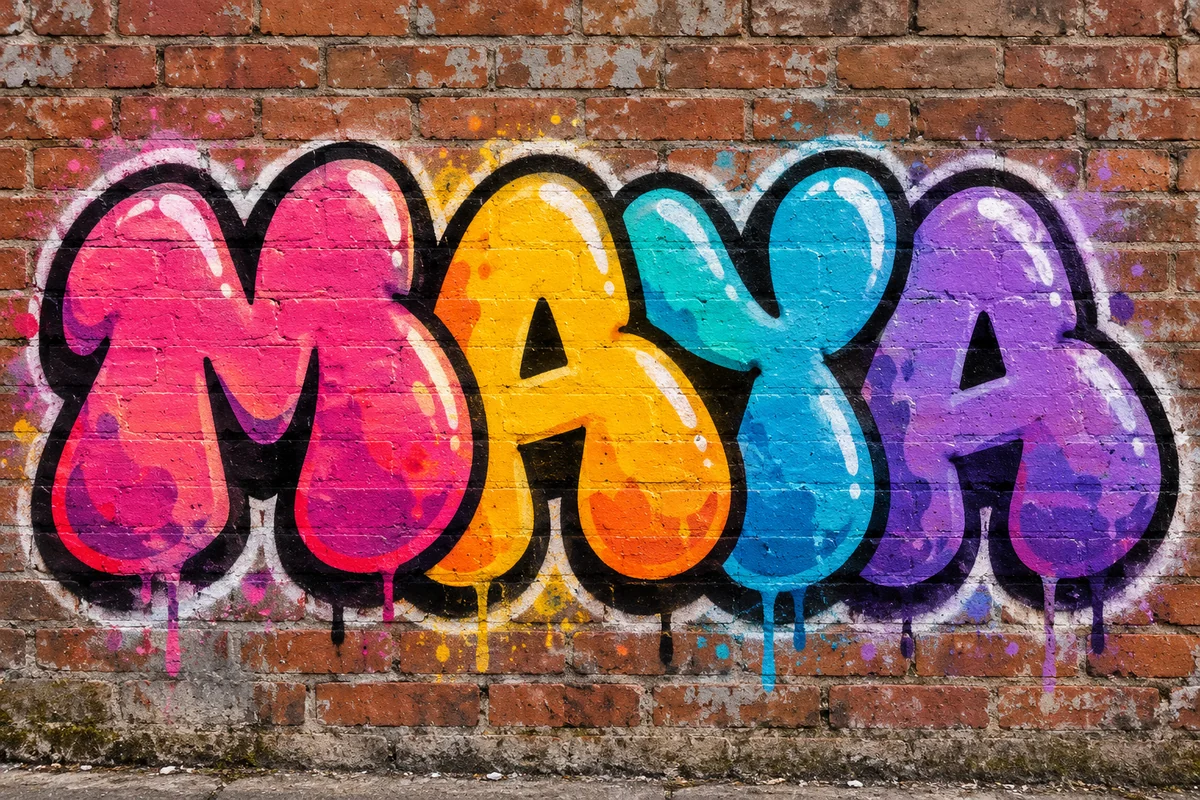 Example output
Graffiti Generator examples.
Bubble letters
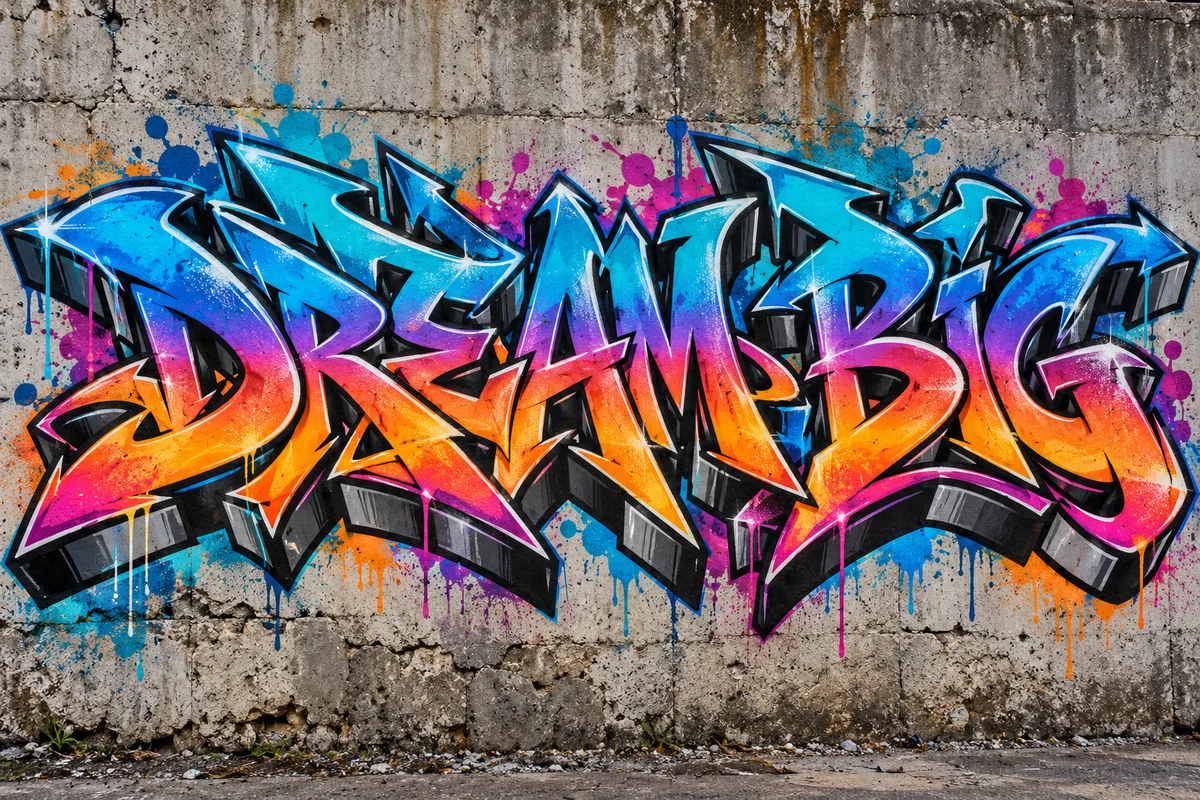
Wildstyle
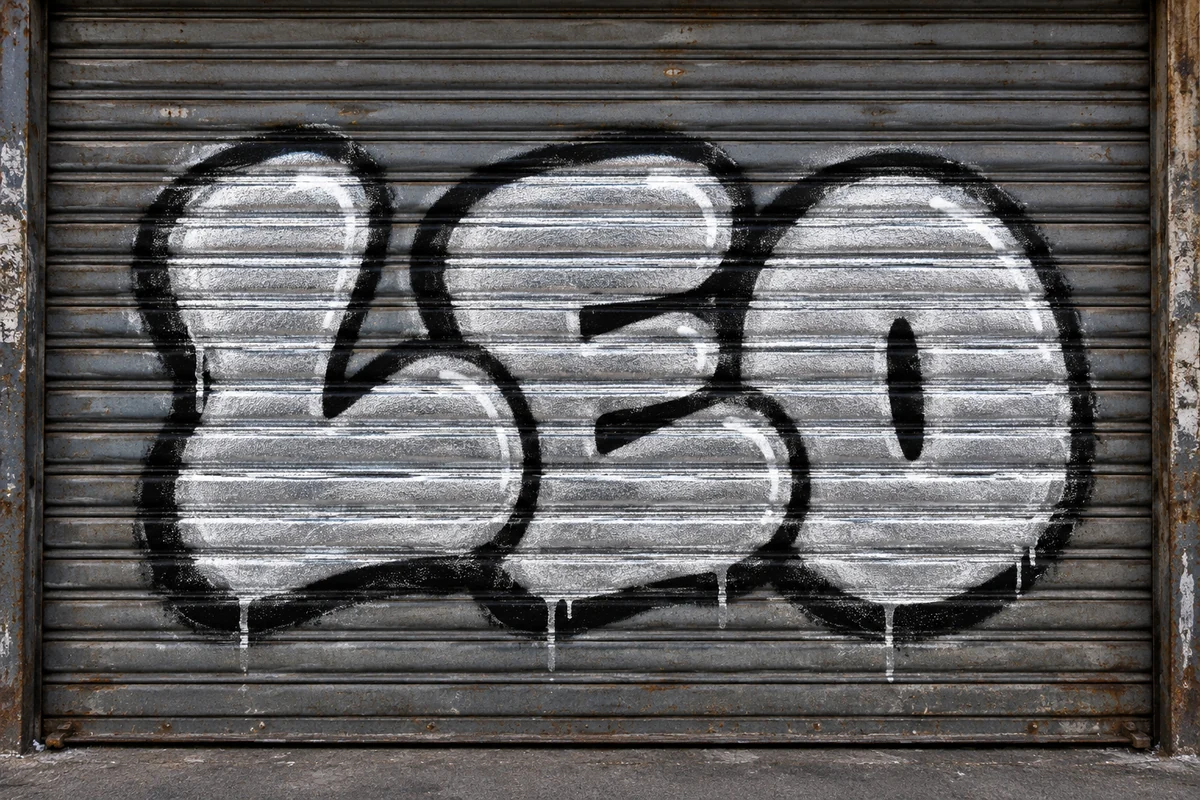
Chrome throw-up
Graffiti Generator features.
Four lettering styles
Bubble, wildstyle, chrome throw-up or stencil, or describe your own.
Your word
Spelled the way you type it.
Real paint
Overspray, drips and a real wall surface.
Graffiti Generator, step by step.
01
Type a name or word
Short words look boldest.
02
Pick a style
Or choose Custom and describe it.
03
Download
Use it as a wallpaper, cover or print.
Graffiti Generator use cases.
- Names and nicknames
- A graffiti version of your name or gamertag.
- Covers and banners
- Street-style titles for channels and mixtapes.
- Mural planning
- Sketch a piece before you paint a legal wall.
Graffiti Generator: best photos and fixes.
Words that look best
Short words and names of three to eight letters give the boldest, most graffiti-like pieces, because each letter has room for shape, fill and outline. Two or three short words still work. Long sentences become small letters that look more like a sign than a piece. Capital letters are the norm in graffiti; lowercase and numbers work too, and spelling is kept exactly as you type it.
Choosing a style
Bubble letters are fat, rounded and friendly, and always readable. Wildstyle interlocks and stretches the letters with arrows and extensions: it is the most artistic and the hardest to read, so it is kept legible here. A chrome throw-up is the fast silver-and-black piece seen on shutters and trains. Stencil gives crisp street-art lettering in black, suited to slogans and short phrases.
Colors and details
Each style has a default palette. To set your own, choose Custom or add it in the instructions: "purple and lime fill with a white outline", "gold fill, black shadow", "pastel colors". You can add classic extras such as stars, crowns, sparkles or a small character next to the letters, but keep it to one or two so the word stays the star.
Painting on your own wall photo
Upload a photo of a wall, a fence or a garage door to see the piece on it. Straight-on photos of flat surfaces work best. The texture of the surface shows through the paint, so brick looks like brick. This is useful to plan a mural on a wall you have permission to paint.
If a letter comes out wrong
Letter shapes in wildstyle are stretched by design, so check the word still reads correctly. If a letter is missing or doubled, regenerate once; very long words and mixed languages are the usual cause. Writing the word in quotes in the instructions, such as "the word is 'SOL'", also helps for short or unusual words.
Other text and art tools
For a logo for a brand or channel rather than wall art, the logo generator gives cleaner, simpler marks. The t-shirt design generator puts lettering on clothing, and the album cover generator builds a full cover around a title. To turn a whole photo into street art rather than writing words, use the stencil generator or the style transfer tool.
Graffiti Generator FAQ.
Will it spell my name correctly?
It is set to spell the word exactly as you type it. Check the result, and regenerate once if a stretched wildstyle letter is hard to read.
Can I put the graffiti on my own photo?
Yes. Upload a photo of a wall or object and the piece is painted onto it.
Can I use it for a real mural?
Yes. Use it as a sketch for a wall you have permission to paint.
Is the Graffiti generator free?
Yes, you can try it free. New accounts get 15 free credits, and one generation here uses 9 credits. You sign in with your email; no card needed. Results have no watermark. After that, plans add credits every month and credit packs never expire.


