Sketch to Photo
Your drawing, as a real photo.
Drop a photo
or paste with ⌘V · JPG · PNG · WebP · up to 8 MB
No photo handy? Try one of ours.
Sketch to Photo examples.
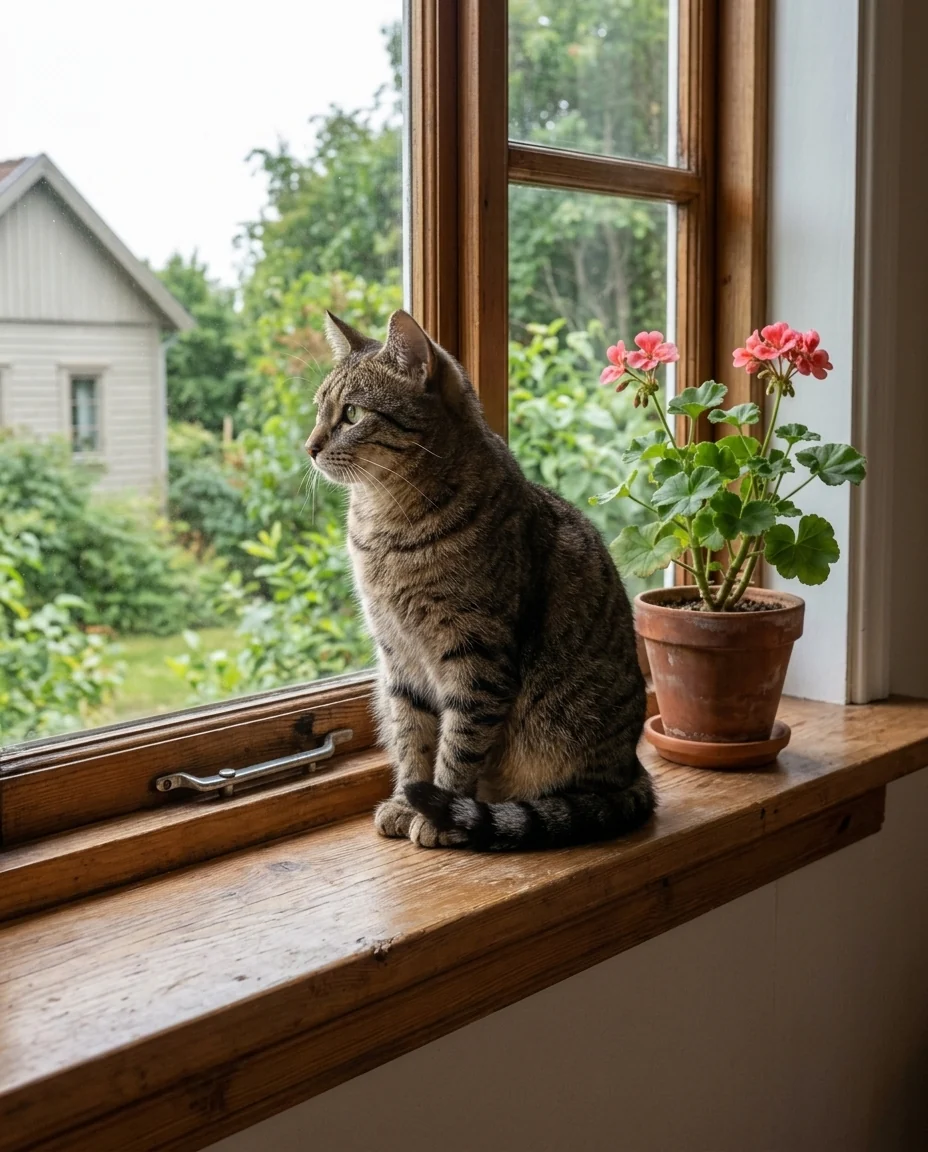
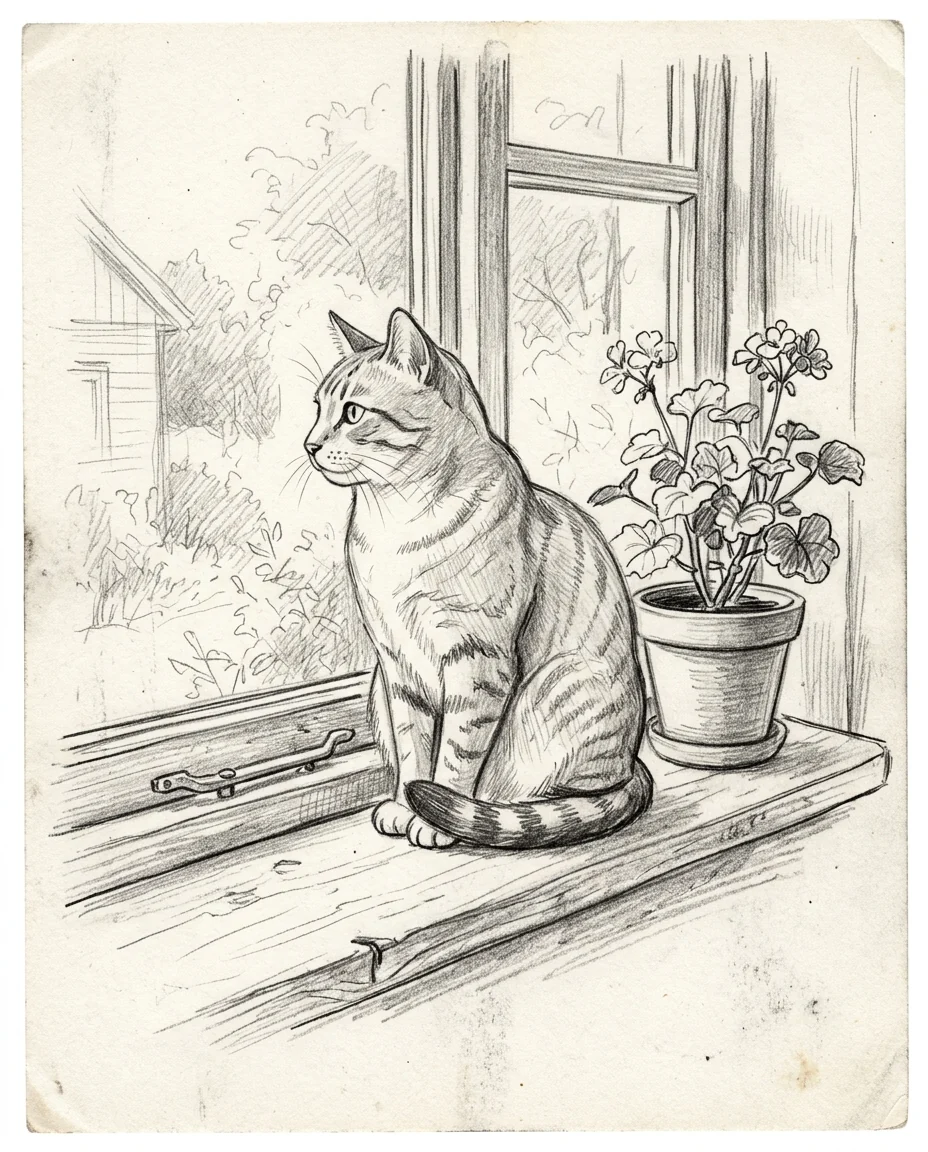
Pencil cat
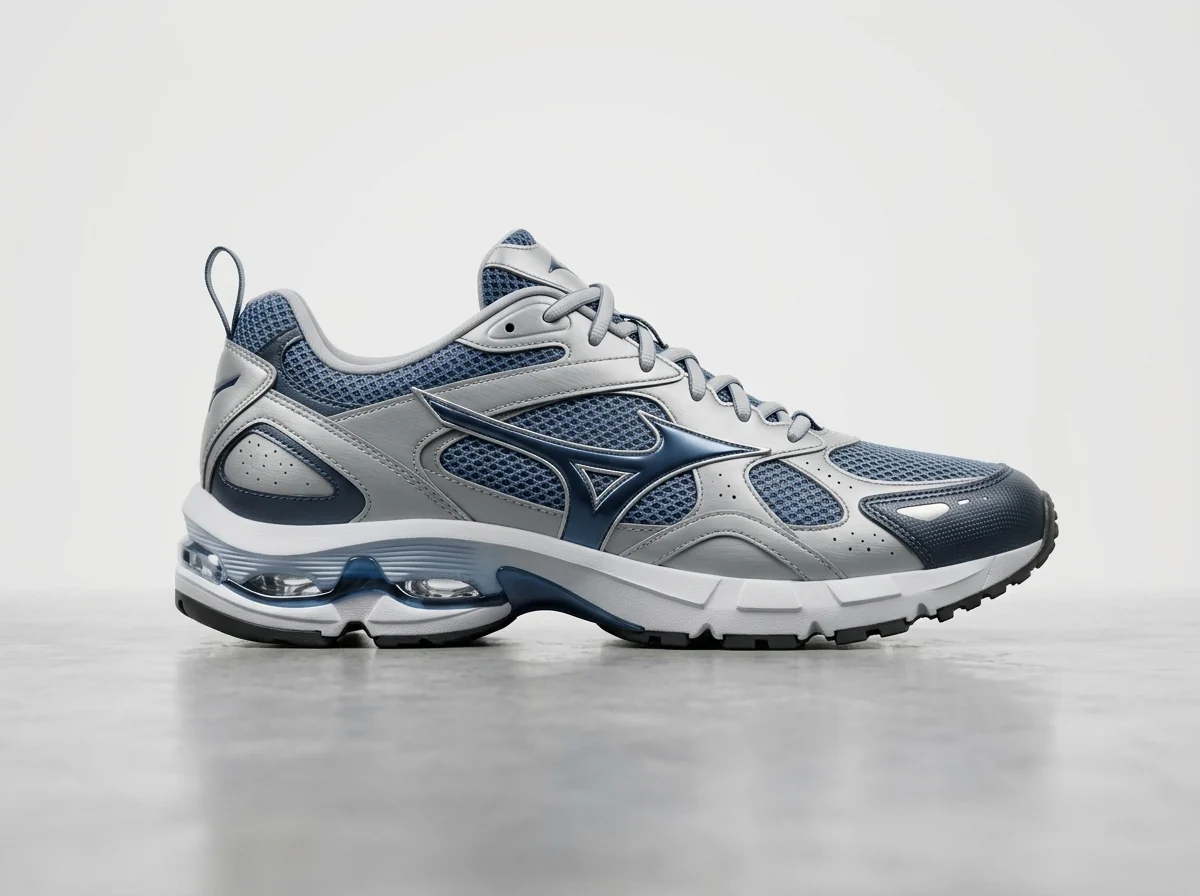
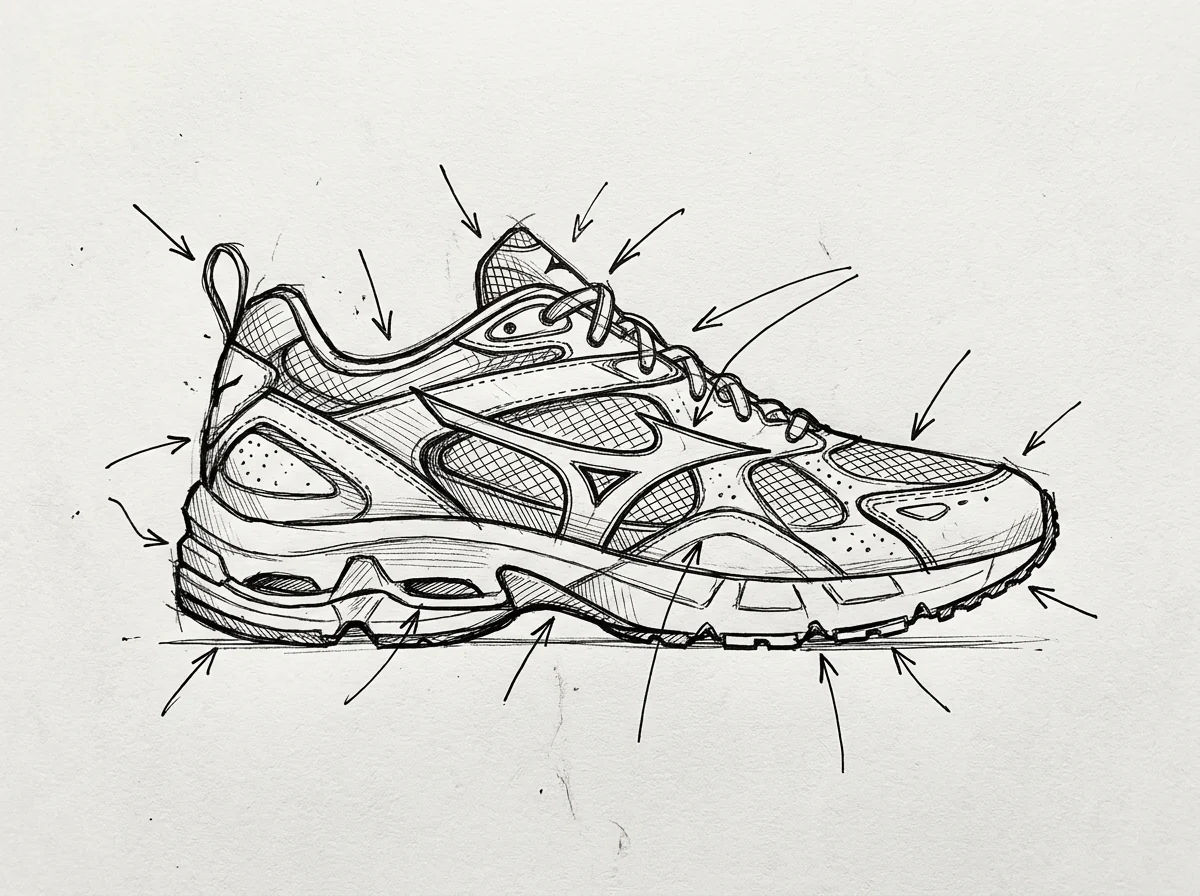
Product sketch
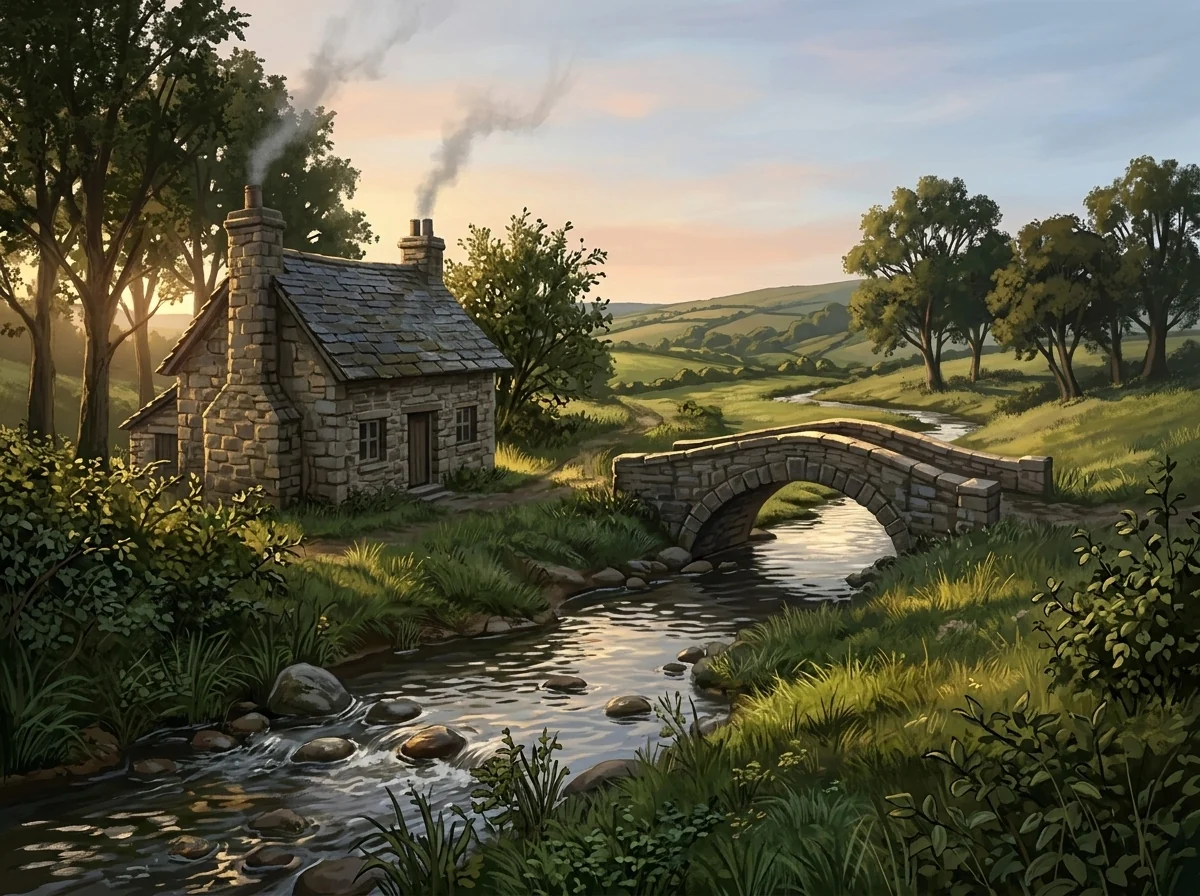
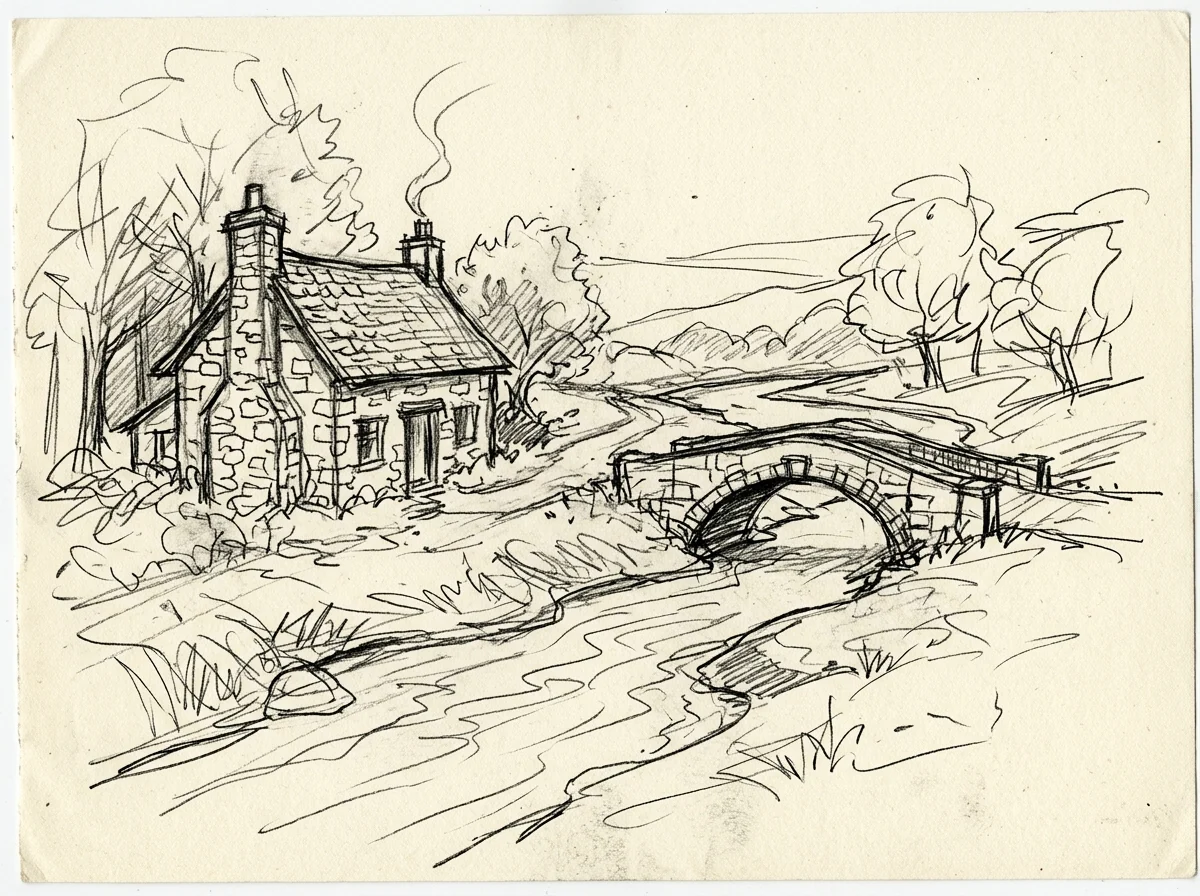
Concept art
Sketch to Photo features.
Follows your lines
Same layout, shapes and pose.
Three finishes
Photo, 3D render or concept art.
Any kind of sketch
Pencil, pen, marker or doodle.
Sketch to Photo, step by step.
01
Upload a sketch
A photo or scan of your drawing.
02
Pick a look
Photo, 3D render or Concept art.
03
Download
Use it for a pitch, mood board or fun.
Sketch to Photo use cases.
- Product and design ideas
- Show a client what a sketched product would look like.
- Kids' drawings
- Turn a child's doodle into a "real" picture.
- Artists and writers
- See a scene from your sketchbook as a finished image.
Sketch to Photo: best photos and fixes.
Sketches that convert well
Clear sketches with closed shapes and readable outlines give the most faithful results: the tool follows your lines closely. Light shading helps it understand depth. Very faint lines may be missed, and scribbled areas can be read as texture rather than shapes. Darken the important lines before you scan if your pencil is very light.
Scanning or photographing
Photograph the page straight on, in even light, with no shadow from your phone or hand across it. Crop out the table and the edges of the sketchbook. A flat scan is ideal. Lined or grid paper works, but the lines can confuse things; white paper is cleaner. The color of the paper doesn't carry over, so cream or grey paper is fine.
Choosing a finish
Photo makes a realistic photograph, great for animals, people, food and places. 3D render suits products, furniture, cars and buildings, with clean studio light. Concept art keeps a painted feel with dramatic light, which suits fantasy scenes, characters and environments that couldn't be photographed.
Adding what the sketch doesn't show
Sketches rarely show color or materials, so they are chosen to fit. Steer them in the instructions: "a ginger tabby cat", "white leather with a red sole", "autumn colors, late afternoon". This doesn't change your layout; it only fills in what you left open. Keep it short and specific.
People and faces
Sketched people turn into realistic people with the same pose and clothes, but the face is invented to match the drawing, not a real person. Stick figures become people in the same pose. For a portrait sketch of someone real, the result will look like a person, not necessarily like them.
Going the other way
To turn a photo into a sketch rather than the reverse, use photo to sketch for pencil drawings or turn photo into line drawing for clean line art. The one line art effect makes a single-line drawing. The coloring page generator turns a photo into outlines for coloring, and photo to painting turns a photo into a painting.
Sketch to Photo FAQ.
Does it follow my drawing?
Yes. Layout, shapes, proportions and pose are kept; color and materials are filled in to fit.
Can I pick the colors?
Yes. Write them in the instructions, for example "a ginger tabby cat" or "red brick walls".
Does it work on stick figures?
Yes. They become people in the same pose, with invented faces and clothes.
Is the Sketch to photo free?
Yes, you can try it free. New accounts get 15 free credits, and one generation here uses 13 credits. You sign in with your email; no card needed. Results have no watermark. After that, plans add credits every month and credit packs never expire.