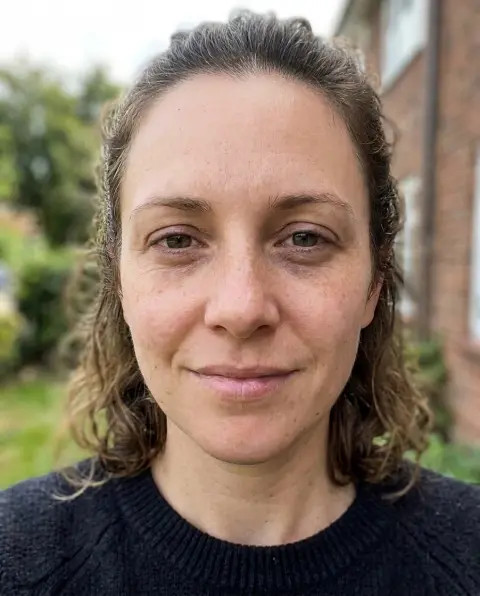
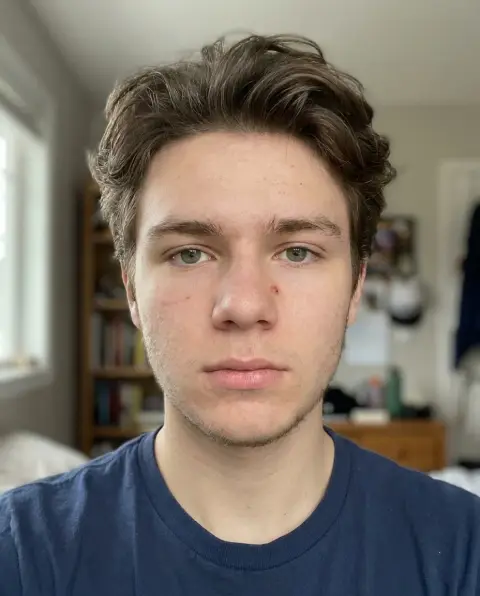
Bold Glamour Filter
Full glam in one run, still you.
Drop a photo
or paste with ⌘V · JPG · PNG · WebP · up to 8 MB
No photo handy? Try one of ours.
Bold Glamour Filter examples.
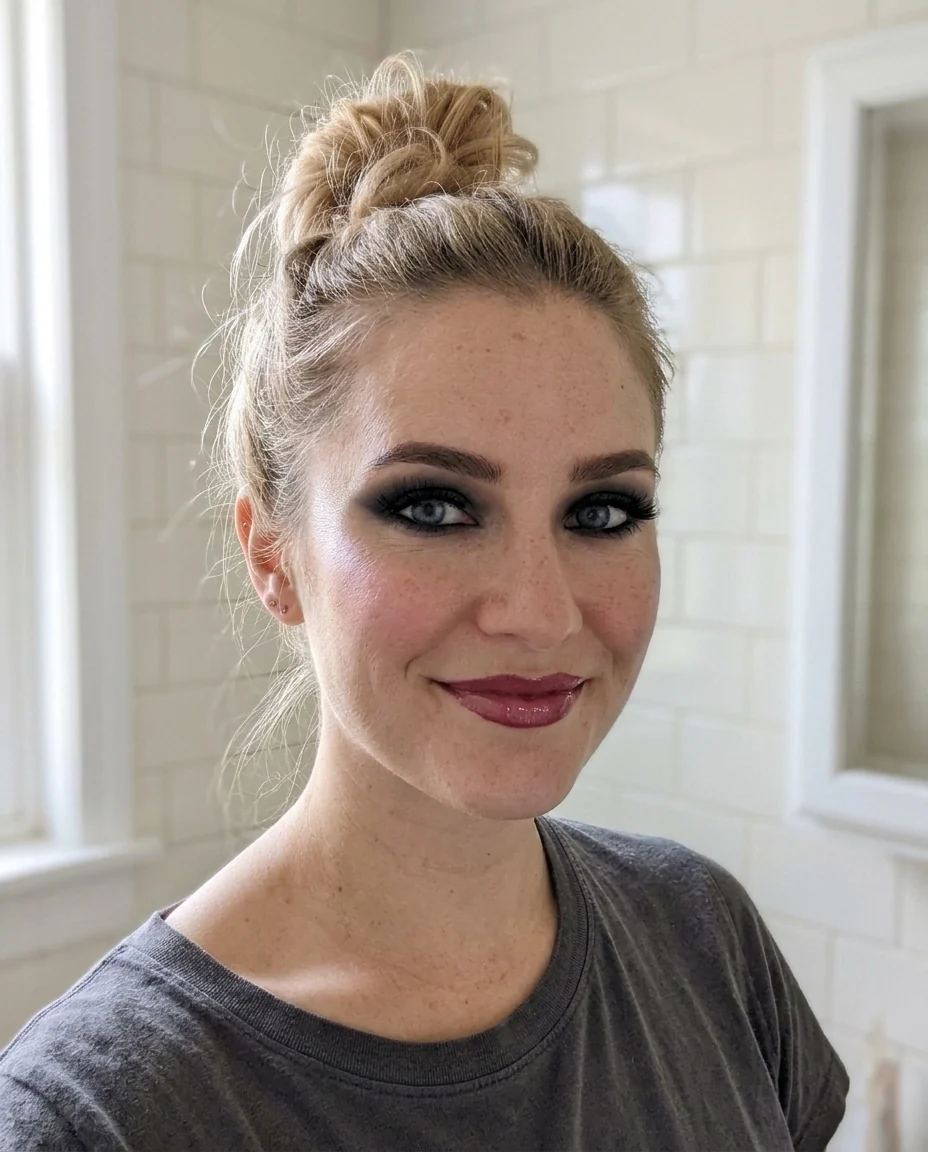
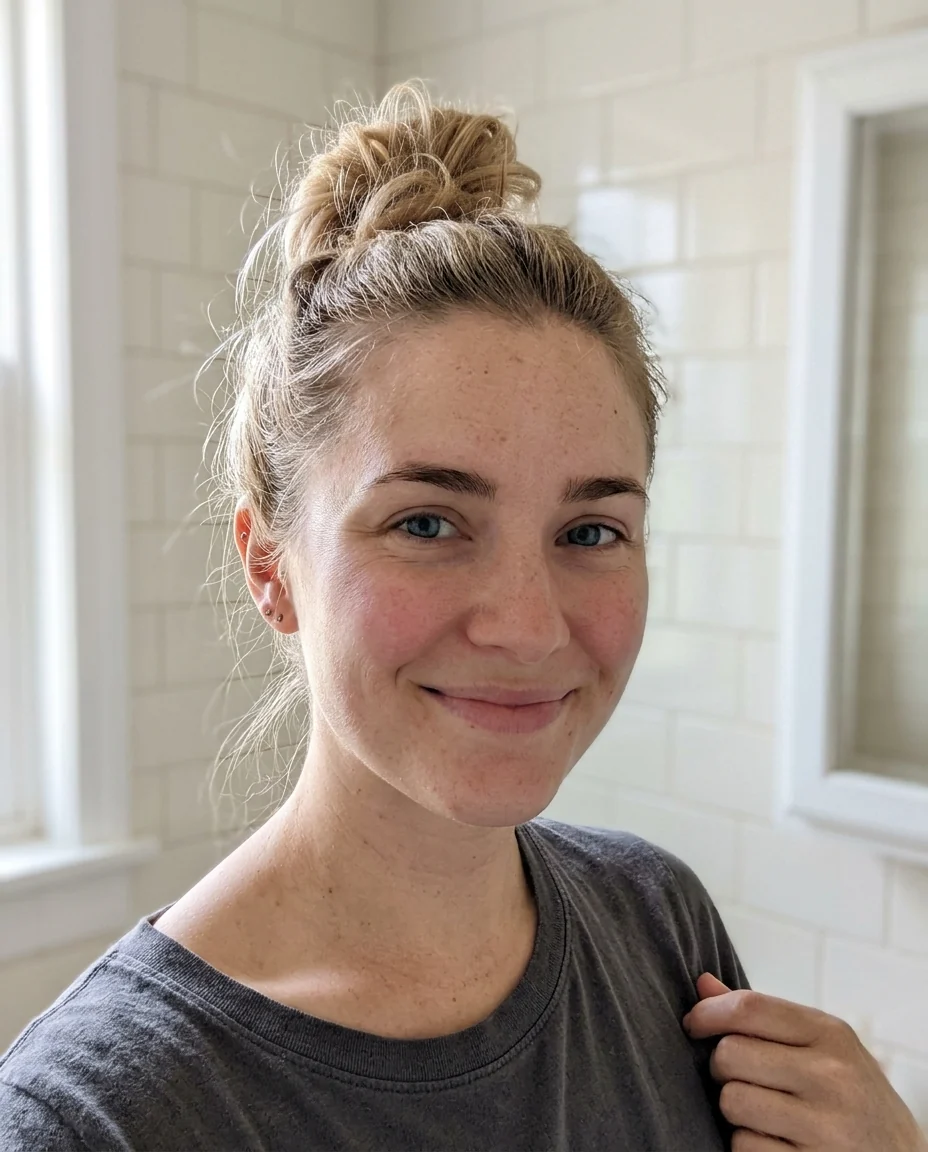
Full glam
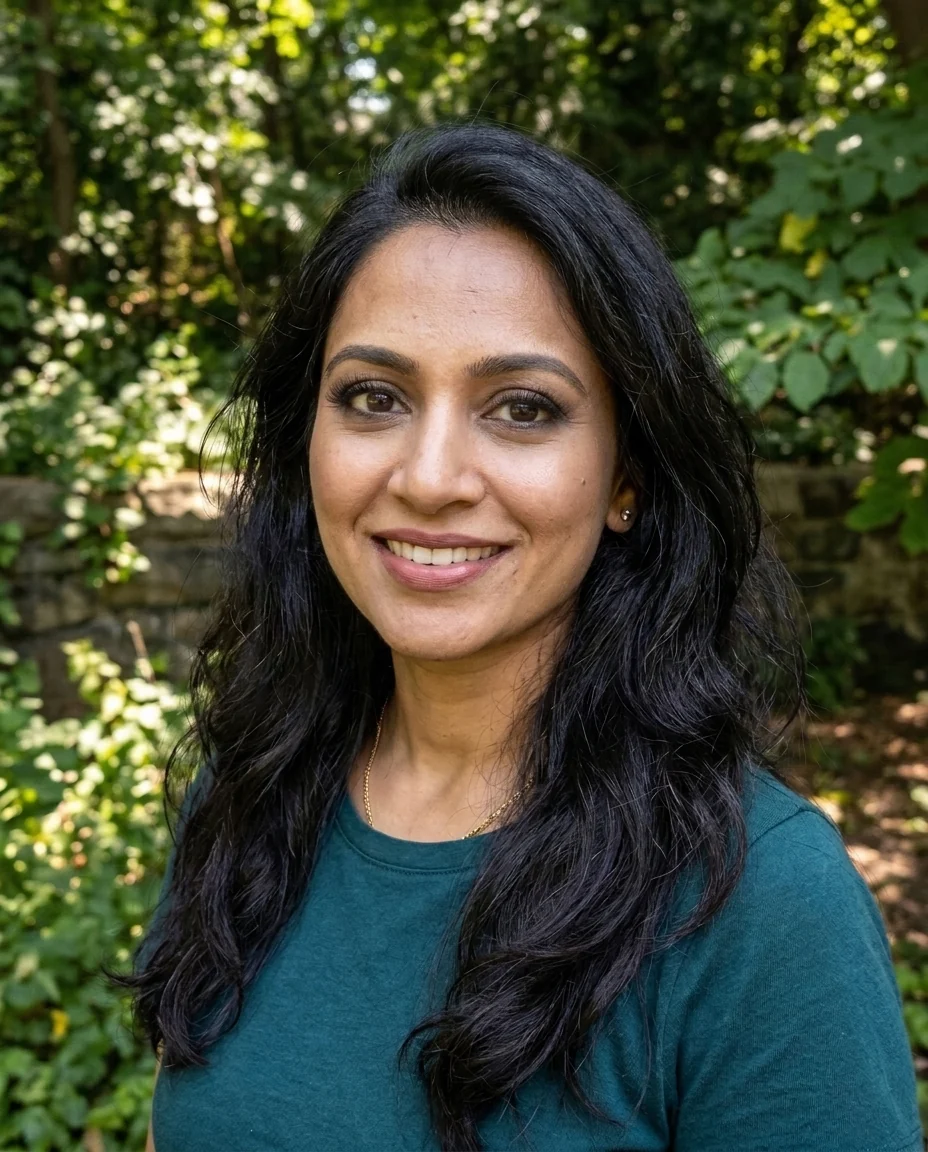
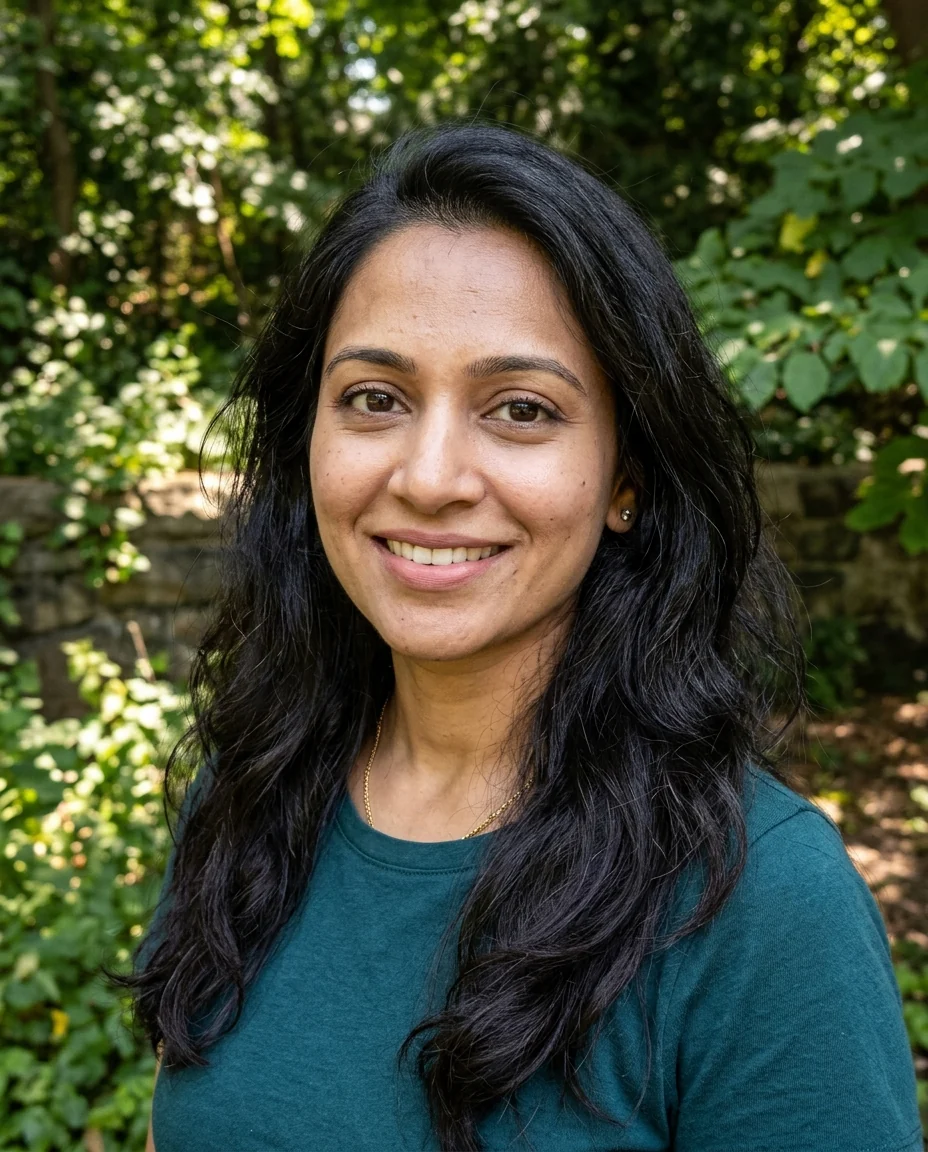
Subtle
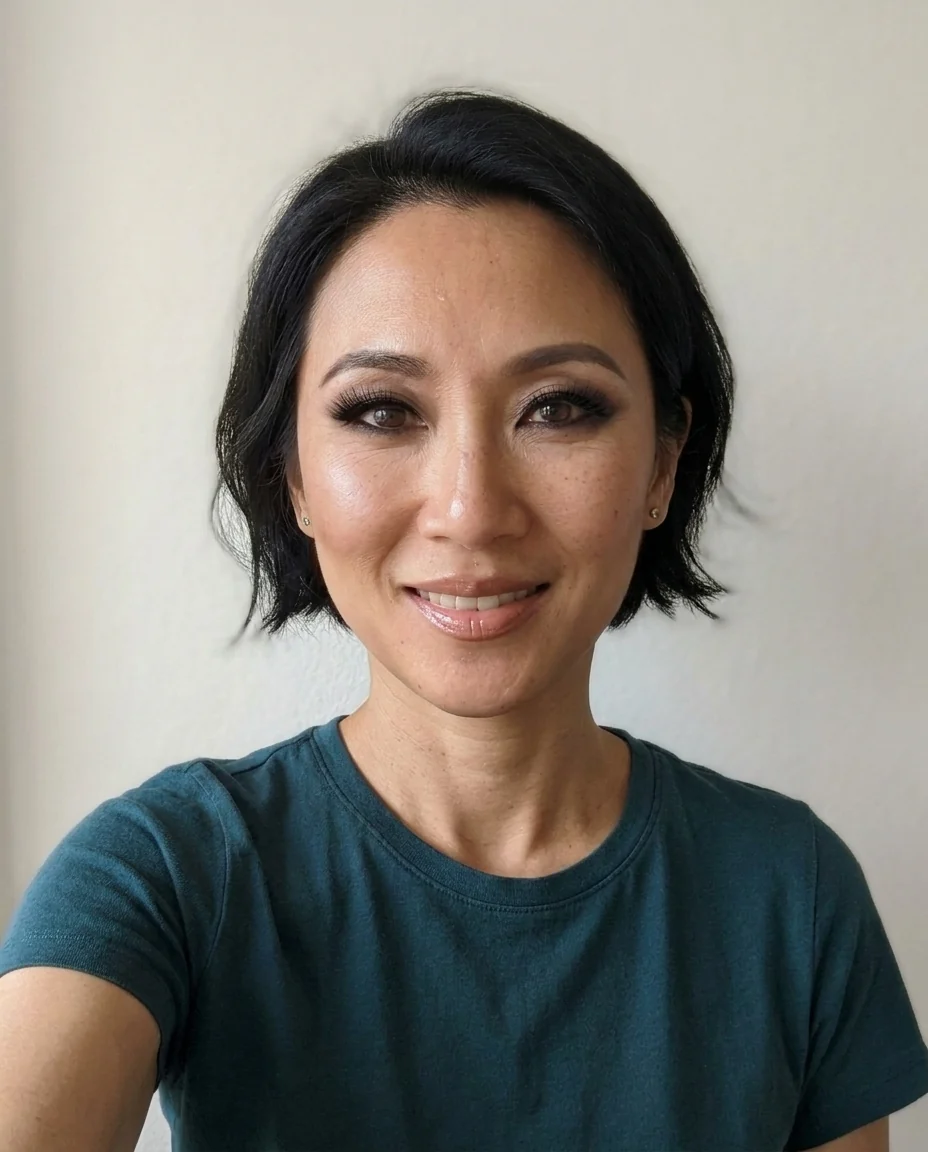
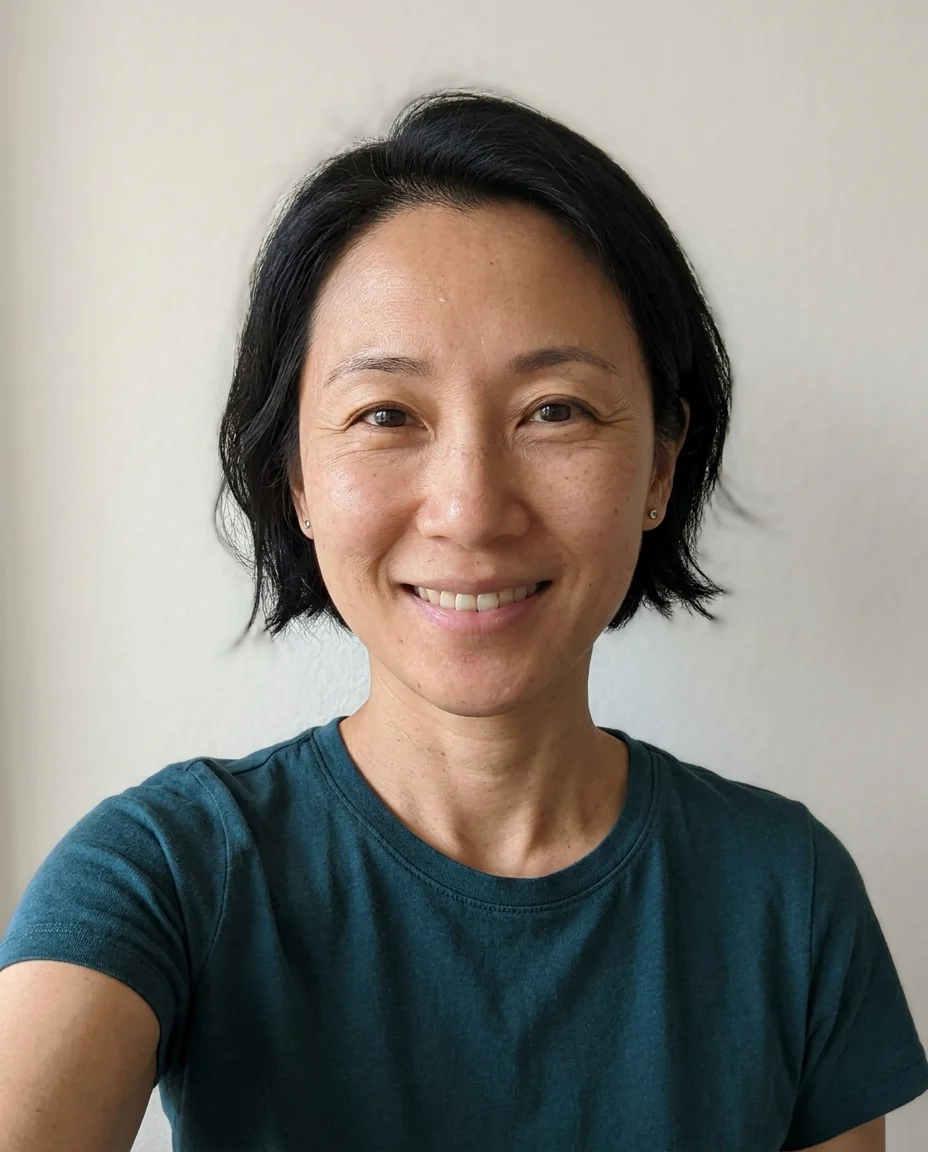
Full glam at 40+
Bold Glamour Filter features.
Sculpted look
Contour, brows, lashes and glossy lips.
Subtle or full glam
Choose the intensity.
Your face kept
Same features, skin tone and expression.
Bold Glamour Filter, step by step.
01
Upload a selfie
A front-facing face in even light.
02
Pick an intensity
Subtle or Full glam.
03
Download
Compare it with the original.
Bold Glamour Filter use cases.
- Makeup ideas
- Preview a glam look before an event.
- Trend posts
- Join the before-and-after trend with your own photo.
- Fun with friends
- See the group chat in full glam.
Bold Glamour Filter: best photos and fixes.
Photos that take the look well
A front-facing selfie or portrait in soft, even light shows the whole face, so contour, brows and lashes land in the right places. Bare skin or light makeup gives the clearest before-and-after. Heavy shadows, strong backlight or a face turned far to the side make the contour harder to place, and the look can come out uneven.
Subtle or full glam
Subtle is a polished evening look: soft contour, groomed brows and natural lashes. Full glam is what the trend is known for, with strong cheekbones, dramatic lashes, smoky eyes and glossy lips. If Full glam is more than you expected, try Subtle, or write "lighter eyeshadow" or "nude lips" in the instructions to adjust one part.
Still your face
The filter changes makeup and skin finish, not your bone structure. Face shape, nose, eyes, skin tone and expression are kept, so you still look like yourself. If the result starts to look like someone else, regenerate; faces turned toward the camera hold their likeness best.
Customizing the look
Add details in the instructions: "red lips", "winged liner", "bronze eyeshadow", "no lashes". Colors that match your outfit or event make the result more useful as a makeup preview. Hair is kept as it is; for a new hairstyle with the look, run the hairstyle changer afterwards.
Sharing honestly
Glam filters can make it hard to tell what is real. When you post a result, it's kind to say it's a filter, especially for younger followers. Use your own photo or one a friend agreed to. Real makeup will look different on the day, because lighting, skin and products all change the final look.
Related tools
The beauty filter gives a softer, natural retouch with optional light makeup. The blemish remover clears spots without adding makeup. The eyebrow filter tries brow shapes, and the face editor makes single changes such as a smile. To see a completely different style, try the hairstyle changer or the glasses filter.
Bold Glamour Filter FAQ.
Can I use someone else's photo?
Use photos of yourself, or of people who are happy for you to edit their picture. Don't use the result to mock, embarrass or deceive anyone.
Does it change my face shape?
It is designed not to: it adds makeup and a smooth finish, and face shape, features and skin tone stay the same.
Can I choose the makeup colors?
Yes. Write them in the instructions, for example "red lips" or "bronze eyeshadow".
Does it work on men?
Yes. Subtle gives a groomed, sculpted look without heavy makeup.
Is the Bold glamour filter free?
Yes, you can try it free. New accounts get 15 free credits, and one generation here uses 13 credits. You sign in with your email; no card needed. Results have no watermark. After that, plans add credits every month and credit packs never expire.