
Hotel Lobby AI
- 1 · Photo
- 2 · Free preview
- 3 · Your video
Add two photos: people or pets
Person 1
Saved for every trend on this device
Person 2
Only used for this video, not saved
Outfit
Free preview · no sign-up · $6.99 only if you love it
15s · 16:9
By making a preview you agree to our Terms and Privacy Policy, and confirm you're at least 16 (or the age of digital consent where you live) and may use this photo. Terms · Privacy
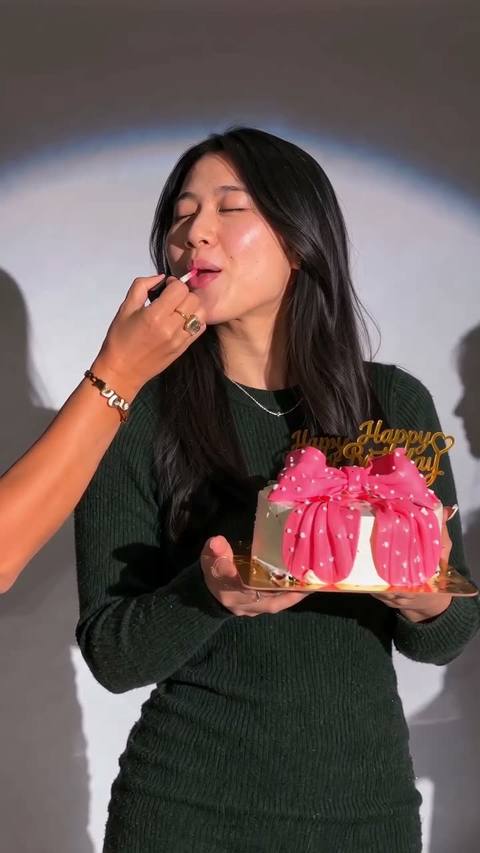
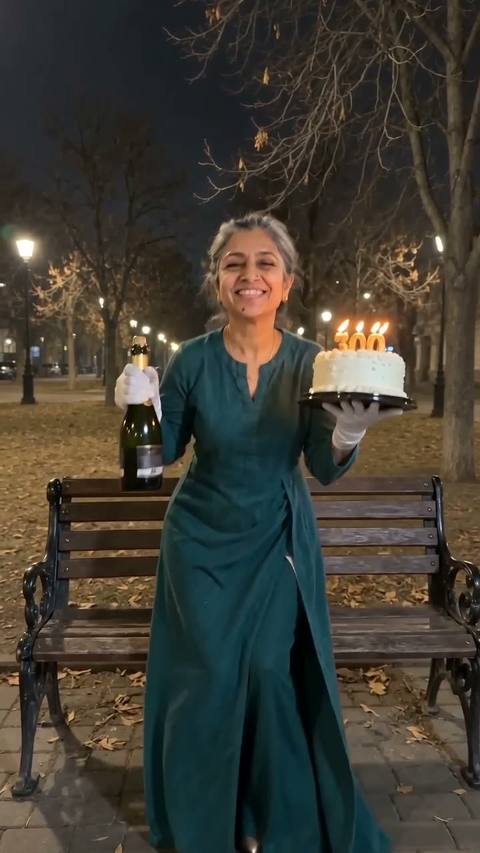
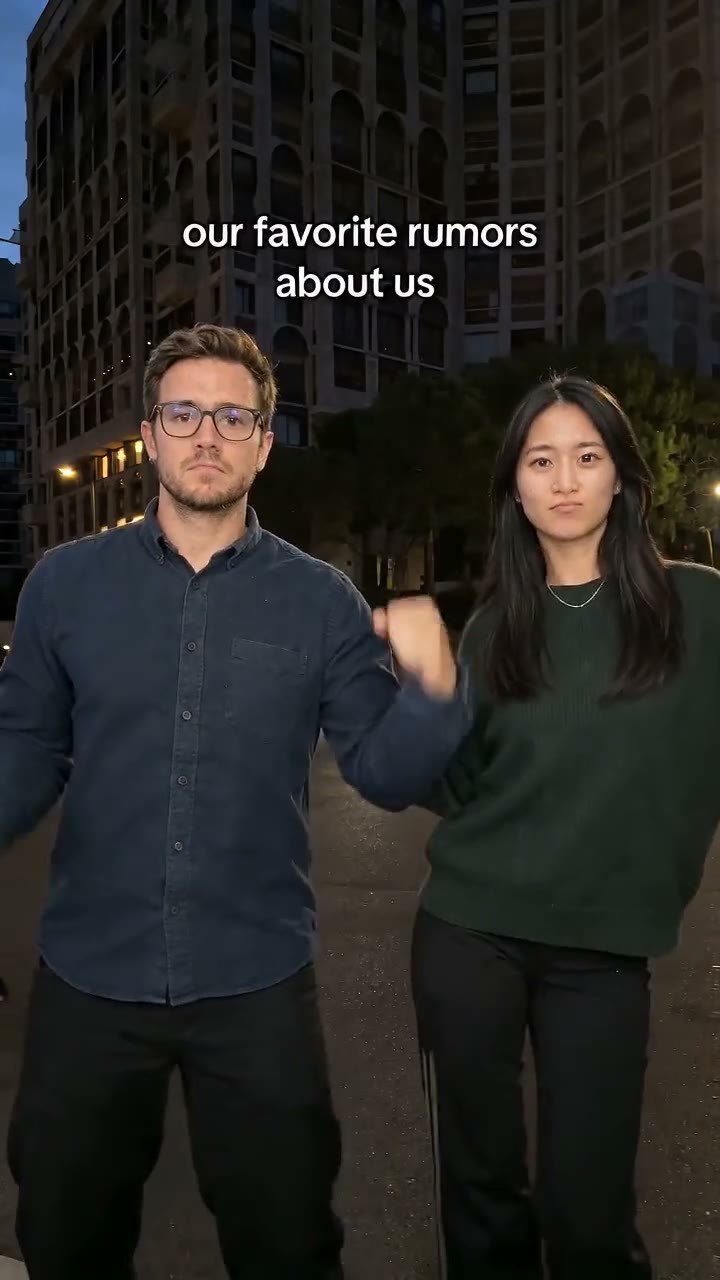
Hotel Lobby AI examples.
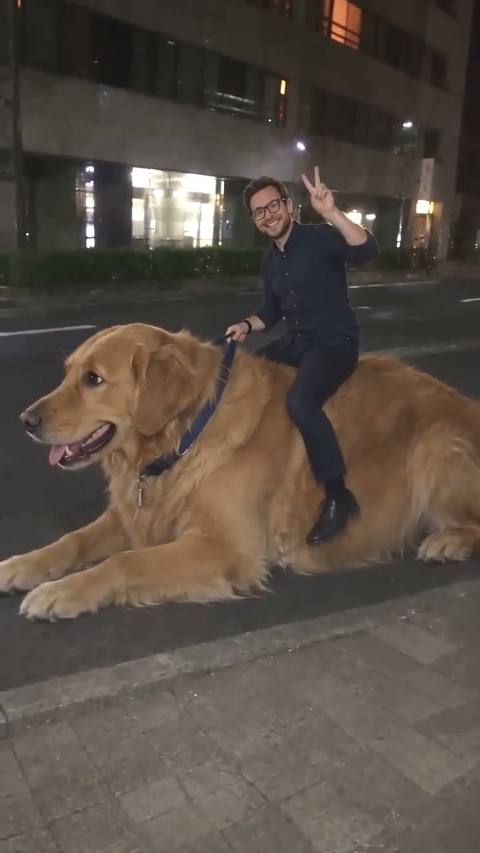
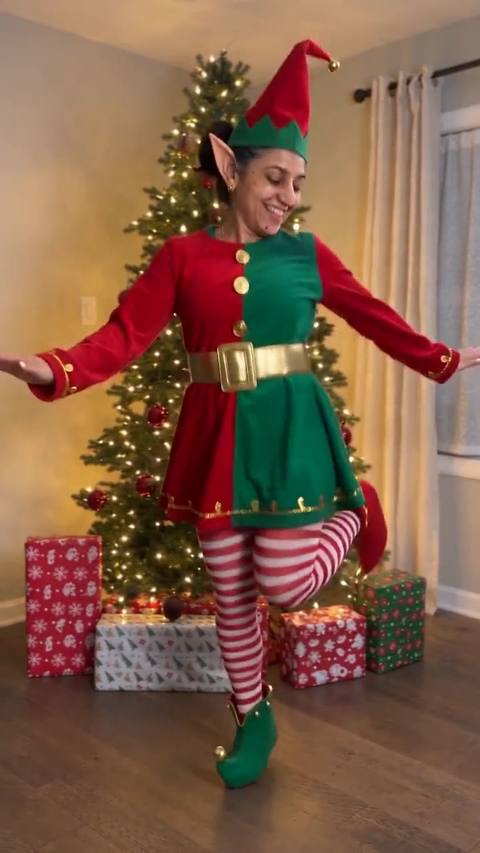
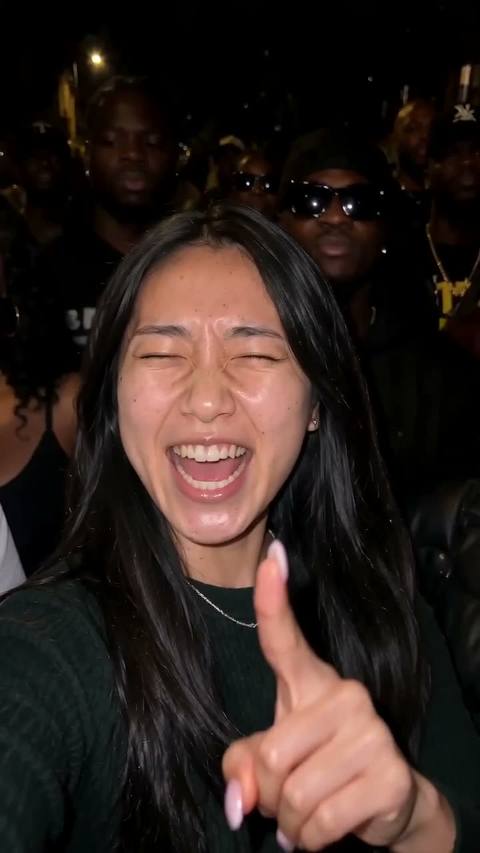
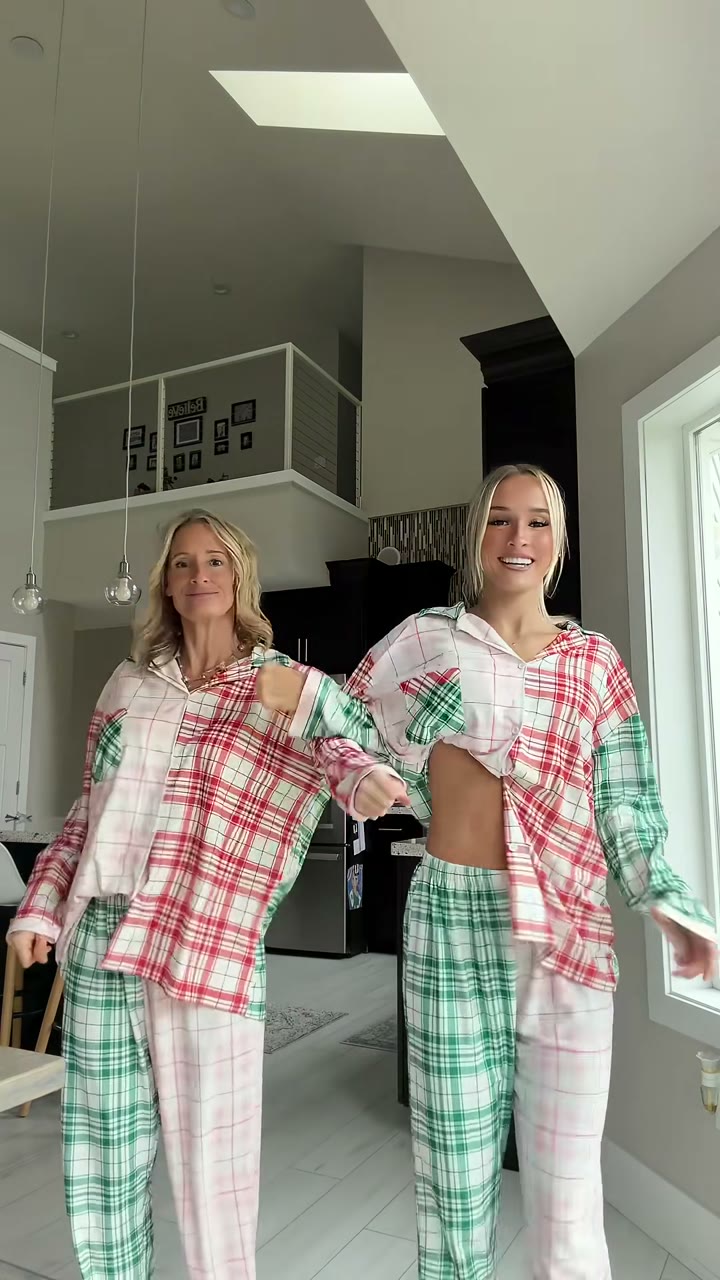
Two portraits → the Hotel Lobby booth
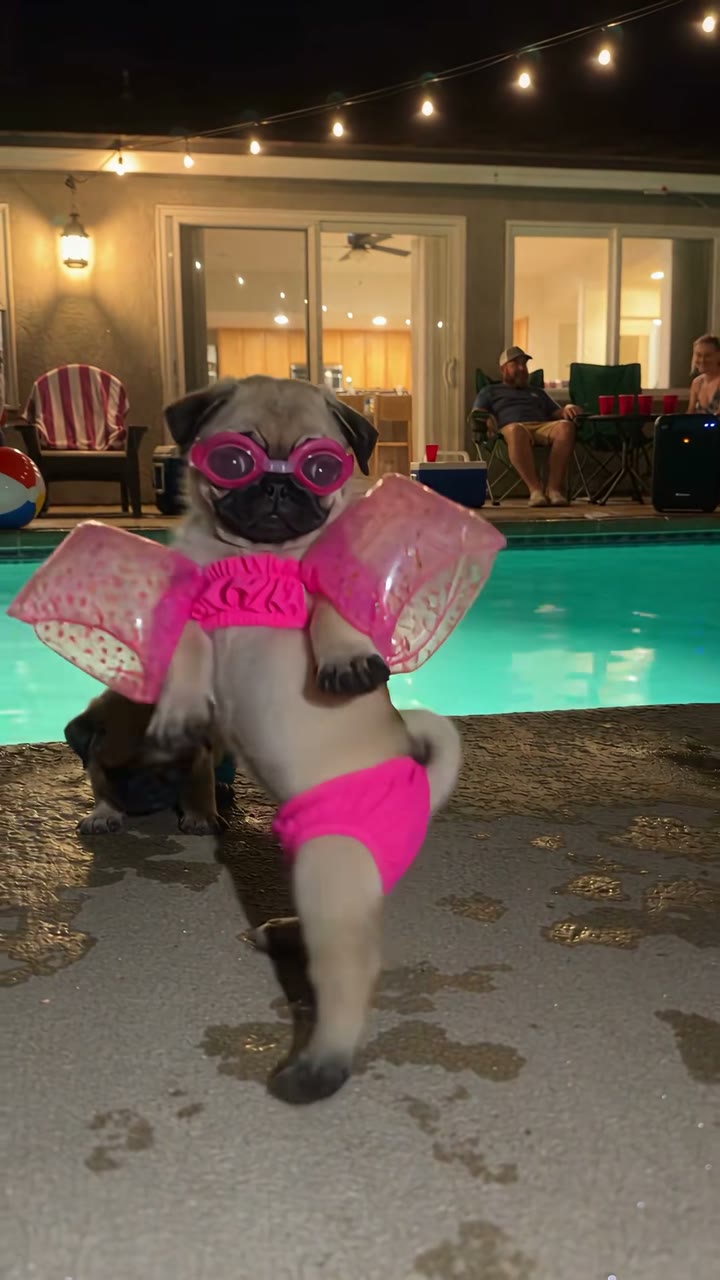
A cat photo and a dog photo → the Hotel Lobby booth
Hotel Lobby AI features.
Lip sync, one performer at a time
Each mouth follows the verse word by word, and only the one on the mic at that moment moves their lips.
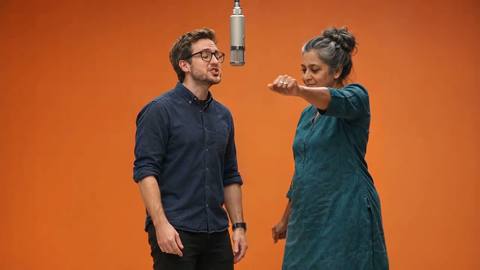
The orange booth, as it is
Orange wall, the single hanging microphone, the locked-off camera and the knees-up framing follow the trend clip frame by frame.
Both people stay themselves
Faces, hair and outfits from the two photos hold for all 15 seconds instead of drifting back to the original pair.
Two pets work too
Either slot can be a cat or a dog. Animals stand up on their hind legs and perform with their paws.
Hotel Lobby AI, step by step.
01
Add two photos
One for the performer on the left, one for the performer on the right.
02
See it free
Check the free preview of the first frame with both of you in it, and fix it if you like. The full clip is $6.99, only if you love it.
03
Make the clip
Both of you are placed in a frame of the booth, then the full 15 seconds are rendered with the original audio.
Hotel Lobby AI use cases.
- You and your best friend
- The format is built for a pair, so the obvious version is the two of you at the mic.
- Couples and family
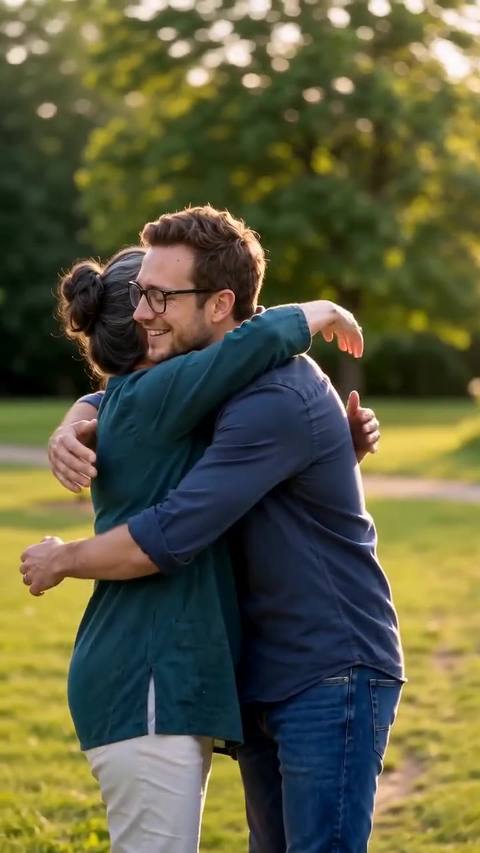
- Partners, siblings, a parent and a grown-up kid: the contrast is half the joke.
- Two pets
- Your cat and your dog trading the verse is the version that gets reshared.
Hotel Lobby AI: best photos and fixes.
Who goes where
The left slot replaces the young man on the left, who starts the verse; the right slot replaces the woman on the right. Swap the photos to swap parts. Upload one person (or one pet) per slot with both faces looking toward the camera and mouths unobstructed so the lip sync and head nods around the hanging microphone read clearly.
Show the outfit
Both performers are seen from the knees up, so clothes take a lot of the frame. A photo that shows the upper body keeps the outfit; a tight face crop leaves the clothes to the model. Leave comfortable margin around each person's head, shoulders and hands so their jackets, hoodies or shirts stay intact as they lean in toward the center of the orange booth.
Similar light in both photos
The two of you share one evenly lit booth. Two photos with very different light or colour casts can look pasted in next to each other. If one of your photos has a busy background or is slightly soft, clean it up beforehand with Background Remover or sharpen facial details with Unblur Image so both performers match in crispness.
Pets: a clear face, any pose
A pet photo doesn't need to show it standing; the model stands it up. What matters is a sharp face and visible markings. Make sure ears, collars and chest fur markings are well lit and in focus when using dog or cat photos, and check out Check One Check Two AI or Knight Cat AI Video for solo music and pet trends.
Eye-level angles and matching distance for both slots
Two photos taken from a similar distance—ideally waist-up or chest-up at eye level—sit side by side in the booth with the most natural scale. Avoid pairing a tiny distant full-body snapshot with an extreme close-up selfie, and keep hands, phones and drinks away from both chins so the back-and-forth rap verse flows smoothly.
Hotel Lobby AI: by hand or here
By hand
- Save and trim the clip
- Find a video model that takes a photo
- Check every shot and add the sound back
Here, in one click
- One photo, free preview
- Original sound kept
- $6.99, 1 free redo
- Full refund if it fails
Hotel Lobby AI: is it safe to use your photo?
Your photo is only used to make your preview and your video, and we never use it to train AI models. Free previews are deleted after 24 hours. When you buy, the face in your frame is registered with the AI video provider to make the video, and the provider keeps that copy under its own terms; we can't delete it. A video you buy stays in My files for 30 days, and you can delete it sooner.
Hotel Lobby AI FAQ.
What is the Hotel Lobby AI trend?
A TikTok and Instagram format built on Quavo and Takeoff's COLORS performance of Hotel Lobby: two people in a bare orange booth sharing one hanging mic and trading the verse. It is also called the Migos AI trend. People put themselves, friends or pets into that booth with AI.
How much does a Hotel Lobby AI video cost?
The preview is free and needs no sign-up: put both photos in the first frame up to 3 times a day, with 2 free fixes each. The full 15-second video with the original sound is $6.99, paid once at checkout, with one free redo. Your next video within 48 hours, on the same account, costs $4.99, once.
How long does it take?
Usually four to six minutes. You can close the page while it runs: the finished MP4 lands in My files, and if you stay, the progress bar shows which step it is on.
What if the result looks wrong?
Check the free preview first: if a face or a pose isn't right, use one of the 2 free fixes or try other photos before you pay. After you buy, you get one free redo of the video. If making the video fails on our side, you get a full refund automatically.
Do I get the original sound?
Yes. The clip is rendered silent and the trend's original audio is laid back on top, so every beat and word lands where it does in the trend. Download is a 720p MP4, ready to post.
Can I use one photo with two people in it?
No. Each performer needs their own photo, so the model knows which face and outfit go where. Crop a group photo into two if that is all you have.