












Photo to Sketch Converter
A graphite pencil drawing with cross-hatched shading.
Drop a photo
or paste with ⌘V · JPG · PNG · WebP · up to 8 MB
No photo handy? Try one of ours.
More like this.
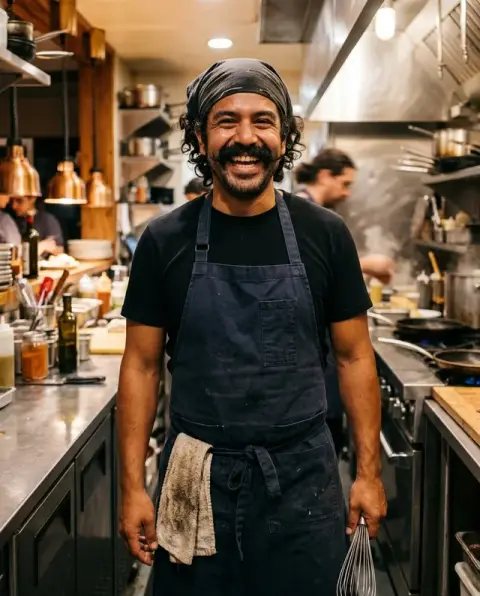
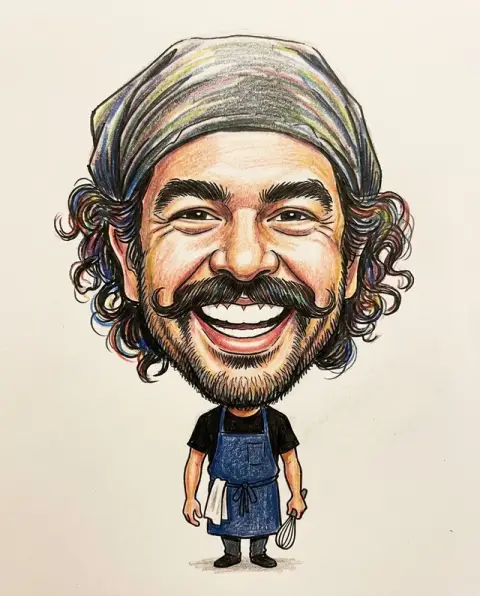
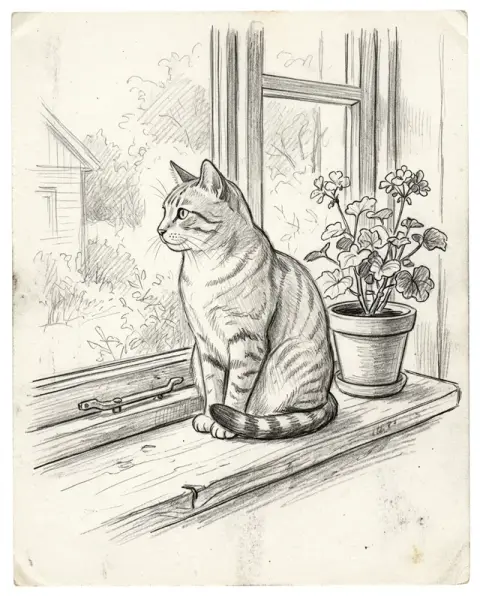
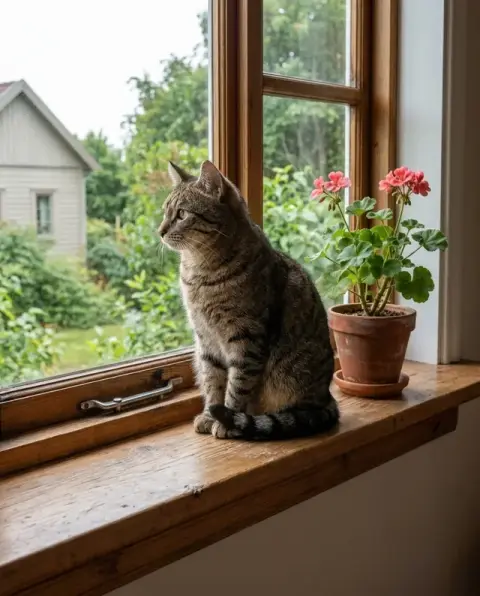
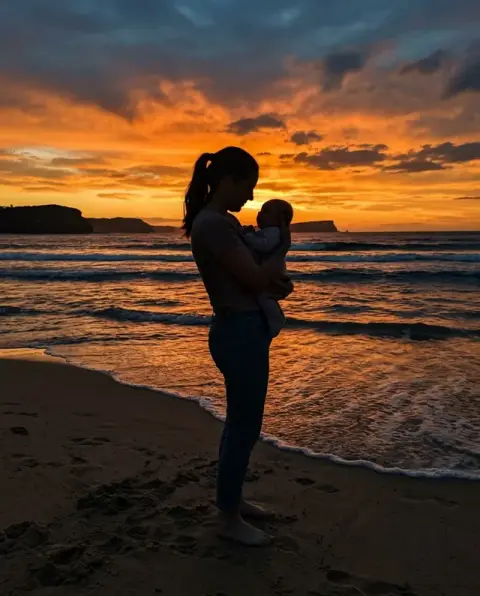
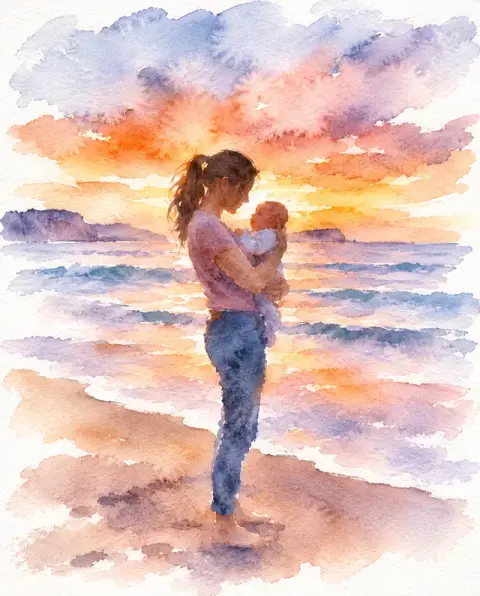
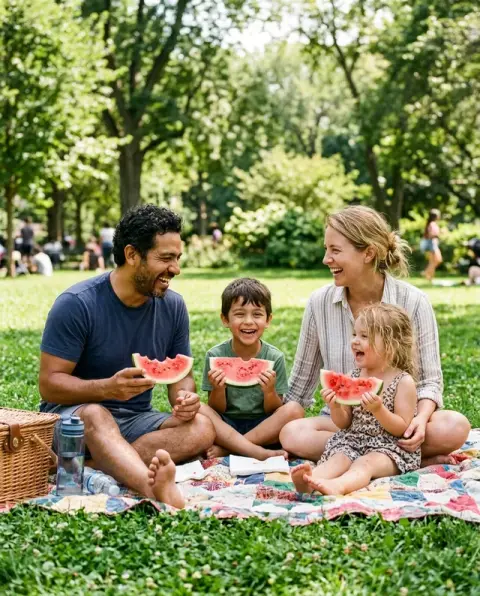
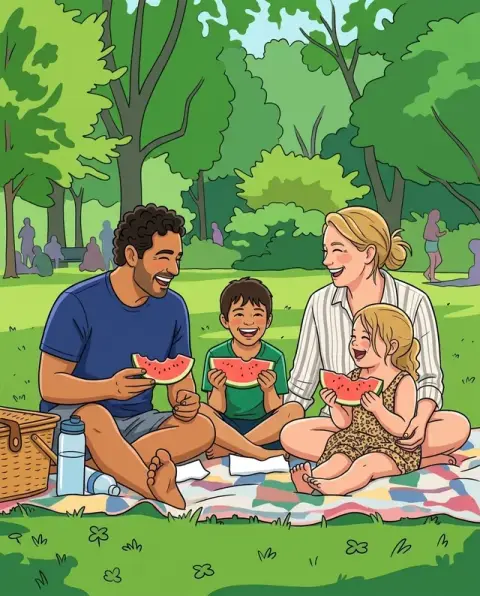
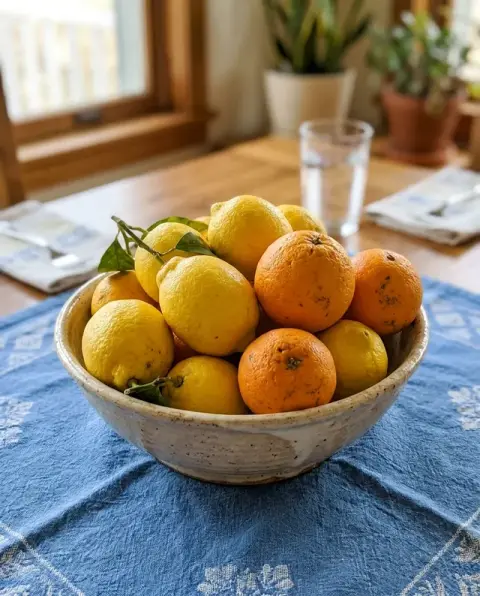
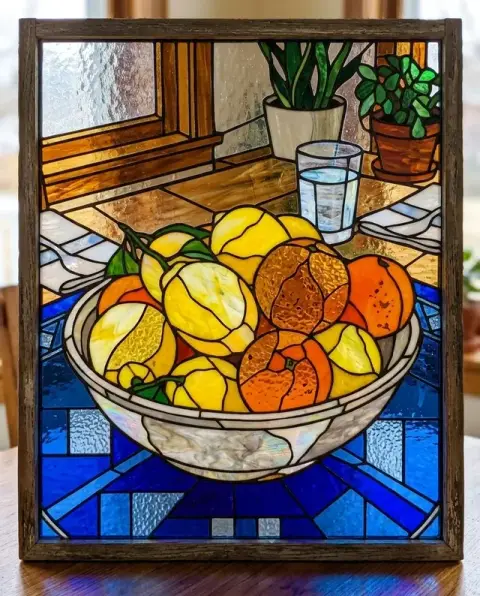
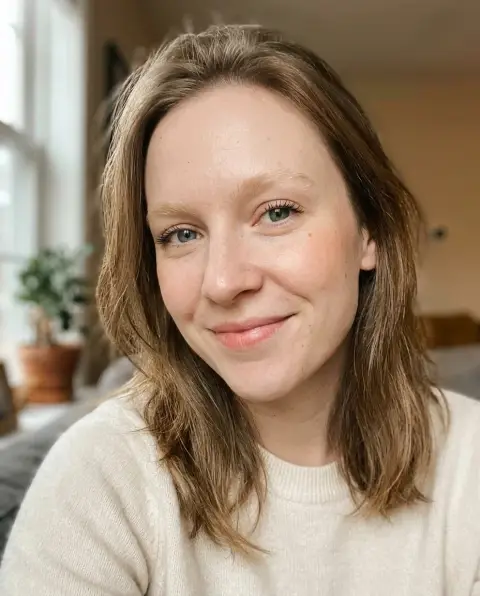
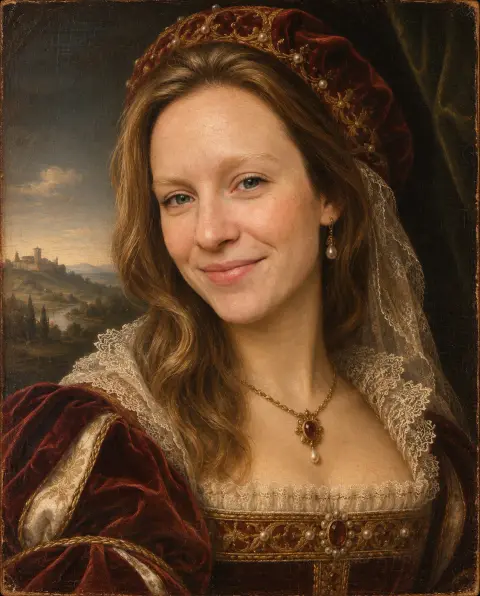
Portraits, pets and places, from photo to sketch.
Real results from this page's default settings in one click, not retouched.How examples are made

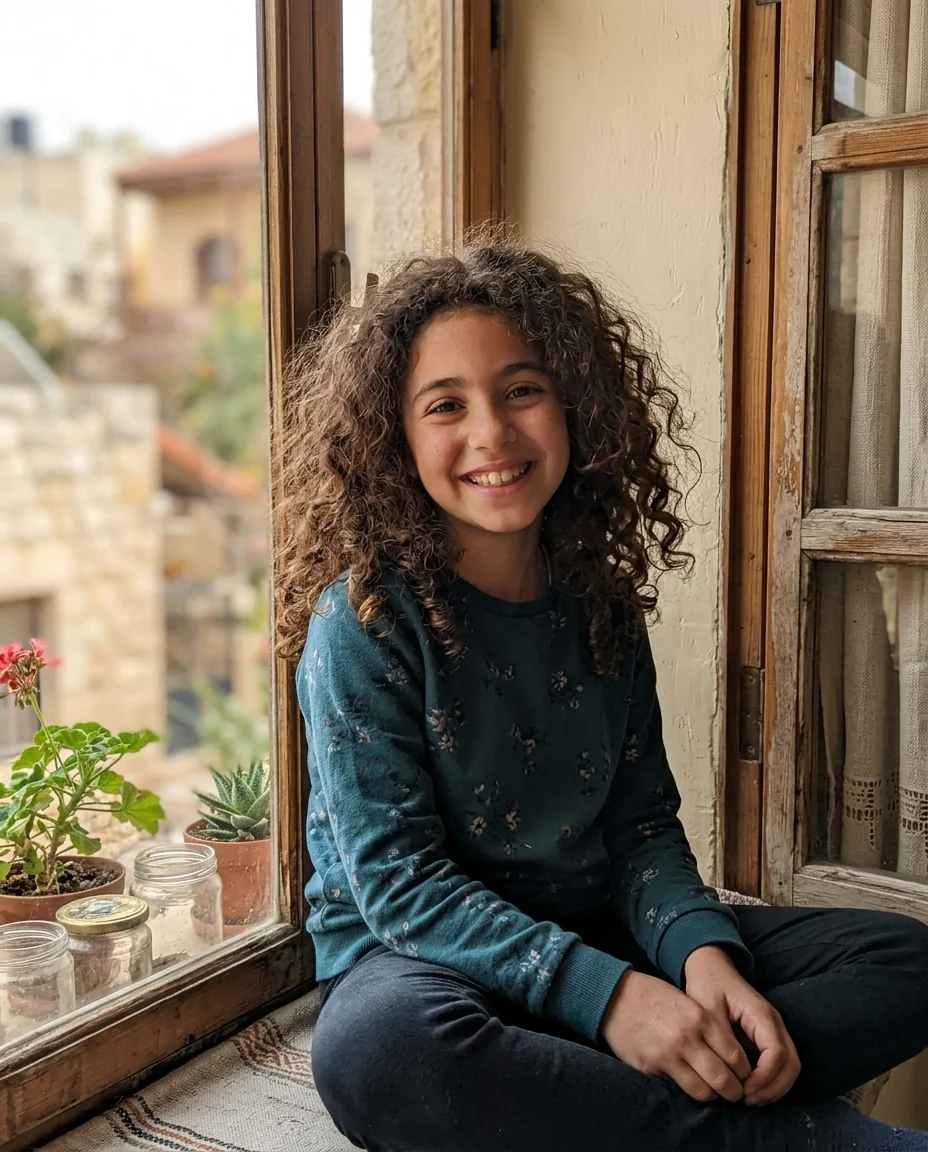
Pencil portrait

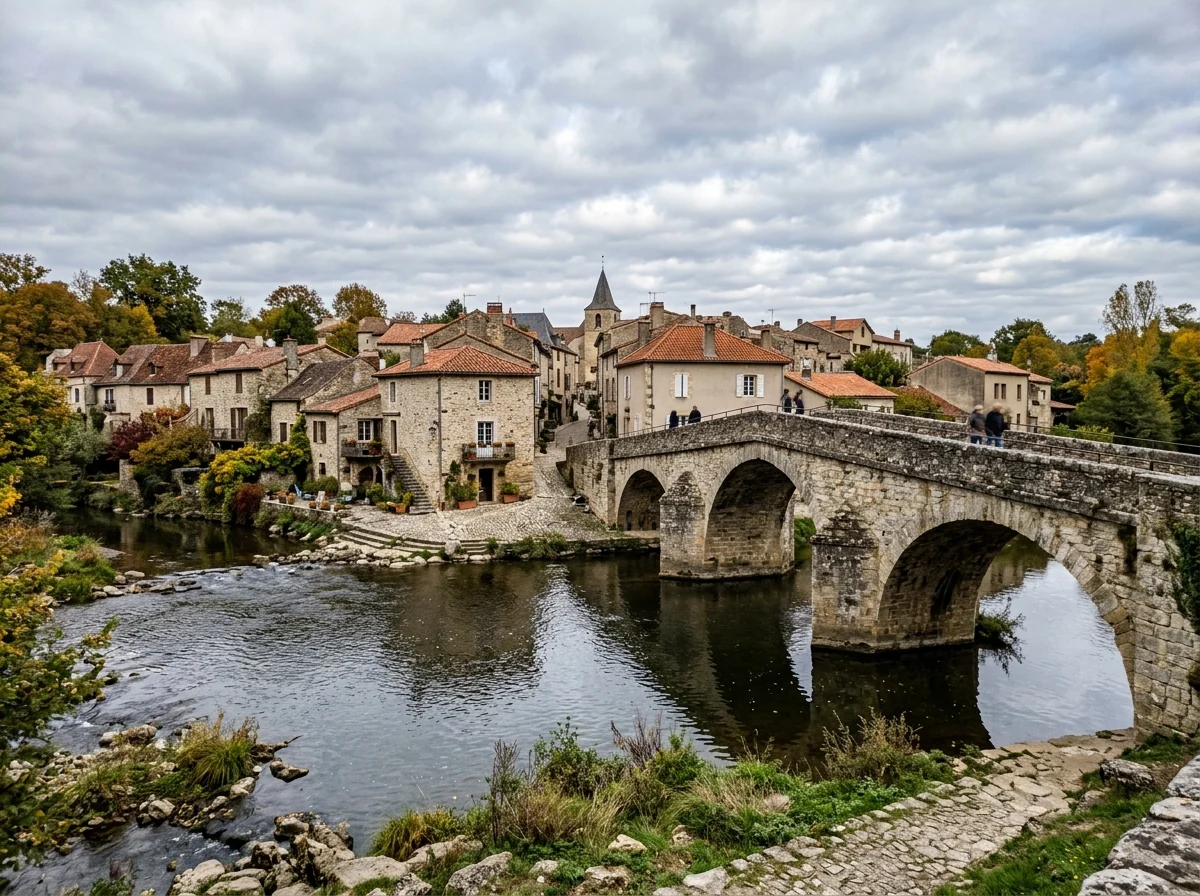
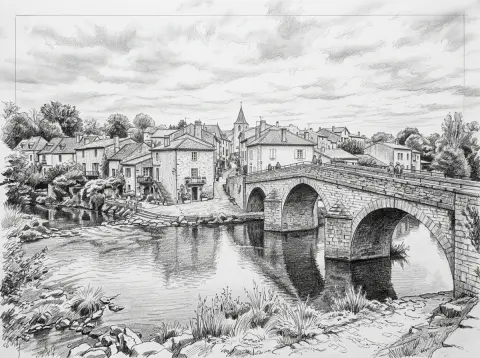
Stone bridge sketch
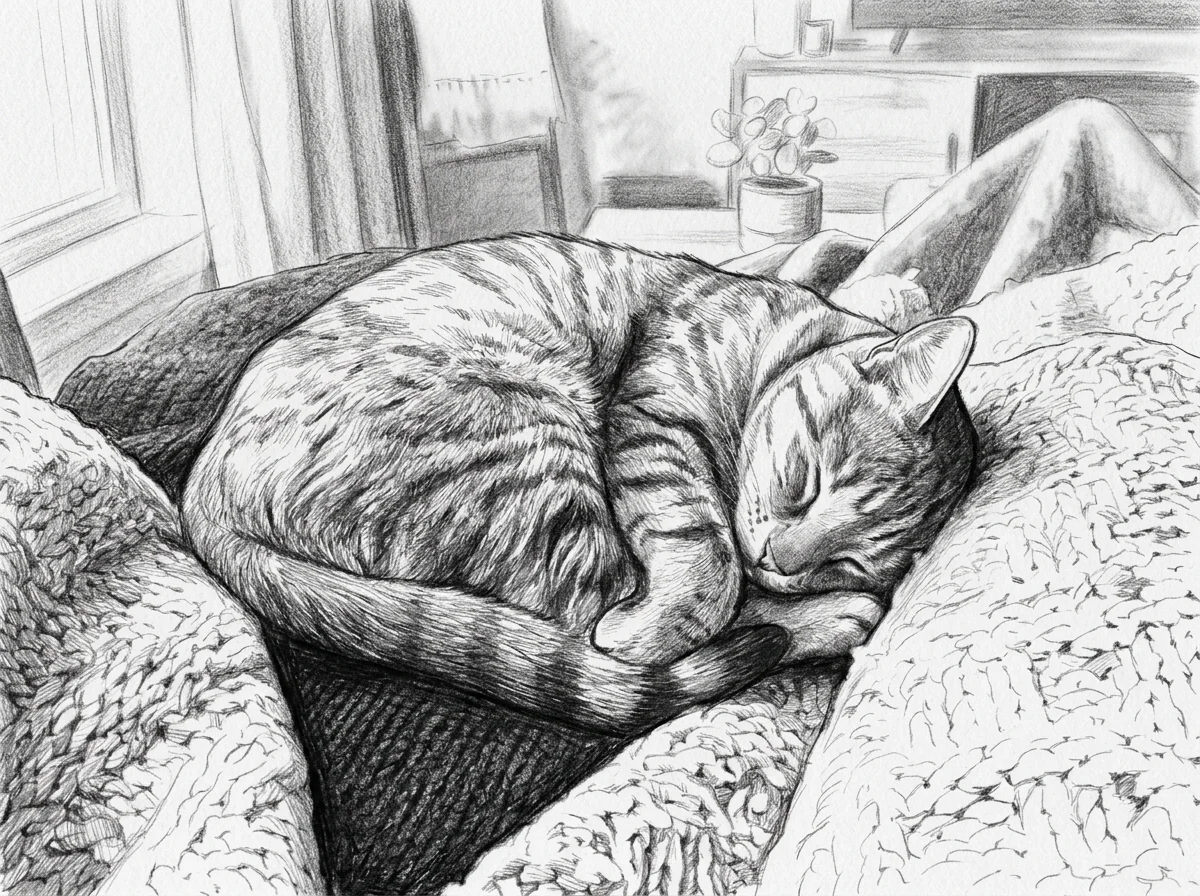
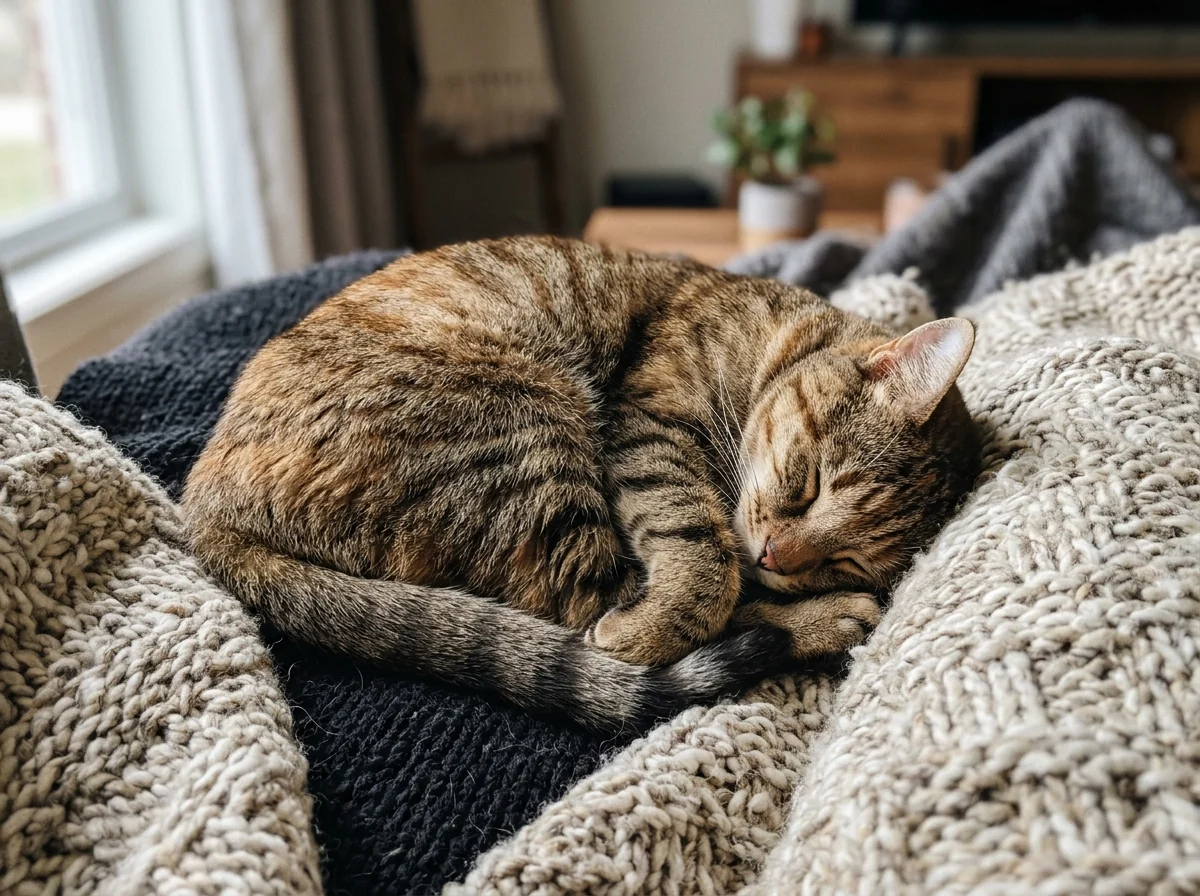
Sleeping cat sketch
How a photo to sketch result is drawn.
Real pencil look
Confident lines, cross-hatching and paper texture.
Proportions kept
Portraits, pets and buildings keep their shape.
Other mediums
Ask for charcoal, ink or colored pencil.
Photo to Sketch Converter, step by step.
01
Upload a photo
Portraits, pets and buildings work well.
02
Generate
The photo is redrawn in pencil.
03
Download
Save the sketch.
Why people turn a photo to sketch.
- A portrait of someone you miss
- A pencil drawing of a grandparent or a pet who has died can feel gentler on a wall than a photo. Upload the sharpest photo you have of them, then frame the sketch or tuck it into a card.
- Learning to shade
- Art students upload a photo they want to draw and use the sketch to see where the darks and lights go before they start. Keep the photo and the sketch open side by side while you work.
- A housewarming gift
- A sketch of someone's first house or the family home makes a moving gift. Photograph the front straight on in daylight, then print and frame the result.
- Invitations and menus
- Couples and hosts use a sketch of the venue, or of themselves, on invitations, menus and thank-you cards. Add the wording afterwards in a design app.
Photo to Sketch Converter: best photos and fixes.
Photos for a pencil sketch
Photos with clear light and shadow give the strongest pencil shading: a portrait with light from one side, a building in afternoon sun, a pet against a plain wall. Flat, evenly lit photos sketch too, but with lighter shading. The result is a graphite drawing with cross-hatching, kept in the same proportions as your photo.
Pencil only, black and white
The sketch is drawn in graphite pencil, black and white only, so colors in the photo turn into tones of grey. Two colors of similar brightness, such as red and green, can become the same grey. If an important detail disappears, choose a photo where it stands out in light and dark, not only in color.
Drawing reference and tracing
The sketch keeps the proportions of the photo, so it works as a drawing reference or for tracing onto paper. Print it at the size you plan to draw. To learn shading, compare the sketch with the photo side by side and see how tones were turned into hatching.
Buildings and landscapes
Buildings, streets and landscapes work well, especially with strong perspective lines. Very detailed scenes, such as forests or crowds, are simplified into texture. For architecture, write "architectural sketch with clean lines" for a crisper style. Leave space around the building when you take the photo, so the sketch has room to fade out at the edges like a real sketchbook page.
Gifts and prints
A pencil portrait of a person or pet makes a good gift. Use the largest photo you have and print on matte paper for a real drawing feel. If the face loses likeness, write "detailed face, lighter background" and regenerate.
Portraits and likeness
Pencil shading simplifies skin and hair into strokes, so likeness depends on the eyes, nose and mouth. A sharp, front-facing photo with light from one side gives the best shading on the face. If the face loses likeness, write "detailed face, lighter background".
Pets and animals
Animal fur is a classic pencil subject: the sketch turns fur into fine strokes. Use a photo where the pet's eyes are sharp. Short-haired and long-haired animals both work. Whiskers are where a pet sketch comes alive, so a close-up where they are visible gives the most detail.
Street scenes and travel
Busy streets, markets and cafés make lively travel sketches when there is one clear focal point, such as a doorway, a bike or a person at a table. Crop the photo around that point before uploading. Crowds turn into loose, scribbled shapes, which can give a sketchbook feel, but faces in the background will not be recognisable.
Photo to sketch questions about styles, groups and printing.
Can I get other sketch styles?
The default is a graphite pencil sketch. Ask for charcoal, ink or a light line drawing in the instructions box.
Can I use the sketch as a tracing or drawing reference?
Yes. Ask for "clean outlines, light shading" to get a sketch that is easy to trace.
Does it work on buildings and landscapes?
Yes. Architecture and street scenes turn into detailed line sketches, not just portraits.
Is the Photo to sketch free?
Yes, you can try it free. New accounts get 25 free credits, and one generation here uses 9 credits. You sign in with your email; no card needed. Results have no watermark. After that, credit packs never expire, and your first one is half price.
Does it work on group photos?
Yes. Everyone in the photo is drawn, though people at the back get less detail than those at the front.
How is it different from a line drawing?
Photo to sketch shades with graphite tones and hatching. For clean outlines with no shading, use [turn photo into line drawing](/effects/turn-photo-into-line-drawing); for a page to color in, the [coloring page generator](/effects/coloring-page-generator).
What files can I upload?
JPG, PNG or WebP, up to 8 MB. On a computer you can also scan a QR code to send the photo from your phone; the link works for 10 minutes.
Can I try again if I don't like it?
Yes. Each run gives a new variation of the drawing, and failed runs are refunded automatically.
Who owns the sketch?
You own the images you generate as far as the law allows, and you keep the rights to the photo you upload, so you can print the sketch or give it away.
Are my photos used to train AI?
No. Photos, prompts and results are not used to train AI models. Results stay in My files for 48 hours, or 30 days once you've bought a credit pack, and you can delete them sooner.
Guides on the blog.
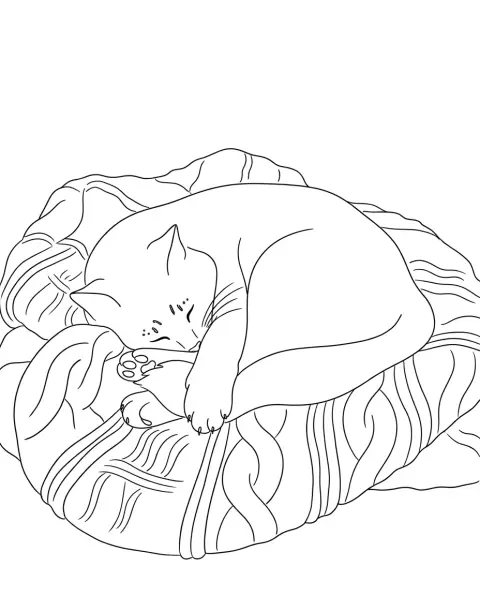
 Sketch vs line drawing vs stencil: which style when?All three turn a photo into black and white art, but they're made for different jobs. How they differ, and which one suits coloring pages, prints, tattoos and cutting.
 How to make a coloring book from your own photosFamily photos, pets and holiday snaps make the best coloring pages. How to pick photos, turn them into line art, lay out pages and print the book.
 20 WhatsApp DP ideas, from simple to stylishYour WhatsApp DP is the first thing people see in every chat. Twenty ideas, from a clean portrait to a pencil sketch, and how to keep it sharp.

