Your WhatsApp display picture shows up in every chat, every group and every contact list of the people you message. For many people it's family, work and friends all in one app. That makes the choice trickier than on Instagram: the photo has to work for your boss, your aunt and your best friend at once.
Here are twenty ideas, grouped by the impression you want to give, and the technical details that keep the photo sharp.
Size and crop basics
- Square image, round display. WhatsApp shows your DP as a circle in chats and as a square when someone taps it. Keep your face in the center so neither crop cuts it off.
- Upload a large image. 640 x 640 pixels or more. WhatsApp compresses images, so starting large keeps it sharp.
- Check privacy settings. Under Settings > Privacy > Profile photo you can choose who sees your DP: everyone, your contacts, or contacts except some people.
Clean and professional
If you use WhatsApp for work or with clients, keep it simple.
- A bright portrait against a plain wall. Face a window, stand a step away from a light wall, and shoot at eye level.
- A portrait with the background replaced. If the photo is good but the room behind you is messy, the background changer swaps it for a clean studio, a café or a park while keeping you, your clothes and the light the same.
- A headshot-style photo. A collared shirt or blazer, neutral background and relaxed smile. Our LinkedIn profile picture tips work just as well here.
- Black and white. A simple portrait in black and white looks calm and timeless, and hides an uneven background.
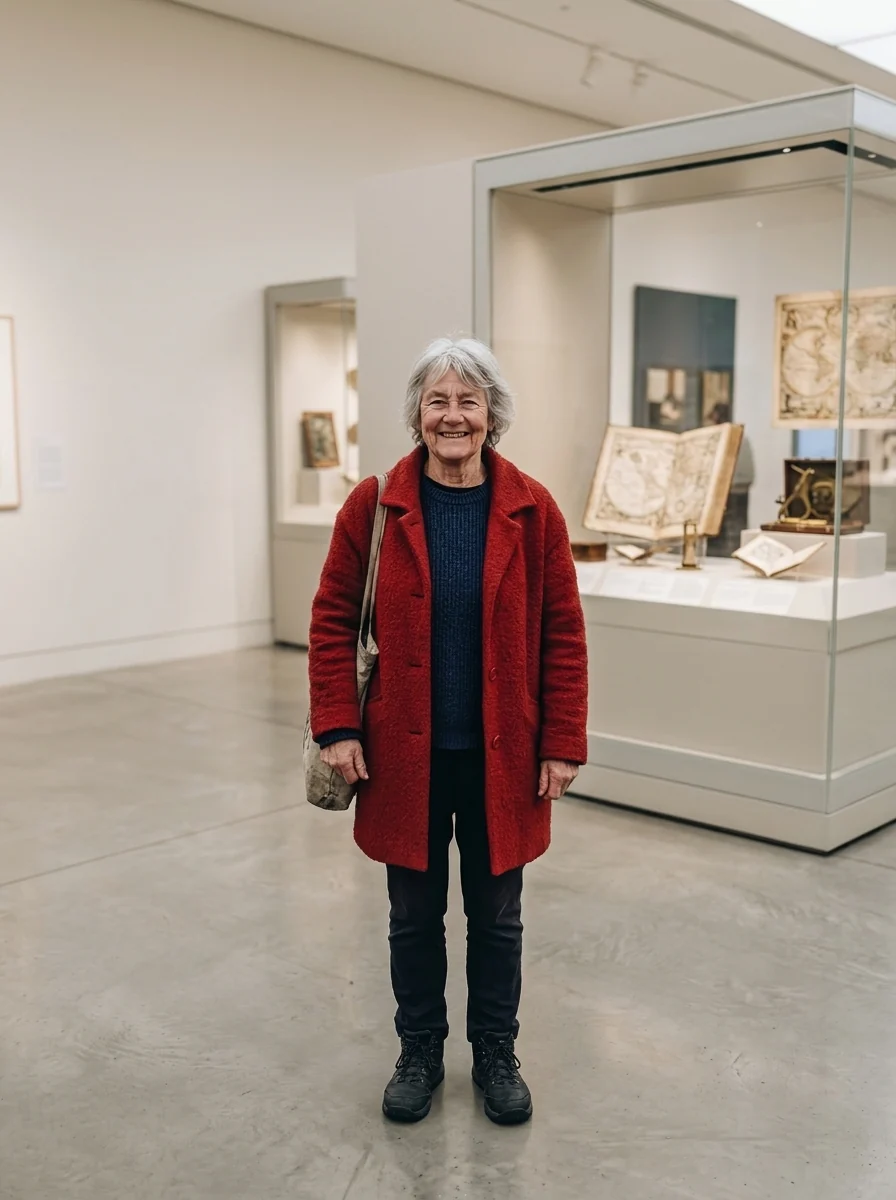
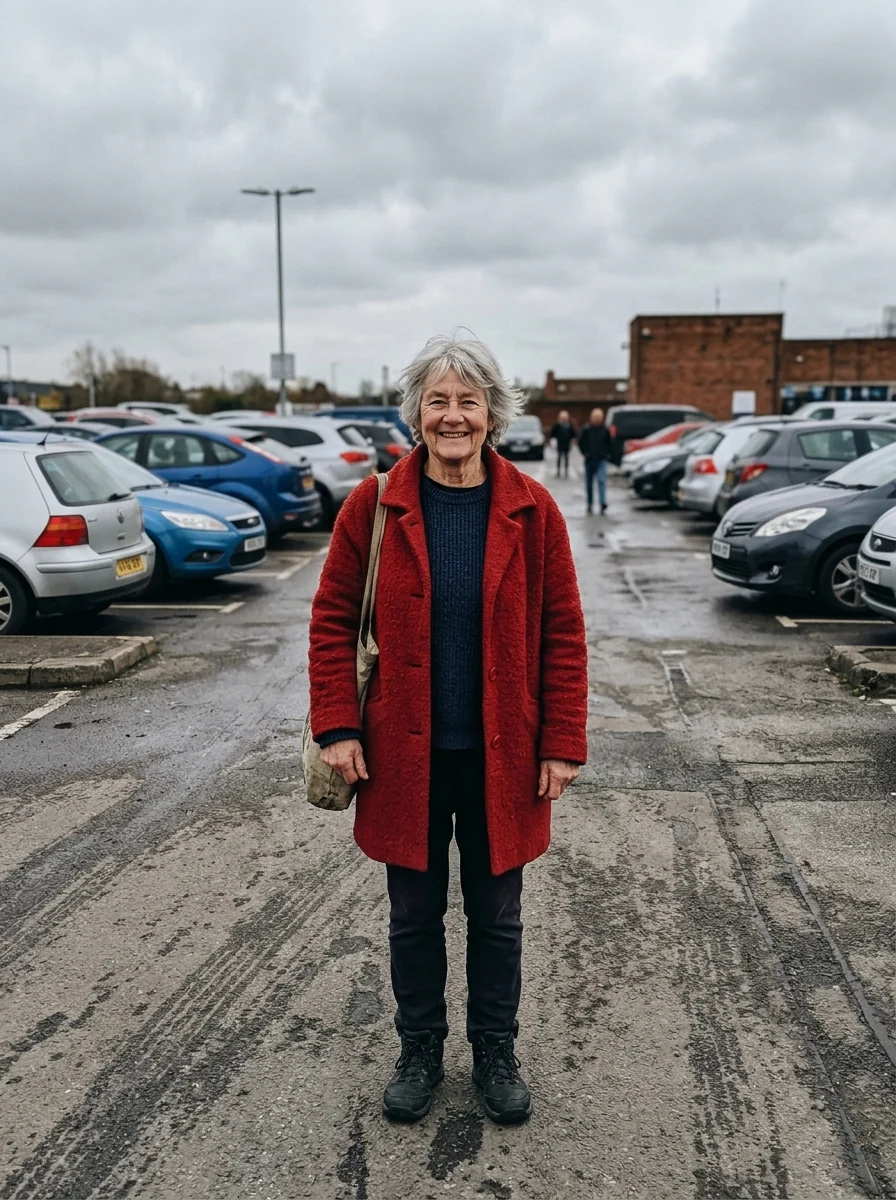
 Background changerPut any subject in a new sceneTry it with your photo
Artistic
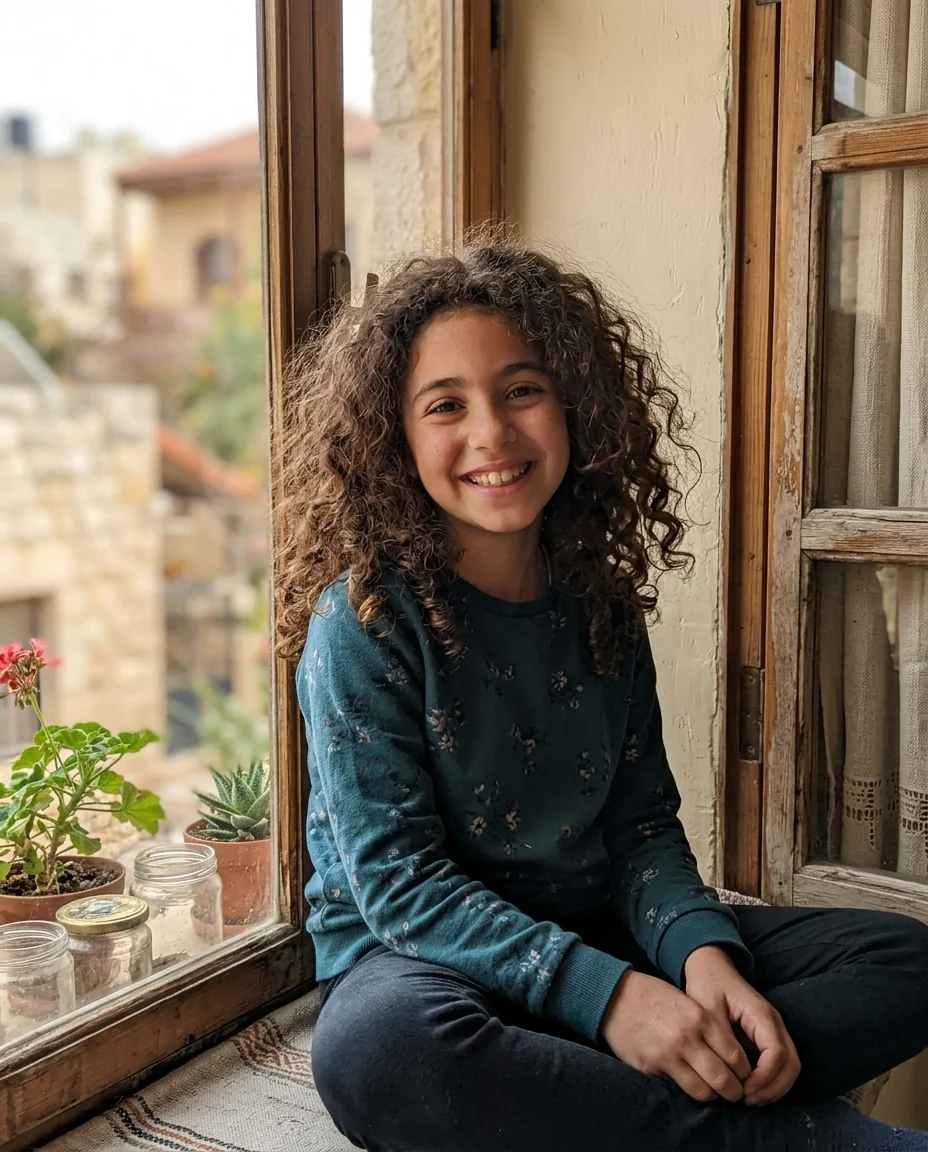
- A pencil sketch of yourself. Photo to sketch redraws your photo as a graphite drawing. It looks personal and works great as a circle because the white background keeps the edges clean.
- An oil painting. A classic, warm look that suits older relatives and anyone who likes a painterly feel.
- A silhouette against a sunset. Your shape only, no face. Good if you're private but still want something personal.
- A duotone portrait. Two strong colors instead of a full photo. Very striking at small sizes.

Fun and playful
- A 3D cartoon version of yourself. The avatar generator turns a selfie into a 3D, flat or painted avatar. You stay recognizable, but you don't have to post an actual photo.
- An anime version. Popular with younger users and very readable.
- A caricature. Big head, big grin. Great for friend groups.
- Yourself as an action figure in a box. A trend that still gets reactions.
 Avatar generatorA square avatar from your photoTry it with your photo
Pets, places and things
- Your pet. A close-up of your dog or cat is one of the most common DPs, and for good reason. Get down to their eye level for the best shot.
- Your pet as a royal portrait. A painted portrait of your dog in a velvet cape is guaranteed to start conversations.
- A place you love. A beach, a mountain, your hometown. Pick a photo with one clear focal point so it still reads as a circle.
- A hobby. Your bike, your guitar, your garden, a dish you cooked.
Seasonal and occasion DPs
- A Santa hat in December. A small change that friends notice. Works on pets too.
- Snow falling around you. Adds a winter mood to any photo.
- New Year fireworks or gold confetti. Change it on the 31st and swap back in January.
- Your birthday week. A party photo or a cartoon version of you with a cake.
What to avoid
- Group photos. In a tiny circle nobody can tell which person is you.
- Text and quotes. Unreadable at chat size. Use your WhatsApp "About" line for words.
- Low-light photos. They turn grainy after compression.
- Images you don't own. Celebrity photos and other people's art can be reported.
- Photos of other people's kids without the parents' permission.
Group icons follow the same rules
Group admins can set a picture for the group too, and it appears in the same small circle in everyone's chat list. A family group with a sketch of the grandparents' house, a football team with its badge, a trip group with the destination: one clear subject and no text, exactly like a personal DP. If several of your groups use similar photos, give each one a different dominant color so you can tell them apart at a glance.
How to change your DP
On a phone, open WhatsApp, go to Settings, tap your profile photo, then tap the edit option and choose a photo. Use pinch and drag to adjust the crop inside the circle. On WhatsApp Web or desktop, click your profile picture at the top of the chat list and choose "Change profile photo".
A good default
If you can't decide, use a bright, front-facing portrait with a plain background and a real smile. It works for work, family and friends. Then switch to a seasonal or playful version for holidays. Changing it now and then reminds people you're around.