












AI Photo Restoration
Repairs creases, tears, scratches and fading in old prints.
Drop a photo
or paste with ⌘V · JPG · PNG · WebP · up to 8 MB
No photo handy? Try one of ours.
More like this.
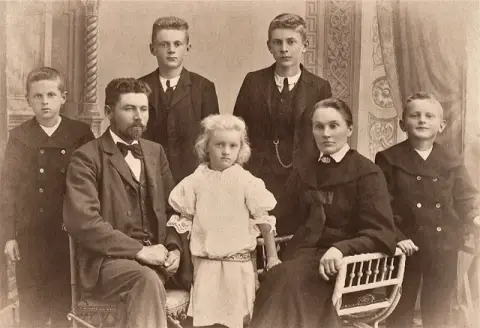
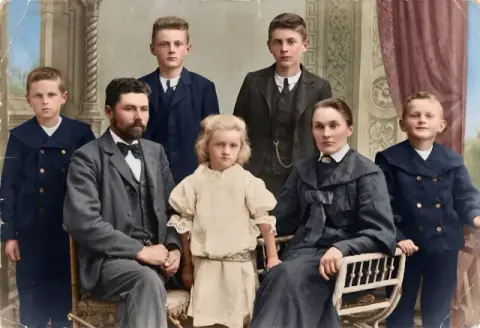
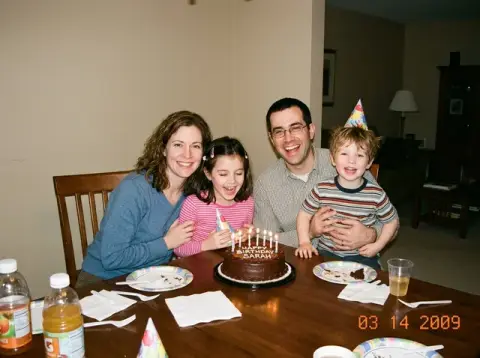
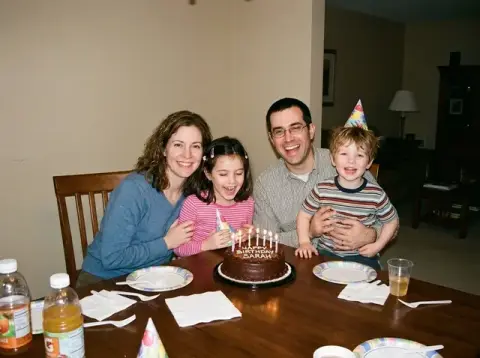




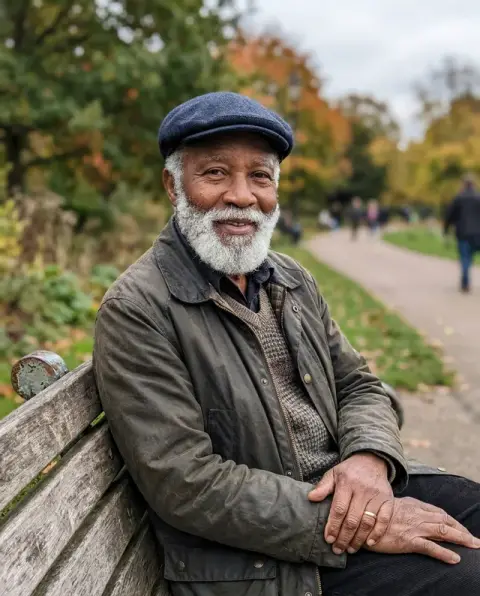
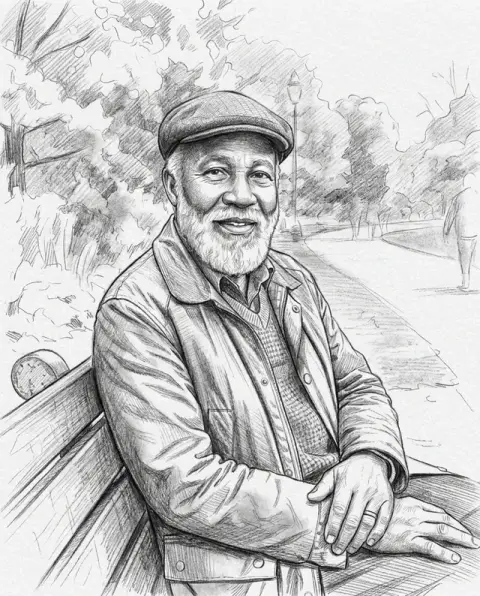


Photo restoration on a peeled glass plate, a chipped print and a scratched portrait.
Real results from this page's default settings in one click, not retouched.How examples are made

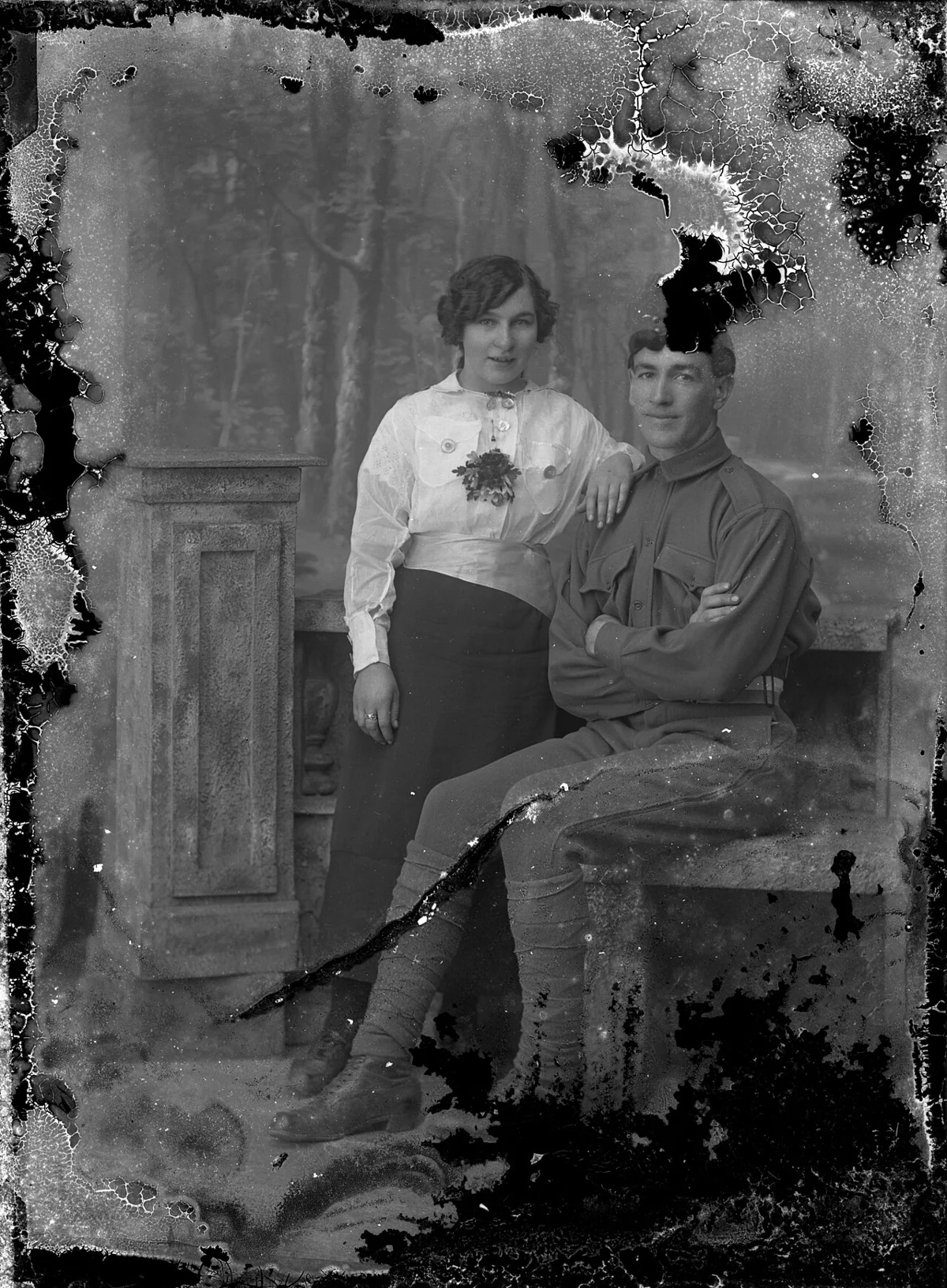
The couple's portrait with the damaged emulsion rebuilt

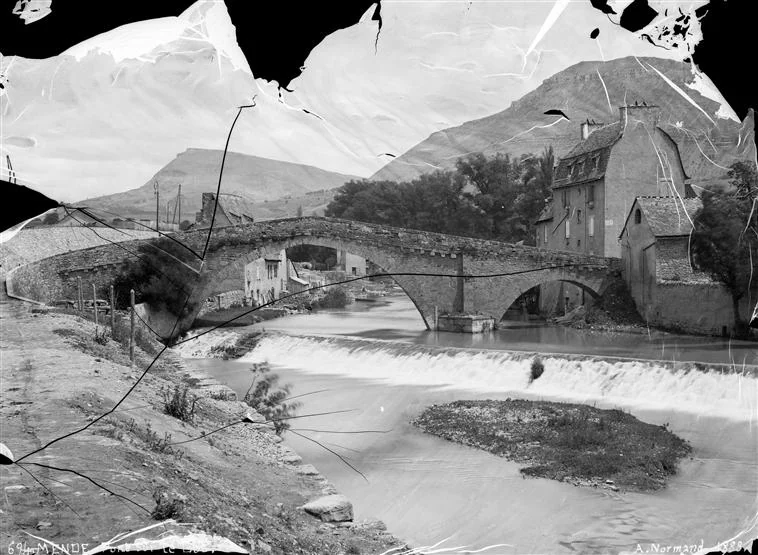
The bridge photo with the missing corners and scratches restored

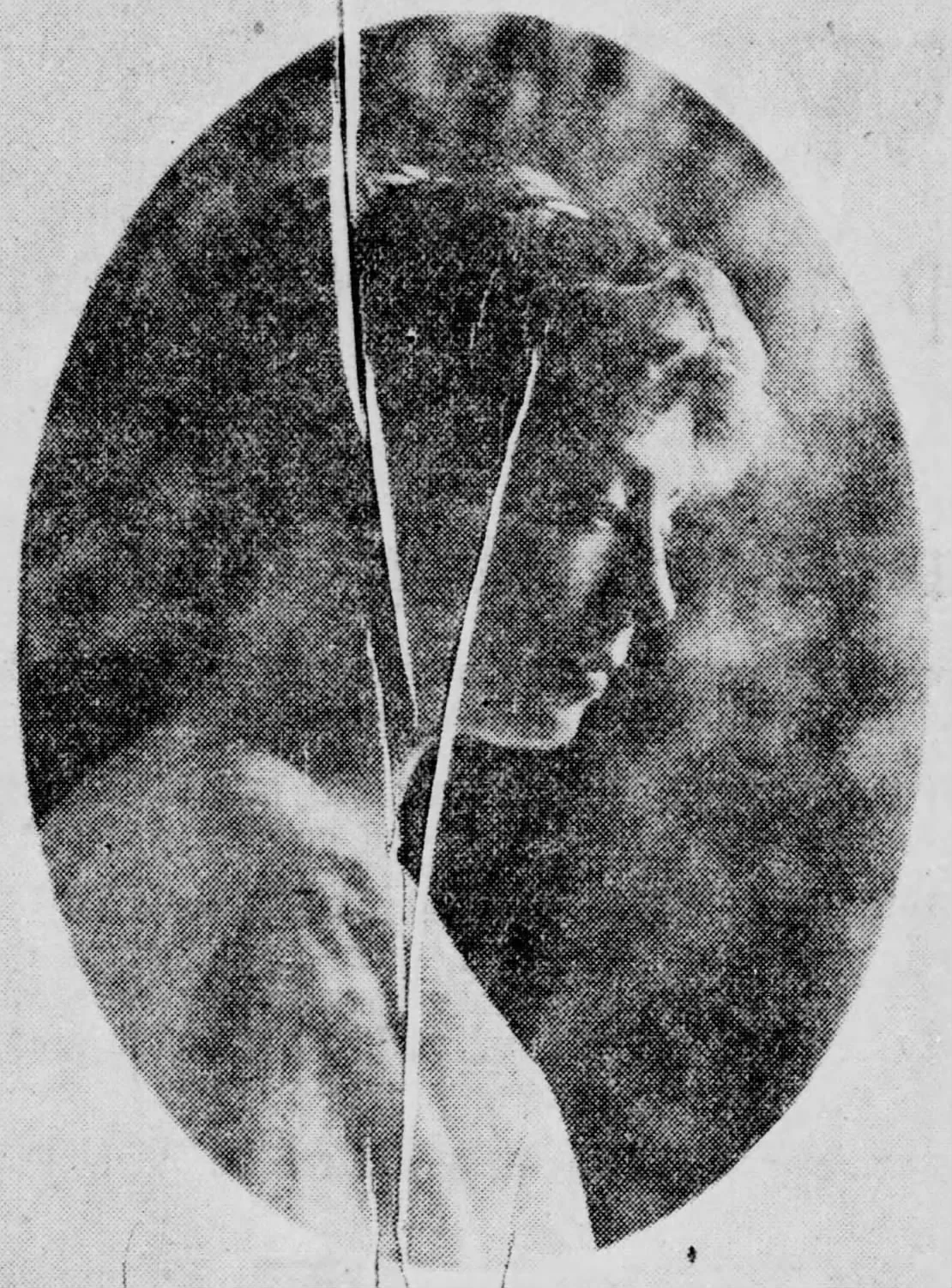
The 1914 portrait with the scratches and creases removed
What AI photo restoration repairs, and what it leaves alone.
Damage repaired
Scratches, folds, tears, stains and dust come out.
Faces brought back
Contrast and detail return, without changing anyone's features.
Original tone kept
Black-and-white stays black-and-white; add color separately.
AI Photo Restoration, step by step.
01
Scan or photograph the print
Flat, in even light, filling the frame.
02
Restore
The photo is rebuilt at 2K resolution.
03
Download
Save it, or take it on to colorize.
Why people bring old family prints to photo restoration.
- Grandparents' prints before they fade
- A box of creased, foxed family photos sits in a cupboard. Scan or photograph the ones that matter most, restore them, and keep the original scan and the restored file side by side in the same folder.
- A portrait for a funeral or memorial
- You need one clear picture of the person for an order of service or a slideshow, and the best one is scratched or stained. Restore it, check the face against other photos of them, and print it at the size you need.
- An anniversary or birthday gift
- A parents' wedding photo or a grandparent's childhood portrait, restored and framed, is a common present. Restore it first, take it on to colorize if you want color, then print.
- Family history research
- Genealogists share restored copies of ancestors' portraits on family trees and with distant relatives. Restore a copy for sharing and note which parts were rebuilt, so the record stays honest.
AI Photo Restoration: best photos and fixes.
Digitizing the print
Take the print out of its frame or album sleeve to avoid glass glare and plastic reflections. Scan it at 600 dpi or more, or photograph it flat in daylight with the phone held straight above it. Fill the frame with the print, crop the background away, and keep any border that has writing on it as a separate copy.
Damage it handles well
Creases, small tears, scratches, dust spots, stains and fading are the typical cases, and faces affected by light damage are brought back. The original black-and-white or sepia tone is kept. Photos with damage spread thinly across the whole image restore more convincingly than a print with one large missing piece.
Large missing areas
When a corner is torn away or a face is mostly gone, the model fills the gap with what is likely to have been there. It can look right but it is a reconstruction, not a recovery. For family records, keep the original scan alongside the restored version so it is clear which parts were rebuilt.
Faces and likeness
Faces are sharpened and cleaned, which can change small details: the shape of a smile, the eyes, hairlines. Compare the restored face with the original at full size, and with other photos of the same person if you have them. If the face looks too modern or too smooth, write "keep the original facial details and film grain".
Restore, then colorize
Restoration keeps the original tones. For a color version, run the restored image through photo colorization afterwards; working in that order gives cleaner color, because scratches and stains are already gone. Name any colors you know at that step, such as uniform or dress colors, for a more faithful result.
Photos of photos and screens
A phone photo of a print on a table often picks up glare, a slight angle and the texture of the table. Shoot straight above, in daylight near a window rather than under a lamp, and crop tightly. Photos of a screen showing a scanned image pick up moiré lines; restore the original file instead whenever you can, and avoid copies sent through chat apps, which lose detail.
Very small prints
Wallet-size and contact-sheet photos have little detail to start with. Scan them at the highest resolution your scanner offers, so the restoration has as much to work with as possible. Faces in tiny prints may be rebuilt with more guessing; compare them with any larger photos of the same people before printing a large copy.
Photo restoration questions before you scan the box of old prints.
How should I digitize an old print?
Scan it at 600 dpi or take a straight-on phone photo in daylight without glare. The cleaner the copy, the better the restoration.
Will it also add color?
No. Restoration keeps the original black-and-white or sepia tone. To add color, run the restored photo through [colorize photo](/tools/colorize-photo).
Can it fix large missing areas?
Yes. Torn corners and missing patches are filled in from the surrounding image. Faces with large missing parts may need a second try.
How many credits does one generation use?
With GPT Image 2, the default 2K generation uses 16 credits. You can select 1K for 9 credits. New accounts get 25 free credits, enough to try 1K. Sign in with your email; no card needed. Results have no watermark. Credit packs never expire, and your first one is half price.
Can it restore a group photo?
Yes. Every face is cleaned up in the same run. In a large group, the smallest faces get the most guessing, so crop around the person who matters most and restore that crop as well.
Will it also fix a blurry photo?
Only partly. It recovers contrast and some detail, but blur from a moving camera is a separate job for [unblur image](/tools/unblur-image).
What files can I upload?
A JPG, PNG or WebP, up to 8 MB. On a computer you can scan a QR code to send a photo from your phone; the link works for 10 minutes.
What happens to my family photos after upload?
They are not used to train AI models. Results stay in My files for 48 hours, or 30 days once you've bought a credit pack, and you can delete them sooner.
What if the restoration does not look right?
Run it again for a new variation; each run rebuilds the damage slightly differently. Failed runs are refunded automatically.
Who owns the restored photo?
You keep the rights to what you upload and own the result as far as the law allows. If someone else took or owns the original photo, their rights still apply.
Try these prompts

Guides on the blog.
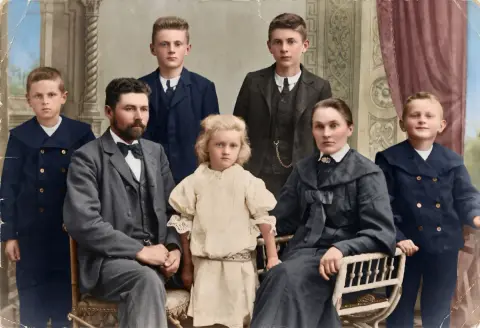 How to date an old photograph: clues hidden in plain sightThe format, the card, the edges, the clothes and the back of a print all carry dates. How to read them and narrow an unknown photo to a decade or better.
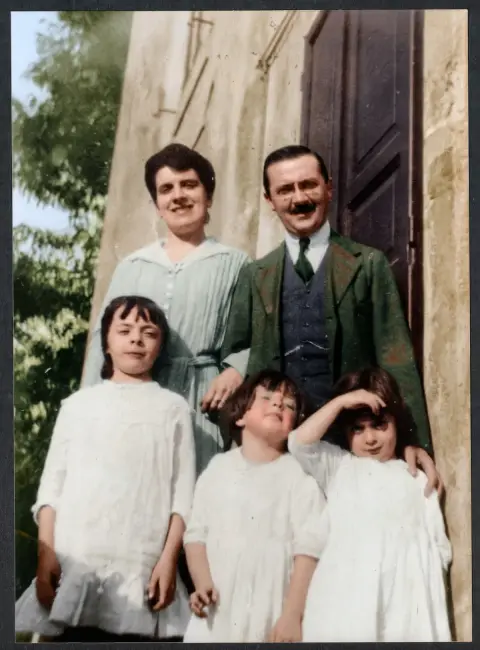 How to scan old photos with your phone, and do it wellA shoebox of prints can be digitized in an afternoon with a phone. The setup for even light and sharp copies, plus naming, backup, repair and color.
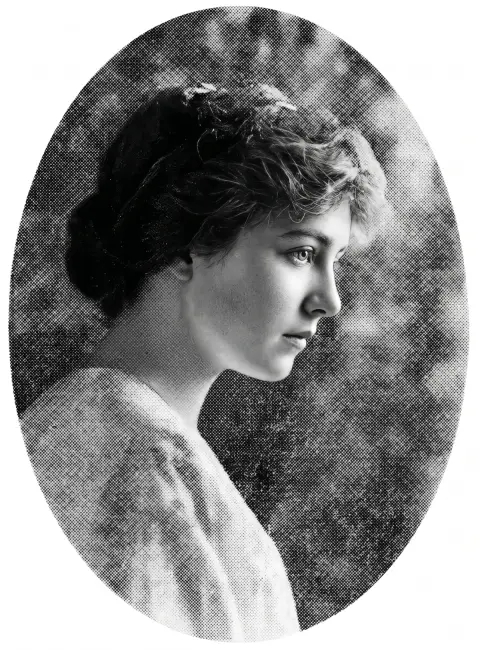 How to photograph a framed picture without glareGlass reflects windows, lamps and you. Where to stand, how to light the frame and which phone settings give a clean copy of a framed photo or print.


