AI YouTube Thumbnail Generator
Describe your video; get a bold 16:9 thumbnail with a readable headline.
 Example output
More like this.
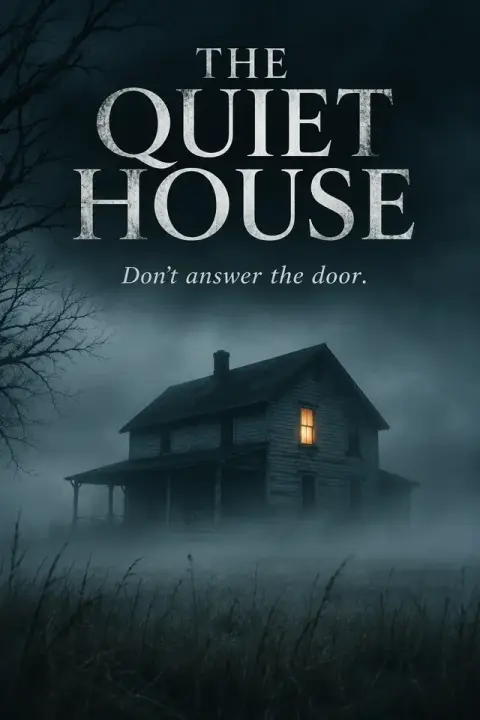




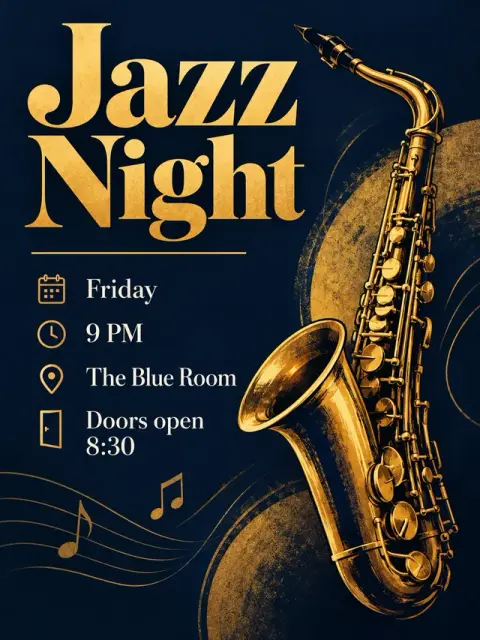

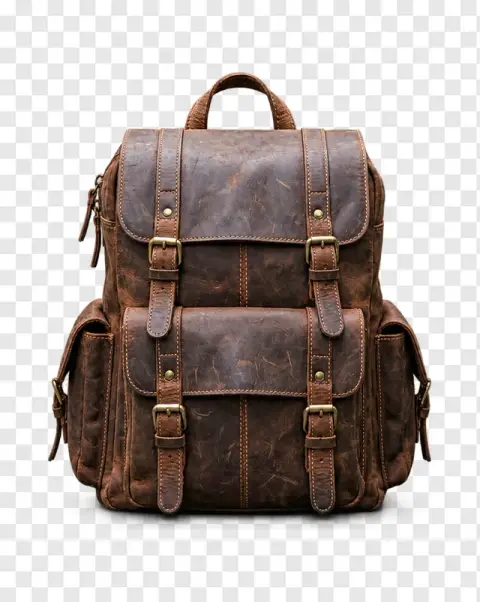
Cooking, tech and travel thumbnails from the YouTube thumbnail generator.
Cooking video thumbnail

Tech review thumbnail

Travel vlog thumbnail
AI YouTube Thumbnail Generator features.
Readable headline
Big, thick letters with contrast that hold up at small sizes.
Your face or product
Add a photo and it becomes the main subject.
Right shape
16:9, the size YouTube uses.
AI YouTube Thumbnail Generator, step by step.
01
Describe the video
Put the headline in quotes, three to five words.
02
Add a photo if you like
Yourself or a product, as the main subject.
03
Download
Upload it with your video.
The upload-day jobs a YouTube thumbnail generator takes off your hands.
- Upload day with no designer
- The video is rendered and the description is written, and the thumbnail is the last thing left. Describe the video in a line with a three-to-five-word headline in quotes, add a photo of yourself if you want your face on it, and upload the 16:9 result in YouTube Studio.
- Rescuing a video nobody clicks
- A video you are proud of sits at a low click rate. Make a new thumbnail with a different hook from the original, swap it in YouTube Studio, and watch whether the click rate moves over the next week.
- Reviews and unboxings
- Upload a clear photo of the product so it becomes the main subject, and put your verdict in quotes as the headline, such as "WORTH IT?". The result is ready to go up with the video.
- Podcast and clip channels
- Clip channels need a thumbnail for every short piece cut from a long episode. Describe the topic of each clip with its own short headline instead of spending an hour per image in a design app.
AI YouTube Thumbnail Generator: best photos and fixes.
A short headline
Thumbnails are mostly seen at phone size, in a feed full of other videos, so three to five words read best. Put the headline in quotes so it is spelled exactly: "I Tried It for 30 Days". It should add something the title does not say, not repeat it. Check every letter before uploading; if one is off, regenerate rather than fixing it by hand.
One clear image
Describe one strong picture: a face with a big emotion, a product held up close, a before and after split down the middle. A busy scene with several small objects turns into noise at thumbnail size. Think of what a viewer should understand in half a second, then describe only that.
Faces and products
A surprised, excited or worried face is the classic thumbnail hook. Describe the expression and the person: "a man in his 30s with a beard, shocked, looking at a giant pizza". To use your own face exactly, generate the background and headline here, then place your photo on top in a design app. Products can be described in detail, including color and brand style.
Contrast and color
Thumbnails compete with YouTube's white or dark interface, so bold, saturated colors and strong contrast stand out. Ask for "bright yellow headline with a black outline" or "dark background, glowing red accents". Avoid putting important text in the bottom right corner, where the video length is shown.
Size and format
Thumbnails come out in 16:9, the shape YouTube uses. YouTube recommends 1280×720 and accepts files up to 2 MB, so save as JPG if a PNG is too large. Look at the result shrunk on your screen before uploading; if you cannot read the headline, it is too long or too thin.
Testing ideas
Generate two or three versions with different headlines or images for the same video and compare them side by side at small size. YouTube Studio lets you test thumbnails against each other; having a few strong options ready makes that easy.
Thumbnail and title together
The thumbnail and the title work as a pair. The title explains, the thumbnail creates curiosity. Do not repeat the title word for word on the image. Test different pairs to see which gets more clicks. The thumbnail should make viewers want to read the title.
Series consistency
For a series, keep the same layout, colors and font across episodes so viewers recognise them. A fixed color per series, a recurring position for your face and a numbered label help returning viewers spot the next episode in their feed.
YouTube thumbnail generator questions creators ask before publishing.
Will the headline be spelled correctly?
The headline is written exactly as you type it. Keep it short, three to five words, so it reads at small sizes.
Can I put my own face in the thumbnail?
Yes. Add a photo and the person or product in it becomes the main subject of the thumbnail.
What size is the thumbnail?
It is 16:9, the shape YouTube uses for thumbnails, so it fits without cropping.
Is the YouTube thumbnail generator free?
Yes, you can try it free. New accounts get 25 free credits, and one generation here uses 9 credits. You sign in with your email; no card needed. Results have no watermark. After that, credit packs never expire, and your first one is half price.
Do I need a photo?
No. Describe the video and the thumbnail is designed from your words. Add a photo only if you want your face or a product as the main subject.
Can I make other shapes, like vertical covers?
No. The frame is fixed at 16:9, which suits YouTube videos and other widescreen covers. For other shapes, crop the result or use a different tool.
Can I use the thumbnails on monetized videos?
Yes. You own the images you generate as far as the law allows. Don't add other people's faces, logos or brands you have no right to use.
What files can I upload?
JPG, PNG or WebP, up to 8 MB. On a computer you can also scan a QR code to send a photo from your phone; the link works for 10 minutes.
Are my photos and descriptions used to train AI?
No. Photos, prompts and results are not used to train AI models. Results stay in My files for 48 hours, or 30 days once you've bought a credit pack.
What happens if a run fails?
The credits are refunded automatically. Run it again with the same description; each run gives a new design.