












Gaming Logo Generator
Esports mascots and clan logos with your name on them.
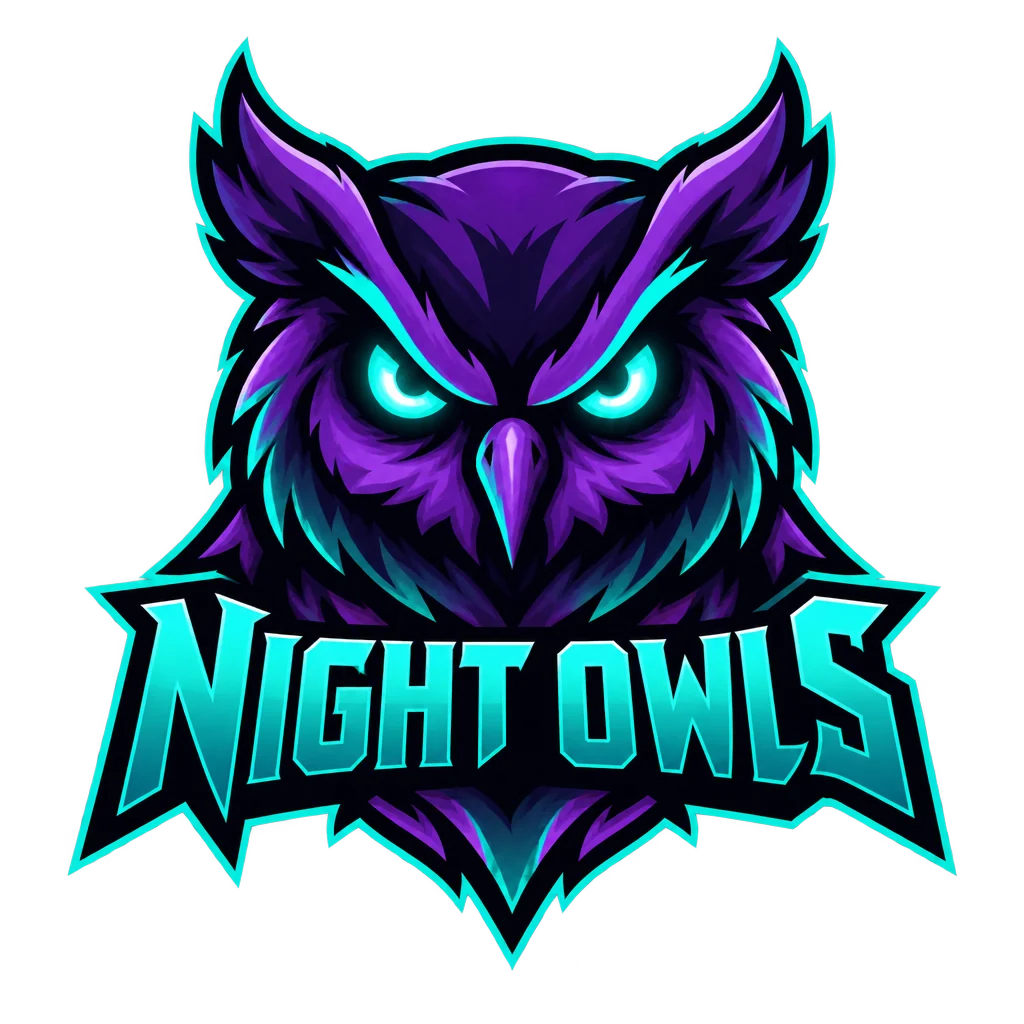 Example output
More like this.
Gaming Logo Generator examples.
A purple and teal owl mascot logo for Night Owls
Flaming wolf head esports logo for Ember Wolves in orange and charcoal
Panda with a headset gaming logo for PixelPanda on white
Gaming Logo Generator features.
Mascot style
Bold outlines and sharp shading, like pro esports teams.
Your name
Spelled exactly as you type it.
Transparent PNG
Ready for avatars, banners and jerseys.
Gaming Logo Generator, step by step.
01
Name the team
Put the name in quotes and pick a mascot.
02
Set two colors
Esports logos read best with a tight palette.
03
Download
A transparent PNG for jerseys, banners and avatars.
Gaming Logo Generator use cases.
- Teams and clans
- Use this esports logo generator to create a team or clan emblem for jerseys, Discord and tournament pages.
- Streamers
- A channel logo for overlays and emotes.
Gaming Logo Generator: best photos and fixes.
Mascot and two colors
Esports logos are built around a mascot: a wolf, a samurai, a dragon, a robot. Name one mascot and two colors, such as "a snarling white tiger, orange and black". A tight, high-contrast palette reads best on stream overlays and jerseys. Describing the mascot's attitude, such as fierce, calm or playful, sets the tone.
Short names fit best
Heavy esports lettering needs space. Short names of one or two words fit best; for long names, use the initials or a short tag in the logo. Put the name in quotes so it is spelled exactly, and check each letter, since angular game fonts can bend letters.
Choosing the mascot
The mascot carries the whole brand, so pick one that matches your name or play style: a fox for a sneaky squad, a bear for a slow, strong team, a phoenix for a comeback story. Describe its attitude and pose, such as "snarling, facing left". Mascots seen head-on or in three-quarter view read best at small sizes.
Twitch, YouTube and Discord
Use the same logo for your channel avatar, banner, Discord server icon and stream overlay. Check it at small size, since profile icons appear tiny in chat. Transparent output places cleanly on overlays and thumbnails without a white box.
Clans and teams
For a clan or an esports organisation with several teams, keep a shared style across logos: the same palette and lettering with a different mascot per squad, or the same mascot in different colors. Repeat the same style words in each prompt so the set feels like one brand.
Merch and jerseys
If you plan to sell jerseys, mousepads, stickers or hoodies, keep the design bold and use a few solid colors. Very detailed mascots lose detail when printed small, and gradients can band in print. Test the logo on a mockup before ordering stock.
Colors on stream
Your logo will sit on overlays, alerts and panels next to game footage. Pick colors that stand out from the games you play: if you stream dark shooters, bright orange or cyan cuts through; for colorful games, a bold black-and-white mascot may work better. Name the two colors in the prompt.
Gaming Logo Generator FAQ.
Can it make a logo without a mascot?
Yes. Write "lettering only" or describe a symbol instead of a character.
Can I use it for a Twitch or YouTube channel?
Yes. Download the transparent PNG and use it on your banner, avatar and overlays.
Will it copy a famous team's logo?
No. Designs are original; describe the feel you want rather than naming a team.
Do I need an account?
Yes. Sign in with your email. The default transparent model costs 25 credits per image, so the 25 free credits new accounts get cover one; Nano Banana 2 costs 13 credits and gives a white background. Every model and 4K output are open to every account.

