





AI Hug Video
Two photos, one hug: the two people turn to each other, open their arms and hold a warm hug in golden park light, each with their own face.
Left person
Right person
or paste with ⌘V · JPG · PNG · WebP · up to 8 MB
AI Hug Video examples.
Two portraits → one hug
AI Hug Video features.
Two people from two photos
Each photo becomes one person in the same shot, standing side by side as if they had been photographed together.
A real hug, not a morph
They smile, step closer, open their arms and hold the hug, rocking slightly, the way the trend clip moves.
Faces kept through the hug
When one turns away into the other's shoulder, the same face comes back afterwards instead of a stranger's.
Soft park light
A green lawn, trees behind and golden-hour sun, a calm set that suits a family moment better than a studio.
AI Hug Video, step by step.
01
Add two photos
One for the person on the left, one for the person on the right.
02
Make the clip
Both are placed in a frame of the park, then the 8 seconds of the hug are rendered with the clip's soft music.
03
Save or share it
Download the MP4 to post it, or keep it and send it to the person in it.
AI Hug Video use cases.
- Family who live far apart
- A parent and a grown-up child, grandparents and grandkids: a hug that could not happen in person this year.
- Hug your younger self
- Use a childhood photo for one side and a photo of you today for the other, the version of the trend people cry at.
- Remembering someone
- A photo of someone you miss next to a photo of you. Make it gently, and only with photos you have the right to use.
AI Hug Video: best photos and fixes.
Who goes where
The left slot is the person on the left, the right slot the person on the right. Swap the photos to swap sides; it does not change the hug.
Upper body helps
Both people are shown from the thighs up, so clothes take a lot of the frame. A photo that shows the shoulders and top keeps the outfit; a tight face crop leaves the clothes to the model.
Similar light in both photos
The two people share one sunny park. Two photos with very different light, or one black-and-white and one colour, can look pasted in next to each other.
Old photos work
A scanned print or a childhood photo works if the face is clear. Faded colour is fine; the model brings both people into the same light.
One person per photo
Each slot needs a photo of one person. Crop a group photo down to the face you want before you add it.
AI Hug Video FAQ.
What is the AI hug video trend?
A TikTok format that took off in the fall of 2024: people put two photos side by side and had AI make the two people hug. It spread into variations such as hugging your younger self or a relative you can no longer visit. Here the two people step toward each other and hug in a sunny park.
How many credits does an AI hug video use?
One remake at the default settings (Seedance 2.0 Mini, 720p, the full 8 seconds) uses 460 credits. A shorter clip costs less; a faster or newer model or a higher quality costs more. The price is on the button before you start. New accounts get 15 credits to try the image tools; for a remake you need a plan or a credit pack. Credit packs never expire.
How long does it take?
Usually four to six minutes. You can close the page while it runs: the finished MP4 lands in My files, and if you stay, the progress bar shows which step it is on.
Can I use one photo with both people in it?
No. Each person needs their own photo, so the model knows which face and outfit go on which side. Crop a photo of the two of you into two if that is all you have.
Can one of them be a pet?
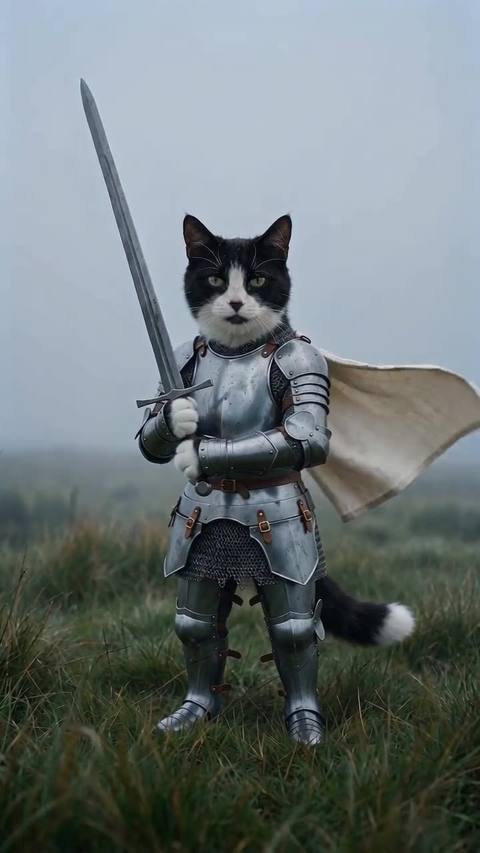
The hug is made for two people. A pet in one slot may come out standing up and hugging like a person, which is fun but not reliable; for pets, the knight cat and shaking head remakes are made for animals.
What if the result looks wrong?
AI video has some randomness, so two runs of the same photos never match exactly. If a run fails with an error, the credits go straight back to your balance. A finished clip is not refunded, and every new run is charged again, so check the photo tips above before you start.