











Ghibli Filter
Give your photos the warm, hand-painted look of a Studio Ghibli film: soft skies, painterly backgrounds and gentle character design.
Drop a photo
or paste with ⌘V · JPG · PNG · WebP · up to 8 MB
No photo handy? Try one of ours.
More like this.
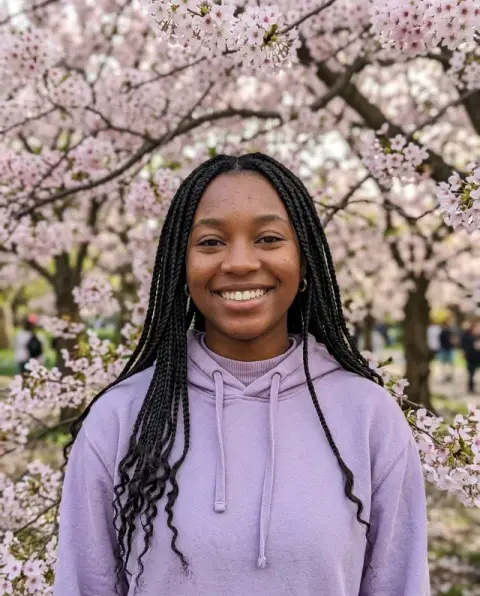
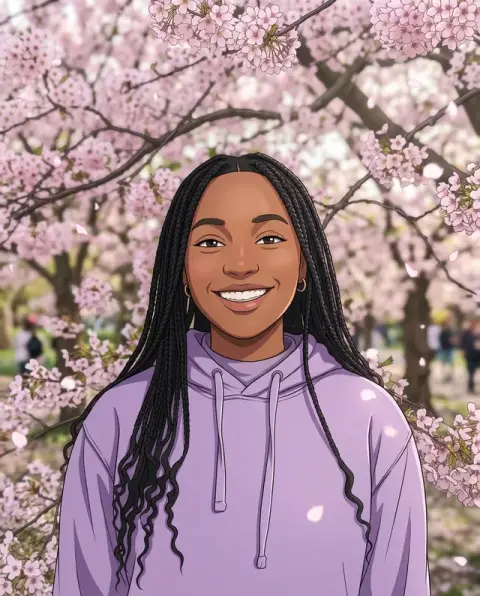


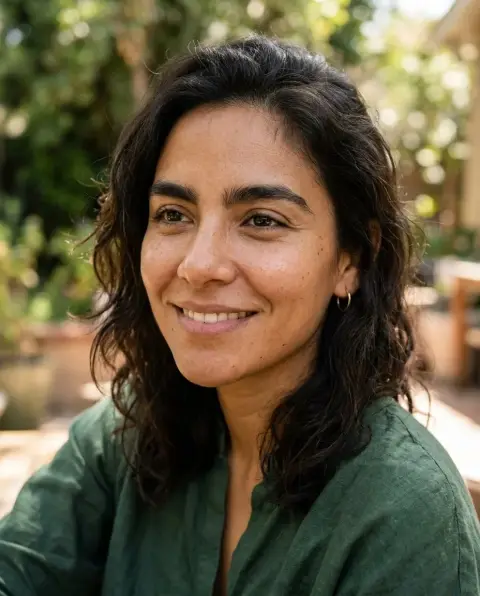
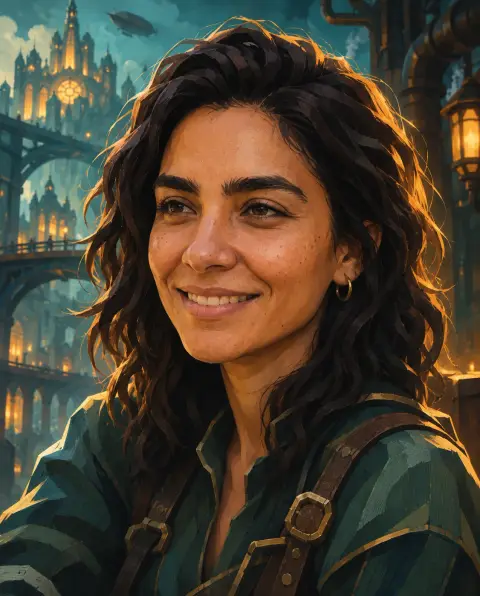
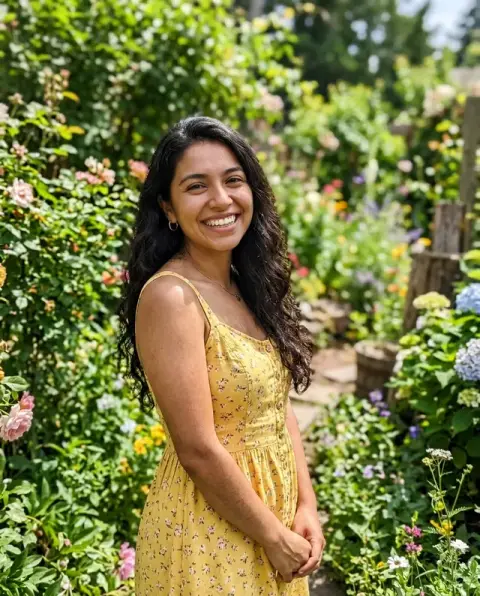
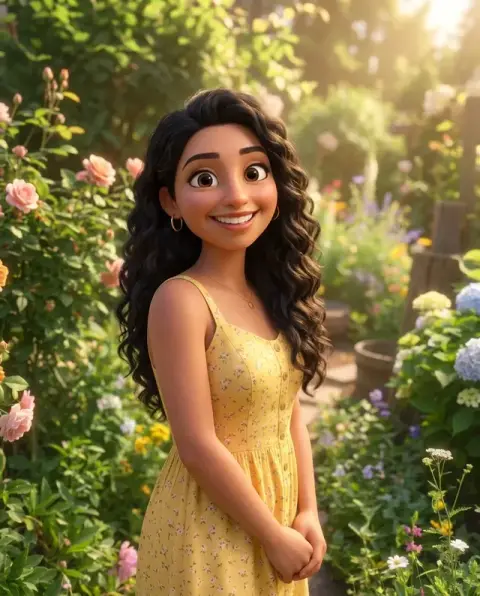
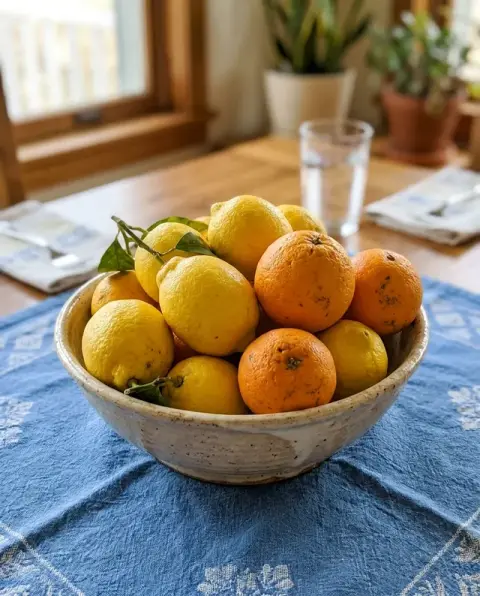
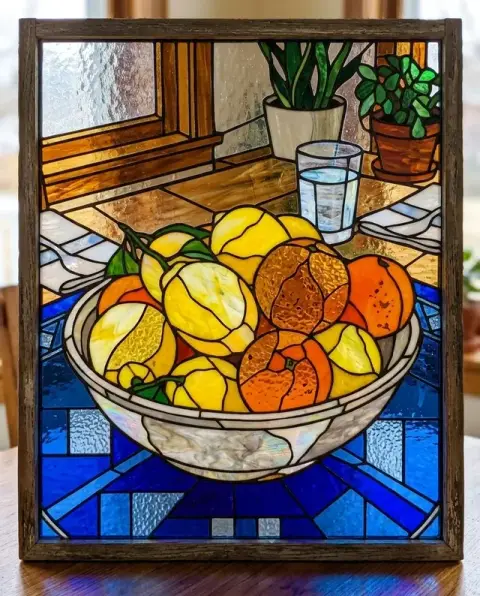
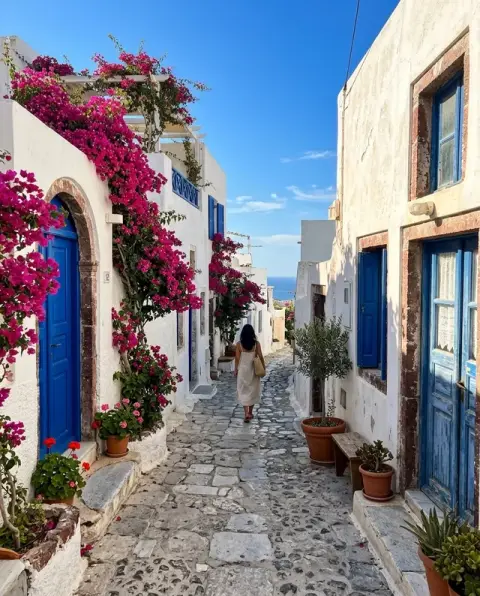
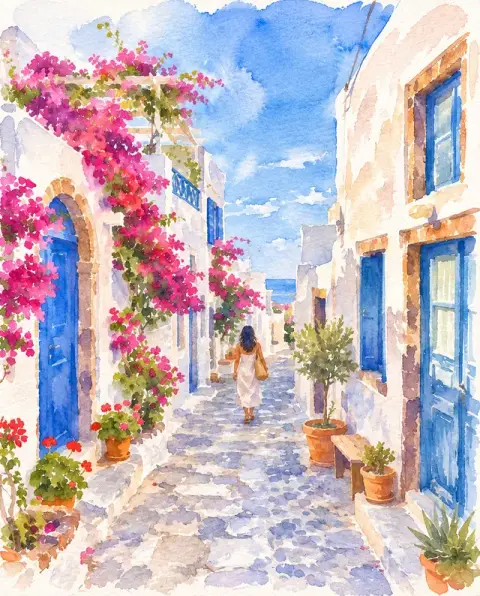
Real photos before and after the Ghibli filter.
Real results from this page's default settings in one click, not retouched.How examples are made

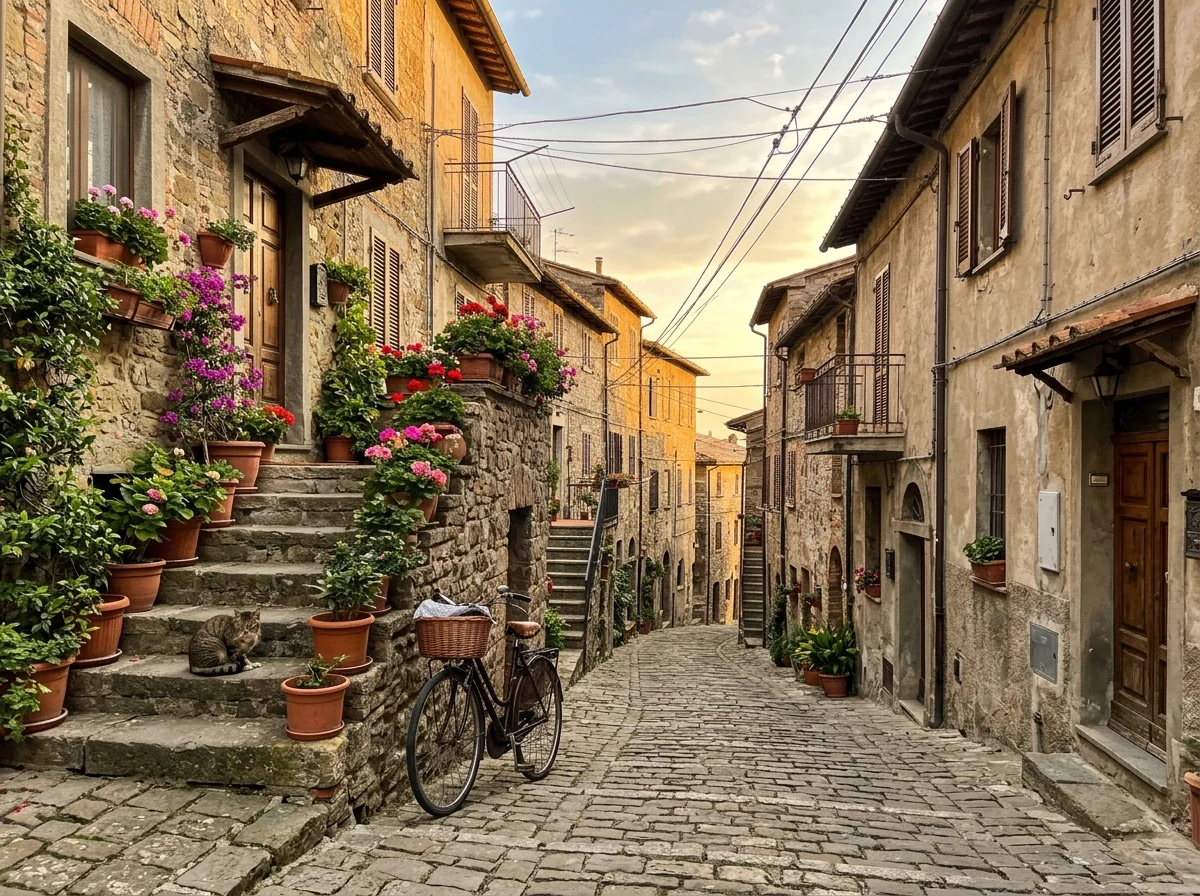
Hillside street scene
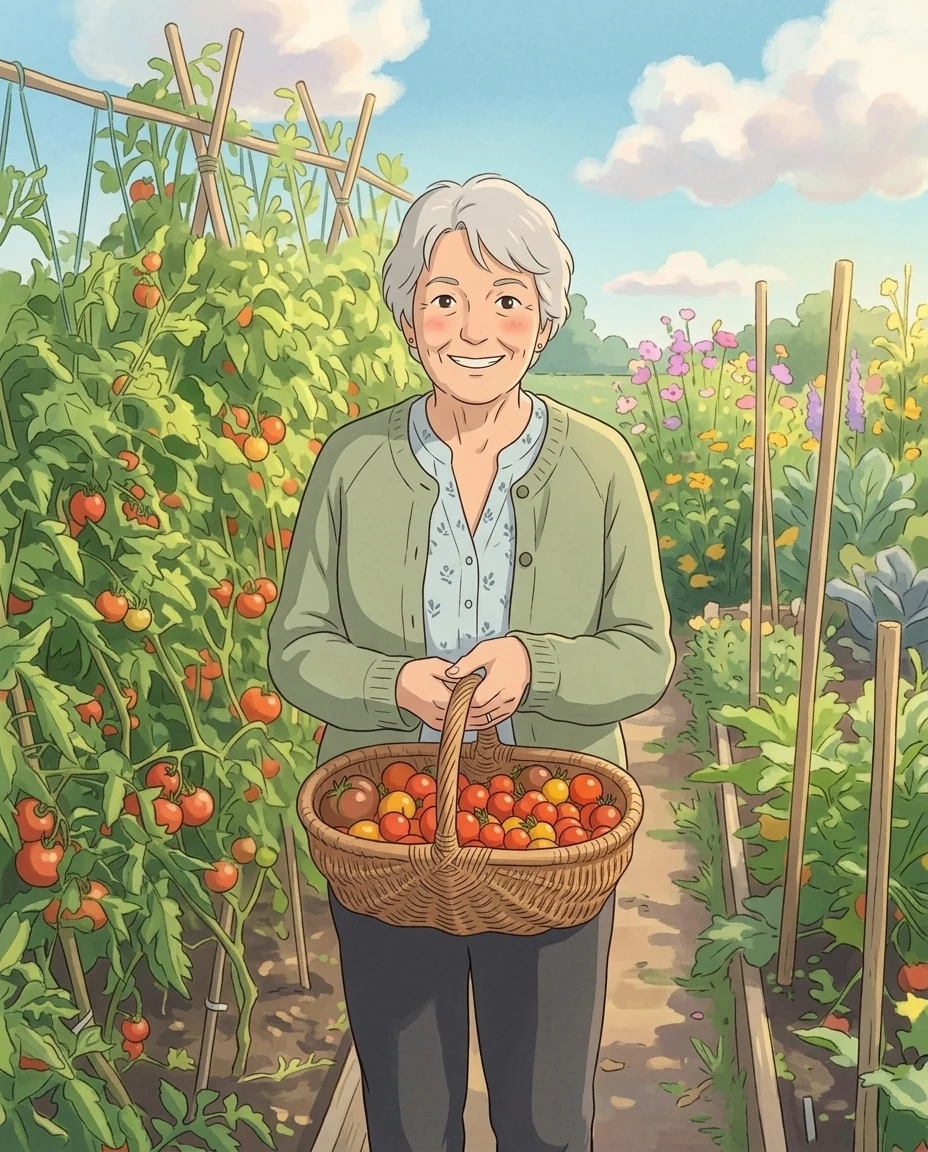
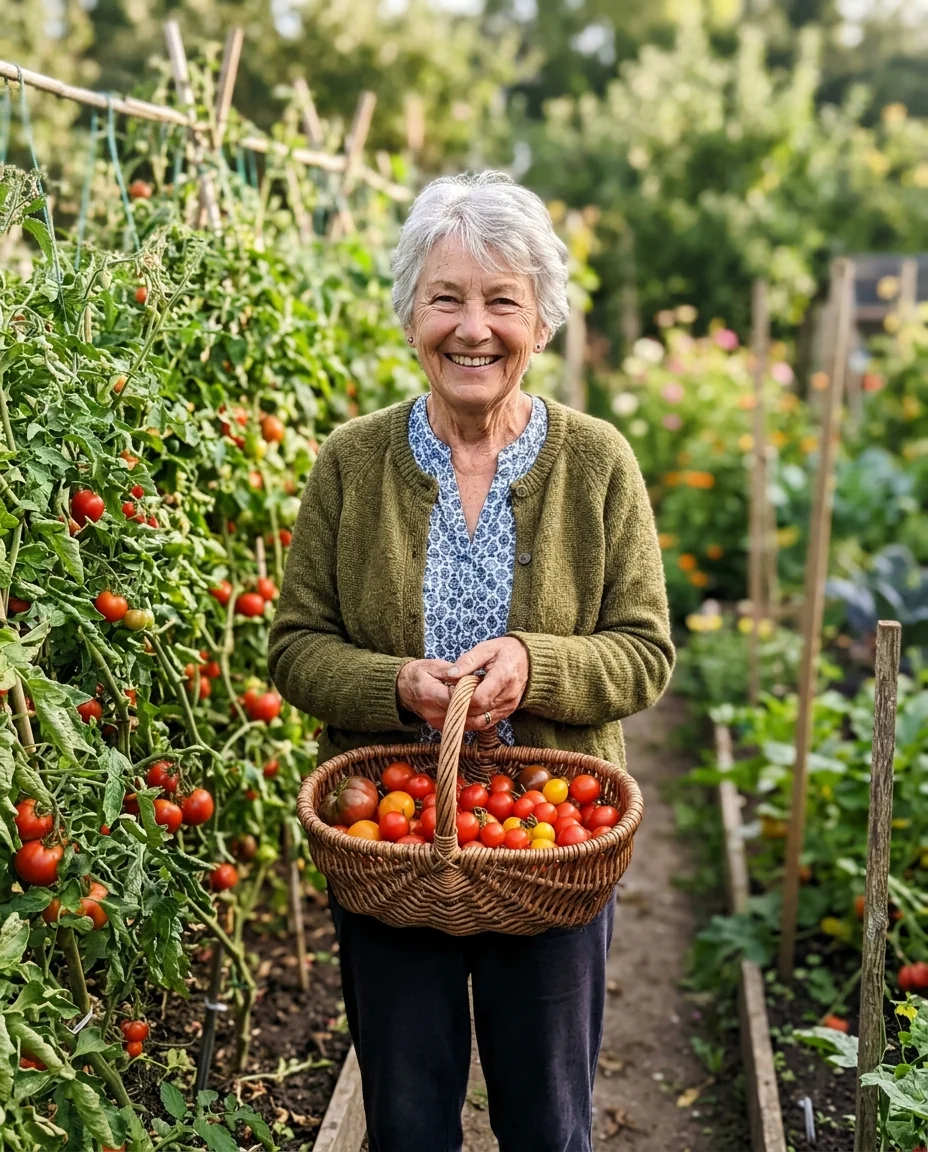
Gardener portrait

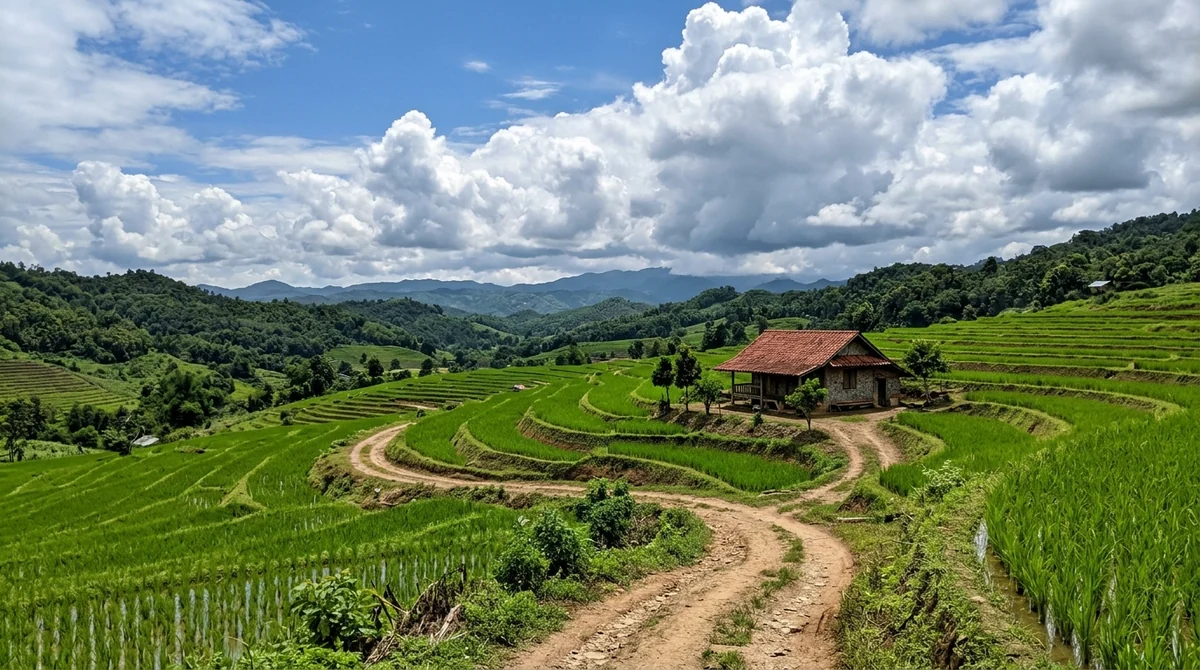
Countryside landscape
What the Ghibli filter repaints, and what it leaves alone.
Authentic painterly look
Soft brushwork, warm light and pastel palettes instead of a cheap cartoon outline.
Scenery shines
Landscapes, skies, trees and towns get the hand-painted background treatment the style is known for.
Keeps the moment
People, poses and composition stay the same, so the result is your photo, reimagined.
Instant
One click and a few seconds. Nothing to install; sign in and try it.
Ghibli Filter, step by step.
01
Upload a photo
Travel photos, portraits and pets work especially well with the Ghibli look.
02
Generate
The AI repaints the whole image in a soft animated-film style.
03
Download and share
Save the artwork or run it again for a different interpretation.
Why people run their own photos through a Ghibli filter.
- Turning a trip into a film still
- You came back with hundreds of phone photos and want one that feels the way the trip did. Pick a wide shot of a street, harbor or mountain path, run the Ghibli filter, and post the painted version next to the original.
- Joining the trend with your own face
- Your feed is full of Ghibli-style portraits and you want yours without borrowing someone else's picture. Upload a selfie or a photo with friends, then use the result in your stories or as a profile picture.
- A home screen that is not a stock photo
- You want a calm wallpaper of a place that means something to you. Upload a vertical photo of your street at dusk or the view from a window, and set the painted result as your phone background.
- A small gift for the family
- Grandparents in the garden, a family dinner, the dog on the sofa: a painted version makes an easy card or framed print. Start from the sharpest original you have, download the result and print it at home or with a photo service.
Ghibli Filter: best photos and fixes.
Landscapes and street scenes
Landscapes, gardens, seaside towns, train stations and quiet streets show the painterly look best: soft skies, detailed greenery and warm light. Photos with interesting clouds or sunsets come out especially well. Busy modern scenes full of cars and signs still work, but simplify into fewer shapes.
People and portraits
Faces become gentle, simple anime-style faces, so keep people large in the frame if you want them recognisable. Hair, clothes and colors are kept. Small people in a wide landscape turn into tiny figures, which suits travel photos, but not portraits. Hats, scarves and bags are kept and simplified, which often adds to the storybook feel.
Setting the mood
Add a time of day or weather in the instructions: "golden evening light", "summer afternoon with big clouds", "soft rain". It changes the whole feel of the picture. Seasons work too, such as "autumn leaves" or "spring blossoms", without changing the place.
Wallpapers and prints
For a phone wallpaper, choose a portrait photo; for a desktop, a landscape one. The result keeps your photo's shape. For printing, start from the largest photo you have, as detail in skies and foliage looks best at high resolution. Portrait photos with a lot of sky make especially calm phone wallpapers.
Not official, not for brand use
This Ghibli AI look is inspired by hand-painted animation and brings a warm Ghibli style to your everyday snapshots, though it is not an official Studio Ghibli product. Use it for personal photos, travel memories, family portraits, and social posts. For other anime styles, the photo to anime converter and cartoon generator offer even more choice, and Unblur Image can sharpen soft phone photos before you transform them.
Food, pets and everyday moments
Hand-painted animation is known for loving detail in ordinary things: a bowl of ramen, a cat asleep on a windowsill, laundry on a line. Everyday photos with warm light often turn out best, because the style makes small moments feel special. Close-ups of food look especially rich.
Ghibli filter questions, from copyright to group shots.
Is this an official Studio Ghibli product?
No. This is an independent AI style filter inspired by the look of hand-painted animated films. It is not affiliated with or endorsed by Studio Ghibli.
Does it work on landscapes without people?
Yes. Scenery is where the style looks best.
Can I use the result commercially?
You own your uploads and can use outputs for personal projects. For commercial use, avoid implying any connection to the studio or its characters.
Is the Ghibli filter free?
Yes, you can try it free. New accounts get 25 free credits, and one generation here uses 9 credits. You sign in with your email; no card needed. Results have no watermark. After that, credit packs never expire, and your first one is half price.
How is it different from the photo to anime converter?
Photo to anime gives a crisp, modern cel-shaded look. The Ghibli filter is softer, more painterly and focused on warm backgrounds.
Can I use a group photo?
Yes. Everyone in the photo is repainted and kept in place. With three or four people close to the camera, each person stays easier to recognize than in a big crowd.
Does it work on old or low-resolution photos?
Yes. The painted style hides some blur and grain, so older scans often look better as a painting than as a photo. Very small images still lose detail in faces.
What files can I upload?
JPG, PNG or WebP, up to 8 MB. On a computer you can also scan a QR code to send a photo from your phone; the link works for 10 minutes.
Are my photos used to train AI?
No. Your photos, instructions and results are not used to train AI models. Results stay in My files for 48 hours, or 30 days once you've bought a credit pack, and you can delete them sooner.
What if I don't like the result?
Run it again for a new variation, or add a line such as "keep faces very close to the original". If a run fails, the credits are refunded automatically.
Try these prompts
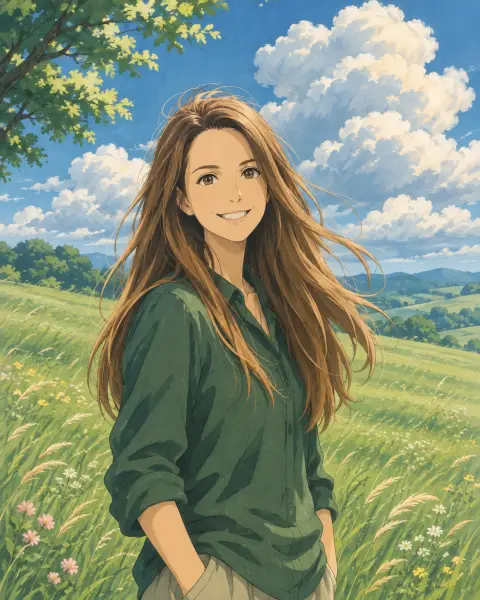
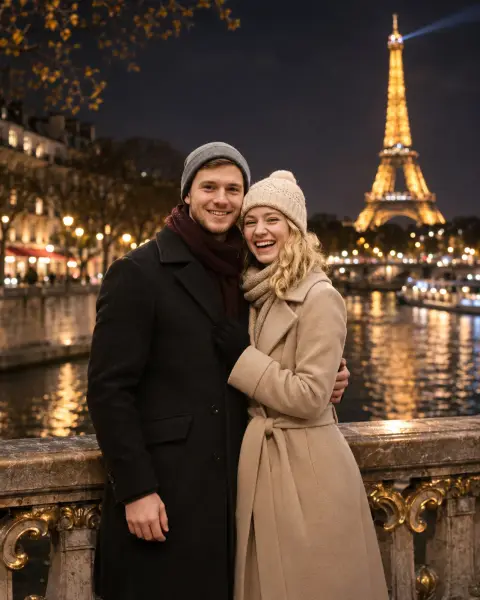
Guides on the blog.
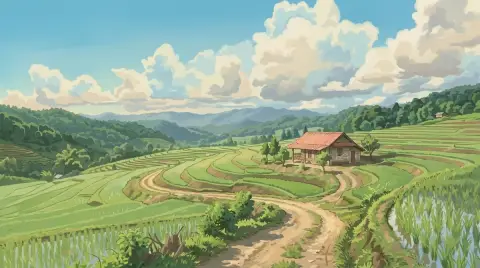 What makes the Studio Ghibli art style so recognizableHand-painted skies, sunlit grass, cozy kitchens and simple character design. The elements behind the Ghibli look, and how to bring that mood into your own photos.
 6 ways to turn a photo into artHand-painted anime, pencil sketch, oil portrait, cartoon and caricature: six styles, which photos suit each, and real results.
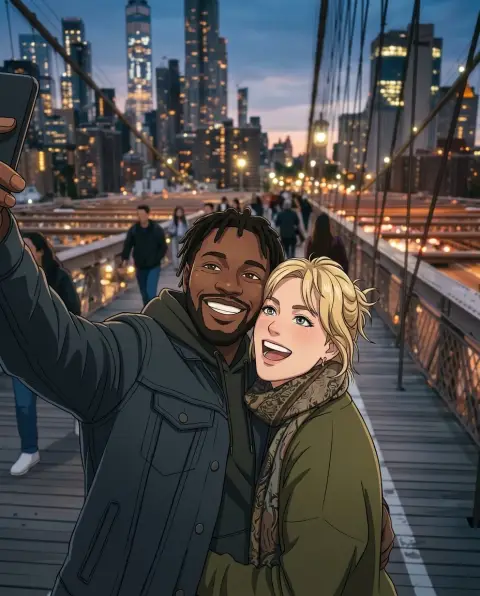 Lensa AI alternatives for avatars and stylized portraitsLensa's Magic Avatars started a wave of AI self-portraits. Alternatives for 3D, anime, painted and headshot-style avatars, and how to get good results from one selfie.
