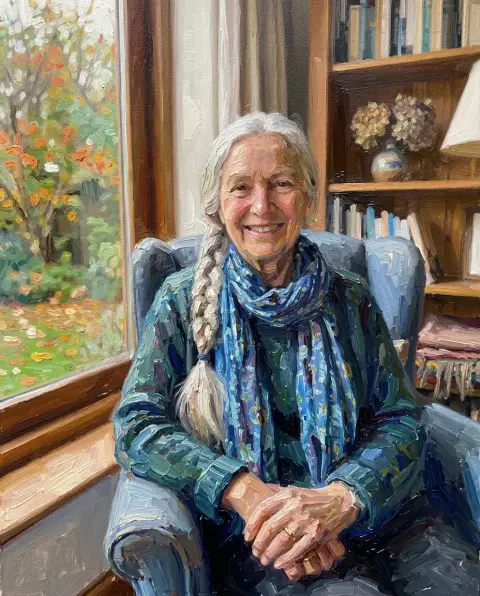
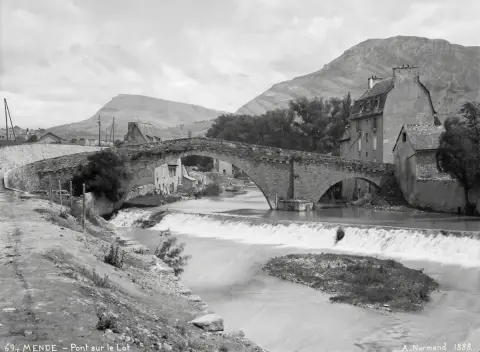
Style filters redraw the whole photo in a new medium. The photo you start with decides most of the result, so each idea below says which photos work best.
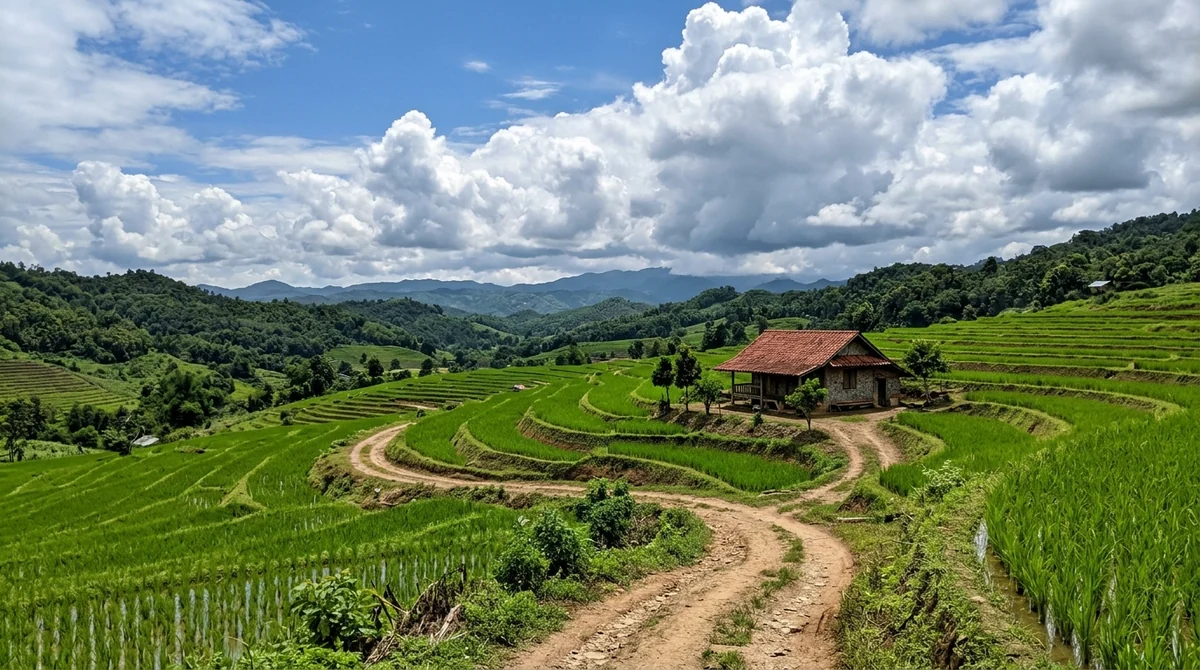
1. Hand-painted anime scene
Soft watercolor skies, warm light and a storybook mood. Streets, gardens and countryside work best, people too. Try the Ghibli filter.

2. Anime portrait
A clean anime look for profile pictures and couple photos. Pick a photo where the face is clear and well lit. Try photo to anime.
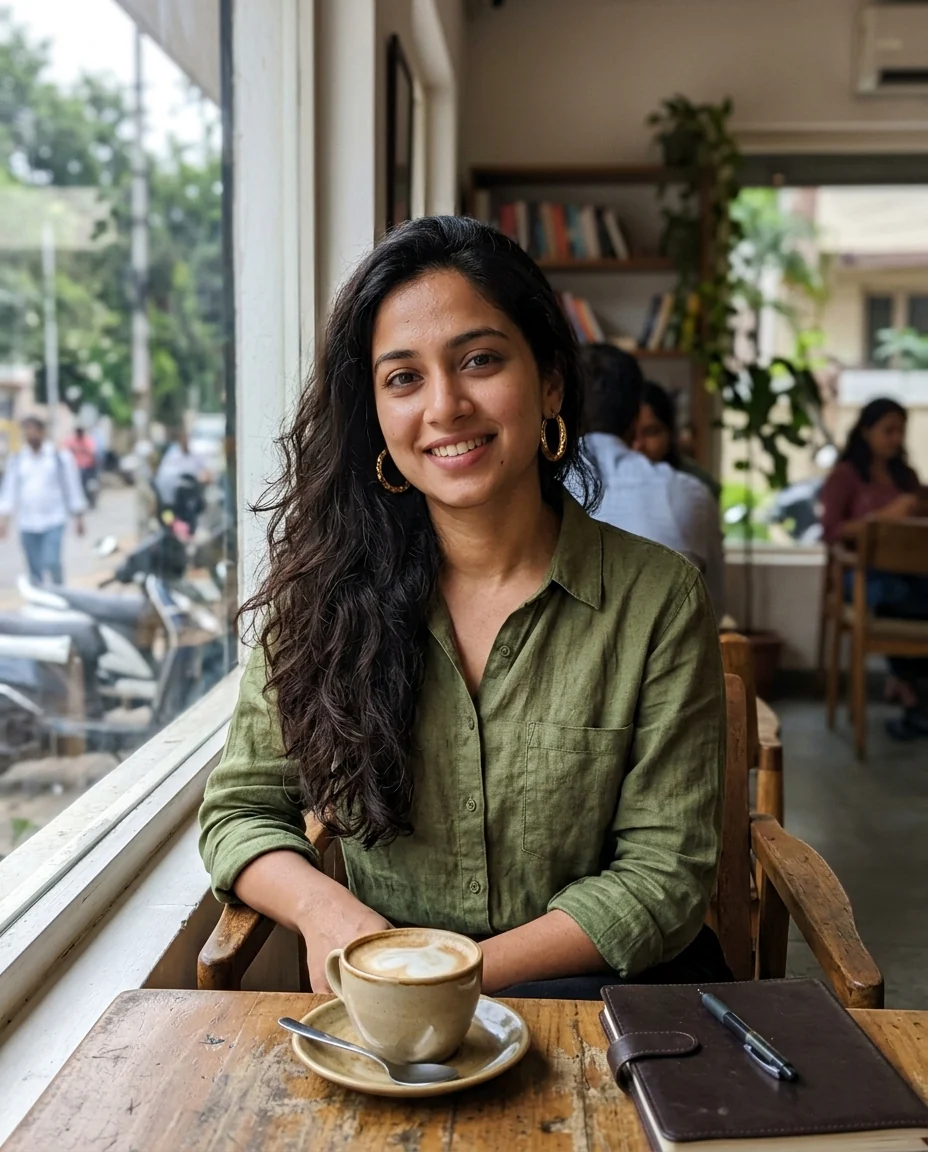
3. Pencil sketch
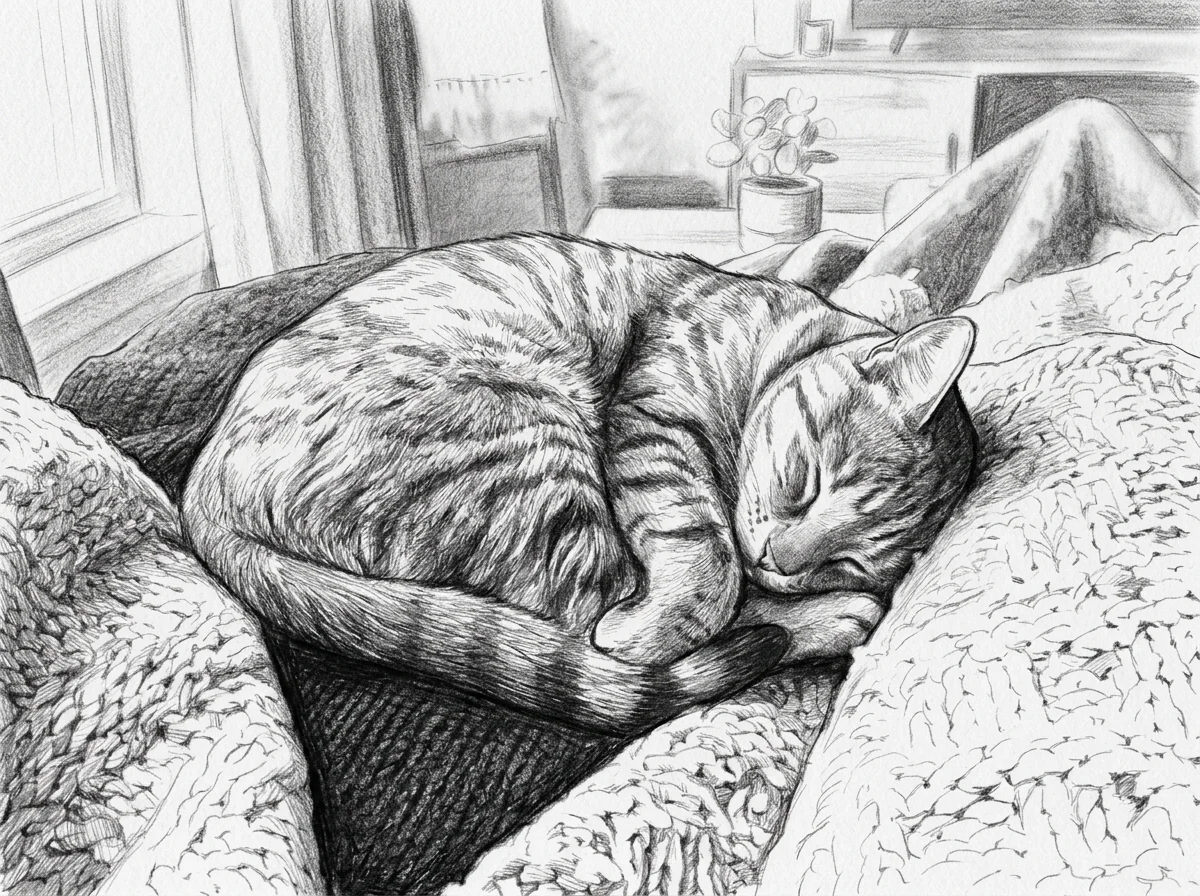
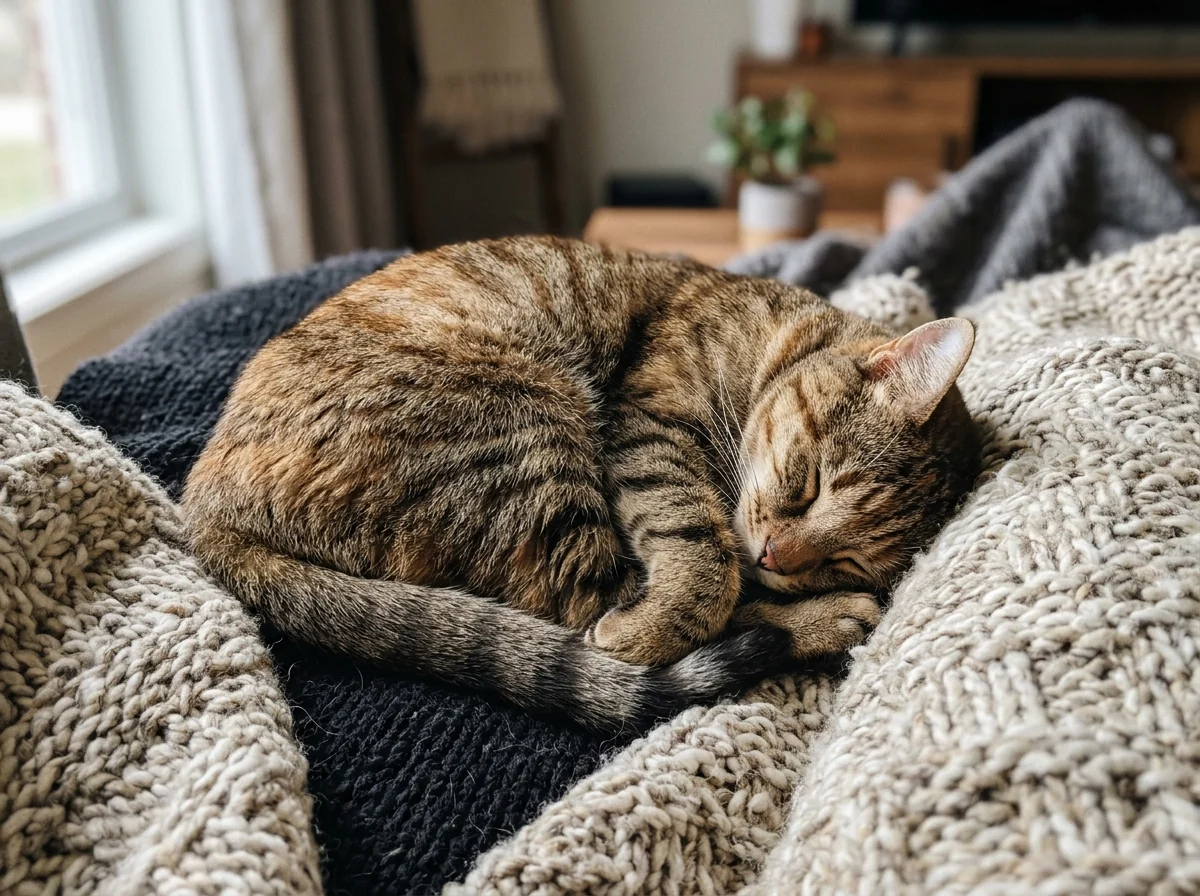
Graphite lines and shading, good for portraits, pets and architecture. Photos with strong light and shadow give the best sketches. Try photo to sketch.
4. Oil painting
Visible brush strokes and rich color, the classic gift for portraits of parents and grandparents. Try photo to oil painting.

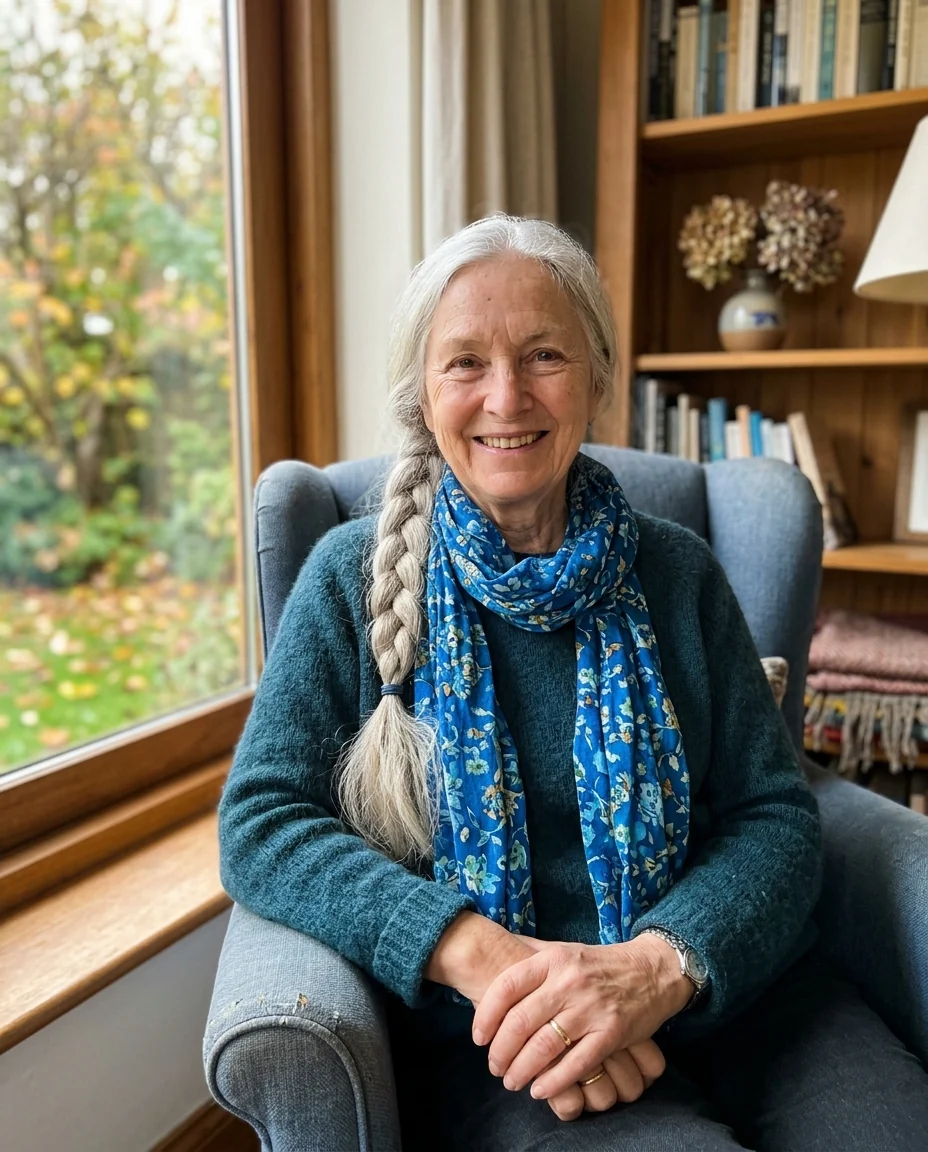
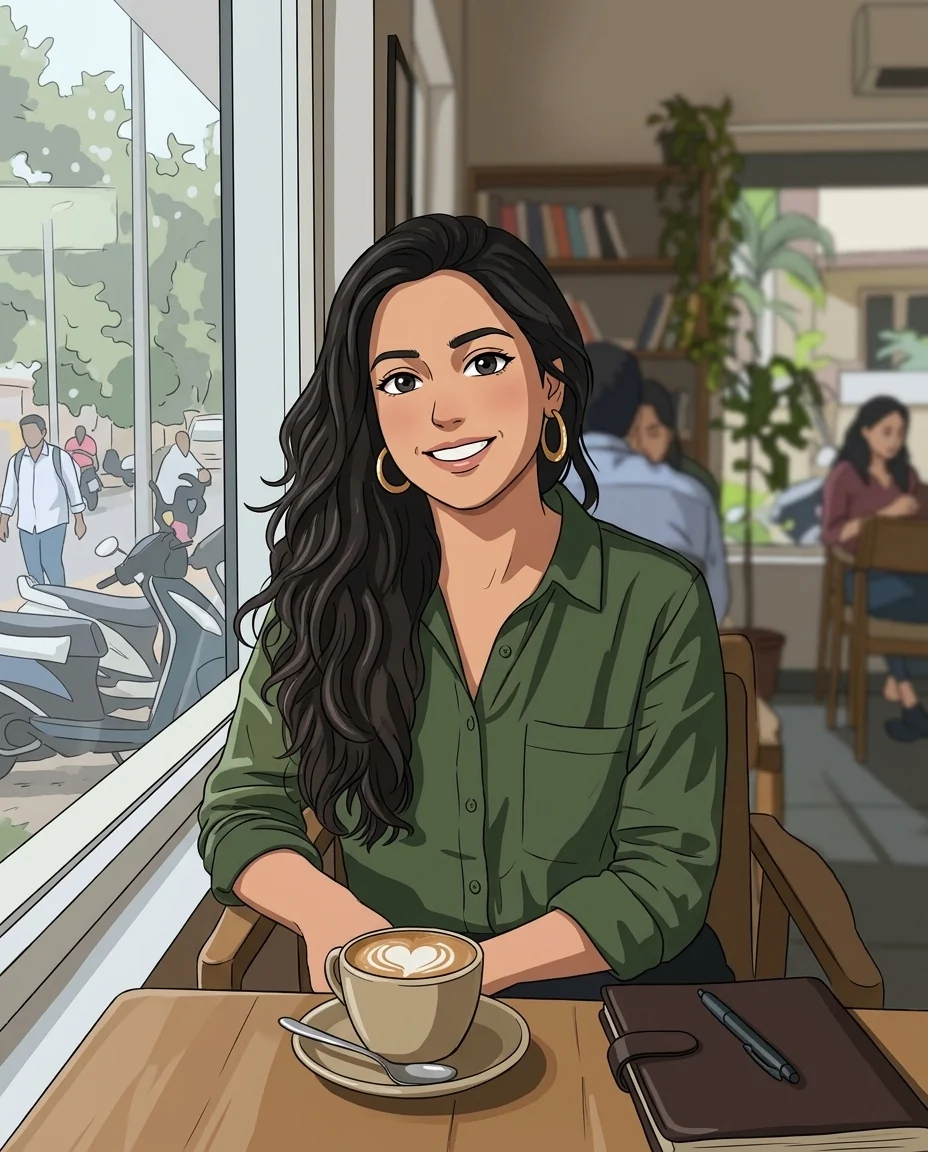
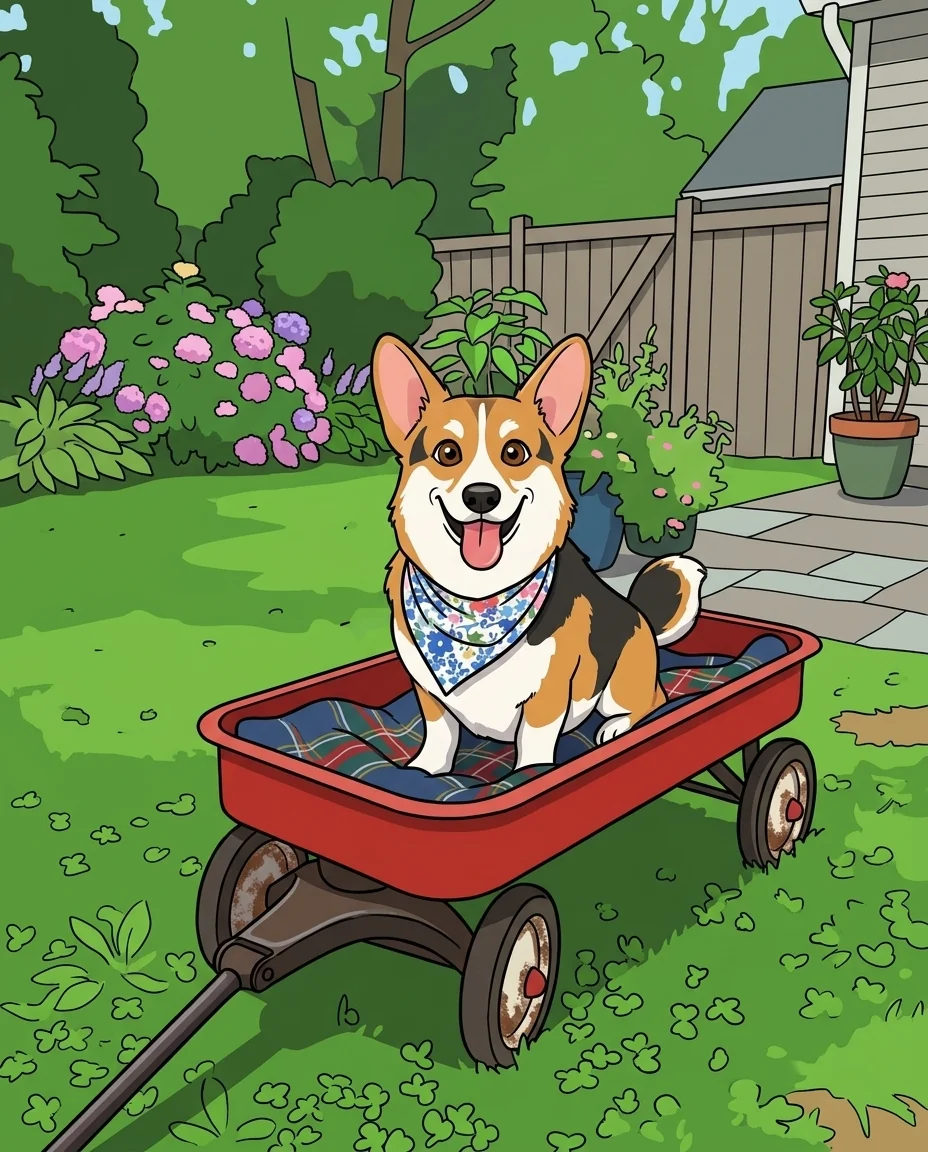
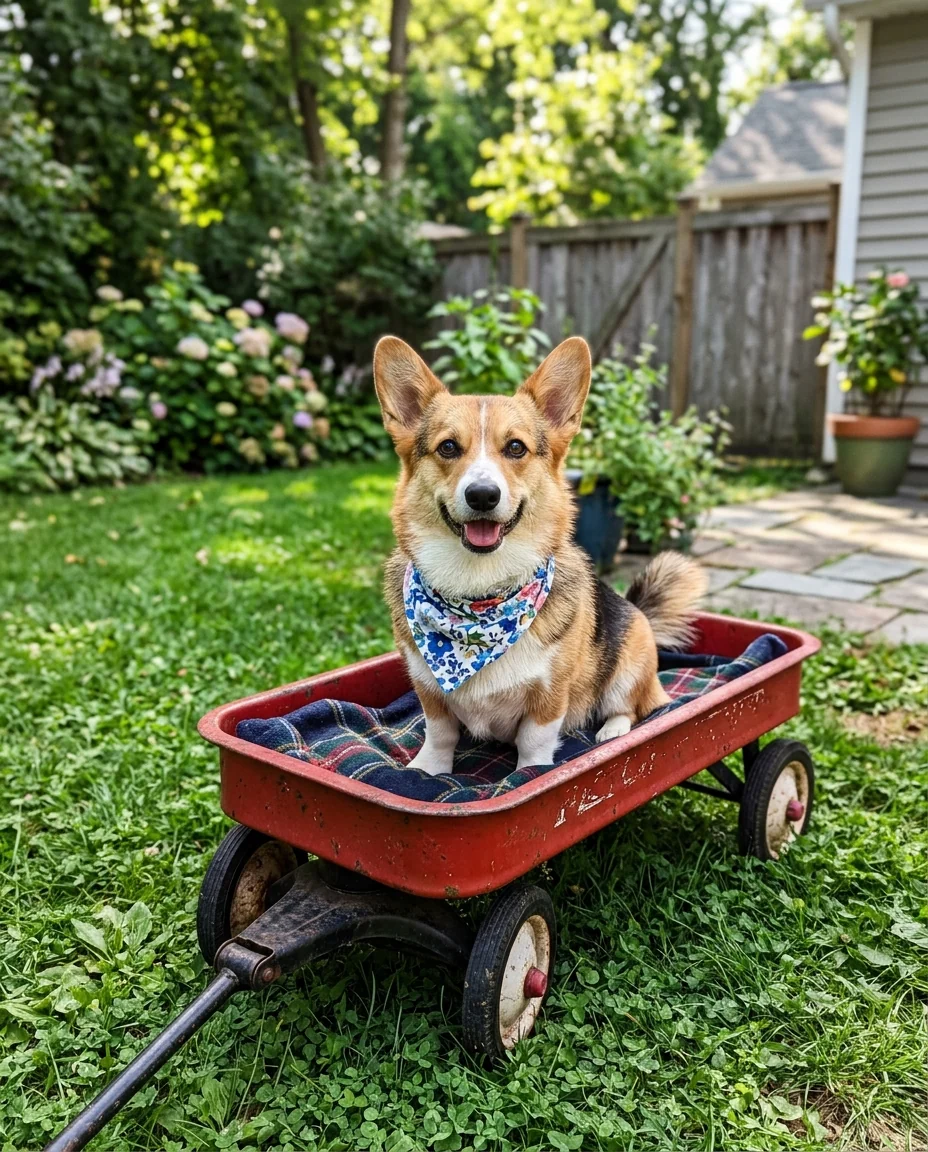
5. Cartoon
Bright, simple shapes that suit family moments, kids and pets. Try the cartoon generator.
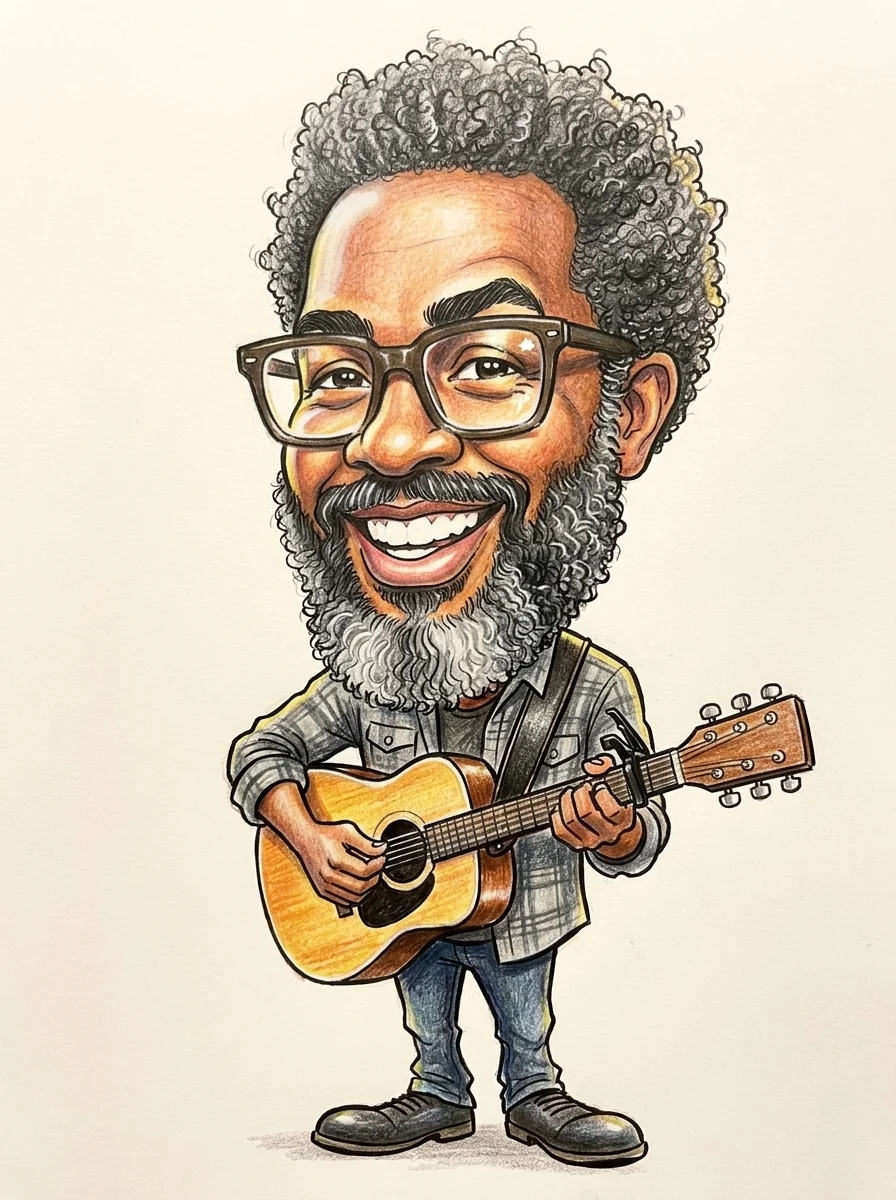
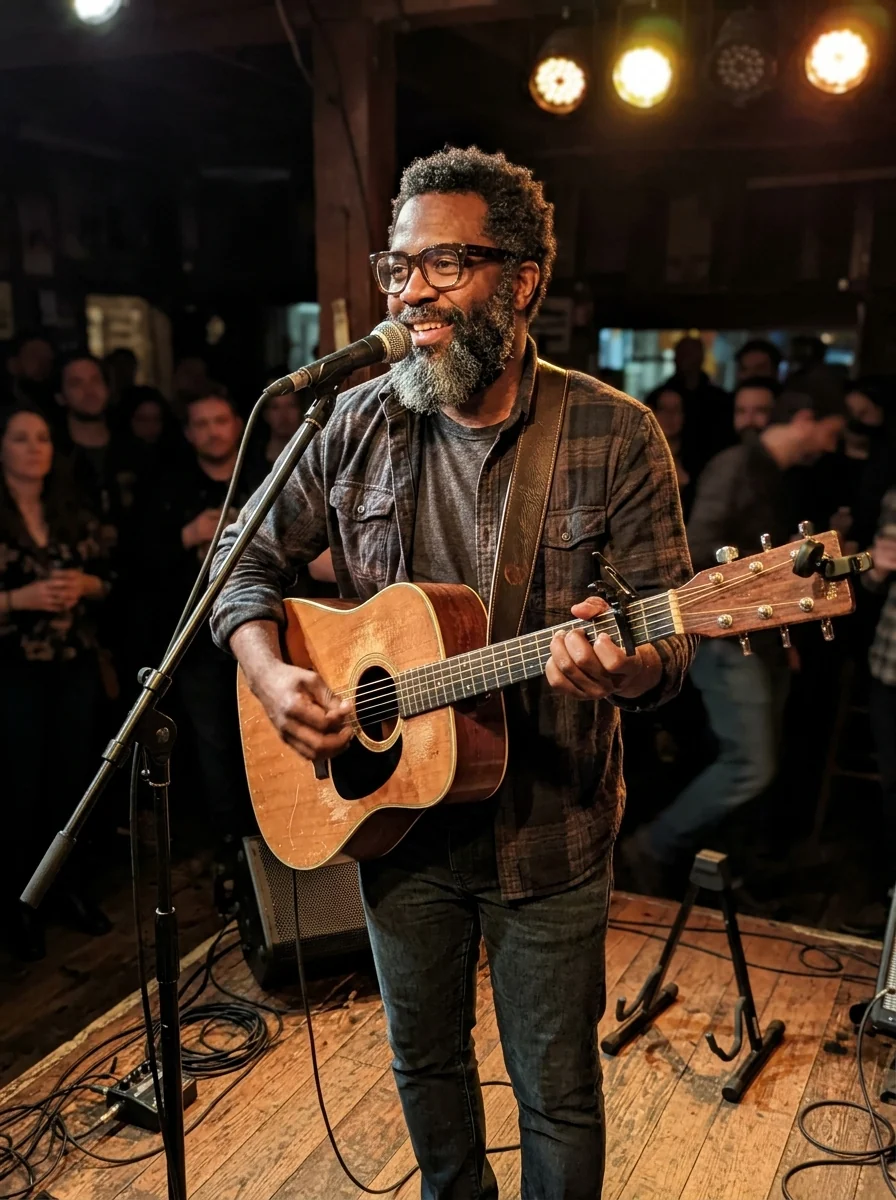
6. Caricature
Exaggerated features with a friendly twist, a favorite for birthday cards and leaving gifts. A big smile and a prop (a guitar, a whisk, a skateboard) make it work. Try the caricature generator.
Tips for every style
- Start with a sharp photo. Styles exaggerate blur rather than hide it.
- One clear subject beats a crowded scene.
- Use the instructions box to keep what matters: "keep her glasses", "keep the red scarf".
- Printing it? Pick 4K output.
Sign in to try any style on your own photos; new accounts get 25 free credits. See pricing.