











Photo to Oil Painting
Thick brushstrokes and rich color on textured canvas.
Drop a photo
or paste with ⌘V · JPG · PNG · WebP · up to 8 MB
No photo handy? Try one of ours.
More like this.
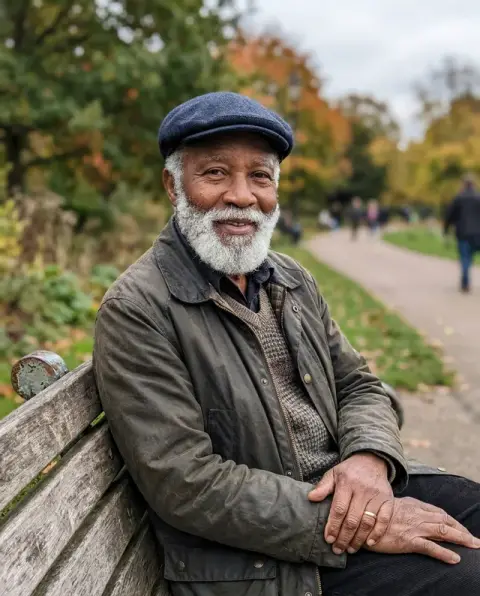
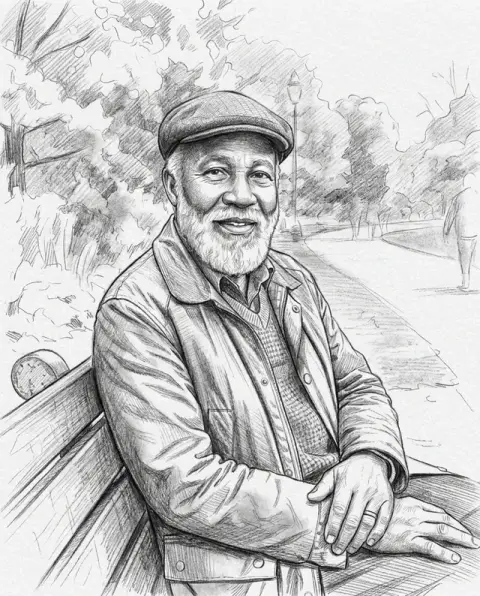
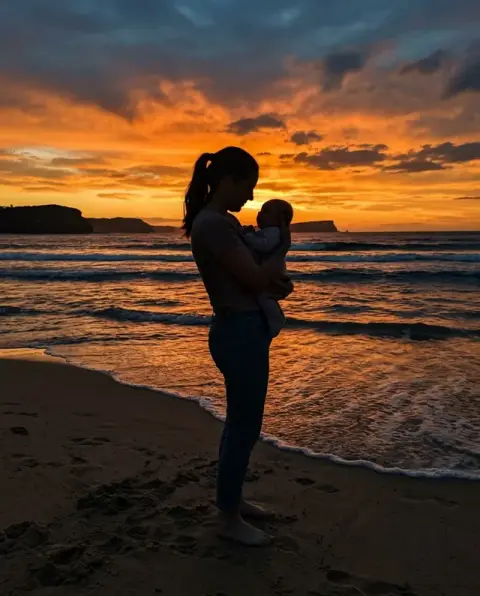
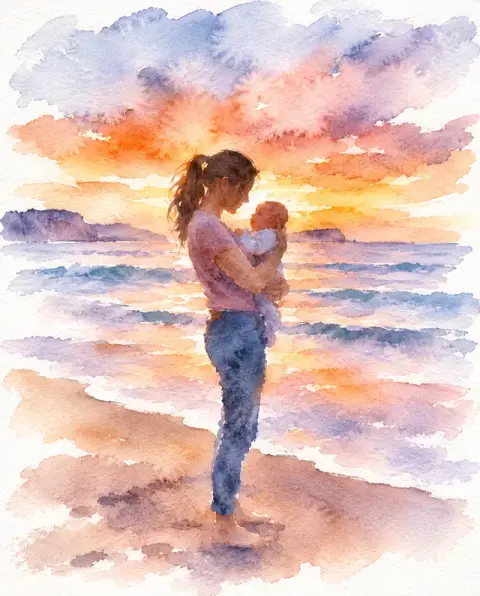
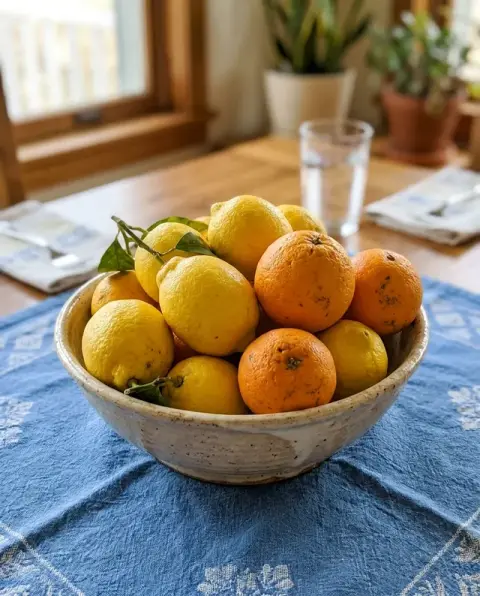
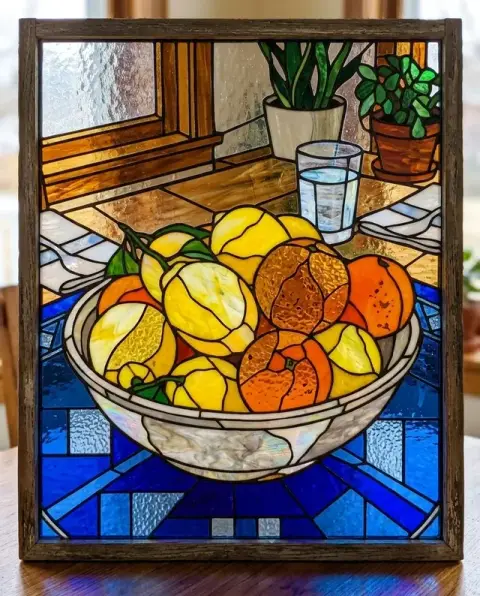
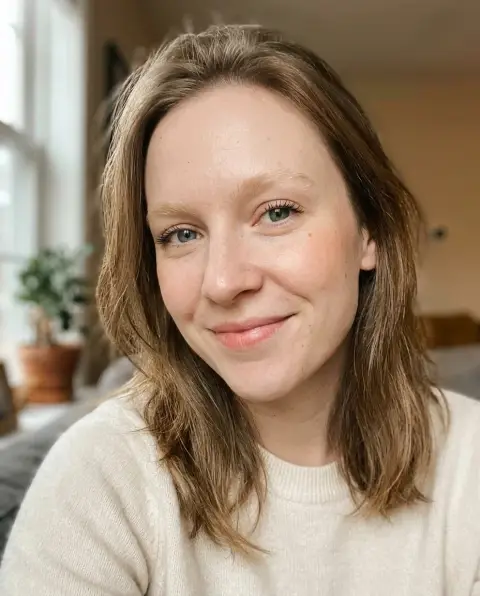
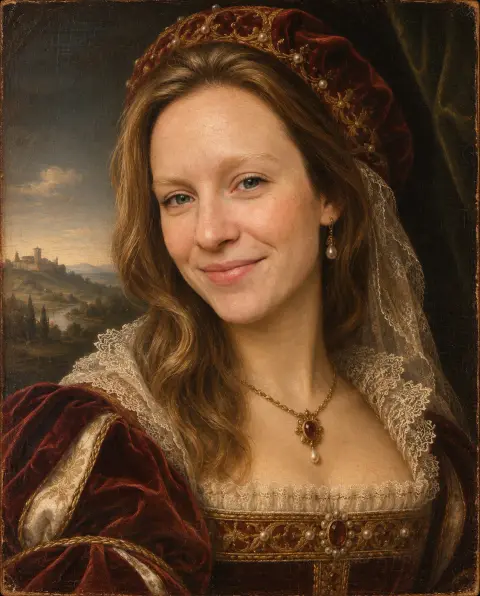
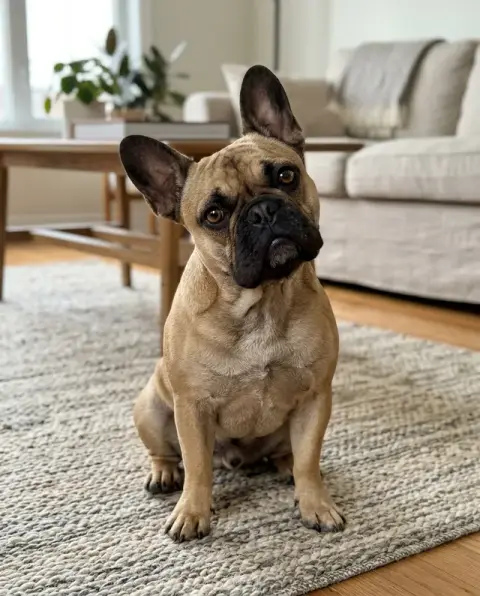
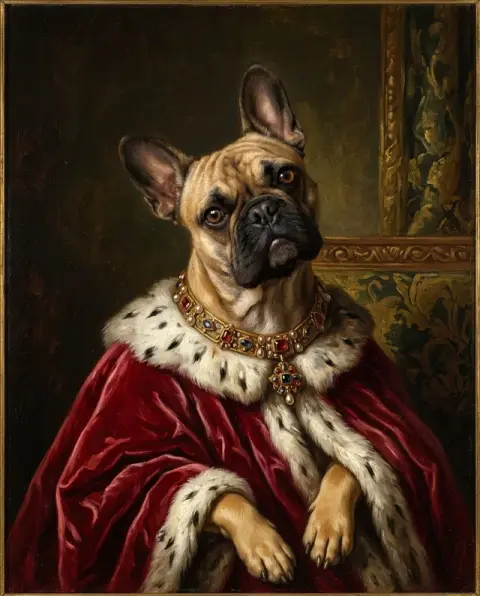
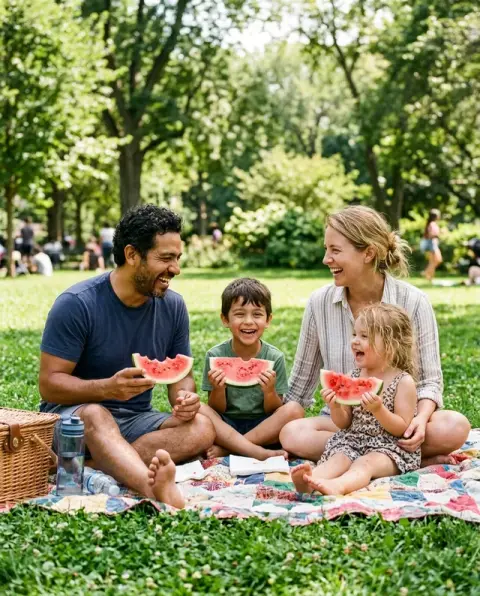
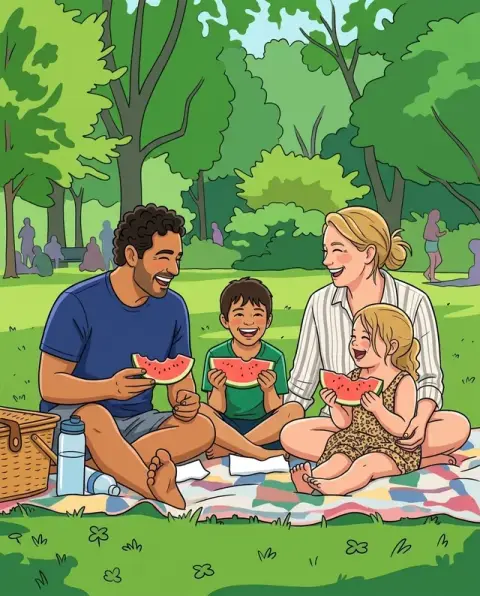
Photo to oil painting on a portrait, a harbor and a jug of sunflowers.
Real results from this page's default settings in one click, not retouched.How examples are made

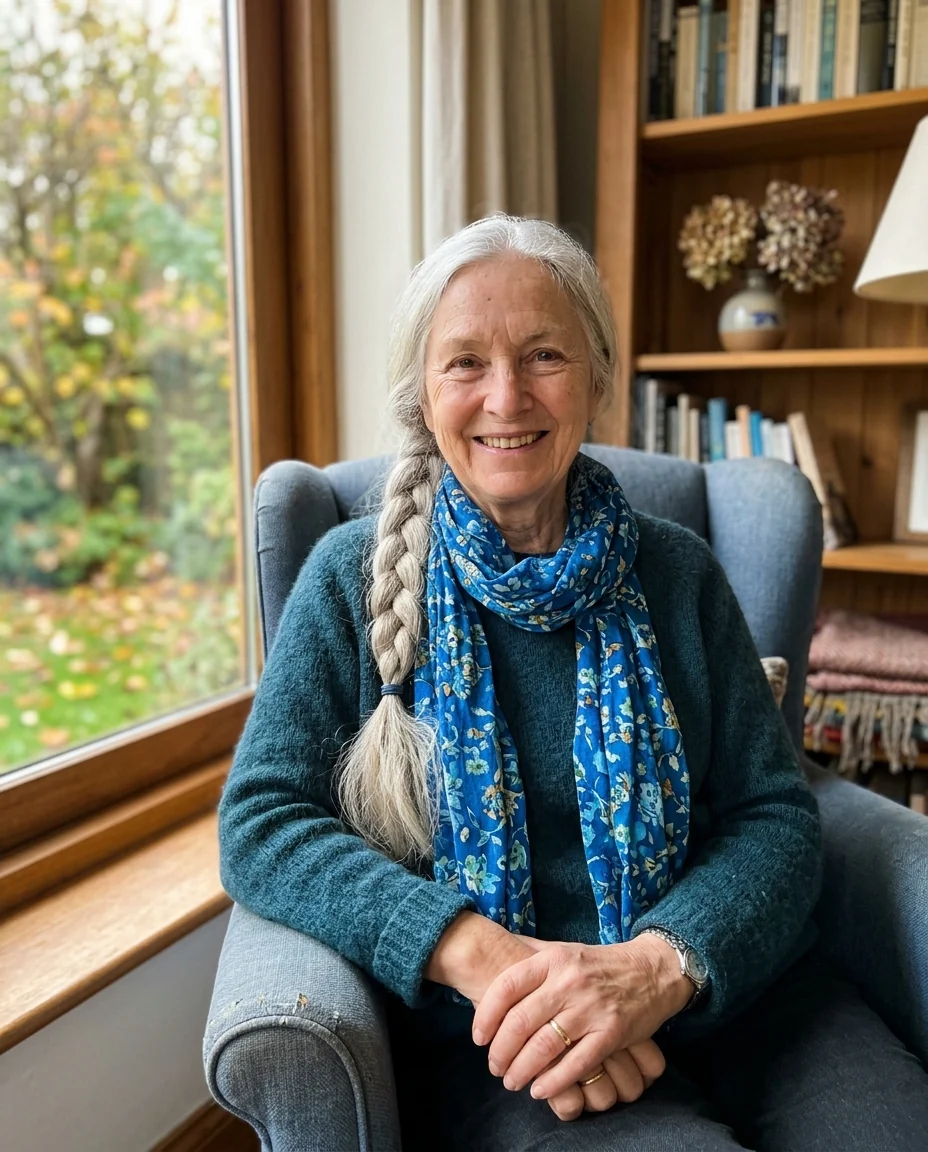
Oil portrait
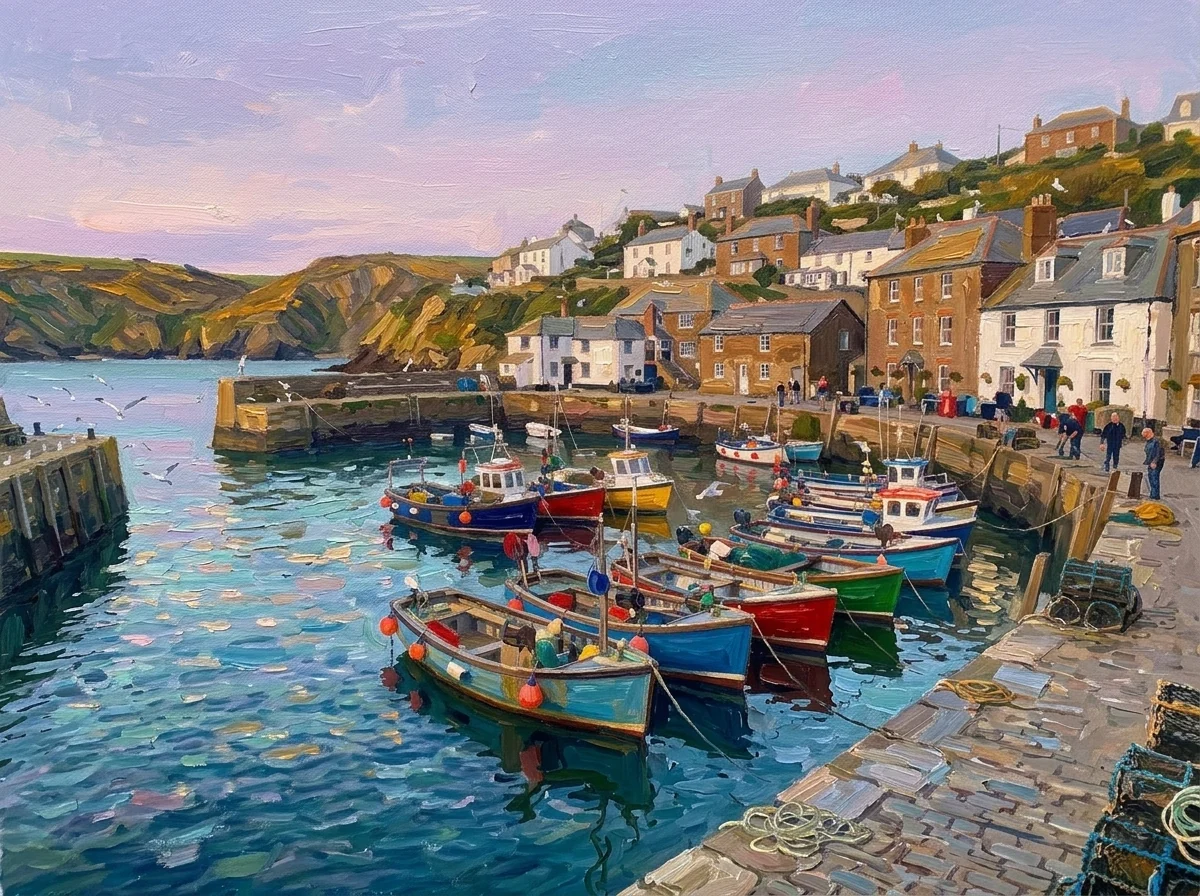
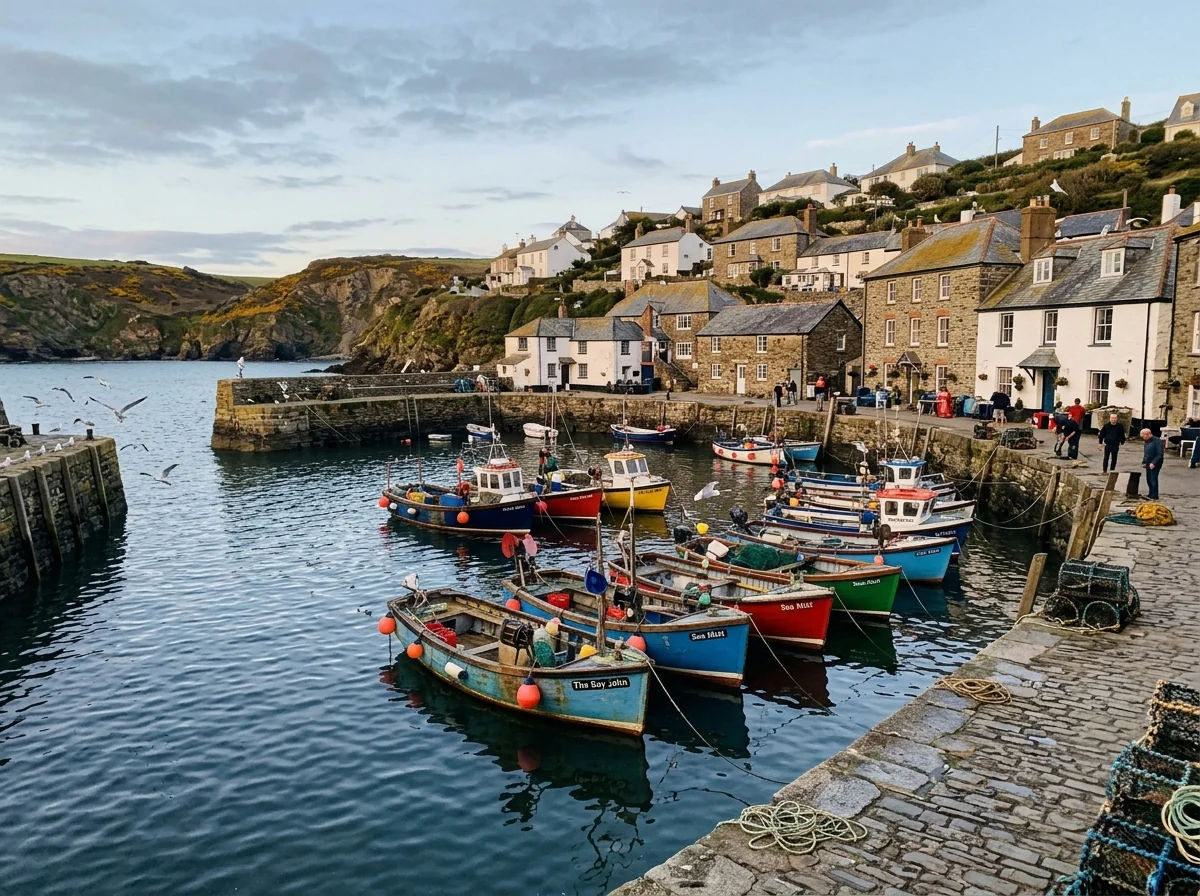
Harbor oil painting
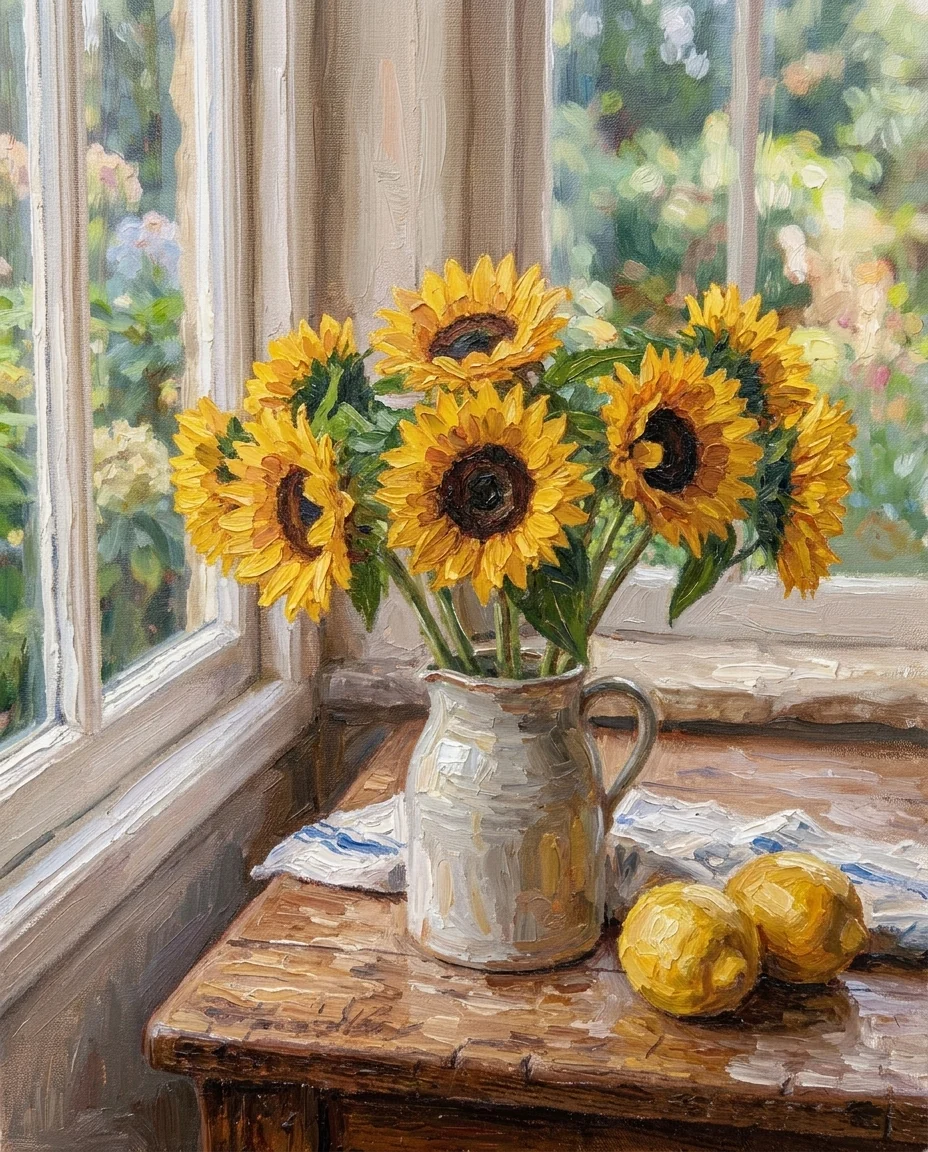
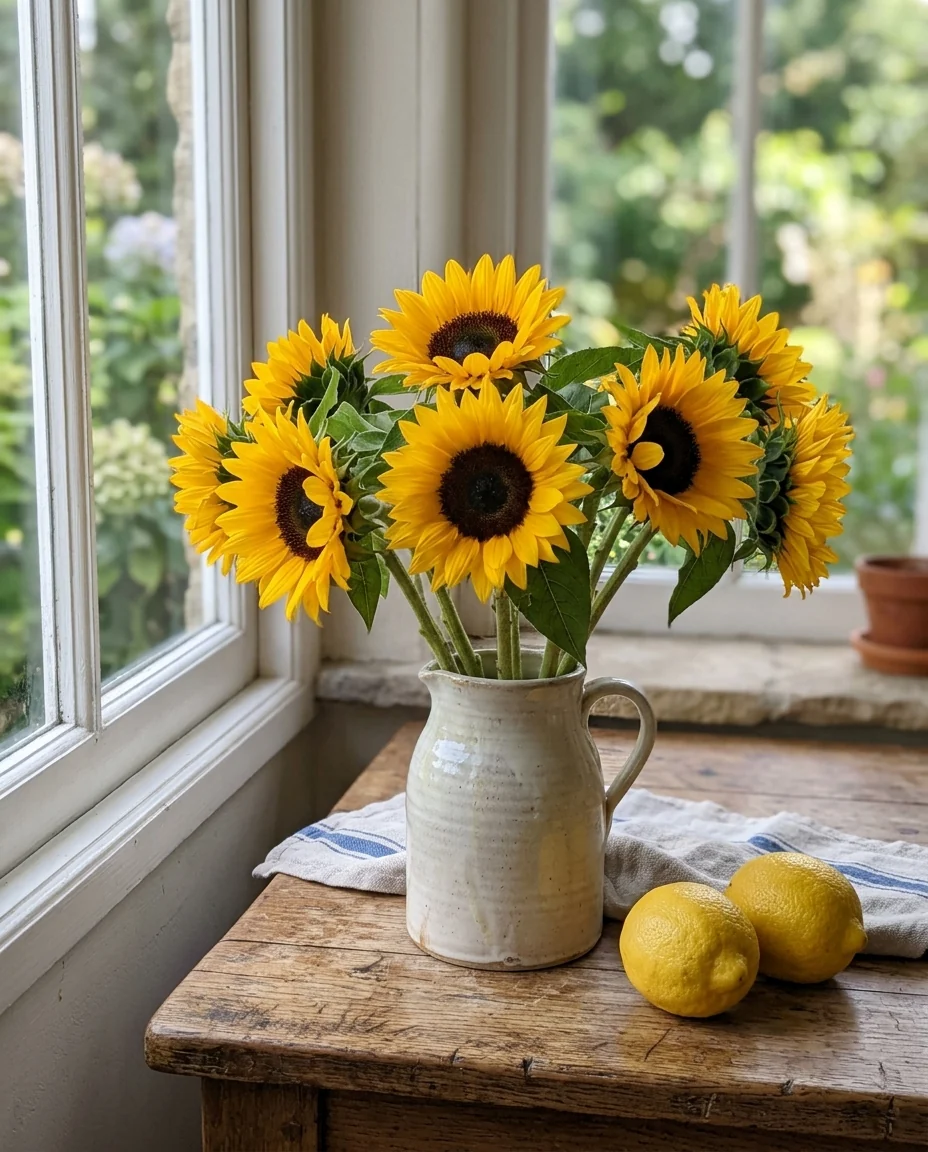
Sunflower still life
How photo to oil painting turns pixels into brushstrokes.
Real paint texture
Visible brushstrokes and dabs of paint on canvas.
Composition kept
Same subject, pose and framing, redrawn in paint.
Your own style
Ask for a realistic portrait, palette knife or another look.
Photo to Oil Painting, step by step.
01
Upload a photo
Portraits, landscapes, flowers and pets.
02
Generate
The photo is repainted in oils.
03
Download
Save it or print it as a gift.
Why people turn a photo to oil painting instead of commissioning one.
- A portrait of a parent or grandparent
- A painted portrait of a grandparent in their armchair feels more like an heirloom than a snapshot. Use a close photo, generate, and print it on canvas for a birthday.
- Before paying for a real commission
- Painted commissions are expensive, and it is hard to picture the result. Try your photo here first, and send the version you like to the painter as a reference with your brief.
- A trip worth hanging on the wall
- Turn a holiday harbor, mountain or street photo into an impressionist painting for the hallway. Print it at the size the download supports.
- A painted image for a menu or newsletter
- A café, a winery or a small shop can turn its own photos into a painted look for a menu, a label mock-up or a newsletter header, without hiring an illustrator.
Photo to Oil Painting: best photos and fixes.
Photos that paint well
Portraits in soft window light, landscapes with interesting skies, flowers, pets and still life all make good oil paintings, because they have clear light and shadow for brushstrokes to follow. Busy photos with many small details become cluttered at painting scale. Crop to the main subject before uploading for a stronger composition.
The impressionist look
The painting is done in a loose impressionist style: thick, visible brushstrokes, simplified shapes and soft, glowing light. Fine detail such as eyelashes, small text and patterns on clothes is turned into dabs of paint, which is part of the look. Photos with a clear light source, such as sunlight from one side, give the strongest glow; flat, overcast photos come out softer and more muted.
Portraits and likeness
Brushstrokes simplify fine detail, so small faces in a wide photo may lose likeness. For a portrait, use a photo where the face fills a good part of the frame. If the face drifts, write "keep the face detailed and realistic, looser strokes in the background".
Gifts and wall art
For a canvas print, start from the largest photo you have, and choose the photo's shape to match the frame, such as 4:5 or 3:4 for portraits. No signature or frame is added. Check the print size your shop recommends for the resolution you download.
Pets and memorial portraits
Pet portraits are a popular gift. Use a photo at the pet's eye level with the face in sharp focus and the fur colors clearly visible. For a memorial portrait, a calm, warm background works well; write "soft warm background, painted texture". Close-ups of the face are more personal than full-body shots.
Landscapes and travel
Travel photos with sky, water and greenery become striking impressionist paintings. Sunsets and golden hour light work especially well, since the style is built on glowing light. Crop out cars, signs and modern clutter before uploading for a timeless look. Water reflections become broken dabs of color, a classic impressionist effect.
Weddings and anniversaries
A wedding or anniversary photo painted in oil makes a lasting gift. Choose a photo where both faces are clear and well lit. Group shots with many small faces lose likeness; close-ups of the couple work best. Photos from the first dance or the ceremony, with soft natural light, give a romantic, painterly feel.
Photo to oil painting questions before you print on canvas.
What painting style does it use?
A loose, classic impressionist style with thick brushstrokes and soft light. Describe another look, such as "realistic portrait", in the instructions box.
Will the painting have a signature or frame?
No. You get the painting alone, with no text, signature or frame.
Which photos make the best oil paintings?
Portraits, landscapes, flowers and pets with good light. Strong colors and clear shapes give the most painterly result.
Is the Photo to oil painting free?
Yes, you can try it free. New accounts get 25 free credits, and one generation here uses 9 credits. You sign in with your email; no card needed. Results have no watermark. After that, credit packs never expire, and your first one is half price.
Is it a real painting?
No. It is a digital image in an oil painting style. Printing on canvas gives it a physical texture, but there is no paint on it.
Can I get watercolor or a sketch instead?
Yes, on other pages: [photo to watercolor](/effects/photo-to-watercolor), [photo to sketch](/effects/photo-to-sketch), or [photo to painting](/effects/photo-to-painting) for four painting styles in one place.
Can I try again with a different look?
Yes. Each run gives a new variation, and instructions such as "palette knife" or "muted earth tones" steer it.
Can I use the painting commercially?
You own the images you generate as far as the law allows and keep the rights to your photo. If the photo shows other people or someone else's work, their rights still apply.
What files can I upload?
A JPG, PNG or WebP, up to 8 MB. On a computer you can scan a QR code to send a photo from your phone; the link works for 10 minutes.
Are my photos used to train AI?
No. Photos and results are not used to train AI models. Results stay in My files for 48 hours, or 30 days once you've bought a credit pack, and you can delete them sooner.
Guides on the blog.
 6 ways to turn a photo into artHand-painted anime, pencil sketch, oil portrait, cartoon and caricature: six styles, which photos suit each, and real results.
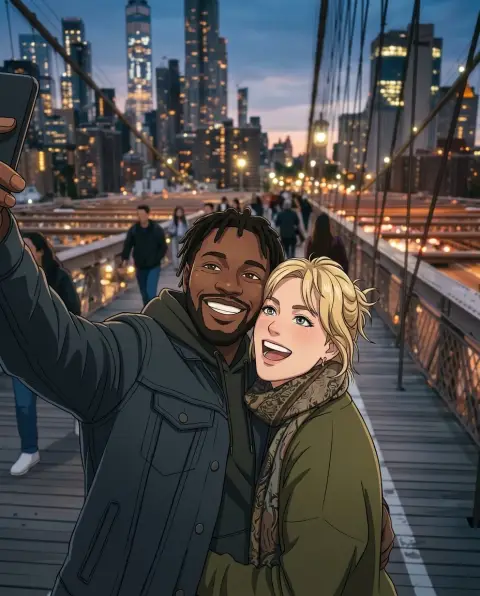 Lensa AI alternatives for avatars and stylized portraitsLensa's Magic Avatars started a wave of AI self-portraits. Alternatives for 3D, anime, painted and headshot-style avatars, and how to get good results from one selfie.

