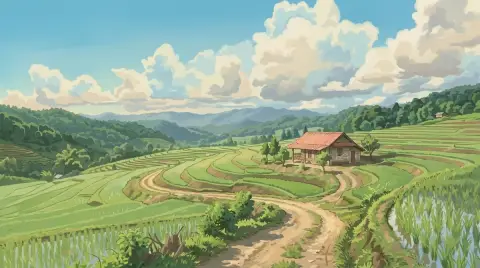
Lensa, from Prisma Labs, started as a photo editing and retouching app. In late 2022, its "Magic Avatars" feature went viral: upload 10 to 20 selfies, wait a while, and get a pack of stylized portraits of yourself as a fantasy hero, an astronaut or an anime character. Social feeds filled with them for weeks.
Lensa is still around, but there are now many ways to turn a selfie into a stylized portrait, often from a single photo and in seconds. Here's an overview.
How avatar tools work today
Early avatar apps trained a small model on your face from many selfies, which took time and required a lot of photos. Newer image models can keep a face recognizable from a single good photo, so most tools today work from one upload and produce a result in seconds.
That changes what matters when you choose:
- Likeness from one photo: does it still look like you?
- Style control: can you pick or describe the style?
- Speed and cost per image: instead of buying a pack.
Lensa alternatives compared
Lensa is a free iPhone and Android app. Full access is a subscription, and Magic Avatars are sold as separate packs (App Store listing). The alternatives below cover avatars, AI portraits and retouching. Plans and features were checked in November 2026.
Picsart
Picsart is an all-in-one editor for iPhone, Android, the web and Windows, with AI avatars from selfies, AI Enhance and background removal. There's a free tier and paid plans. Choose it if you want avatars and a full editor in one place.
Dawn AI
Dawn AI is an avatar generator for iPhone that turns your photos into portraits in many styles, from photoreal to anime and oil painting. It's sold as a weekly Pro plan rather than packs.
Remini
Remini is best known for sharpening faces, but it also makes AI-generated photos of you, on iPhone, Android and the web. It's a subscription, with weekly plans.
Fotor
Fotor runs on the web, desktop and phones and includes an AI avatar generator and AI headshots. The Basic plan is free with limited credits, and headshot packs are a one-time purchase, a good fit if you want one set of headshots without a subscription.
Chat-based image models
General AI assistants that can generate images can also restyle a selfie on request. Flexible, but you'll spend time writing prompts and results vary between attempts.
Dedicated style tools
Tools focused on one transformation, such as anime, 3D avatar, cartoon or painting, usually give more consistent results for that style because they're tuned for it. Our tools work this way.
Our avatar and style tools
Avatar generator
The avatar generator turns a photo into an avatar in four styles: 3D (a soft, rounded character), Flat (a clean vector look), Painted (a brushy portrait), or Custom, where you describe any style you want, like "pixel art" or "claymation".

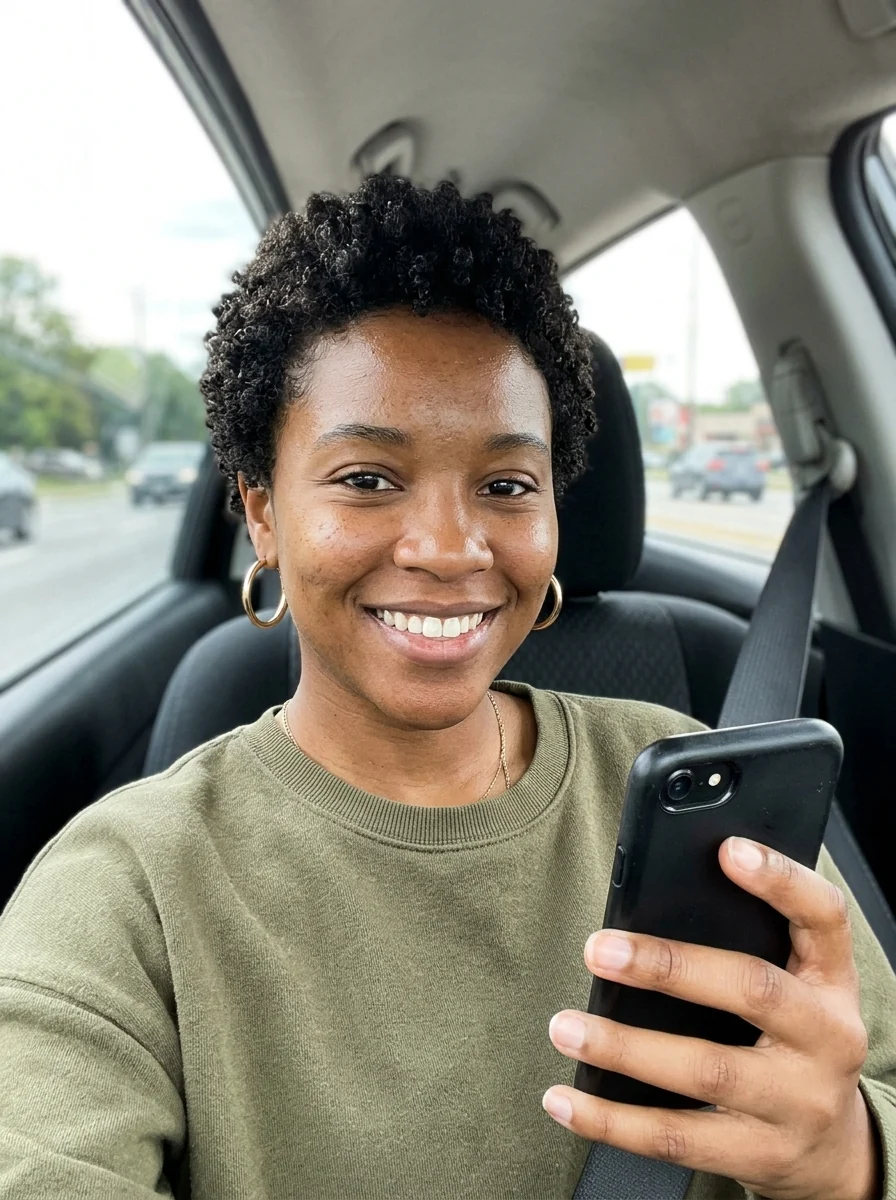
 Avatar generatorA square avatar from your photoTry it with your photo
Photo to anime
Photo to anime redraws a photo as a clean, modern anime illustration, including couples and groups.

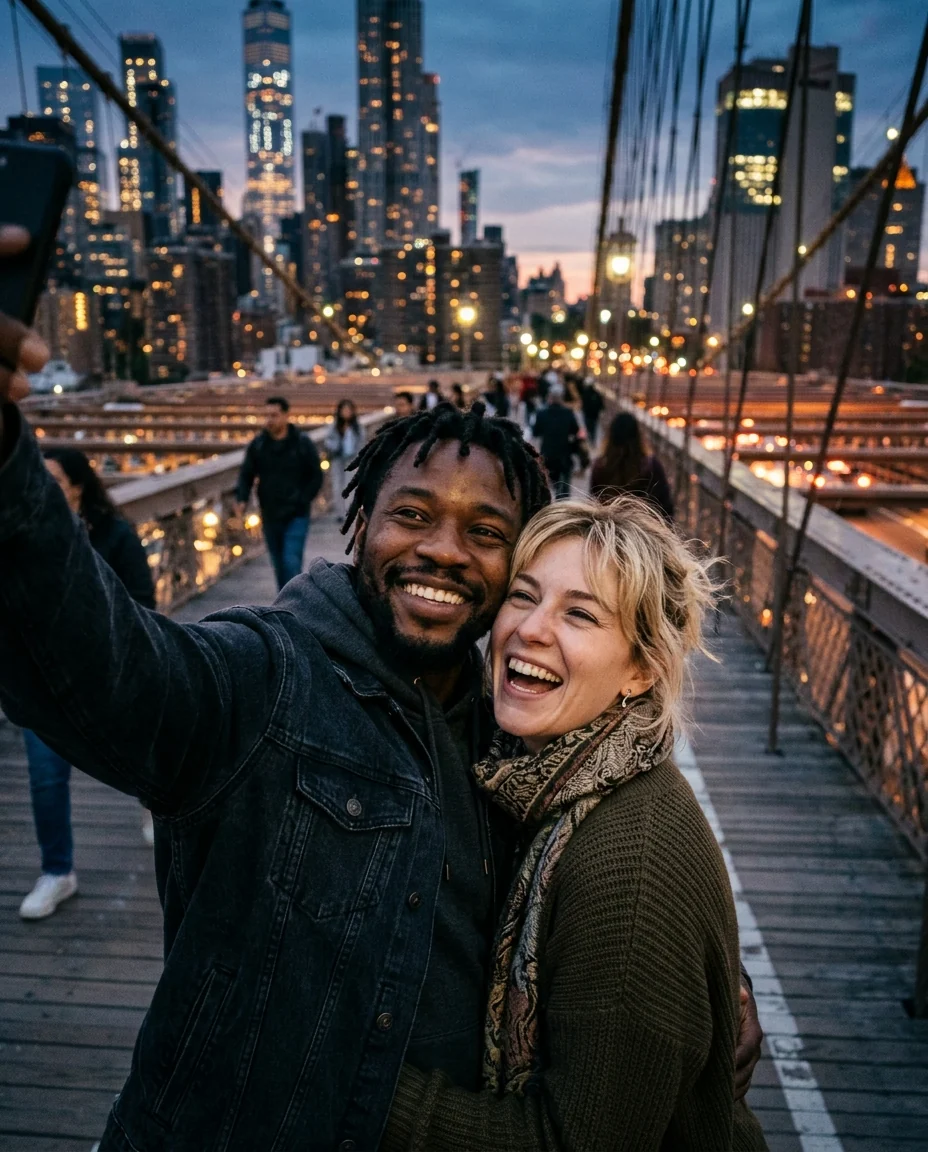
 Photo to animeRedraw any photo in a clean anime styleTry it with your photo
More styles
- Superhero: yourself as an original superhero in a cinematic scene with the superhero generator.
- Professional: a business headshot from a selfie with the AI headshot generator.
- Art styles: Ghibli-style, oil painting, cartoon and caricature.
Pricing
You sign in to use the tools. New accounts get 25 credits, and after that you pay per image, with the cost shown before you generate. There are no avatar packs to buy and no subscription: credits come in packs that never expire.
Getting a good result from one photo
Since modern tools work from one photo, that photo carries everything:
- Face the camera, or turn slightly. Avoid strong profiles.
- Use soft daylight. A window in front of you is ideal.
- Keep the face clear: no sunglasses, hands or hair over the eyes.
- Use a sharp photo taken with the back camera if possible.
- Choose a natural expression. The avatar copies it.
- Crop to head and shoulders so the face is large.
If a result doesn't look like you, try a different photo before trying a different tool. Photo quality matters more than anything else.
Styles that work well as avatars
Not every style holds up as a small profile picture. A few that consistently do:
- 3D animated-film style: soft shapes and big, clear features read well at any size.
- Flat vector: simple shapes and solid colors, very sharp as a small circle.
- Anime: clean lines and large eyes stay readable.
- Painted portrait: works best when the face is large in the frame.
- Pixel art: great for gaming profiles, but needs a simple background.
Busier styles, like detailed fantasy scenes, look impressive full screen but turn to noise as a 40-pixel circle. If the avatar is for a profile picture, choose a simple style and a plain background, and save the elaborate scenes for posts or prints.
Privacy
Uploading your face is personal. Before you use any avatar tool, check:
- How long your photos and results are stored.
- Whether your photos are used to train models.
- Whether you can delete them and your account.
On our site, results are kept in My files for 48 hours, or 30 days once you've bought a credit pack, and you can ask us to delete your account at any time.
Avatars of other people
Making an avatar of a friend, partner or child is a fun gift, but ask first. Some people don't want their face uploaded anywhere, and that's their call. For kids, consider a style that's clearly illustrated, like 3D or flat, rather than a realistic one, and keep the results private. For group avatars, such as a whole team in the same style, collect photos with permission and use the same style setting for everyone so the set matches.
Comparison summary
- A pack of many styles at once: Lensa's Magic Avatars.
- Avatars plus a full photo editor: Picsart.
- Lots of avatar styles on iPhone, for a short while: Dawn AI.
- One set of headshots without a subscription: Fotor's headshot packs.
- Open-ended experiments: chat-based image models.
- A specific style, consistently, from one photo, pay per image: dedicated tools like our avatar generator and photo to anime.
Where to use your avatar
A stylized portrait makes a great profile picture on Discord, WhatsApp, gaming platforms and forums, where you want to be recognizable without posting a real photo. Our guide on making a Discord pfp covers sizes and crops that work at small sizes.