











AI Headshot Generator
Upload one selfie and get a studio-quality professional headshot: business outfit, soft lighting, neutral background, your real face.
Drop a photo
or paste with ⌘V · JPG · PNG · WebP · up to 8 MB
No photo handy? Try one of ours.
More like this.
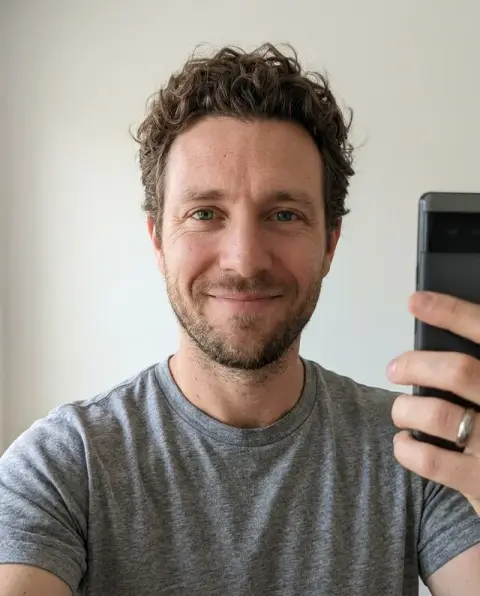
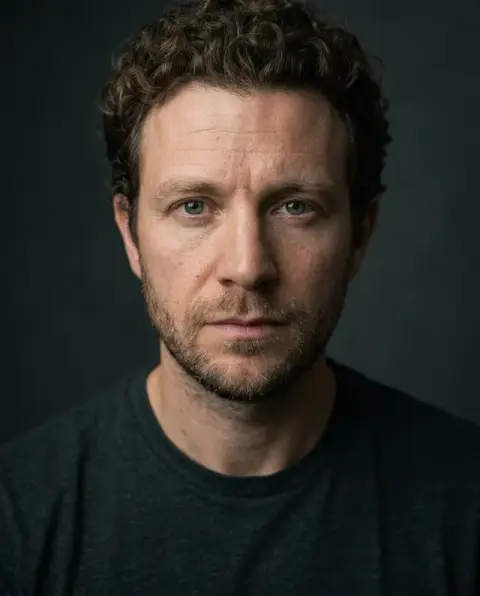
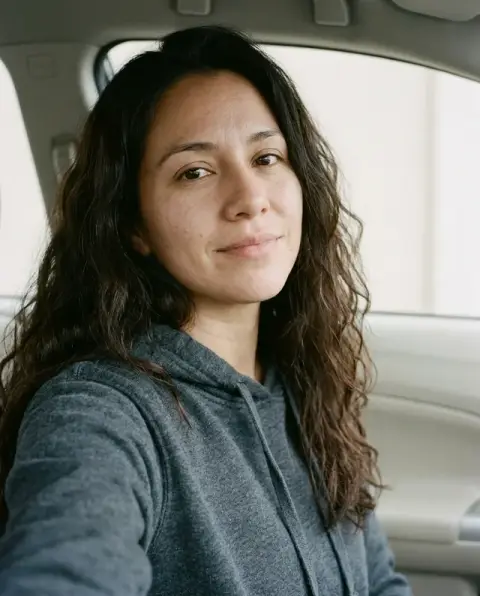
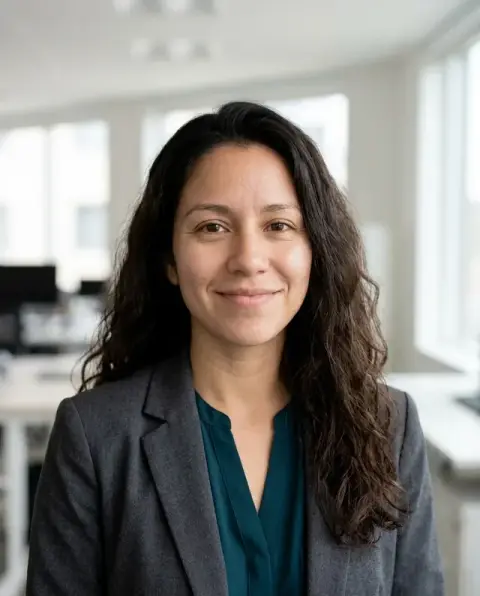
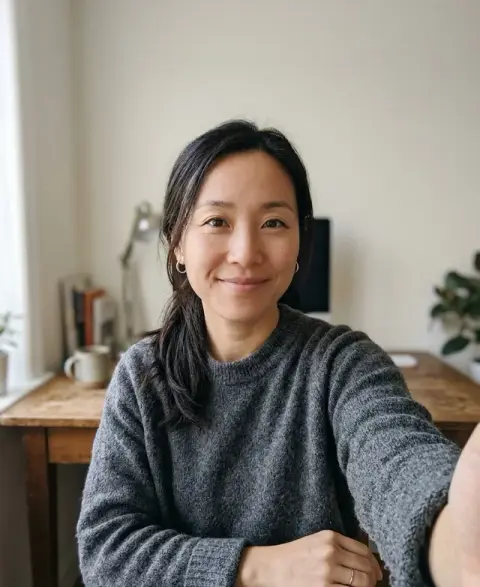
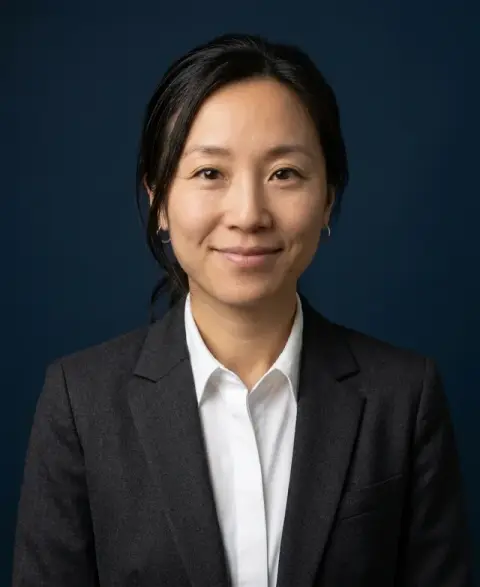
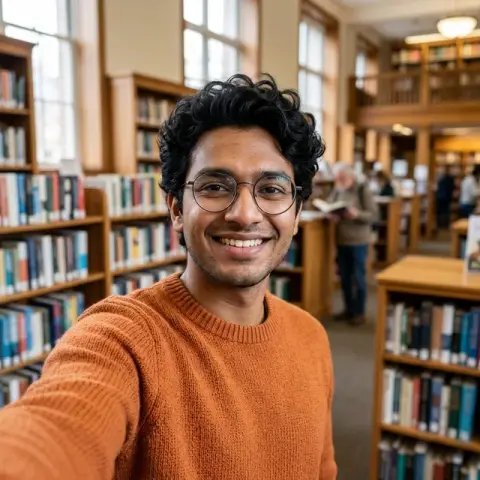
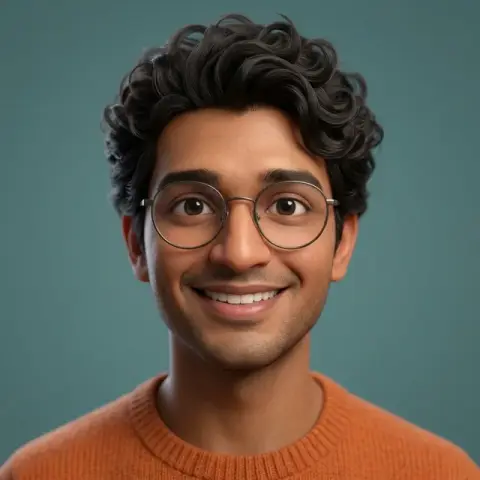
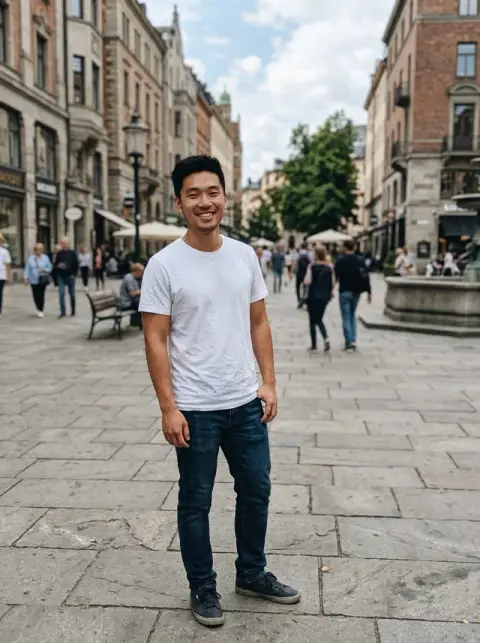
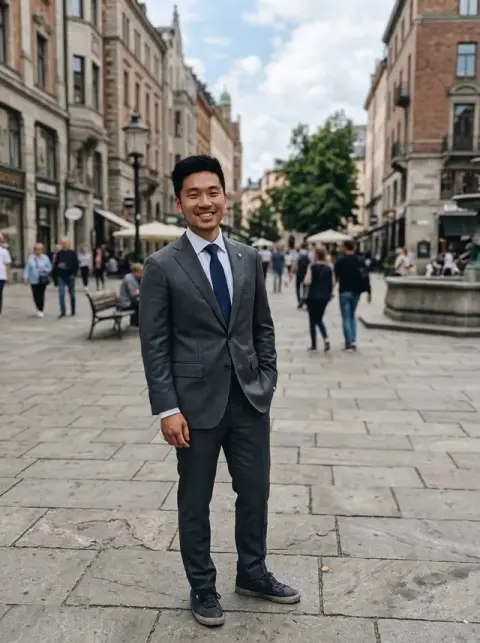
Casual selfies before and after the AI headshot generator.
Real results from this page's default settings in one click, not retouched.How examples are made

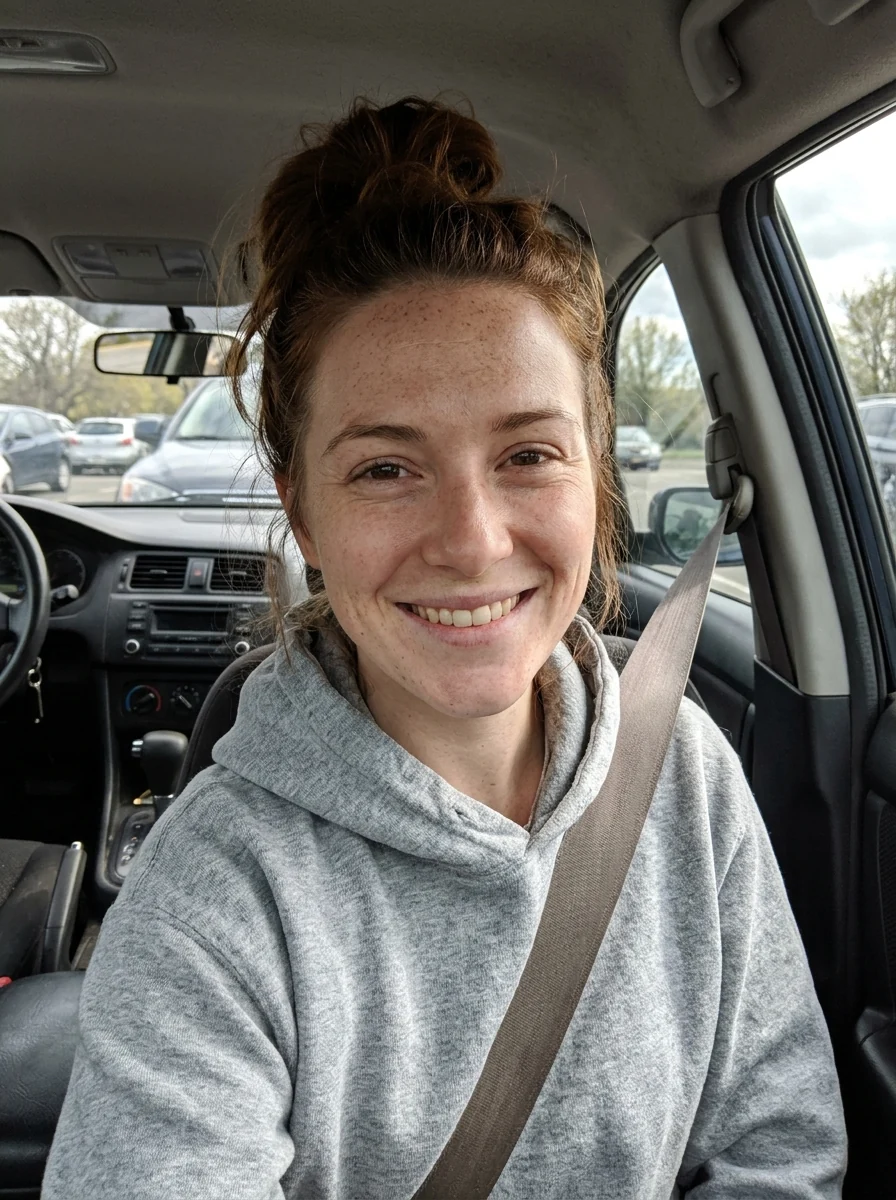
Studio headshot

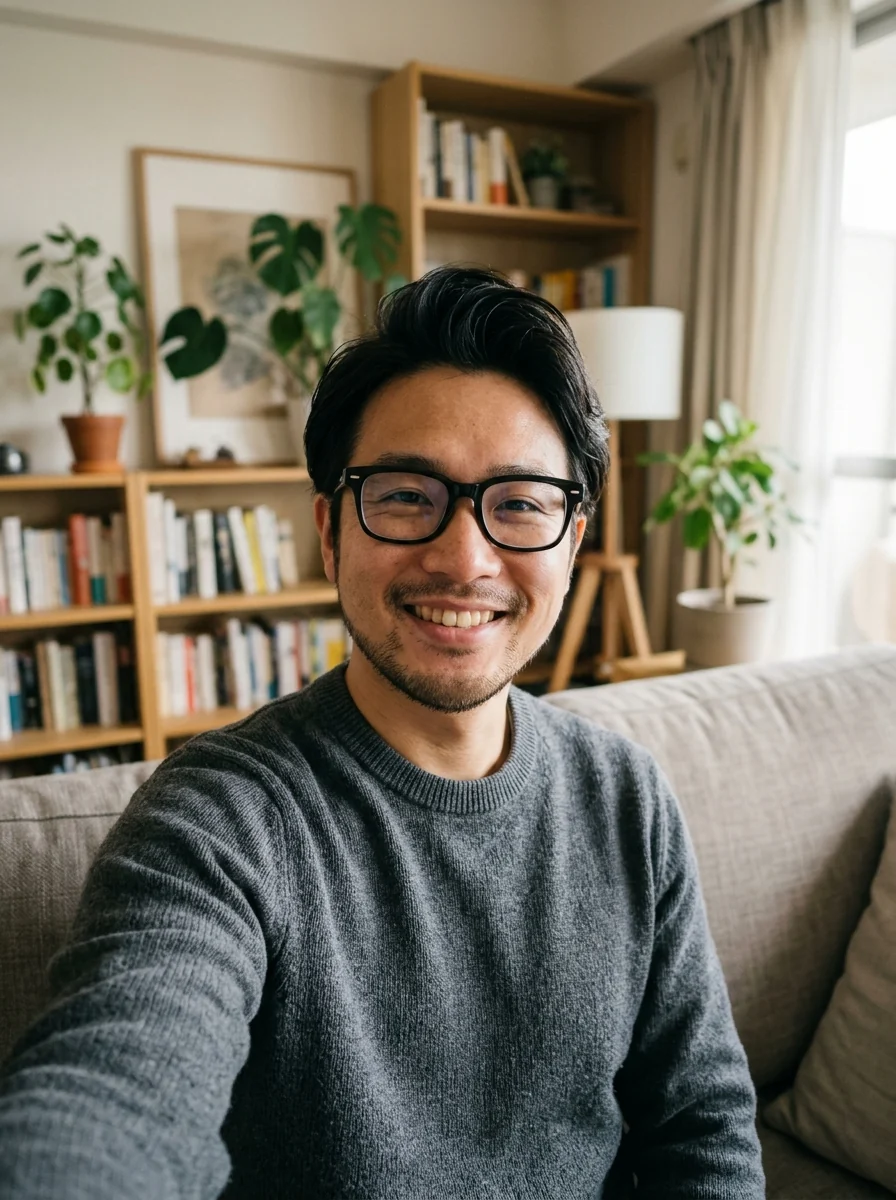
Business headshot
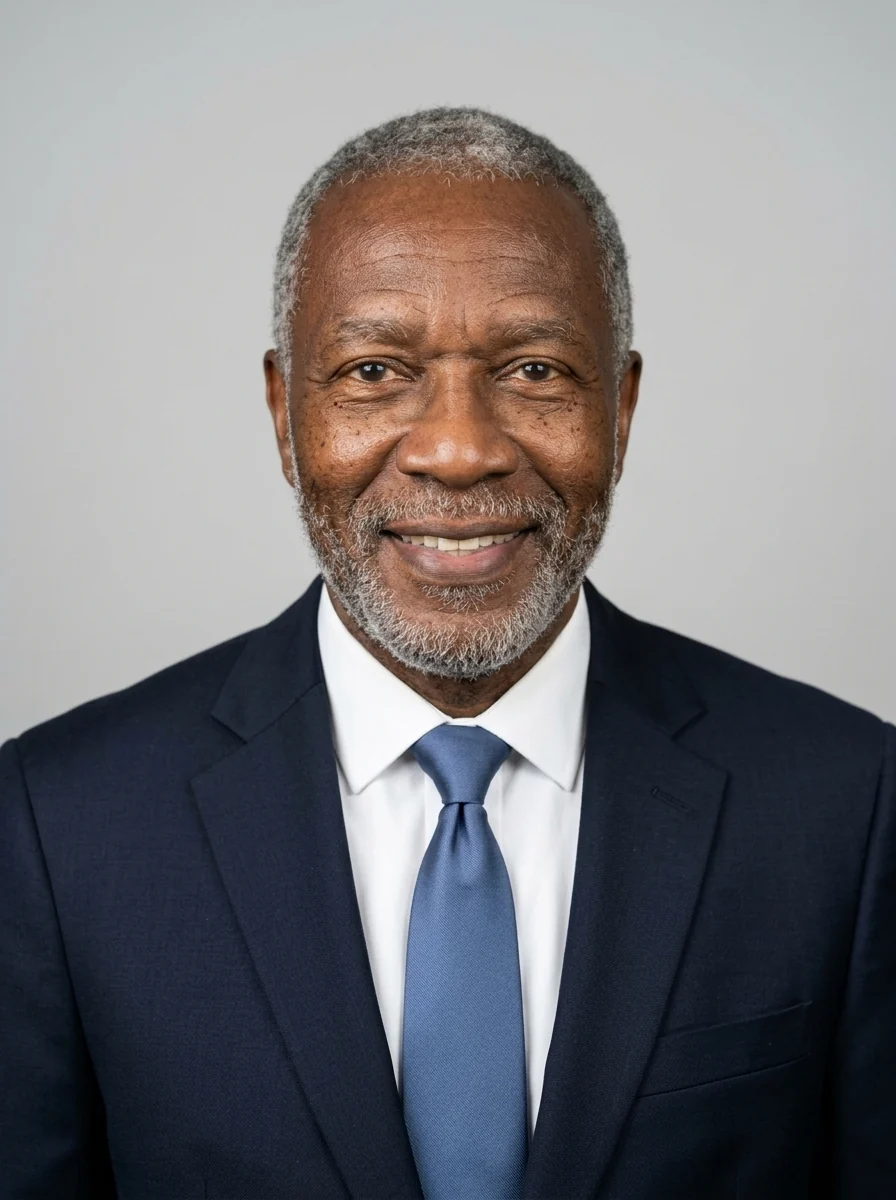
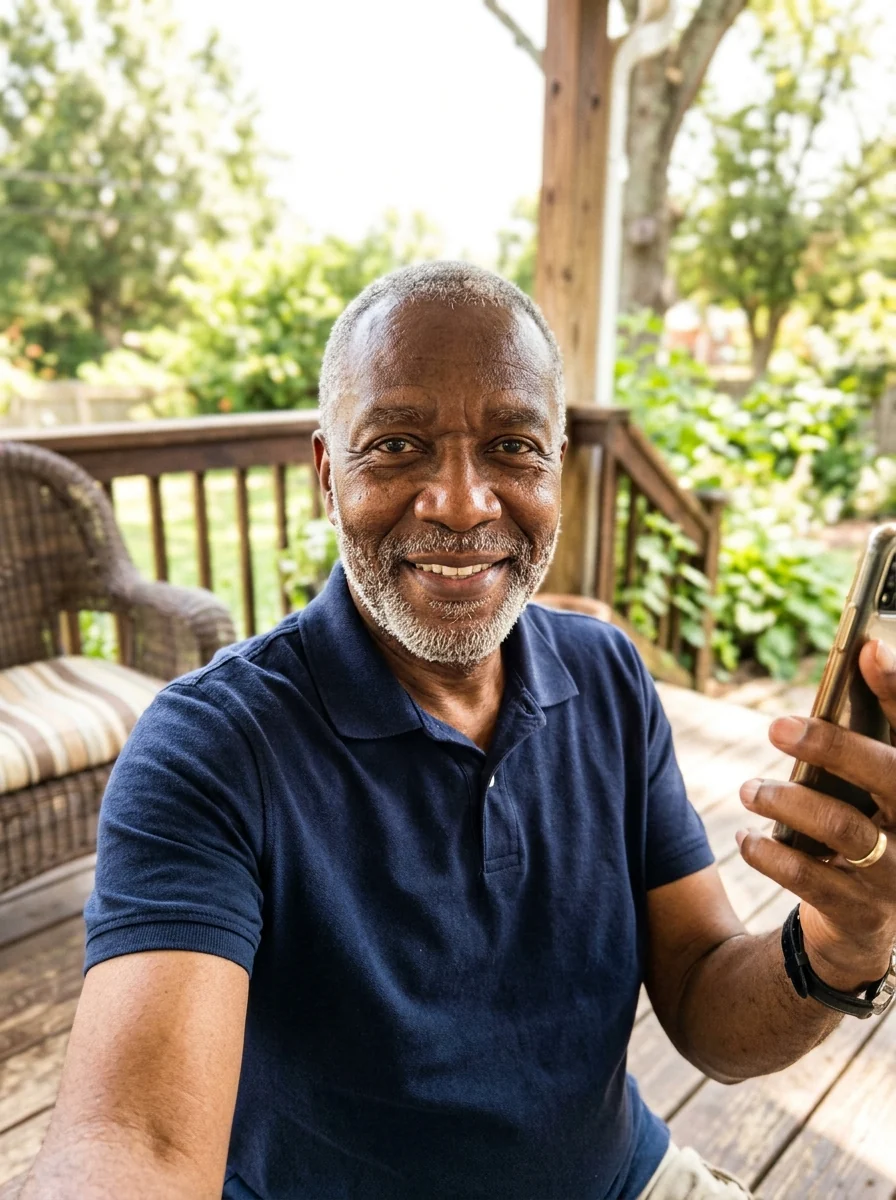
Corporate headshot
What the AI headshot generator changes, and what it leaves alone.
Looks like you
The generator keeps your real face and hair. It changes clothes, lighting and background, not your identity.
Studio lighting and backdrop
Soft key light and a neutral grey or white background, the standard for corporate photography.
Choose the outfit and vibe
Add 'navy suit', 'casual startup look' or 'white lab coat' in the instructions.
No photographer, no waiting
A headshot in under a minute instead of a studio booking.
AI Headshot Generator, step by step.
01
Upload a clear selfie
Face the camera, good light, no sunglasses. Phone selfies are fine.
02
Describe the style you want
Optional: outfit, background color, or 'warm friendly smile'.
03
Generate and download
Generate a few variations and pick the one you like.
When people use an AI headshot generator instead of booking a studio.
- Updating LinkedIn before a job hunt
- Your current profile photo is cropped from a wedding and you are about to start applying. Upload a recent selfie, ask for "navy blazer, grey background" and use it as a CV photo editor to get a clean portrait for LinkedIn and your resume.
- A speaker bio due this week
- A conference or podcast wants a headshot by Friday and there is no time to book a photographer. One selfie by a window gives you a studio-style portrait to send with your bio.
- Matching photos for a remote team
- Everyone on the team page has a different background, light and crop. Ask each person for a selfie and run them all with the same instructions, so the page looks like one shoot.
- Replacing a ten-year-old photo
- Clients meet you on a video call and you look nothing like your profile picture. A current selfie turned into a headshot shows how you look now, in a format that suits email signatures and company bios.
AI Headshot Generator: best photos and fixes.
The selfie to start from
Face the camera with even light from a window in front of you, and nothing covering your face: no sunglasses, hats or hands. Hold the phone at eye level or slightly above, and keep your shoulders in frame. The model keeps your real face, so the sharper and more natural the selfie, the more the headshot looks like you on a good day.
Outfit and background
The default is business attire on a light grey background. Describe what fits your field: "navy blazer, white shirt, no tie, soft blue backdrop", "black turtleneck, dark grey background", "smart casual sweater, blurred office background". Creative and tech roles often suit a relaxed look; law, finance and medicine suit a classic suit and plain backdrop.
Generating several and picking one
Generate three or four variations and pick the most natural one. Small differences in expression, lighting and the angle of the shoulders make a big difference in a headshot. Look at each at the size it will be seen, such as a small LinkedIn circle, before deciding. Trying another model from the dropdown is also worth it if the likeness is off.
Keeping your real face
The headshot should look like you, not like an idealised version. If skin looks too smooth or your face shape changes, write "natural skin texture, keep my face exactly as it is". Heavily filtered selfies make this harder, since the filter has already changed your face. Use the original camera photo.
Glasses, beards and hair
Glasses, beards and hairstyles are kept. If you want a tidier version, ask: "neatly styled hair", "trimmed beard". Glare on glasses in the selfie can carry over; tilt the glasses slightly down or turn away from the window when you take the photo. Headscarves and religious head coverings are kept as they are.
Where you can use it
Headshots suit LinkedIn, CVs, team pages, speaker profiles and email signatures. Do not use them for passport, visa or ID photos; those must be unedited photos taken under official rules. For a profile picture, crop to head and shoulders after downloading.
AI headshot generator questions about likeness, rights and files.
Will the headshot look like me?
Yes. Identity preservation is the main constraint of the preset: your face, skin tone and hairstyle stay the same.
What kind of selfie works best?
Front-facing, even lighting, nothing covering the face. Avoid heavy filters.
Can I pick the background and outfit?
Yes, type them in the extra instructions, for example 'dark suit, white background'.
Is the AI headshot free?
Yes, you can try it free. New accounts get 25 free credits, and one generation here uses 9 credits. You sign in with your email; no card needed. Results have no watermark. After that, credit packs never expire, and your first one is half price.
Can I use it for a passport photo?
No. Passport photos must be unedited. Use the add white background tool on an unaltered photo instead.
Are my selfies kept?
Your photo is sent to the AI model only to make your result. The model provider may keep a temporary copy for up to 72 hours. Results stay in My files for 48 hours, or 30 days once you've bought a credit pack, and you can delete them at any time. We don't use your photos to train models.
Can I make a headshot from a group photo?
It works best with one person. Crop the group photo to your own head and shoulders first, so your face is large and sharp.
What files can I upload?
JPG, PNG or WebP, up to 8 MB. On a computer you can scan a QR code to send a selfie straight from your phone; the link works for 10 minutes.
Can I use the headshot on my company website?
Yes. You own the images you generate as far as the law allows, and you keep the rights to the selfie you upload, so bios, websites and press kits are fine.
How is this different from the LinkedIn headshot generator?
This page makes a general studio headshot. The [LinkedIn headshot generator](/generators/linkedin-headshot-generator) centers the face for the round crop, and the [corporate headshot generator](/generators/corporate-headshot-generator) gives a whole team one shared backdrop.
Try these prompts
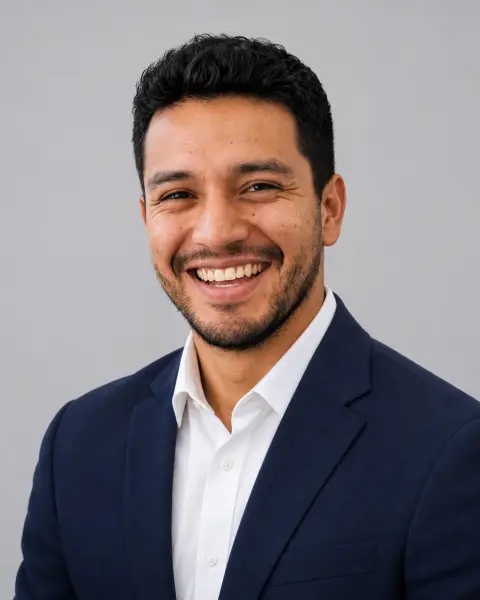
Guides on the blog.
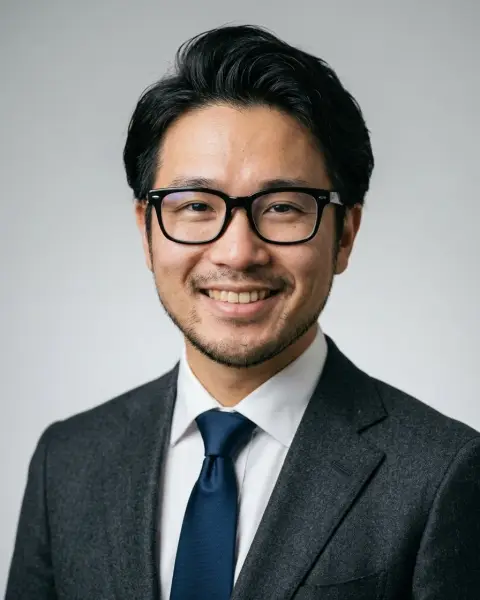 LinkedIn profile picture tips: what recruiters noticeYour LinkedIn photo is your first impression in search results and messages. Framing, outfit, background and expression tips, and quick fixes.
 How to take a selfie that makes a good headshotWindow light, eye-level angle, a relaxed face: the selfie habits that decide how a headshot turns out, and quick fixes for background and outfit.
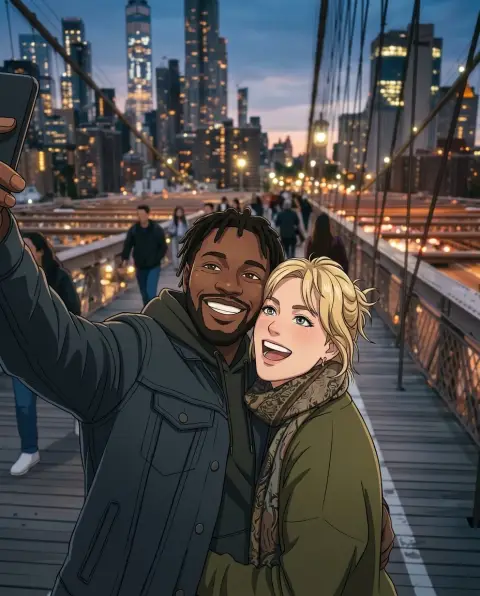 Lensa AI alternatives for avatars and stylized portraitsLensa's Magic Avatars started a wave of AI self-portraits. Alternatives for 3D, anime, painted and headshot-style avatars, and how to get good results from one selfie.

