A studio session is the gold standard, but most profile photos only need to look clean, well lit and like you. A good selfie gets you most of the way there.
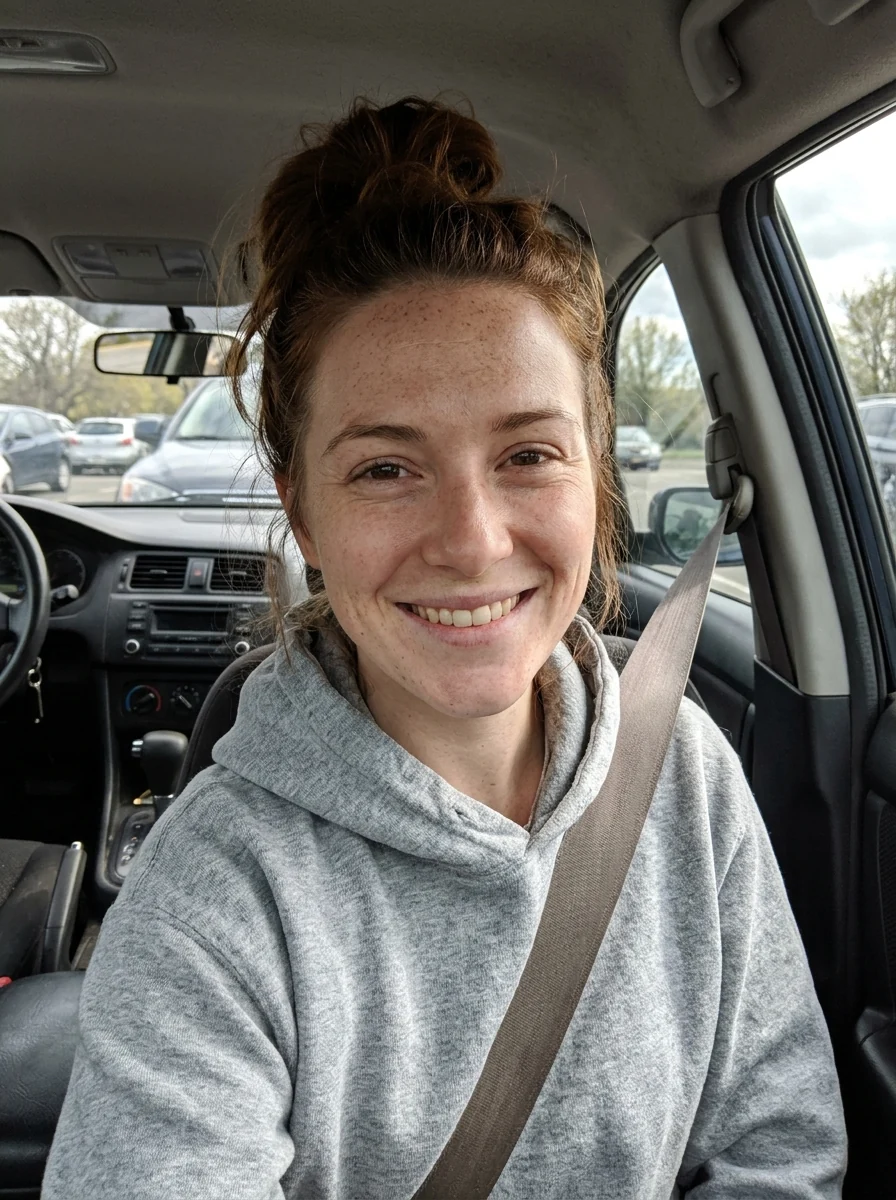
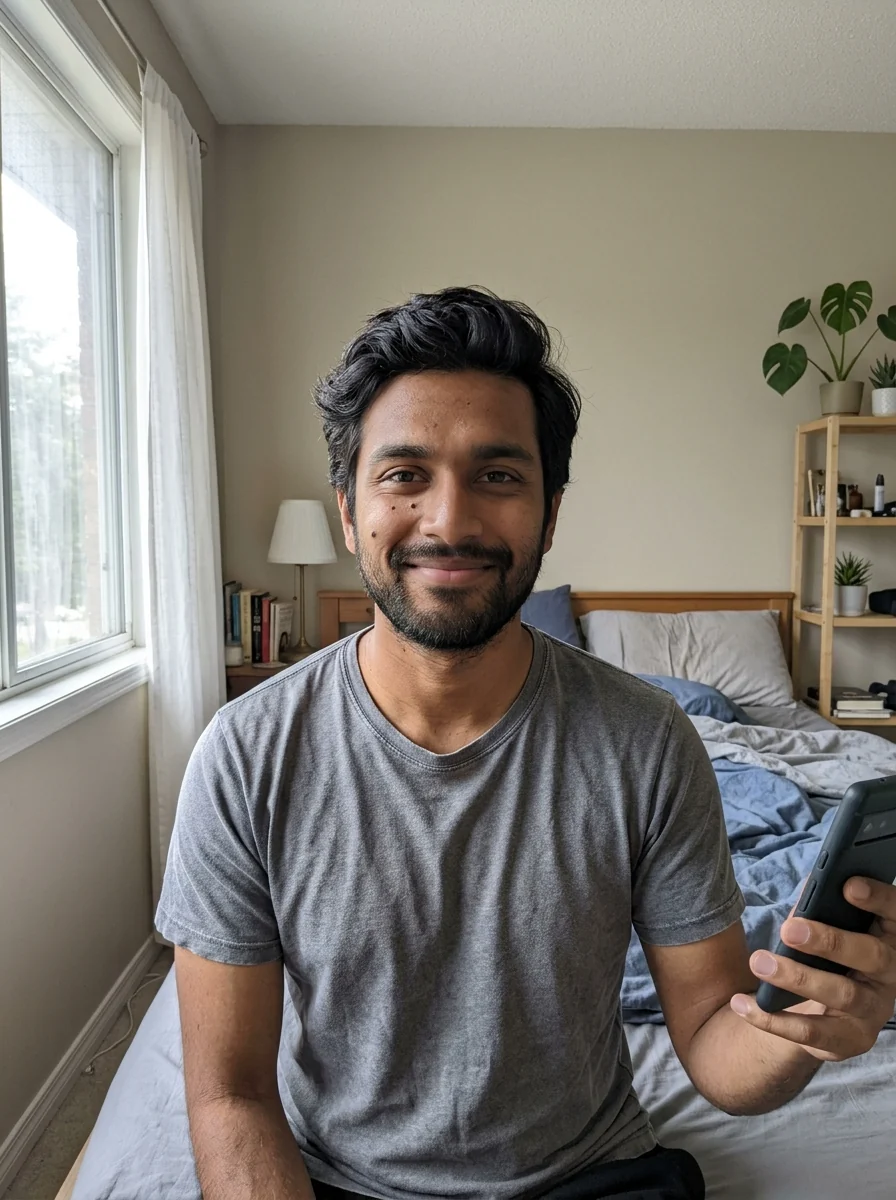
1. Take a selfie the AI can work with
- Face a window. Soft daylight from the front beats any ceiling light.
- Hold the phone at eye level, about an arm's length away. Low angles widen the face.
- Look at the lens with a relaxed expression. A natural face in the selfie gives a natural face in the headshot.
- Take off sunglasses and hats, and keep hair off the eyes.
- Use the back camera if someone can help. It has more detail than the front camera.
2. Generate the headshot
Upload the selfie to the AI headshot generator. By default you get business attire on a light grey studio backdrop. Want something else? Describe the outfit and background in the instructions box, for example "navy blazer, white wall". The face, hair and skin tone stay yours.

 AI headshotStudio-quality headshots from a few selfiesTry it with your photo
3. Fix just the background or just the outfit
Sometimes the photo is already good and only one thing is off. Two tools change one part and leave the rest alone.
- Background changer: replace a messy room with a plain wall, an office or anything you describe.
- Add suit to photo: put a suit, blazer or blouse on the same photo, with the face and pose unchanged.

Which look for which use
- LinkedIn and resumes: the default business look, head and shoulders, neutral background.
- Team pages: use the same instructions for the whole team so the photos match side by side.
- Speaker bios and press kits: ask for a plain backdrop with a little more space around the head for cropping.
- ID and visa photos have strict official rules. Use a real photo for those, not a generated one.
Check before you post
Look at the result at full size. If the eye color, glasses or a scar are not right, describe what to keep in the instructions box and generate again. A headshot that does not look like you does more harm than a plain selfie.
Sign in to try it; new accounts get 25 free credits. See pricing for plans.