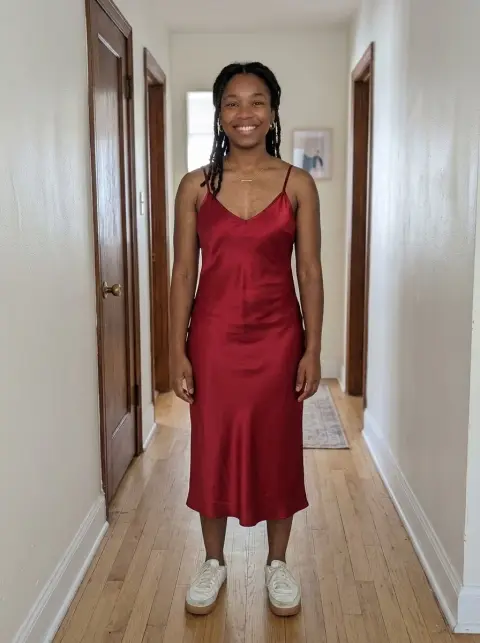
Add Suit to Photo
Swap a t-shirt or hoodie for a tailored suit.
Drop a photo
or paste with ⌘V · JPG · PNG · WebP · up to 8 MB
No photo handy? Try one of ours.
More like this.
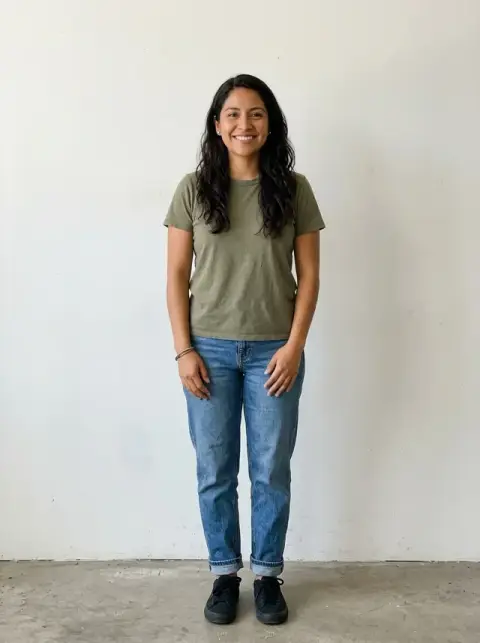
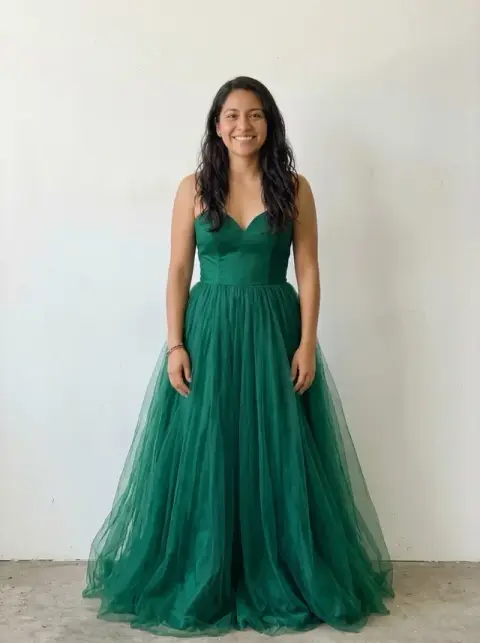
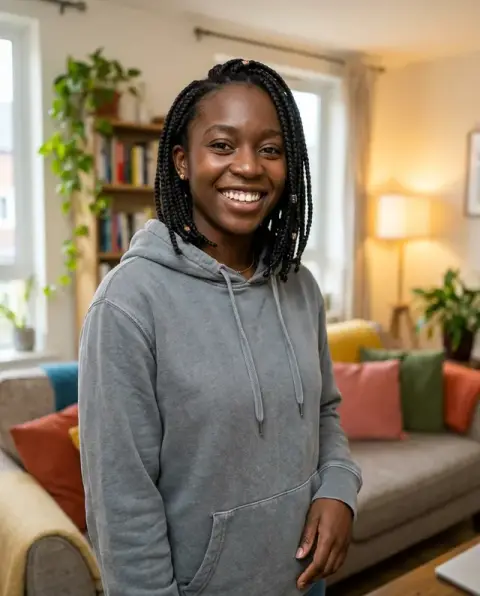
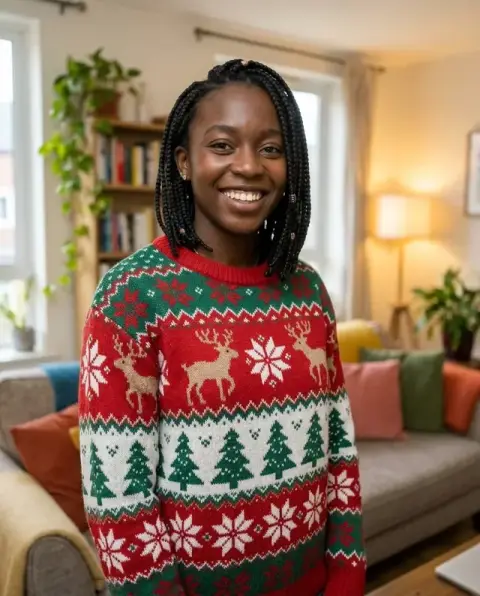
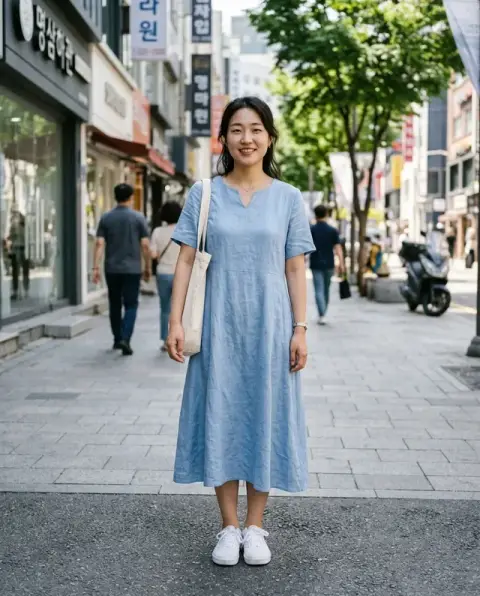
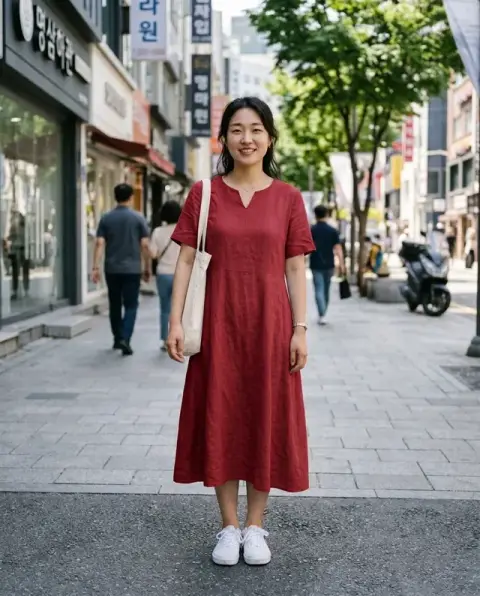




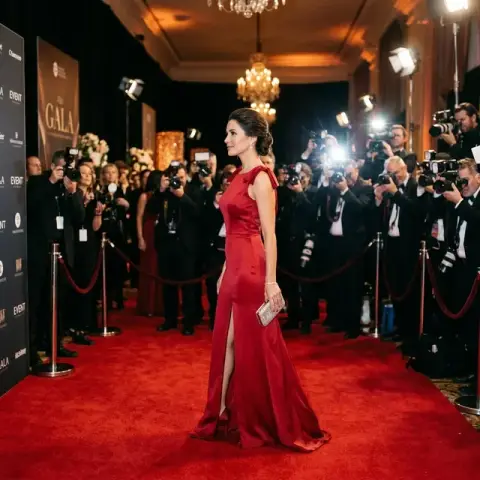
Add Suit to Photo examples.
Real results from this page's default settings in one click, not retouched.How examples are made

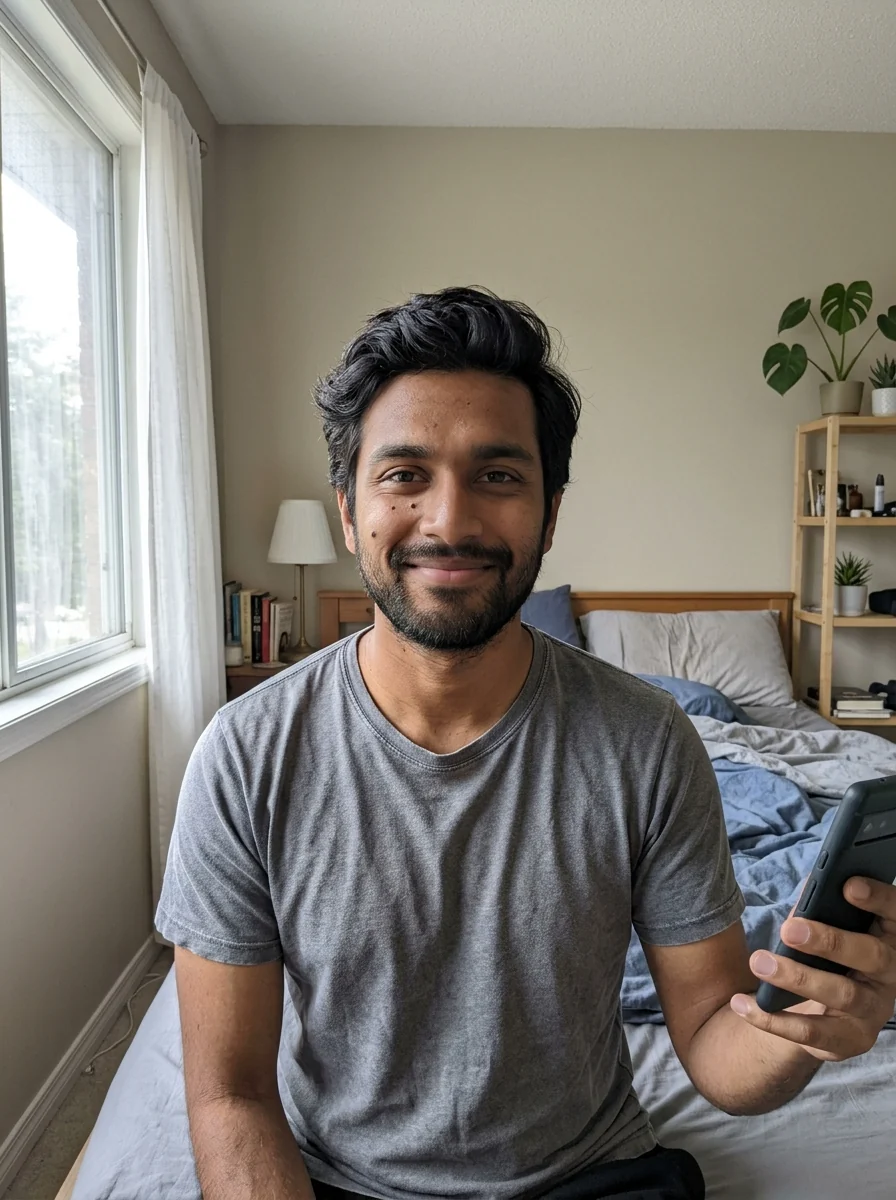
The same man in a charcoal suit and white shirt


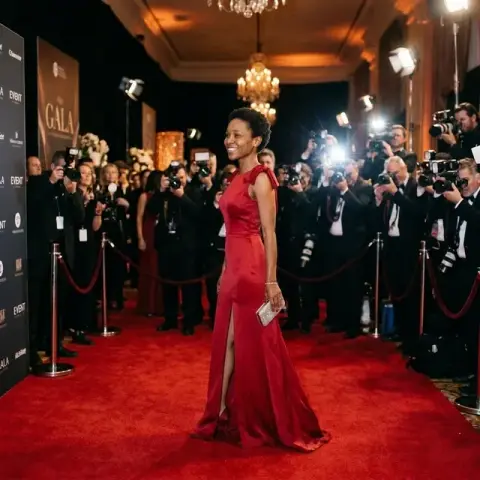
“navy pantsuit with a white blouse, no tie”
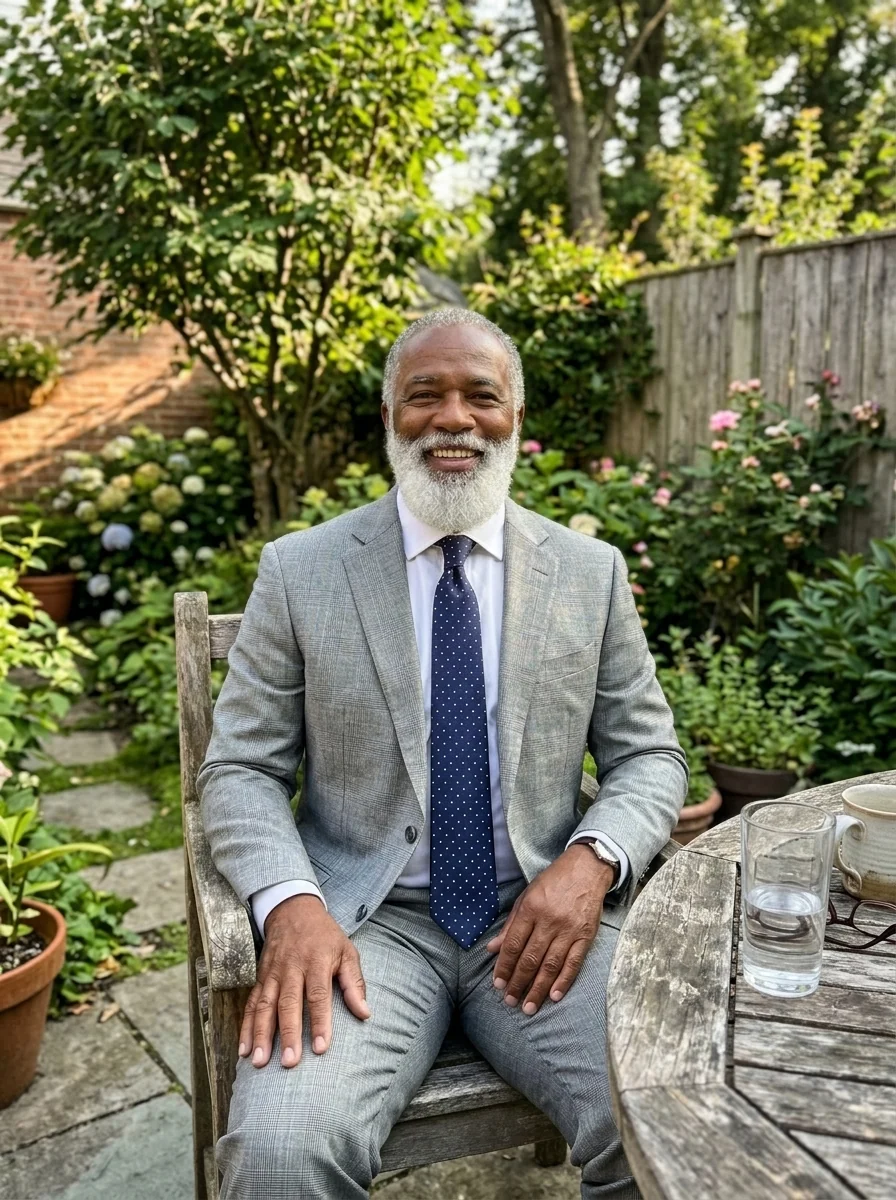
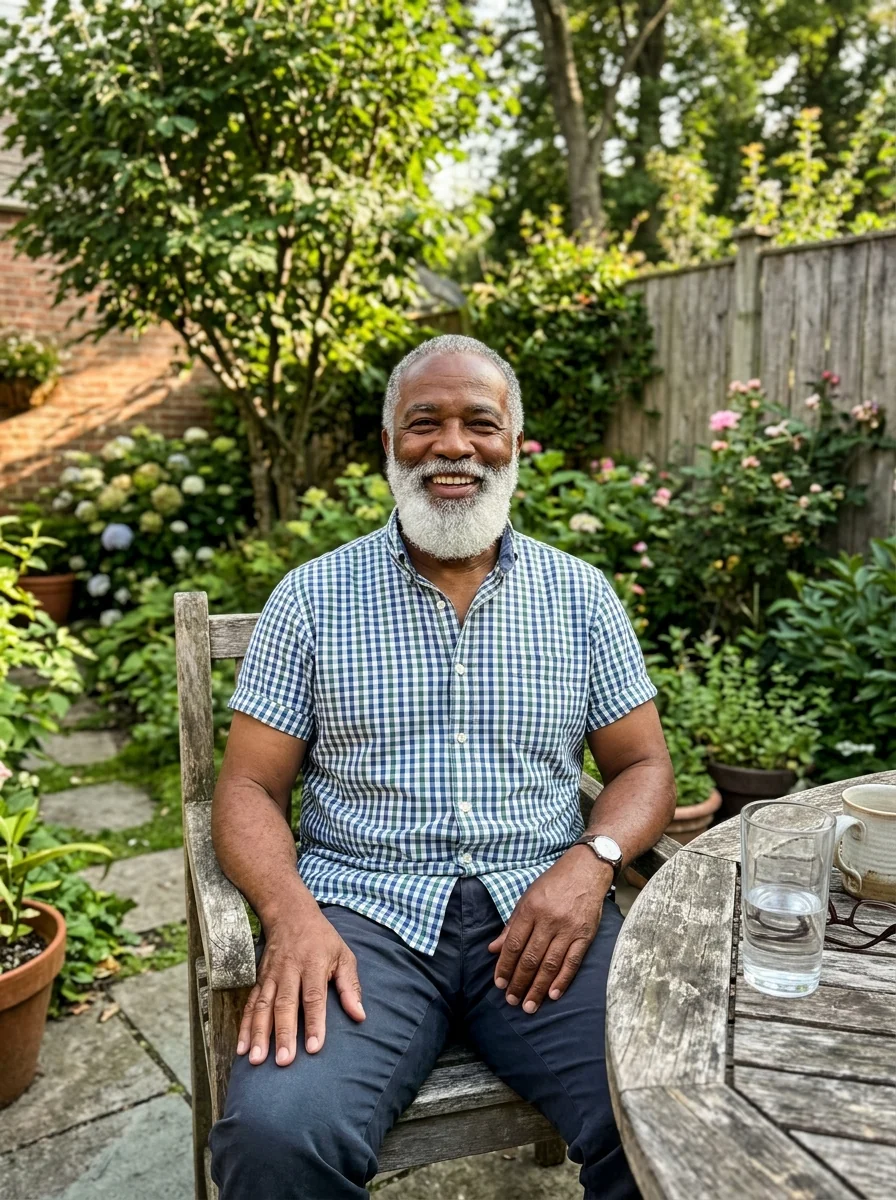
“light grey suit with a blue tie”
Add Suit to Photo features.
Tailored fit
Fabric folds and catches the light like a real suit.
You stay the same
Face, hair, pose, framing and background are kept.
Your choice of suit
Charcoal and white by default, or name a color and cut.
Add Suit to Photo, step by step.
01
Upload a photo
A head-and-shoulders or half-body photo.
02
Pick a suit
Use an idea or type your own, or leave it for the default.
03
Download
Use it on a CV or profile.
Add Suit to Photo use cases.
- CVs and LinkedIn
- A professional photo without a new shoot.
- ID and work badges
- Smart attire for an official picture.
Add Suit to Photo: best photos and fixes.
Photos that work best
A front-facing photo from the chest or waist up, with your shoulders square to the camera, gives the most convincing tailoring: the model can see where lapels, buttons and sleeves should fall. T-shirts, hoodies and sweaters are all replaced easily. Arms crossed tightly over the chest or a bag strap across the body make the jacket harder to draw and can leave odd folds.
Choosing color, cut and tie
Without instructions you get a dark, classic business suit. Name what you want in the instructions box: "charcoal two-button suit, white shirt, no tie", "navy suit with a burgundy tie" or "beige linen suit for a summer wedding". For a women's suit, say whether you want a blazer with trousers or a skirt, and whether the shirt underneath should be a blouse or a fitted top.
Keeping your face and hair exactly the same
Only the clothing is meant to change, but very low-resolution or heavily filtered selfies can come back with slightly smoothed skin. Start from the original camera file rather than a copy saved from social media. If your hair falls over your shoulders, it stays in place; long scarves and big necklaces may be removed because they sit where the collar goes.
Using the result for CVs and ID badges
For a profile photo, follow up with the background changer or a white background so the whole picture looks like a studio portrait. Check the collar, buttons and pocket square up close: if the shirt collar looks uneven, regenerate once, since each run drapes the fabric a little differently. Some employers and agencies do not accept edited ID photos, so check their rules first.
Seated, side-on and group photos
A photo taken while sitting at a desk works, but the jacket will be drawn open and creased at the waist, which can look less formal. Strong side angles show only one lapel, so the suit can look narrower than it would be. In group photos, say whose clothes should change: "put the man on the right in a navy suit", or the model may dress everyone.
Wedding and event looks
For weddings, proms and formal dinners, describe the occasion as well as the suit: "light grey wedding guest suit with a pale blue tie", "black tuxedo with a bow tie", "three-piece tweed suit". A tuxedo needs a satin lapel and a bow tie to read as formal wear, so name both. If the photo was taken outdoors in bright sun, lighter fabrics look more natural than heavy dark wool.
Add Suit to Photo FAQ.
Can I choose the suit color and style?
Yes. The default is a charcoal suit with a white shirt. Type a color or style, such as "navy pantsuit" or "light grey suit with a blue tie".
Will it add a tie?
Only when it suits the photo. Ask for "with a tie" or "no tie" to decide yourself.
Does it work for women's suits?
Yes. Women get a tailored jacket with a blouse or shirt, and you can ask for a pantsuit or skirt suit.
Is the Add suit to photo free?
Yes, you can try it free. New accounts get 25 free credits, and one generation here uses 9 credits. You sign in with your email; no card needed. Results have no watermark. After that, credit packs never expire, and your first one is half price.
Try these prompts

Guides on the blog.
 LinkedIn profile picture tips: what recruiters noticeYour LinkedIn photo is your first impression in search results and messages. Framing, outfit, background and expression tips, and quick fixes.
 How to take a selfie that makes a good headshotWindow light, eye-level angle, a relaxed face: the selfie habits that decide how a headshot turns out, and quick fixes for background and outfit.