











On LinkedIn, your photo shows up before anything else: in search results, next to your comments, in recruiters' candidate lists and at the top of every message you send. People make a quick judgment from a small circle, and the goal is simple. Look like yourself on a good day at work.
You don't need a studio. You need the right framing, clean light, a suitable outfit and a calm background. Here's what matters most, in order.
1. Get the technical details right
- Size: LinkedIn recommends 400 x 400 pixels or larger. Upload a bigger square image, around 1000 x 1000, and let LinkedIn scale it down.
- Shape: the photo is shown as a circle. Center your face and leave a little space above your head.
- File: JPG or PNG. Keep it under LinkedIn's upload limit, which is several megabytes.
- Visibility: under Settings > Visibility you can choose whether your photo is shown to everyone, your network, or only your connections. For job hunting, "All LinkedIn members" or public is best.
2. Frame your head and shoulders
Your face should take up roughly 60 percent of the circle. Crop from just above the top of your head to the middle of your chest. Too far away and you're a small figure in a room. Too close and it feels like a passport photo.
Shoot at eye level, or very slightly above. A camera below your chin makes everyone look less approachable.
3. Light your face evenly
Soft daylight from a window in front of you is the best light there is. Avoid:
- Overhead lights, which put shadows under your eyes.
- A bright window behind you, which turns you into a silhouette.
- Direct midday sun, which makes you squint.
If one side of your face is in shadow, turn slightly toward the light or hold a white sheet of paper below your chin as a reflector.
4. Dress one step above your daily work outfit
Wear what you'd wear to a meeting with an important client in your field:
- Corporate, finance, law, consulting: suit or blazer, plain shirt.
- Tech, marketing, design: a smart casual shirt or a simple sweater. A blazer over a T-shirt also works.
- Creative fields: something that shows your taste, as long as it's clean and fits well.
- Healthcare, trades, hospitality: your uniform or work clothes are fine and often best, because they show what you do.
Plain colors beat busy patterns. Avoid logos you don't work for.
Good photo, wrong outfit?
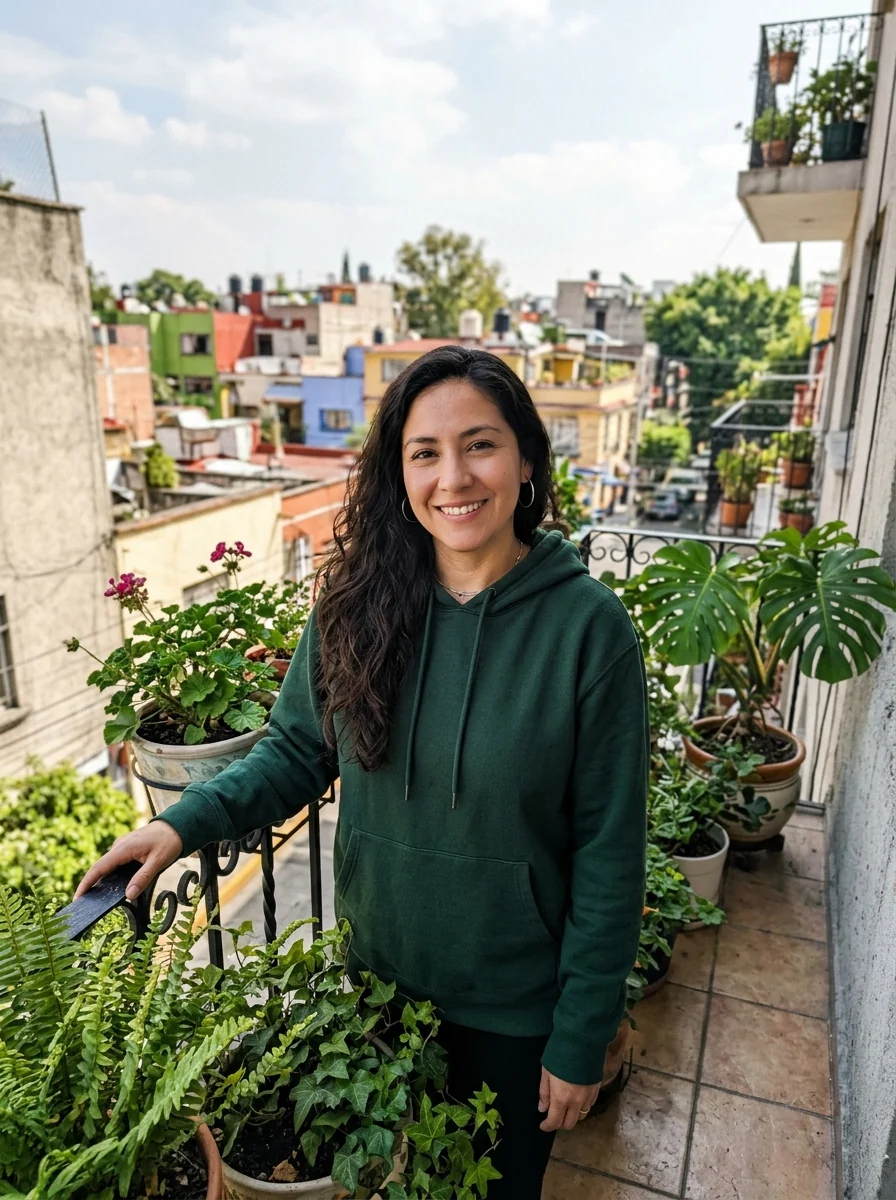
You may already have a photo where the light and expression are perfect but you're wearing a hoodie. Add suit to photo puts you in a suit or blazer while keeping your face, hair and pose. You can describe the exact outfit, like "navy blazer, white shirt, no tie".

 Add suit to photoPut a tailored suit on a casual photoTry it with your photo
5. Keep the background calm
A plain wall, an office with a blurred background, or soft greenery all work. Avoid your bedroom, your car, a bar, or anything that tells a story you don't want to tell.
If the photo is good but the background isn't, the background changer swaps it while keeping you and the lighting the same. Ask for something neutral like "a light grey studio wall" or "a bright modern office, blurred".
6. Choose a real, relaxed expression
A natural, slight smile with your eyes engaged reads as friendly and competent. Forced grins and very serious faces both look stiff. To get a natural face:
- Take 20 or 30 shots, not three.
- Think of something mildly funny right before the shutter.
- Breathe out and relax your shoulders.
- Look straight into the lens, not at the screen.
7. Or start from a selfie
If you don't have any usable photo, the AI headshot generator turns a clear selfie into a studio headshot with business attire and a light grey backdrop by default. Your face, hair and skin tone stay yours. Our guide to taking a selfie for a headshot explains how to take a selfie that gives the best result.


 AI headshotStudio-quality headshots from a few selfiesTry it with your photo
Mistakes that cost you
- An old photo. If people don't recognize you at the interview, the photo has failed. Update it every two to three years or after a big change in appearance.
- Group or wedding crops. A shoulder or a stranger's hand at the edge gives it away.
- Sunglasses or hats unless they're part of your work.
- Heavy filters. Smoothing that makes you look like a cartoon is noticeable.
- No photo at all. An empty silhouette looks inactive. Even a simple phone photo is better.
Don't forget the banner
The wide banner image behind your photo is easy to overlook. Use something related to your work: your company's banner, a photo of your workspace, a city skyline where you're based, or a simple color that matches your photo. Keep the left side calm, because your profile picture covers it.
Final check
Look at your new photo as a small circle next to two or three colleagues' photos. Does yours look as professional as theirs? Does it look like you? If both answers are yes, upload it and get back to the rest of your profile.

