












Unblur Image with AI
Fixes motion blur, camera shake and soft focus.
Drop a photo
or paste with ⌘V · JPG · PNG · WebP · up to 8 MB
No photo handy? Try one of ours.
More like this.
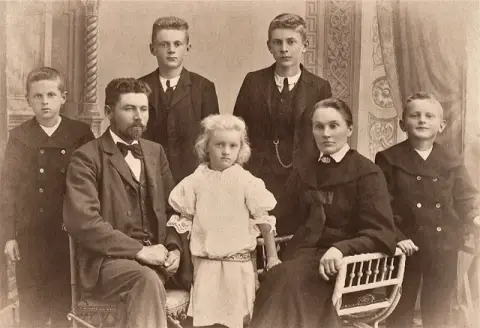
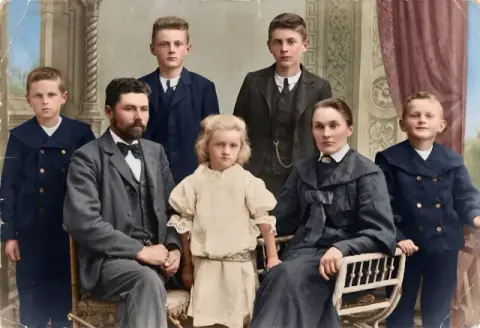
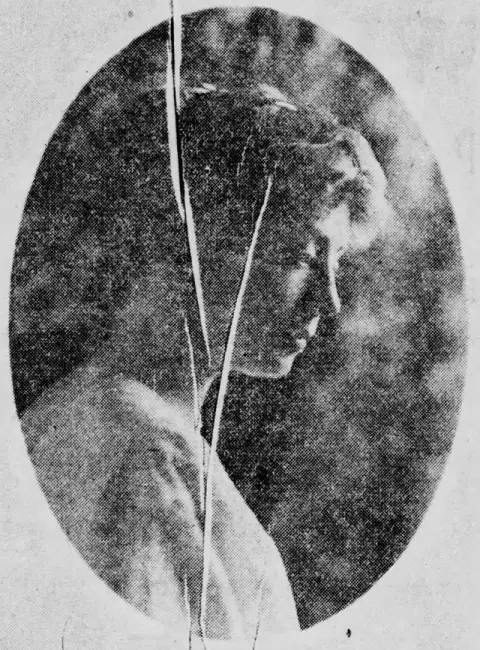
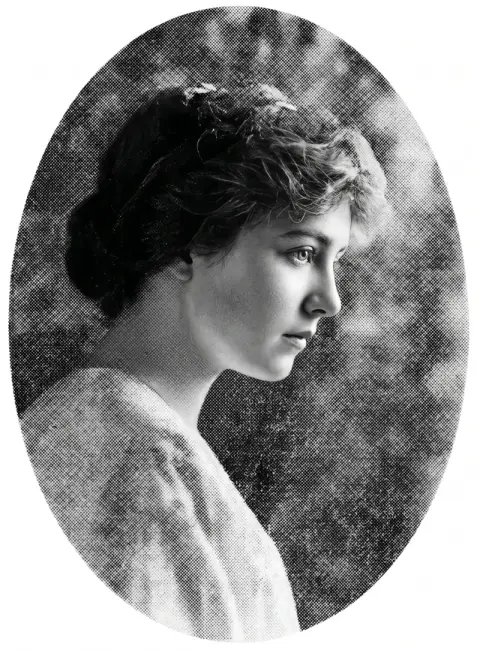
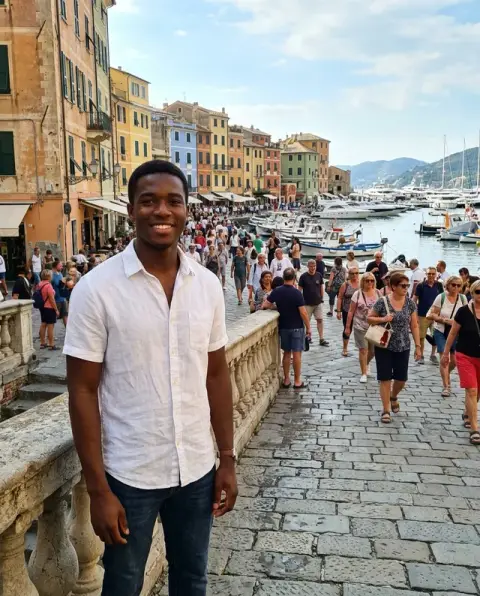
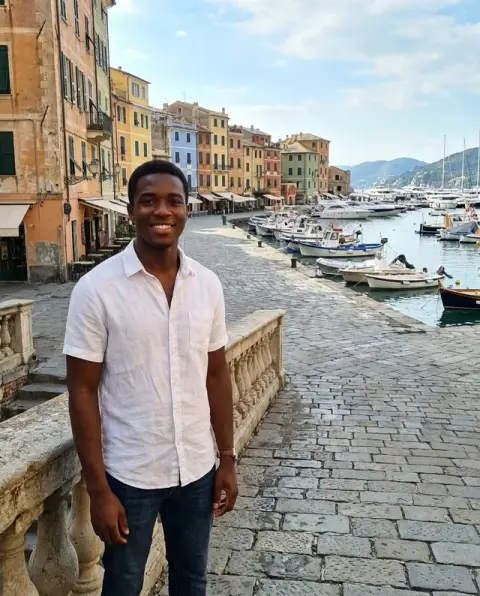
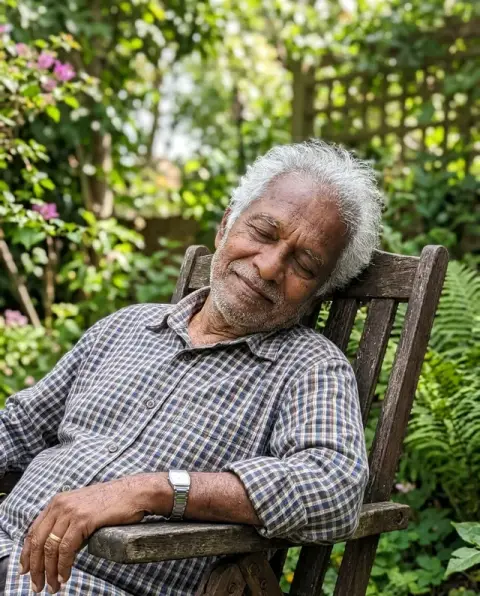
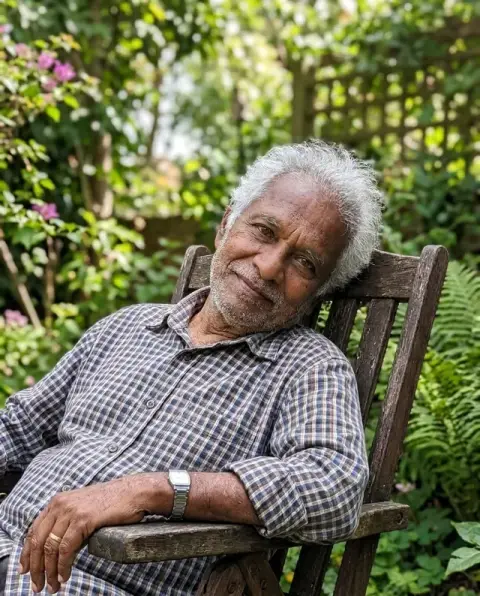
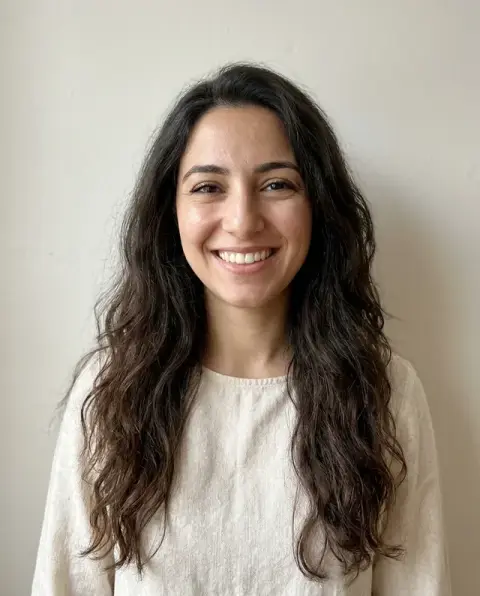
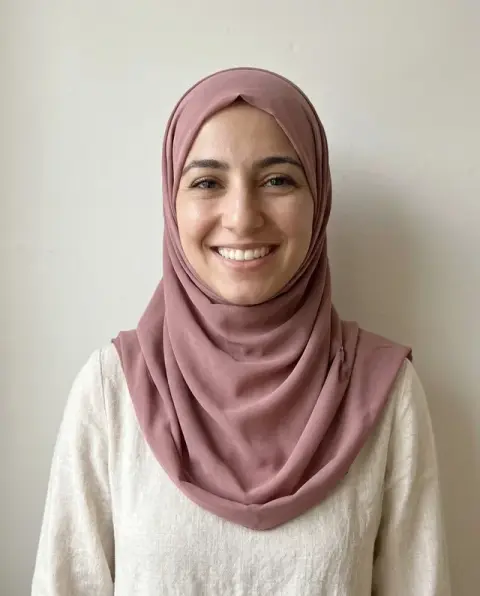


Unblur image results on kids on a swing, a recipe card and a shaky portrait.
Real results from this page's default settings in one click, not retouched.How examples are made

The swing photo with sharp faces and edges
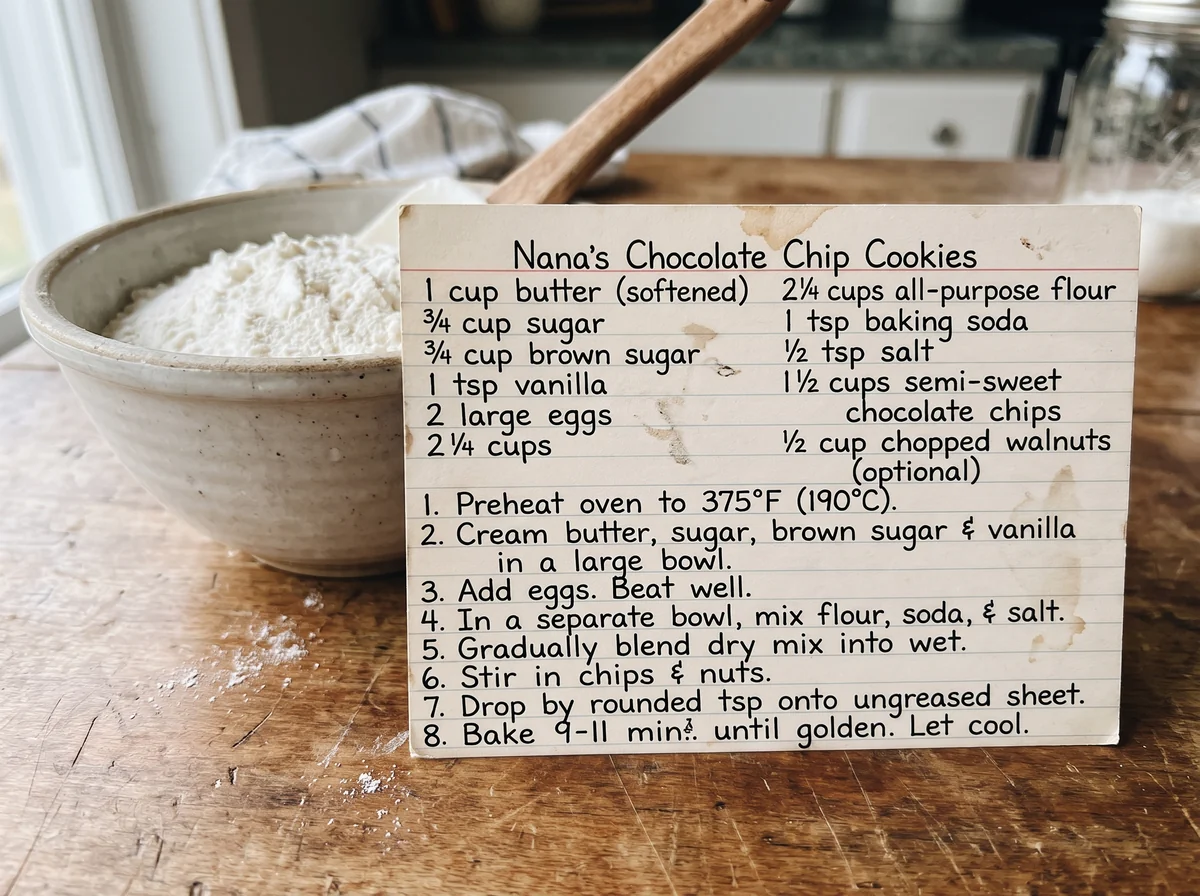
The recipe card photo sharpened so the handwriting can be read

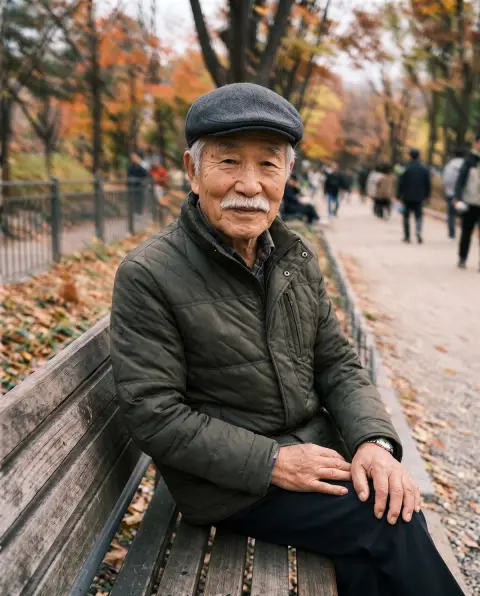
The same portrait restored to a sharp, clear image
What unblur image recovers, and what it keeps the same.
Motion and shake
Recovers photos taken while moving or with an unsteady hand.
Faces and text
Brings back eyes, edges and readable letters.
Same photo
People, colors and framing stay as they were.
Unblur Image with AI, step by step.
01
Upload the blurry photo
JPG, PNG or WebP.
02
Unblur
The photo is rebuilt at 2K resolution.
03
Download
Save the sharp version.
Unblur image or retake it? The shots worth rescuing.
- The only photo of the moment
- A child blowing out candles, a first dance, a goal: the moment is gone and the one photo is soft. Upload the original file to unblur it and sharpen the details, then compare faces at full size before you share or print it.
- A receipt or page you need to read
- A photo of a receipt, a contract page or a whiteboard came out shaky and the paper is gone. Unblur it, then check every number and name against what you know before using it.
- A profile picture that is slightly soft
- Your favourite photo of yourself is a little out of focus. Unblur it before using it as a profile picture, and put it next to another photo of you to make sure it still looks like you.
- Photos from an old phone or camera
- Pictures from early digital cameras and old phones are often soft from small sensors and slow shutters. Unblur the ones worth keeping before they go into an album or a slideshow.
Unblur Image with AI: best photos and fixes.
Phone shots with hand shake
Slight shake from a slow shutter in dim rooms is the easiest case: edges are smeared in one direction, and the AI can rebuild them into sharp lines. Photos of people at parties, restaurants and concerts are typical. Night photos with heavy shake and noise improve too, but fine details such as eyelashes and hair may be redrawn.
Soft focus on the wrong subject
When the camera focused on the background, faces come back sharper but skin and eyes are partly redrawn rather than recovered. The result looks clean, but may not match the person exactly. Compare it with another photo of the same person, and regenerate once if the likeness is off.
Text that is smeared past reading
If you cannot guess a letter yourself, the model guesses too. Documents, receipts and signs that are soft but still mostly readable come back clear. For text that is completely unreadable, the result may show confident-looking letters that are wrong; check names, numbers and dates against the original before relying on them.
If the result looks over-sharpened
Use the original file, not a screenshot or a copy sent through a chat app, which adds compression on top of the blur. Crop to the important part first so the model spends its detail there. If edges look harsh or skin looks plastic, write "natural, soft detail" in the instructions and regenerate.
Blur, pixels or small images
Blur means smeared edges. If the image instead shows blocky squares from being too small or heavily compressed, unpixelate is the better tool. Moving subjects in a sharp scene, such as a running child, are harder than a fully shaken photo, because only part of the image needs fixing.
Pets and children who moved
Pets and small children rarely sit still, so a blurred face with a sharp background is common. The tool sharpens the face, but small details, such as whiskers, eyelashes and fur texture, are partly redrawn. For pets with distinctive markings, check that they are still in the right place, and compare with another photo of the same animal.
Before printing
Printing shows sharpness problems that a phone screen hides. Unblur first, then view the result at 100% zoom and look at eyes, text and edges. If it looks good there, it will usually print well at the size the resolution allows. For large prints, avoid going bigger than the image can support, even after unblurring.
Unblur image questions before you trust the result.
What kinds of blur can it fix?
Motion blur, camera shake and slightly out-of-focus shots. Extremely blurred photos may come back sharper but with some details reinvented.
Can it make blurry text readable?
Often yes, for documents and signs that are soft but not smeared beyond recognition. Check names and numbers before relying on them.
Is unblurring the same as sharpening?
Sharpening only boosts edge contrast. The AI unblur rebuilds lost detail, so it works on photos that a sharpen slider cannot save.
How many credits does one generation use?
With GPT Image 2, the default 2K generation uses 16 credits. You can select 1K for 9 credits. New accounts get 25 free credits, enough to try 1K. Sign in with your email; no card needed. Results have no watermark. Credit packs never expire, and your first one is half price.
Can it unblur a group photo?
Yes. All faces are sharpened in one run. Faces at the back get more guessing than those at the front, so check them at full size.
Can it unblur a video?
No. It works on one still image at a time. To fix a single moment from a video, save that frame as an image and upload it.
Is it different from photo restoration?
Yes. Unblur fixes smeared edges and focus. [Photo restoration](/tools/photo-restoration) repairs scratches, creases and fading on old prints; for an old print that is also soft, restore it first and unblur afterwards if needed.
What files can I upload?
A JPG, PNG or WebP, up to 8 MB. On a computer you can scan a QR code to send a photo from your phone; the link works for 10 minutes.
Are my photos used to train AI?
No. Photos and results are not used to train AI models. Results stay in My files for 48 hours, or 30 days once you've bought a credit pack, and you can delete them sooner.
What if the result looks wrong?
Run it again for a new variation. Failed runs are refunded automatically.
Guides on the blog.
 Remini alternatives for sharpening and restoring photosRemini is known for sharpening faces in blurry and old photos. Alternatives for unblurring, unpixelating, repairing damage and adding color, and how to choose.
 Why are my photos blurry? 8 causes and how to fix themNot all blur is the same. How to recognize camera shake, missed focus, motion blur and a dirty lens, how to prevent each, and how to rescue a blurry photo.
 Why are my photos pixelated? Causes and real fixesBlocky squares, jagged edges and smeared color have a few clear causes. How to tell them apart, stop them happening, and repair images that are already blocky.


