Open Eyes in Photo
Fix the blink. Keep the moment.
Drop a photo
or paste with ⌘V · JPG · PNG · WebP · up to 8 MB
No photo handy? Try one of ours.
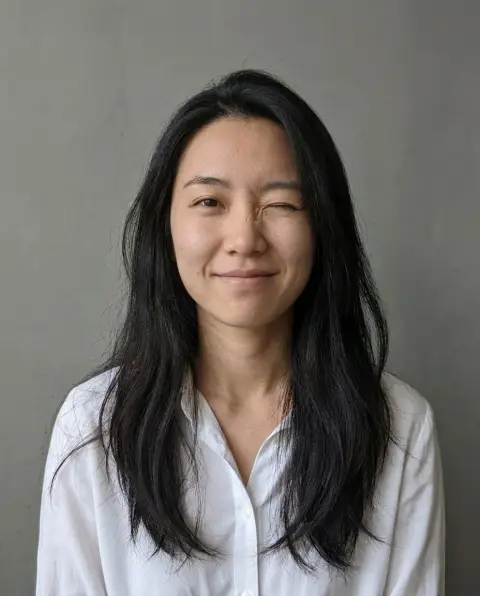
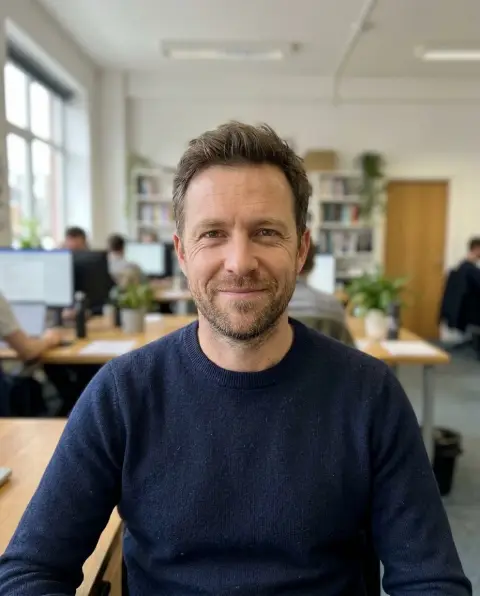
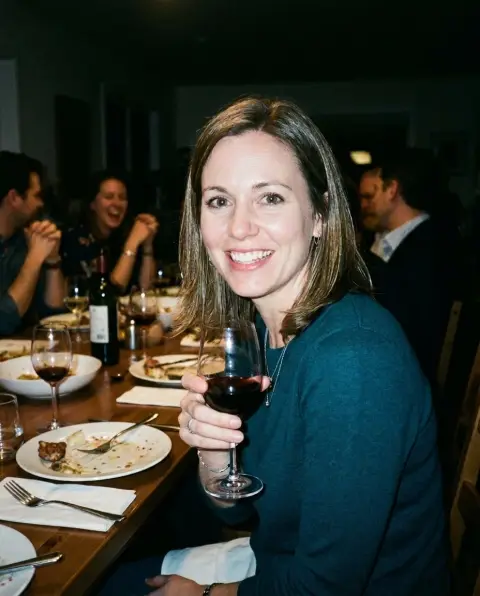
Open Eyes in Photo examples.
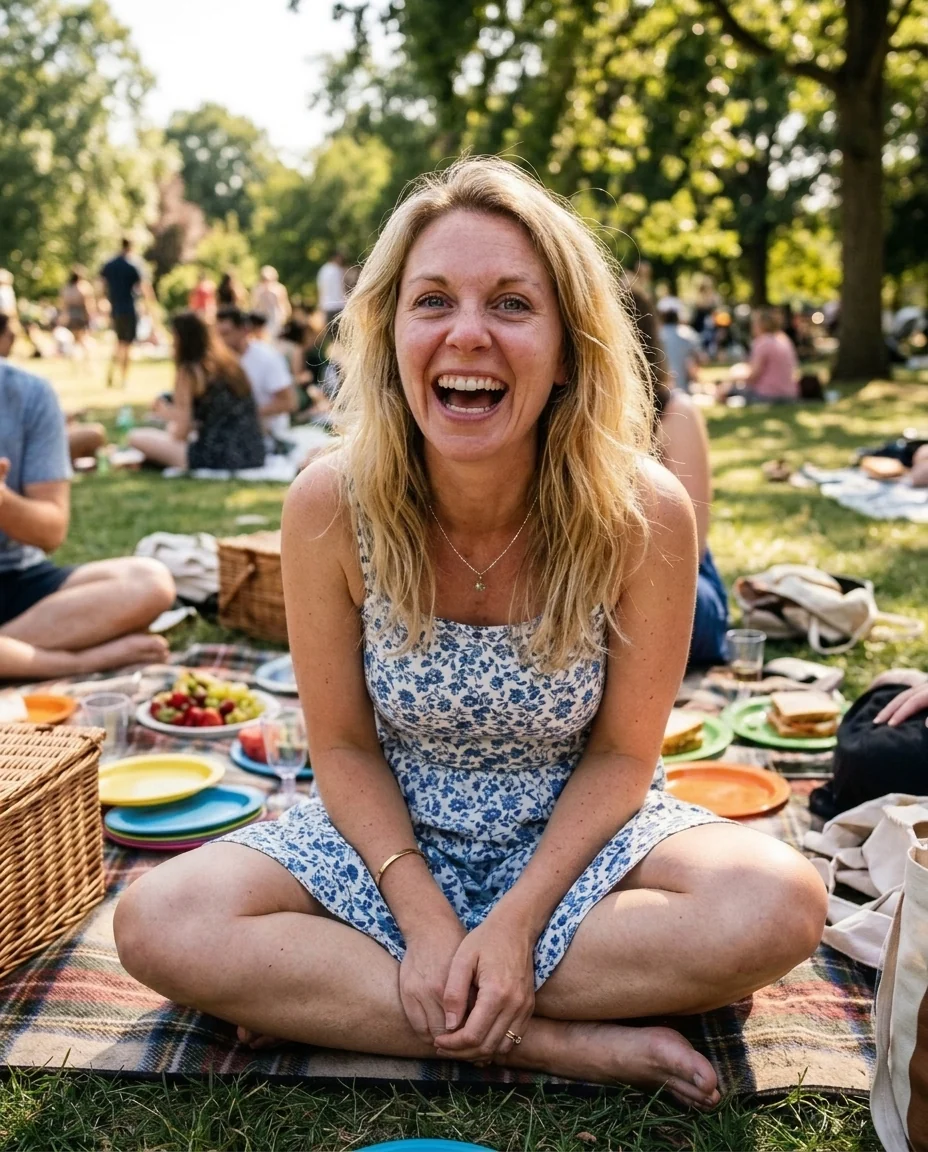
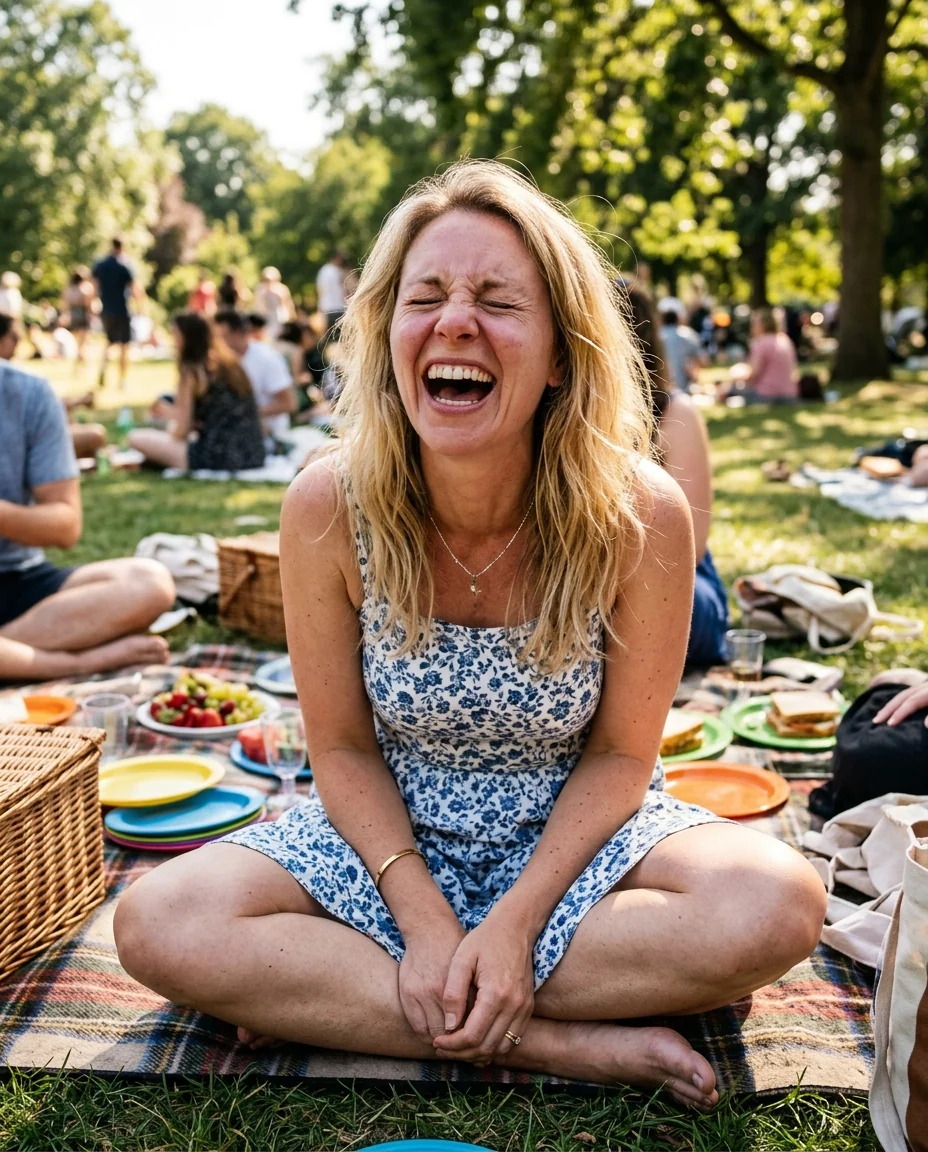
Laughing blink
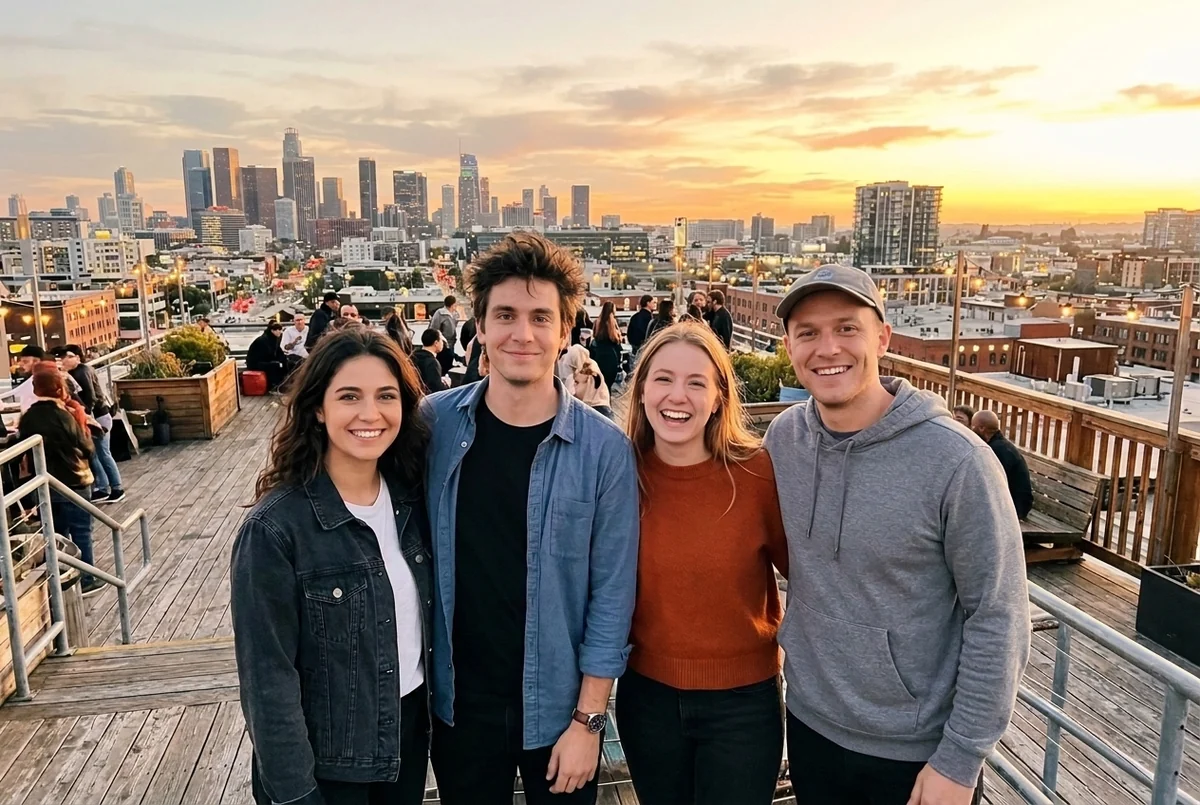
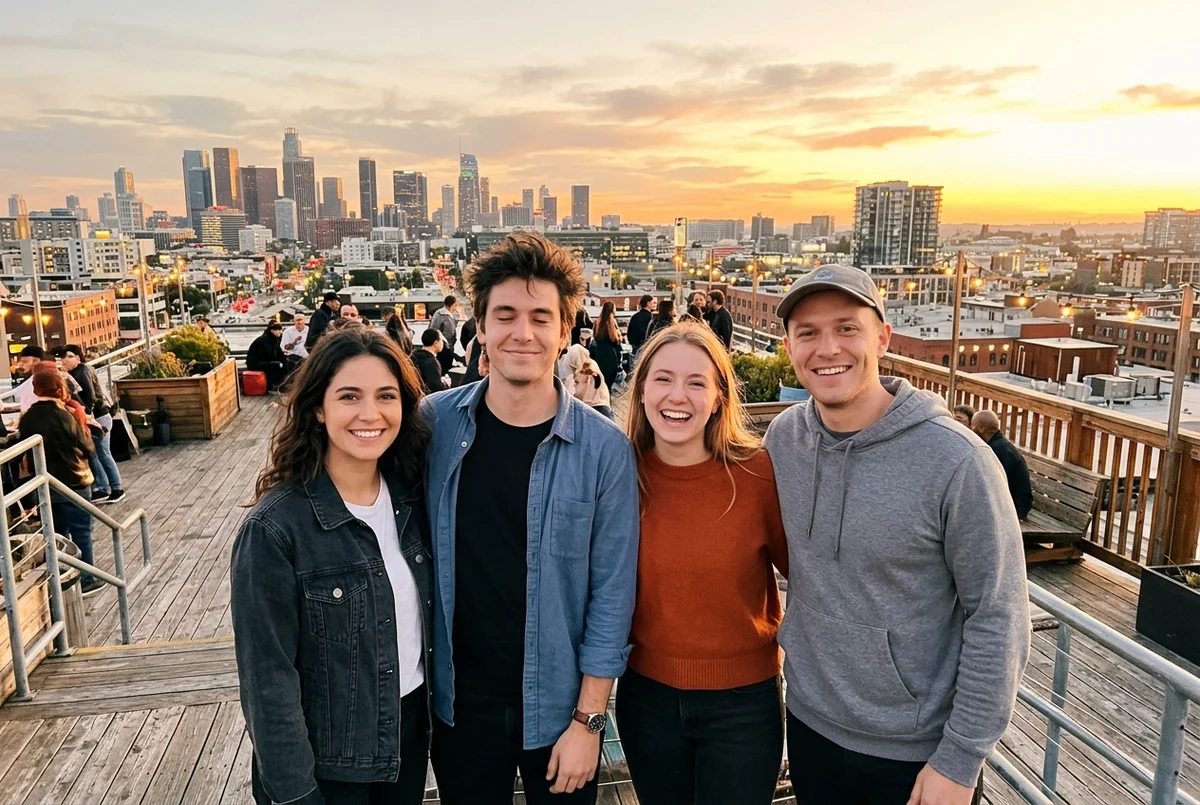
One blink in a group
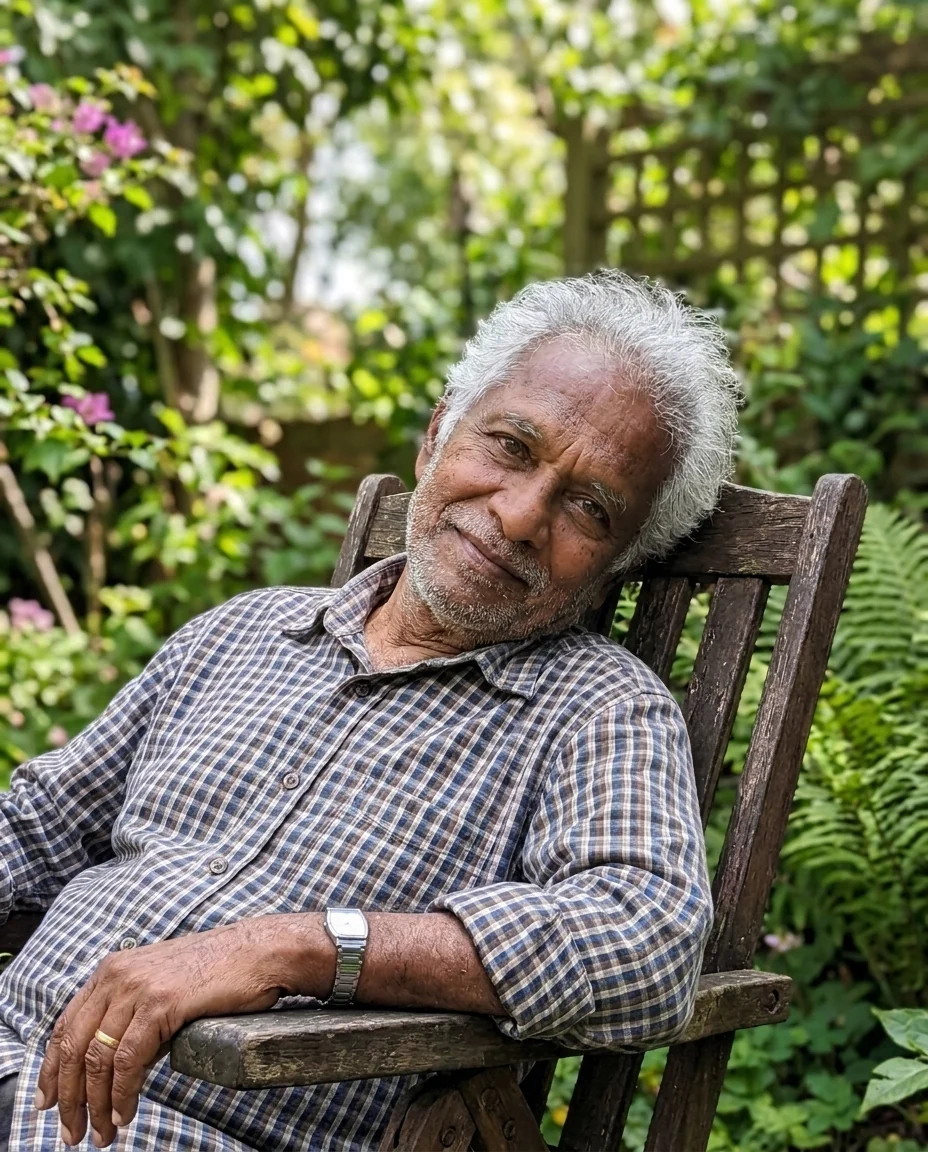
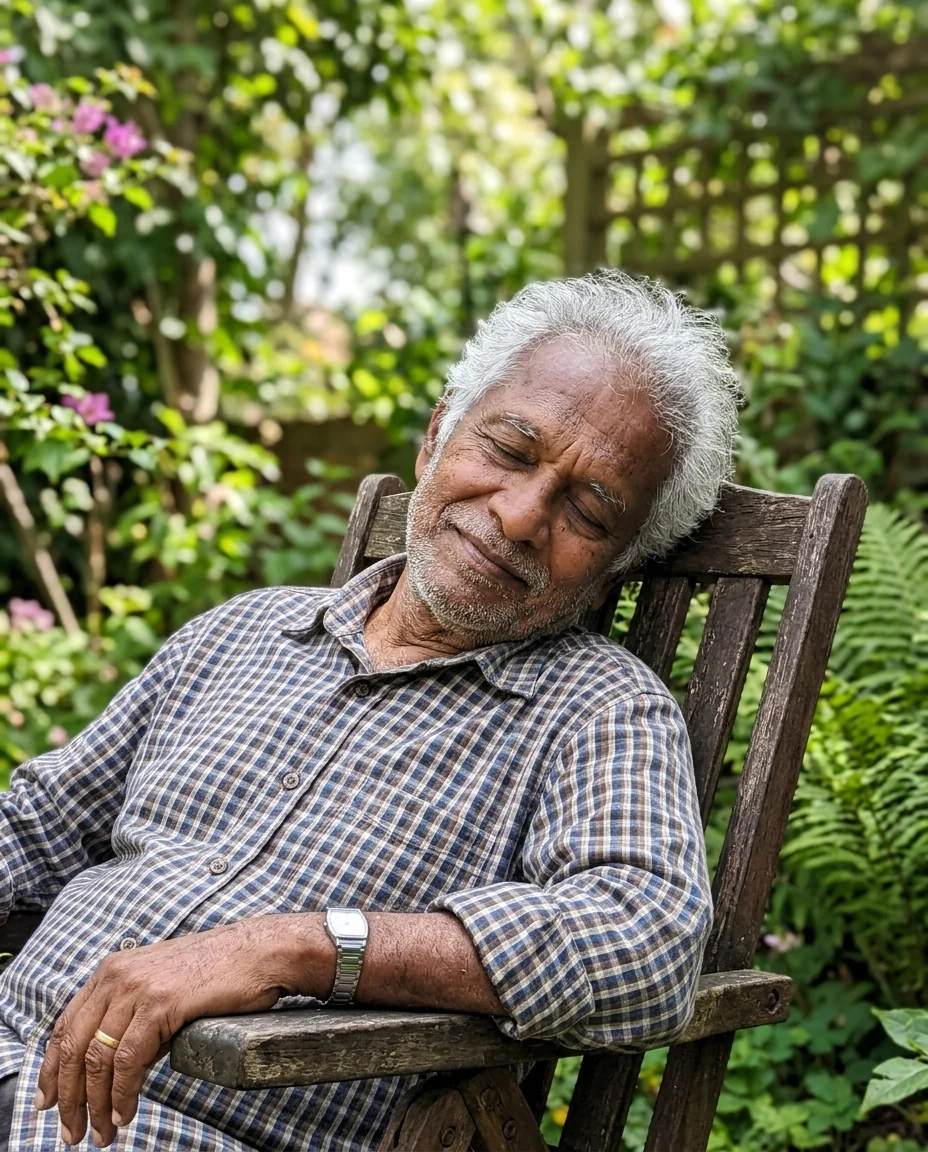
Portrait
Open Eyes in Photo features.
Fixes blinks
Closed, half-closed and squinting eyes.
Matches the face
Eye shape, size and color fit the person.
Only who needs it
Open eyes in a group are left alone.
Open Eyes in Photo, step by step.
01
Upload the photo
The one with the blink.
02
Add the eye color if you know it
For example "brown eyes".
03
Download
Compare with the slider.
Open Eyes in Photo use cases.
- Group photos
- Save the shot where one person blinked.
- Weddings and events
- Fix a blink in a once-only moment.
- Portraits
- Rescue a great expression with closed eyes.
Open Eyes in Photo: best photos and fixes.
Why eye color matters
When eyes are fully closed there is no iris to copy, so the color is guessed from the person's look. If you know it, write it: "her eyes are blue", "dark brown eyes". Another photo from the same day is the best reference to compare against. For half-closed eyes some of the iris is visible, so the color usually comes out right on its own.
Group photos
In a group, only the people with closed or half-closed eyes are changed; everyone else is left as they are. Small faces at the back give the tool less to work with, so their eyes may look simpler. If it misses someone or edits the wrong person, name them: "only the man second from the left". Zoom in on the faces next to the fixed one: the skin around the eyes should match its neighbours in brightness.
Laughing and squinting
Big laughs and bright sun squeeze the eyes, and the cheeks lift. Opening them fully can look odd with a big laugh, so for a natural look ask for "slightly more open"; for wide eyes write "eyes fully open".
Direction of gaze
Opened eyes look where the face points, which is usually the camera in posed photos. If the person should be looking at someone else, write it: "looking at the bride", "looking down at the baby". A gaze that doesn't match the scene is a common reason a result feels off.
When it looks painted
Eyes that look too large, too bright or slightly cross-eyed usually come from a small, soft face. Upload the largest version of the photo, regenerate once, or crop closer to the person and edit the crop. Sharpening a blurry face first with the unblur image tool also helps. If glasses reflect light over the eyes, clear that first with remove glare from photo.
Related tools
The face expression changer changes the whole expression, including winks. The red eye remover fixes flash eyes, and remove glare from photo cleans reflections on glasses. To make other single face changes, use the face editor.
Open Eyes in Photo FAQ.
Do I need to mark the eyes?
No. Closed eyes are found automatically; name the person in a group if it edits the wrong one.
Will the eye color be right?
If the eyes were fully closed, the color is guessed. Write it in the instructions for the best match.
Does it change people whose eyes are open?
It is told to leave open eyes alone, but in a crowded photo check the faces around the fixed one.
Is the Open eyes in photo free?
Yes, you can try it free. New accounts get 15 free credits, and one generation here uses 13 credits. You sign in with your email; no card needed. Results have no watermark. After that, plans add credits every month and credit packs never expire.