Emoji Remover
Clear stickers and emojis off your photos.
Drop a photo
or paste with ⌘V · JPG · PNG · WebP · up to 8 MB
No photo handy? Try one of ours.
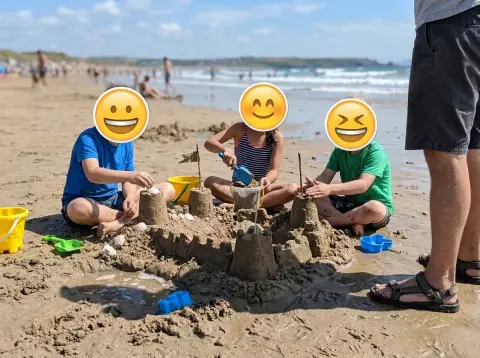
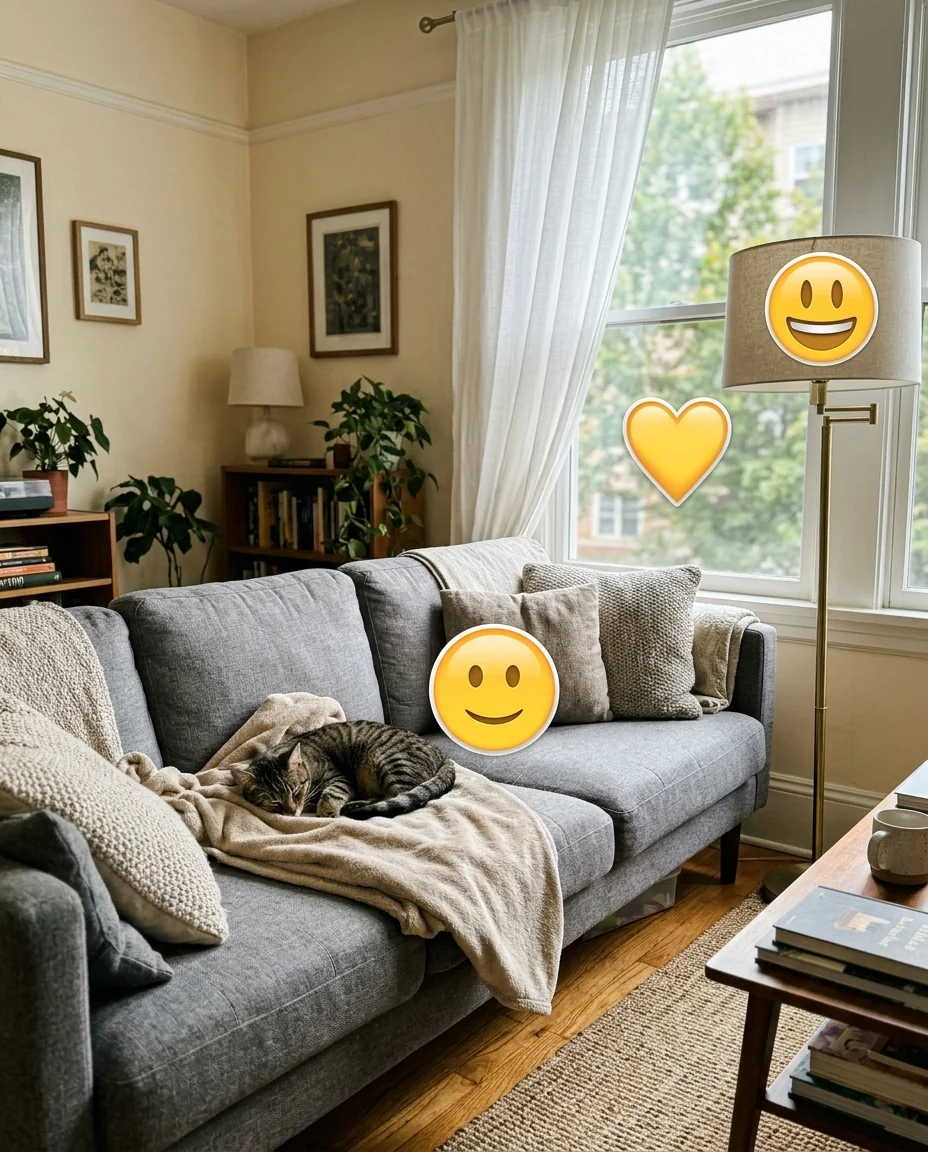
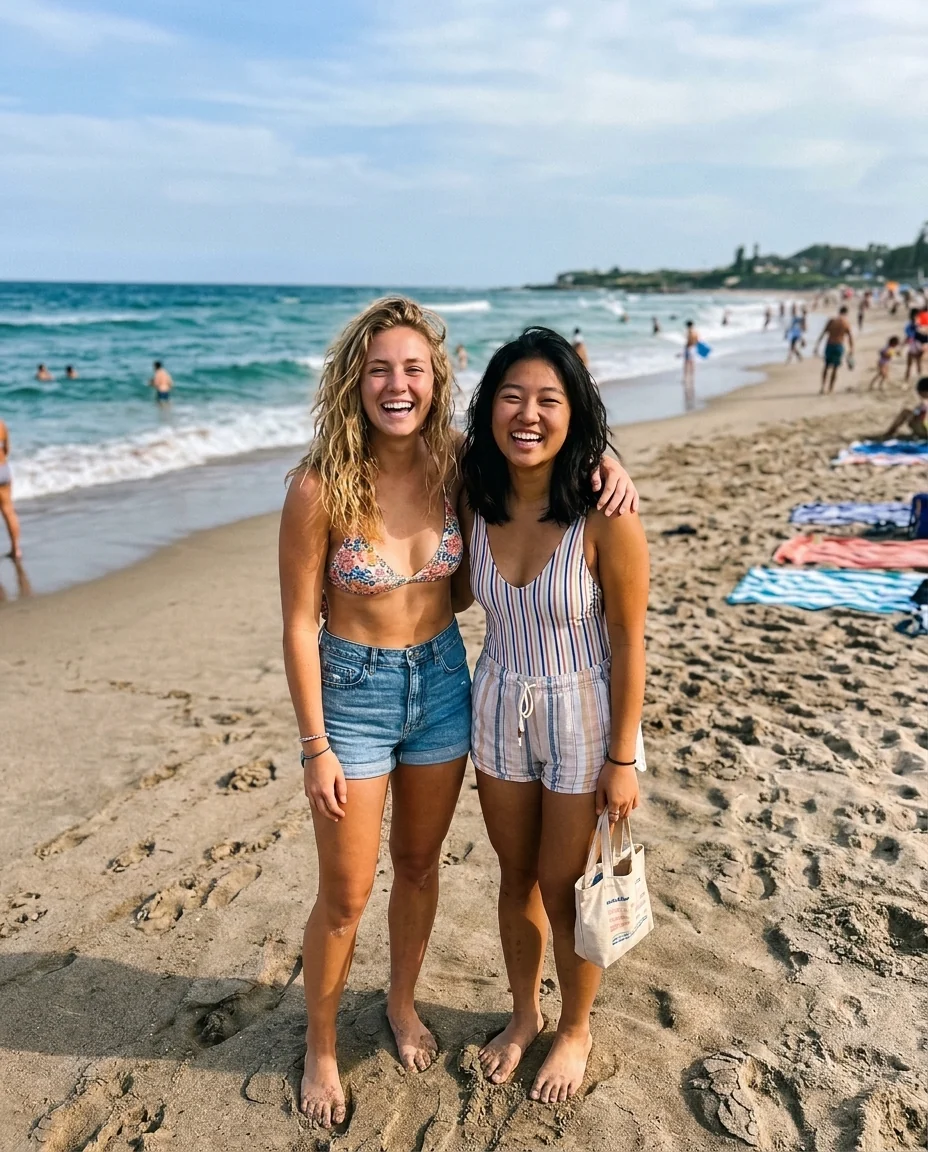
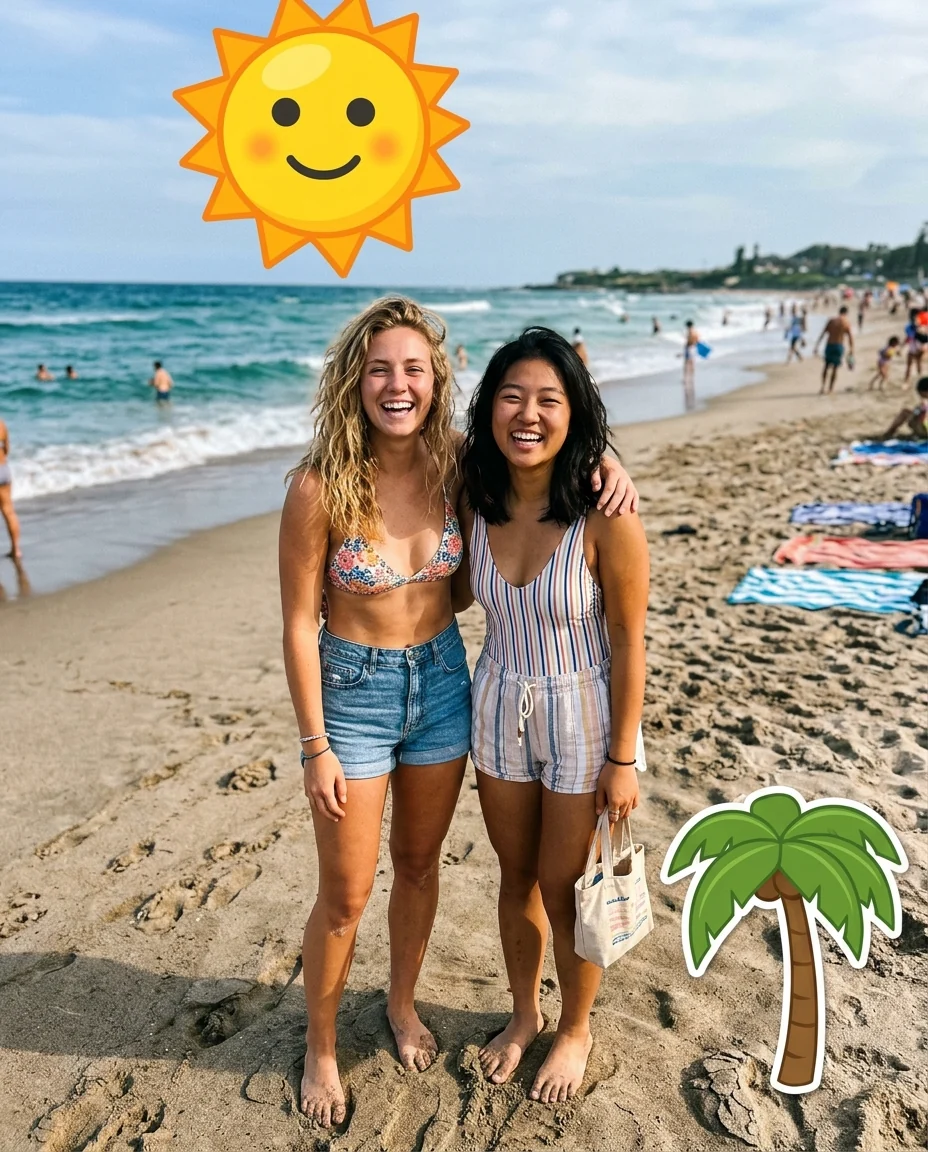
Emoji Remover examples.

Stickers on a scene
Holiday stickers

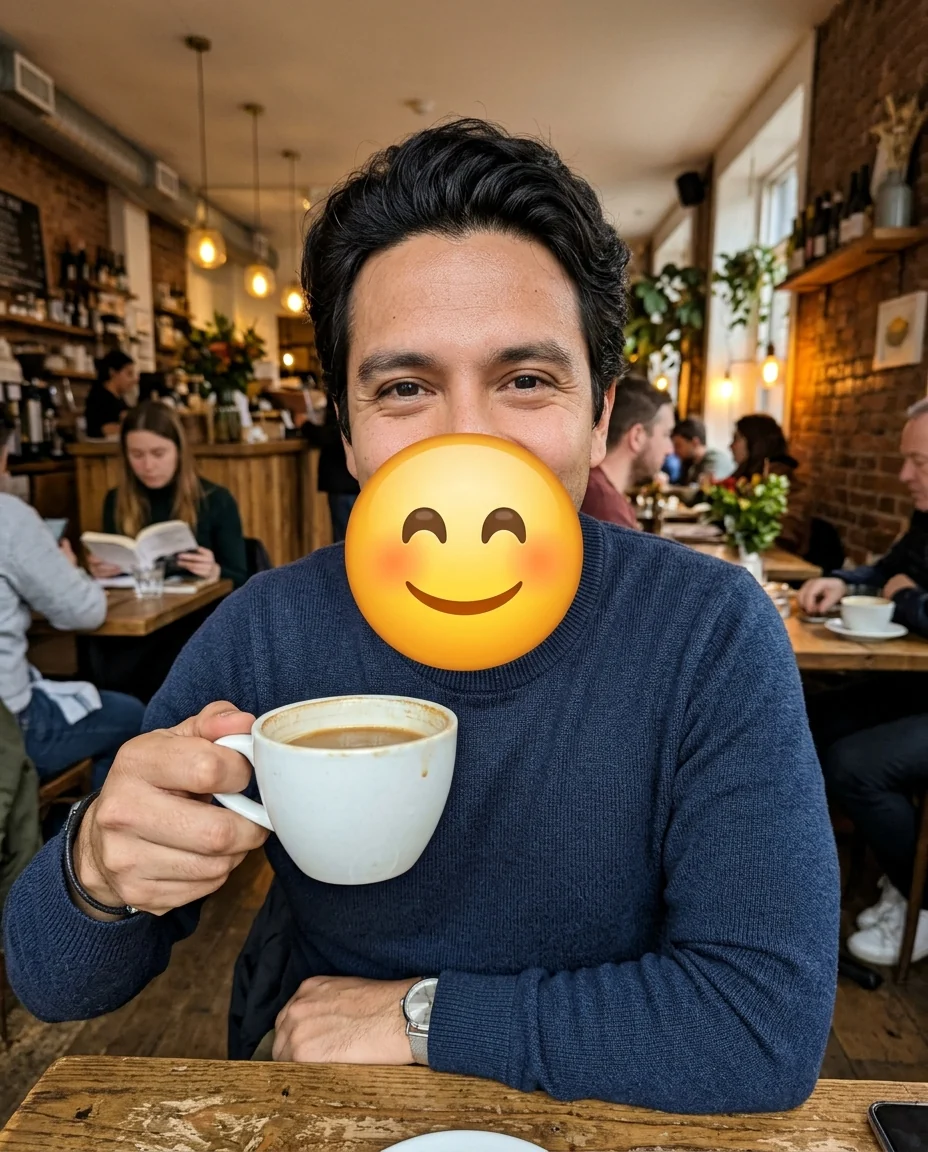
Your own face
Emoji Remover features.
Stickers and emojis
Smileys, hearts, GIF stickers and doodles.
Background filled in
Walls, sky, sand and fabric continue underneath.
Rest of photo kept
Only the overlays are removed.
Emoji Remover, step by step.
01
Upload your photo
Your own copy from your camera roll if you have it.
02
Name one if needed
For example "only the heart in the corner".
03
Download
Then add new stickers if you like.
Emoji Remover use cases.
- Reusing your stories
- Get the clean photo back from a story you decorated.
- Printing photos
- Remove stickers before making a print or album.
- Your own photos
- Remove stickers you or a friend added to a picture of you.
Emoji Remover: best photos and fixes.
What it does under a face emoji
An emoji over a face hides that face completely: there is no hidden photo underneath to bring back. When a sticker covered part of a person, the covered area is drawn new to fit the visible parts, so it is a plausible face, not the real one. A face fully hidden by an emoji comes back as an invented face that won't match the real one. It can't unmask anyone, and it isn't meant to: people hide faces with emojis on purpose.
Photos that clean up best
Stickers on simple areas, like sky, walls, sand, grass and tables, usually blend in, because the surroundings are easy to continue. Stickers over detailed things such as a patterned rug, a bookcase or a crowd need more invention, so look closely at those areas. Small stickers are easier than large ones, simply because less has to be filled in.
Start from the best copy
Shared photos are often compressed, and stickers are burned into the pixels. If you still have the original in your camera roll, that is better still, because it has no sticker at all. If not, upload the largest saved copy you have. Screenshots of stories include the app's interface; crop that off before you upload.
Removing only some stickers
By default every overlay is removed. To keep some, name what goes: "only the heart in the top left", "remove the stickers, keep the text". Describing color and position is more reliable than naming the emoji. Text captions and overlays written on the photo are a separate job, handled better by the remove text from image tool.
Partly covered people
When a sticker covered a hand, a shoulder or part of a body, the hidden part is completed to match the clothes and pose. Check hands and fingers, which can come out slightly off; regenerating once often fixes them. For faces that were only partly covered, such as a sticker over one eye, the visible half guides the result, so it usually looks close to the person.
Related tools
Watermarks and logos laid over a photo are handled by the watermark remover. Captions, subtitles and signs go with the remove text from image tool. To take a whole person or object out of a scene, use remove people from photo. And if you want to add emojis rather than remove them, for example to hide a child's face before posting, the add emoji to photo tool does that.
Emoji Remover FAQ.
Can it show the face under an emoji?
No. The face under an emoji isn't in the photo, so it can't be revealed. If a sticker covered a face, a new face area is drawn to match the visible parts.
Can I remove stickers from someone else's photo?
Only from photos you have the right to edit, such as your own pictures. Don't use it to undo someone's choice to hide a face.
Does it remove text too?
It removes stickers and emojis. For captions and written text, use the remove text from image tool.
Is the Emoji remover free?
Yes, you can try it free. New accounts get 15 free credits, and one generation here uses 13 credits. You sign in with your email; no card needed. Results have no watermark. After that, plans add credits every month and credit packs never expire.