Remove Text from Image
Erase captions, signs and labels without a trace.
Drop a photo
or paste with ⌘V · JPG · PNG · WebP · up to 8 MB
No photo handy? Try one of ours.
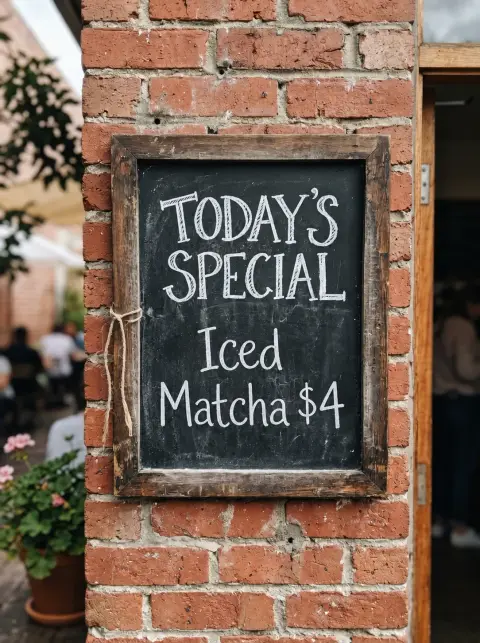
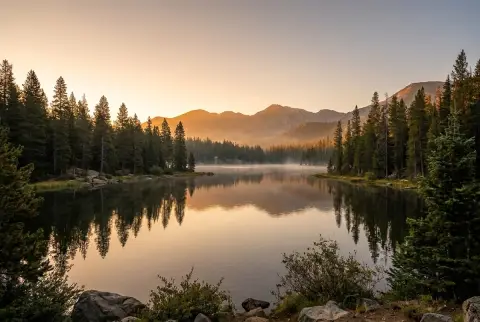
Remove Text from Image examples.
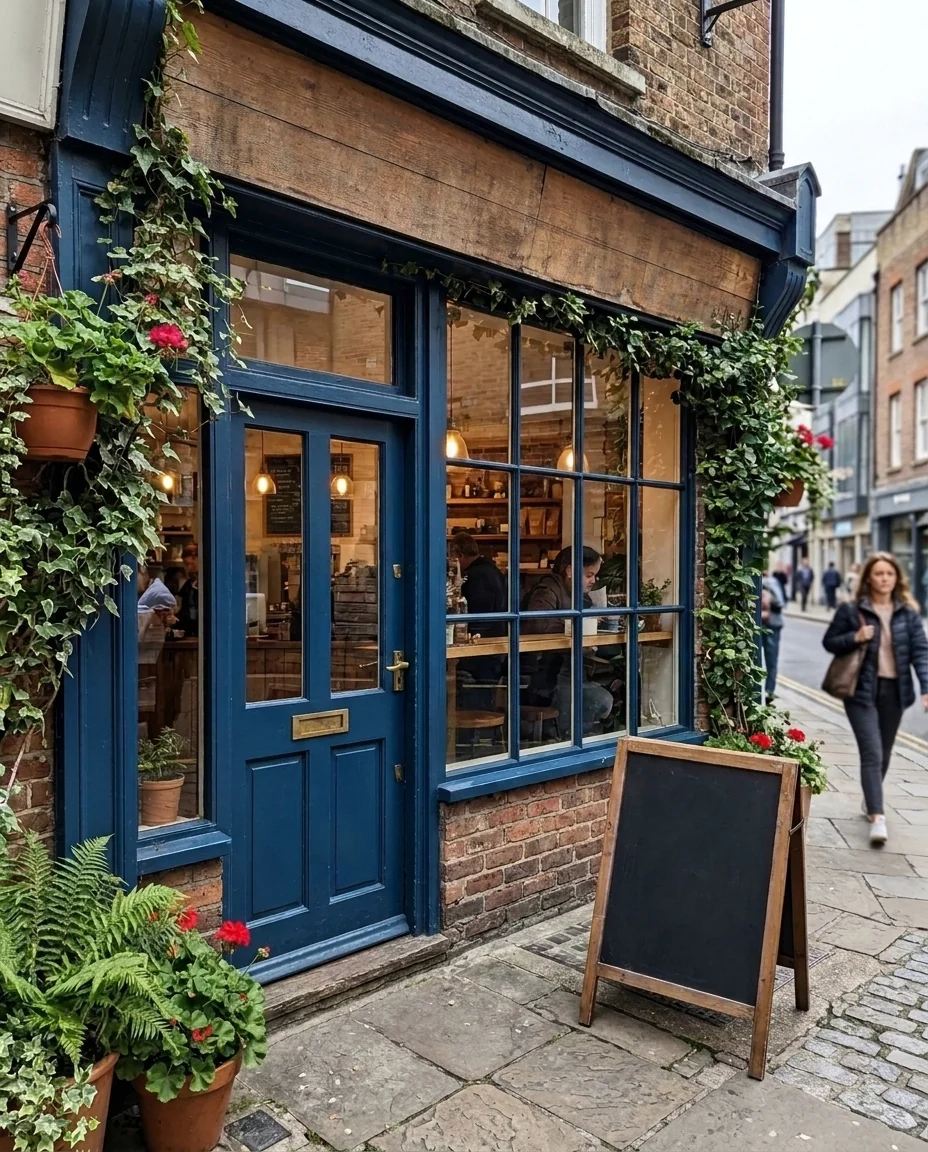
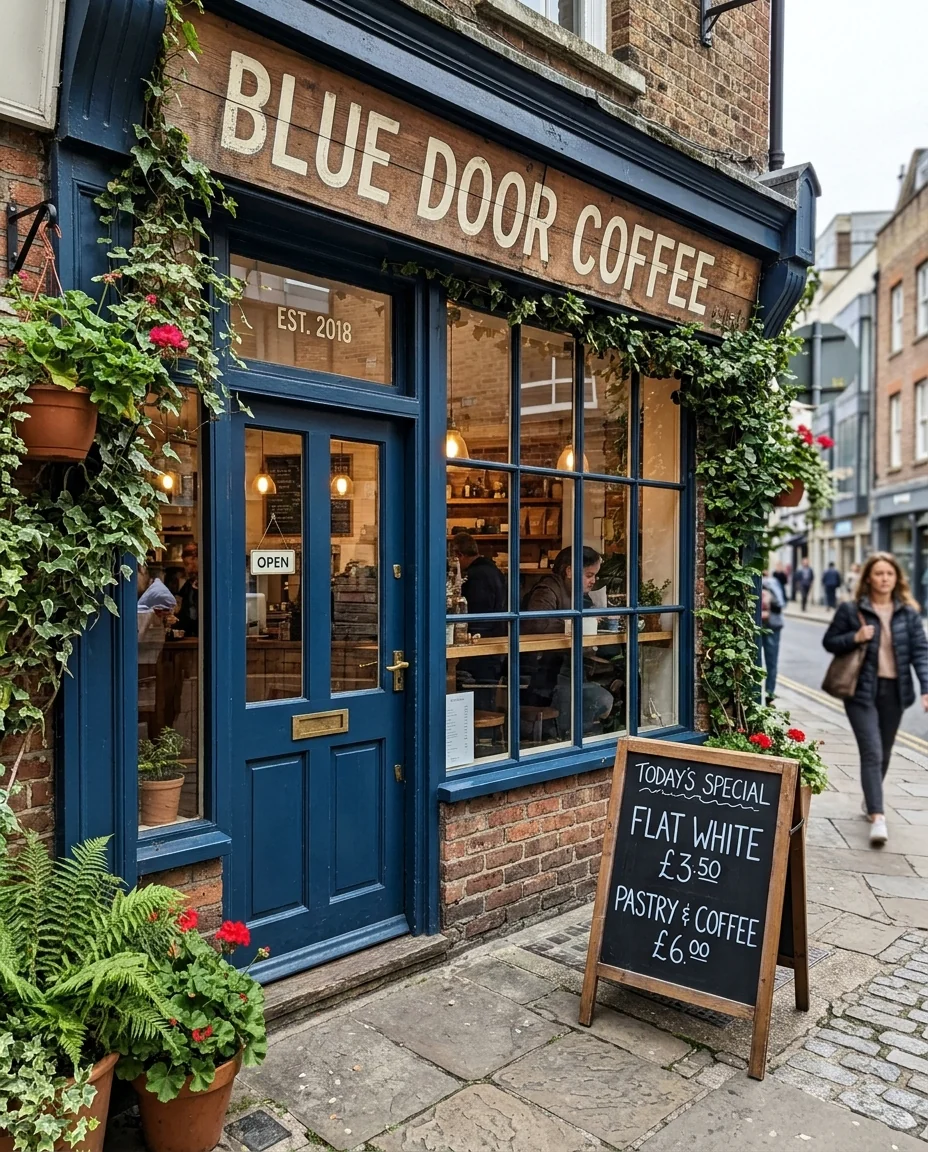
Shop sign and chalkboard
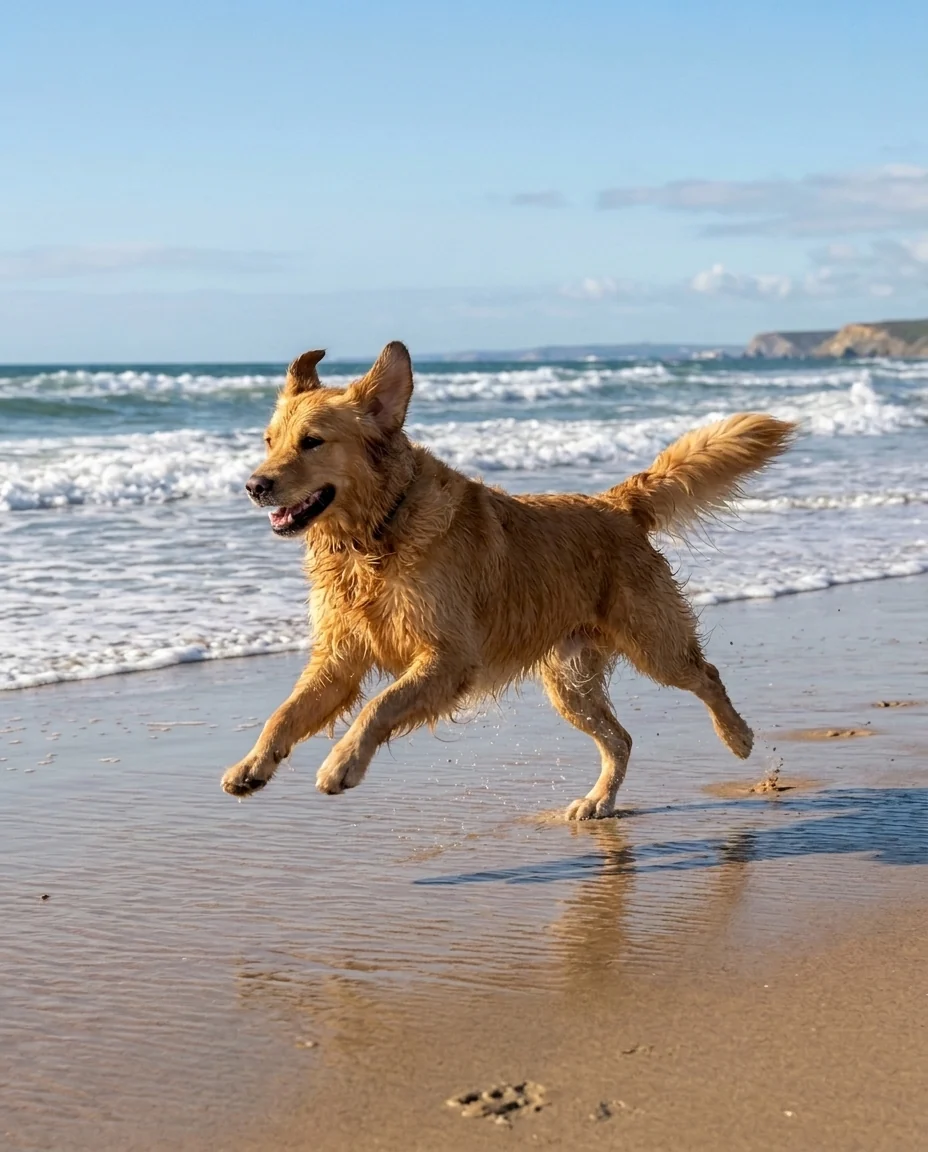
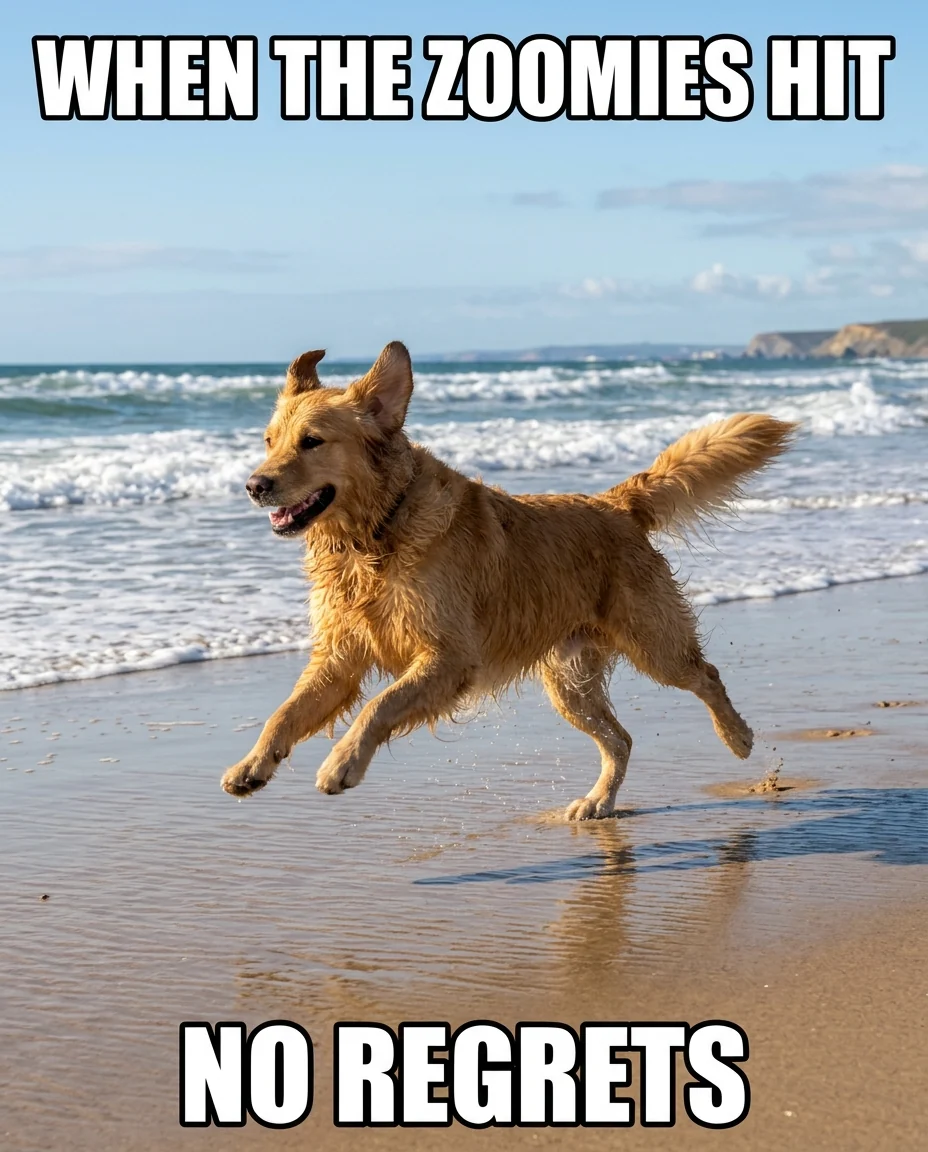
Meme caption


Only the price sticker
Remove Text from Image features.
All kinds of text
Captions, subtitles, signs, labels, stickers and handwriting.
Background rebuilt
Brick, wood, sky or fabric continues where the words were.
Choose what goes
Name the text to remove or keep in the instructions.
Remove Text from Image, step by step.
01
Upload an image
A photo, screenshot or meme with text on it.
02
Say what to keep
Optional: "remove the caption only".
03
Download
Then add new text in your editor if you like.
Remove Text from Image use cases.
- Reusing a meme template
- Get the clean picture back without the captions.
- Product photos
- Take price tags and stickers off before listing.
- Travel photos
- Clear distracting signs and posters from a scene.
Remove Text from Image: best photos and fixes.
Text on plain or repeating surfaces
Words painted on a wall, printed on a plain sign or laid over sky or sand are removed most cleanly, because the surface behind them is easy to continue. Brick, wood grain, tiles and fabric patterns are rebuilt course by course. Look closely where a letter crossed an edge, such as the border of a sign or a window frame: that is where a slight mismatch shows first, and a second run usually fixes it.
Keeping the text you want
Photos often mix text you want gone with text you need, like a price sticker on a labeled jar or a poster behind a street sign. By default all text is removed. Say what stays: "remove the subtitles, keep the logo on the shirt" or "remove only the red price tag". Describing color and position ("the white caption at the top") is more reliable than quoting the words.
Screenshots, subtitles and memes
Subtitles and meme captions sit on top of the picture, often with a black outline. Both are removed and the picture is filled in underneath, which works well on video stills and photos. Interface text on screenshots of apps, such as menus and buttons, is a weaker case: the result may leave a blank button rather than a clean background. For screenshots, crop to the area you need first.
Text on curved objects
Labels on bottles, cups and packaging wrap around the shape. The label area is left blank in the same color and shading, so the object still looks real. If you want the label itself gone, write "remove the whole label, show the bare glass". Embossed or engraved text is part of the object's shape and may only be softened rather than fully erased.
When letters leave a shadow
Faint outlines of the old letters usually mean the text was large and high-contrast, or the image is small. Upload the largest version you have, then regenerate once. If a ghost remains on a plain area, a second pass with the cleaned image as input removes it. For a single unwanted word in the middle of busy detail, describing it in the instructions makes the edit more focused.
Other removal tools
This tool is for words. Overlaid stamps and semi-transparent logos are handled better by the watermark remover, which is tuned for transparent marks. Stickers and emojis are removed too if you name them, for example "remove the heart emoji". To clear whole people or objects from a scene, use remove people from photo. If you need different words in the same place, the edit text in image tool keeps the font and swaps the text.
Remove Text from Image FAQ.
Can it replace the text with new words?
Not on this page; it only erases. The edit text in image tool changes words while keeping the style.
Does it work on handwriting?
Yes. Handwritten notes, signatures on photos and chalkboard writing are removed like printed text.
Will the image quality drop?
The rest of the image is kept and only the text areas are rebuilt, though very small or compressed files can come out slightly softer.
Is the Remove text from image free?
Yes, you can try it free. New accounts get 15 free credits, and one generation here uses 13 credits. You sign in with your email; no card needed. Results have no watermark. After that, plans add credits every month and credit packs never expire.