











AI Background Remover
Cuts the subject out, down to the hair.
Drop a photo
or paste with ⌘V · JPG · PNG · WebP · up to 8 MB
No photo handy? Try one of ours.
More like this.

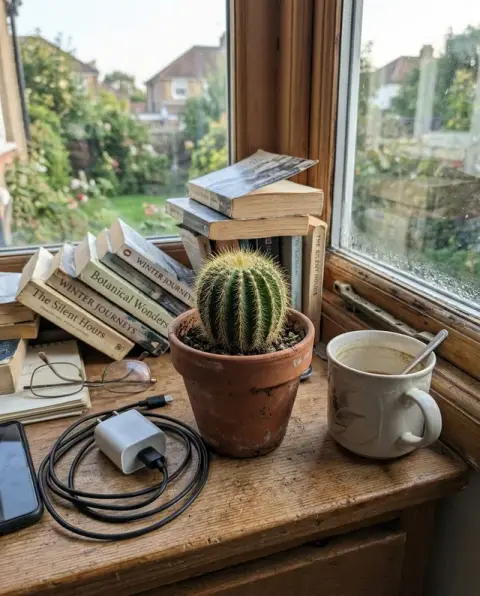
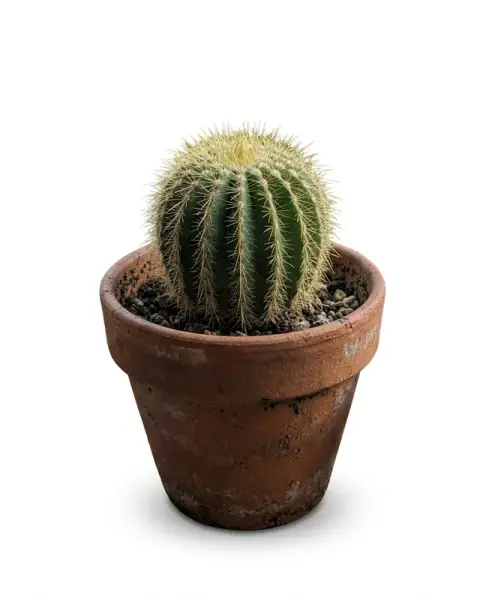






What a background remover leaves behind: a portrait, a sneaker and a dog.
Real results from this page's default settings in one click, not retouched.How examples are made


The woman cut out on a transparent background

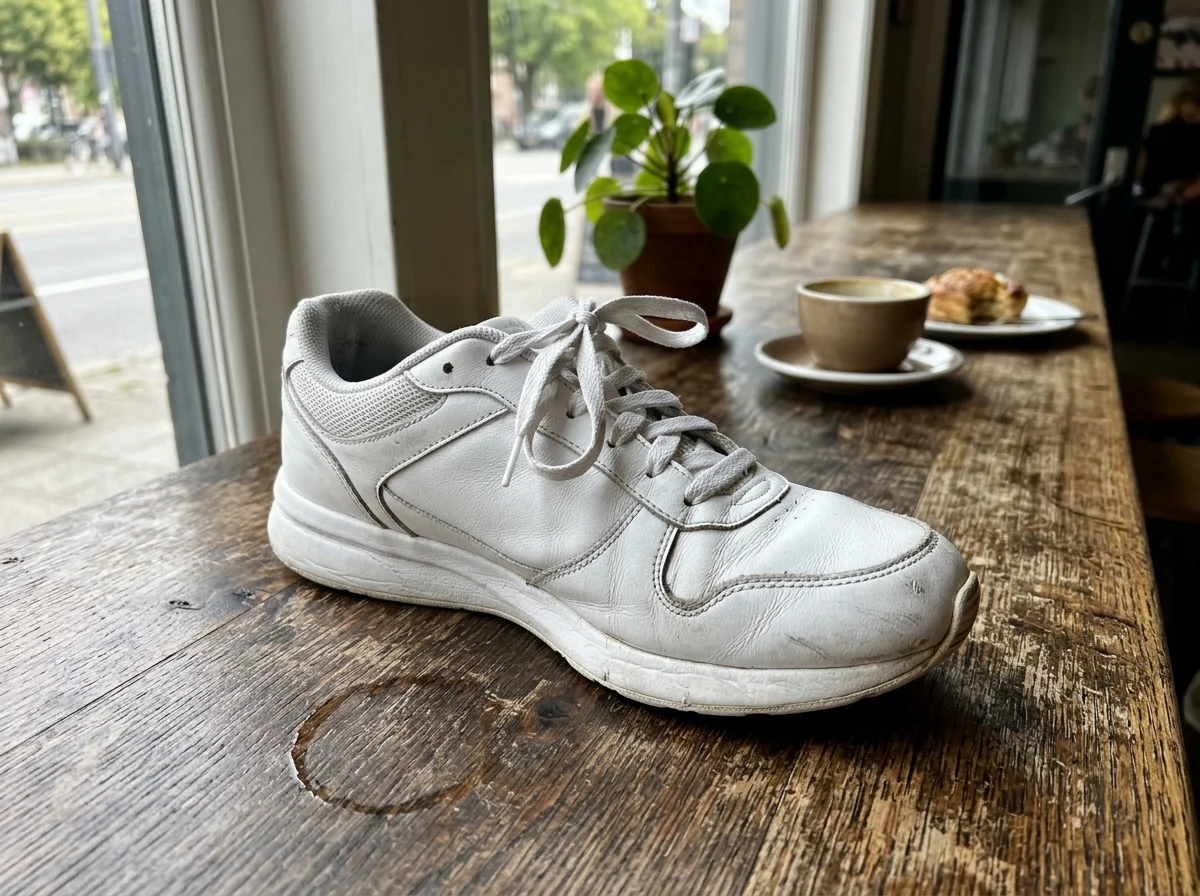
The sneaker cut out with clean edges


The retriever cut out with backlit fur strands kept
How this background remover handles edges, shadows and outputs.
Hair-level edge detection
The model separates fine hair, fur and lace from busy backgrounds without the jagged halo you get from manual selection tools.
One click, no masking
No brushes, no magic wand. Upload the photo, press Generate, and the background is gone.
Transparent PNG or any color
Download a transparent PNG for design work, or add a white, colored or custom background right after removal.
Works on anything
People, products, cars, pets, logos and signatures. The same tool handles e-commerce listings and profile pictures.
AI Background Remover, step by step.
01
Upload your photo
Click the upload area and choose a JPG, PNG or WebP up to 8 MB. Photos with a clear subject work best.
02
Click Generate
The AI detects the subject and removes everything else. This usually takes a few seconds.
03
Download the result
Save the cut-out as a PNG, or send it to another tool such as the background changer or photo-to-anime filter.
Listings, headshots and stickers: where a background remover saves an hour.
- Listing products on a marketplace
- Amazon, Etsy and eBay listings look cleaner with the item on plain white. Photograph the product on a table, pick the White output and keep the shadow toggle on so it does not float. Upload the result straight to the listing.
- A headshot from a cluttered room
- You need a photo for LinkedIn or a CV, and the only good one was taken in the kitchen. Upload it, choose Colour for a soft studio backdrop, and download a clean headshot without booking a photographer.
- Stickers, memes and thumbnails
- Cut out a friend, a pet or an object as a transparent PNG and drop it into a sticker, a collage or a YouTube thumbnail. Turn the shadow off for a flat cut-out that layers cleanly over anything.
- Selling furniture second-hand
- A sofa photographed in a crowded living room is hard for buyers to judge. Remove the background, or pick Scene to show it in a simple matching setting, then post it on Marketplace or a classifieds site.
AI Background Remover: best photos and fixes.
Photos that cut out cleanly
A subject in sharp focus with some contrast against the background gives a near-perfect edge on the first try: a person against a wall, a product on a table, a pet on a sofa. Busy backgrounds are fine as long as the subject is clearly in front of them. Very small subjects in a wide shot lose detail, so crop closer before uploading.
Hair, fur and fine detail
Loose strands and fluffy fur are kept as soft, separate edges rather than cut into a hard outline. They come out best against a plain or contrasting background and with even lighting. If strands disappear or a halo of the old background stays between them, regenerate with "keep all hair strands" in the instructions, or try another model from the dropdown.
Choosing transparent, white, color or scene
Transparent gives a PNG you can place on anything, which suits logos, stickers and design work. White suits marketplaces, color suits profile pictures and thumbnails, and scene puts the subject in a new setting. The shadow toggle keeps a soft contact shadow under products so they do not float on white; turn it off when you need a flat cut-out for layering.
If the wrong thing is kept or removed
Sometimes it is not clear what the subject is: a person holding a sign, a dog on a chair, a product on a stand. Say it in the instructions, for example "keep the person and the sign" or "remove the chair, keep only the dog". Glass, smoke and see-through fabric are the hardest materials; check the edges at full size before you use the result.
Logos, signatures and scans
For a logo or a signature photographed on paper, take the picture straight on in bright, even light, so the paper is a single flat tone. The transparent output then removes the paper and keeps only the ink. Shadows from your phone across the page and creased paper both show up as grey patches; flatten the sheet and shoot near a window.
Background remover questions to settle before you upload.
Do I need an account?
Yes. Sign in with your email: new accounts get 25 free credits to use on any tool. One generation here uses 25 credits with the default model, or 13 with a lighter one. Credit packs never expire, and your first one is half price.
What image formats and sizes are supported?
JPG, PNG and WebP up to 8 MB. The output is a PNG so transparency is preserved. On a computer you can scan a QR code to send a photo from your phone; the link works for 10 minutes.
Does it work with hair and fur?
Yes. The model is trained to keep fine hair strands, fur and semi-transparent edges instead of cutting a hard outline.
Can I replace the background instead of making it transparent?
Yes. Pick White, Colour or Scene before you generate, or use the [background changer](/tools/background-changer) to put the subject somewhere specific.
Are my photos stored?
Your photo is sent to the AI model only to make your result. The model provider may keep a temporary copy for up to 72 hours. Results stay in My files for 48 hours, or 30 days once you've bought a credit pack, and you can delete them at any time. We don't use your photos to train models.
How is this different from Photoshop's remove background?
You get a comparable cut-out online without installing or paying for software, and without learning masks or selection tools.
Does it work on a group photo?
Yes. People standing together are kept as one subject. People far behind the group may be treated as background and removed.
Is there a separate tool for logos?
Yes. For logos and flat graphics on a white box, the [logo background remover](/tools/logo-background-remover) is made for that job. This page is built for photos of people, products and pets.
Can I use the cut-out in a shop listing or an ad?
Yes. You keep the rights to what you upload and own the result as far as the law allows, so product cut-outs can go into listings and ads.
What happens if a run fails?
Failed runs are refunded automatically. If it ran but the edges are not right, run it again for a new variation.
Try these prompts
Guides on the blog.
 Instagram profile picture size, and how to keep it sharpInstagram shows your profile picture as a small circle. The size to upload, how to crop it, why it goes blurry, and ideas that stand out.
 Photoroom alternatives for product photos and listingsPhotoroom is popular with online sellers. Alternatives for cutouts, white backgrounds, styled scenes and mockups, and how to choose for your shop.
 Product photography with a phone: a simple home setupA window, a sheet of white card and your phone are enough for product photos that sell. The setup, angles, settings and editing steps, start to finish.


