Your Instagram profile picture appears next to every post, story, comment and DM. It's one of the smallest images on your account and one of the most seen. Getting it right is mostly about size, crop and contrast.
The short answer
- Upload a square image of at least 320 x 320 pixels. Instagram stores profile pictures at a small size, so anything less gets blurry.
- Better: upload 1080 x 1080. Instagram scales it down. Starting larger gives the compression more to work with.
- It's shown as a small circle: largest on your profile page, much smaller next to comments and in the story tray.
- JPG or PNG. Transparent PNGs are shown on a white or dark background depending on the viewer's theme, so check both.
Instagram can change these values, but 1080 x 1080 square has been a safe choice for years and matches the size of a regular square post.
Why your profile picture looks blurry
People often upload a sharp photo and find it fuzzy later. The usual causes:
- The original was too small. A crop from a group photo might only be 200 pixels wide. Instagram stretches it to fit.
- Heavy cropping on the phone. Zooming in on a small part of a photo throws away most of the pixels.
- Compression of a busy image. Fine patterns, foliage and noise compress badly. A simple background survives compression much better.
- Low light. Dim photos have grain, and grain turns into smudges when compressed.
Fix the cause, not the symptom: start from a well-lit photo where your face is already large, and keep the background simple.
How to crop for the circle
- Center your face. The circle cuts the corners, so anything in the corners is lost.
- Keep your eyes slightly above the middle.
- Leave a little space above the head.
- Fill most of the frame with head and shoulders. At profile-picture size, a full-body photo is unreadable.
When you upload, Instagram lets you drag and zoom inside a circle. You can also preview and frame the round cutout beforehand with Circle Crop, or shrink a large export with Compress Image so it uploads cleanly, then check the result on your profile, next to a comment and in the story tray.
Make it stand out with a clean background
The single best trick for a strong profile picture is separating you from the background. A busy street or a cluttered room makes your face disappear at small sizes.
Use the background remover on a photo you like, then choose the output:
- Colour puts you on a flat studio color that suits the photo. A bold color makes your circle easy to find in the story tray.
- White gives a clean, bright look.
- Transparent lets you place yourself on any color or pattern in your own editor.
- Scene puts you in a simple, realistic setting with matching light.

 Background removerCut out the subject and get a transparent PNGTry it with your photo
Many creators keep the same background color across their profile picture, highlights covers and story templates. It makes the account look consistent.
Profile picture ideas by account type
Personal accounts
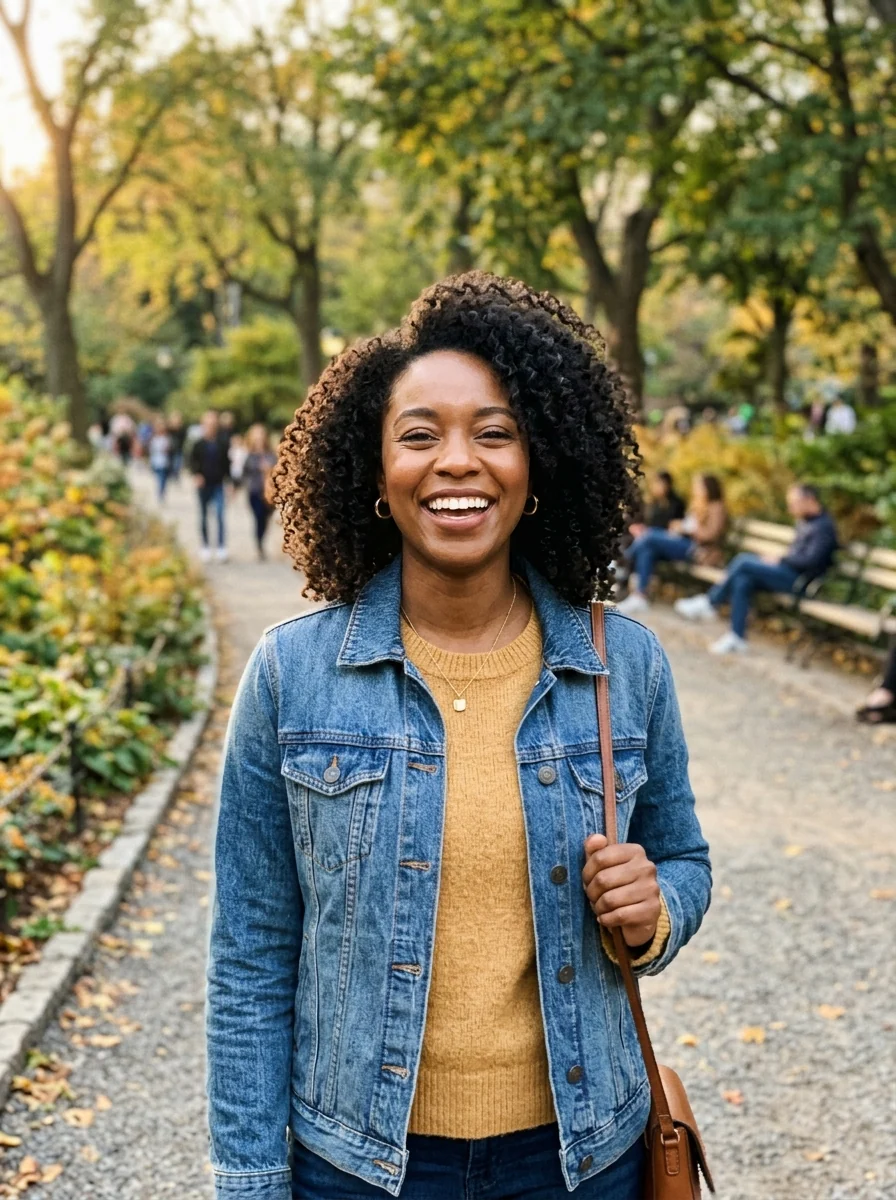
A bright, natural portrait is hard to beat. Outdoor shade or a window gives soft light. If you're more private, try a silhouette, a sketch of yourself, or an avatar.
Creators
Your face, big and clear, with a background in your signature color. Faces build recognition faster than logos.
Brands and small businesses
Your logo, centered with plenty of padding so the circle doesn't cut it. A logo with text should be the short version, not the full wordmark. If you're the face of the business, a portrait can work better than a logo.
Pets and hobby accounts
A close-up of the pet's face, at its eye level, with a simple background.
Anonymous or art accounts
An illustrated version of yourself keeps a human feel without showing your real face. The avatar generator turns a selfie into a 3D, flat or painted avatar.


Light mode and dark mode
Many people use Instagram in dark mode. A photo with a pure white background looks like a bright disc in dark mode, while a transparent PNG with dark edges can vanish. Preview your picture in both modes before you settle on it. A mid-tone color background works in both.
Use the same picture across platforms
If you also have TikTok, X, Threads or LinkedIn, consider using the same picture everywhere, or the same style. People who find you on one platform can recognize you on another. The size rules are similar: a square image, centered face, simple background.
Story rings and the Close Friends ring
When you post a story, Instagram draws a colored ring around your profile picture: the usual gradient for normal stories, green for Close Friends. A profile picture that's mostly orange or pink can blend into the gradient ring. A picture with a darker or contrasting edge keeps the ring visible, which is the whole point of it.
Quick checklist
- Square, 1080 x 1080, JPG or PNG.
- Face centered and large, space above the head.
- Simple or solid background with contrast.
- Checked as a tiny circle in light and dark mode.
- Sharp, well-lit original, not a heavy crop.
Update your profile picture when your look changes or when you rebrand. Changing it every few weeks makes it harder for people to recognize you.