












Photo to Anime Converter
Upload a selfie or any photo and get an anime version that still looks like you. Pick a style with a few words, or let the AI choose.
Drop a photo
or paste with ⌘V · JPG · PNG · WebP · up to 8 MB
No photo handy? Try one of ours.
More like this.
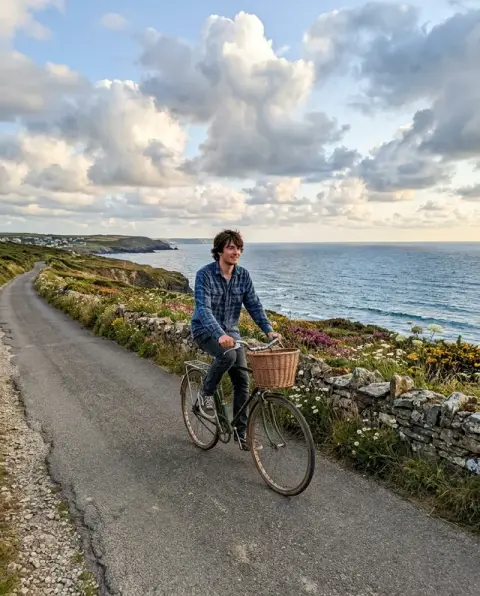
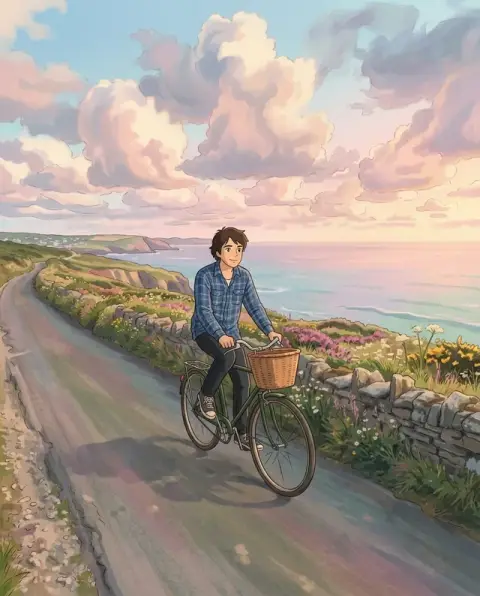
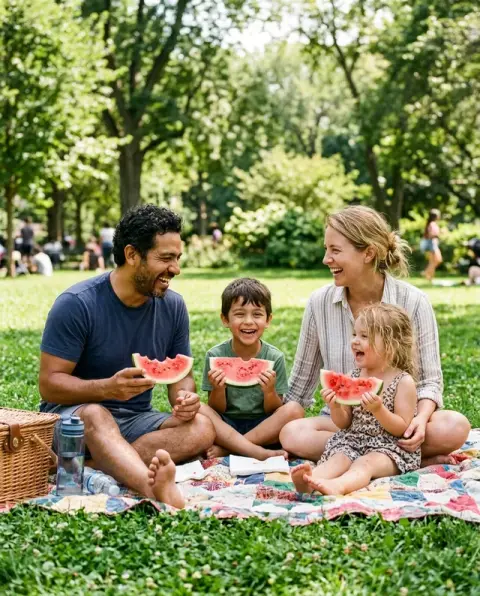
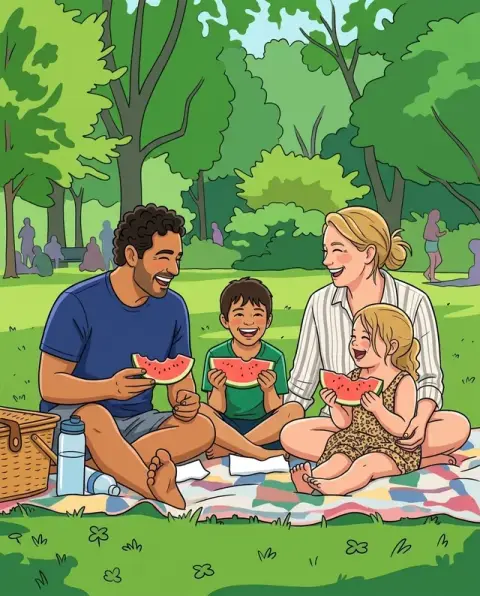
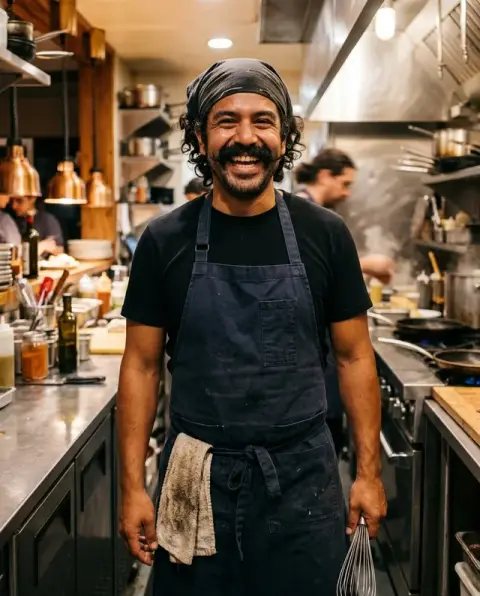
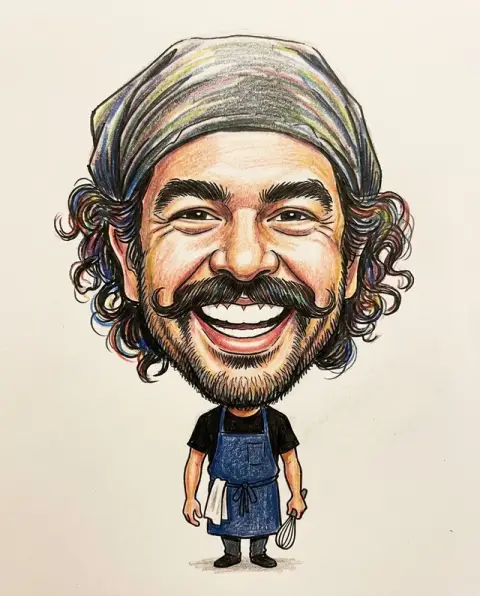
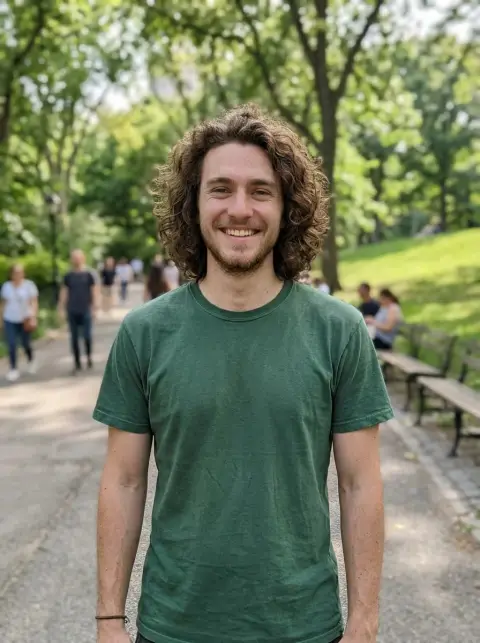
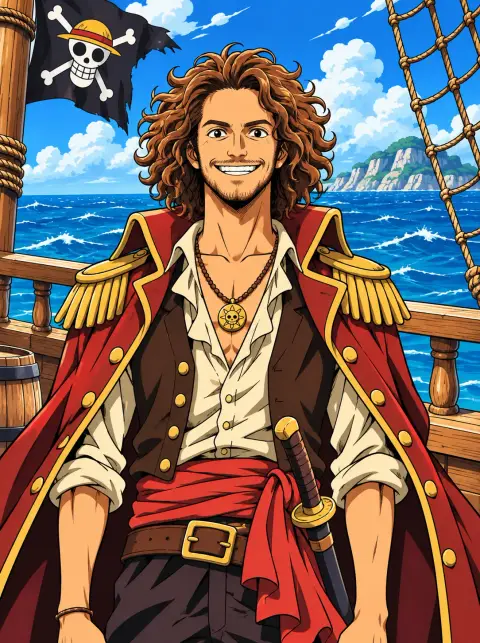
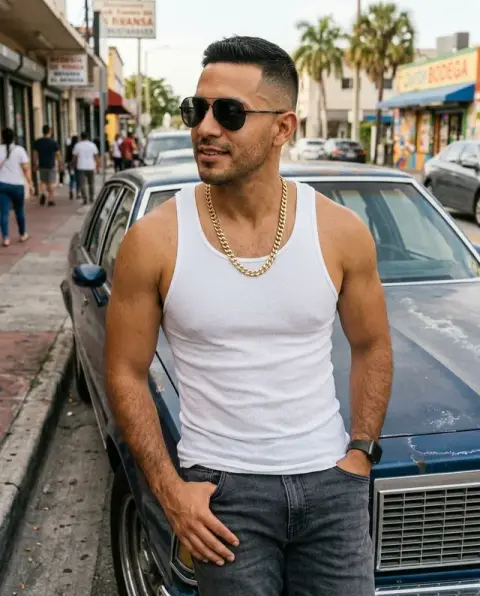
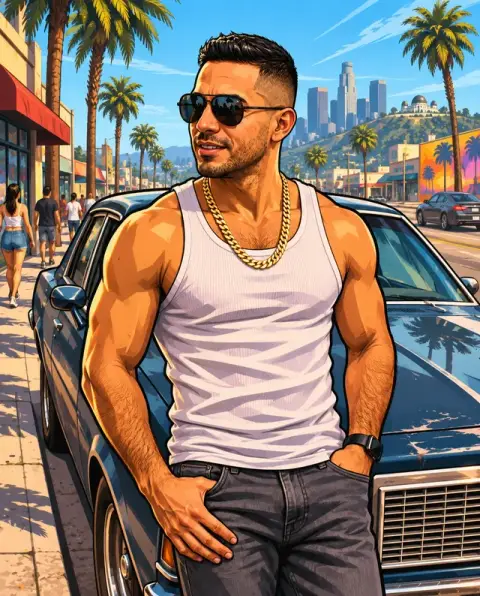
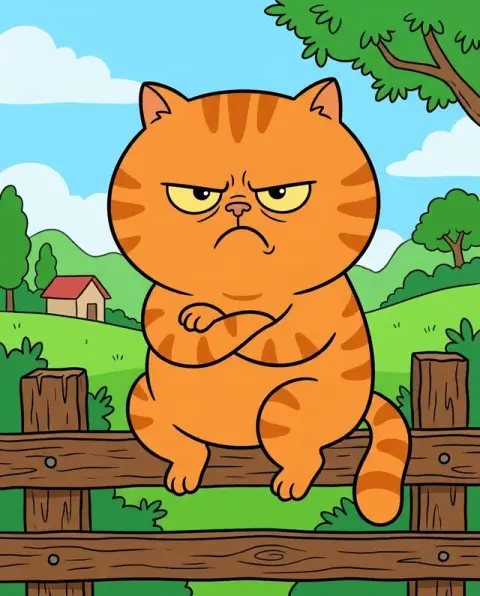
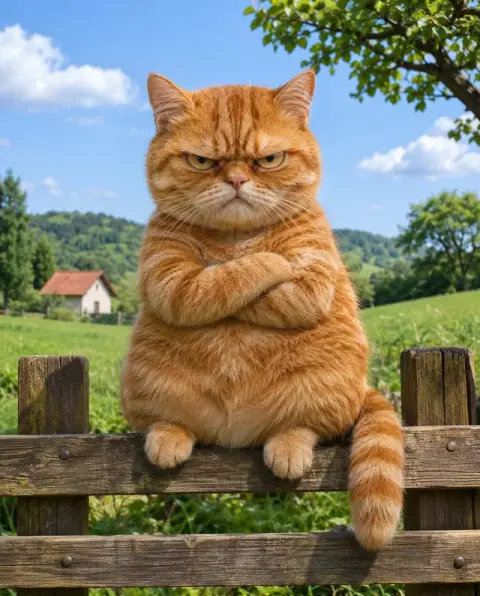
Real photos next to their photo to anime versions.
Real results from this page's default settings in one click, not retouched.How examples are made

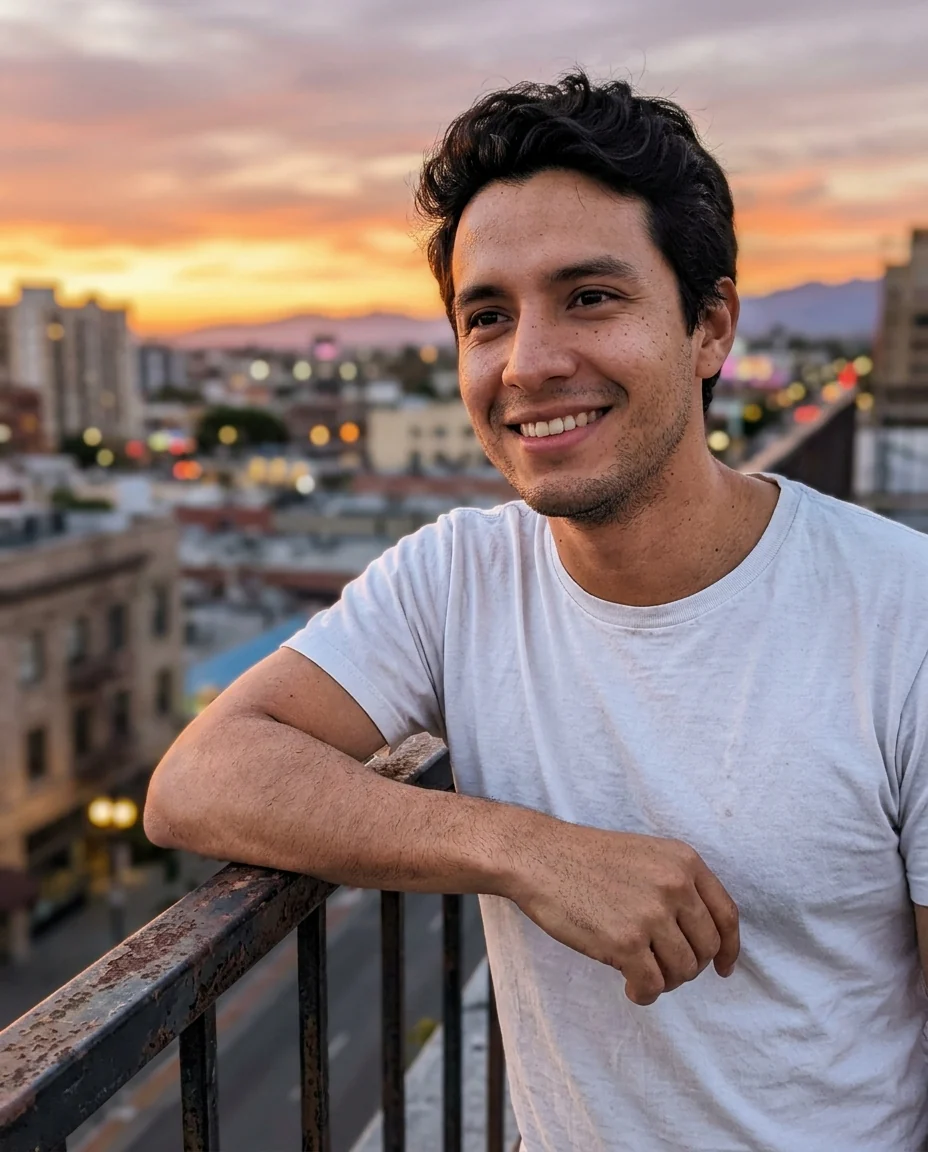
Rooftop anime portrait
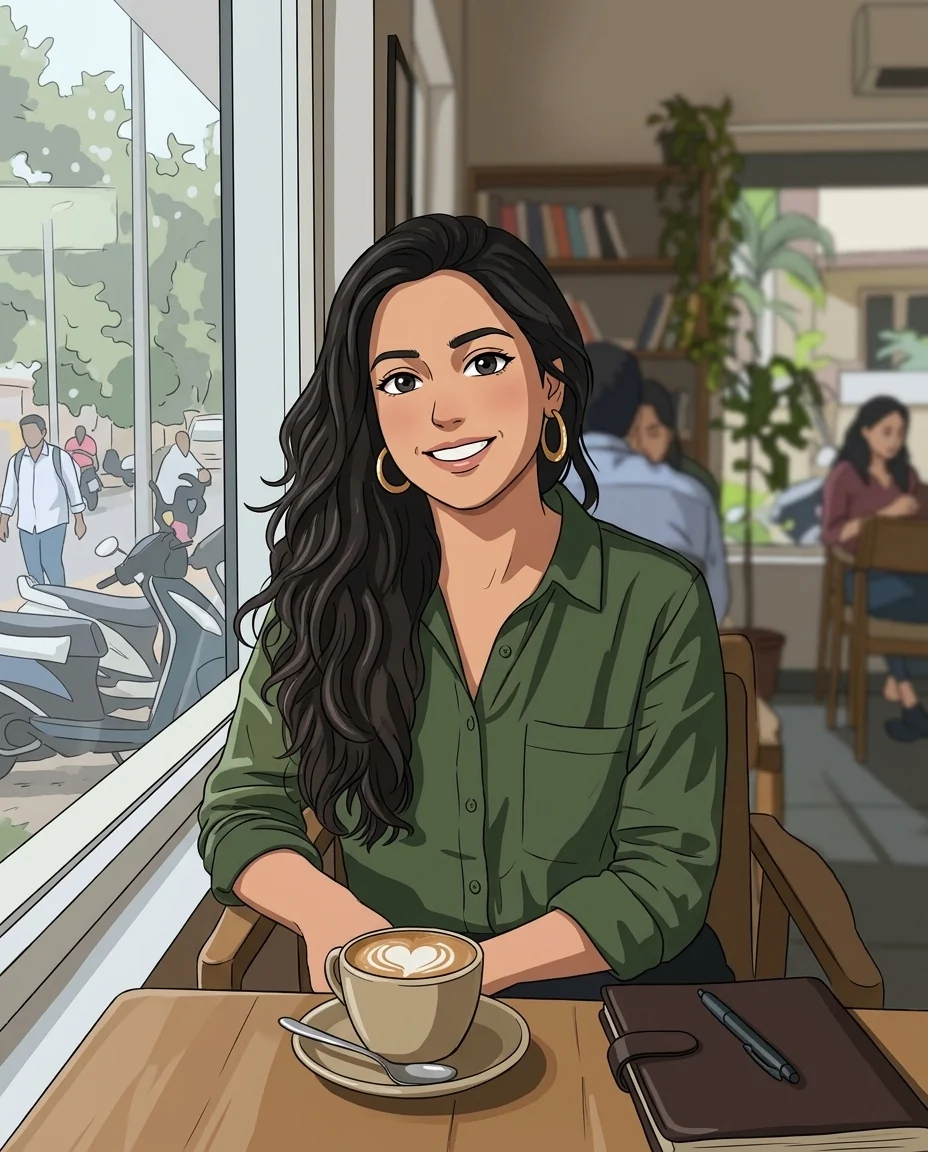
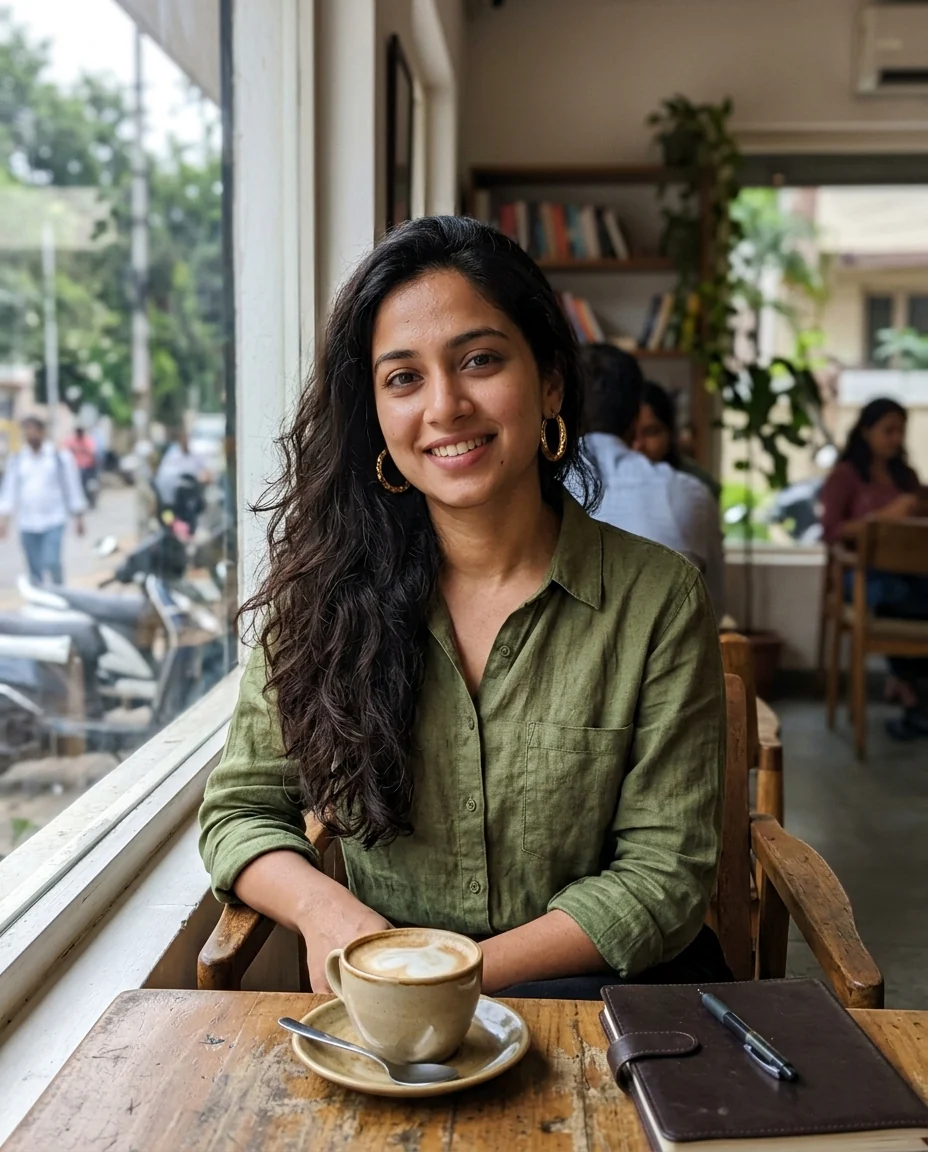
Café anime portrait

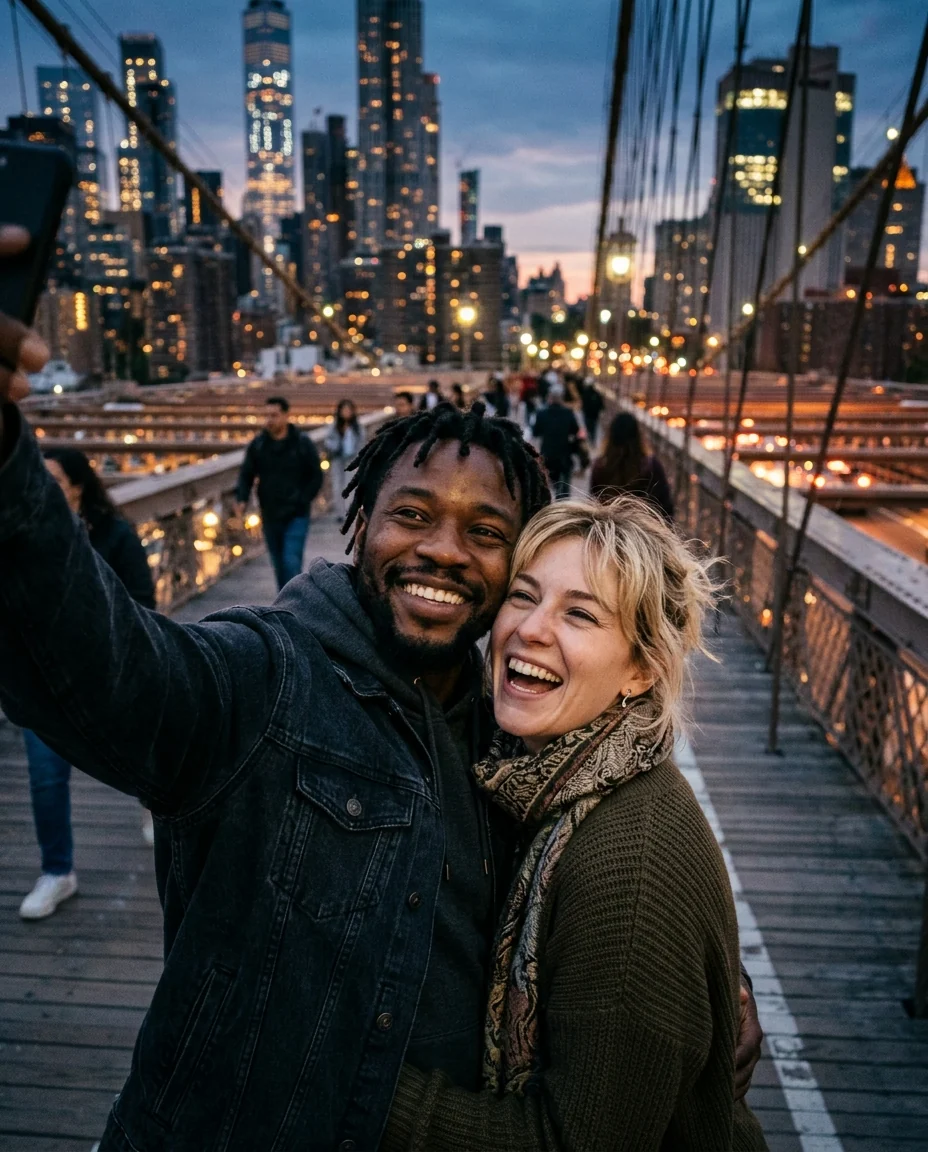
Couple anime illustration
How the photo to anime converter keeps you recognisable.
Keeps your likeness
Unlike random anime generators, the result preserves your face shape, hair and expression so friends recognize you.
Multiple anime styles
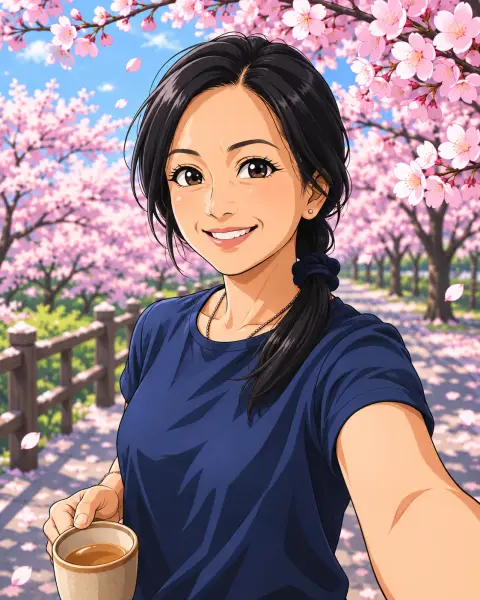
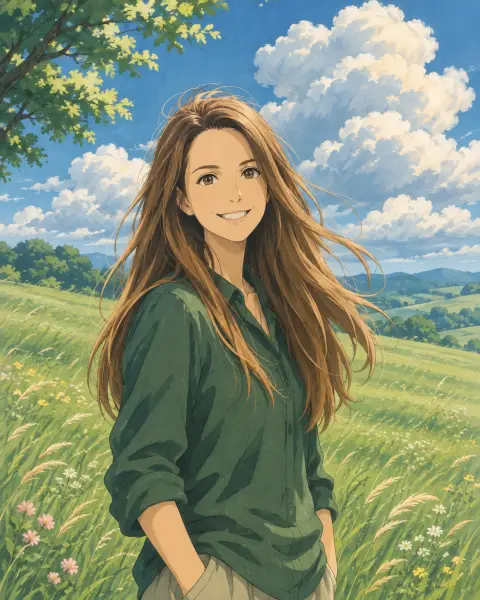
Add 'Ghibli style', '90s anime', 'shonen manga' or 'chibi' in the instructions to steer the look.
Full scene conversion
Backgrounds, clothing and objects are redrawn too, not just the face.
High-resolution output
Sharp line art suitable for profile pictures, prints and stickers.
Photo to Anime Converter, step by step.
01
Upload a photo
Selfies, full-body shots, couples and pets all work. Clear, well-lit faces give the best result.
02
Optionally pick a style
Type a style hint such as 'Studio Ghibli watercolor' or leave it empty for the default modern anime look.
03
Generate and download
Regenerate for a different take, then save your anime portrait.
What people make with photo to anime.
- A PFP friends still recognise
- You want an anime profile picture for Discord, X or TikTok that is clearly you. Upload a clear head-and-shoulders selfie, leave the style empty or name one, and set the result as your avatar.
- An anniversary or birthday gift
- A couple or family photo from a trip becomes an anime illustration to print and frame. Pick a photo where everyone faces the camera, and add the mood of the place, such as "evening lights over the river".
- Stickers and emotes
- Streamers and group chats turn a few expressions into anime stickers. Upload photos of you laughing, shocked or waving one at a time, then cut each result out for your chat app or Twitch emotes.
- Your pet as an anime sidekick
- A cat or dog photo redrawn in anime style makes a fun wallpaper or a companion to your own anime portrait. Use a sharp photo where the animal faces the camera.
- Trying a character look
- Cosplayers and writers upload a photo in costume to see how a character would look as anime before drawing, sewing or commissioning art.
Photo to Anime Converter: best photos and fixes.
Selfies that keep your likeness
A clear, front-facing face gives the most recognisable anime version. The model keeps your hair, eye shape, skin tone, glasses and outfit, and redraws them in anime style. Side profiles and faces far away in the frame are harder to keep recognisable. Unfiltered photos with soft light give the cleanest line work. Keep hands, glasses and bangs clearly visible without harsh shadows across the eyes, and leave a little space around your head and shoulders so the anime background can breathe. If an older selfie is blurry or cluttered, run it through Unblur Image or Background Remover first for noticeably cleaner anime line art.
Naming a style
Without instructions you get a modern anime look. Name the style you want: "90s anime", "manga, black and white", "chibi", "soft watercolor anime", "cyberpunk anime". You can also set the scene: "cherry blossoms in the background", "night city lights". Trying different models in the dropdown gives different interpretations of the same style.
Full-body and group photos
Full-body photos become full-scene illustrations, including the background. Group photos work, and each person is drawn in the same style; faces at the back may be simplified. For a group anime picture, everyone facing the camera, with even light, gives the best result.
Profile pictures, stickers and prints
For a profile picture, use a head-and-shoulders photo and ask for "simple background" so it crops cleanly into a circle. For stickers, write "white outline, plain background" and cut it out with the background remover afterwards. For prints, start with the largest photo you have.
If it does not look like you
Regenerate for a different interpretation; every run is slightly different. If one feature keeps changing, name it: "keep my short curly hair", "keep my round glasses". A different model from the dropdown can also keep likeness better for some faces. Very stylised looks, such as chibi, naturally change proportions the most.
Photo to anime questions: likeness, styles, pets and prints.
Will the anime version actually look like me?
Yes. The converter is built to keep identity: face shape, hairstyle, skin tone and expression stay consistent while the rendering changes to anime.
Can I get a Ghibli or 90s anime look?
Yes. Write the style you want in the extra instructions box. Ghibli, 90s retro anime, manga black-and-white and chibi all work.
Does it work with group photos?
Yes, every person in the photo is converted. Very small faces in large groups may lose detail.
Can I convert a photo of my pet?
Yes. Pets are redrawn in the same anime style, with their markings and colors kept.
Is the Photo to anime free?
Yes, you can try it free. New accounts get 25 free credits, and one generation here uses 9 credits. You sign in with your email; no card needed. Results have no watermark. After that, credit packs never expire, and your first one is half price.
What is the difference between this and an anime filter app?
Filter apps apply a fixed overlay. This tool redraws the whole image with a generative model, so hair, clothing and background become real anime art.
How is it different from the Ghibli filter?
The [Ghibli filter](/effects/ghibli-filter) is set to one soft, hand-painted film look. Photo to anime gives a modern anime style by default and lets you name any other.
Which files can I upload, and does it work on a phone?
JPG, PNG or WebP, up to 8 MB per image, from a phone browser or a computer. On a computer you can also scan a QR code to send a photo from your phone; the link works for 10 minutes.
Can I print or sell my anime portrait?
You own the images you generate as far as the law allows, so prints and gifts are fine. If you ask for the look of a specific studio or series, keep that version for personal use.
Are my photos kept or used to train AI?
Results stay in My files for 48 hours, or 30 days once you've bought a credit pack, and you can delete them sooner. Your photos, prompts and results are not used to train AI models.
Try these prompts
Guides on the blog.
 How to make a Discord pfp that looks good smallYour Discord avatar is a small circle next to every message. Sizes, crop rules and styles that read well at 32 pixels, from anime to 3D to emoji.
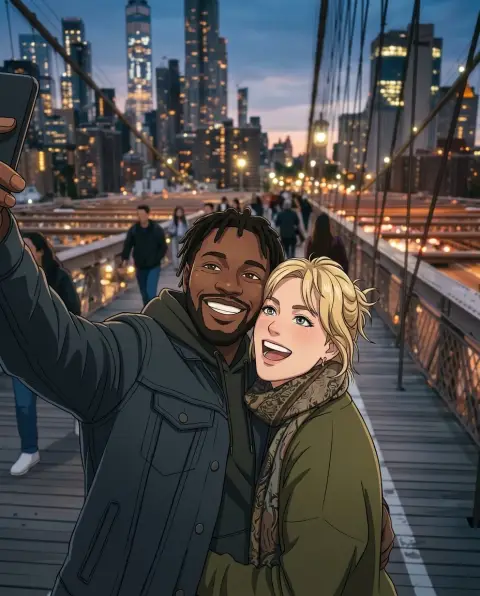 Lensa AI alternatives for avatars and stylized portraitsLensa's Magic Avatars started a wave of AI self-portraits. Alternatives for 3D, anime, painted and headshot-style avatars, and how to get good results from one selfie.
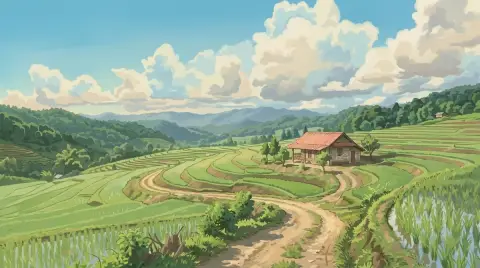 What makes the Studio Ghibli art style so recognizableHand-painted skies, sunlit grass, cozy kitchens and simple character design. The elements behind the Ghibli look, and how to bring that mood into your own photos.


