GTA Filter
Your own loading screen.
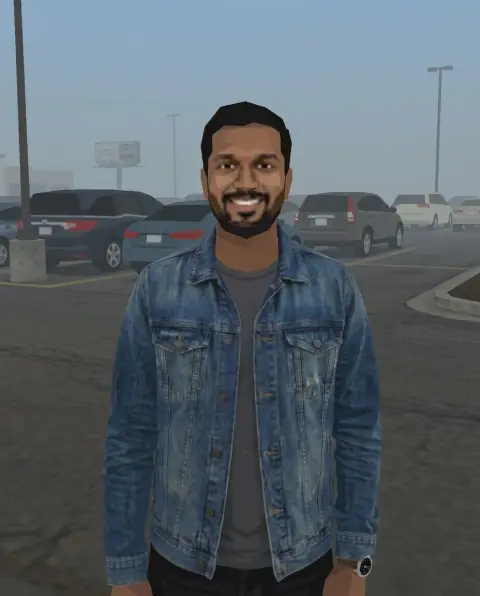
Drop a photo
or paste with ⌘V · JPG · PNG · WebP · up to 8 MB
No photo handy? Try one of ours.
GTA Filter examples.
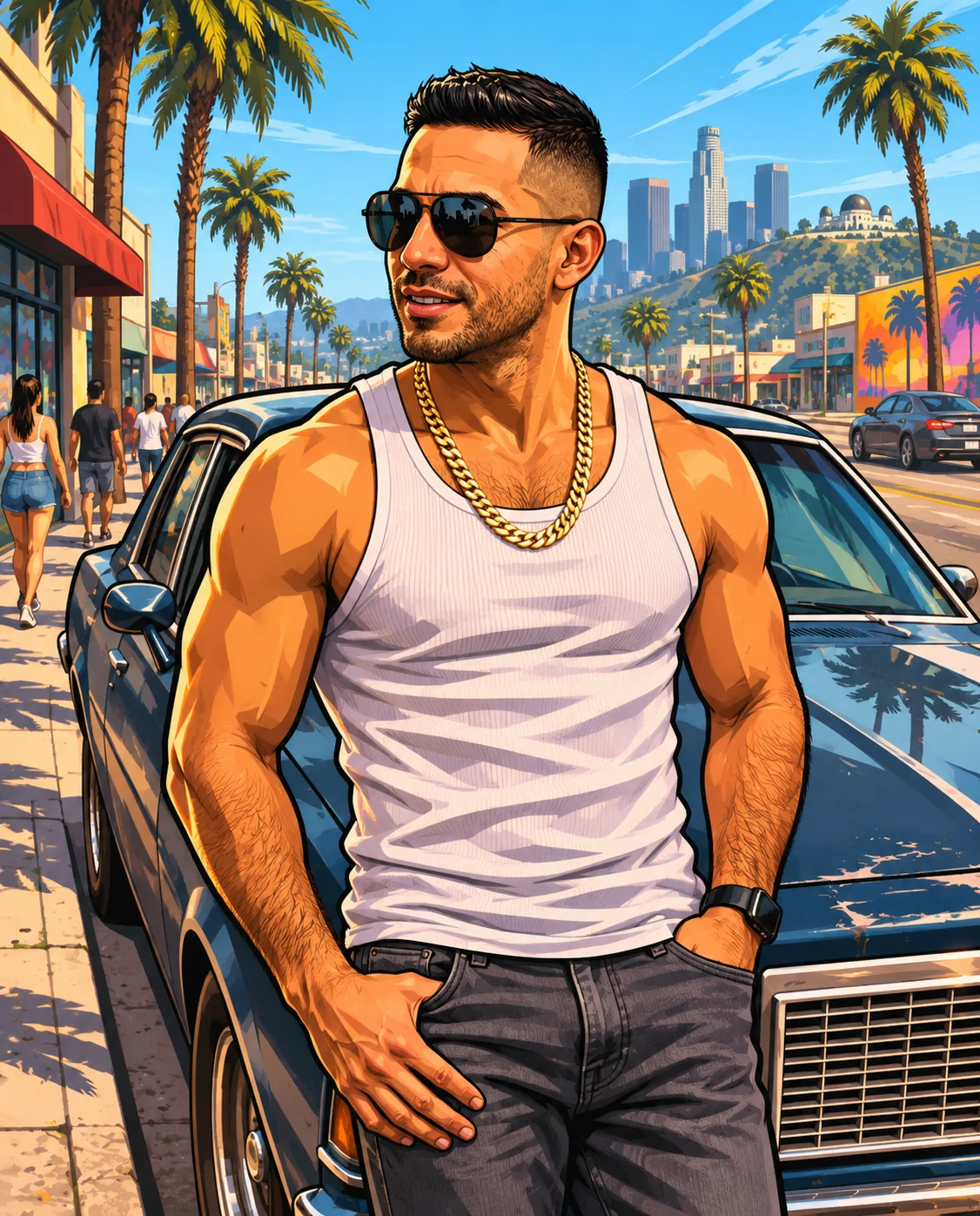
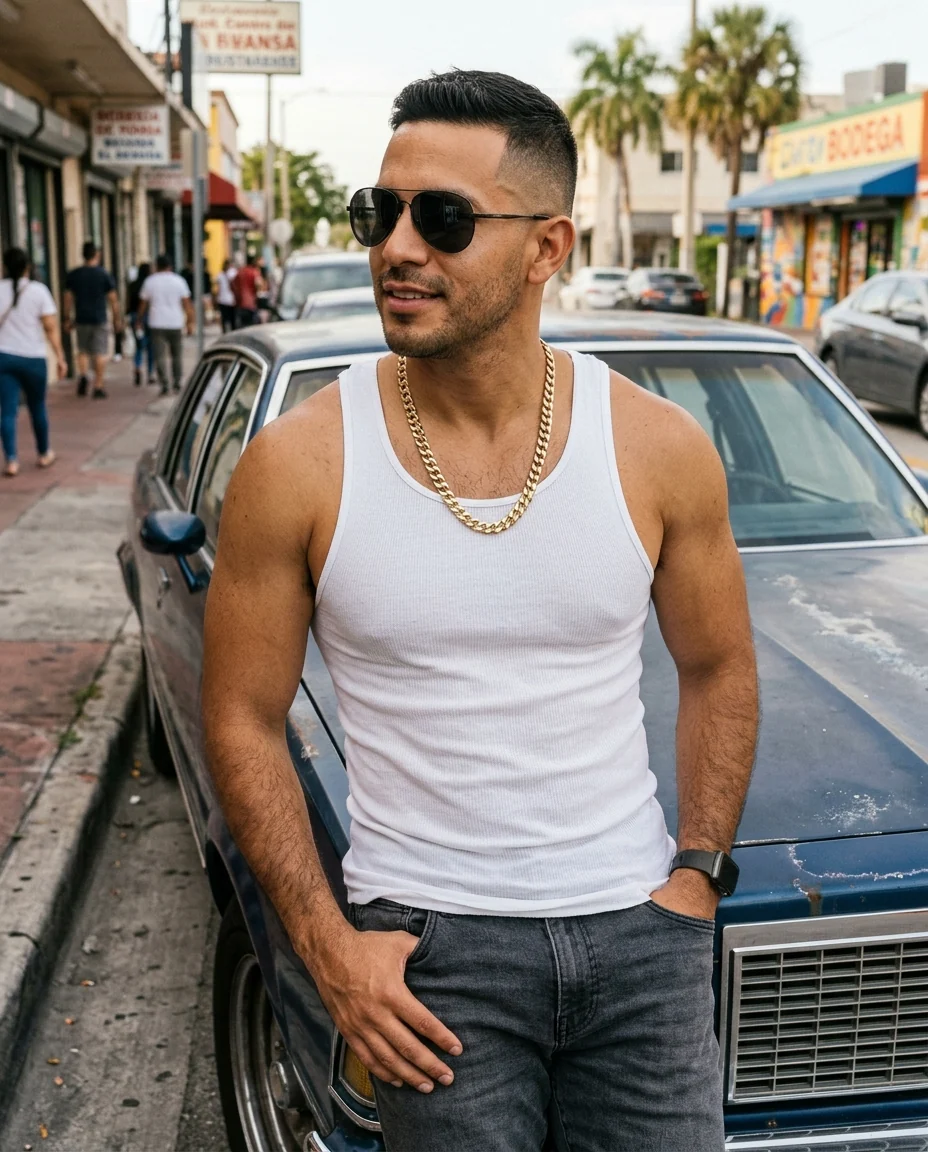
Sunny city
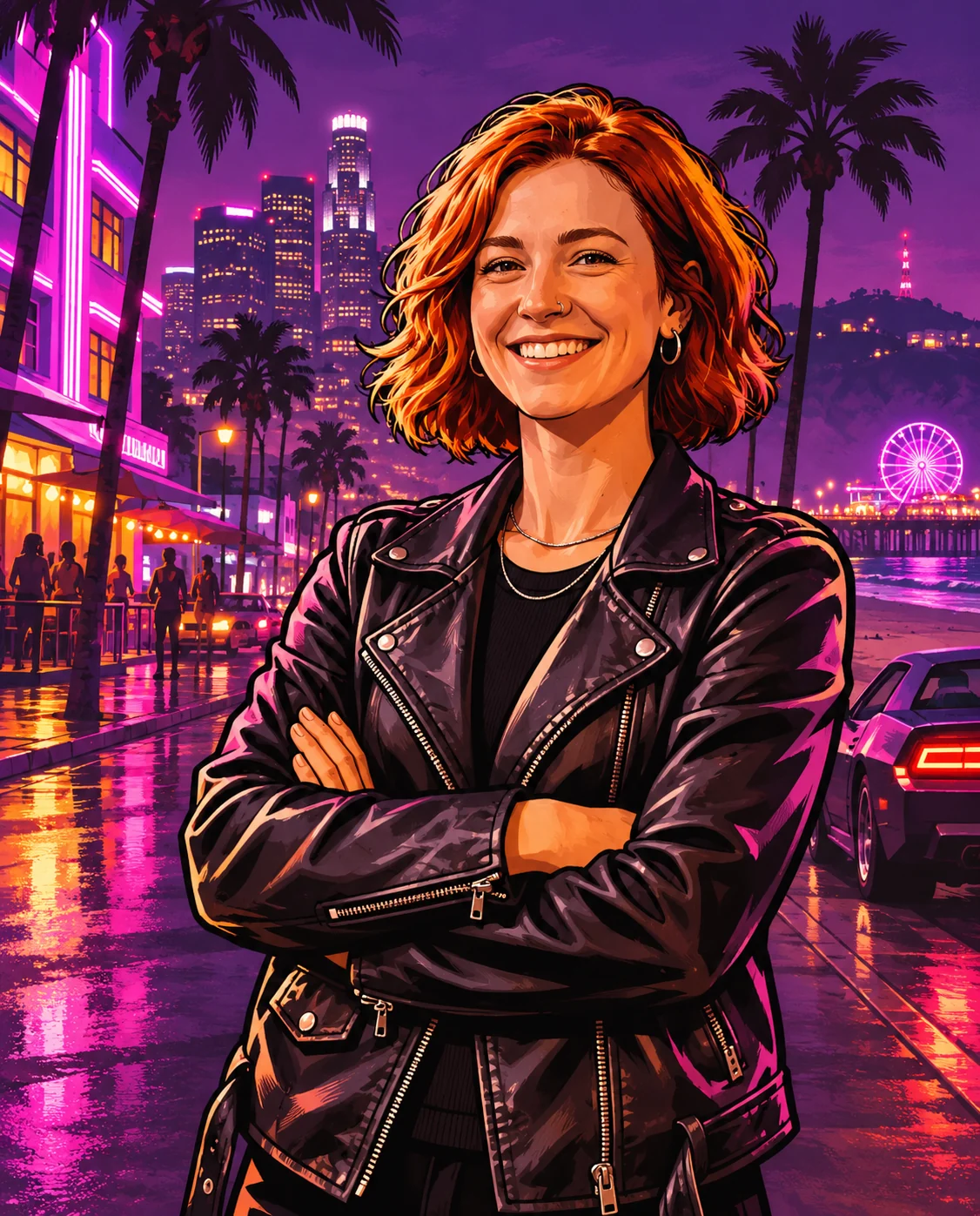
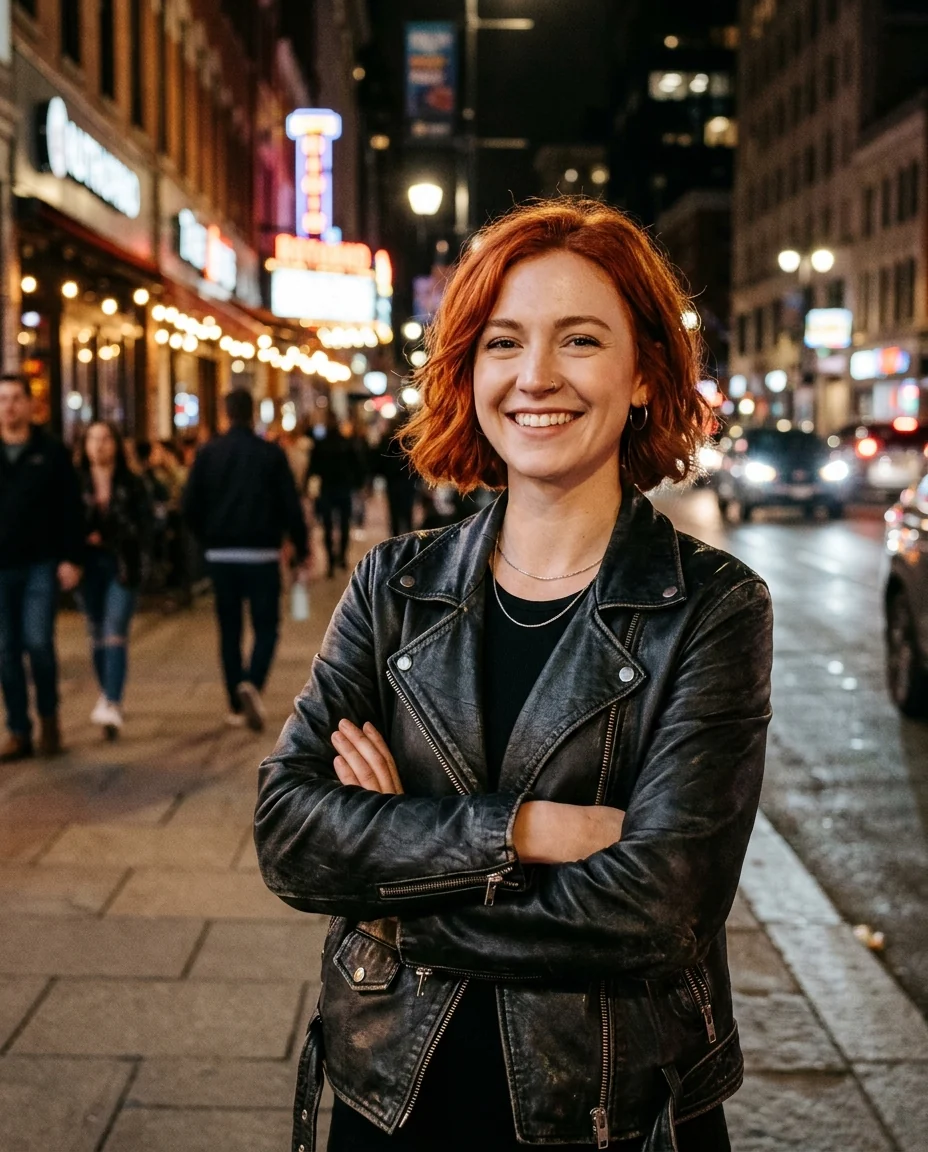
Neon night
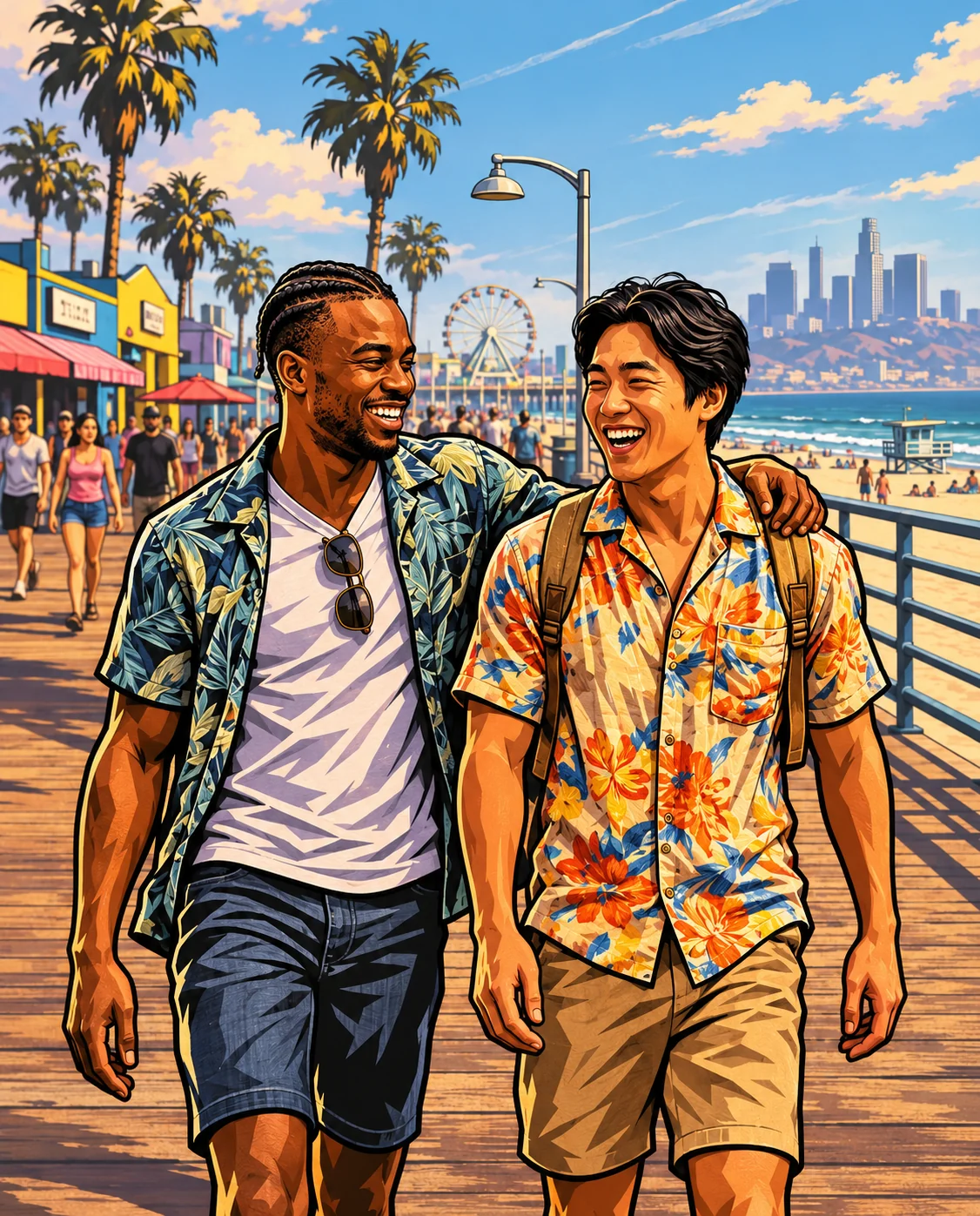
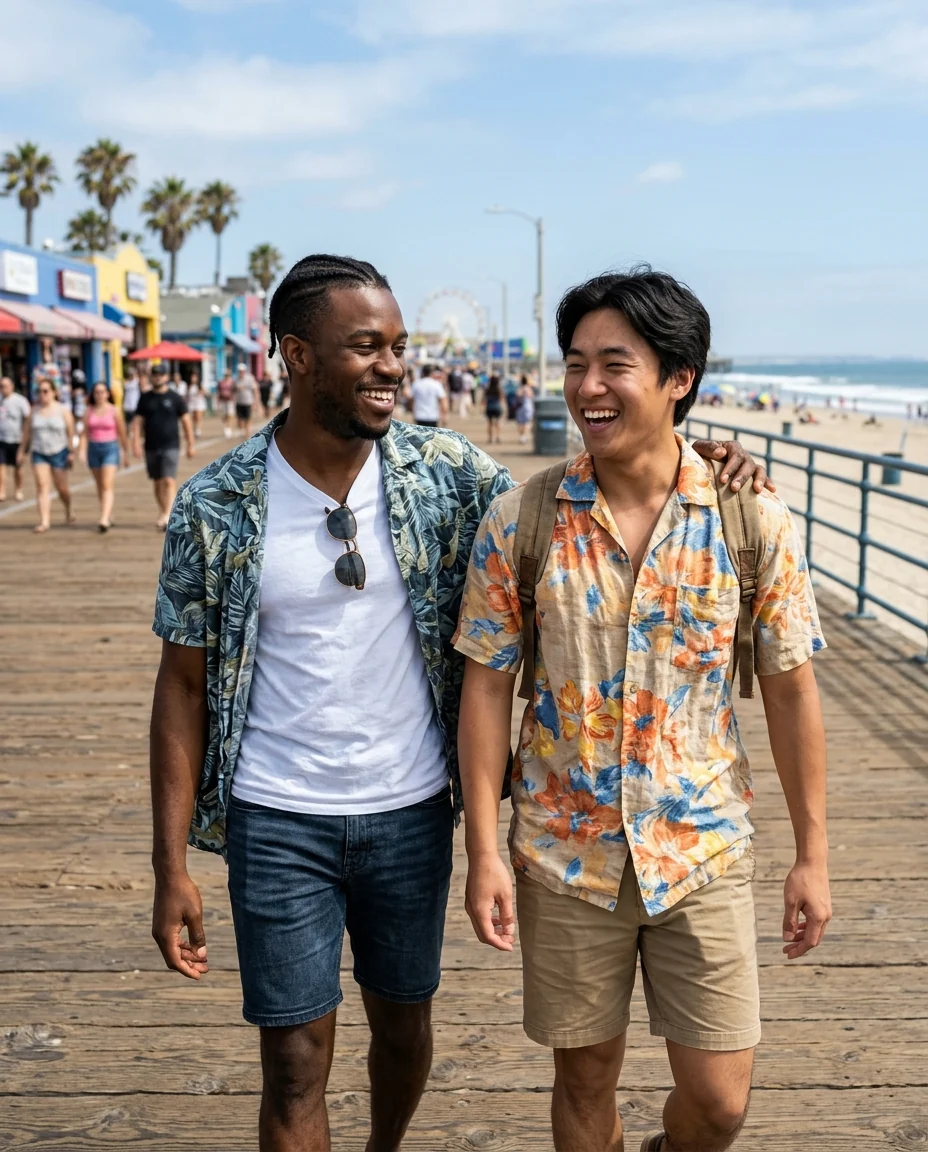
Beach duo
GTA Filter features.
Loading screen look
Thick outlines and painted shading.
Three backdrops
Sunny city, neon night or beach.
Looks like you
Hair, outfit and accessories carry over.
GTA Filter, step by step.
01
Upload a photo
Waist-up, with some attitude.
02
Pick a mood
Sunny city, Neon night or Beach.
03
Download
Use it as an avatar or poster.
GTA Filter use cases.
- Avatars
- A game-art profile picture.
- Group posters
- Your crew as a loading screen.
- Gifts
- A poster for a friend who loves the games.
GTA Filter: best photos and fixes.
Photos with attitude
Loading screen art is all about pose and attitude: arms crossed, leaning on a car, sunglasses on, looking over a shoulder. Waist-up photos with a clear outfit work best. A confident expression comes through even more strongly in the illustrated style. Props like a skateboard, a phone or a car add to the scene. A camera angle slightly from below gives the heroic loading-screen pose.
Choosing a mood
Sunny city gives the classic palm-lined streets and blue sky. Neon night puts you under purple and pink city lights. Beach puts you on a sunny boardwalk. All three keep the bold outlines and painted shading the series is known for.
Keeping it you
Hairstyle, skin tone, glasses, facial hair and outfit are carried over, so friends recognize you. Faces become illustrated, with stronger shading and sharper features. Clear, front-lit faces keep the most likeness; hats pulled low and very dark photos keep less.
Groups and crews
Two or three people in one photo work well and look like a classic group loading screen. For a bigger crew, run each person separately with the same mood and arrange them in a design app. Matching poses and outfits make the set feel planned.
Characters and scenes
Name a character from the games to be drawn as them, or describe your own scene: "on a motorbike", "in front of a mansion", "on a yacht". Logos and title text aren't added, so add your own caption afterwards if you want one. Keep scenes friendly: the page is for avatars and posters, not weapons or crime scenes.
Related tools
The ps2 filter gives an early-2000s game graphics look. Photo to anime and the cartoon generator offer other illustrated styles, and the youtube thumbnail generator makes bold thumbnails for gaming channels.
GTA Filter FAQ.
Is this an official GTA filter?
No. It is an independent fan-art filter and is not affiliated with or endorsed by Rockstar Games or Take-Two Interactive. It draws in the style of the original, including existing characters when you name them.
Can I sell the results?
Keep fan art for personal use, such as avatars, posts and cards. The style and the characters belong to their owners, so don't use results on merchandise or in anything you sell.
Can I use someone else's photo?
Use photos of yourself, or of people who are happy for you to edit their picture. Don't use the result to mock, embarrass or deceive anyone.
Does it add the game logo?
No. Title text and logos are left out so the artwork is clean. Add your own caption in a design app.
Is the GTA filter free?
Yes, you can try it free. New accounts get 15 free credits, and one generation here uses 9 credits. You sign in with your email; no card needed. Results have no watermark. After that, plans add credits every month and credit packs never expire.