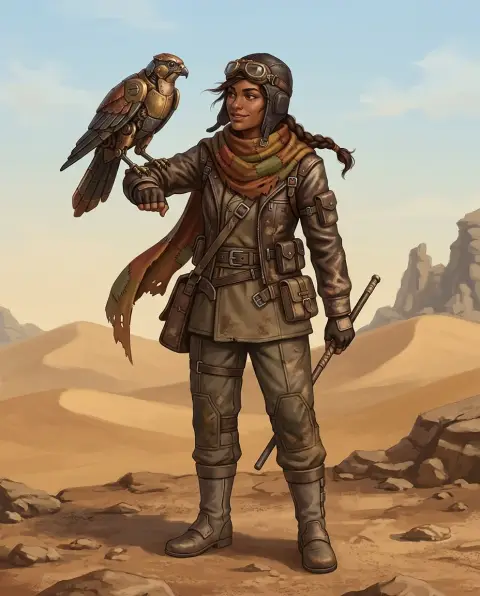
PS2 Filter
Your photo as an early-2000s console game.
Drop a photo
or paste with ⌘V · JPG · PNG · WebP · up to 8 MB
No photo handy? Try one of ours.
More like this.
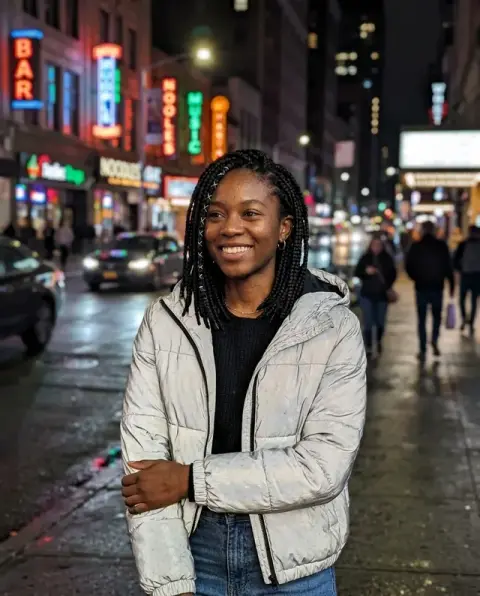
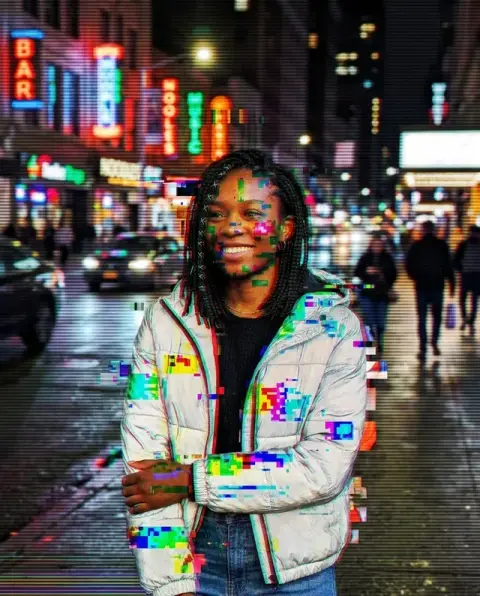
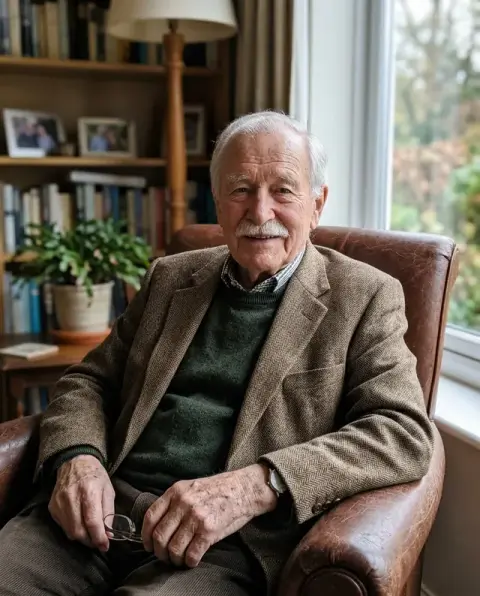
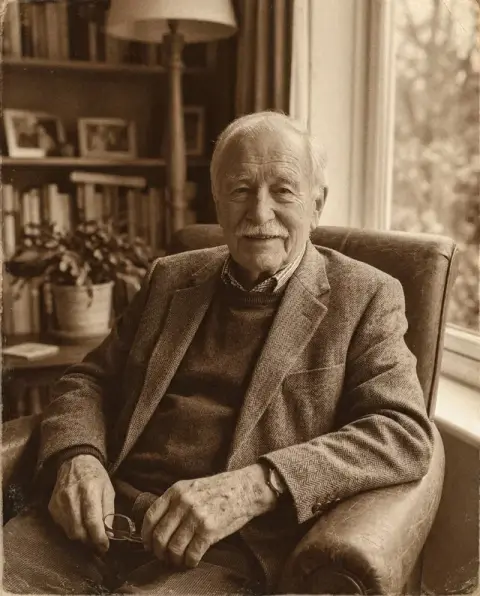




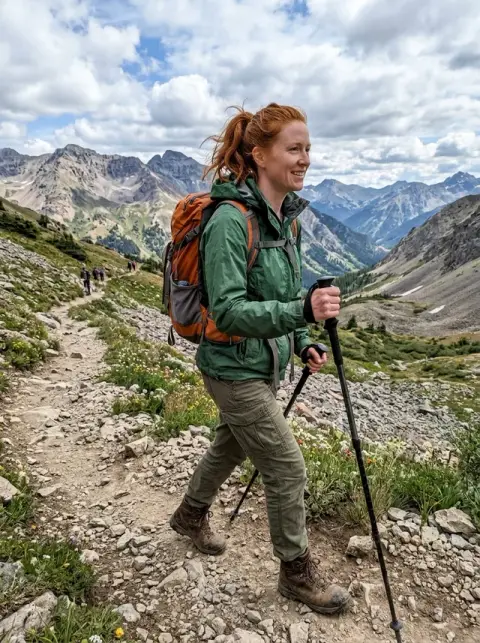
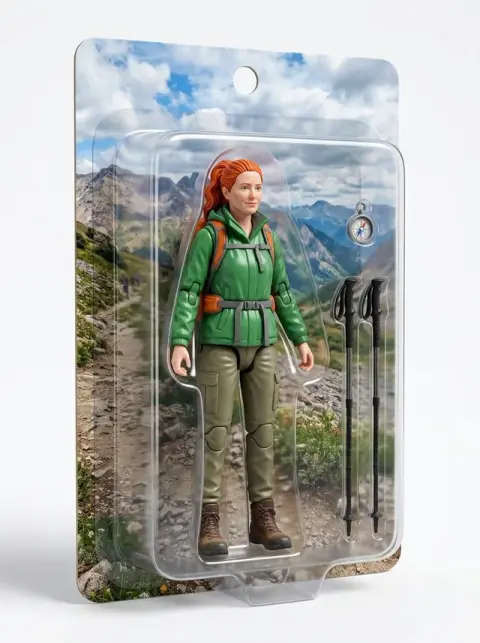
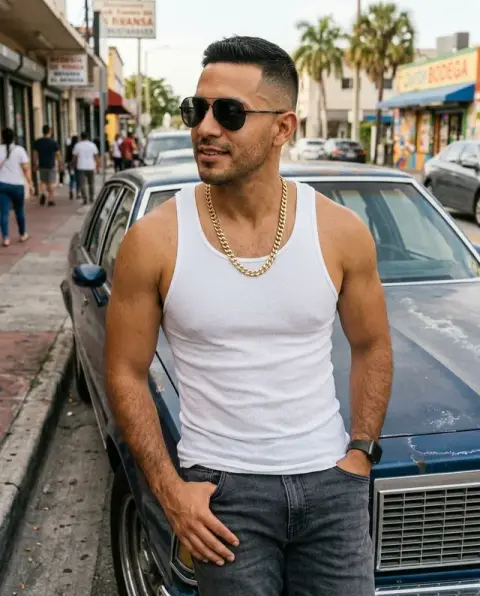
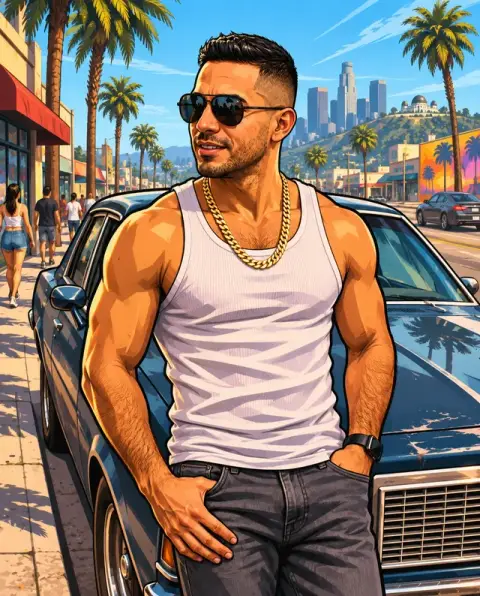
PS2 Filter examples.
Real results from this page's default settings in one click, not retouched.How examples are made
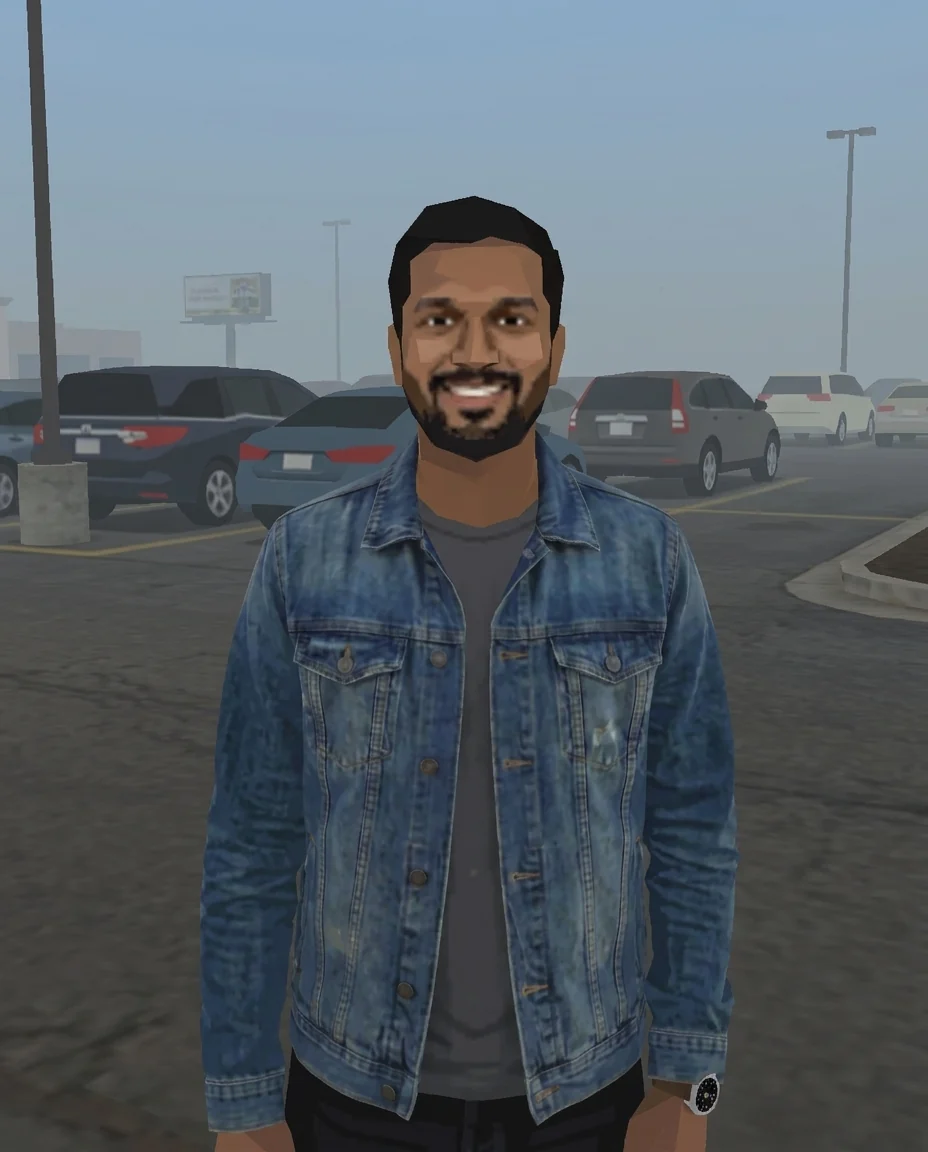

The man as a low-poly early-2000s game character
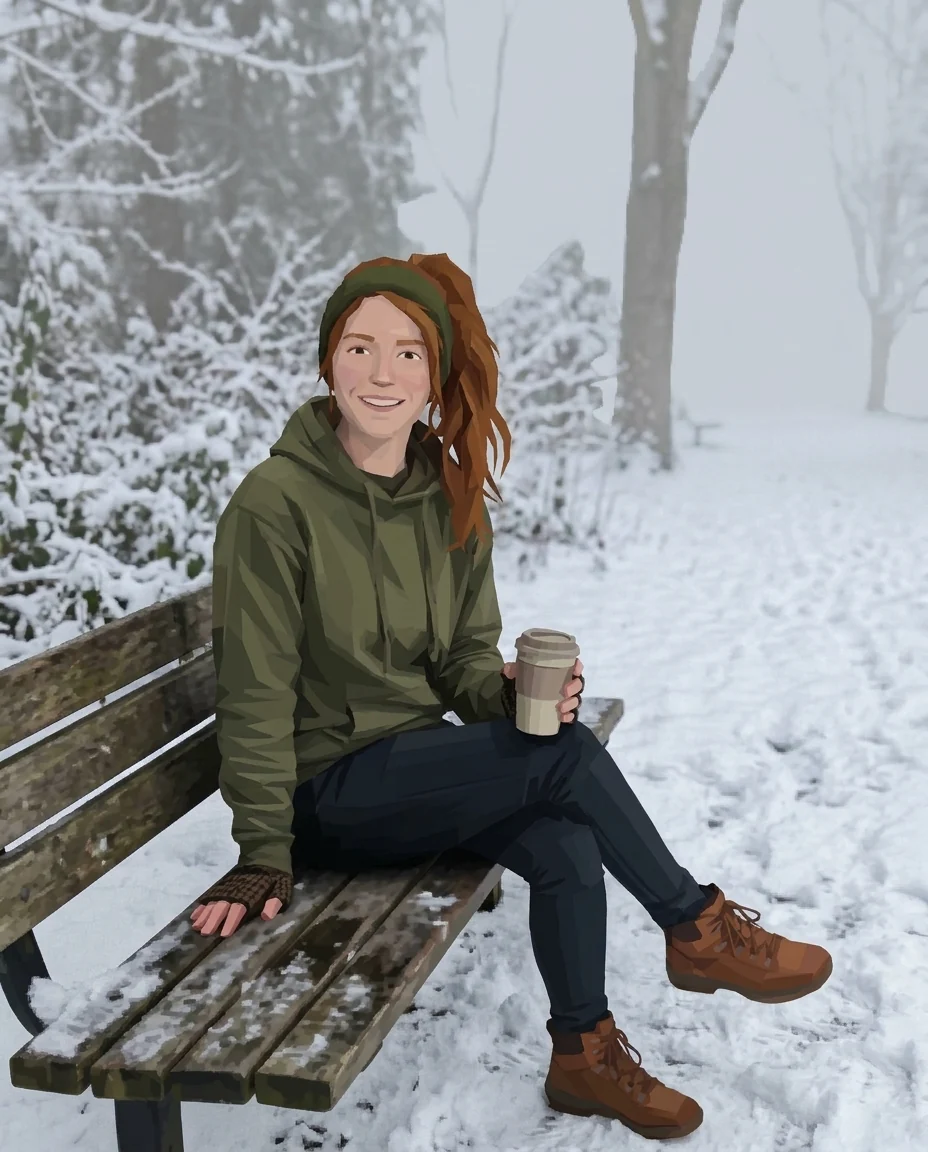

The woman on the bench in blurry low-res game textures
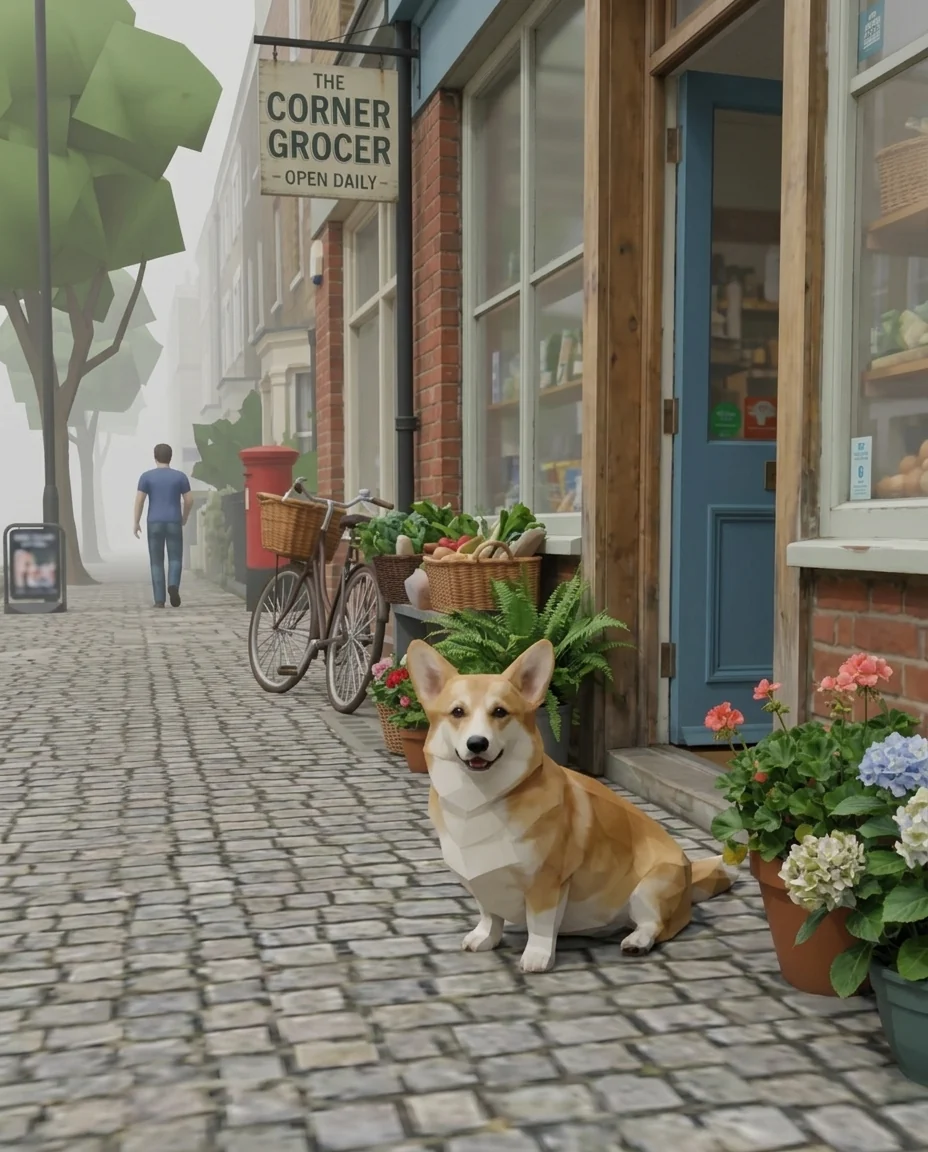
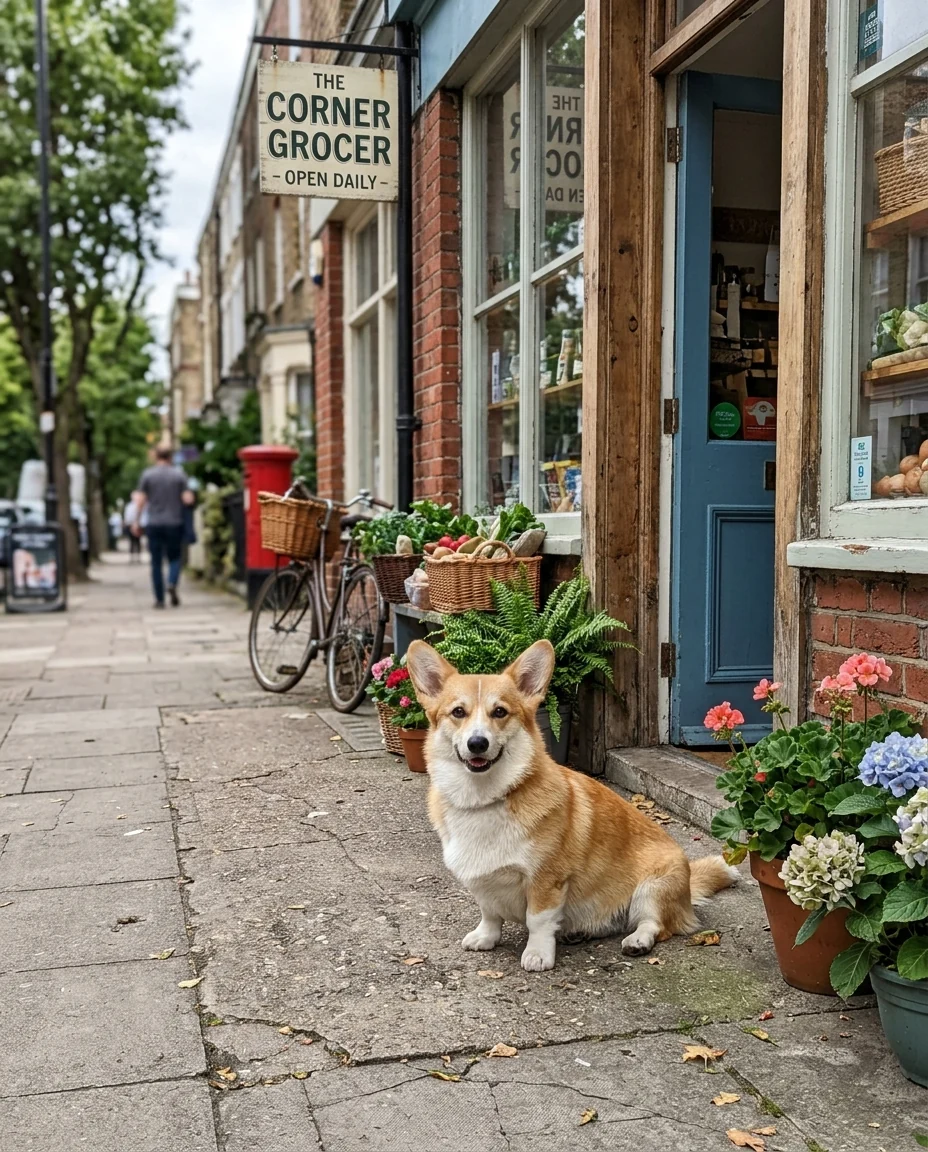
The corgi and shop as an early-2000s game scene
PS2 Filter features.
Low-poly look
Angular models, blurry textures and hard shading.
Still you
Clothes, hair and pose carry over to the character.
No interface
A clean cutscene shot without health bars or logos.
PS2 Filter, step by step.
01
Upload a photo
A full or half body shot reads best.
02
Generate
The photo becomes a 2000s game frame.
03
Download
Post it or use it as a profile picture.
PS2 Filter use cases.
- Nostalgia posts
- The 2000s game trend for your feed.
- Profile pictures
- A low-poly version of you for gaming accounts.
PS2 Filter: best photos and fixes.
Photos that sell the look
Outdoor photos with some background depth get the foggy draw distance that sells the early-2000s console look: streets, parks, car parks, beaches. Indoor photos work too, with blocky furniture and blurry textures. The subject should be clearly visible, since it becomes the game's main character.
Low-poly faces and bodies
Faces become low-polygon with simple textures, but hair color, glasses and clothing are kept so you remain recognisable. Very small faces in a wide photo turn into generic characters. Use a photo where you are reasonably large in the frame for a recognisable character.
A clean screenshot, no interface
The result looks like a frame from the game itself, without menus, health bars, logos or text, which keeps it clean as a profile picture or a post. If you want the full screenshot feel, add a health bar or a dialogue box afterwards in a photo editor. Keeping the image clean also avoids the look of any real game's interface.
Pets and objects
Pets, cars and objects also turn into low-poly models. Cars especially get a racing game feel. For a pet, a photo at the pet's level with a clear outline looks like a character select screen.
Not official
The filter imitates the general look of early-2000s games and is not an official PlayStation product. Do not use it with console brand logos for commercial work. For a profile picture, a head-and-shoulders photo works best. Use the result for personal posts, profile pictures and memes about your own life.
Cars and street scenes
Cars and city streets turn into racing-game frames, complete with foggy distance and simple reflections. A photo taken low, near the bumper, gives the chase-camera feel of early racing games. Night streets with neon signs make a strong look.
Pets as game characters
Pets become low-poly companions with simple fur textures. A photo where the pet stands on all fours, seen from the side, looks like a character select screen. Dogs with simple coat colors give the cleanest low-poly look; patterned coats become blocky patches of color, which can look charming too.
Group photos
Group photos turn into a party of low-poly characters, each with their own hair and outfit. Faces at the back become simple shapes, so photos of two to four people close to the camera work best. It makes a fun team or friend-group post, as if you were all characters in the same old game.
PS2 Filter FAQ.
Is this an official PlayStation filter?
No. It is an AI art style inspired by early-2000s console graphics and is not affiliated with Sony.
Can I add a game menu or health bar?
By default there is no interface. Write "add a simple game health bar" if you want one.
Does it work on pets and objects?
Yes. Pets, cars and rooms all turn into low-poly game models.
Is the PS2 filter free?
Yes, you can try it free. New accounts get 25 free credits, and one generation here uses 9 credits. You sign in with your email; no card needed. Results have no watermark. After that, credit packs never expire, and your first one is half price.