












Glitch Effect
RGB splits, scan lines and broken pixels on any photo.
Drop a photo
or paste with ⌘V · JPG · PNG · WebP · up to 8 MB
No photo handy? Try one of ours.
More like this.
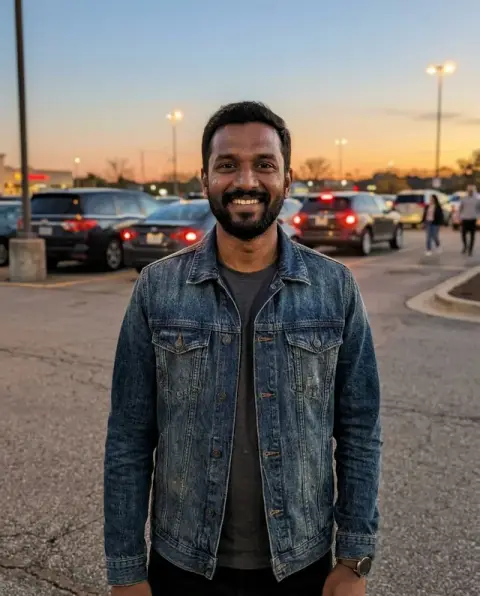
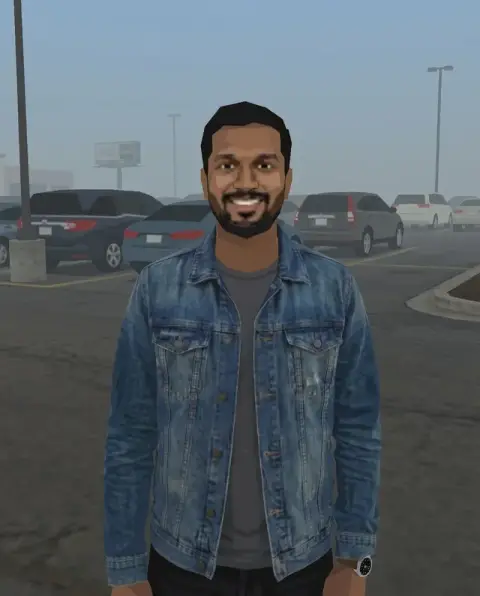
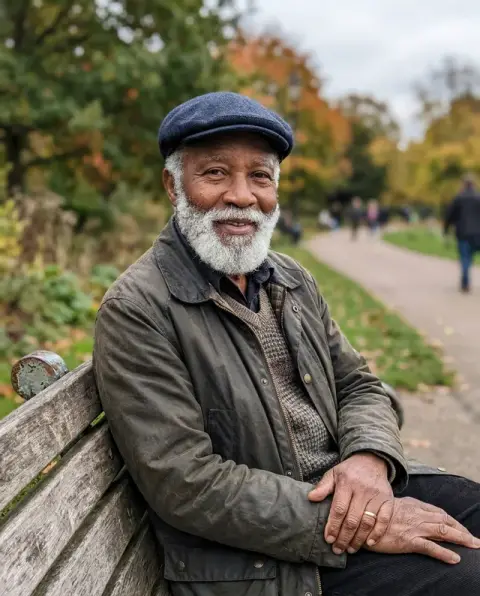
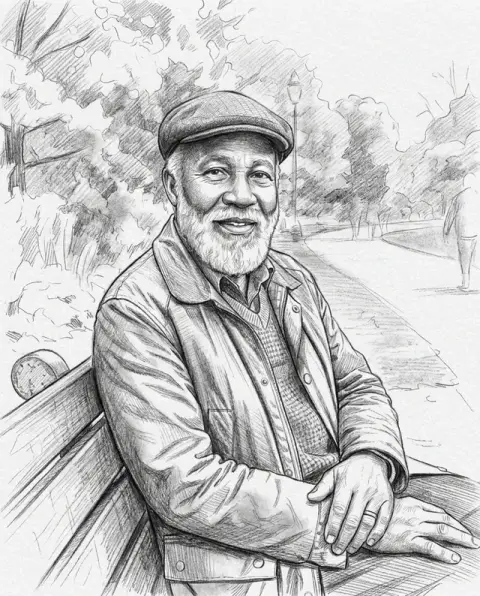
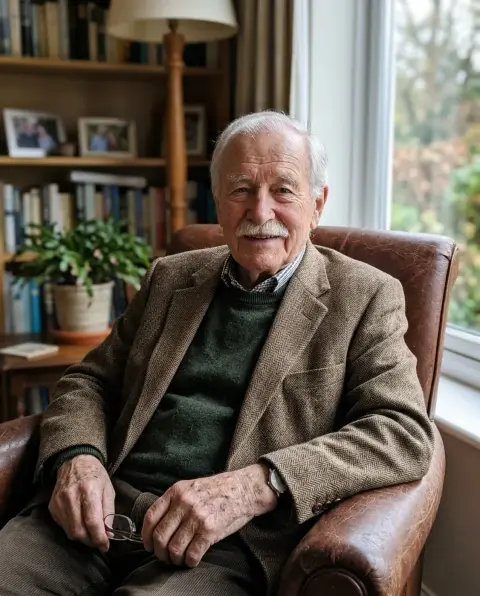


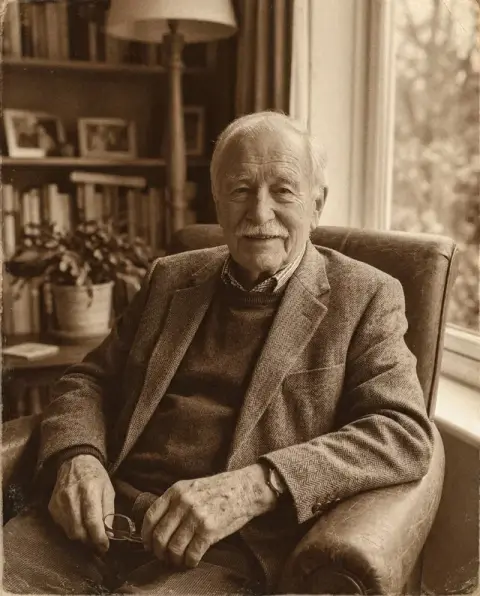
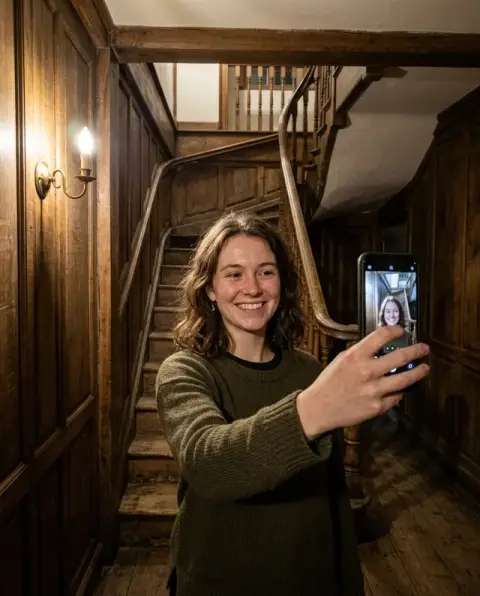
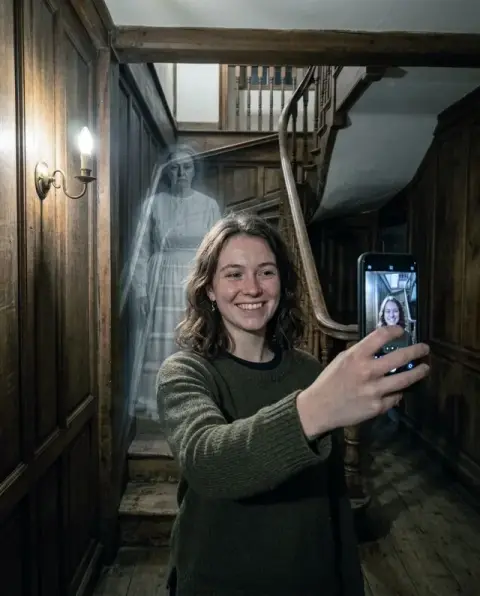

Glitch Effect examples.
Real results from this page's default settings in one click, not retouched.How examples are made
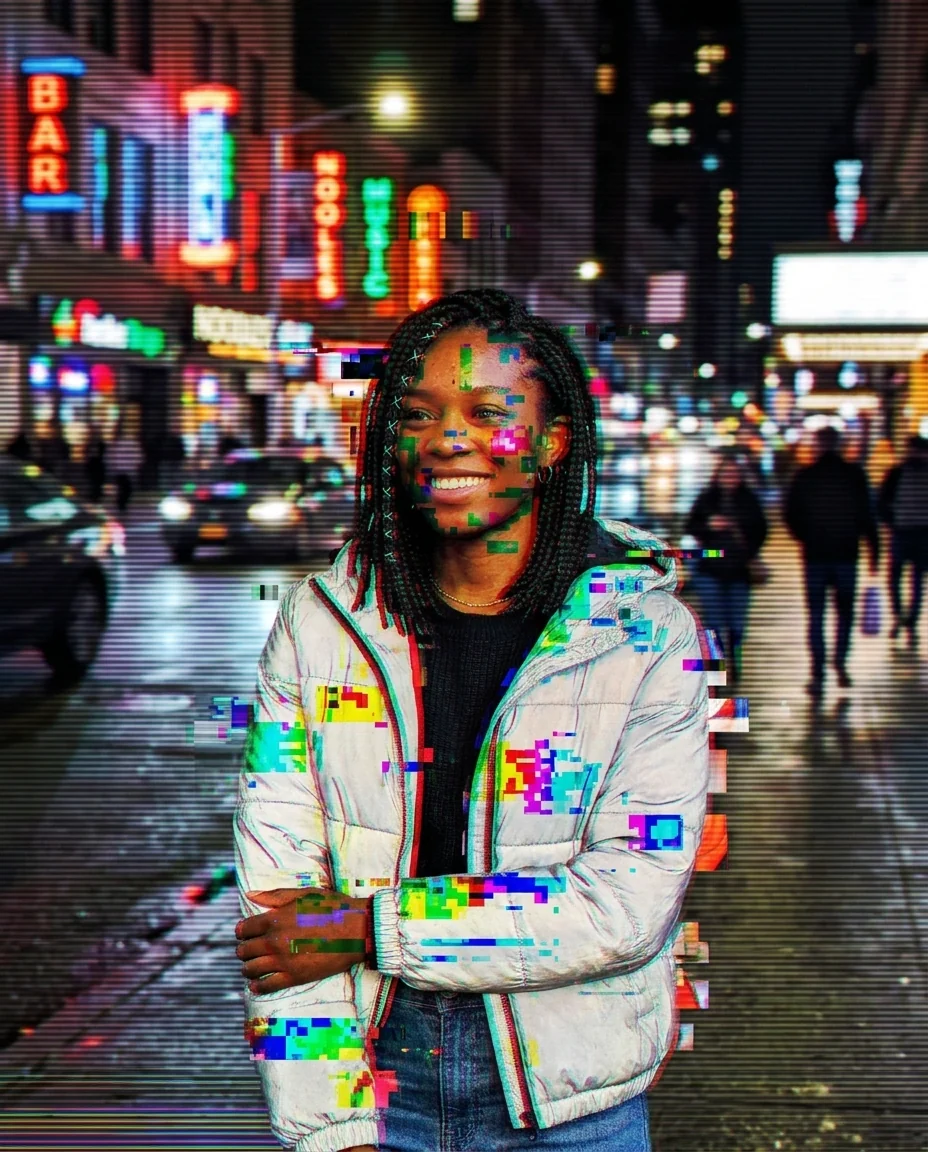
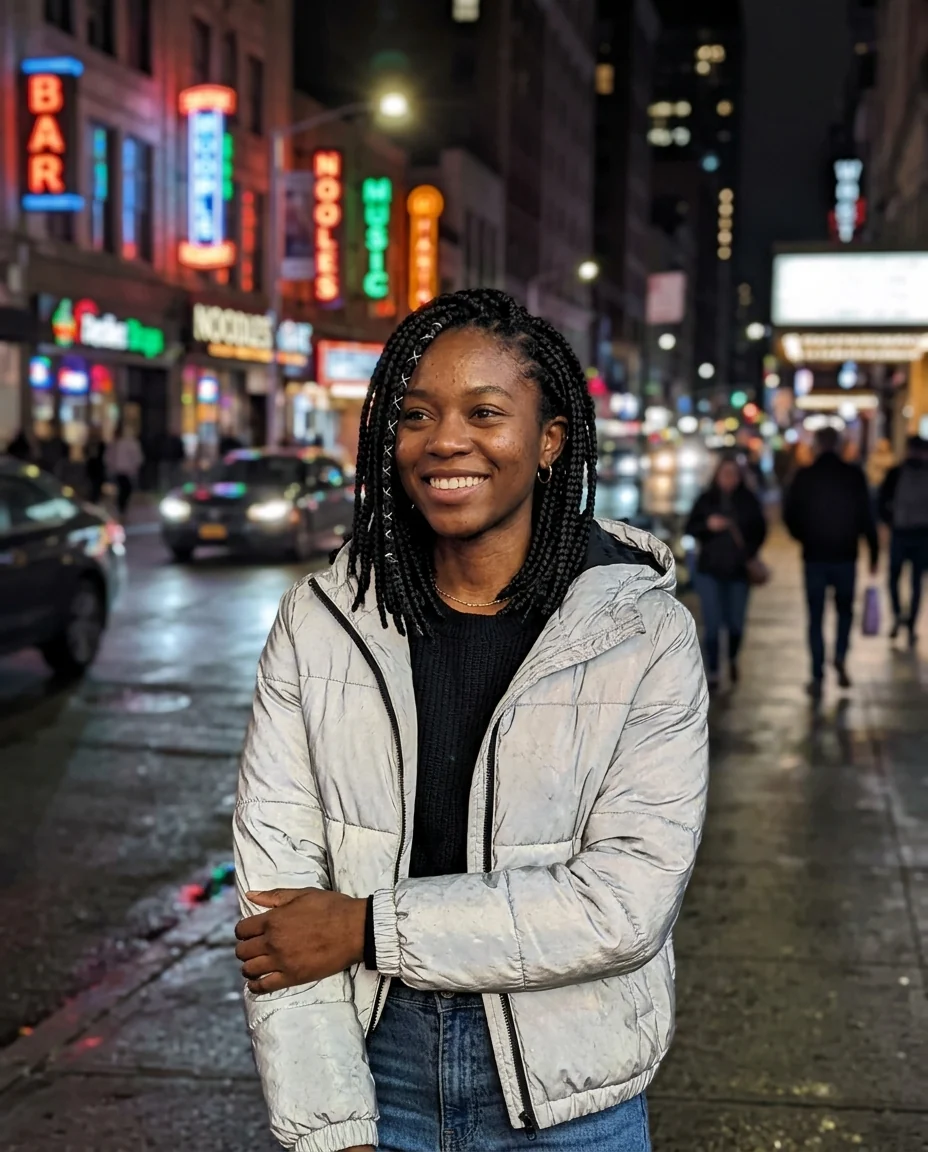
RGB split
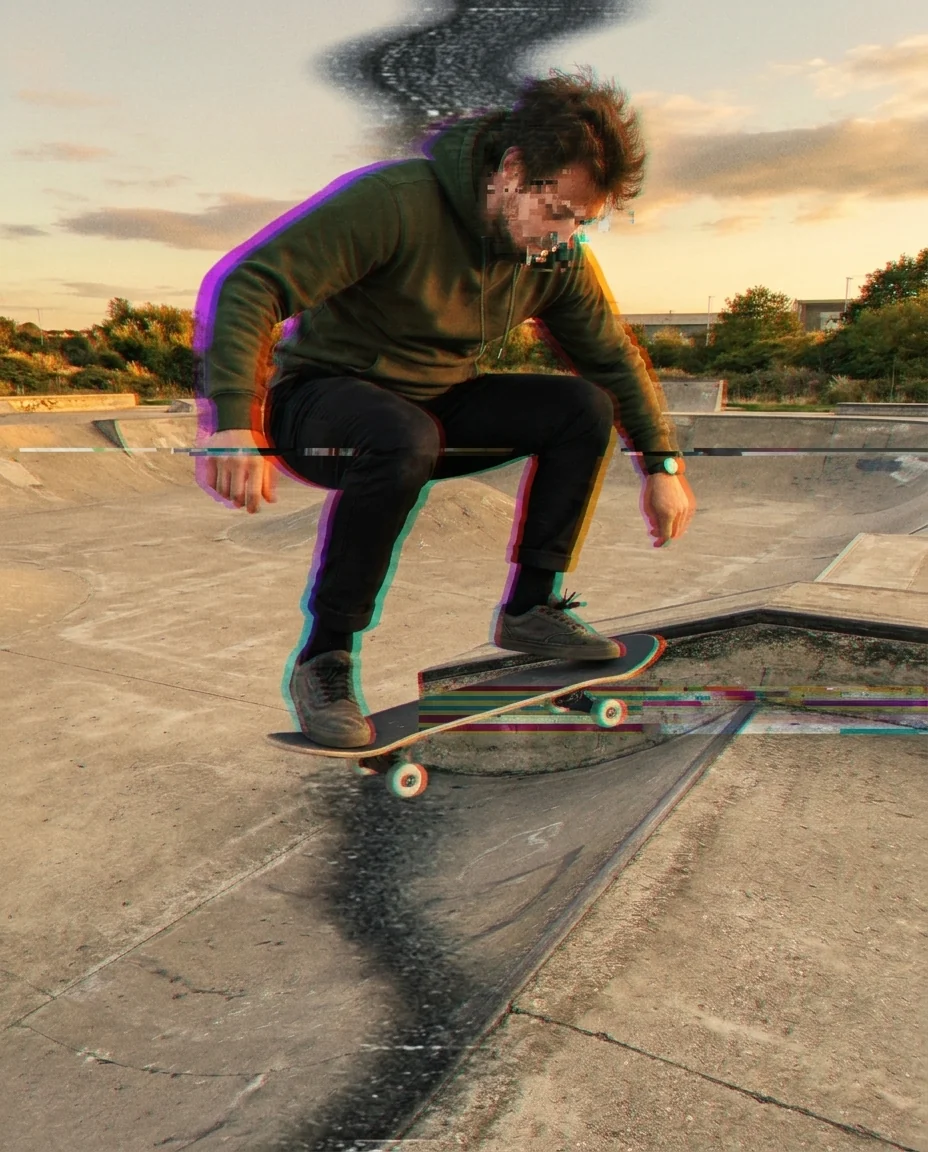
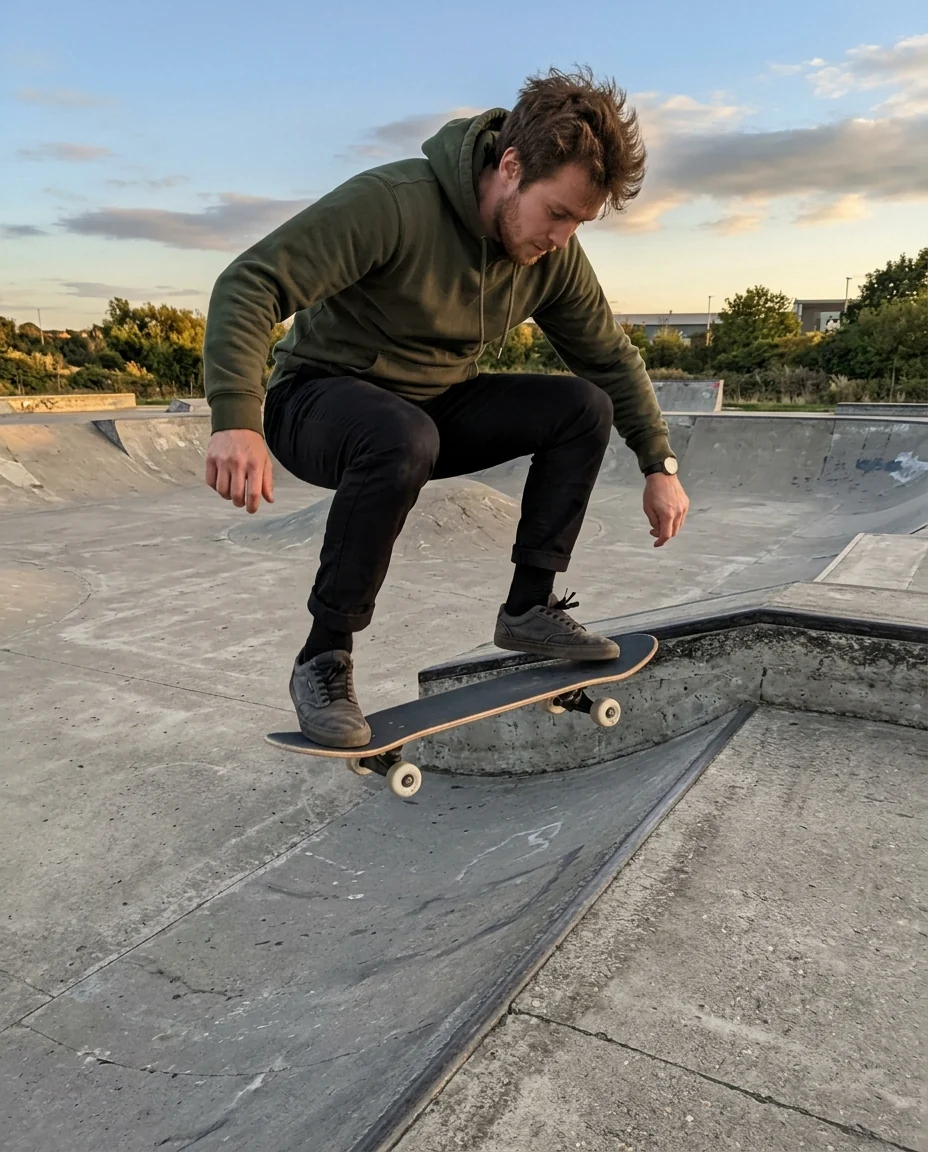
VHS
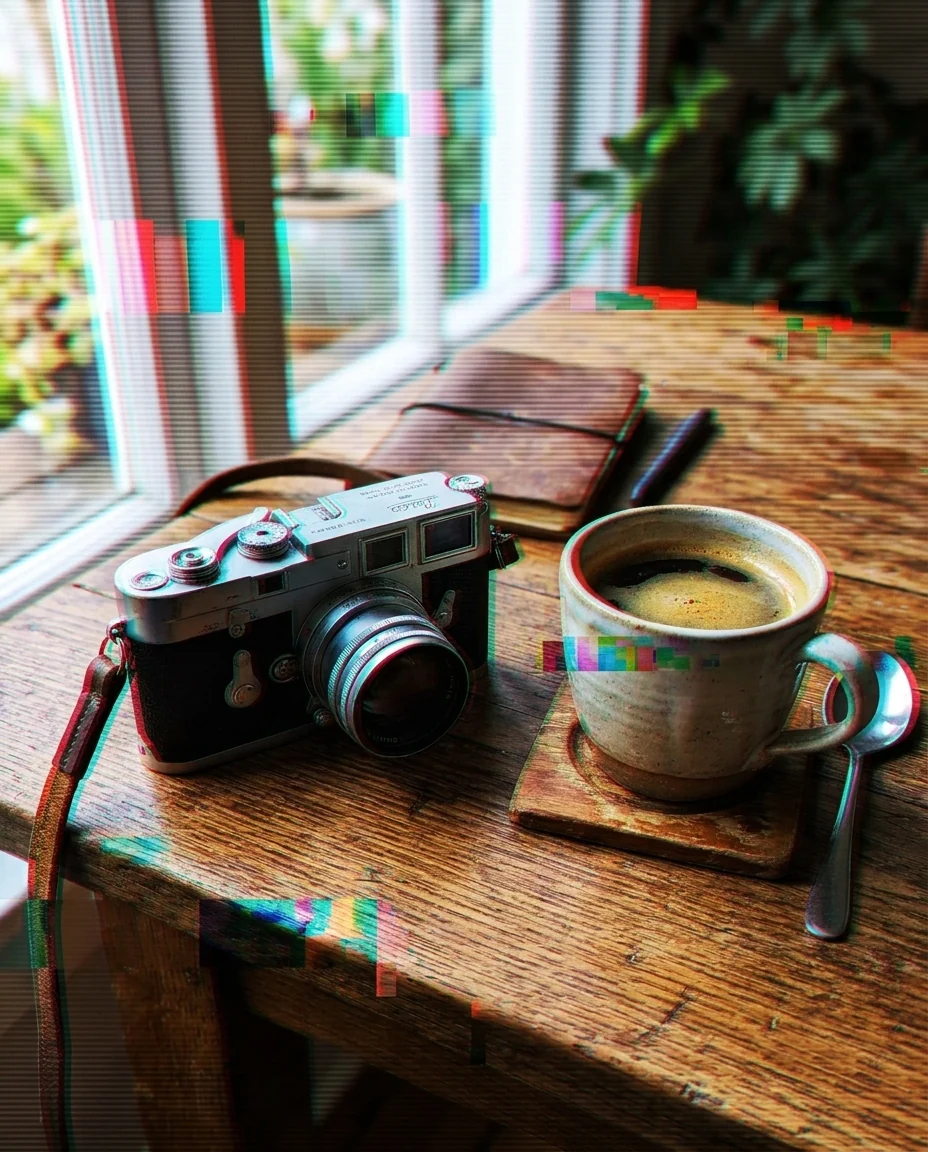
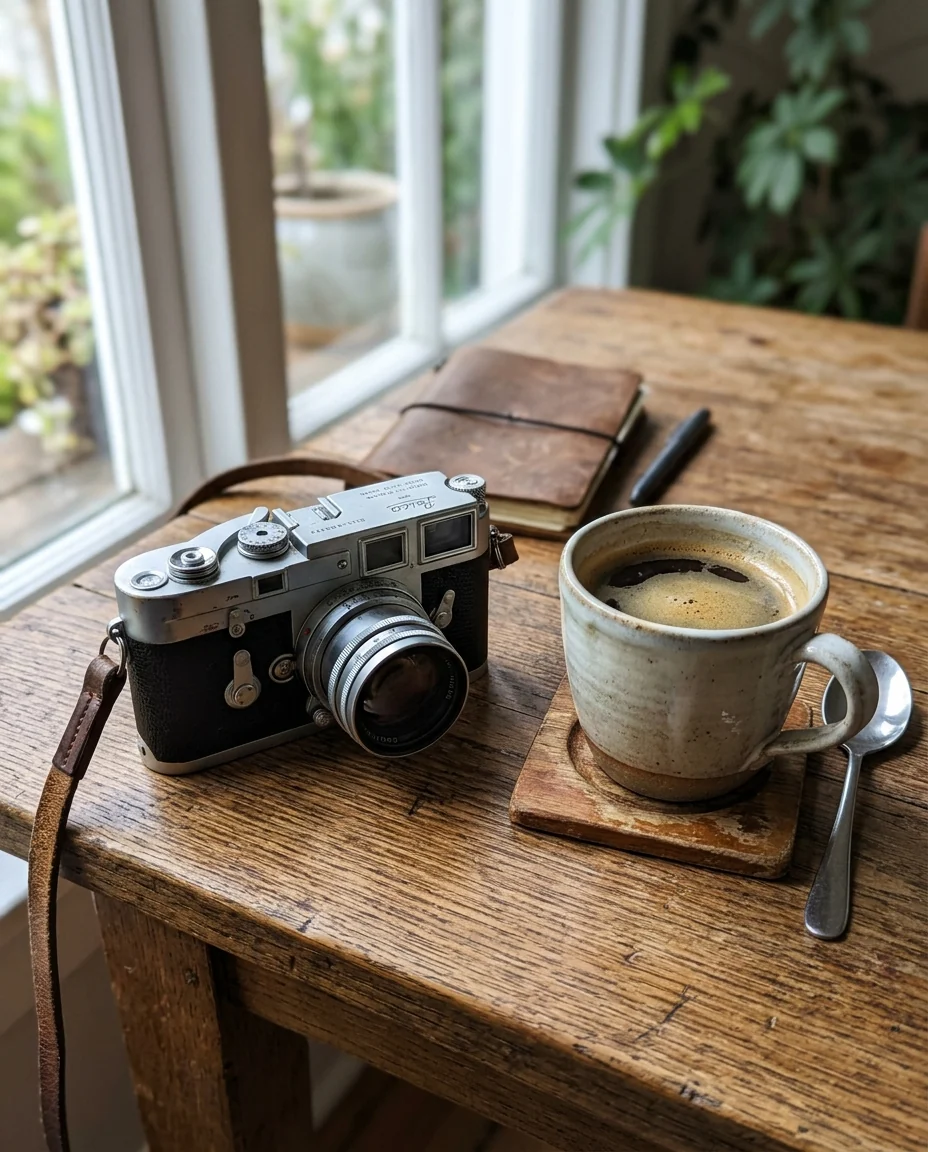
RGB split
Glitch Effect features.
Two glitch looks
Modern RGB split or a worn VHS tape.
Subject stays clear
The glitch sits on top; faces and shapes still read.
Ready for covers
Strong enough for album art, posters and thumbnails.
Glitch Effect, step by step.
01
Upload a photo
High contrast or night photos glitch best.
02
Pick a look
RGB split or VHS.
03
Download
Use it as a cover, post or wallpaper.
Glitch Effect use cases.
- Album and mixtape art
- A digital, broken look for electronic music.
- Social posts
- A stand-out profile picture or story.
Glitch Effect: best photos and fixes.
Photos for a strong glitch
Neon signs, night streets, concert lights and high-contrast portraits give the strongest glitch colors, because the red, green and blue splits show up most clearly against dark areas and bright edges. Flat, evenly lit daytime photos glitch too, but the effect looks softer and more washed out. A single subject against a simple background keeps the shape readable under the distortion.
RGB or VHS
RGB splits the color channels sideways and adds broken pixel blocks, the look of a corrupted digital file. VHS adds scan lines, tracking noise and color bleeding, like a paused videotape. RGB suits electronic music covers and tech posts; VHS suits retro, 80s and 90s themes. Run both on the same photo and compare before choosing one for a cover.
Keeping the face readable
By default, the subject stays clear and the glitch is strongest around the edges and background. For a portrait or a profile picture that should still be recognisable, that balance is usually right. If the eyes or mouth are covered by noise, write "keep the face mostly clean, glitch around it" and regenerate.
Stronger or softer
Write the strength in the instructions: "subtle glitch, a few scan lines" for a light touch, or "heavy glitch, the image breaking apart" for something more aggressive. You can also aim the effect, for example "glitch only the background" or "horizontal slices across the middle". Heavier effects work best on square covers, where the subject sits in the centre.
Covers and social posts
Album, mixtape and podcast covers are usually square, so crop your photo to 1:1 before uploading to keep the composition you want. Leave space for the title if you plan to add text later in a design app. The result is a still image; for a moving glitch, you would need a video editor.
Gaming and streaming graphics
Glitch art fits gaming channels, stream overlays and esports profiles. For a profile picture, use a head-and-shoulders shot with a dark background and RGB. For a banner, use a wider photo and leave space for the channel name, which you add later in a design app. Use the same glitch look on your avatar and banner so the channel feels consistent.
Combining with other effects
For a stronger retro look, run a photo through the PS2 filter or posterize first, then add the glitch. Each step is a separate image, so you can stop at the one you like. Keep the original too, in case a combination goes too far. Glitch over a posterized image gives a bold, flat look that suits gig posters.
Glitch Effect FAQ.
Can I make the glitch stronger or softer?
Yes. Write "subtle glitch" or "heavy glitch, more broken slices" in the instructions box.
Will my face still be recognizable?
Yes. The effect keeps the subject and framing and adds the glitch on top.
Can I get a video glitch?
This tool makes a still image. To make it move, send the result to image to video.
Is the Glitch effect free?
Yes, you can try it free. New accounts get 25 free credits, and one generation here uses 9 credits. You sign in with your email; no card needed. Results have no watermark. After that, credit packs never expire, and your first one is half price.

