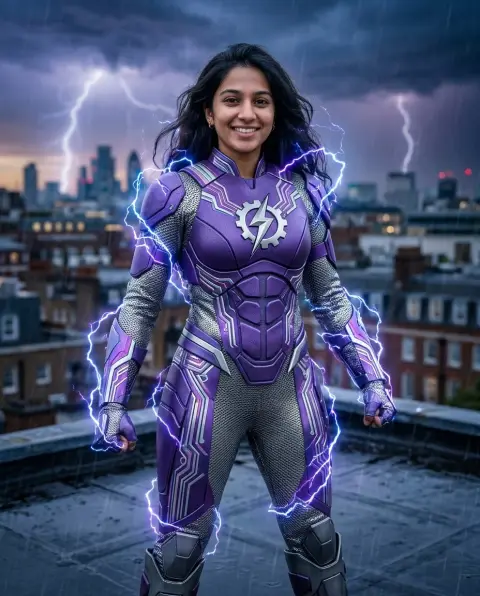
AI Halloween Filter
See yourself as a vampire, zombie, witch or skull.
Drop a photo
or paste with ⌘V · JPG · PNG · WebP · up to 8 MB
No photo handy? Try one of ours.
More like this.

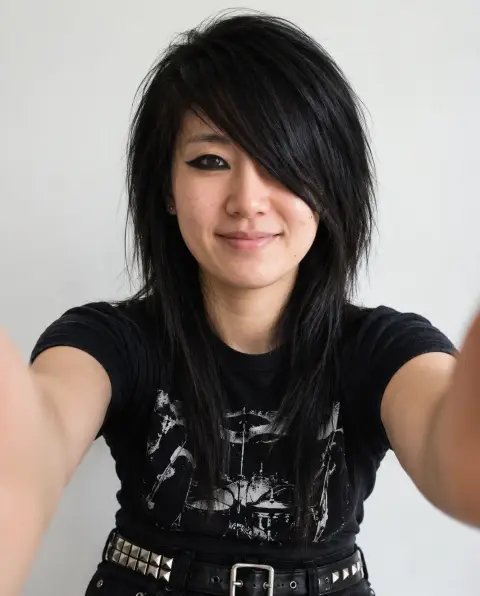
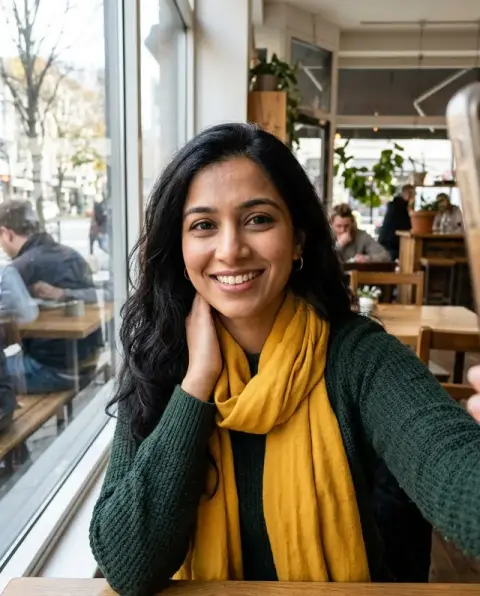

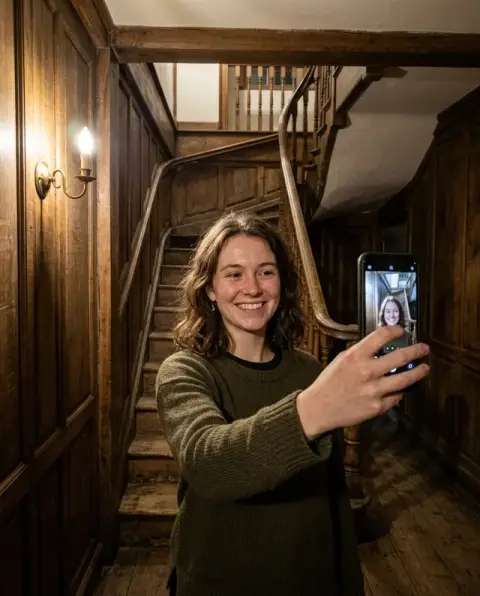
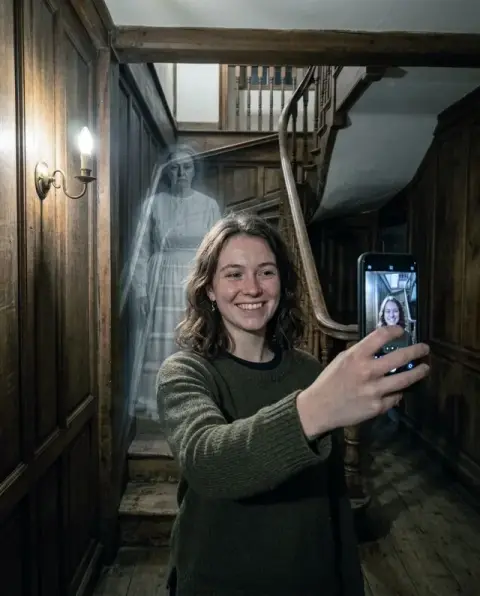


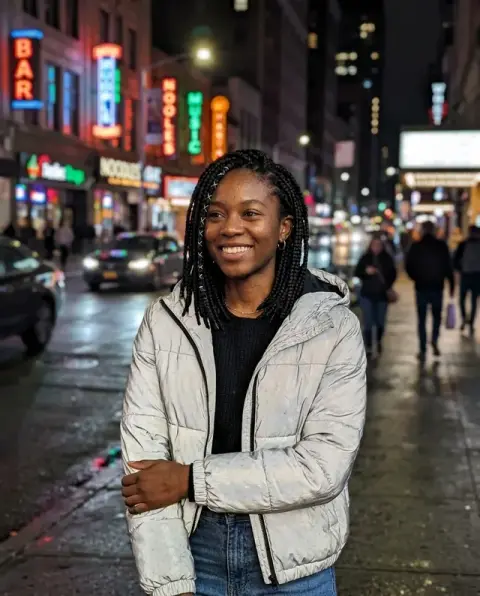


AI Halloween Filter examples.
Real results from this page's default settings in one click, not retouched.How examples are made
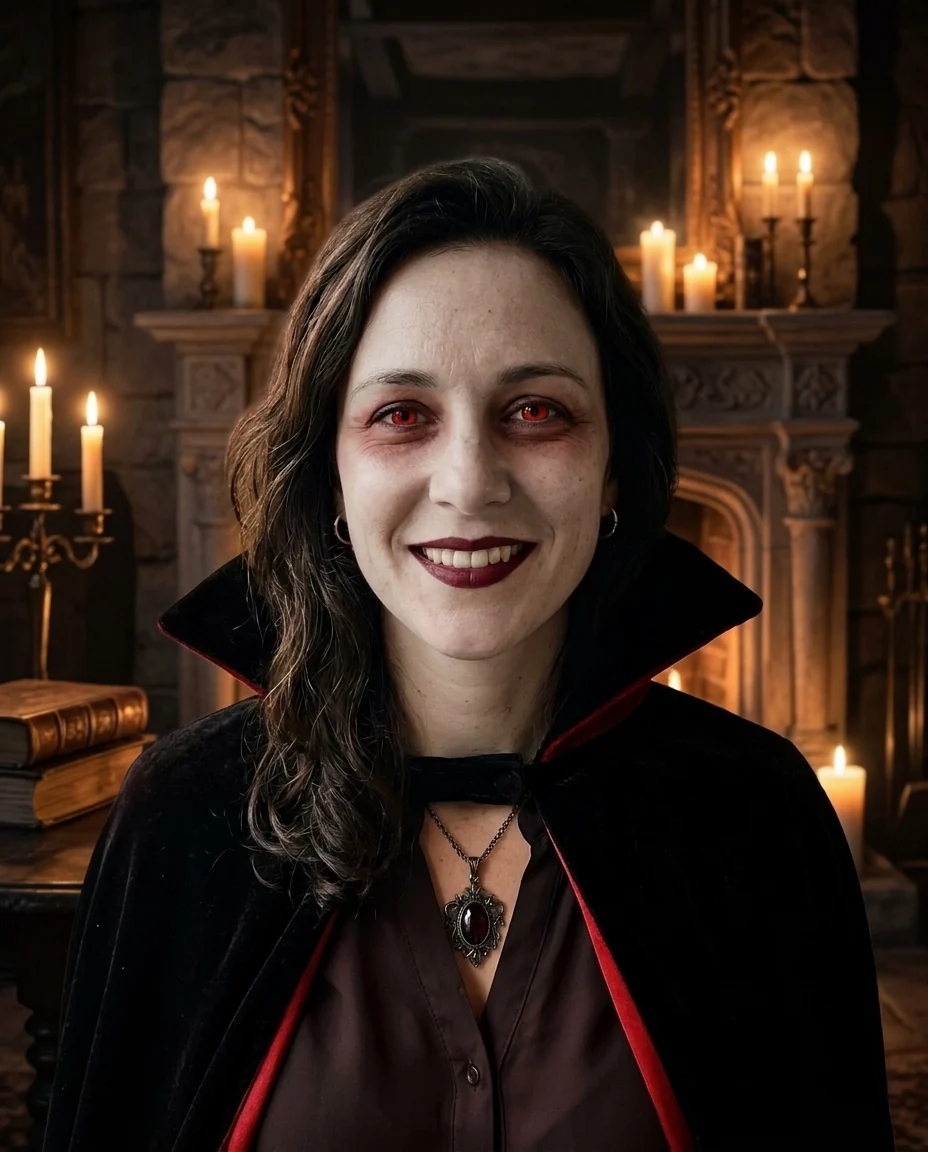

Vampire
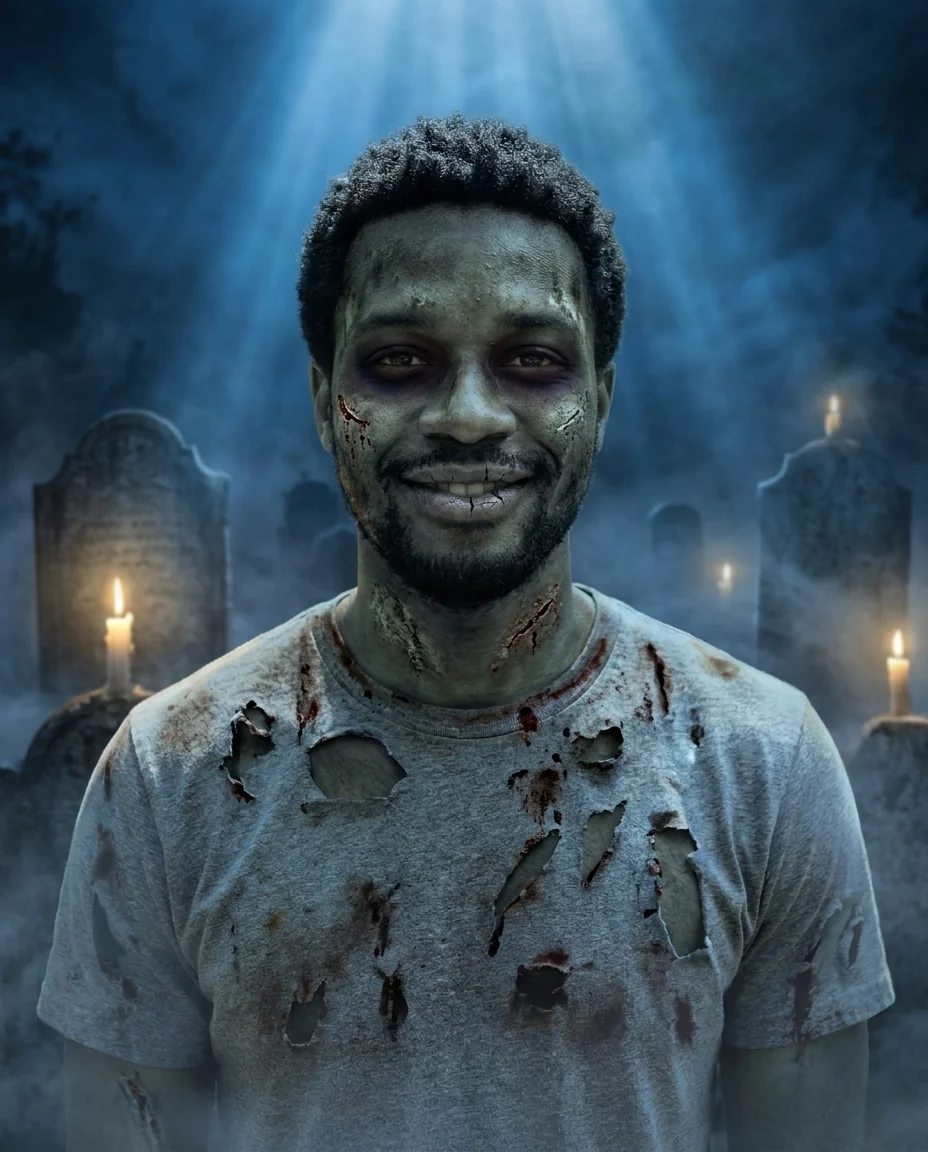

Zombie
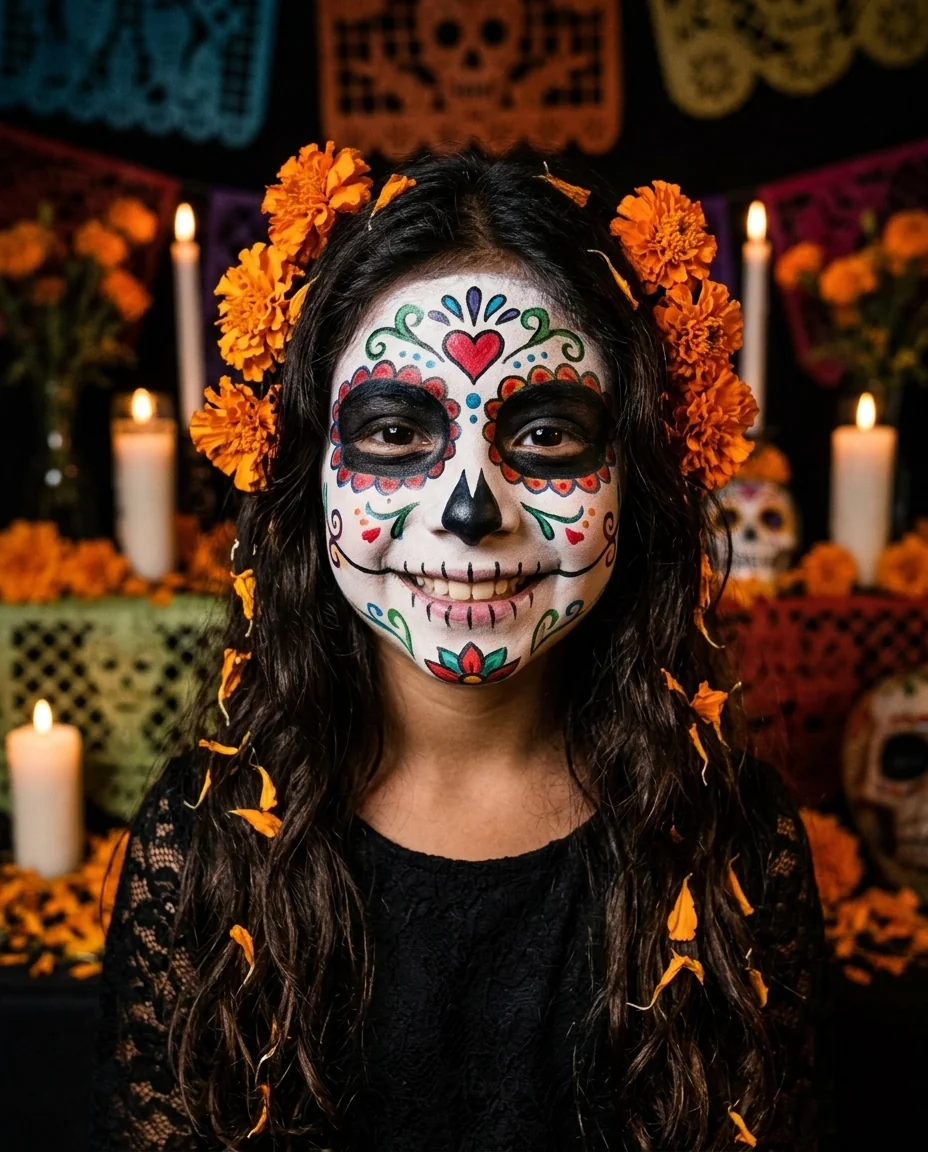

Sugar skull
AI Halloween Filter features.
Four classic costumes
Vampire, zombie, witch and sugar skull.
Still recognizably you
Face, expression and pose stay the same.
Spooky setting
Background and light change to match.
AI Halloween Filter, step by step.
01
Upload a photo
A clear, front-facing face works best.
02
Pick a costume
Or describe your own.
03
Download
Share it before the party.
AI Halloween Filter use cases.
- Costume ideas
- Preview a look before you commit.
- Halloween posts
- A spooky profile picture for October.
AI Halloween Filter: best photos and fixes.
Photos for costume makeup
Bright, even light on the face makes the costume makeup look most real, because the model can see your skin and features clearly and paint on top of them. Front-facing photos from the chest up are ideal: the costume collar, cape or hat has room to show. Dark party photos with flash work, but the makeup can look flat and overexposed.
Vampire, zombie, witch or skull
Vampire adds pale skin, fangs and a high-collared cape. Zombie gives grey skin, dark eyes and torn clothes, spooky rather than gory. Witch adds a pointed hat and dark makeup. Skull paints a sugar-skull or bone face over your own. Choose Custom for anything else: "werewolf", "ghost bride", "clown with smeared makeup".
Costume ideas before buying
Use the result to plan a real costume: it shows which makeup colors suit your face and how a hat or wig changes your silhouette. Try two or three costumes on the same photo to compare. For group costumes, run each person's photo with the same theme, such as "vampire family", so the looks match.
Keeping your background
The default adds a spooky setting, such as fog or a dark forest. To keep your own room or street, write "keep the original background". That works best for party photos, where the real setting matters. For a profile picture, a dark simple background usually looks cleaner. Party photos keep the decorations you already put up, which ties the costume to the real night.
If you are hard to recognise
Heavy costumes such as skull or zombie cover more of the face. If you want friends to recognise you, write "lighter makeup, keep my face recognisable". Regenerate once if the likeness drifts; glasses and hairstyles help keep you recognisable, so mention them if they disappear.
Kids and family costumes
For children, witch and vampire are popular and not scary. Skull and zombie can be frightening for little ones. Family costume ideas work well: run each person with a theme such as "spooky family" or "vampire family" and compare. If a child is nervous about scary looks, show them a witch or vampire first; they can choose the version they like before Halloween night.
Pets in the photo
The costume is designed for the person in the photo, so pets beside you usually stay as they are, or pick up a little of the spooky setting around them. That often looks fun: a vampire with a very ordinary dog. For a pet costume on its own, the Halloween look works best on photos where a person is the main subject; try the cartoonize my pet tool with a costume in the instructions instead.
AI Halloween Filter FAQ.
Can I choose a different costume?
Yes. Describe it in the instructions box, for example "werewolf" or "ghost bride".
Is the zombie look gory?
No. It is spooky, with pale skin and light fake wounds rather than blood and gore.
Can I keep my own background?
Yes. Write "keep the original background" and only the costume and makeup change.
Is the Halloween filter free?
Yes, you can try it free. New accounts get 25 free credits, and one generation here uses 9 credits. You sign in with your email; no card needed. Results have no watermark. After that, credit packs never expire, and your first one is half price.