Ghost Filter
A spooky spirit in any photo.
Drop a photo
or paste with ⌘V · JPG · PNG · WebP · up to 8 MB
No photo handy? Try one of ours.
Ghost Filter examples.
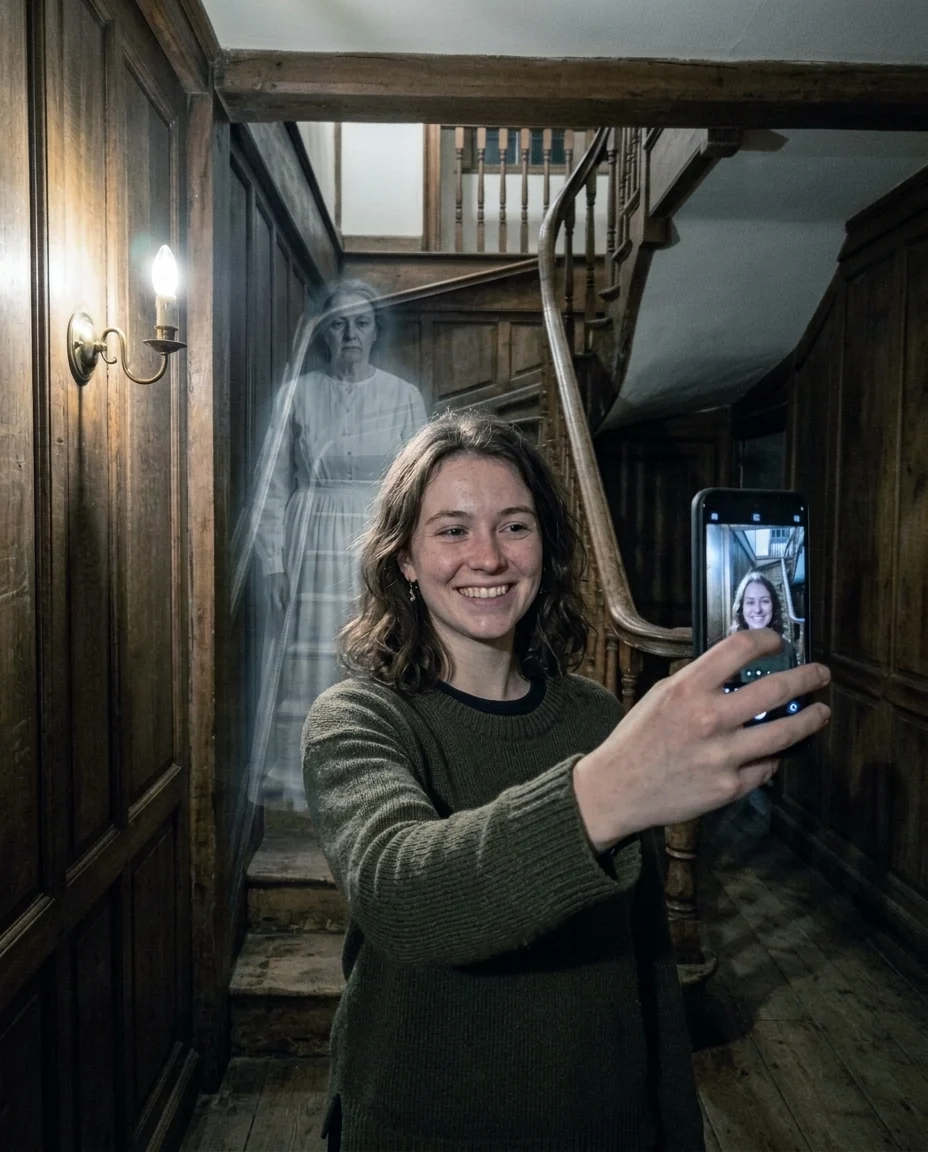
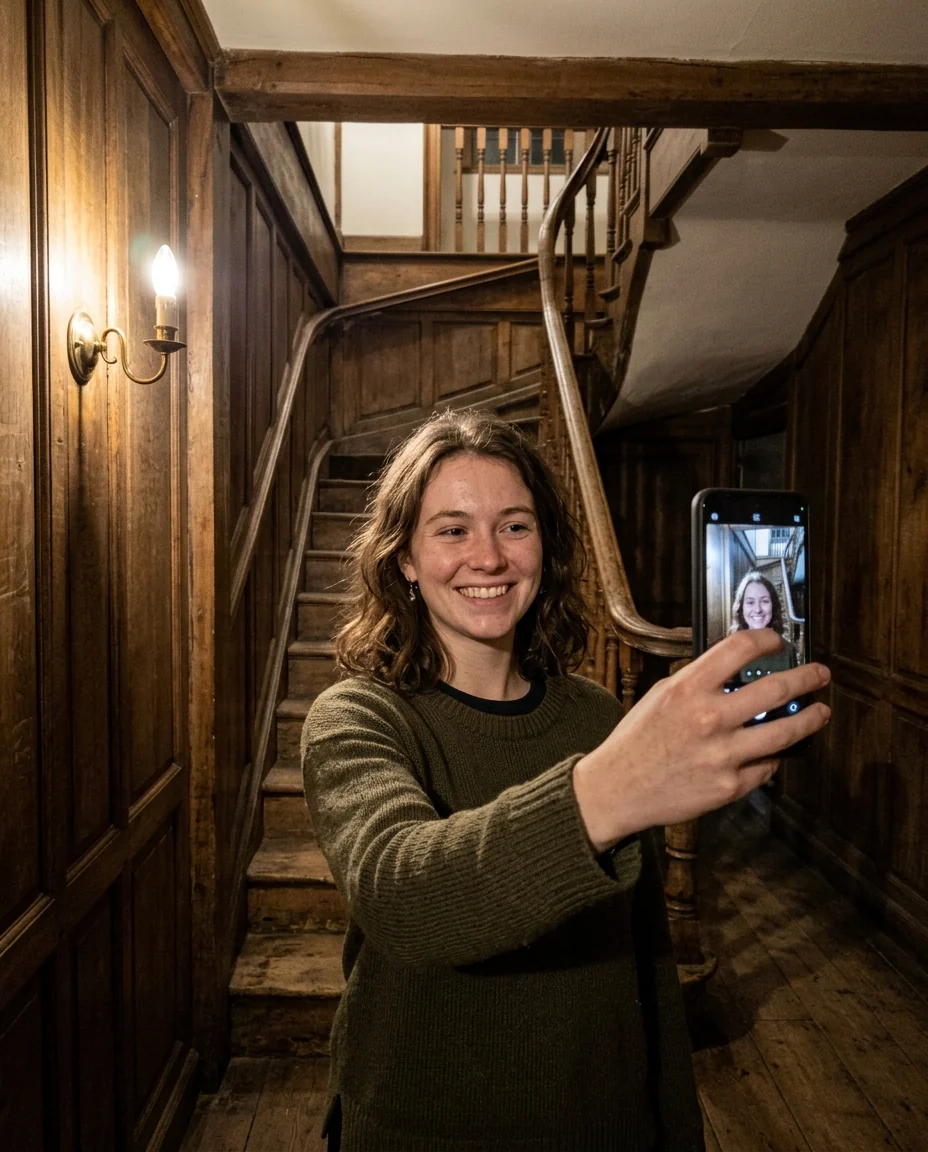
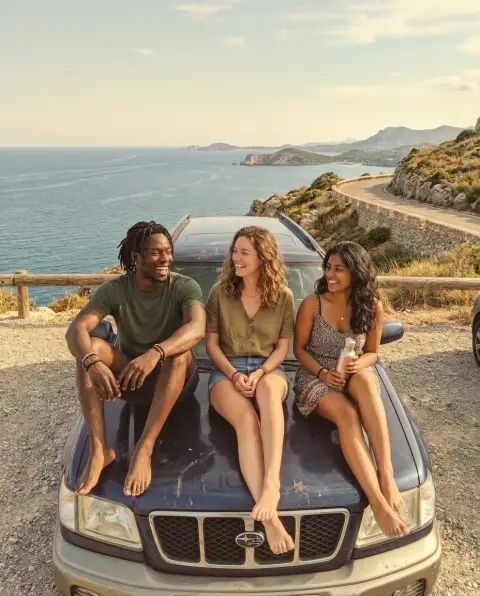
Someone behind you
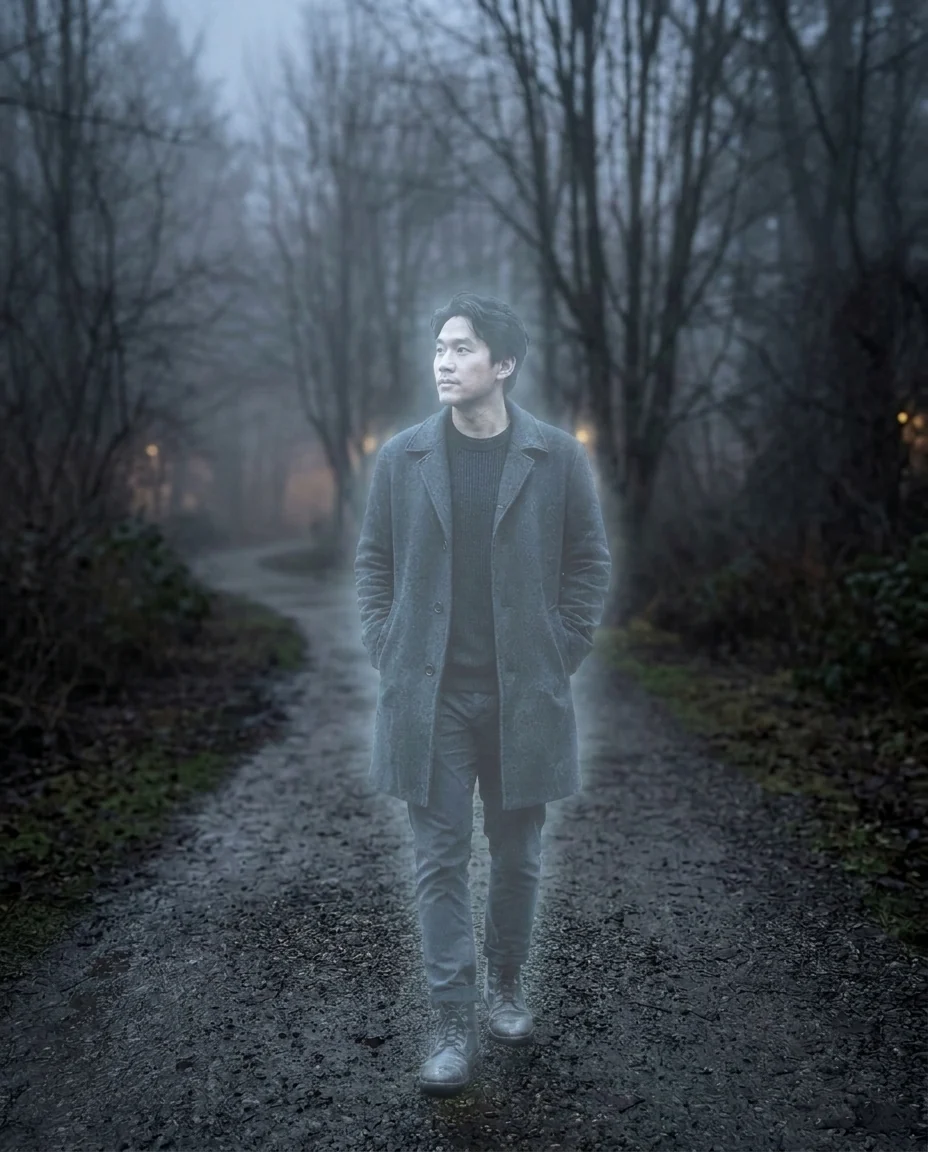
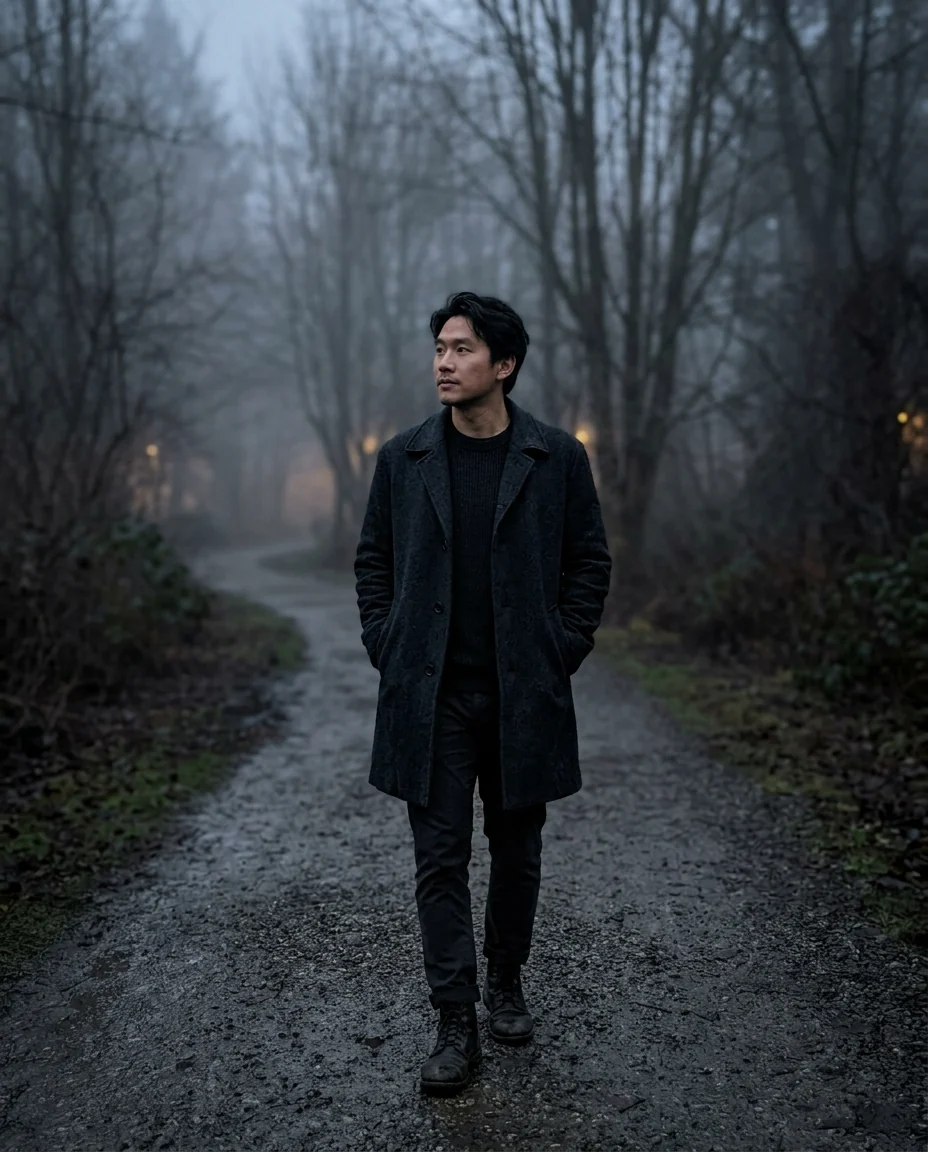
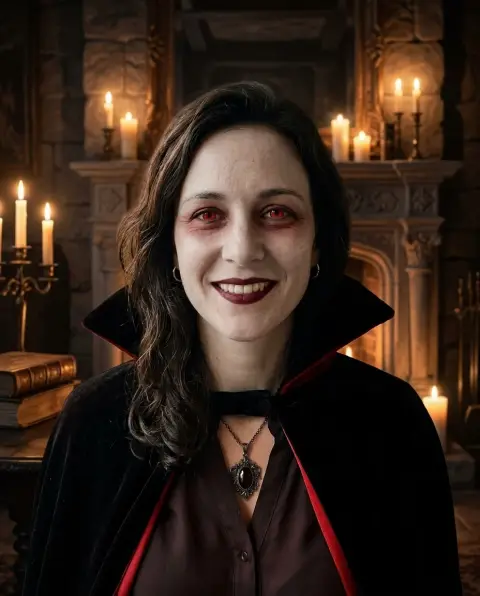
Become a ghost
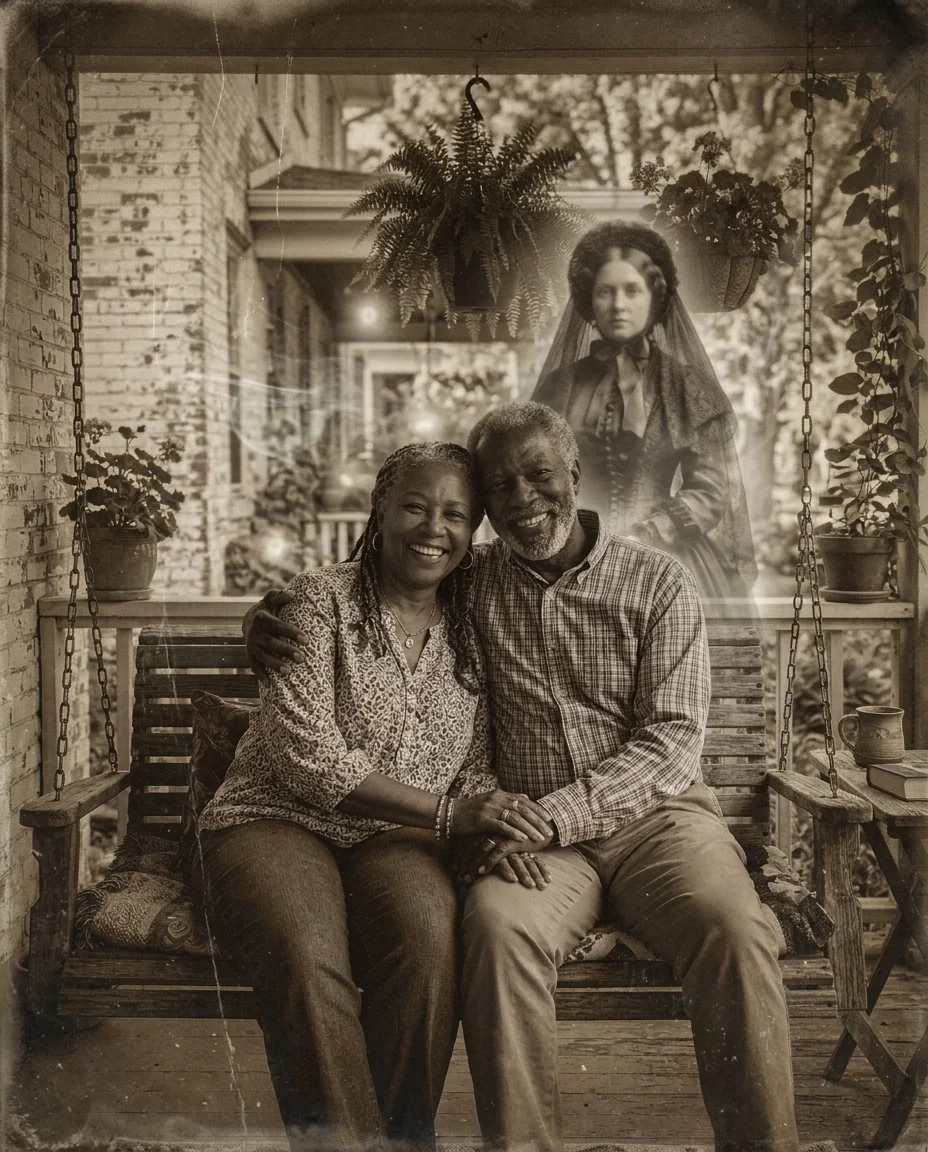
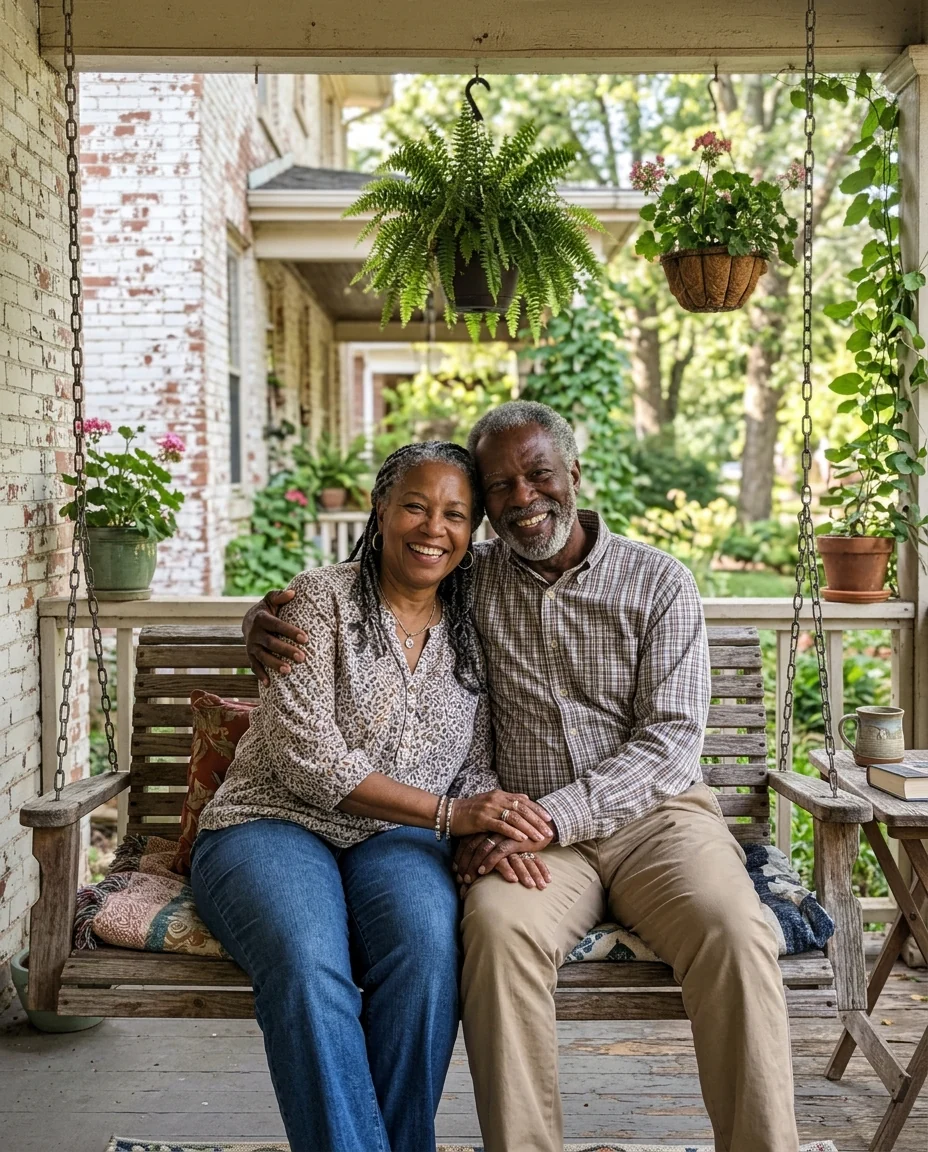
Victorian spirit photo
Ghost Filter features.
Three ghost effects
Add a ghost, become one, or a spirit photo.
See-through glow
Pale, semi-transparent and eerie.
Spooky, not gory
Fun for Halloween and pranks.
Ghost Filter, step by step.
01
Upload a photo
A dim room or foggy place works best.
02
Pick an effect
Add a ghost, Become a ghost or Old spirit photo.
03
Download
Share it with friends who are in on the joke.
Ghost Filter use cases.
- Halloween posts
- A ghost in your party or costume photos.
- Pranks
- "Who's that behind you?" in the group chat.
- Spooky stories
- Images for a ghost story or game.
Ghost Filter: best photos and fixes.
Photos that look haunted
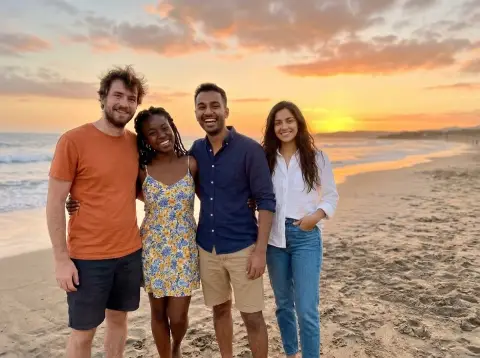
Dim rooms, old houses, staircases, foggy parks and empty corridors make the most convincing ghost photos. A bright beach can work for a joke, but darker, moodier scenes sell the effect. Leave some empty space behind or beside the people, so the added ghost has somewhere to stand; a crowded group has nowhere to put it.
Choosing an effect
Add a ghost puts one faint figure behind or beside the people. Become a ghost turns the main person into a glowing, see-through version of themselves. Old spirit photo makes the whole picture a sepia Victorian spirit photograph with a misty face in the background, like the famous fakes of the 1800s.
Subtle ghosts
Subtle is spookier: a faint figure at the end of a hallway works better than a big one in front. Write "very faint, at the far end of the hallway" or "only a face in the window". Share it with friends who are in on the joke.
Becoming a ghost
Become a ghost keeps your face, hair and outfit recognizable but pale and see-through. Full-length photos look best, because the background shows through the whole body. For a Halloween costume idea, add an outfit in the instructions, such as "long grey dress" or "old soldier's coat".
Keep it fun
Ghost photos are for fun. Don't use them to frighten someone vulnerable or to claim a real haunting, for example to sell a story or a property. Use your own photos, or friends who are in on the joke.
Related tools
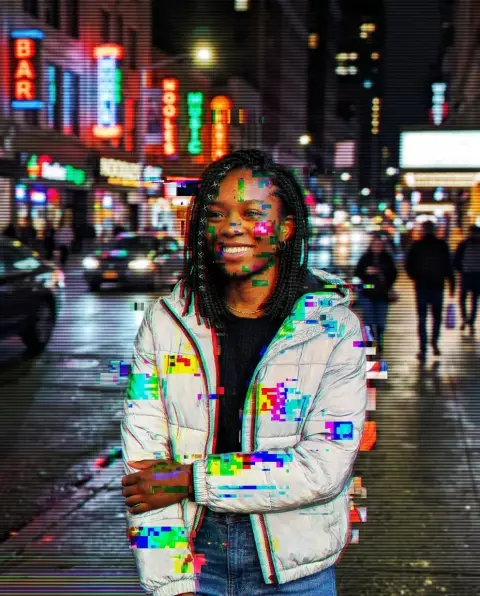
The halloween filter offers costume and makeup looks, and the vintage filter makes photos look decades old. Add person to photo puts a real person into a scene, and the glitch effect adds digital distortion for a creepy found-footage look.
Ghost Filter FAQ.
Can I use someone else's photo?
Use photos of yourself, or of people who are happy for you to edit their picture. Don't use the result to mock, embarrass or deceive anyone.
Can it add a ghost behind me?
Yes. Add a ghost puts one faint figure behind or beside the people; you can ask for a face in a window or a child on the stairs.
Can I turn myself into a ghost?
Yes, with Become a ghost. Your face, hair and outfit stay recognizable but pale and see-through.
Is it scary or gory?
Eerie, not gory: the prompt asks for pale, glowing ghosts and no blood or injuries.
Can I use it to claim a real haunting?
No. It is for fun and fiction; don't present the result as a real ghost photo to sell something or to scare people.
Is the Ghost filter free?
Yes, you can try it free. New accounts get 15 free credits, and one generation here uses 13 credits. You sign in with your email; no card needed. Results have no watermark. After that, plans add credits every month and credit packs never expire.